Zapier review — workflow automation for 8000+ apps

last reviewed 24 march 2026
how we review

We start with direct ratings from our readers, then look at what real users are saying in practitioner forums and community spaces. We pair that with search demand data and profession-level persona analysis.

full methodology →

Editorial note: this was originally published in june of 2024

quick take

  • Best for: non-technical small business owners automating lead capture and CRM updates
  • Skip if: you need real-time sync, high task volume, or complex branching logic
  • £Best value: Professional plan at $19.99/month — only upgrade once you've genuinely hit 750 tasks
½3.8/ 5 — editorial rating

based on real user feedback, community sentiment, pricing value, and fit for target audience. see our full methodology

used Zapier? we'd love to know your thoughts

reader ratings shape our score

Zapier connects over 8,500 apps through automated workflows called Zaps, letting you wire together tools like Gmail, Slack, HubSpot, and Salesforce without writing a line of code. Virtual assistants and small business owners get the most out of it: the pre-built templates and drag-and-drop interface mean most common automations take minutes to set up. The tradeoff is pricing — Zapier charges per task rather than per Zap, so the more value you extract from it, the higher your monthly bill climbs.

The free plan covers 100 tasks/month, which is only enough for testing. Real usage starts at the Professional plan ($19.99/month for 750 tasks), scaling up based on volume from there. It's available entirely as a web app, no desktop install needed. Before you commit to a paid plan, map out roughly how many tasks your automations will consume each month — underestimating is the single biggest source of bill shock on this platform.

how popular is Zapier?

monthly search interest

165k/mo now

099k198k300k2023202420252026
peak interest201k/moOct 2025
searches now165k/moFeb 2026
1-month change— steadyvs prev month

Zapier held remarkably stable search volume for nearly three years, sitting at roughly 110,000 monthly searches from early 2022 through late 2024 with only minor fluctuations. It then jumped sharply in early 2025 and peaked around 201,000 searches — likely driven by the broader surge of interest in AI automation tools rather than any single product launch. The current pullback to 165,000 suggests the hype lift has partially faded, but the underlying baseline is materially higher than pre-2025, which means Zapier has captured a genuinely larger audience. It's a mature, stable platform with a growing core user base — not a viral moment.

who is Zapier for?

Zapier works very differently depending on how technical you are, how many tasks your automations generate, and how much downtime you can tolerate if something breaks. Pick your role below to see whether it's actually worth it for your situation.

overall sentiment

select your role to see what people like you are saying

Small Business Owner

positive

If you're juggling invoicing, lead capture, and customer follow-ups across several apps, Zapier's pre-built templates will cut your manual work down fast — no developer needed. The Professional plan at $19.99/month is affordable when your task volume is low. Watch your task usage closely as your business grows: the pricing scales up quickly and can double or triple your bill without much warning.

strengths

  • Eliminates manual data entry between accounting, CRM, and email tools
  • Accessible interface requires no coding or technical hiring
  • Hundreds of pre-built templates for common business workflows
  • Reliable automation for critical business processes like lead capture

concerns

  • Pricing scales quickly with automation volume, becoming expensive at $50+ monthly
  • Occasional downtime or sync failures create operational disruption
  • Limited support for high-volume or real-time data requirements

what users are saying

I have now dreamt up 3 different automations and Zapier was able to fully accomplish none of them to their entirety. I always found my self settling for less on the finished zap.

Reddit r/SaaS

The most honest community conversation about Zapier right now is a Reddit thread in r/SaaS titled 'Am I Inept or is Zapier not that Amazing?' — and the title says it all. The poster tried to build three separate automations and couldn't get any of them to work fully, noting they kept having to settle for a lesser version of what they actually wanted. That frustration with the gap between the marketing promise and real-world execution is the dominant theme across independent reviews. The task-based pricing model attracts the most sustained criticism: once your automations start running at any serious volume, costs climb fast. At the Professional tier starting at $19.99/month for 750 tasks, it's easy to burn through your allocation if you're running multi-step Zaps across busy workflows. A developer on LinkedIn framed it bluntly, calling Zapier 'the most dangerous tool in your business stack' — the argument being that people automate processes they don't fully understand, and when something breaks, they have no idea where to look. Independent review sites that tested the platform in 2026 rate it positively for its breadth of integrations (over 8,500 apps) and no-code interface, but consistently flag the task caps and lack of real-time sync as meaningful constraints for anyone doing anything beyond simple two-step workflows.

Our take: Zapier earns its market position for one reason: nothing else connects as many apps with as little friction for non-technical users. If you're running a small business and need Gmail to talk to your CRM and your invoicing tool, Zapier genuinely saves you hours every week. But the pricing model is a tax on success — the more value you extract, the more you pay, and the jump from 750 tasks to the next tier is sudden and steep. If you're a developer or comfortable with code, Make (formerly Integromat) gives you more control and significantly better pricing at scale. If you're not technical and your needs are straightforward, Zapier is the right call. Don't subscribe to the Team plan at $69/month until you've genuinely maxed out the Professional tier first.

features

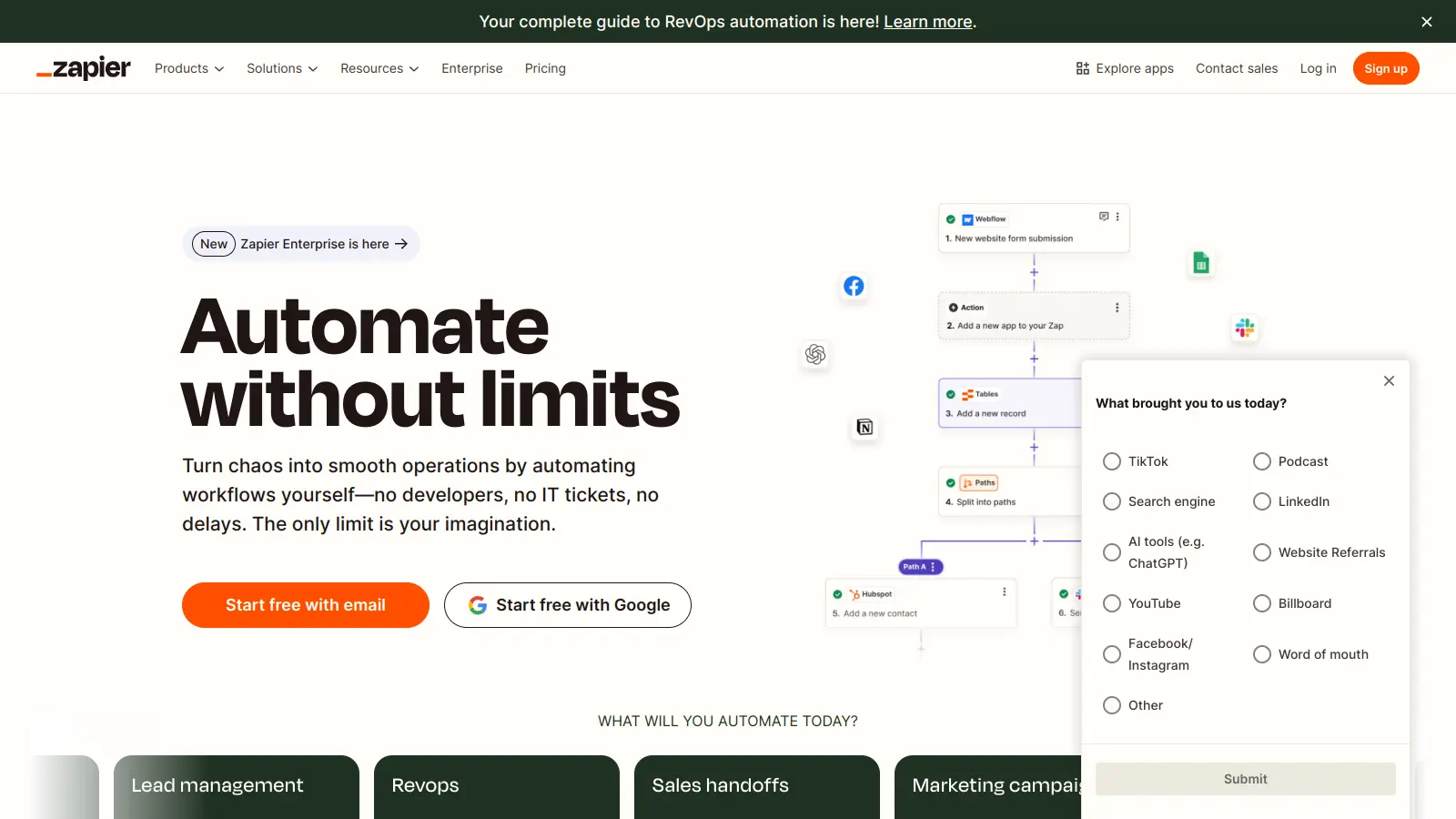
  • Web App Automation Platform: Connects over 8,000 apps to automate workflows and handle repetitive tasks without coding skills.
  • Pre-Built Zap Templates: Ready-to-use workflow configurations that let you quickly set up automations for common business processes with minimal setup.
  • Multi-Step Zaps: Creates automation sequences with multiple actions and conditional logic, letting you build workflows across different applications.
  • Real-Time App Integration: Instantly synchronizes data between applications with 99.99% uptime.
  • Smart Workflow Filters: Advanced filtering and path options that let you create automations based on specific conditions and triggers.
  • Flexible Webhook Connections: Supports custom data exchange with any service supporting webhooks, expanding automation beyond standard integrations.
  • Team Workflow Management: Collaborative automation with shared workspaces, permissions, and the ability to collectively design and manage workflow processes.
  • AI Workflows and Agents: AI-powered tools like Zapier Agents that browse the web and perform tasks, chatbots for customer interactions, and a builder that creates automations from plain English descriptions.
  • Tables and Interfaces: Data storage through Tables and front-end building with Interfaces, plus Canvas for visual workflow diagramming and planning.

pricing

  • Free Plan offers unlimited Zaps, Tables, and Forms with 100 tasks per month, two-step Zaps, and non-premium apps only at no cost.
  • Professional Plan starts at $19.99 monthly, providing multi-step Zaps, unlimited premium apps, webhooks, email and live chat support, AI fields, conditional form logic, and starting from 750 tasks per month with prices scaling based on task volume.
  • Team Plan costs $69 monthly, featuring everything in Professional plus shared Zaps and folders, admin permissions, premium support, and starting from 2,000 monthly tasks with prices scaling based on task volume.
  • Enterprise Plan offers custom pricing for large organizations with unlimited users, priority support, advanced administration tools, user provisioning, and SAML secure login.
  • Annual billing offers approximately 33% discount compared to monthly billing across all plans.

frequently asked questions

For simple automations with moderate task volume, the Professional plan at $19.99/month is genuinely worth it. The problem is the task cap: 750 tasks/month disappears fast once you're running multi-step Zaps across busy workflows. If your automations are high-frequency or involve multiple actions per trigger, you'll hit a higher tier quickly. The free plan (100 tasks/month) is only useful for testing. If you're running more than a handful of active Zaps, budget for $40-$60/month minimum and check your task usage regularly.

Virtual assistants and administrative staff get the clearest win: automating email routing, data entry, file management, and scheduling reminders is exactly what Zapier does well, and the no-code interface means you can build and modify Zaps without IT help. Small business owners automating lead capture and CRM updates also get solid value. Marketing professionals running multi-channel campaigns will find the task-based pricing punishing and the workflow complexity harder to manage.

Two big ones. First, the task-based pricing model means your monthly bill grows with every automation you add or every time your business gets busier — it penalises exactly the success you're automating towards. Second, Zapier doesn't do real-time sync well: most triggers run on polling intervals, not instant pushes, which means there can be a delay of several minutes between an event happening and the automation firing. For time-sensitive workflows like live customer support or real-time lead routing, that lag matters.

Make gives you more operations per month at lower cost and a more visual workflow builder that handles complex logic better. If you're comfortable spending a few hours learning a slightly less intuitive interface, Make is the better value at scale. Zapier wins on app breadth (8,500+ vs Make's ~2,000), speed of setup for common workflows, and reliability for simple automations. Stick with Zapier if you're non-technical and want to move fast. Switch to Make if you're hitting Zapier's task caps or building anything with branching logic.

Zapier sends error notifications by email, but the detail is often thin. You'll know something broke, but diagnosing exactly why — especially in a multi-step Zap — takes real troubleshooting time. The task history log helps, but it's not always obvious which step failed or why. If you're automating critical business processes like order fulfilment or lead routing, build in a manual check or backup notification until you've confirmed a Zap is stable. Silent failures, where a Zap runs but produces wrong output, are harder to catch and more dangerous than outright errors.

tools for
humans

toolsforhumans editorial team

Reader ratings and community feedback shape every score. Since 2022, ToolsForHumans has helped 600,000+ people find software that holds up after launch. how we research →

is this your tool?

claim your listing to update details, respond to our review, or upgrade to a featured partnership.

claim this listing →

other tools to check out

Shopify screenshot
online buzz1M
trend (1M)18%
4.0based on real user feedback, community sentiment, pricing value, and fit for target audience. see our full methodology

Shopify

Shopify is an e-commerce platform that enables businesses of all sizes to create, manage, and grow online stores. It offers tools for store creation, product management, payment processing, and multichannel sales, supporting both online and in-person transactions. With customizable themes, extensive app integrations, and flexible pricing plans, Shopify caters to entrepreneurs, small businesses, and global brands.

best deal

Get Shopify Basic for $29/month when billed annually (regularly $39/month)

Wix screenshot
online buzz673k
trend (1M)steady
3.5based on real user feedback, community sentiment, pricing value, and fit for target audience. see our full methodology

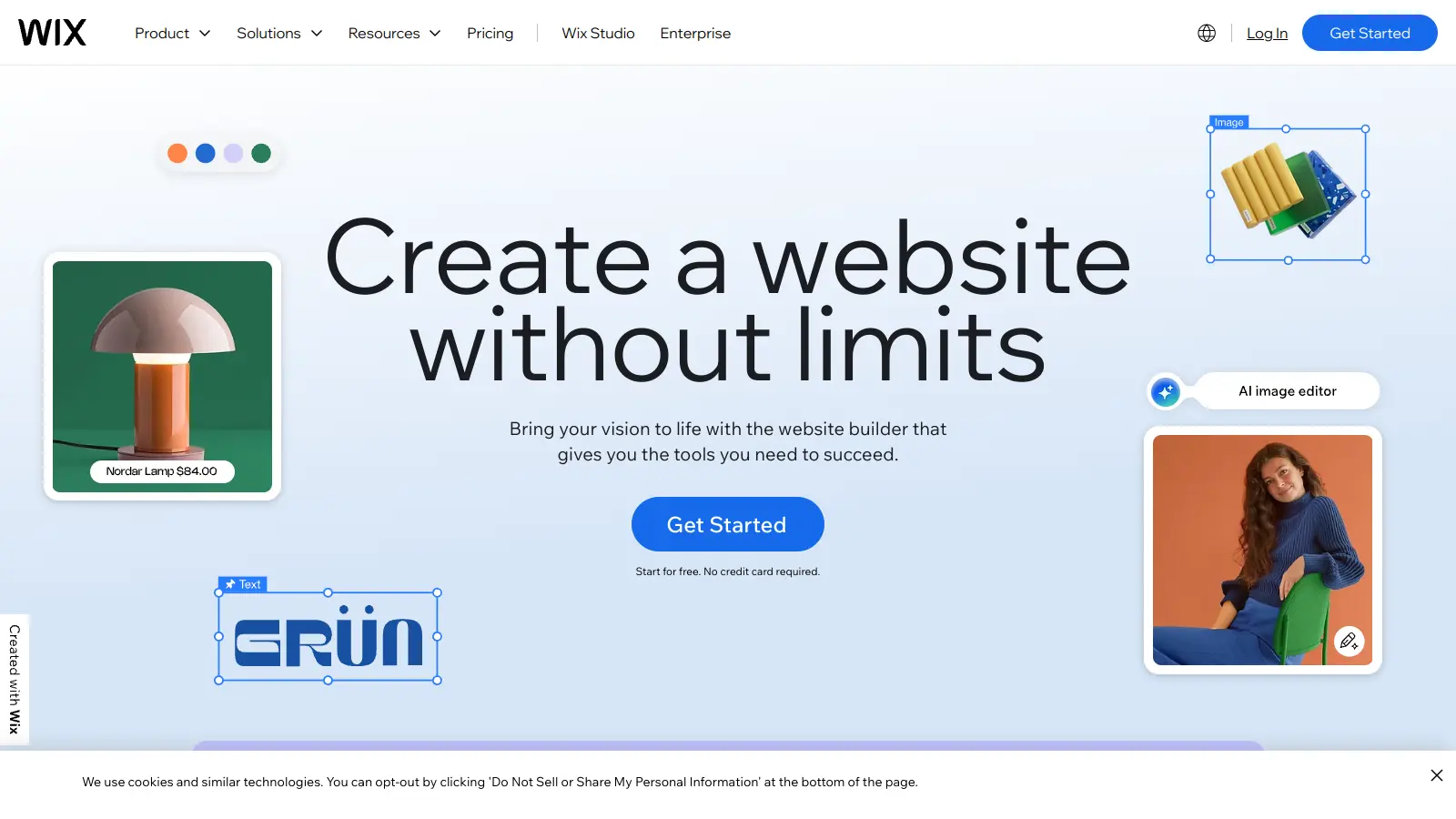
Wix

Wix is a website builder that lets individuals and businesses create professional websites without coding. It offers drag-and-drop editing, AI-powered design tools, templates, and features for e-commerce, SEO, and marketing. Pricing ranges from free to enterprise-level, covering everything from personal portfolios to online stores.

best deal

Get 50% off Wix annual plans, with Light Plan starting at $17/month

Jotform screenshot
online buzz246k
trend (1M)steady
3.8based on real user feedback, community sentiment, pricing value, and fit for target audience. see our full methodology

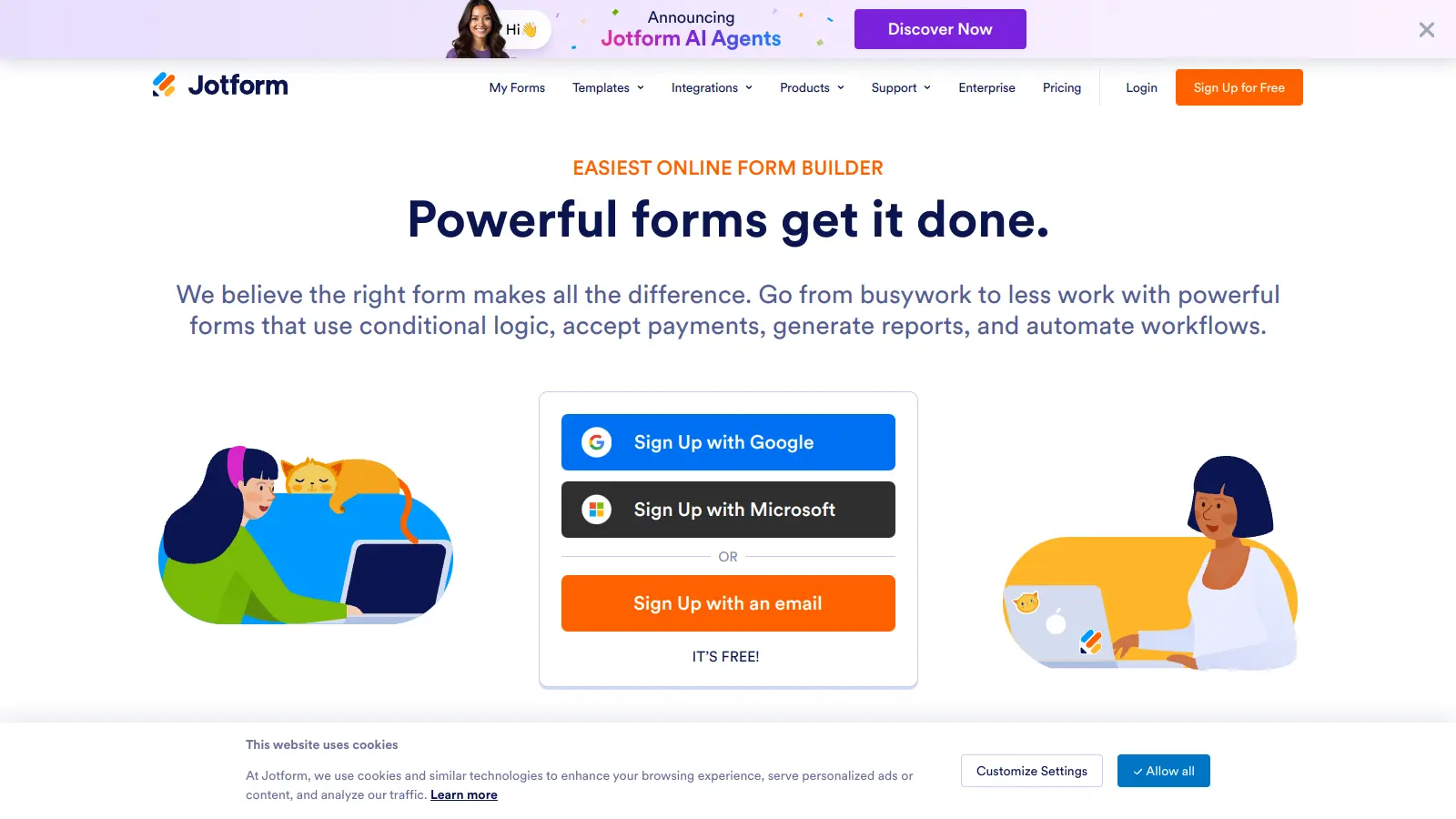
Jotform

Jotform is an AI-powered form builder that enables individuals and businesses to create, customize, and manage digital forms, apps, and workflows without coding skills. It offers a drag-and-drop interface, 10,000+ templates, payment integrations, AI agents for customer support, and connects with over 1,000 apps. The platform provides conditional logic, form analytics, and robust security, making data collection and workflow automation simple across industries.

best deal

Try the Starter plan for free with 5 forms, 100 monthly submissions, and all standard features. Nonprofits and educational institutions get 50% off paid plans.

Replit screenshot
online buzz246k
trend (1M)steady
3.5based on real user feedback, community sentiment, pricing value, and fit for target audience. see our full methodology

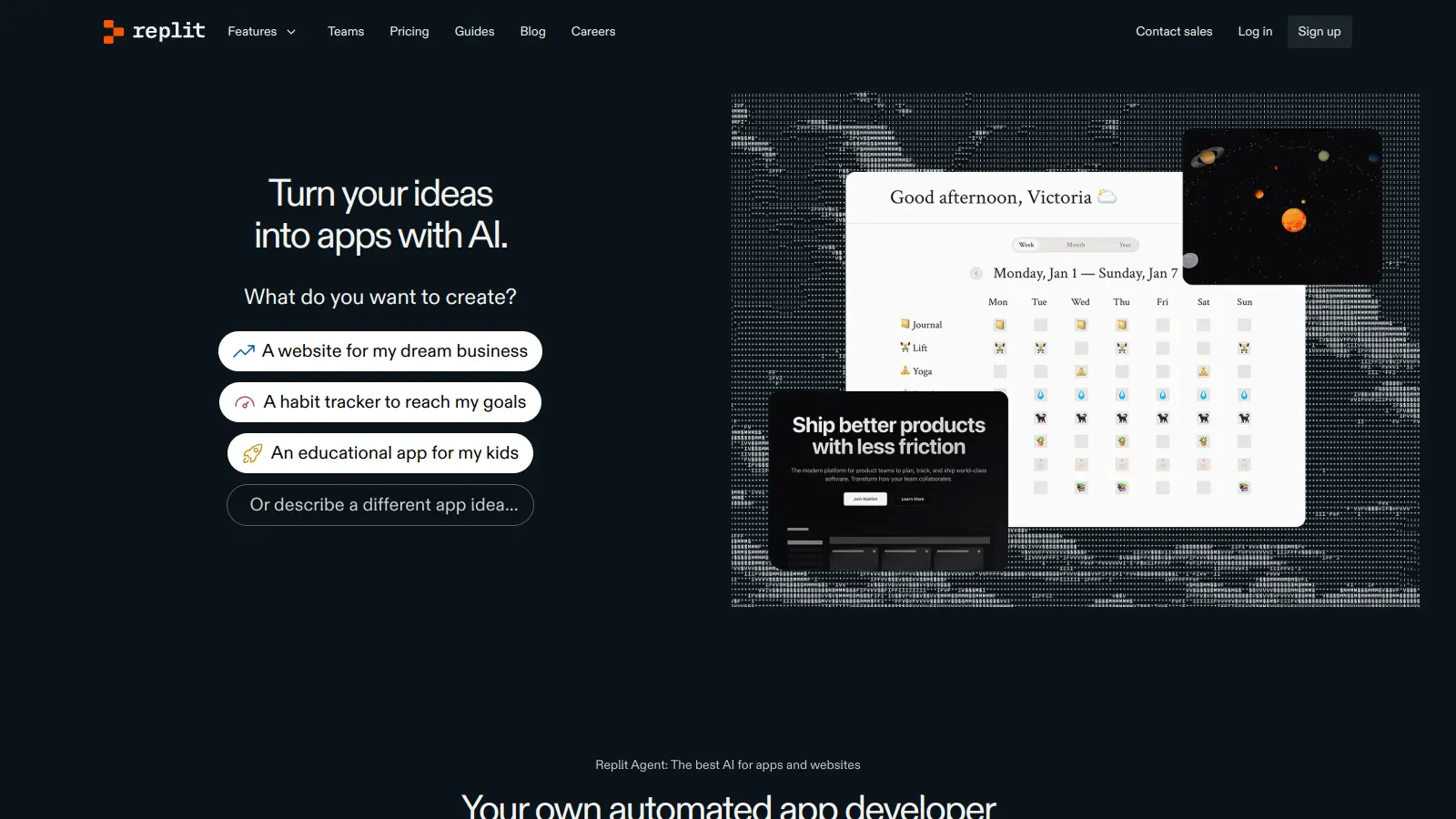
Replit

Replit is an AI-powered cloud-based integrated development environment (IDE) that supports over 50 programming languages, offering real-time collaboration, AI assistance through Replit Agent that can build complete applications from natural language prompts, and direct application deployment. It provides a platform for developers of all levels, enabling coding, project sharing, and hosting directly from a web browser with pricing tiers from free to enterprise-level plans.

best deal

Teams users automatically upgraded to Pro at no additional cost for remainder of term; yearly Teams subscribers get $100 monthly credits free until term ends

Dora AI screenshot
online buzz201k
trend (1M)steady
3.0based on real user feedback, community sentiment, pricing value, and fit for target audience. see our full methodology

Dora AI

Dora is a no-code AI platform that enables users to create dynamic, 3D animated websites without coding knowledge. It offers AI-driven design assistance, seamless 3D integration, and a user-friendly interface similar to Figma. The tool allows for easy customization, responsive design, and incorporates advanced features like automated design tasks and 3D model incorporation, making web design more accessible to beginners and professionals alike.

best deal

Try Dora AI Free - Unlimited projects with AI website building, 3D animation, and responsive design.

Poe screenshot
online buzz135k
trend (1M)steady
3.5based on real user feedback, community sentiment, pricing value, and fit for target audience. see our full methodology

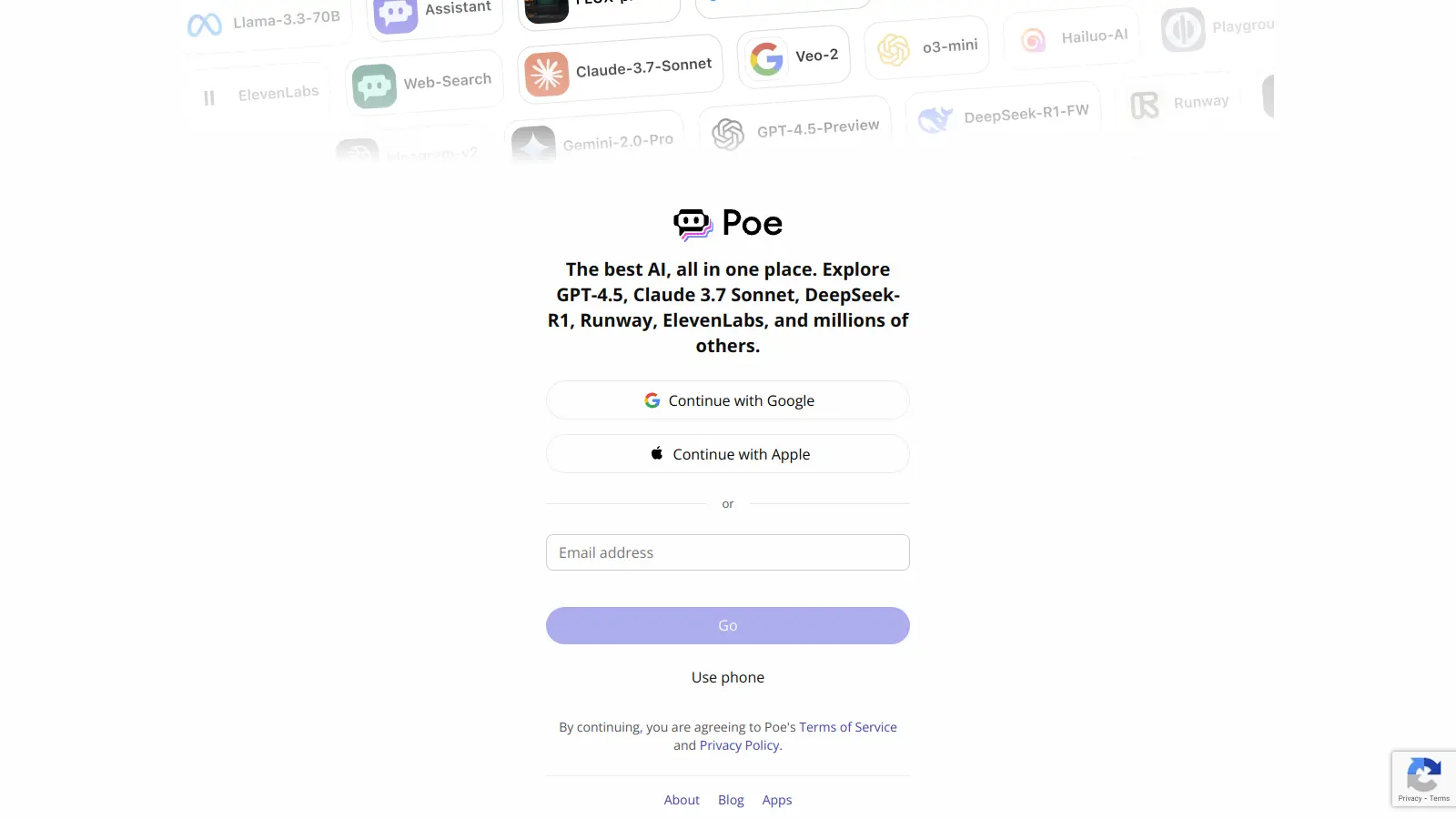
Poe

Poe is an AI chatbot aggregator platform developed by Quora that allows users to interact with AI models from companies like OpenAI and Anthropic. It enables users to access and switch between different chatbots, create custom AI assistants, and offers both free and paid subscription plans. The platform supports web and mobile interfaces, provides monetization options for bot creators, and serves as a centralized hub for AI interactions.

best deal

Try Poe Free: 100 daily messages with ChatGPT, Claude & more AI assistants in one place