Best Geofencing Software: Top Picks for Field Teams (2026)
8 tools reviewedlast reviewed 20 march 2026
Editorial note:this was originally published in august of 2024
Geofencing software creates virtual boundaries around physical locations and triggers actions when devices enter or exit them. For field service managers, HR teams, and mobile app developers, that means automated clock-ins, real-time alerts, and location-triggered workflows without manual input.
This list covers 8 tools across two distinct use cases: workforce time tracking (where you need reliable employee clock-in/out tied to job sites) and developer-grade location platforms (where you need scalable APIs and polygon geofences for consumer apps). The picks below were selected based on geofence accuracy, pricing transparency, integration depth, and how well each tool fits a specific team size or industry.
Whether you're tracking a crew of five contractors or building location features into a mobile app used by millions, there's a meaningful difference between these tools. Picking the wrong one costs money and time.
We collect first-hand reviews from people who use these tools every day — what works, what doesn't, whether it's worth paying for. We research pricing, features, and comparisons so that feedback has real context behind it. For this guide, geofencing tools were selected based on real-time accuracy, integration capabilities, and ease of boundary management without technical setup. Read our full research methodology.
help us improve this guide
tell us what you're looking for, what you're using now, and what caught your eye — takes 30 seconds.
What is geofencing software?
Geofencing software lets you define virtual geographic boundaries around real-world locations, using GPS, Wi-Fi, or cellular data, and then take automated actions when a device crosses those boundaries. Common triggers include sending a push notification, logging a clock-in, updating a database record, or firing a webhook.
Two main professional groups use geofencing tools. Workforce managers use it to track when field employees arrive at or leave job sites, automate attendance, and reduce timesheet fraud. Developers and product teams use it to build location-aware mobile apps, power proximity marketing, or manage delivery and logistics workflows at scale.
The tools in each category look very different. A workforce geofencing app is typically a mobile-first SaaS with an HR dashboard and payroll integrations. A developer geofencing platform is an API and SDK product with documentation, webhooks, and usage-based pricing.
Field data collection and automation platform with geofencing triggers.
Field operations with complex location-based workflows
CustomPricing on request
our top pick
1
Radar
API-first geofencing platform built for developers at scale.
Freemium
Best for · Mobile and product engineering teamsPricing · Free tier available; paid plans from custom pricing
Radar is a location platform for engineering teams building geofencing, trip tracking, or place detection into mobile and web apps. It supports unlimited polygon geofences, works around iOS and Android OS limitations, and processes over 1 billion API calls per day across hundreds of millions of devices. Accuracy goes down to 5 metres using sensor fusion across GPS, Wi-Fi, and cellular.
Pros
✓Unlimited polygon geofences, bypasses OS circular limits
✓Open-source SDKs with 99.99% API uptime SLA
✓5-metre accuracy using multi-sensor fusion
Cons
✗Designed for developers; no HR or payroll features
GPS time tracking with geofencing for remote and field teams.
Paid
Best for · Remote and field workforce managersPricing · From $4.99/user/mo (min 2 users)
Hubstaff combines geofence-triggered clock-ins with full workforce monitoring: screenshots, activity levels, GPS route history, and payroll integrations. Geofences can be set per job site with custom radii, and the app works on iOS, Android, Windows, Mac, and Linux. It integrates directly with QuickBooks, Gusto, Deel, and over 30 other tools.
Pros
✓Geofence auto clock-in/out per job site
✓Direct QuickBooks and Gusto payroll integrations
✓Works across desktop and mobile platforms
Cons
✗Employee monitoring features can create trust friction
All-in-one workforce app with geofenced time clock included.
Freemium
Best for · Small to mid-size deskless teamsPricing · Free up to 10 users; paid from $29/mo (up to 30 users)
Connecteam covers scheduling, communication, task management, and geofenced time tracking in a single mobile app aimed at deskless teams. The geofence feature restricts clock-ins to defined job site zones and flags employees who try to clock in from outside. It has a free plan for up to 10 users, making it accessible for small crews.
Pros
✓Free plan covers up to 10 users with geofencing
✓Combines scheduling, chat, and time tracking in one app
✓Flat monthly pricing is predictable for growing teams
Cons
✗Geofencing accuracy issues reported on some Android devices
Affordable scheduling and geofencing for hourly workforce teams.
Freemium
Best for · Single-location hourly workforce businessesPricing · Free for 1 location; paid from $24.95/location/mo
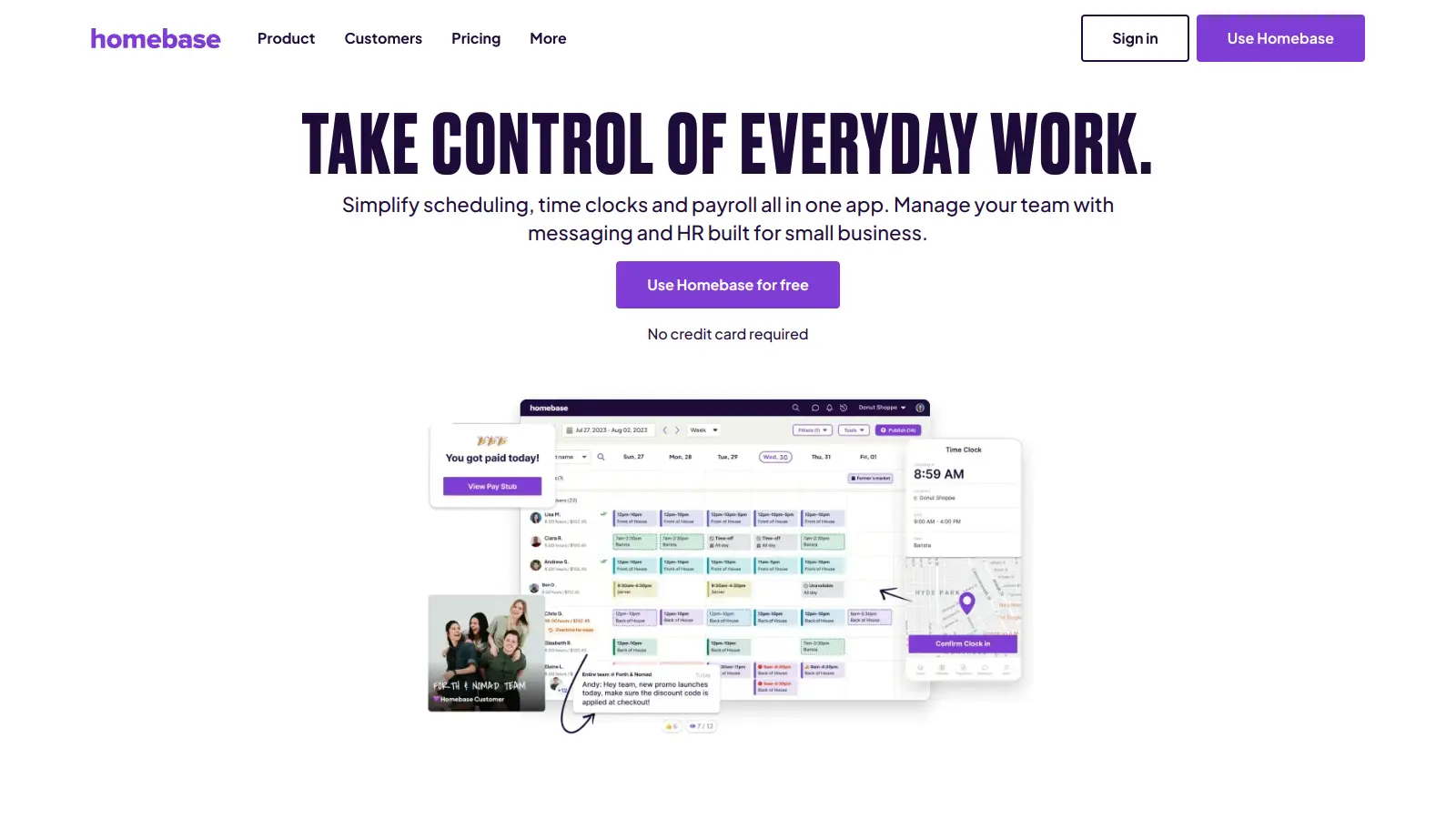
Homebase is built for businesses that employ hourly workers: restaurants, retail, and local service businesses. Its time clock includes geofencing to prevent early clock-ins or buddy punching, and the free plan covers one location with unlimited employees. Paid plans add multi-location support, advanced scheduling, and HR tools.
Pros
✓Free plan includes geofencing for unlimited employees
✓Per-location pricing, not per-user, suits large hourly teams
✓Built-in compliance tools for labour law requirements
Cons
✗Multi-location management requires a paid plan
✗Fewer field service features than Hubstaff or Connecteam
Free field service management with geofenced check-in and selfie verification.
Freemium
Best for · Small field service businesses and contractorsPricing · Free plan available; paid plans from undisclosed (10-day trial)
FieldServicely is a field service management platform that combines job scheduling, dispatch, geofenced clock-in/out, and selfie verification in one app. The selfie-at-clock-in feature adds an identity layer on top of location data, reducing proxy clock-ins. There's a free tier with basic features and a 10-day full-feature trial on paid plans with no credit card required.
Pros
✓Selfie verification adds identity check to geofence clock-ins
✓Includes invoicing and payroll calculation in one platform
✓Free plan available with no credit card required
Cons
✗Paid plan pricing not publicly listed, requires sign-up
✗Smaller user base means less community support than Hubstaff
Clock-in verification platform with geofencing and facial recognition.
Paid
Best for · Businesses with time theft concernsPricing · From $4.49/user/mo (billed annually)
Buddy Punch focuses on preventing time theft with multiple clock-in verification layers: geofencing, PIN, QR codes, and facial recognition. Managers can define geofenced zones per location and require employees to be within the boundary before punching in. It integrates with QuickBooks, Paychex, ADP, and Workday for payroll export.
Pros
✓Multiple verification methods including facial recognition
✓Integrates with ADP, Paychex, and QuickBooks directly
✓Solid audit trail for compliance and dispute resolution
Cons
✗Per-user pricing adds up quickly for larger teams
✗Interface feels dated compared to newer workforce apps
Simple time clock with large-radius geofencing for dispersed worksites.
Freemium
Best for · Very small businesses and single-owner operationsPricing · Free up to 2 employees; from $3.50/user/mo after that
OnTheClock is a straightforward employee time clock with geofencing support, built for small businesses that want attendance enforcement without the overhead of a full workforce platform. It allows large geofence radii, which suits businesses with dispersed job sites like landscaping or construction. Free for up to two employees, then per-user pricing.
Pros
✓Free plan for up to 2 employees, genuinely usable
✓Supports large geofence radii for spread-out sites
✓Clean, minimal interface with low learning curve
Cons
✗Limited workflow automation compared to Hubstaff or AllGeo
Field data collection and automation platform with geofencing triggers.
Custom
Best for · Field operations with complex location-based workflowsPricing · Pricing on request
AllGeo goes beyond basic geofenced clock-ins by using location triggers to automate field workflows: sending forms to workers when they arrive at a site, alerting dispatchers when a job is complete, or logging mileage automatically. It's built for industries like home health, field sales, and utilities where location events need to trigger data collection, not just attendance.
Pros
✓Geofence triggers can launch forms and workflow automations
✓Supports complex multi-site field operations
✓Configurable for industry-specific compliance requirements
Cons
✗No public pricing; requires a sales conversation to start
✗Overkill for teams that only need basic clock-in tracking
Workforce time tracking tools and developer location platforms are separate product categories that happen to share a name. If you need employee clock-in enforcement, look at Hubstaff, Connecteam, or Homebase. If you're building location features into an app, look at Radar or similar API-first platforms.
Check geofence shape and minimum radius support
Many mobile OS geofence APIs cap circular geofences at 20 (iOS) or 100 (Android) and enforce a minimum radius of around 100 metres. If your job sites are small or irregularly shaped, you need a platform that supports polygon geofences and works around OS limitations at the SDK level.
Confirm GPS accuracy and offline behaviour
GPS drift can cause phantom clock-ins from employees who are close to but not inside a job site. Check whether the tool uses sensor fusion (GPS plus Wi-Fi plus cellular) to improve accuracy. Also ask what happens when a device loses signal: does it queue the event and sync later, or drop it entirely?
Audit the payroll and HR integrations
For workforce tools, the geofence is only useful if the time data flows into your payroll system cleanly. Check whether the tool integrates directly with QuickBooks, Xero, ADP, or whichever system you use, and whether it's a native integration or a Zapier workaround.
Understand pricing structure before scaling
Workforce tools typically charge per active user per month, which becomes expensive fast on large crews. Developer platforms usually charge per API call or tracked device, so costs grow with traffic. Get a realistic estimate based on your actual team size or expected API volume before committing to either model.
frequently asked questions
Time tracking geofencing tools are HR products: they enforce when employees can clock in based on physical location and pipe that data into payroll. Developer geofencing platforms are API and SDK products that let engineering teams build location triggers into any mobile or web application. The underlying GPS technology is similar, but the interfaces, pricing models, and integrations are completely different.
Workforce time tracking tools typically run between $3 and $10 per user per month, with some free tiers for very small teams. Developer and enterprise geofencing platforms usually charge by API call volume or number of tracked devices, with free tiers up to a monthly limit and custom pricing above that. Expect to pay $200-$500 per month for mid-scale developer use, and more for high-volume consumer apps.
Yes, for small teams. FieldServicely has a permanent free tier with basic geofencing, and Homebase offers a free plan for a single location. For developer use, Radar has a free tier that covers a meaningful monthly API call volume. The limitations on free plans are typically around the number of geofences, users, or API calls, not missing core functionality.
Setting the radius too tight. A 50-metre geofence around a job site sounds precise, but GPS accuracy on a standard smartphone in an urban area can vary by 10-30 metres, meaning employees standing at the entrance trigger false "outside zone" alerts. Most practitioners recommend a minimum 100-150 metre radius for outdoor sites, with a larger buffer in areas with tall buildings that cause GPS multipath errors.
All the major workforce tools support both platforms through native apps. The underlying difference is that iOS caps background geofence monitoring at 20 zones natively, while Android caps it at 100. Developer platforms like Radar work around these OS limits at the SDK level, enabling unlimited geofences. For most workforce deployments with a handful of job sites, the OS limits are irrelevant.
tools for humans
toolsforhumans editorial team
Reader ratings and community feedback shape every score. Since 2022, ToolsForHumans has helped 600,000+ people find software that holds up after launch. The picks here come from that.