Best AI Tools for Business: Top Picks for Teams (2026)
8 tools reviewedlast reviewed 20 march 2026
Editorial note:this was originally published in april of 2023
This list is for business owners, ops leads, and department managers who need AI tools that actually fit into how work gets done, not demos that look impressive and stall in production. Every pick here covers a distinct business function, from automating workflows to drafting content to analysing financials.
Tools were selected based on pricing transparency, depth of business-relevant features, and how well they integrate with common software stacks. Free plans and entry-level tiers are noted where they exist so you can trial before committing.
Coverage spans eight tools across automation, writing, customer support, data analysis, meeting intelligence, and business planning. There's at least one pick most lists skip that's worth your attention.
We collect first-hand reviews from people who use these tools every day — what works, what doesn't, whether it's worth paying for. We research pricing, features, and comparisons so that feedback has real context behind it. For this guide, tools were selected based on proven ROI, integration capabilities, and suitability for common business operations. Read our full research methodology.
help us improve this guide
tell us what you're looking for, what you're using now, and what caught your eye — takes 30 seconds.
What are AI tools for business?
AI tools for business are software applications that use machine learning or large language models to automate, assist with, or improve specific business tasks. That covers a wide range: generating written content, summarising meeting notes, answering customer queries, building workflow automations, or producing financial forecasts.
The category has matured past novelty. Businesses now use these tools to replace or reduce manual work in defined workflows, such as routing support tickets, drafting sales emails, or pulling insights from data without needing a data analyst on staff.
The typical users are small to mid-size business teams who can't afford specialists for every function, and operations or productivity leads inside larger companies who want to reduce repetitive work without rebuilding their tech stack from scratch.
Meeting transcription and summary tool that works across Zoom, Meet, and Teams.
Teams who spend significant time in video meetings and need reliable records
FreemiumFree plan available; from $16.99/mo
our top pick
1
ChatGPT
A general-purpose AI assistant built on OpenAI's most capable models.
Freemium
Best for · Businesses needing a flexible AI assistant for varied daily tasksPricing · Free plan available; from $20/mo
ChatGPT handles text generation, summarisation, code writing, research, and document analysis through a conversational interface. The Plus plan ($20/month) gives access to GPT-4o, image generation via DALL-E, and web browsing. The Team plan adds shared workspaces and admin controls for $30 per user per month.
Pros
✓Handles a wide range of tasks without switching tools
✓GPT-4o is genuinely strong at document analysis
✓Team plan includes usage management and privacy controls
Cons
✗Output quality varies and always needs human review
✗No native integration with business software out of the box
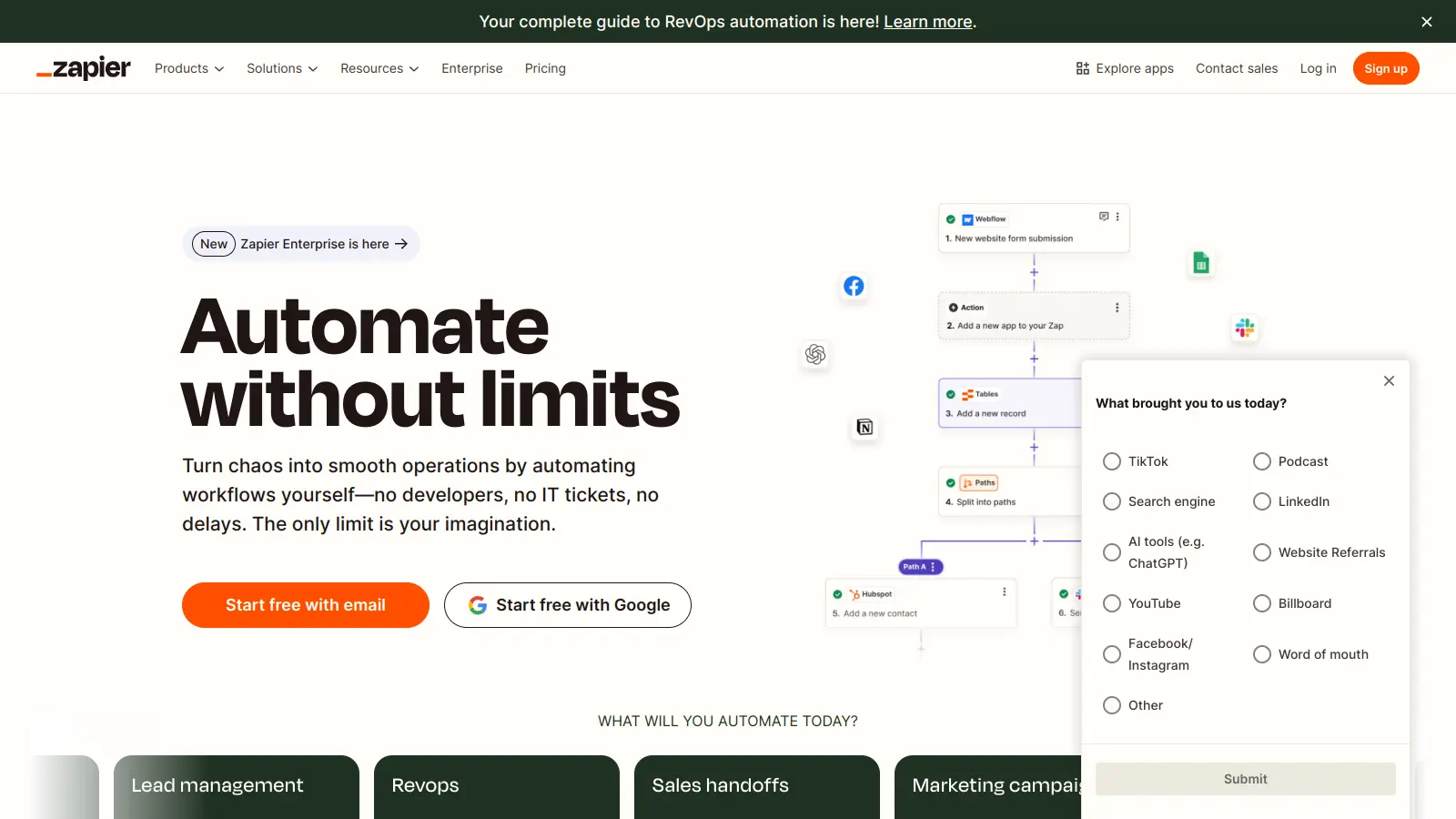
Automation platform that connects AI models to 8,000+ business apps.
Freemium
Best for · Ops teams automating workflows across multiple business appsPricing · Free plan available; paid plans from $19.99/mo
Zapier lets you build automated workflows between the apps your business already uses, and its AI features add LLM-powered steps directly inside those workflows. You can summarise incoming emails, classify support tickets, or generate draft responses without any code. Its Agents feature handles multi-step autonomous tasks across your connected tools.
Pros
✓Connects AI actions to 8,000+ apps natively
✓No-code setup for most automation workflows
✓AI by Zapier requires no separate API key
Cons
✗Costs scale quickly with high task volumes
✗Complex multi-step workflows have a steep learning curve
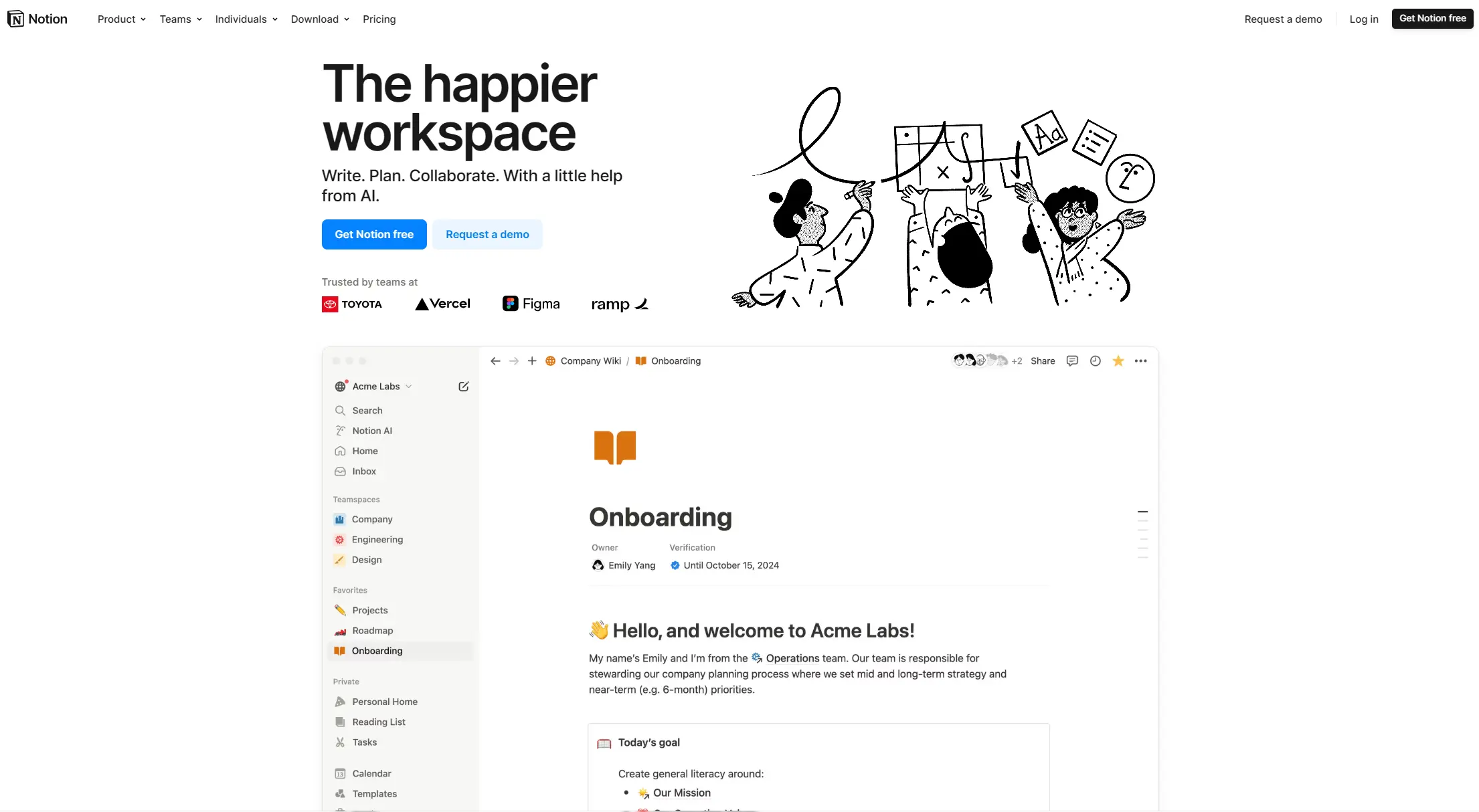
AI writing and summarisation built directly into your team's workspace.
Paid
Best for · Teams already using Notion for documentation and project trackingPricing · From $10/member/mo (add-on to Notion plan)
Notion AI is an add-on to Notion's workspace that lets you draft documents, summarise meeting notes, extract action items, and generate structured content from within the pages and databases your team already works in. It's most useful if Notion is already your team's primary documentation tool. The AI add-on costs $10 per member per month on top of your Notion plan.
Pros
✓Integrated directly into existing Notion pages and databases
✓Summarises long docs and extracts action items quickly
✓No context-switching to a separate AI tool
Cons
✗Only useful if your team is committed to Notion as a workspace
Revenue intelligence platform that analyses sales calls and pipeline data.
Custom
Best for · Sales teams tracking deal health and improving rep performancePricing · Pricing on request
Gong records, transcribes, and analyses sales calls and customer meetings, then surfaces insights about deal risk, competitor mentions, and rep performance. It's built for sales teams that need more than call recordings: the AI flags when deals are going cold, which objections come up repeatedly, and where reps lose momentum. Pricing is custom based on team size.
Pros
✓Identifies at-risk deals before they go quiet
✓Automatically captures competitor mentions across all calls
✓CRM sync means deal data stays current without manual entry
Cons
✗Custom pricing with no transparent starting rate makes budgeting hard
✗Requires significant call volume to surface statistically useful patterns
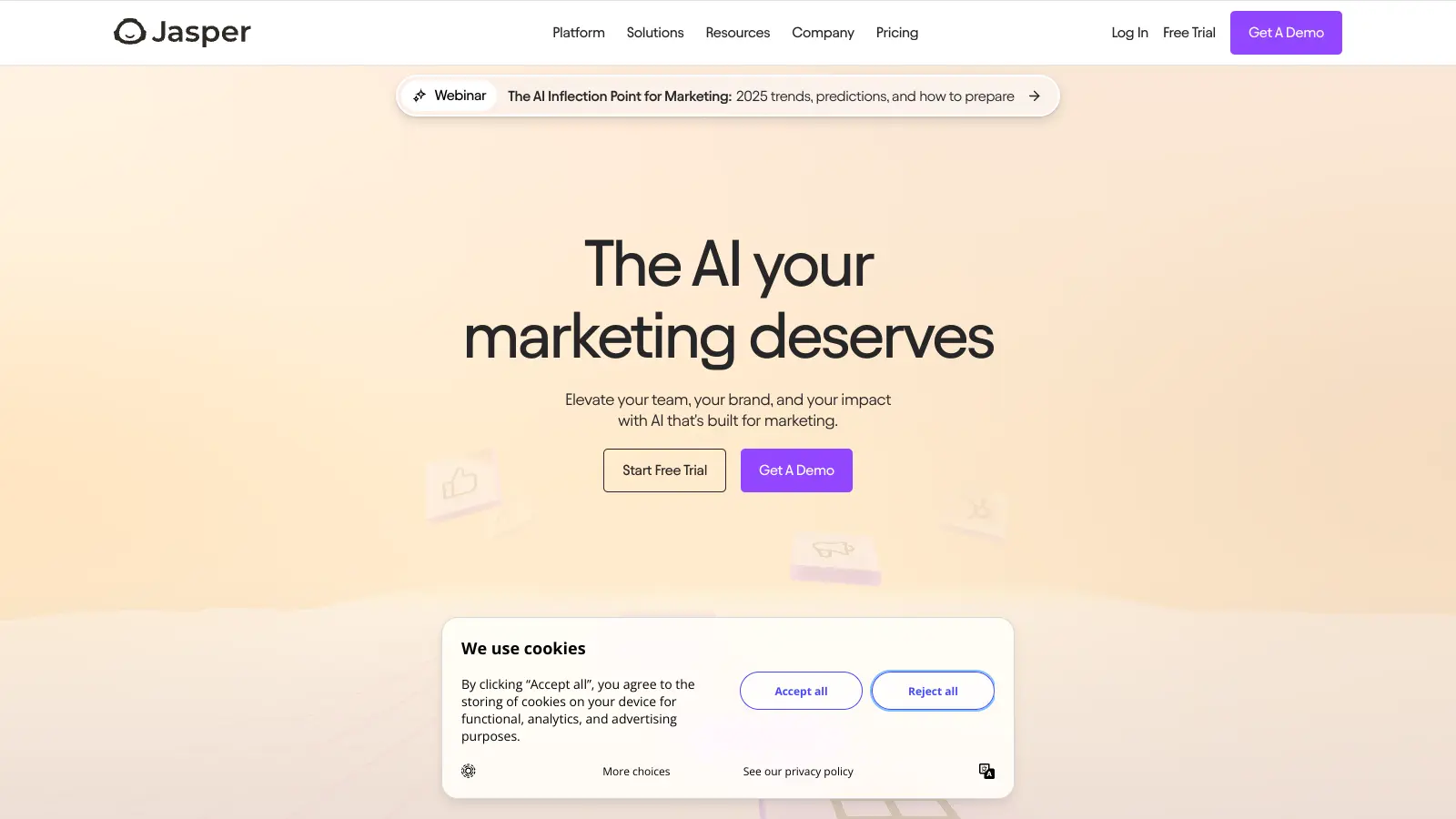
AI writing tool built specifically for marketing content at scale.
Paid
Best for · Marketing teams producing high volumes of written contentPricing · From $49/mo
Jasper generates blog posts, ad copy, email sequences, social content, and product descriptions with brand voice settings that keep output consistent across a team. It includes over 50 templates for common marketing formats and a Campaigns feature for producing multi-channel content from a single brief. Creator plans start at $49 per month.
Pros
✓Brand voice settings reduce editing time across large teams
✓50+ templates cover most standard marketing formats
✓Campaigns feature generates multi-channel content from one brief
Cons
✗Expensive compared to using ChatGPT with a well-crafted prompt
✗Output still needs editing, especially for technical or niche topics
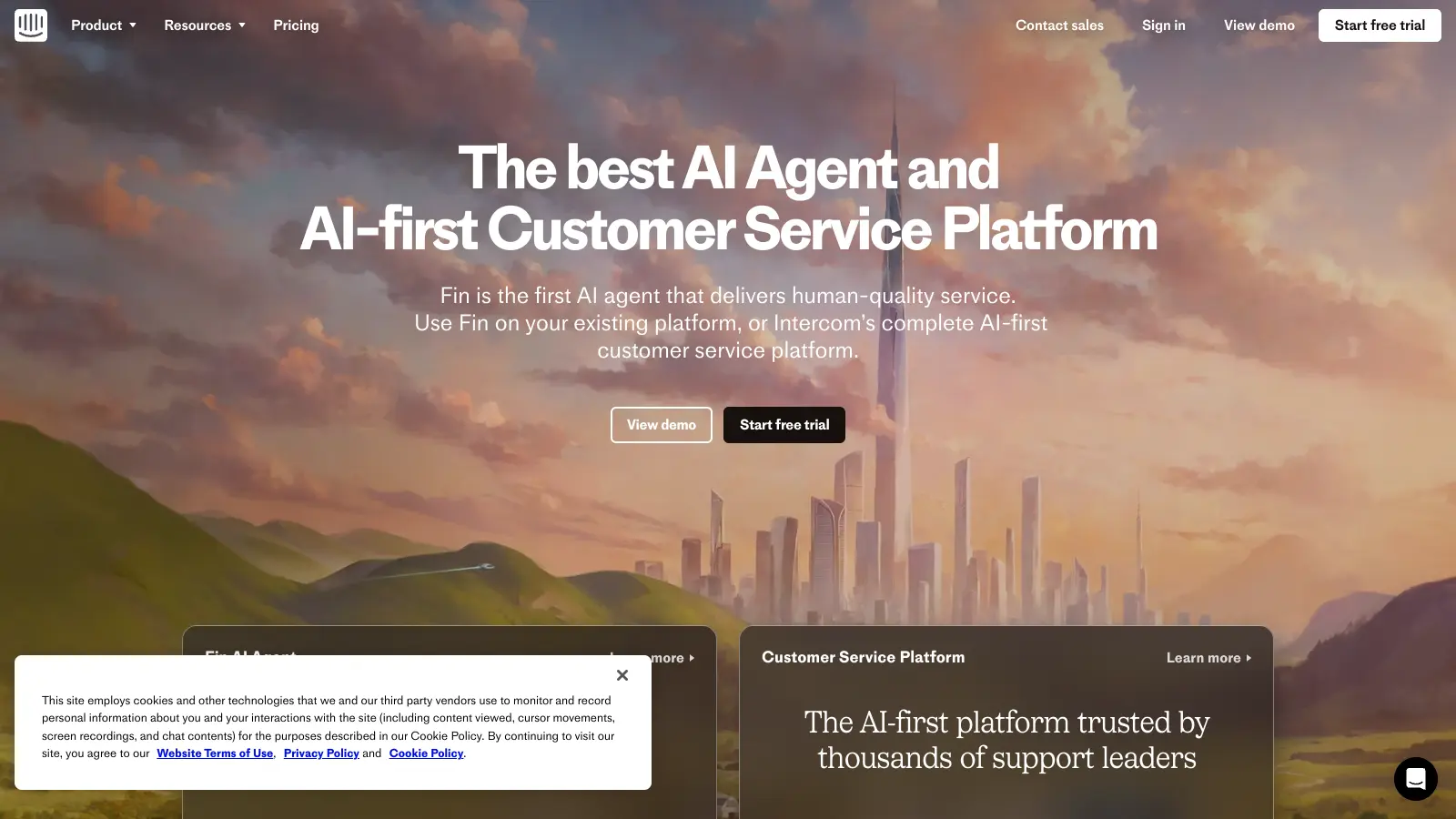
AI customer support agent that resolves queries directly from your help content.
Paid
Best for · Customer support teams wanting to reduce tier-one ticket volumePricing · From $0.99 per resolution
Fin is Intercom's AI agent that answers customer questions by drawing on your existing help articles, knowledge base, and conversation history. It handles tier-one support queries without human involvement and escalates to a human rep when it can't resolve an issue. It's priced at $0.99 per resolution, which makes it cost-predictable for businesses with variable support volume.
Pros
✓Per-resolution pricing ties cost directly to value delivered
✓Pulls answers from existing help content without retraining
✓Smooth handoff to human agents for complex issues
Cons
✗Requires well-maintained help documentation to work well
✗Costs can spike unexpectedly during high-traffic periods
Business planning software with AI that guides financial forecasting.
Paid
Best for · Founders and small business owners building investor-ready business plansPricing · From $15/mo (billed annually)
LivePlan is a business plan and financial forecasting tool with an AI assistant that walks you through building a plan section by section. It generates revenue and expense recommendations based on your inputs, connects to accounting software like QuickBooks and Xero, and produces investor-ready financial statements. Plans start at $15 per month when billed annually.
Pros
✓AI guides each plan section, reducing blank-page paralysis
✓Connects to QuickBooks and Xero for live financial data
Meeting transcription and summary tool that works across Zoom, Meet, and Teams.
Freemium
Best for · Teams who spend significant time in video meetings and need reliable recordsPricing · Free plan available; from $16.99/mo
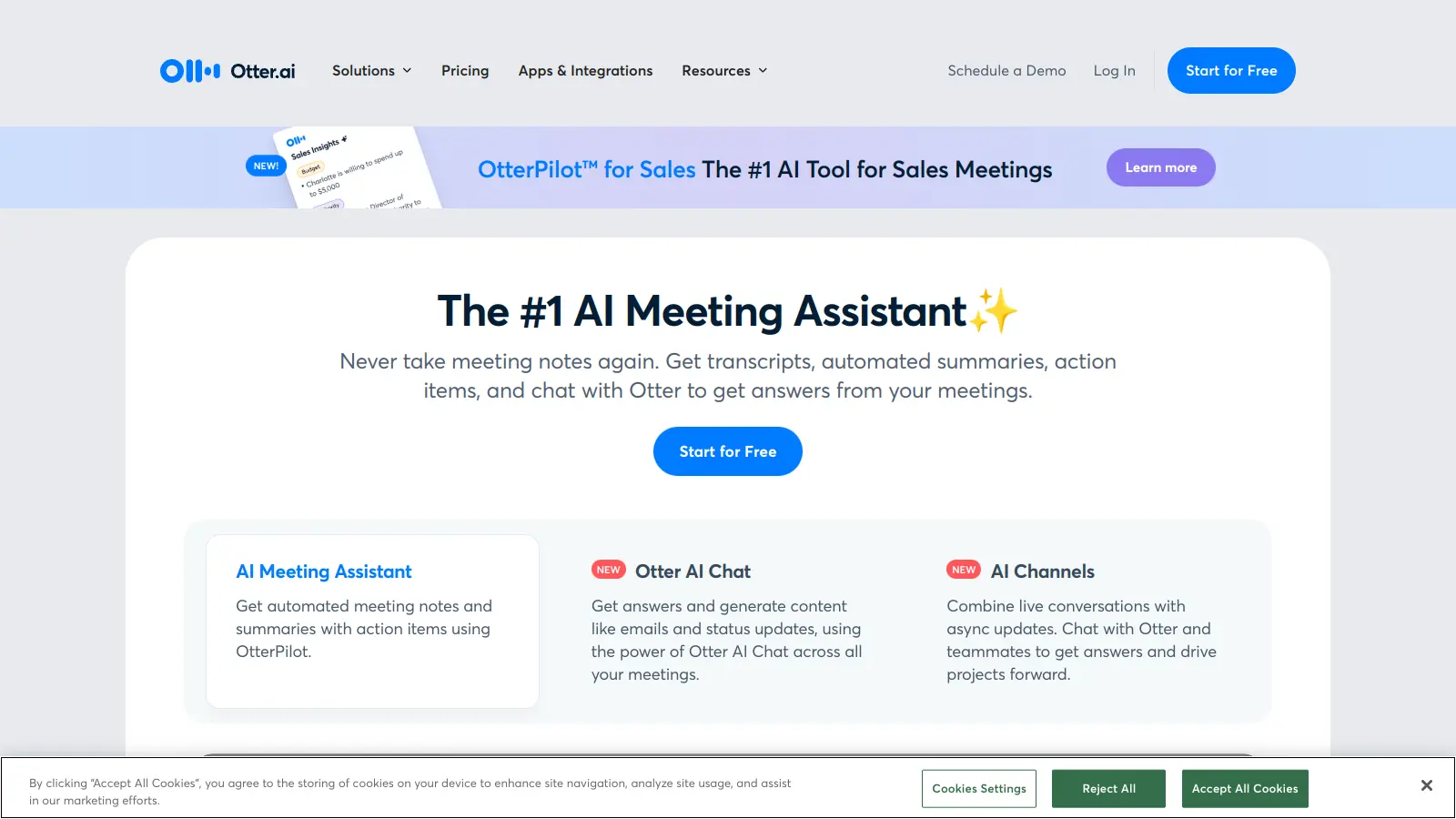
Otter.ai joins your video calls automatically, transcribes in real time, and produces a summary with action items after the meeting ends. It integrates with Zoom, Google Meet, and Microsoft Teams, and the AI can answer questions about past meeting content. The Pro plan is $16.99 per month and covers most small business use cases with 1,200 transcription minutes per month.
Pros
✓Joins meetings automatically without any manual setup
✓Real-time transcription works well for most accents
Match the tool to a specific job, not a general need
"AI for business" is too broad to shop for. Identify the exact task you want to offload or improve, whether that's writing marketing copy, summarising customer calls, or automating data entry, and then find a tool built for that job. General-purpose tools like ChatGPT are flexible but require more prompting skill to get consistent output.
Check how it connects to your existing software
A standalone AI tool that doesn't connect to your CRM, email, or project management software creates more work, not less. Prioritise tools with native integrations or Zapier compatibility if you rely on a specific stack.
Understand what the free tier actually includes
Most AI tools offer a free plan, but the useful features, higher usage limits, API access, or team collaboration, are almost always behind a paid tier. Test the free version for your specific use case before assuming it covers your volume.
Consider data privacy and where your data goes
If you're processing customer data, internal financials, or proprietary documents, check whether the tool uses your inputs for model training by default. Enterprise plans typically offer opt-out options; consumer tiers often don't.
Evaluate output consistency, not just peak quality
AI tools produce great results sometimes and mediocre ones other times. Run the same task five or six times before committing. If quality varies too much for your use case, a more structured tool with guardrails will serve you better than a flexible general-purpose one.
frequently asked questions
A practical starter stack, covering writing assistance, meeting notes, and basic automation, can run between $50 and $150 per month for a small team. More specialised tools like sales intelligence or advanced automation platforms start around $100 to $300 per month depending on seat count and usage volume.
ChatGPT handles general tasks well: drafting, summarising, brainstorming, and basic research. For tasks requiring consistent structure, CRM integration, or domain-specific accuracy, a purpose-built tool will outperform it. Most businesses end up using both.
Free plans usually cap usage, limit access to the most capable models, and exclude team features like shared workspaces or admin controls. For solo use or occasional tasks, free tiers are often sufficient. For daily business use across a team, you'll typically need a paid plan within the first month.
They can reduce the hours spent on specific repeatable tasks, particularly writing first drafts, formatting data, scheduling, and answering common customer questions. Full replacement of judgment-heavy roles is not reliable with current tools. The more accurate framing is that one person with the right AI tools can do work that previously required two or three people for routine output.
Adopting too many tools at once without a clear workflow for each one. Most AI tools require a setup period and prompt refinement before they produce usable output at scale. Starting with one tool tied to one high-volume task and getting it working well produces better results than deploying five tools simultaneously.
tools for humans
toolsforhumans editorial team
Reader ratings and community feedback shape every score. Since 2022, ToolsForHumans has helped 600,000+ people find software that holds up after launch. The picks here come from that.