Best HR Document Management Software for HR Teams (2026)
7 tools reviewedlast reviewed 20 march 2026
Editorial note:this was originally published in august of 2024
HR teams deal with a specific kind of document chaos: I-9s, offer letters, performance reviews, termination records, and policy acknowledgements, all of which need to be stored securely, retrieved quickly, and retained according to legal requirements. A generic cloud storage tool won't cut it once you're managing files for more than a handful of employees.
This list covers purpose-built HR document management tools alongside a couple of broader platforms that HR teams actually use in practice. Each pick is evaluated on document organisation for employee records, compliance features (audit trails, retention schedules, e-signatures), pricing transparency, and how well it fits different company sizes.
Whether you're a 30-person company still emailing PDFs or an HR director trying to replace a legacy filing system, there's a practical option here.
We collect first-hand reviews from people who use these tools every day — what works, what doesn't, whether it's worth paying for. We research pricing, features, and comparisons so that feedback has real context behind it. For this guide, prioritisation went to software offering robust compliance automation, intuitive document workflows, and integration capabilities with payroll systems. Read our full research methodology.
help us improve this guide
tell us what you're looking for, what you're using now, and what caught your eye — takes 30 seconds.
What is HR document management software?
HR document management software is a system for storing, organising, retrieving, and controlling access to employee-related documents. It replaces physical filing cabinets and ad hoc cloud folders with a structured repository tied to employee records, where documents can be categorised by type, linked to specific employees, and governed by retention policies.
The core problem it solves is compliance risk. HR documents often have legal retention requirements, need audit trails showing who accessed or signed them, and must be protected from unauthorised access. A spreadsheet and a shared Drive folder can't provide that. Purpose-built tools add role-based permissions, e-signature workflows, automated retention schedules, and audit logs.
Users range from solo HR managers at small businesses to HR operations teams at enterprises. The category spans lightweight employee file systems aimed at SMBs through to full enterprise content management platforms with HR-specific configuration.
Mobile-first HR platform with document storage suited to deskless workforces.
Frontline and deskless workforce businesses
FreemiumFree up to 10 users; from $29/mo for up to 30 users
our top pick
1
DynaFile
Cloud filing system built specifically for HR employee records.
Custom
Best for · HR teams transitioning from paper filing systemsPricing · Pricing on request
DynaFile centres on converting paper employee files into organised, searchable cloud folders. It uses a barcode-based scan-to-cloud system, so bulk scanning of existing paper files is fast. Documents are filed by employee and categorised by type automatically, with audit trails, role-based permissions, and DocuSign integration for e-signatures.
HR records and document storage for companies with 20 to 500 employees.
Paid
Best for · Small to mid-sized businesses without a dedicated HRISPricing · From $8/employee/mo
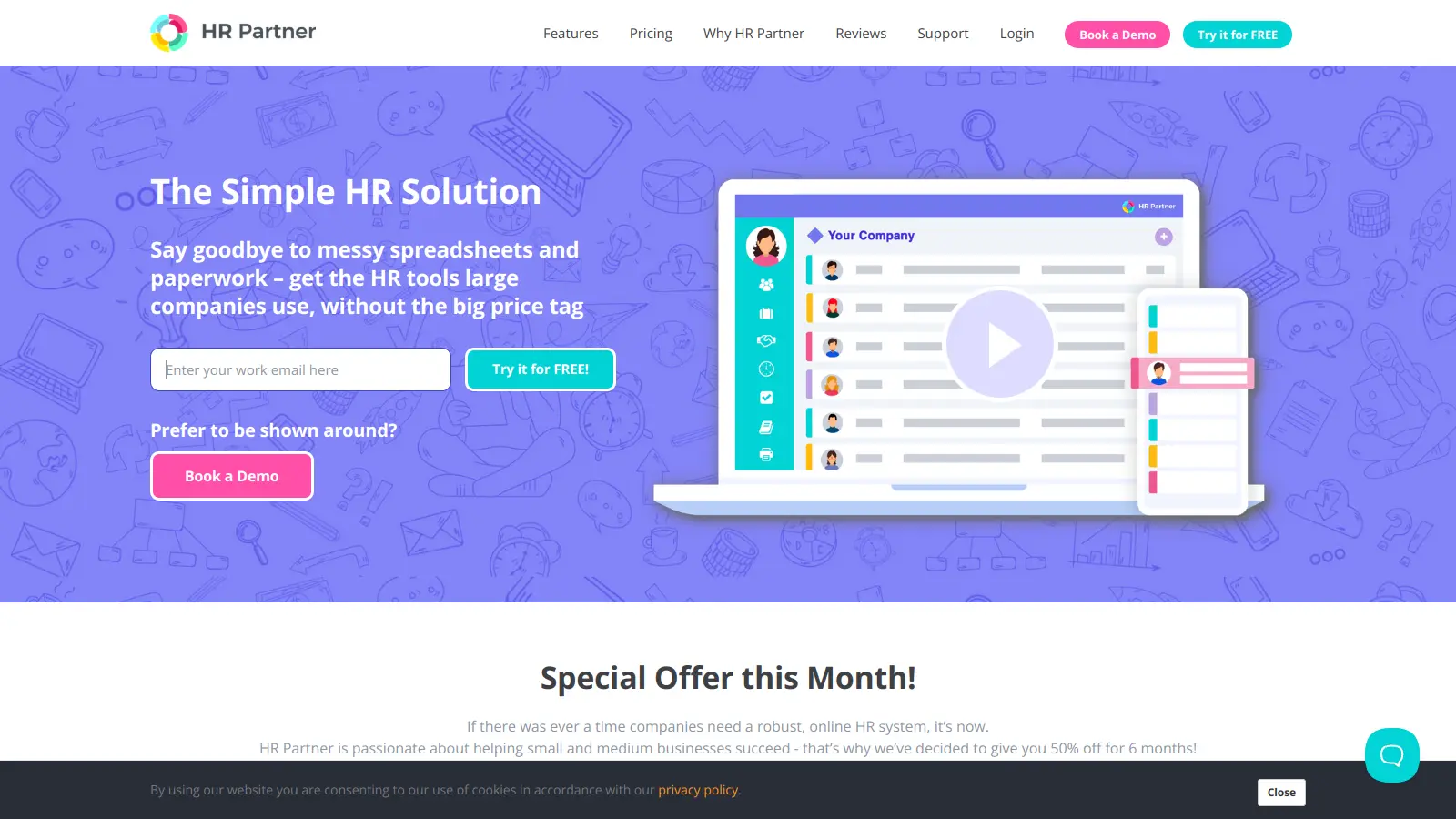
HR Partner combines employee records management, document storage, and basic HR workflows in one tool aimed at small and mid-sized businesses. Each employee profile has a dedicated document section where you can upload, categorise, and track files. It includes e-signature support, onboarding checklists, and leave tracking, making it a practical all-in-one for teams that don't need a full HRIS.
Pros
✓Per-employee pricing is transparent and predictable
Enterprise content management with strong HR document workflow capabilities.
Paid
Best for · Mid-to-large enterprises needing custom document workflowsPricing · From $50/user/mo (Cloud)
Laserfiche is a full enterprise content management platform used across industries, with HR departments commonly deploying it for employee file management, automated onboarding document workflows, and compliance retention. It has configurable retention schedules, advanced audit logging, and workflow automation that can route documents for review and signature without manual intervention. The setup complexity is higher than point solutions, but it handles large-scale document volumes reliably.
Pros
✓Highly configurable retention and compliance rules
✓Workflow automation reduces manual routing steps
✓Strong audit trail meets regulated industry requirements
Cons
✗Implementation takes time and often requires a partner or consultant
Document storage and intranet platform most enterprises already pay for.
Paid
Best for · Microsoft 365 shops wanting HR document storage without extra spendPricing · Included in Microsoft 365 plans (from $6/user/mo)
SharePoint is included in most Microsoft 365 business plans, making it a zero-additional-cost option for organisations already on that stack. HR teams use it to build structured employee document libraries with permissions tied to Azure Active Directory groups. It requires manual configuration to work well as an HR filing system, but Microsoft 365 compliance features like retention labels, sensitivity labels, and eDiscovery are genuinely strong once set up.
Pros
✓Included in Microsoft 365 — no additional licence cost
✓Microsoft Purview compliance and retention tools are enterprise-grade
✓Integrates natively with Teams, Outlook, and Power Automate
Cons
✗No employee-centric record structure out of the box — HR must build it
✗Governance and permissions management can become complex at scale
HRIS with integrated document storage, e-signatures, and policy tracking.
Paid
Best for · Growing companies wanting HR documents inside their HRISPricing · From $8/user/mo (base platform)
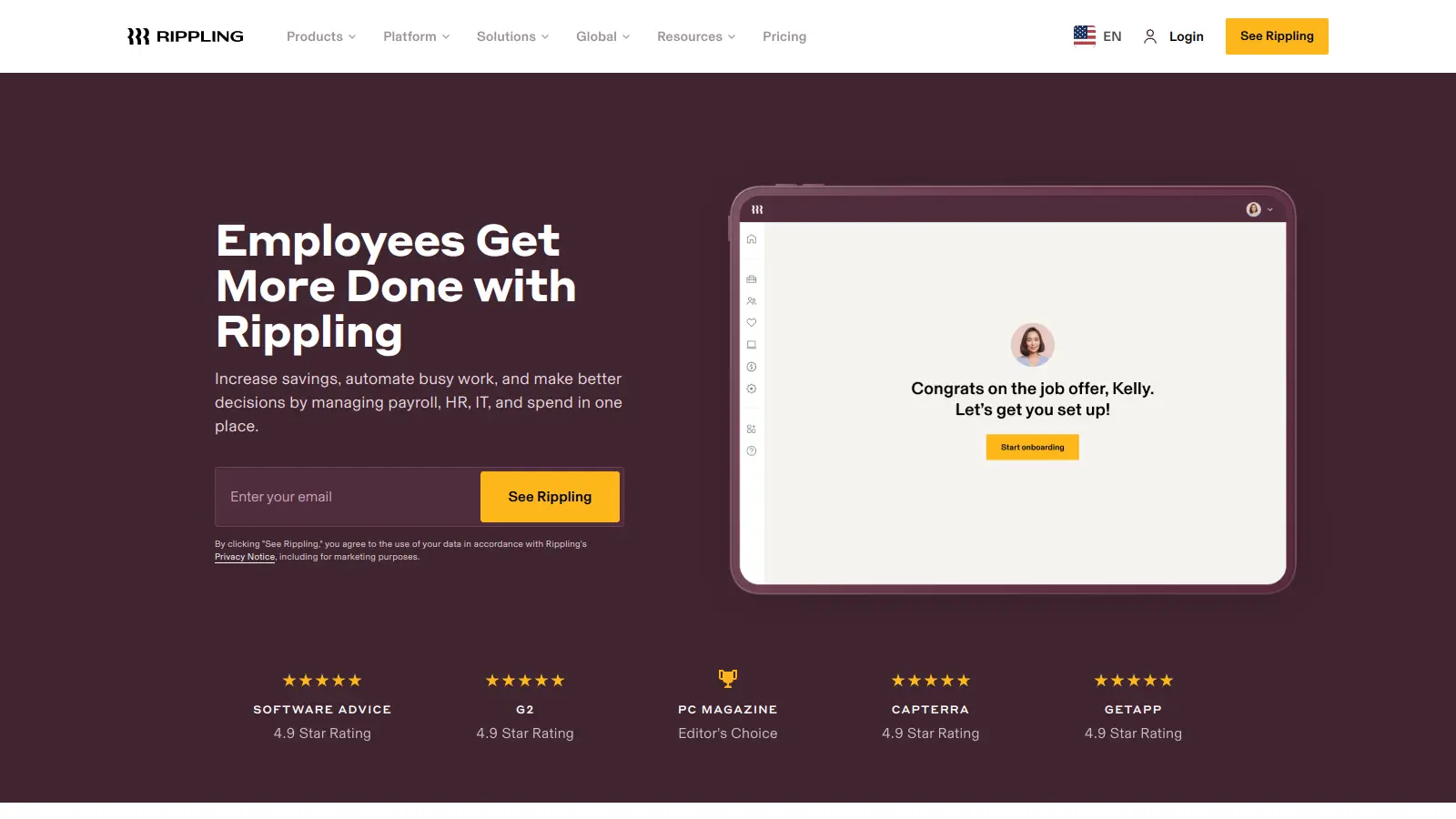
Rippling is primarily an HRIS and payroll platform, but its document management capabilities are tightly integrated with employee records. You can store files against employee profiles, send documents for e-signature, and track policy acknowledgements across your workforce. The advantage over a standalone document tool is that documents are always linked to the correct employee record automatically, and access is governed by the same role structure as the rest of the platform.
Pros
✓Documents automatically linked to employee records in the HRIS
✓Policy acknowledgement tracking across the whole workforce
✓E-signatures built into onboarding workflows
Cons
✗Full feature set requires multiple add-on modules, which raises the price
✗Overkill if you only need document storage and already have a separate HRIS
HR compliance and employee relations document management for larger organisations.
Custom
Best for · Mid-market to enterprise HR teams with compliance-heavy requirementsPricing · Pricing on request
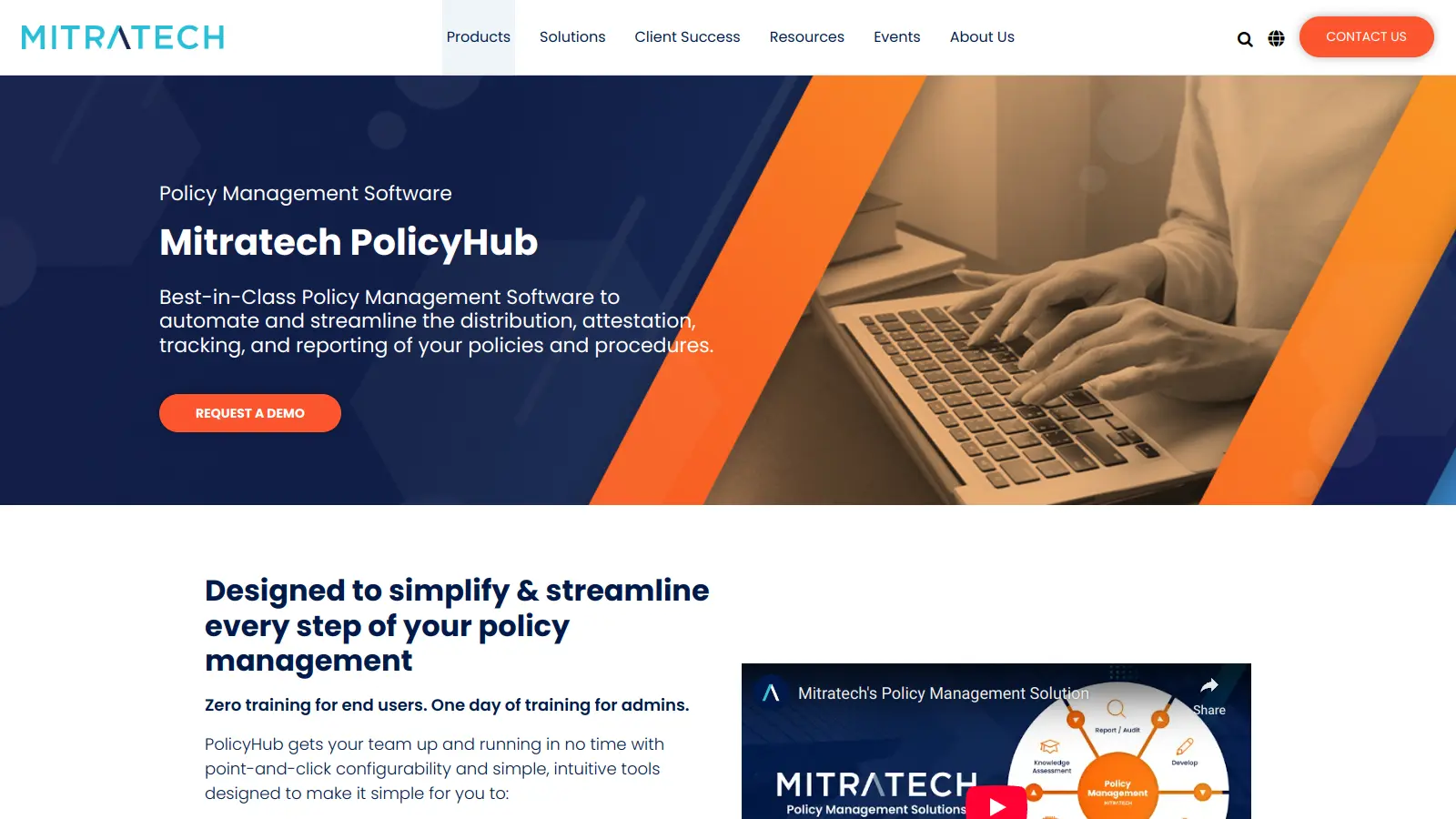
Mitratech covers HR compliance, employee relations case management, and document storage with a strong focus on legal and regulatory risk. Its HR product set includes electronic employee files, I-9 and E-Verify management, and onboarding document workflows. It targets mid-market to enterprise companies that need document management tied closely to compliance and HR case management, not just file storage.
Pros
✓I-9 and E-Verify management built into the platform
✓Case management and document storage in one system
✓Designed for regulated industries with strong audit capabilities
Cons
✗No self-serve pricing — requires a full sales process
✗Platform breadth can feel excessive for teams only needing file storage
Mobile-first HR platform with document storage suited to deskless workforces.
Freemium
Best for · Frontline and deskless workforce businessesPricing · Free up to 10 users; from $29/mo for up to 30 users
Connecteam targets industries with large deskless or frontline workforces: retail, construction, hospitality, and logistics. Its HR document features include employee file storage, digital form completion, e-signatures, and policy acknowledgement tracking, all accessible from a mobile app. The free plan covers up to 10 users, and paid plans are priced per month for up to 30 users rather than per employee, which makes it cost-effective for small teams.
Pros
✓Flat monthly pricing for small teams is cheaper than per-employee tools
✓Mobile app works well for frontline workers without desk access
✓Free plan available for very small teams
Cons
✗Document management features are less granular than dedicated HR DMS tools
✗Retention scheduling and advanced compliance controls are limited
Purpose-built HR tools organise documents by employee profile, so an offer letter, a performance review, and a disciplinary note are all filed under one person's record. Generic tools like Google Drive or SharePoint require you to build and maintain that structure manually, which breaks down as headcount grows.
Compliance and audit trail capabilities
Check whether the tool logs who viewed, edited, or signed each document and whether it supports retention schedules tied to employment status. For US companies, I-9 storage requirements and state-specific rules mean you need configurable retention, not just a delete reminder on your calendar.
E-signature and document workflow support
If you're still printing offer letters for wet signatures, an integrated e-signature workflow will save significant time. Some tools have this built in; others integrate with DocuSign or Adobe Sign. Confirm whether e-signatures are included in base pricing or sold as an add-on.
Access controls and permissions
Managers often need access to their direct reports' performance documents but not salary letters. HR business partners may need full access across a region. Look for role-based permissions that are granular enough to match your actual org structure without requiring IT to configure every change.
Integration with your existing HRIS or payroll system
A standalone document tool that doesn't talk to your HRIS means double-entering employee data and manually linking documents to records. Prioritise tools that have a native integration or a well-documented API connection to the HRIS you already use.
frequently asked questions
A general document management system stores any kind of file in a folder hierarchy. HR document management software structures files around employee records, adds HR-specific categories (contracts, I-9s, performance reviews), and typically includes compliance features like retention schedules and audit trails that a generic DMS won't have by default. For small teams, a general DMS can work with manual organisation, but it requires ongoing discipline to maintain.
Pricing varies widely. Lightweight tools aimed at SMBs like HR Partner start around $8 to $10 per employee per month. Mid-market platforms like DynaFile price on a per-user or per-seat basis and typically run $300 to $600 per month for teams of 25 to 100. Enterprise platforms like Laserfiche and SharePoint are often priced on request or through volume licensing. Most vendors in this space don't publish per-employee pricing publicly, so expect to request a quote for anything above 200 employees.
Some HR document platforms include e-signature functionality in their base plan; others integrate with third-party tools like DocuSign or Adobe Sign. HR Partner includes basic e-signature capability. DynaFile integrates with DocuSign. Check whether e-signatures are included before assuming you're covered, because add-on costs can add up quickly if you're processing high volumes of offer letters or policy acknowledgements.
At minimum, look for audit logs (who accessed or changed a document and when), configurable retention schedules by document type, and role-based access controls. For US employers, I-9 management features are worth checking specifically. If you operate in multiple states or countries, check whether the tool supports jurisdiction-specific retention rules or whether you'll need to manage those manually.
Several tools on this list are specifically designed for small to mid-sized businesses. HR Partner targets companies with 20 to 500 employees and prices accordingly. SharePoint and Laserfiche are more common in larger organisations and carry more setup complexity. If you have fewer than 50 employees, a lightweight HR platform with built-in document storage will likely serve you better than an enterprise content management system.
tools for humans
toolsforhumans editorial team
Reader ratings and community feedback shape every score. Since 2022, ToolsForHumans has helped 600,000+ people find software that holds up after launch. The picks here come from that.