Best AI Tools for Productivity: Top Picks for Professionals (2026)
7 tools reviewedlast reviewed 20 march 2026
Editorial note:this was originally published in april of 2023
This page is for professionals who want to get more done with AI without spending hours figuring out which tool actually fits their work. The market is crowded, and most roundups list every shiny new app without telling you who each one is actually for.
The tools here cover the main productivity categories: writing, research, meeting summaries, task management, and workflow automation. Each pick is assessed on pricing transparency, practical daily usefulness, and how quickly someone can get value from it without a steep learning curve.
Whether you're a solo operator, a team lead, or someone trying to cut admin time, there's something here worth bookmarking.
We collect first-hand reviews from people who use these tools every day — what works, what doesn't, whether it's worth paying for. We research pricing, features, and comparisons so that feedback has real context behind it. For this guide, tools were selected based on proven productivity gains, integration capabilities, and genuine time-saving automation features. Read our full research methodology.
help us improve this guide
tell us what you're looking for, what you're using now, and what caught your eye — takes 30 seconds.
What are AI productivity tools?
AI productivity tools are software applications that use large language models or other AI systems to handle cognitive tasks: drafting documents, summarising content, answering questions, managing schedules, automating repetitive workflows, and more. They're distinct from older automation software because they respond to natural language and can handle unstructured inputs.
These tools are used by knowledge workers, freelancers, managers, and teams who spend significant time on writing, research, communication, or coordination. The core problem they solve is cognitive load: reducing the time spent on low-value mental tasks so people can focus on decisions that actually require human judgement.
The category includes everything from general-purpose chat assistants like ChatGPT and Claude, to specialised tools for meeting notes, project management, or multi-app automation. The right tool depends on where your time is actually being lost.
An AI scheduling assistant that protects time for focused work.
Individuals and teams who want AI to manage their calendar automatically
FreemiumFree plan available; paid plans from $10/mo
our top pick
1
ChatGPT
The general-purpose AI assistant most professionals already know.
Freemium
Best for · Professionals who need one tool for many different tasksPricing · Free plan available; Plus from $20/mo
ChatGPT is built on OpenAI's GPT-4o and o-series models and covers an unusually wide range of tasks: drafting emails, summarising documents, writing code, generating images, and browsing the web. The free plan is genuinely capable, and the Plus plan adds access to advanced reasoning models and higher usage limits. It's the tool most people start with, and for good reason.
Pros
✓Widest task coverage of any tool on this list
✓Web browsing, image gen, and code in one interface
✓Large ecosystem of custom GPTs for specific workflows
A writing-focused AI assistant with strong long-form output quality.
Freemium
Best for · Writers, analysts, and developers who prioritise output qualityPricing · Free plan available; Pro from $20/mo; Max at $100/mo
Claude from Anthropic is particularly good at writing tasks that require a consistent, clear tone: reports, summaries, structured analysis, and code. The Sonnet 4 model handles everyday tasks efficiently, while Opus 4 is available on the Max plan for demanding analytical work. Claude tends to be more concise than ChatGPT and less likely to drift into filler content.
Pros
✓Cleaner long-form writing than most competitors
✓Strong coding assistance via Claude Code
✓More consistent tone across long documents
Cons
✗Ethical guardrails can produce overly cautious answers
✗Advanced models locked behind the $100/mo Max plan
AI writing and summarisation built directly into your workspace.
Paid
Best for · Teams already using Notion for project management or documentationPricing · Add-on from $10/member/mo on top of Notion plans
Notion AI sits inside Notion's docs and databases, so you can draft, summarise, translate, or autofill content without switching apps. It's most useful if your team already runs projects and notes in Notion because the AI has direct access to your existing pages. It won't replace a dedicated assistant, but for knowledge management tasks it removes a lot of copy-paste friction.
Pros
✓Works inside Notion without switching context
✓Summarises existing pages and databases directly
✓Useful autofill for structured databases and templates
Cons
✗Only valuable if your team is already on Notion
✗Costs stack on top of existing Notion subscription fees
Best for · Researchers and analysts who need sourced, verifiable answersPricing · Free plan available; Pro from $20/mo
Perplexity answers research questions with referenced sources, making it easier to verify claims and trace information back to origin. It's faster for factual lookups than a general-purpose chatbot and produces cleaner output for competitive research, market sizing, or background research on a topic. The Pro plan adds access to more powerful models and higher query limits.
Pros
✓Every answer includes clickable source citations
✓Faster than ChatGPT for factual research tasks
✓Clean, scannable output with follow-up prompts
Cons
✗Not suited to creative or open-ended writing tasks
✗Source quality depends on what's indexed and available
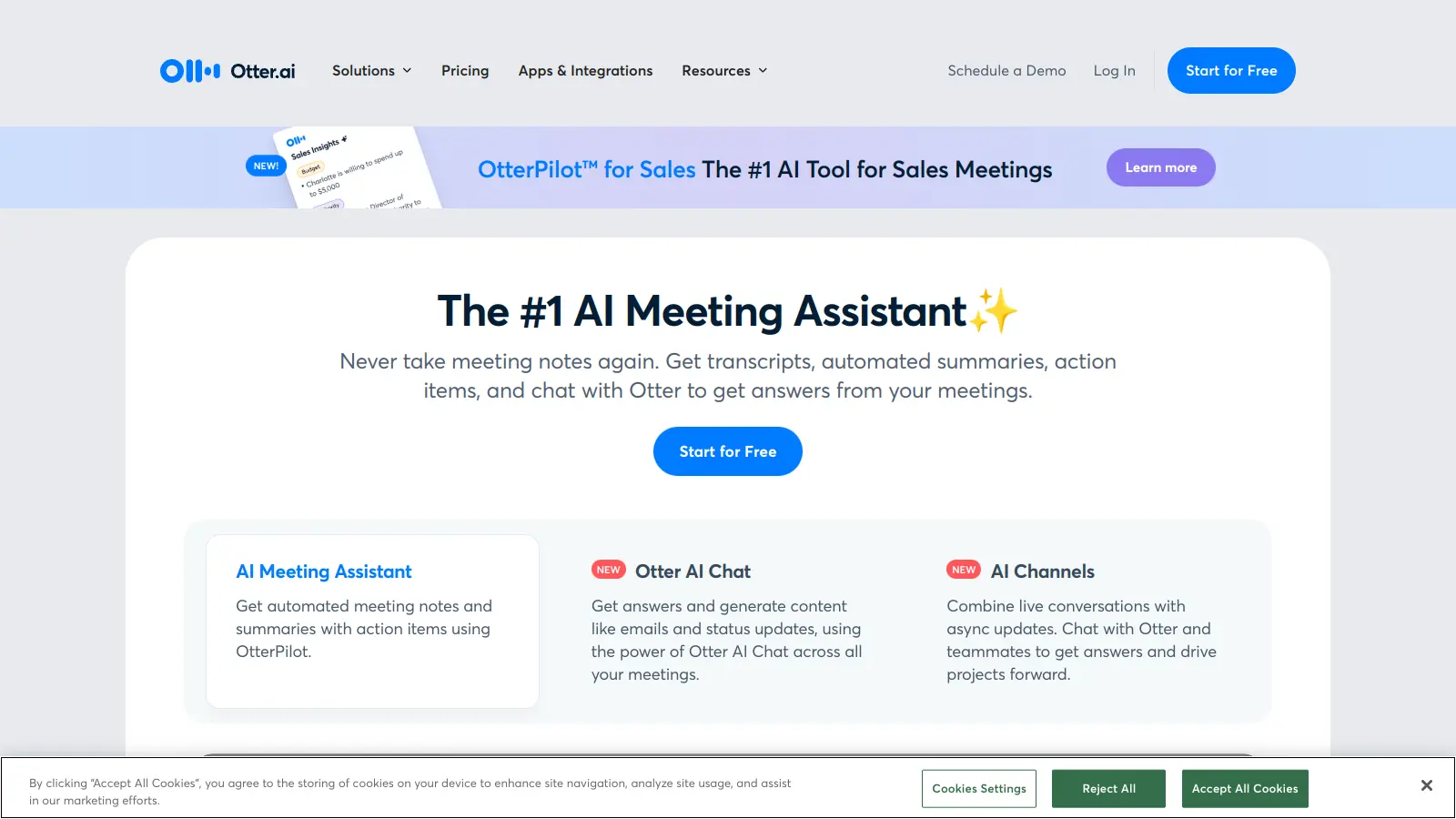
Automated meeting transcription with AI-generated summaries.
Freemium
Best for · Managers and teams who run frequent video meetingsPricing · Free plan available; Pro from $16.99/mo
Otter.ai transcribes meetings in real time across Zoom, Google Meet, and Microsoft Teams, then generates summaries, action items, and key points automatically. It's one of the more mature tools in this space with speaker identification and a searchable transcript archive. The free plan covers 300 minutes of transcription per month, which is enough for occasional use.
Pros
✓Real-time transcription with speaker identification
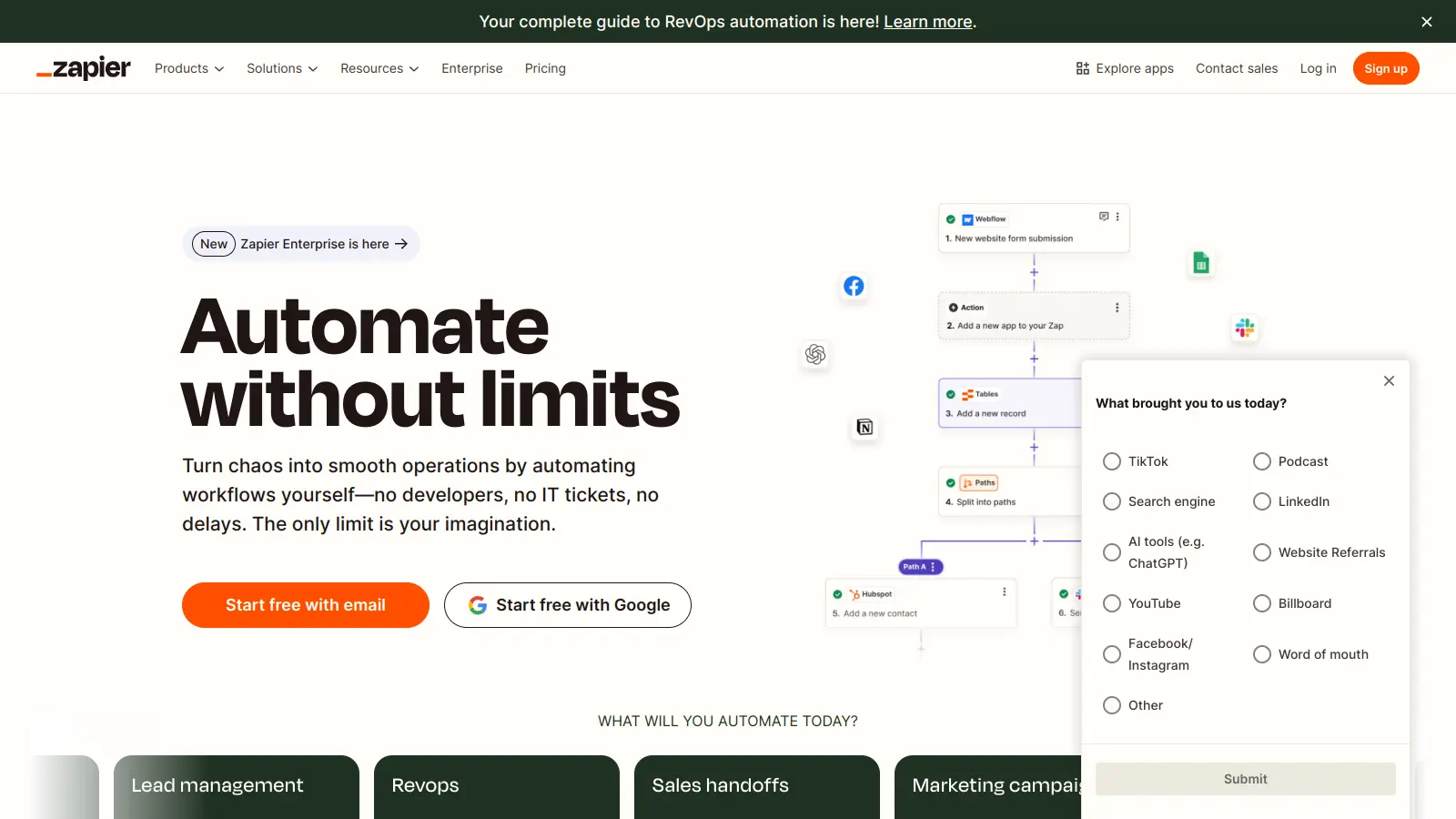
Connect your AI tools and apps into automated multi-step workflows.
Freemium
Best for · Teams who want to automate workflows across multiple apps with AIPricing · Free plan available; paid plans from $19.99/mo
Zapier connects over 8,000 apps and lets you build automated workflows that incorporate AI steps, including built-in access to ChatGPT without needing an API key. Its Copilot feature lets you describe a workflow in plain language and it builds the automation for you. For teams spending time on repetitive data transfers, notifications, or report generation, Zapier removes manual steps at scale.
Pros
✓8,000+ app integrations including major AI models
✓Natural language workflow builder via Copilot
✓AI agents can execute multi-step tasks autonomously
Cons
✗Complex workflows require time to set up and test
✗Costs scale quickly as task volume grows on paid plans
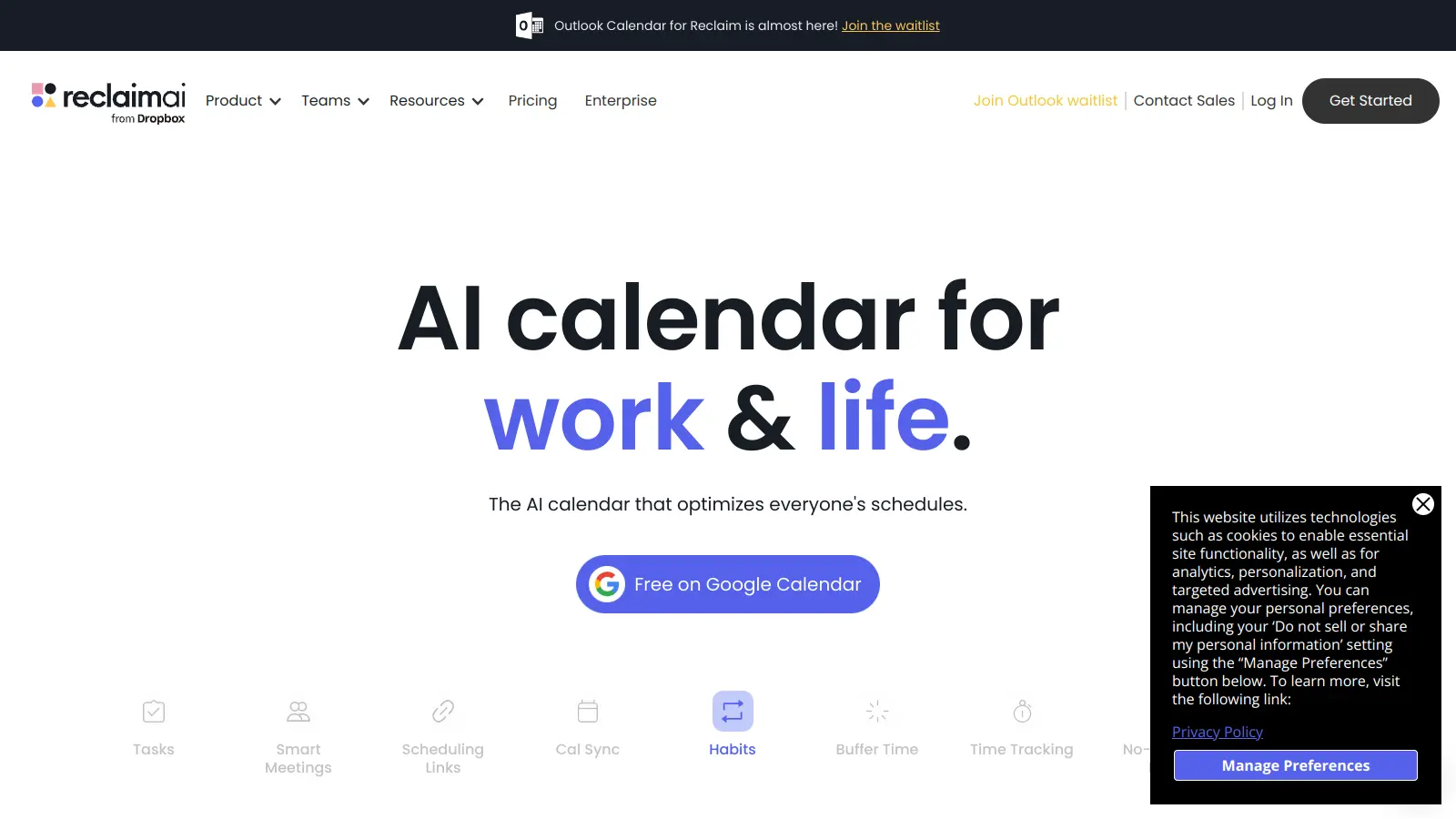
An AI scheduling assistant that protects time for focused work.
Freemium
Best for · Individuals and teams who want AI to manage their calendar automaticallyPricing · Free plan available; paid plans from $10/mo
Reclaim automatically schedules tasks, habits, and buffer time around your existing calendar commitments. It finds the best available slots for deep work, moves flexible events when priorities shift, and syncs across Google Calendar. It's a practical pick for anyone whose calendar fills up faster than they can plan, and the free plan covers individual use reasonably well.
Pros
✓Auto-schedules tasks and habits around fixed meetings
✓Reschedules dynamically when your calendar changes
✓Habit and focus time protection built into free plan
Cons
✗Currently only supports Google Calendar, not Outlook
A general-purpose AI assistant won't help much if your bottleneck is meeting overload. Match the tool category to your actual pain point: writing, research, scheduling, note-taking, or workflow automation.
Check whether it integrates with your existing stack
A tool that works in isolation adds friction rather than removing it. Look for native integrations with the apps you already use daily, whether that's Slack, Google Drive, Notion, or your email client.
Understand the free tier limitations before committing
Most AI productivity tools have free plans with meaningful usage caps. Test the free tier on real tasks before upgrading. Pay attention to rate limits, model quality on free vs. paid plans, and whether the features you actually need are gated.
Evaluate output quality on your specific use cases
AI tools perform very differently across domains. Claude tends to produce cleaner long-form writing; ChatGPT handles a wider range of task types; tools like Perplexity are better for cited research. Run your own tests on work that's representative of what you do every day.
Consider data privacy and security policies
If you're feeding the tool sensitive client or company data, check whether your inputs are used for model training. Enterprise plans on most tools offer data privacy guarantees that free plans don't.
frequently asked questions
Probably yes, if you do varied work. Most practitioners end up with one general-purpose assistant for writing and Q&A, and one specialised tool for a specific bottleneck like meetings or automation. Running two complementary tools is more useful than forcing one tool to do everything.
Most quality tools have free plans with meaningful limits, and paid tiers typically run between $10 and $25 per month for individuals. Enterprise pricing varies widely and usually requires a quote. Avoid overpaying for features you won't use by testing the free tier thoroughly first.
They can be, with caveats. Free tiers on Claude and ChatGPT are capable for everyday tasks, but they cap usage, restrict access to the most powerful models, and often have weaker data privacy terms. For professional use with sensitive data, a paid plan is worth the cost.
Using them for tasks where they add little value and then concluding they don't work. AI tools are most effective at drafting, summarising, and structured research, not at making judgement calls or producing final-quality output without human review. Set realistic expectations and always check the output.
Yes, though the depth of integration varies by tool. Notion AI is built directly into Notion's project management features. Zapier connects AI capabilities to over 8,000 apps including Asana, Trello, and Linear. ChatGPT and Claude have API access for custom integrations but require more technical setup.
tools for humans
toolsforhumans editorial team
Reader ratings and community feedback shape every score. Since 2022, ToolsForHumans has helped 600,000+ people find software that holds up after launch. The picks here come from that.