Best Construction Scheduling Software for Mac (2026)
7 tools reviewedlast reviewed 20 march 2026
Editorial note:this was originally published in september of 2024
Most construction scheduling software is built for Windows-first teams, which leaves Mac users choosing between clunky workarounds or tools that technically run on macOS but feel like an afterthought. This list cuts through that.
These seven tools all work properly on Mac, either as native desktop apps, well-maintained browser apps, or both. They're reviewed for scheduling depth (Gantt charts, dependencies, critical path), site-to-office collaboration, and whether the pricing makes sense for a construction business rather than a generic project team.
Whether you're a general contractor managing subcontractors across multiple sites or a project manager who just needs a solid schedule and a daily log, there's a pick here that fits.
We collect first-hand reviews from people who use these tools every day — what works, what doesn't, whether it's worth paying for. We research pricing, features, and comparisons so that feedback has real context behind it. For this guide, tools were selected based on macOS compatibility, real-time collaboration features, and integration with standard construction project management workflows. Read our full research methodology.
help us improve this guide
tell us what you're looking for, what you're using now, and what caught your eye — takes 30 seconds.
What is construction scheduling software for Mac?
Construction scheduling software is a tool that lets project managers plan and sequence construction activities, assign resources, track progress against a baseline, and flag delays before they cascade. The core output is usually a Gantt chart showing task durations, dependencies, milestones, and critical path. More capable tools add resource levelling, budget tracking, RFI management, and daily reporting alongside the schedule.
Mac-compatible construction scheduling software specifically means tools that run fully on macOS, either as a native desktop app or a browser-based app with no feature gaps compared to the Windows version. This matters because some legacy construction platforms (especially desktop-heavy ones like older Primavera builds) are Windows-only or have cut-down Mac versions that lack key scheduling features.
General contractors, project managers, architects, and owners' representatives working in commercial construction, residential building, or civil engineering are the primary users. The tools on this list are suitable for teams ranging from one-person freelance PMs to large firms running portfolios of concurrent projects.
Highly customisable PM platform with a capable Gantt view and wide integration support.
Tech-forward small contractors and freelance PMs
FreemiumFree plan available; paid from $7/user/mo
our top pick
1
ProjectManager
Browser-based Gantt scheduling with real-time dashboards for construction teams.
Freemium
Best for · General contractors and PMs managing multiple projectsPricing · From $16/user/mo
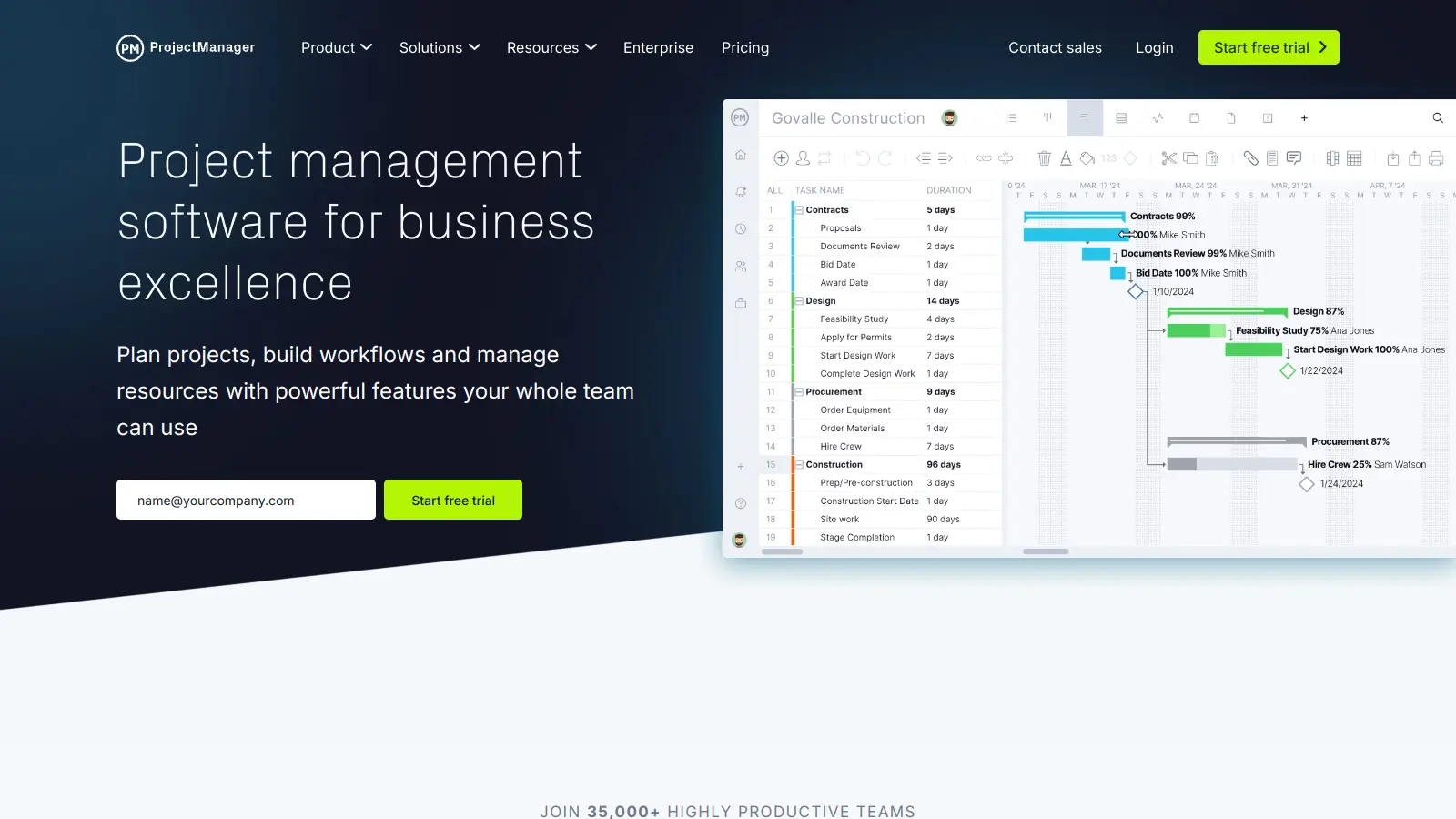
ProjectManager is a fully cloud-based platform that works on any Mac without installation. Its Gantt chart editor supports task dependencies, critical path highlighting, and baseline tracking, which covers the core scheduling needs for most construction projects. The platform also includes timesheets, resource management, and portfolio-level dashboards, making it practical for firms running multiple concurrent projects.
Pros
✓Full Gantt with critical path on all paid plans
✓Real-time dashboard updates from the field
✓No Mac-specific feature gaps vs Windows
Cons
✗No native Mac desktop app, browser-only
✗Limited construction-specific features like RFIs or submittals
Purpose-built construction management platform with integrated scheduling.
Custom
Best for · Commercial contractors and construction firmsPricing · From ~$375/mo (annual contract, project volume-based)
Procore is designed specifically for commercial construction and covers the full project lifecycle: scheduling, drawings, RFIs, submittals, daily logs, and financial management. Its scheduling module handles Gantt-based planning with task dependencies and integrates directly with the rest of the project data, so a schedule delay flags against the relevant RFI or budget line automatically. The iOS app is well-built and widely used on construction sites.
Pros
✓Scheduling links directly to drawings, RFIs, and budget
✓Strong iOS app for site teams
✓Unlimited external collaborator access
Cons
✗Annual contracts with no month-to-month option
✗Overkill and expensive for small residential builders
Fast Gantt chart builder with construction-ready templates.
Freemium
Best for · Small contractors and independent project managersPricing · From $7.99/user/mo
GanttPRO is a browser-based Gantt tool with a clean interface and a short learning curve. It handles task dependencies (all four dependency types), milestones, baselines, and critical path out of the box. Construction-specific project templates are included, which speeds up initial scheduling for common project types. It's lighter than full construction management platforms but significantly more capable than generic spreadsheet-based scheduling.
Pros
✓All four dependency types on base paid plan
✓Baseline and critical path included
✓Fast to set up with pre-built templates
Cons
✗No built-in resource cost tracking or budget tools
✗No construction-specific features beyond scheduling
End-to-end construction management built for residential builders and remodellers.
Paid
Best for · Residential builders and remodelling contractorsPricing · From $199/mo
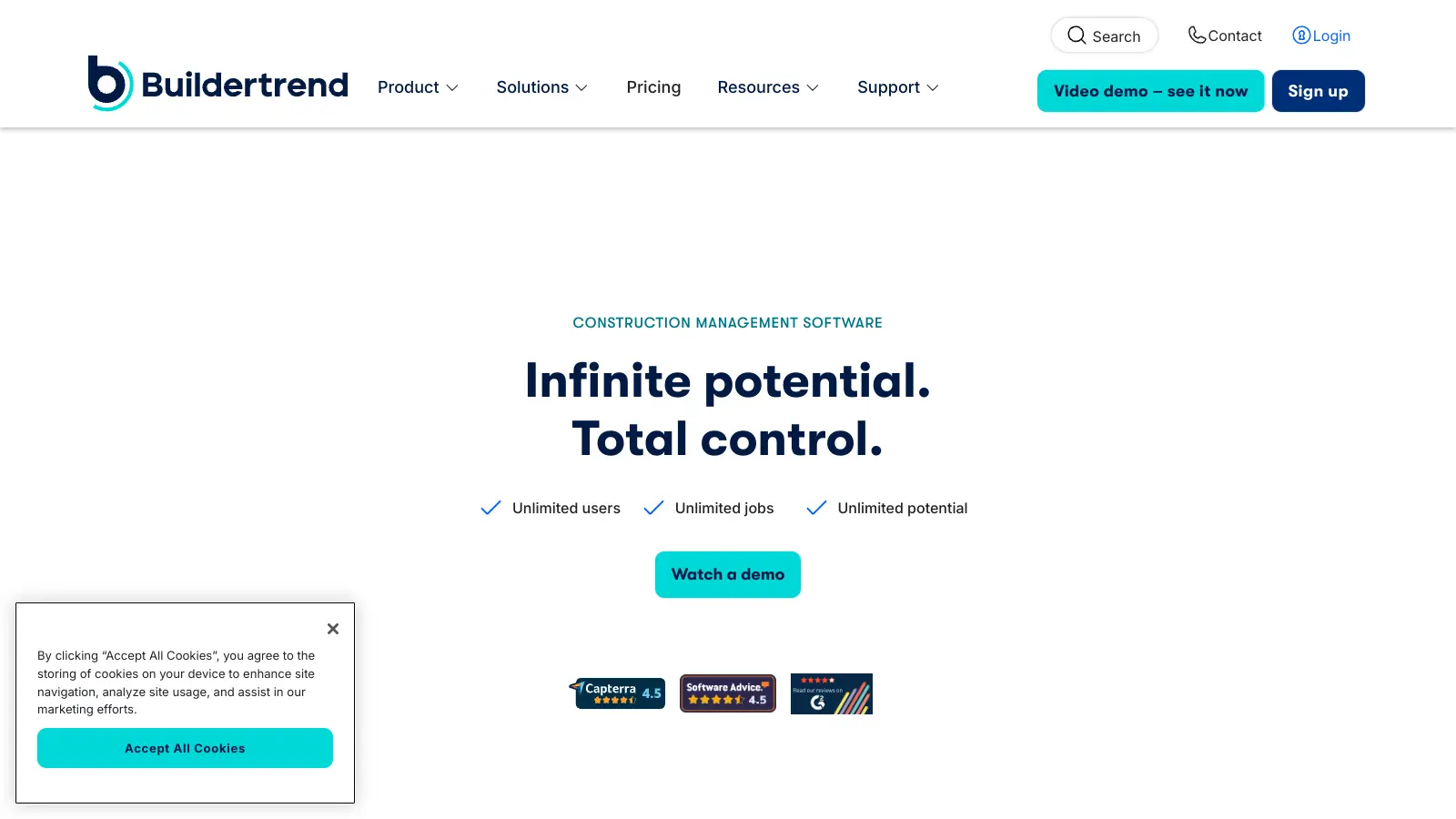
Buildertrend is aimed at home builders, remodellers, and specialty contractors who need scheduling alongside client communication, selections, purchase orders, and invoicing in one place. Its scheduling module uses a Gantt-style view with predecessor dependencies and can send automatic notifications to subs when their task is approaching. The mobile app is a genuine strength for managing jobs across multiple residential sites from an iPhone or iPad.
Pros
✓Automated sub notifications tied to schedule
✓Client portal included for selections and approvals
✓Strong mobile app for multi-site residential work
Cons
✗Expensive entry point for single-project contractors
✗Gantt scheduling less capable than dedicated scheduling tools
Flexible work management platform with construction project templates.
Freemium
Best for · Small to mid-size teams wanting one tool for projects and operationsPricing · From $9/user/mo
monday.com is a general-purpose work management tool that handles construction scheduling reasonably well through its Timeline view, dependency settings, and automation features. It's not construction-specific, but its flexibility makes it a good fit for contractors who need to manage both their project schedules and business operations (sales pipeline, procurement tracking, HR) in one platform. The Mac desktop app is stable and well-maintained.
Pros
✓Native Mac desktop app with full feature parity
✓Highly customisable for non-standard workflows
✓1,000+ integrations including QuickBooks
Cons
✗No critical path analysis or CPM scheduling engine
✗Construction-specific features require manual setup
Enterprise-grade CPM scheduling software for large construction programmes.
Custom
Best for · Enterprise contractors and infrastructure project teamsPricing · Pricing on request
Primavera P6 is the industry standard for complex, large-scale construction and infrastructure projects. It handles Critical Path Method scheduling, resource levelling, multi-project portfolios, and earned value analysis at a depth no general PM tool can match. The cloud version (P6 EPPM) runs in a browser and is accessible on Mac. The traditional desktop version remains Windows-only, so Mac users must use the web interface or a virtual machine.
Pros
✓Industry-standard CPM engine for complex programmes
Highly customisable PM platform with a capable Gantt view and wide integration support.
Freemium
Best for · Tech-forward small contractors and freelance PMsPricing · Free plan available; paid from $7/user/mo
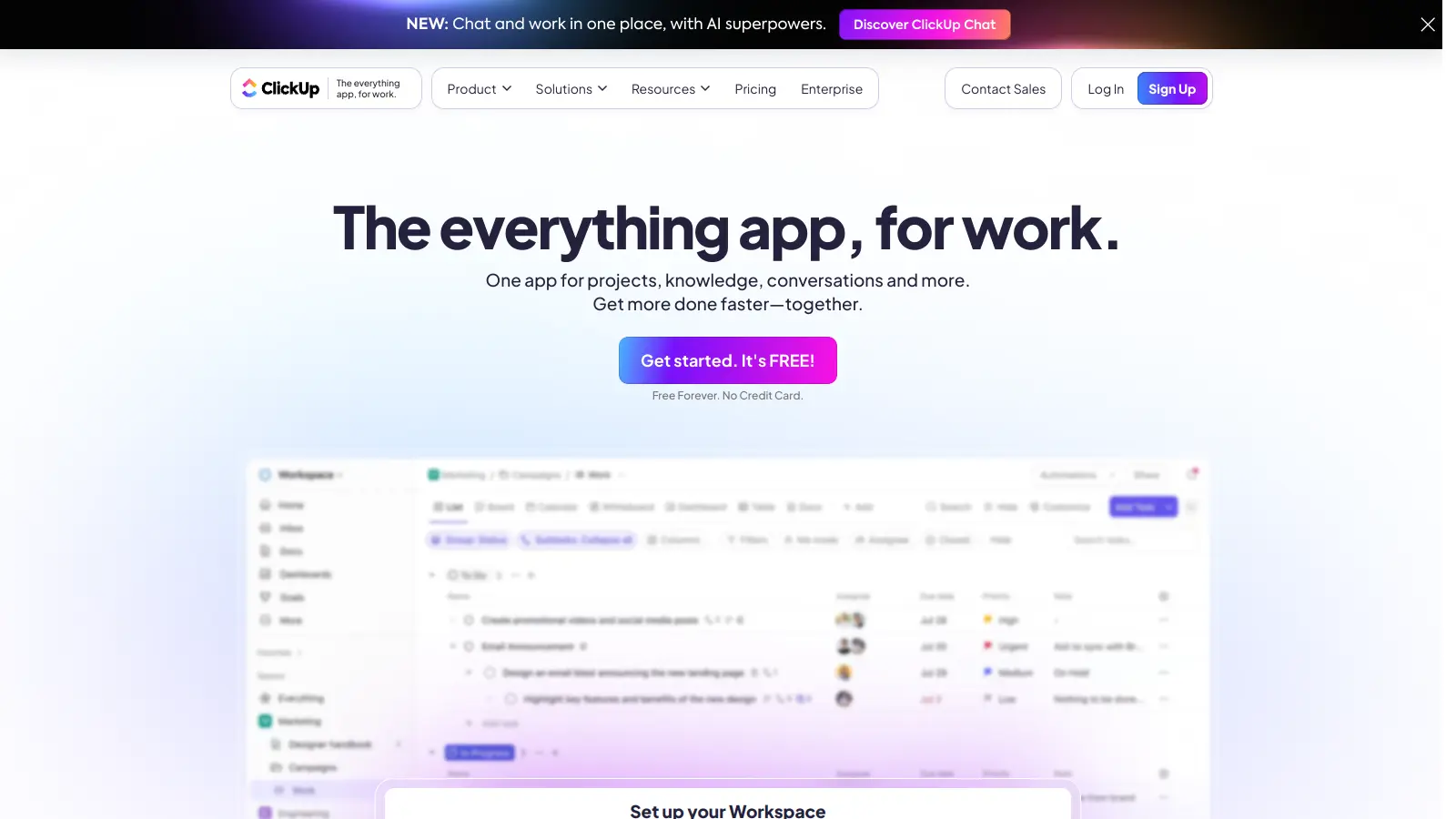
ClickUp is a general work management platform with a Gantt chart view, task dependencies, time tracking, and a free tier that's genuinely useful. For construction teams that already live in ClickUp for other work, it can serve as a lightweight scheduling tool for smaller projects. Its 1,000+ native integrations and dedicated Mac desktop app make it a practical choice for tech-forward small contractors who want a single platform rather than point solutions.
Pros
✓Generous free tier includes Gantt view
✓Native Mac desktop app with Apple Watch support
✓1,000+ integrations at no extra cost
Cons
✗No construction-specific features or templates by default
✗Gantt lacks CPM scheduling and baseline tracking on lower plans
How to choose construction scheduling software for Mac
Check whether it actually runs natively on macOS
Some tools advertise Mac support but only deliver a browser tab with no offline capability or desktop notifications. Confirm whether a native Mac app exists, and whether it has feature parity with the Windows version, before committing to a trial.
Assess the scheduling engine, not just the Gantt view
A basic Gantt chart is a visual display. A real scheduling engine lets you set finish-to-start and start-to-start dependencies, auto-calculate critical path, and rebaseline when scope changes. If you're running a multi-phase commercial project, you need the engine, not just the chart.
Consider who else on the project needs access
Subcontractors, site foremen, and owners often need to view or update schedules from a phone on-site. Check whether the tool has a capable mobile app and whether view-only or limited-access seats are priced reasonably, since a $30/user/month tool gets expensive fast when you're sharing access with 15 subs.
Look at how it handles resource and cost data
Scheduling and budgeting are tightly connected in construction. Tools that link labour hours on the schedule to a budget baseline let you catch cost overruns before they happen. If you already use separate accounting software like Sage or QuickBooks, check whether native integrations exist.
Evaluate the learning curve against your team's tech comfort
Enterprise platforms like Primavera P6 require dedicated training to use properly. If your team isn't already experienced with CPM scheduling, a more accessible tool with a shallower learning curve will get adopted faster and deliver more value in practice.
frequently asked questions
It depends on project complexity. General PM tools like ClickUp or Asana can handle simple residential builds or renovation scheduling. For commercial projects with subcontractor coordination, RFIs, submittals, and punchlist management, a construction-specific platform like Procore or Buildertrend will save significant time. The scheduling engine in construction tools also tends to handle dependencies and critical path more accurately than general tools.
Entry-level tools with Gantt scheduling start from around $10 to $15 per user per month. Mid-range platforms like ProjectManager run from $16 to $32 per user per month depending on plan. Construction-specific platforms like Procore use annual contracts priced on project volume, typically starting around $375 per month for small contractors. Enterprise tools like Oracle Primavera P6 require custom pricing and are rarely cost-effective below 20+ users.
Free tiers from tools like GanttPRO or ProjectManager are fine for a single project with a small team, but they usually cap the number of projects, users, or Gantt features like baselines and critical path. For any project with multiple subcontractors or a client who expects formal schedule reporting, a paid plan is more practical.
Most tools let you export schedules as PDF or Excel files for sharing with parties outside the platform. Some, like Procore, allow external guest access at no extra cost. If you're working with subs who use different scheduling tools, check whether your platform can export to MPP (Microsoft Project format) or import from it, since that's the most common exchange format in commercial construction.
Cloud-based tools run in a browser or sync via the cloud, so schedules update in real time across devices and everyone always sees the latest version. Desktop tools like Primavera P6 store data locally (or on a company server) and require manual file sharing to distribute updates. For Mac users, cloud-based tools are almost always the better choice since the most powerful desktop scheduling software is Windows-only.
tools for humans
toolsforhumans editorial team
Reader ratings and community feedback shape every score. Since 2022, ToolsForHumans has helped 600,000+ people find software that holds up after launch. The picks here come from that.