Best Professional Service Automation Software for Teams (2026)
7 tools reviewedlast reviewed 20 march 2026
Editorial note:this was originally published in september of 2024
Professional service automation software handles the operational backbone of service businesses: project tracking, resource scheduling, time capture, billing, and profitability reporting in one place. This page is for consulting firms, MSPs, agencies, and IT service organizations that need more than a project management tool but aren't ready to commit to a full ERP.
The tools below were selected across a range of company sizes and use cases, from solo-founder agencies to mid-market MSPs managing hundreds of client accounts. Pricing, integration depth, and reporting quality were weighted heavily.
Some tools are built specifically for IT service providers. Others target professional services more broadly. A few are strong on finance; others lead on resource management. The picks below cover that range honestly.
We collect first-hand reviews from people who use these tools every day — what works, what doesn't, whether it's worth paying for. We research pricing, features, and comparisons so that feedback has real context behind it. For this guide, professional service automation tools were selected based on billing accuracy, resource scheduling, and project profitability tracking capabilities. Read our full research methodology.
help us improve this guide
tell us what you're looking for, what you're using now, and what caught your eye — takes 30 seconds.
What is professional service automation software?
Professional service automation (PSA) software is a category of business management tool designed for organizations that sell time and expertise. It combines project management, resource planning, time tracking, contract management, invoicing, and financial reporting into a single system. The goal is to give service businesses visibility into margin, utilization, and delivery health without cobbling together separate tools.
PSA platforms are used by IT managed service providers, consulting firms, marketing agencies, engineering practices, and other project-based businesses. The core problem they solve is that service revenue is hard to track accurately without a system that connects billable hours to contracts and projects to costs.
Unlike general project management tools, PSA software typically includes billing and revenue recognition features, integrates with accounting systems like QuickBooks or Xero, and is built around the concept of managing multiple client accounts simultaneously.
PSA built around time, billing, and project profitability for service firms.
Professional services firms prioritising billing accuracy
PaidFrom $20/user/mo
our top pick
1
Certinia (formerly FinancialForce)
Enterprise PSA built natively on Salesforce for services-led businesses.
Custom
Best for · Mid-market to enterprise firms already on SalesforcePricing · Pricing on request
Certinia runs entirely on the Salesforce platform, which means it shares data natively with your CRM without middleware. It covers project management, resource scheduling, revenue recognition, and billing in a single system, making it one of the more complete options for mid-market and enterprise professional services firms. The Salesforce dependency is a strength if you already run on that platform and a real barrier if you don't.
Pros
✓Native Salesforce integration, no sync required
✓Strong revenue recognition for complex billing models
✓Deep project financial reporting and margin visibility
MSP-focused PSA with deep ticketing, billing, and procurement features.
Custom
Best for · IT managed service providersPricing · Pricing on request
ConnectWise PSA is built specifically for IT managed service providers and IT service firms. It handles service desk ticketing, contract management, procurement, time tracking, and invoicing in one system, with strong integrations across the ConnectWise product ecosystem including RMM and CPQ tools. The platform has a steep learning curve, and the interface feels dated compared to newer entrants, but the depth of MSP-specific functionality is hard to match.
Pros
✓Purpose-built for MSP workflows and contracts
✓Integrates natively with ConnectWise RMM and Automate
✓Handles procurement and vendor management
Cons
✗Interface is dated and takes time to learn
✗Pricing requires a sales conversation, no self-serve trial
Cloud-based PSA from Datto built for IT service providers and MSPs.
Custom
Best for · MSPs using Datto RMMPricing · Pricing on request
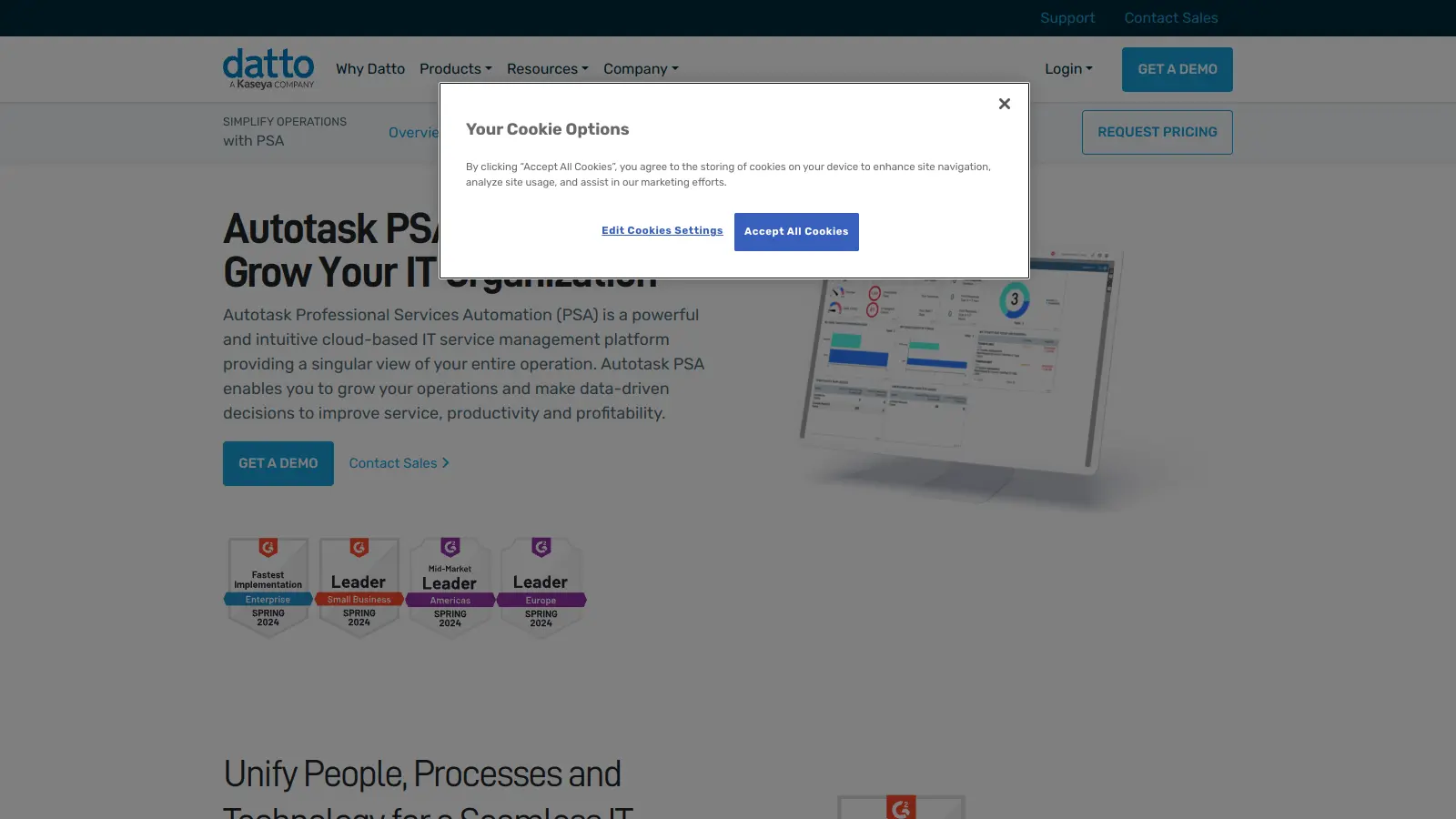
Autotask PSA centralises service desk management, project tracking, billing, CRM, and reporting in a single cloud interface. It's owned by Datto and integrates tightly with Datto RMM, making it a natural choice for MSPs already in that ecosystem. The reporting engine is thorough and the billing flexibility covers time-and-materials, fixed-fee, and recurring contract structures well.
Pros
✓Tight integration with Datto RMM stack
✓Flexible billing handles recurring and project contracts
✓Customisable dashboards and reporting
Cons
✗Pricing is opaque with no published rates
✗Can feel complex to configure for non-IT service firms
PSA for post-sales teams that need structured client onboarding and delivery.
Paid
Best for · PS teams at SaaS and tech companiesPricing · From $19/user/mo
Rocketlane targets professional services teams that manage structured client onboarding and project delivery, particularly at SaaS and tech companies. It combines project management, time tracking, resource planning, and a client-facing portal where customers can track progress and complete tasks. The interface is clean and setup is fast relative to legacy PSA tools. It's less suited to pure IT service desk work and better for delivery-focused PS teams.
Pros
✓Client portal included on all paid plans
✓Fast to set up compared to legacy PSA tools
✓Resource forecasting and utilisation reporting built in
Cons
✗Limited billing and invoicing features compared to mature PSA tools
All-in-one PSA for consulting firms managing clients, projects, and retainers.
Paid
Best for · Consulting firms and agencies under 100 peoplePricing · From $24/user/mo
Accelo covers the full service delivery lifecycle for professional services firms: CRM, quoting, project management, time tracking, retainer management, and invoicing. It's positioned toward consulting firms, agencies, and accounting practices rather than IT MSPs. The automatic time capture feature, which logs time from emails and calendar events, is genuinely useful for teams that struggle with timesheet compliance. Pricing is transparent and the free trial is available without a sales call.
Pros
✓Automatic time capture from email and calendar
✓Retainer management with budget tracking built in
✓Transparent pricing with self-serve trial
Cons
✗Reporting is less flexible than enterprise PSA tools
✗CRM features are basic compared to dedicated CRM platforms
Project and client management platform built for agency workflows.
Freemium
Best for · Small to mid-sized agencies and project teamsPricing · Free plan available; paid from $10.99/user/mo
Teamwork.com is a project management platform with enough PSA-adjacent features, specifically time tracking, budgeting, invoicing, and client access, to work well for agencies and consulting firms that don't need a full enterprise PSA. It has a free plan and paid tiers starting at a competitive price point, with a client portal included on higher plans. The tool lacks the resource forecasting depth of dedicated PSA platforms but covers day-to-day project and billing needs well.
PSA built around time, billing, and project profitability for service firms.
Paid
Best for · Professional services firms prioritising billing accuracyPricing · From $20/user/mo
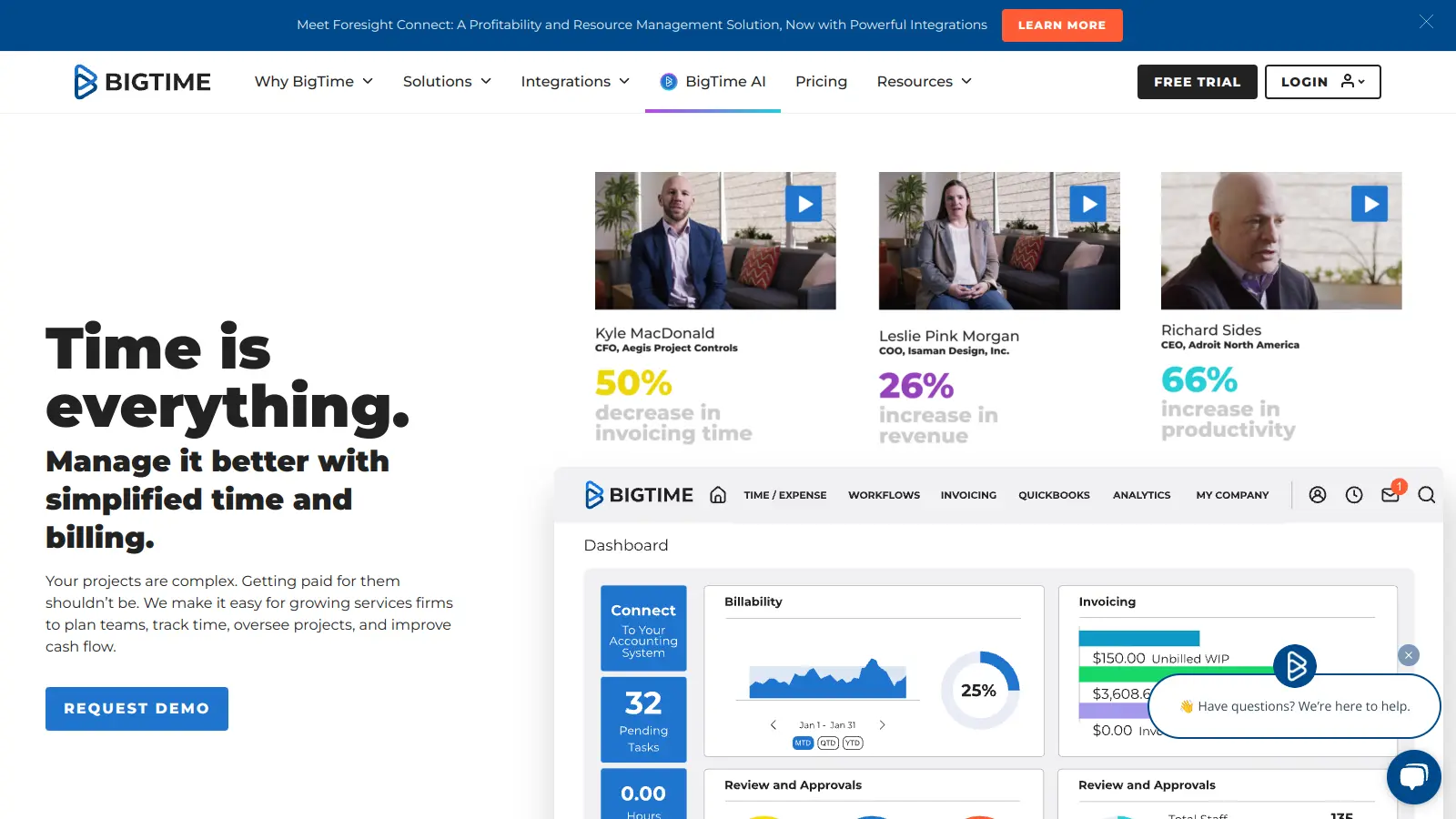
BigTime focuses specifically on time tracking, invoicing, and project profitability reporting for professional services firms including accounting, engineering, IT consulting, and marketing agencies. It integrates with QuickBooks and Sage Intacct natively, which matters for firms with existing accounting workflows. The resource scheduling and project management features are functional but less sophisticated than platforms like Certinia. Where BigTime earns its position is in billing accuracy and financial reporting.
Pros
✓Native QuickBooks and Sage Intacct integration
✓Strong invoicing for multiple billing models
✓Project profitability reporting is detailed and practical
Cons
✗Resource management features lack depth for larger teams
✗Interface has not been significantly modernised in recent years
Some PSA tools are built exclusively for MSPs and IT service providers (ConnectWise, Autotask, NinjaOne). Others target professional services broadly (Certinia, Rocketlane, Accelo). The terminology, integrations, and default workflows differ significantly, so choosing a tool aligned with your industry saves significant configuration time.
Billing and invoicing complexity
If your firm uses multiple billing models, fixed-fee projects mixed with time-and-materials contracts, milestone billing, or retainers, check whether the PSA handles all of them natively. Some tools require workarounds or third-party integrations for anything beyond basic invoicing.
Resource management depth
Basic PSA tools show you who is assigned to what. More capable ones let you model utilization rates, forecast capacity weeks ahead, and flag over-allocation before it becomes a delivery problem. If resource planning is a current pain point, prioritize this specifically rather than treating it as a standard feature.
Accounting integration
Most PSA tools sync with QuickBooks Online and Xero. NetSuite and Sage integrations are less consistent. If your finance team runs on a specific platform, verify the integration is native and bidirectional before purchasing, not just a CSV export.
Implementation effort
PSA tools vary widely in setup complexity. Platforms like Rocketlane and Accelo can be functional within days. ConnectWise PSA and Certinia typically require weeks of configuration and in some cases a consulting engagement. Factor in your team's capacity to manage onboarding alongside client work.
frequently asked questions
Project management tools focus on task tracking and team coordination. PSA software adds financial layers: time capture tied to billable rates, contract management, invoicing, and profit reporting by client or project. Most service businesses outgrow project management tools once they need accurate utilization and margin data.
Pricing ranges from around $19 per user per month for entry-level tools like Accelo up to $150+ per user per month for enterprise platforms like Certinia. MSP-focused tools like ConnectWise and Autotask typically price on request and vary significantly based on the number of endpoints managed. Budget at least $50 to $80 per user per month for a mid-market tool with solid billing and resource features.
There is no fully capable free PSA tool. Some platforms offer free trials (Accelo, Rocketlane, and Teamwork offer 14-day trials), but production use requires a paid subscription. If budget is tight, a combination of a free project management tool and a separate invoicing tool can cover basic needs, but you lose the unified reporting that makes PSA software valuable.
Buying for features you don't currently use. PSA platforms are dense, and teams often purchase enterprise tiers expecting to grow into them, then spend months fighting a tool that's too complex for current workflows. Start with the minimum feature set that solves your actual bottleneck, whether that's billing accuracy, resource visibility, or project profitability reporting.
Yes, though some are better suited to smaller teams than others. Accelo and Rocketlane work well for teams of five to fifty. ConnectWise and Certinia are better suited to mid-market and enterprise organizations where the configuration overhead is justified by scale. Below five people, a lightweight time tracking and invoicing tool may be more practical.
tools for humans
toolsforhumans editorial team
Reader ratings and community feedback shape every score. Since 2022, ToolsForHumans has helped 600,000+ people find software that holds up after launch. The picks here come from that.