Best OCR Software for Invoice Processing: 7 Picks (2026)
7 tools reviewedlast reviewed 20 march 2026
Editorial note:this was originally published in august of 2024
This page is for finance teams, AP managers, and operations leads who need to stop keying invoice data by hand. OCR invoice processing software extracts vendor names, amounts, line items, and PO numbers from PDFs, scans, and emails automatically, then routes that data into your accounting or ERP system.
The tools here range from lightweight pay-per-use options suited to small teams processing a few hundred invoices a month, to enterprise platforms built for thousands of documents weekly with full ERP integration and audit trails. Selection was based on extraction accuracy, pricing transparency, integration depth, and how well each tool handles messy, real-world invoice formats.
Seven tools are covered. Each has a different sweet spot, so the best choice depends on your invoice volume, existing tech stack, and whether you need a managed workflow or just a clean API.
We collect first-hand reviews from people who use these tools every day — what works, what doesn't, whether it's worth paying for. We research pricing, features, and comparisons so that feedback has real context behind it. For this guide, tools were selected based on invoice layout recognition accuracy, table extraction performance, and integration capabilities with accounting systems. Read our full research methodology.
help us improve this guide
tell us what you're looking for, what you're using now, and what caught your eye — takes 30 seconds.
What is OCR software for invoice processing?
OCR (optical character recognition) invoice processing software converts invoices, whether scanned paper, PDF, or email attachment, into structured digital data. It reads fields like supplier name, invoice number, line items, tax amounts, and due dates, then outputs that data directly into accounting systems, ERPs, or spreadsheets without manual entry.
Modern tools go beyond basic OCR. They combine machine learning with rule-based validation to handle varied invoice layouts, catch mismatches between totals and line items, and flag exceptions for human review. The result is faster processing, fewer keying errors, and a clear audit trail for AP teams.
Finance teams at companies processing more than a few dozen invoices a month are the primary users, though the tools covered here also suit bookkeepers, outsourced AP providers, and developers building invoice automation into SaaS products.
API-first invoice OCR with a pre-built model ready to call in minutes.
Developers building invoice processing into custom applications or internal tools
FreemiumFree tier available; paid from ~$0.10/page
our top pick
1
ABBYY Vantage
Enterprise-grade intelligent document processing with pre-built invoice skills.
Custom
Best for · Large enterprises with high invoice volumes and ERP integration requirementsPricing · Pricing on request
ABBYY Vantage is a cloud-based intelligent document processing platform that uses pre-trained AI models called 'skills' to extract data from invoices, purchase orders, and other financial documents. It handles complex layouts, multiple languages, and high document volumes with configurable validation workflows and human-in-the-loop review. It connects natively to SAP, Microsoft Dynamics, Salesforce, and major RPA platforms.
Pros
✓Pre-trained invoice skill reduces setup time significantly
✓Deep ERP and RPA platform integrations
✓Handles multi-language and complex invoice layouts
Cons
✗Pricing is enterprise-level and not publicly disclosed
✗Overkill for teams processing fewer than a few thousand invoices monthly
Cloud-native AP automation that improves extraction accuracy through correction feedback.
Custom
Best for · Mid-market and enterprise AP teams with diverse supplier invoice formatsPricing · From ~$0.50/document; enterprise from ~$1,000/mo
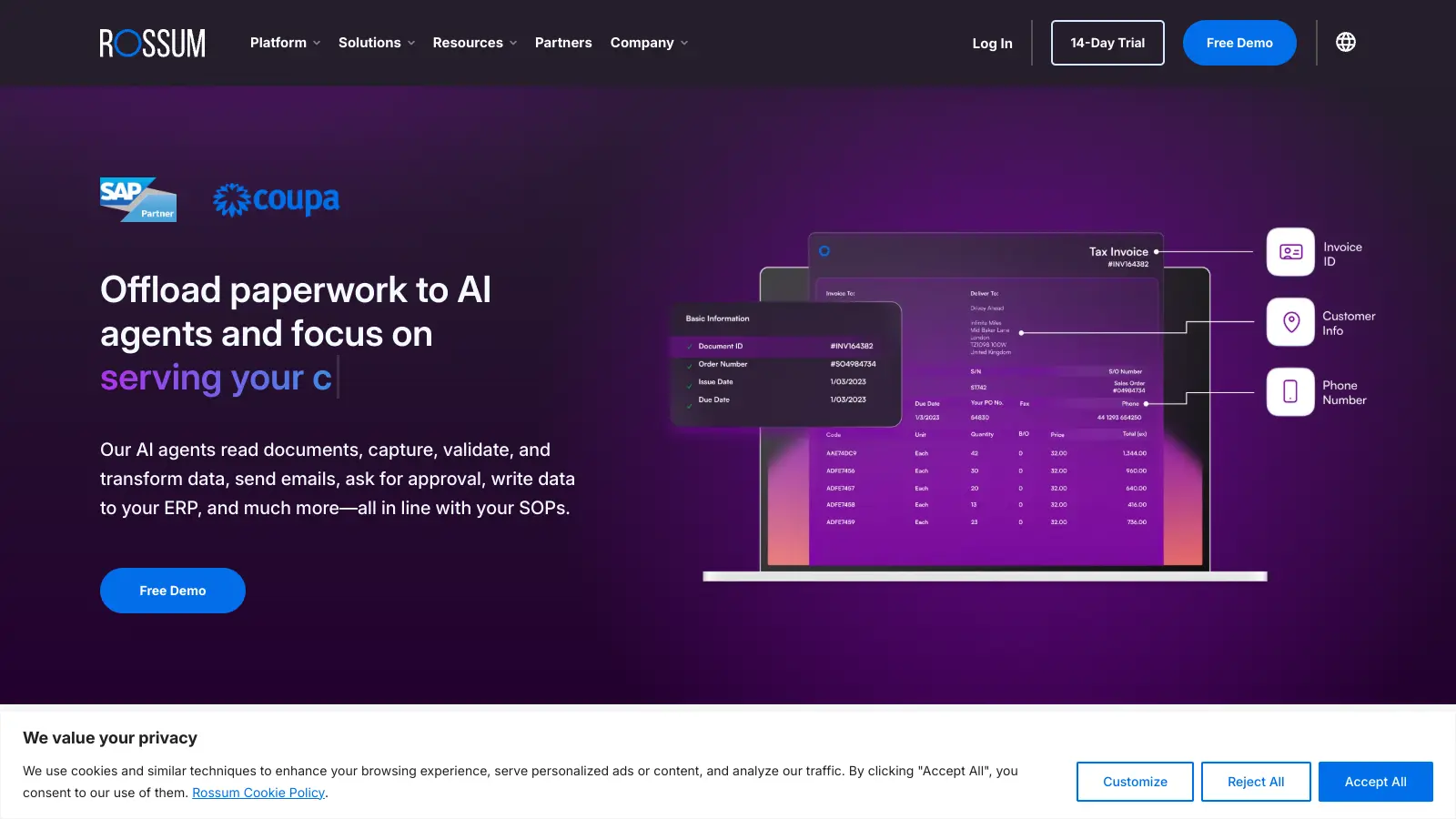
Rossum is an AI invoice processing platform built specifically for accounts payable teams. Its core differentiator is a feedback loop where corrections made during human review are used to retrain the model on your specific vendor formats over time. It includes configurable validation workflows, exception routing, and connectors for major ERPs. Pricing starts usage-based at around $0.50 per document, with enterprise plans from $1,000 per month.
Pros
✓Model improves accuracy over time from reviewer corrections
✓Built-in exception routing and validation workflows
✓Dedicated AP focus means fewer generic document compromises
Cons
✗Premium pricing makes it hard to justify for low invoice volumes
✗Initial accuracy on new vendor formats requires a learning period
AI-powered document parser that extracts invoice data from PDFs and emails.
Freemium
Best for · Small to mid-sized teams automating email-based invoice intakePricing · Free up to 30 docs; from $41/mo
Parseur extracts structured data from invoices, receipts, and other documents received via email or direct upload. It uses AI-based templates to identify line items, totals, vendor details, and other fields, and outputs the data to 6,000-plus apps via Zapier, Make, or webhooks. There's a free sandbox for 30 documents, with paid plans starting at $41 per month for 1,000 documents.
Pros
✓6,000+ integration options via Zapier and Make
✓Handles both PDF and email-embedded invoice data
✓Free tier available for evaluation and low-volume use
Cons
✗Template setup requires time investment for uncommon invoice layouts
✗Not suited for very high-volume enterprise AP workflows
OCR tool for extracting invoice and bank statement data into spreadsheets.
Paid
Best for · Accountants and bookkeepers processing invoices and bank documentsPricing · From $39/mo
DocuClipper converts invoices, bank statements, and receipts into structured spreadsheet data using OCR. It's aimed at accountants and bookkeepers who need to pull data from PDFs quickly without manual entry. The output goes directly to Excel, CSV, or accounting tools including QuickBooks and Xero. It's one of the simpler tools in this list, with a focus on speed of extraction rather than full AP workflow management.
Pros
✓Direct QuickBooks and Xero export in a few clicks
✓Handles bank statements as well as invoices
✓Simple interface with minimal setup required
Cons
✗No built-in approval workflow or exception routing
✗Less accurate on low-quality scanned invoices compared to AI-first tools
Receipt and invoice capture tool built for accountants and their clients.
Paid
Best for · Accounting practices managing bookkeeping for SMB clientsPricing · From $20/mo per user
Dext captures invoices and receipts via mobile photo, email, or direct upload, extracts key fields using OCR, and pushes the data to QuickBooks, Xero, or Sage. It's widely used by accounting practices managing bookkeeping for multiple clients, and includes a client-facing mobile app for submitting documents. Pricing is per seat per month, and it sits at the lighter end of the market in terms of workflow complexity.
Pros
✓Client mobile app makes document submission straightforward
✓Deep native sync with Xero, QuickBooks, and Sage
✓Purpose-built for accountants managing multiple client books
Cons
✗Per-user pricing adds up quickly for larger teams
✗Limited workflow customisation compared to enterprise AP tools
AI document processing platform with a pre-built invoice extraction workflow.
Paid
Best for · Mid-market finance teams that need PO matching and approval workflowsPricing · From $499/mo
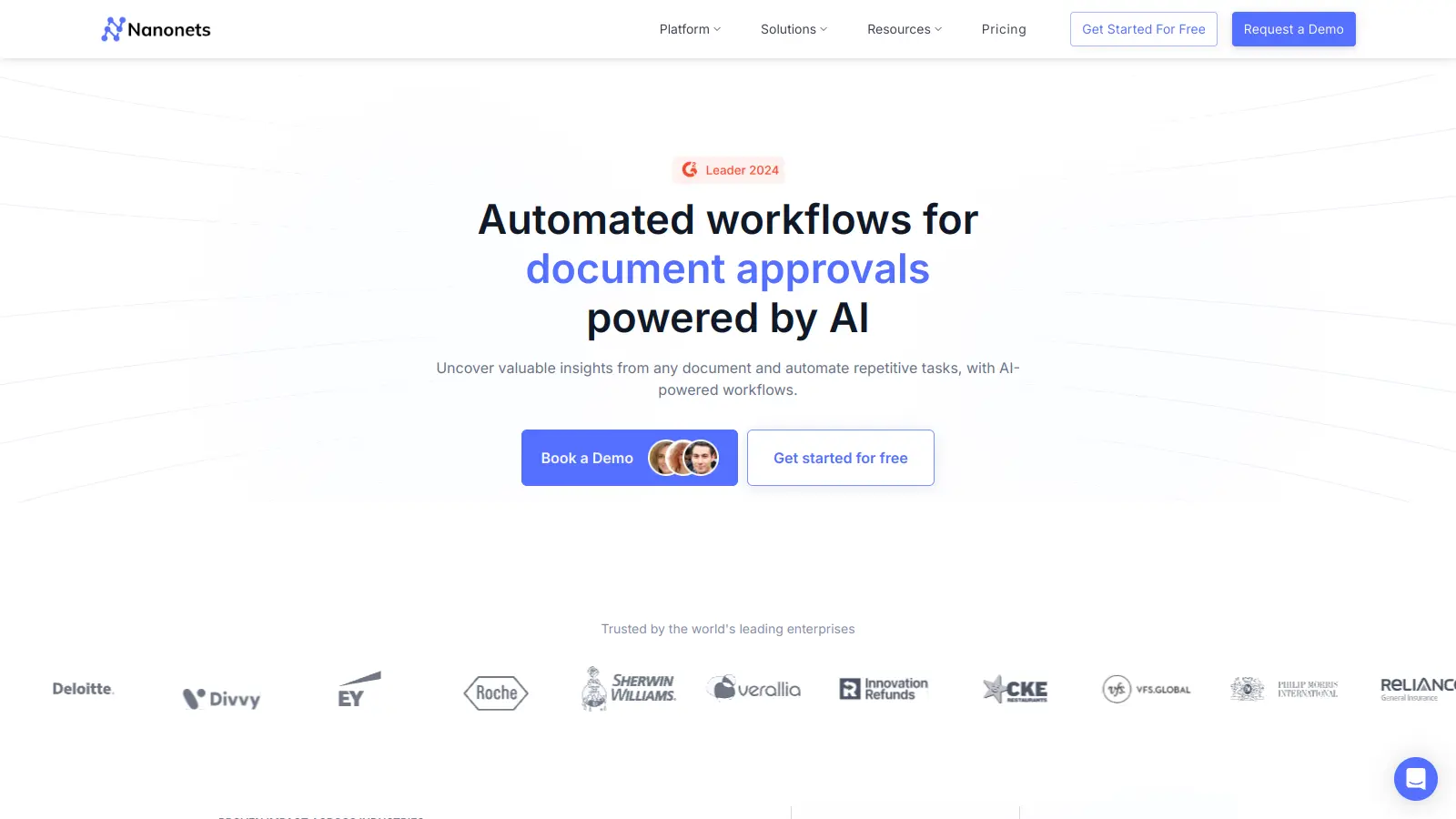
Nanonets is an AI-based document processing platform that includes a dedicated invoice extraction model covering line items, PO numbers, tax fields, and payment terms. It supports approval workflows, three-way PO matching, and integrations with QuickBooks, NetSuite, SAP, and others. The platform is trained on a large dataset of invoice formats, which gives it reasonable out-of-the-box accuracy before any fine-tuning on your specific suppliers.
Pros
✓Three-way PO matching built into the workflow
✓Pre-trained on broad invoice format dataset
✓Supports NetSuite and SAP alongside SMB accounting tools
Cons
✗Starting price is high for teams with modest invoice volumes
✗Custom model training requires time to improve accuracy on niche formats
API-first invoice OCR with a pre-built model ready to call in minutes.
Freemium
Best for · Developers building invoice processing into custom applications or internal toolsPricing · Free tier available; paid from ~$0.10/page
Mindee provides a developer-facing API for invoice and receipt data extraction. Its pre-built Invoice API returns structured JSON with vendor details, line items, totals, taxes, and payment information. It's designed for teams embedding invoice extraction into their own applications rather than using a standalone AP platform. There's a free tier for testing, and paid plans are usage-based, making it cost-effective at low to medium volumes.
Pros
✓Pre-built Invoice API returns structured JSON with no training needed
✓Developer-friendly documentation and quick integration
✓Usage-based pricing suits variable or low monthly volumes
Extraction accuracy on your actual invoice formats
Accuracy varies significantly depending on whether invoices are digital PDFs, low-resolution scans, or handwritten. Ask vendors for benchmarks on documents similar to your supplier mix, and check whether the tool handles multi-page invoices and non-English characters if relevant to your business.
Volume tiers and cost per document
Most tools price by document count per month. A team processing 200 invoices a month has very different economics from one processing 20,000. Calculate cost-per-invoice at your actual volume, not just the entry price, since per-document rates often change significantly at higher tiers.
ERP and accounting system integration
Check whether the tool has a native connector to your system, QuickBooks, Xero, SAP, Oracle, NetSuite, or whether you'll need to build a custom integration via API or a middleware tool like Zapier. Native connectors reduce setup time; API-first tools give more flexibility but require developer time.
Workflow and exception handling
Pure extraction is only part of the problem. Look at how each tool handles invoices with missing PO numbers, totals that don't match line items, or duplicate submissions. Tools with configurable validation rules and human-in-the-loop review queues will reduce downstream errors in your AP process.
Setup complexity and time to value
Some platforms require weeks of template configuration and IT involvement. Others work out of the box with pre-trained models for common invoice formats. If your team doesn't have a dedicated technical resource, prioritise tools with pre-built templates, a clear onboarding process, and responsive support.
frequently asked questions
Modern AI-augmented OCR tools typically achieve 98–99% field-level accuracy on clean digital PDFs. Accuracy drops on low-resolution scans, handwritten notes, or unusual layouts. Most enterprise tools include a human validation step for low-confidence extractions, which is where you recover that last 1–2%.
Pricing ranges from free tiers for very low volumes up to six-figure annual contracts for enterprise platforms. Mid-market teams typically pay between $50 and $500 per month depending on document volume. Pay-per-use models start around $0.05–$0.50 per document, while subscription plans often work out cheaper above a few hundred invoices a month.
Free tiers are useful for evaluating a tool or for very low-volume use, typically under 30–50 documents a month. For ongoing AP automation, paid plans are almost always necessary to get reliable volume limits, priority processing, and support. Treat free plans as a proof-of-concept step, not a long-term solution.
Choosing based on a demo using clean, well-formatted sample invoices. Most AP teams deal with a mix of scanned faxes, inconsistently structured supplier PDFs, and invoices in multiple languages. Always test with a sample of your actual documents before committing to a platform.
Most mid-market tools, including Parseur, DocuClipper, and Dext, have native QuickBooks and Xero integrations. Enterprise platforms like ABBYY and Rossum connect to SAP, Oracle, and Microsoft Dynamics but may require configuration to reach smaller accounting systems. Check the specific connector list before purchasing, since "supports integration" can mean anything from a one-click sync to a custom API build.
tools for humans
toolsforhumans editorial team
Reader ratings and community feedback shape every score. Since 2022, ToolsForHumans has helped 600,000+ people find software that holds up after launch. The picks here come from that.