Best AI Landing Page Generators for Marketers (2026)
7 tools reviewedlast reviewed 20 march 2026
Editorial note:this was originally published in july of 2023
This page is for marketers, founders, and growth teams who need landing pages built fast, without handing the project to a developer or spending days in a design tool. AI landing page generators handle the structure, copy, and layout so you can go from brief to live page in under an hour.
The tools here were selected based on the quality of AI-generated output, how much manual cleanup you actually need to do afterward, pricing transparency, and whether the tool handles the full workflow (copy, design, and publishing) or just one part of it.
Some tools on this list are dedicated page builders with AI baked in. Others are AI-first tools that generate pages from a prompt. A couple are worth knowing about even if they're not the obvious market leaders.
We collect first-hand reviews from people who use these tools every day — what works, what doesn't, whether it's worth paying for. We research pricing, features, and comparisons so that feedback has real context behind it. For this page, tools were selected based on conversion-focused templates, real-time preview capabilities, and AI writing quality specific to landing pages. Read our full research methodology.
help us improve this guide
tell us what you're looking for, what you're using now, and what caught your eye — takes 30 seconds.
What is an AI landing page generator?
An AI landing page generator is a tool that creates a complete landing page from a text prompt or a short brief. You describe your product, campaign goal, or audience, and the tool produces a structured page with headlines, body copy, sections, and calls to action. Most tools also handle layout and basic design.
These tools are used by marketers running paid campaigns, founders validating ideas, agencies managing multiple clients, and anyone who needs to publish a focused page quickly. The core problem they solve is the time and skill gap between having a campaign idea and having a live, conversion-ready page.
The category spans a wide range: some tools are full landing page platforms with AI features added on top, while others generate a complete page from scratch using only a prompt. The best ones do both well.
A prompt-to-published AI landing page builder with a free starting tier.
Solo marketers and founders who want a full AI-generated page quickly
FreemiumFree plan available
our top pick
1
Unbounce
A conversion-focused landing page platform built for paid traffic campaigns.
Paid
Best for · Performance marketers running paid campaignsPricing · From $99/mo
Unbounce has two AI-powered creation modes: Smart Builder, which generates a page layout and copy from a prompt, and Classic Builder, a flexible drag-and-drop editor with 100+ templates. Its Smart Traffic feature uses AI to automatically route visitors to the variant most likely to convert based on their attributes. It's the platform most performance marketers reach for when conversion rate is the primary metric.
Pros
✓Smart Traffic A/B routing is genuinely effective
✓Purpose-built for conversion, not just page creation
✓Large template library with industry-specific layouts
Cons
✗Expensive compared to most alternatives on this list
✗AI copy generation is competent but often needs significant editing
A full landing page platform with AI copy, layout generation, and multilingual support.
Freemium
Best for · Agencies and teams managing multiple campaignsPricing · Free plan available; paid plans from $29/mo
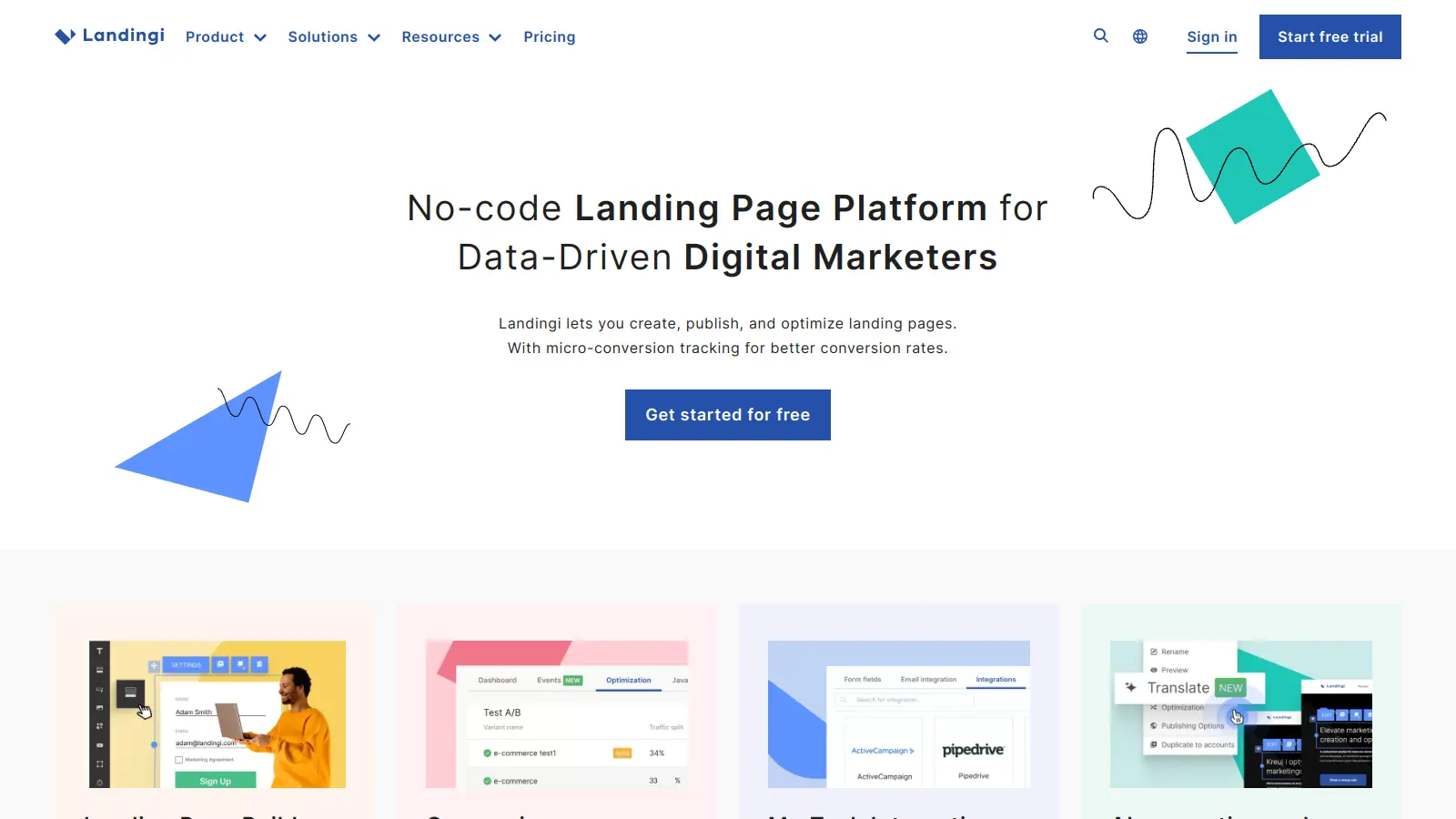
Landingi covers the full page creation workflow: its Composer tool generates a complete layout from a business goal and audience description, while the AI Text Assistant handles copy generation and rewriting inside the editor. It also includes Smart Sections for syncing repeated elements across hundreds of pages, A/B testing, and automatic translation into 35+ languages. The platform is a strong fit for agencies or marketers managing campaigns across multiple markets.
Pros
✓Smart Sections sync updates across hundreds of pages instantly
✓AI translation covers 35+ languages in a few clicks
✓400+ templates across pages, sections, and pop-ups
Cons
✗AI Text Assistant is in beta and output can be inconsistent
✗Interface feels dated compared to newer AI-first tools
A design-quality website builder with AI page generation from a text prompt.
Freemium
Best for · Founders and product teams who care about visual qualityPricing · Free plan available; paid plans from $15/mo
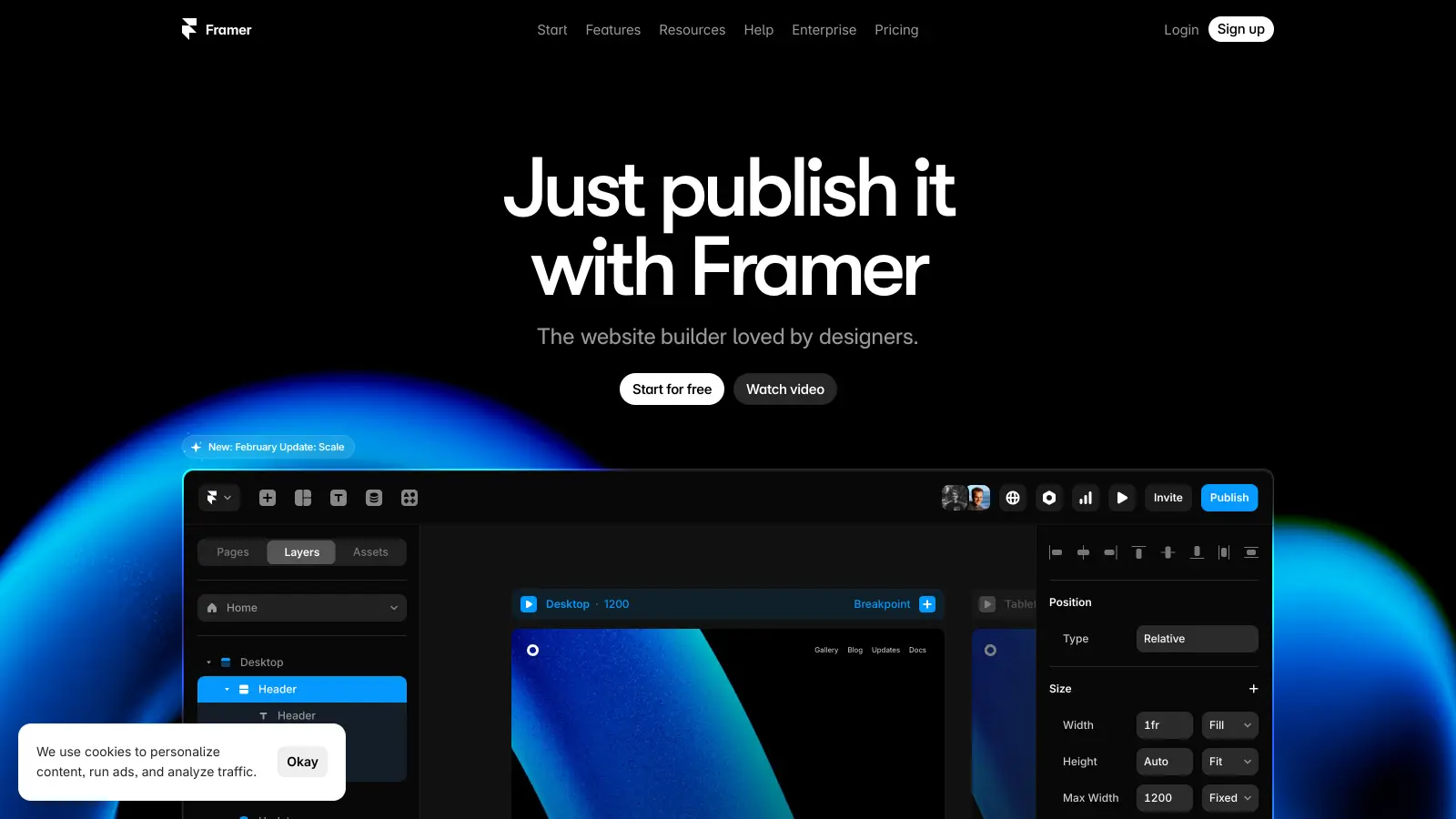
Framer lets you describe a page or site in natural language and generates a fully designed, responsive result with real content. The output quality is notably higher than most tools in this category visually, and pages are fast by default. It's less focused on conversion-specific features like A/B testing and more focused on producing pages that look professionally designed without hiring a designer.
Pros
✓Visual output quality is among the best in the category
✓Pages are fast-loading by default
✓Free plan includes publishing on a Framer subdomain
Cons
✗Limited native CRM and email marketing integrations
✗Not built for conversion testing or paid traffic workflows
Best for · Product teams prototyping and validating page conceptsPricing · Included in Figma paid plans; from $15/mo per editor
Figma Make generates interactive landing pages from natural language prompts directly inside the Figma environment. It's designed for product teams who want to prototype and pressure-test page concepts before handing them to developers, rather than for marketers who need a page live on a custom domain today. It can connect to a real backend to handle user data, which makes it useful for early-stage product validation.
Pros
✓Integrates directly into existing Figma design workflows
✓Can connect to a real backend for data handling
✓Good for sharing interactive prototypes with stakeholders
Cons
✗Not a publishing platform: you can't go live on a custom domain from Make alone
✗Primarily useful if your team already works in Figma
A minimal single-page site builder that's fast, cheap, and gets out of your way.
Freemium
Best for · Founders and creators who need a simple page fast and cheapPricing · Free plan available; Pro plans from $19/yr
Carrd doesn't have AI generation built in, but it earns a place on this list because it's the fastest way to get a clean, functional landing page live at near-zero cost. It's a single-page builder with a simple editor, custom domain support on paid plans, and form integrations with Mailchimp, ConvertKit, and others. Pair it with ChatGPT for copy and you have a full workflow for under $20/year.
Pros
✓Pro plan is $19/yr, the cheapest custom domain option here
✓Extremely fast to build and publish
✓Clean, mobile-friendly output with no bloat
Cons
✗No built-in AI features for copy or layout generation
✗Limited to single-page sites; no multi-page support
An AI writing tool with a dedicated landing page copy generator.
Freemium
Best for · Copywriters and marketers who need copy fast, not a full builderPricing · Free plan available; paid plans from $16/mo
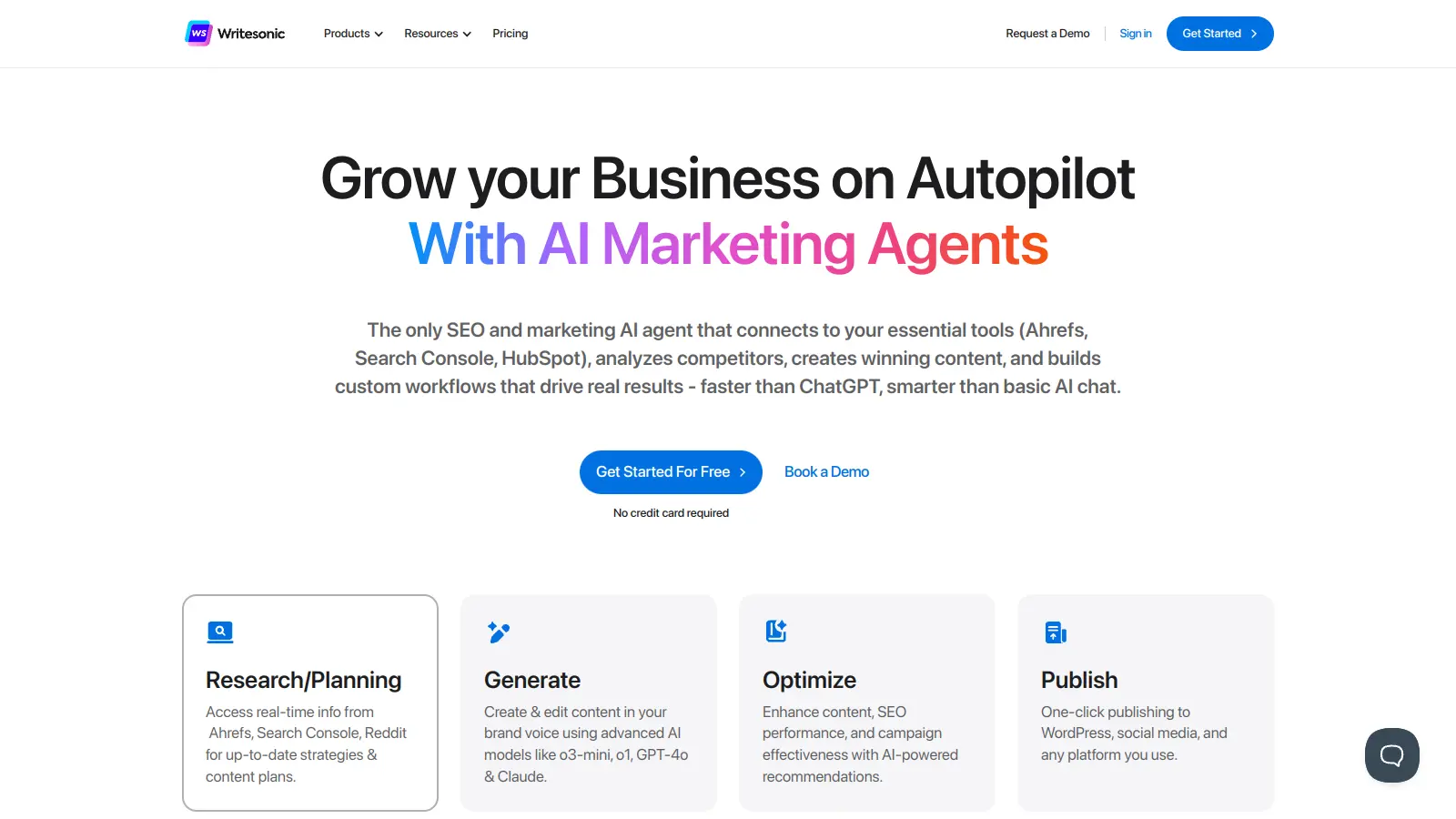
Writesonic is primarily an AI writing platform, not a page builder, but its landing page generator is one of the more capable copy-focused tools in the category. It generates full landing page copy including headlines, feature descriptions, and CTAs in 25+ languages, and can tailor output to a specific audience's pain points. It's best used as a copy generation layer alongside a separate page builder.
Pros
✓Generates full landing page copy in 25+ languages
✓Pain-point targeting produces more specific output than generic prompts
✓Affordable entry point at $16/mo
Cons
✗No page builder: you still need a separate tool to design and publish
✗Output sometimes requires significant editing for brand voice consistency
A prompt-to-published AI landing page builder with a free starting tier.
Freemium
Best for · Solo marketers and founders who want a full AI-generated page quicklyPricing · Free plan available
Landing-Page.io is a focused AI landing page generator that takes a product or campaign description and produces a complete, structured page with copy, layout, and CTA sections. Pages are SEO-ready and mobile-optimised out of the box, and the tool includes one-click publishing. It covers a wide range of use cases from SaaS product launches to webinar registrations, and the free tier lets you test the output before committing.
Pros
✓Full page generation including copy, layout, and CTA from one prompt
✓One-click publish with SEO and mobile optimisation included
✓Free tier available with no upfront cost
Cons
✗Less established than larger platforms with fewer third-party reviews
✗Integration options with CRM and email tools are limited compared to Landingi or Unbounce
Some tools generate only copy (headlines, body text, CTAs) and leave you to handle layout separately. Others produce a complete page with sections, visuals, and formatting. If you need a ready-to-publish page, make sure the tool covers both.
How much editing do you need to do after generation?
AI output quality varies significantly. Check whether the generated copy is specific to your product or generic and placeholder-heavy. A tool that generates plausible-sounding but vague text will cost you editing time that defeats the purpose.
Can you publish directly from the tool?
Some generators output HTML or Figma files that you then deploy elsewhere. Others include hosting and a custom domain option. If speed is the priority, a tool with one-click publishing is more useful than one that requires a separate deployment step.
Does it connect to your existing stack?
Landing pages typically need to feed leads into a CRM, email platform, or analytics tool. Check for native integrations with your existing tools, such as Mailchimp, HubSpot, or Google Analytics, before committing to a platform.
What does the pricing actually include?
Free plans on landing page tools often cap the number of published pages, monthly visitors, or remove custom domains. Growth teams running multiple campaigns simultaneously will hit these limits quickly, so check what the paid tiers include before assuming the free plan is workable.
frequently asked questions
A regular landing page builder gives you a drag-and-drop editor and templates you fill in yourself. An AI landing page generator creates the initial draft, including copy and layout, from a prompt or brief. Most modern platforms now combine both: AI generates the first version, and the editor lets you refine it.
Free tiers exist on several tools, including Carrd and Framer, but they typically limit custom domains or published pages. Paid plans range from around $12/month for basic tools to $99/month or more for full conversion platforms like Unbounce. Agency-focused tools with team features tend to sit in the $50 to $200/month range.
Yes, but with caveats. Free plans often show a branded subdomain (e.g. yourpage.carrd.co) rather than your own domain, which looks less professional for paid traffic. If you're testing an idea before committing budget, a free plan is fine. For an active campaign, upgrading to remove branding and add a custom domain is usually worth it.
Publishing the AI output without editing it. AI-generated copy tends to be structurally correct but generic. The headline, the main value proposition, and the CTA almost always need to be rewritten to reflect your specific product and audience. Treat the AI output as a first draft, not a finished page.
Most do, but check whether the tool supports fast load times and clean URL structures, both of which affect Google Ads Quality Score. Tools like Unbounce and Landingi are explicitly built for paid traffic campaigns. General website builders with AI features may not prioritise page speed to the same degree.
tools for humans
toolsforhumans editorial team
Reader ratings and community feedback shape every score. Since 2022, ToolsForHumans has helped 600,000+ people find software that holds up after launch. The picks here come from that.