Best Accounting Software for Interior Designers (2026)
7 tools reviewedlast reviewed 20 march 2026
Editorial note:this was originally published in august of 2024
Interior design firms have accounting needs that generic software handles poorly. You're tracking client deposits, vendor purchase orders, trade discounts, project-level profitability, and sales tax on goods, often all at once. A tool built for freelancers or retail businesses won't map cleanly to that workflow.
This list covers the best accounting software for interior designers in 2026, from purpose-built platforms like Studio Designer to general-purpose tools that adapt well to design firm workflows. Each pick is assessed on project cost tracking, invoicing flexibility, purchase order management, and price-to-value for small-to-mid-size studios.
Whether you run a solo practice or manage a team of designers with a dedicated bookkeeper, there's a fit here for your firm size and billing model.
We collect first-hand reviews from people who use these tools every day — what works, what doesn't, whether it's worth paying for. We research pricing, features, and comparisons so that feedback has real context behind it. For this guide, selection prioritised software with robust project costing, expense tracking by client, and invoicing features essential to interior design workflows. Read our full research methodology.
help us improve this guide
tell us what you're looking for, what you're using now, and what caught your eye — takes 30 seconds.
What is accounting software for interior designers?
Accounting software for interior designers is financial management software that handles the specific billing and bookkeeping patterns of design firms: client retainers, vendor purchase orders, trade pricing, project-level profit tracking, and sales tax on physical goods. General accounting tools track income and expenses. Design-specific platforms go further by connecting financial data directly to project workflows.
Interior designers typically bill in one of several ways: flat fee, hourly, cost-plus on furnishings, or a hybrid. The right software needs to support whichever model you use, generate professional client-facing proposals and invoices, and give you a clear view of profitability per project, not just across the business as a whole.
The main user types are solo designers managing their own books, small studios relying on a bookkeeper or office manager, and larger firms where a dedicated accountant works alongside project managers. Each situation calls for a different level of complexity and integration depth.
Free accounting and invoicing for designers just starting out.
Solo designers or new practices with simple bookkeeping needs
FreemiumFree
our top pick
1
Studio Designer
Purpose-built project management and accounting for interior design firms.
Custom
Best for · Small to mid-size interior design firms with active product procurementPricing · Pricing on request
Studio Designer combines project management, product procurement, and full accrual accounting in one platform built specifically for interior design. It handles trade pricing, client proposals, purchase orders, and project-level P&L natively, so designers don't need to reconcile separate systems. Over 20,000 designers use it, and it has an established network of bookkeeper partners familiar with the platform.
Pros
✓Accrual accounting built for design firm billing models
✓Purchase orders, markup, and proposals in one place
✓Large bookkeeper partner network for US and Canadian firms
Cons
✗Steeper learning curve than general accounting tools
✗Pricing is not published, requires a sales conversation
Small business accounting with strong invoicing and time tracking.
Paid
Best for · Solo designers and small studios billing time or flat feesPricing · From $19/mo
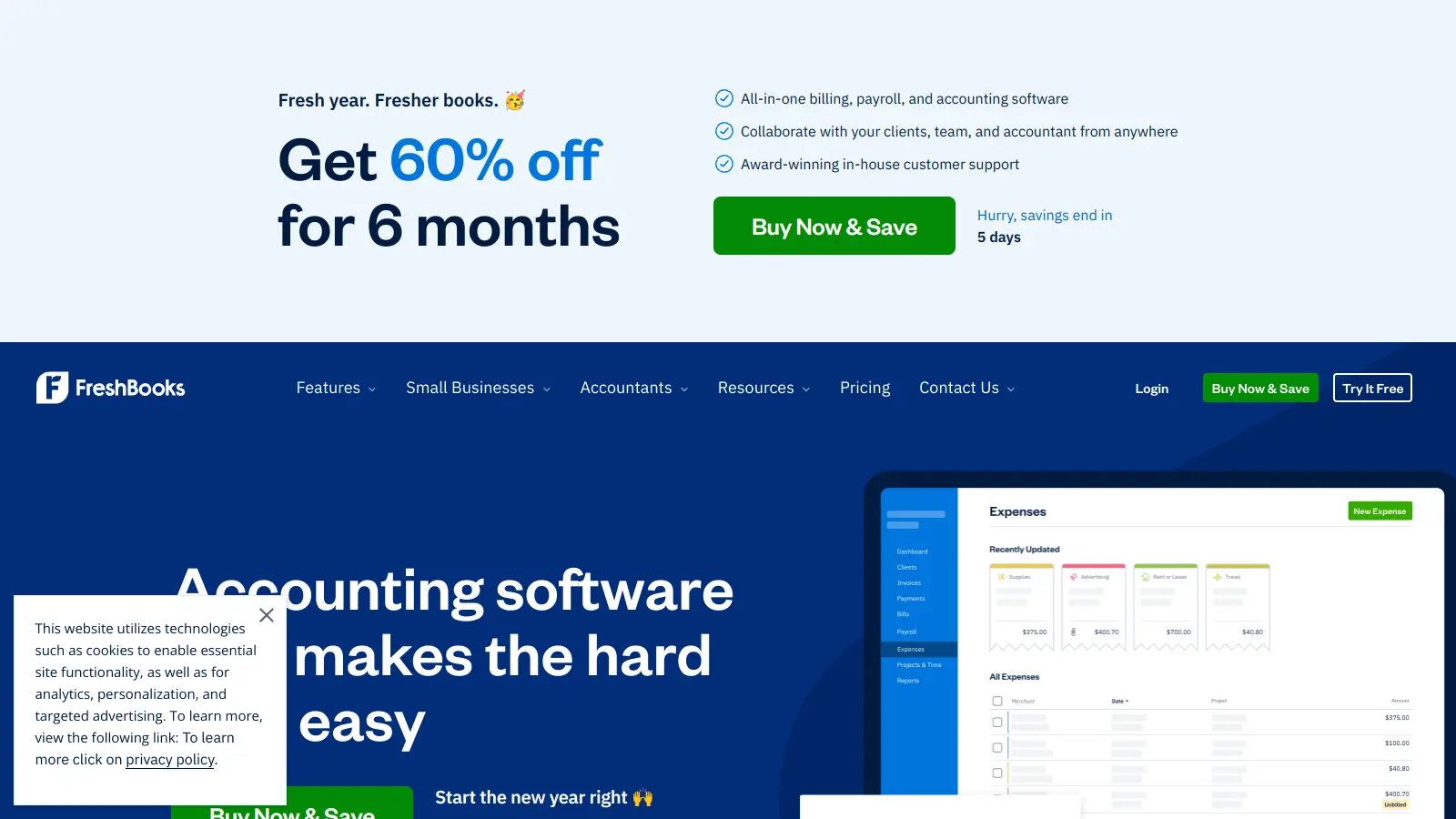
FreshBooks is a general-purpose accounting tool that works well for solo designers and small studios that bill primarily on time or flat fees. It handles professional invoicing, expense tracking, bank reconciliation, and financial reporting clearly. It lacks native purchase order management and design-specific markup tools, so it's a better fit for service-focused designers than those doing heavy product procurement.
Pros
✓Clean invoicing with online payment options built in
✓Real-time expense and cash flow dashboards
✓Easy for non-accountants to learn quickly
Cons
✗No purchase order or product markup workflow
✗Project profitability reporting is limited compared to design-specific tools
The accounting standard most bookkeepers and accountants already know.
Paid
Best for · Firms with an existing bookkeeper who knows QuickBooksPricing · From $35/mo
QuickBooks Online is the most widely used small business accounting platform, and most bookkeepers are already trained on it. For interior designers, it handles invoicing, expense tracking, class-based project tracking, and tax preparation well. Purchase order management and markup tracking require manual setup or workarounds, but the ecosystem of integrations and accountant familiarity makes it a practical choice for many firms.
Pros
✓Nearly every bookkeeper and CPA knows the platform
✓Strong reporting and tax preparation features
✓Large integration ecosystem including payroll and payments
Cons
✗No native design-firm workflow for POs and markup
✗Price increases significantly as you add users or features
Interior design business software with integrated accounting and procurement.
Paid
Best for · Established design firms with complex procurement and billingPricing · From $49/mo
Design Manager is a long-running platform built specifically for interior design firms, covering project management, purchasing, client billing, and accounting in one system. It supports cost-plus billing, purchase orders, vendor management, and project-level reporting. The interface is older than competitors, but the accounting depth is well-suited to designers who deal heavily with product sourcing and client invoicing on goods.
Pros
✓Cost-plus markup and purchase orders built into billing workflow
✓Project-level accounting with detailed profitability tracking
✓30-plus years of refinement for design firm workflows
Cons
✗Interface feels dated compared to newer platforms
✗Smaller support and integration ecosystem than QuickBooks or FreshBooks
All-in-one platform for interior designers with built-in financial tools.
Paid
Best for · Designers who want one tool for client management and billingPricing · From $85/mo
Houzz Pro is a project management and client communication platform with integrated invoicing, proposals, and basic accounting features. It's designed for designers who want to manage client relationships, mood boards, proposals, and billing in one tool. The accounting features are less deep than QuickBooks or Design Manager, but the end-to-end project workflow from first contact to final invoice is more cohesive.
Pros
✓Client portal, proposals, and invoicing in a single platform
✓Built-in lead generation through the Houzz marketplace
✓Clean modern interface with strong mobile support
Cons
✗Accounting depth is limited for complex project bookkeeping
✗Higher monthly cost relative to accounting-only tools
Cloud accounting with clean reporting and strong accountant collaboration tools.
Paid
Best for · Design firms with an accountant who prefers Xero over QuickBooksPricing · From $20/mo
Xero is a cloud-based accounting platform popular with small businesses and their accountants. For interior designers, it handles invoicing, bank reconciliation, expense tracking, and multi-currency well. It supports project tracking on higher-tier plans, which lets designers assign costs and income to individual jobs. Like QuickBooks, it lacks design-specific procurement features but is flexible enough to build a workable workflow around.
Pros
✓Project cost tracking available on mid and upper tier plans
✓Clean interface with strong accountant collaboration features
✓Unlimited users on all plans, unlike QuickBooks
Cons
✗No purchase order or markup workflow for product-based billing
✗Customer support is email-only with no phone option
Free accounting and invoicing for designers just starting out.
Freemium
Best for · Solo designers or new practices with simple bookkeeping needsPricing · Free
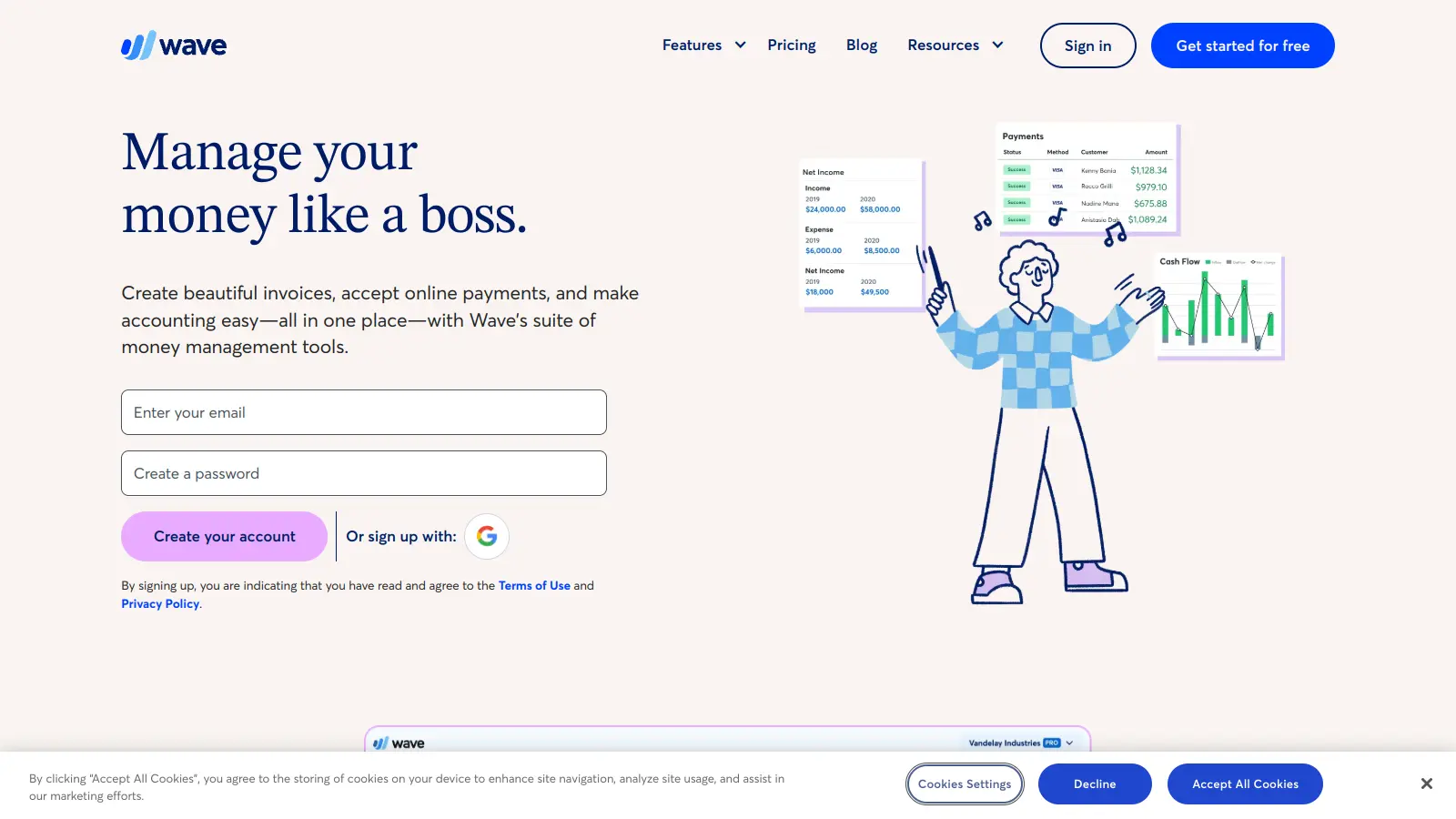
Wave is a free accounting platform covering invoicing, expense tracking, bank connections, and basic financial reports. It's a practical starting point for solo designers or those early in building their practice who aren't yet ready to pay for software. The free tier is genuinely usable, not a stripped-down trial. Payment processing and payroll are paid add-ons, and there's no project tracking or purchase order management.
Pros
✓Core accounting features are completely free with no time limit
✓Handles invoicing, receipts, and bank reconciliation cleanly
✓No setup fee or credit card required to get started
Cons
✗No project-level tracking or purchase order features
✗You'll likely outgrow it once procurement becomes part of your workflow
How to choose accounting software for your interior design firm
Does it support your billing model?
If you bill cost-plus on product, you need software that tracks trade vs. client pricing and calculates your markup automatically. If you bill hourly, time tracking tied to invoicing matters more. Confirm the software can handle your specific method before committing.
Can it track profitability by project?
Firm-wide profit and loss statements are useful, but project-level margin reporting is what tells you which jobs are actually making money. Look for software that lets you assign expenses and revenue to individual projects and run a project P&L.
How does it handle purchase orders and vendor payments?
Interior designers regularly place orders on behalf of clients, pay vendors directly, and then invoice clients with markup. Software that lacks a purchase order workflow forces you to manage this in spreadsheets alongside your accounting tool, which creates reconciliation errors.
What's the learning curve for your team?
Design-specific platforms like Studio Designer have steeper onboarding than FreshBooks or QuickBooks, but they eliminate workarounds. If you have a bookkeeper who already knows QuickBooks, switching to a specialty platform has a real transition cost. Factor in training time and whether the vendor offers onboarding support.
How does it handle sales tax on goods?
If you sell furniture or other physical goods to clients, you may owe sales tax depending on your state and how you structure the transaction. Some platforms handle sales tax calculation and reporting natively; others require a third-party integration like Avalara. Confirm this before you buy, especially if you operate across multiple states.
frequently asked questions
QuickBooks works for interior designers, but it requires manual workarounds for things like purchase orders with markup and project-level profitability. Design-specific platforms handle those natively. If you have a bookkeeper experienced with QuickBooks and your projects aren't too complex, QuickBooks is a reasonable choice. If you manage product procurement heavily, a design-specific tool saves significant time.
General accounting tools like FreshBooks or QuickBooks Online start around $17 to $35 per month at entry level. Design-specific platforms like Studio Designer or Design Manager start higher, typically $45 to $100 per month depending on the plan and number of users. The premium is usually worth it if product procurement and project tracking are central to your business.
Wave is free and handles basic invoicing, expense tracking, and bookkeeping well enough for a solo designer with simple finances. It lacks purchase order management and project-level reporting, so it's not suitable for firms doing significant product procurement. Treat it as a starter tool you'll likely outgrow.
Using a tool that can't track project-level costs and then losing visibility into which projects are profitable. Many designers discover they've been undercharging or over-servicing only when they run annual financials, at which point it's too late to adjust. Pick software that gives you project margin data in real time, not just at year-end.
Most platforms on this list support accountant access, either through a dedicated accountant login or a shared account with permission controls. QuickBooks Online and FreshBooks both have established accountant portals. If you use a design-specific platform, check whether your bookkeeper is familiar with it or whether the vendor has a partner network to help you find one who is.
tools for humans
toolsforhumans editorial team
Reader ratings and community feedback shape every score. Since 2022, ToolsForHumans has helped 600,000+ people find software that holds up after launch. The picks here come from that.