Best RMM Software: Top Picks for MSPs & IT Teams (2026)
7 tools reviewedlast reviewed 20 march 2026
Editorial note:this was originally published in september of 2024
This page is for MSPs and internal IT teams who need to monitor, manage, and patch endpoints at scale without hiring more technicians. The tools here cover everything from cloud-native platforms built for high-volume MSPs to lighter options better suited to in-house IT departments with a few hundred devices.
Each pick was evaluated on patch management capability, remote access quality, automation depth, PSA integration options, and total cost of ownership. Pricing transparency was a factor too — some vendors in this space bury their costs, and that matters when you're building a P&L around per-seat fees.
The list includes the obvious market leaders alongside a couple of less-covered options worth serious consideration depending on your stack.
We collect first-hand reviews from people who use these tools every day — what works, what doesn't, whether it's worth paying for. We research pricing, features, and comparisons so that feedback has real context behind it. For this guide, tools were selected based on automation capabilities, multi-platform support, and real-world deployment at scale. Read our full research methodology.
help us improve this guide
tell us what you're looking for, what you're using now, and what caught your eye — takes 30 seconds.
What is RMM software?
Remote monitoring and management (RMM) software lets IT professionals monitor the health of client or company endpoints from a central dashboard and take action on those devices without being physically present. That includes checking CPU usage, disk health, and uptime, as well as deploying patches, running scripts, and troubleshooting problems.
MSPs use RMM platforms as the operational core of their business. Instead of dispatching technicians to fix individual machines, an MSP technician can manage hundreds or thousands of endpoints from a single interface, with automated alerts flagging problems before clients even notice them.
Internal IT departments increasingly use RMM tools for the same reason: proactive monitoring catches issues earlier, patch management stays consistent, and remote access cuts the time spent walking the floor. The category spans everything from all-in-one platforms with built-in PSA and ticketing to focused tools that integrate with your existing stack.
Combined RMM and PSA platform priced for small MSPs.
Solo and small MSPs (1-5 technicians) wanting RMM and PSA in one
PaidFrom $139/mo per technician
our top pick
1
NinjaOne
Cloud-native RMM built for high-volume MSP endpoint management.
Custom
Best for · MSPs managing 200+ endpoints across multiple clientsPricing · Pricing on request (per endpoint, competitive at mid-volume)
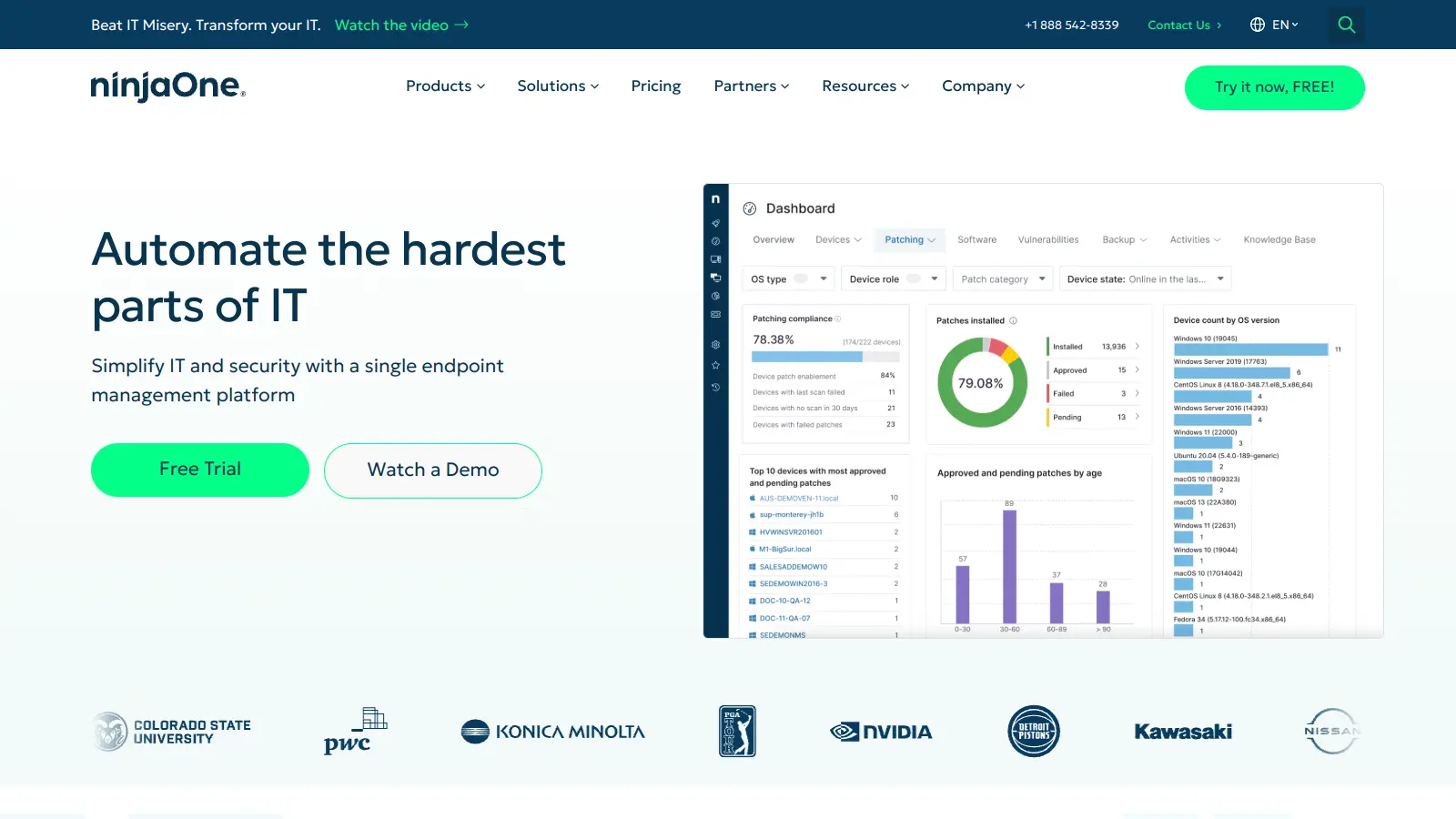
NinjaOne is the most widely cited RMM in the MSP space, consistently rating first on G2 for ease of use. It covers Windows, macOS, and Linux patching including third-party applications, and its automation engine handles condition-based script deployments without requiring deep scripting knowledge. Most customers are up and running within a week according to NinjaOne's own onboarding data.
Pros
✓Up and running in under a week for most MSPs
✓Third-party app patching included out of the box
✓Strong PSA integrations with ConnectWise, HaloPSA, Autotask
Cons
✗Pricing not published; requires a sales call to get numbers
✗Scripting library is solid but less flexible than some competitors for advanced custom workflows
Per-technician pricing RMM with built-in PSA and billing.
Paid
Best for · Small MSPs wanting a single platform without per-device feesPricing · From $149/mo per technician
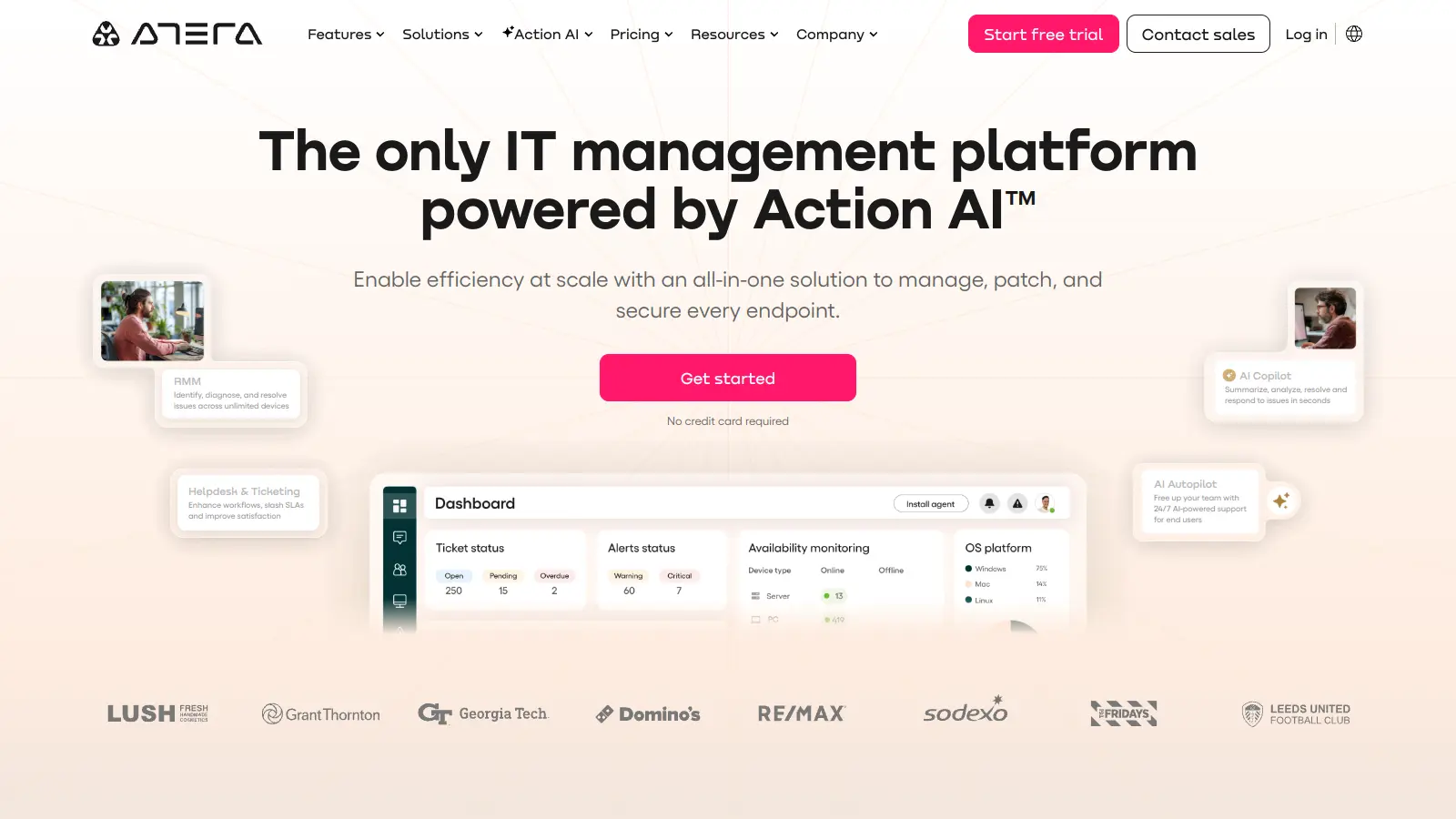
Atera charges per technician rather than per endpoint, which changes the economics entirely for MSPs with large device counts. A single technician license includes RMM, PSA, ticketing, and billing in one platform. It's not the deepest tool in any single category, but the all-in-one structure means you're not managing multiple vendor relationships or integrations.
Mobile-first RMM with full management capability from a phone.
Paid
Best for · IT teams and small MSPs with technicians frequently away from desksPricing · From $27/mo (starts at 10 devices)
Pulseway's standout feature is its mobile app, which gives technicians actual management capability, not just alerts, from iOS and Android. You can run scripts, reboot machines, manage services, and respond to alerts from your phone without needing to reach a laptop. It also covers patch management, PowerShell scripting, and basic network monitoring.
Pros
✓Mobile app supports full remote management, not just notifications
✓Lightweight agent with low resource overhead on endpoints
✓Straightforward pricing published on website
Cons
✗Third-party integrations are limited compared to NinjaOne or ConnectWise
✗Automation capabilities are less sophisticated for complex multi-step workflows
Enterprise-grade RMM with deep scripting and ConnectWise PSA integration.
Custom
Best for · Mid-to-large MSPs already using ConnectWise ManagePricing · Pricing on request
ConnectWise Automate is the RMM of choice for larger MSPs already in the ConnectWise ecosystem. Its scripting engine is among the most capable in the market, and the integration with ConnectWise Manage PSA is native and deep. The tradeoff is complexity: onboarding takes longer, the interface has a steeper learning curve, and getting the most out of it requires dedicated setup time.
Pros
✓Native, deep integration with ConnectWise Manage PSA
Patch management-focused RMM with a genuinely free tier for small teams.
Freemium
Best for · Internal IT teams with under 200 endpoints and tight budgetsPricing · Free up to 100 endpoints; from $2/endpoint/mo above that
Action1 started as a patch management tool and has grown into a lightweight RMM covering remote access, software deployment, and endpoint reporting. Its free plan covers up to 100 endpoints with no feature restrictions on core patching, making it one of the few genuine no-cost options for small internal IT teams. The cloud-based architecture requires no on-premises infrastructure.
Pros
✓Free for up to 100 endpoints with no major feature restrictions
✓Strong third-party patching including Chrome, Zoom, and 7-Zip
✓No on-premises server required for deployment
Cons
✗Not built for multi-tenant MSP use; lacks client-separation architecture
✗Remote access features are less polished than dedicated remote tools
Modern cloud-native RMM designed around automation and MSP scalability.
Custom
Best for · MSPs wanting a modern stack without legacy RMM baggagePricing · Pricing on request
Level is a newer entrant built from the ground up as a cloud-native platform rather than a legacy tool updated over time. It focuses on fast device onboarding, scripting automation, and clean multi-tenant management. The platform is actively developing and catches attention from MSPs frustrated with the complexity of older enterprise platforms.
Pros
✓Built on modern architecture with no legacy technical debt
✓Fast device discovery and onboarding workflow
✓Clean multi-tenant interface for managing multiple clients
Cons
✗Newer platform means some advanced features are still catching up to incumbents
✗Smaller integration ecosystem than established players
Combined RMM and PSA platform priced for small MSPs.
Paid
Best for · Solo and small MSPs (1-5 technicians) wanting RMM and PSA in onePricing · From $139/mo per technician
Syncro combines RMM and PSA into a single monthly per-technician fee, similar to Atera but positioned more explicitly for smaller MSPs wanting to avoid per-device costs. It includes ticketing, invoicing, customer management, and remote access alongside standard monitoring and patching. The pricing structure makes it predictable for shops still growing their client base.
Pros
✓RMM and PSA combined under one per-technician fee
✓Invoicing and payment processing built in natively
✓Active community and responsive support for smaller shops
Cons
✗Monitoring and automation depth is lighter than pure-play RMM tools
✗Per-technician cost stacks up quickly for teams of 6 or more
Check whether the platform patches Windows only or also covers macOS, Linux, and third-party applications like Chrome, Adobe, and Java. Third-party patching is where most real-world vulnerabilities live, and not every RMM handles it equally well.
Automation and scripting flexibility
Look at what you can actually automate: condition-based alerting, auto-remediation, scheduled scripts, and multi-step workflows. Some platforms offer drag-and-drop policy builders; others require PowerShell or Bash fluency. Match the tool to your team's skill level and the complexity of your environment.
PSA and ticketing integration
If you run a PSA like ConnectWise Manage, HaloPSA, or Autotask, confirm that bi-directional sync works properly, not just alert forwarding. Alert-to-ticket creation, time logging, and device data passing into tickets are the minimum bar for a production MSP workflow.
Pricing model and scalability
Most RMM vendors charge per endpoint per month. Get clarity on whether servers, workstations, and network devices are billed separately and whether the price drops at volume tiers. A platform that costs $3/endpoint at 200 devices may cost $1.50 at 2,000, which changes the unit economics of your service delivery significantly.
Onboarding time and support quality
A platform that takes three months to configure properly burns money before it saves any. Ask vendors for average time-to-deployment figures and check independent review sites for support response times. Fast onboarding matters most for growing MSPs that can't afford a long ramp period between winning a client and billing them.
frequently asked questions
RMM software monitors and manages endpoints: it runs scripts, deploys patches, and alerts on device health. PSA software handles the business side: ticketing, time tracking, billing, and client management. Most MSPs run both and connect them via integration so alerts in the RMM automatically create tickets in the PSA.
Most platforms charge between $1 and $5 per endpoint per month, with pricing varying based on feature tier and volume. NinjaOne is frequently cited as competitively priced in the $3 range at mid-volume. Some platforms like Action1 offer a free tier up to a certain endpoint count, which makes them viable for smaller internal IT teams. Enterprise-grade platforms often require a sales quote.
RMM software works well for internal IT teams, not just MSPs. Tools like NinjaOne, Atera, and Action1 are commonly used by in-house IT departments managing company-owned devices. The main difference is that MSP-focused platforms include multi-tenant architecture to separate client environments, which internal IT teams don't usually need.
Choosing based on UI alone and ignoring automation depth. A clean dashboard matters, but if you can't build condition-based auto-remediation or schedule multi-step scripts, you'll still be resolving most alerts manually. Test the automation builder during the trial period, not just the monitoring interface.
Some include basic security features like vulnerability scanning and open port detection, but most don't replace dedicated endpoint protection. Many platforms integrate with third-party security tools like Bitdefender, Malwarebytes, or SentinelOne, and some sell security add-ons. Treat RMM and endpoint security as separate layers unless a vendor explicitly packages them together.
tools for humans
toolsforhumans editorial team
Reader ratings and community feedback shape every score. Since 2022, ToolsForHumans has helped 600,000+ people find software that holds up after launch. The picks here come from that.