Best Payroll Software for Contractors: Top Picks (2026)
7 tools reviewedlast reviewed 20 march 2026
Editorial note:this was originally published in september of 2024
Paying contractors sounds simple until you're dealing with multi-state 1099-NEC filings, mixed W-2 and 1099 workforces, job costing, and certified payroll for public projects. Generic small-business payroll tools often fall short here.
This list covers the payroll platforms worth using in 2026, whether you're a solo operator paying a handful of subs or a mid-size contractor managing crews across multiple states. Each pick is evaluated on 1099 compliance, pricing transparency, ease of adding contractors, and how well it connects to accounting and time-tracking tools.
Tools are divided between modern cloud platforms built for speed and compliance, and construction-specific systems built for job costing. The right choice depends on your volume, project complexity, and how tightly payroll needs to tie into the rest of your back office.
We collect first-hand reviews from people who use these tools every day — what works, what doesn't, whether it's worth paying for. We research pricing, features, and comparisons so that feedback has real context behind it. For this guide, prioritization focused on payroll software offering contractor-specific tax compliance, invoice tracking, and multi-currency payment capabilities. Read our full research methodology.
help us improve this guide
tell us what you're looking for, what you're using now, and what caught your eye — takes 30 seconds.
What is contractor payroll software?
Contractor payroll software handles the process of paying 1099 independent contractors accurately and keeping you compliant with IRS reporting rules. At minimum, it tracks payments per contractor, generates and files Form 1099-NEC at year-end, and lets you pay workers by direct deposit or check. More advanced platforms add certified payroll reports, job costing, multi-rate pay structures, and multi-state tax compliance.
The core difference from standard employee payroll is that contractors don't have taxes withheld by the employer. The software doesn't calculate withholdings for them, but it does need to track cumulative payments and trigger 1099-NEC filing once a contractor crosses the reporting threshold (currently $600 for 2025 payments; rising to $2,000 for 2026 payments under the One Big Beautiful Bill Act).
Construction and trade contractors often need more than basic 1099 functionality. When crews move between jobs, rates change by trade or location, and labor costs need to map to specific cost codes, a purpose-built construction payroll system typically outperforms a general-purpose cloud platform.
Straightforward payroll for mixed W-2 and 1099 teams.
Paid
Best for · Small businesses with mixed W-2 and 1099 workforcesPricing · From $49/mo + $6/person
OnPay handles both employees and contractors from one dashboard, with automated 1099-NEC filing included in the base plan. Contractors can self-onboard, and payments go out by direct deposit, check, or debit card. Unlimited pay runs per month means you can run contractor-only payrolls as often as needed without extra cost.
Pros
✓Automated 1099-NEC filing included, no add-on fee
✓Contractor self-onboarding saves manual data entry
✓Unlimited pay runs at no extra cost
Cons
✗No native job costing for construction use cases
✗Limited mobile app functionality compared to desktop
Modern payroll with strong contractor payment workflows.
Paid
Best for · Agencies and studios paying contractors across multiple statesPricing · From $6/mo per contractor (contractor-only plan)
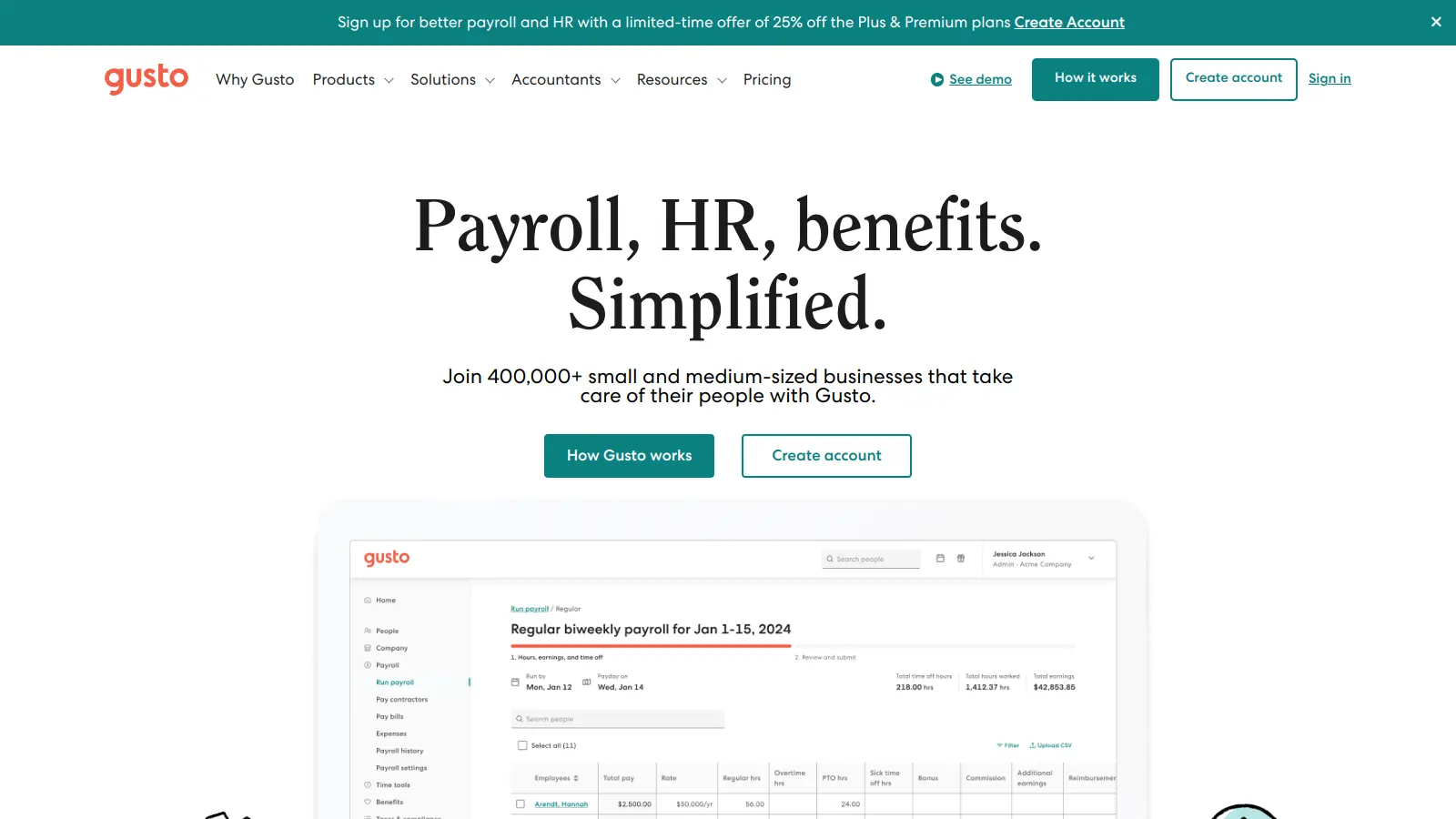
Gusto is a full-service payroll platform that pays both contractors and employees, handles multi-state payroll taxes, and auto-files 1099-NECs at year-end. Its contractor-only plan is notably cheap for businesses that have no W-2 employees, making it a practical option for small agencies or creative studios paying multiple subs. The interface is clean and onboarding is fast.
Pros
✓Contractor-only plan at $6/person with no base fee
✓Automatic 1099-NEC e-filing included
✓Strong integrations with QuickBooks and Xero
Cons
✗Full-service plan jumps to $40/mo base plus per-person fees
✗No certified payroll or job costing for construction work
Payroll that ties directly into QuickBooks accounting.
Paid
Best for · Businesses already running QuickBooks for accountingPricing · From $45/mo + $6/person
QuickBooks Payroll is the natural choice if your books are already in QuickBooks. Contractor payments sync automatically to your chart of accounts, and 1099-NEC forms are generated from the same data you've already entered. The same-day direct deposit feature is useful when you need to pay contractors quickly without a multi-day processing window.
Pros
✓Native QuickBooks sync eliminates double data entry
✓Same-day direct deposit available on higher plans
✓1099 e-filing built into the platform
Cons
✗Costs add up quickly once you factor in QuickBooks subscription
✗Support quality is inconsistent according to user reviews
Best for · Cost-conscious small contractors with simple payroll needsPricing · From $17/mo + $4/person
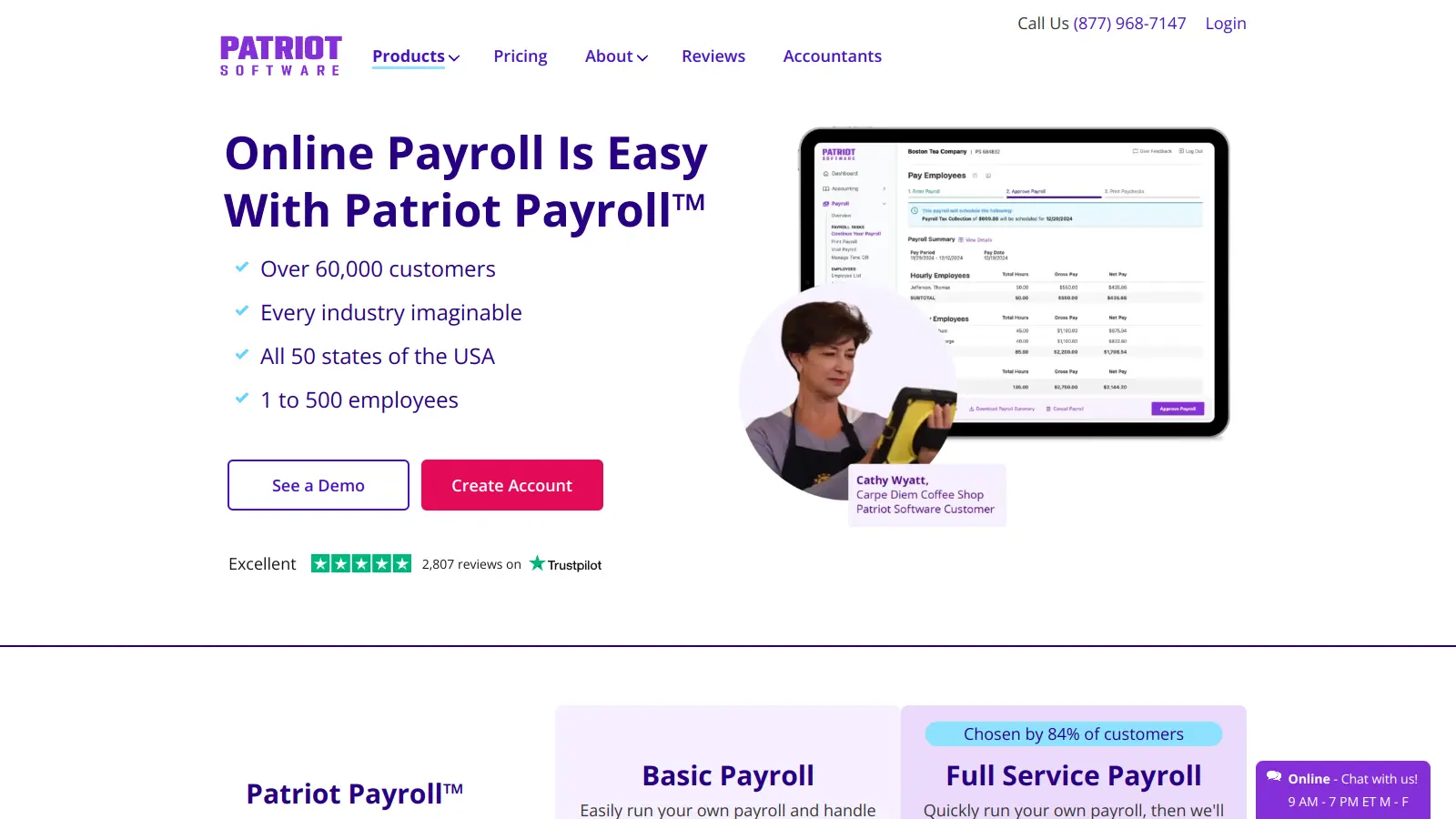
Patriot is one of the more affordable full-service payroll options, with a basic plan that lets you run payroll and handle 1099s yourself, and a full-service tier where Patriot handles tax filings. It supports contractor payments and generates 1099-NECs, though e-filing costs extra on the basic plan. It's a good fit for small contractors who want to keep monthly costs low and don't need advanced features.
Pros
✓Lowest base price among full-featured payroll tools
✓Handles both W-2 and 1099 workers
✓Clean, simple interface with short learning curve
Cons
✗1099 e-filing costs extra on the basic plan
✗Integrations are limited compared to Gusto or QuickBooks
Construction payroll built around job costing, not just payments.
Custom
Best for · Mid-size construction contractors with complex job costing needsPricing · Pricing on request
Foundation is purpose-built for contractors who need payroll to function as a job-costing engine. It codes labor to specific jobs, cost codes, and phases, handles multi-rate pay structures by trade and location, and supports certified payroll reporting for Davis-Bacon compliance on public work. It's not a lightweight cloud tool — it's a full construction accounting platform where payroll is one integrated module.
Pros
✓Deep job costing with cost code and phase coding per worker
✓Certified payroll reporting for public/prevailing-wage work
✓Handles union fringes and multi-rate pay structures
Cons
✗Pricing requires a sales conversation, no self-serve options
✗Implementation is complex and requires dedicated onboarding time
Integrated construction accounting and payroll for structured teams.
Custom
Best for · Small-to-mid construction firms wanting an all-in-one back officePricing · Pricing on request
Sage 100 Contractor connects payroll directly to job costing, accounting, and project management in one environment, which reduces reconciliation work when rates, cost codes, and accounting rules stay consistent end-to-end. It's particularly useful for small-to-mid-size contractors who want standardised reports and a structured back office rather than a patchwork of separate tools.
Pros
✓Payroll integrates natively with job costing and accounting
✓Strong standardised reporting for construction operations
✓Handles both 1099 subcontractors and W-2 employees
Cons
✗Steeper learning curve than cloud-only platforms
✗Requires vendor engagement to get pricing, no transparent tiers
Payroll plus HR and IT in one platform for growing teams.
Paid
Best for · Fast-growing contractor businesses adding full-time staffPricing · From $8/mo per person
Rippling handles domestic and international contractor payments, auto-files 1099-NECs, and syncs payroll with its own HR, benefits, and IT modules. It's more infrastructure than a basic payroll tool, which makes it overkill for a small contractor but genuinely useful if you're scaling a team fast and want one system covering onboarding, payroll, and access provisioning. Multi-state compliance is handled automatically.
Pros
✓Global contractor payments with local compliance built in
✓Single platform for payroll, HR, and IT provisioning
✓Automated multi-state tax filing with no add-on fees
Cons
✗Modular pricing makes total cost hard to predict upfront
✗More complexity than most small contractor operations need
The best platforms generate and e-file 1099-NECs automatically at year-end, including sending copies to contractors. If you have more than a few subs, manual filing is a compliance risk. Check whether e-filing is included in the base plan or costs extra.
Mixed workforce support
If you pay both W-2 employees and 1099 contractors, you want one platform that handles both from the same dashboard. Running separate systems for each type of worker creates reconciliation headaches and increases the chance of misclassification errors.
Job costing and cost code integration
For construction and trade contractors, payroll data needs to flow into project accounting. If your platform can't code labor hours to specific jobs, phases, and cost codes, you'll spend time re-entering data in your accounting system every pay run.
Multi-state and certified payroll compliance
If you do prevailing-wage or public work, you need certified payroll reports (typically Davis-Bacon compliance). General cloud platforms rarely support this natively. For multi-state work, confirm the platform handles withholding and tax filings in every state you operate in, and check whether additional fees apply per state.
Pricing structure and contractor-only costs
Some platforms charge per active worker regardless of type, which is cost-effective if you pay contractors infrequently. Others charge a flat monthly base plus per-person fees. If you only pay contractors and have no W-2 employees, look for platforms that don't charge a large base fee for a feature set you won't use.
frequently asked questions
Not necessarily. Most modern payroll platforms handle both W-2 employees and 1099 contractors. If you only pay contractors and have no employees, a lightweight tool or even a dedicated contractor payment platform may be enough. The key requirement is automated 1099-NEC generation and filing at year-end.
Cloud-based platforms typically charge a monthly base fee of $40 to $80 plus a per-person fee of $4 to $12 per active worker. Construction-specific platforms like Foundation or Sage 100 Contractor are generally priced on request and skew higher, reflecting their deeper feature sets. Some platforms, like Patriot, offer lower entry prices but charge extra for full-service tax filing.
Free plans exist but usually limit 1099 filing, require manual tax management, or cap the number of contractors. For occasional sub payments, a free tier might work, but if you're regularly paying contractors across states, the compliance risk of a free or very basic tool outweighs the savings.
With W-2 employees, the software calculates and withholds federal and state income taxes, Social Security, and Medicare. With 1099 contractors, no withholding happens — the contractor handles their own self-employment taxes. Your software still needs to track total payments and file Form 1099-NEC if you pay that contractor $600 or more in 2025 (or $2,000 or more starting in 2026).
General cloud platforms like Gusto or OnPay handle 1099 payments well but offer limited native job costing. For true job-based labor costing tied to cost codes and phases, construction-specific platforms like Foundation or Sage 100 Contractor are better fits. Some contractors use a cloud payroll tool for payments and sync data to a separate accounting system for job costing.
tools for humans
toolsforhumans editorial team
Reader ratings and community feedback shape every score. Since 2022, ToolsForHumans has helped 600,000+ people find software that holds up after launch. The picks here come from that.