Best AI Tools for Lawyers: Top Picks for Legal Work (2026)
7 tools reviewedlast reviewed 20 march 2026
Editorial note:this was originally published in july of 2023
Legal AI has moved past novelty. Lawyers at firms of every size are using it to cut contract review from hours to minutes, surface relevant case law faster, and draft first-pass documents without starting from a blank page. The real question isn't whether to use AI, it's which tool fits your practice area and workflow.
This list covers seven tools that matter right now: a mix of purpose-built legal AI platforms and general-purpose tools lawyers actually use in practice. Selections are based on accuracy, pricing transparency, ease of adoption, and fit across litigation, transactional, and solo/small-firm work.
Whether you're a solo practitioner watching costs carefully or a partner at a mid-size firm evaluating enterprise options, there's something here worth knowing about.
We collect first-hand reviews from people who use these tools every day — what works, what doesn't, whether it's worth paying for. We research pricing, features, and comparisons so that feedback has real context behind it. For this page, tools were selected based on their ability to handle legal document analysis, contract review, and research tasks with verified accuracy and compliance features. Read our full research methodology.
help us improve this guide
tell us what you're looking for, what you're using now, and what caught your eye — takes 30 seconds.
What are AI tools for lawyers?
AI tools for lawyers are software products that apply machine learning, natural language processing, or large language models to legal tasks: drafting contracts, researching case law, reviewing documents, summarising deposition transcripts, and more. They range from general-purpose chat tools adapted for legal use to purpose-built platforms trained on legal corpora and integrated with authoritative databases like Westlaw.
The core problem they solve is time. Legal work is document-heavy and research-intensive, and much of that work is repeatable. AI tools handle the repeatable parts, flagging issues, generating clause options, finding precedents, so lawyers can focus on judgment-intensive work: strategy, negotiation, and client advice.
Typical users include solo practitioners, associates at large firms, in-house counsel, and legal ops teams. The tools that work best are those that fit into existing workflows (like Microsoft Word or a document management system) rather than requiring lawyers to rebuild how they work.
An AI assistant embedded in Clio's practice management platform.
Small and mid-size firms already using Clio Manage
PaidIncluded in Clio Manage plans, from $49/mo per user
our top pick
1
Spellbook
A contract drafting and review AI built into Microsoft Word.
Paid
Best for · Transactional lawyers and contract-heavy practicesPricing · Pricing on request
Spellbook lives inside Microsoft Word and handles contract drafting, redlining, and clause generation without requiring lawyers to switch tools. It benchmarks contract language against industry standards, flags missing provisions, and lets transactional lawyers build reusable clause libraries. It's built specifically for deal work: NDAs, commercial agreements, M&A documents.
Legal research and drafting AI with Westlaw and Practical Law built in.
Custom
Best for · Mid-size to large firms with existing Westlaw accessPricing · Pricing on request
CoCounsel is Thomson Reuters' AI platform that combines generative AI with Westlaw's legal database and Practical Law's practical content. It handles deep legal research, document review, contract drafting, and deviation analysis against standard playbooks. It integrates with Microsoft 365 and major document management systems, making it a credible option for firms already inside the Thomson Reuters ecosystem.
Pros
✓Grounded in Westlaw, reducing hallucination risk
✓Covers research, drafting, and review in one platform
✓Integrates with Microsoft 365 and DMS partners
Cons
✗Enterprise pricing puts it out of reach for solo practitioners
✗Value is lower if your firm doesn't already use Westlaw
An AI platform built for Am Law 100 firms and in-house legal teams.
Custom
Best for · Large law firms and enterprise in-house legal teamsPricing · Pricing on request
Harvey is a legal AI platform used by major law firms and large in-house legal departments. It handles contract analysis, due diligence, regulatory research, and litigation drafting at scale. Harvey's architecture lets firms customise the model with their own precedents and workflows, which is the main reason elite firms choose it over general-purpose alternatives.
Pros
✓Customisable with firm-specific precedents
✓Strong performance across litigation and transactional work
✓Enterprise-grade security and data handling
Cons
✗Not accessible or affordable for small firms
✗Requires significant onboarding investment to customise
A general-purpose AI that handles first-draft legal writing at low cost.
Freemium
Best for · Solo practitioners and lawyers on tight budgetsPricing · Free, Plus from $20/mo
ChatGPT's free and Plus tiers are widely used by lawyers for drafting demand letters, summarising documents, rephrasing boilerplate, and generating first-pass research memos. It has no built-in legal database and can hallucinate citations, so every output needs verification. For tasks where accuracy matters less than speed on a first draft, it's a practical low-cost option.
Pros
✓Free tier is genuinely useful for drafting tasks
✓Fast and flexible across many legal writing tasks
✓GPT-4o available on free tier with usage limits
Cons
✗Hallucinates case citations without verification tools
✗Default free tier uses inputs for training, raising confidentiality concerns
A large context window AI useful for reading and summarising long legal documents.
Freemium
Best for · Lawyers who regularly work with long, complex documentsPricing · Free, Pro from $20/mo
Claude handles very long documents in a single session, making it practical for reviewing lengthy contracts, deposition transcripts, or regulatory filings in one pass. Its outputs tend to be careful and well-structured. The Pro tier includes higher usage limits and the 200K token context window, which handles most legal documents without truncation. Like ChatGPT, it has no built-in legal database and requires the same verification discipline.
Pros
✓200K token context fits most full contracts in one session
✓Careful, structured outputs with good reasoning
✓Claude for Enterprise includes stronger data privacy terms
Cons
✗No legal database integration, citations must be verified manually
✗Free tier has significant usage limits on long documents
The standard legal research database with AI-assisted search built in.
Custom
Best for · Firms with existing Westlaw subscriptions needing research AIPricing · Pricing on request
Westlaw has added AI-powered research features including natural language querying and AI-assisted document drafting tools directly into its existing platform. For firms already paying for Westlaw access, these features add meaningful speed to case law research and statutory analysis without requiring a separate subscription. The KeyCite citation verification system remains the most trusted citation checker in the industry.
Pros
✓KeyCite citation verification built into research workflow
✓Trusted legal database with decades of content
✓Natural language search reduces time spent on Boolean queries
Cons
✗Expensive as a standalone purchase for small firms
✗AI features are incremental additions, not a full AI platform
An AI assistant embedded in Clio's practice management platform.
Paid
Best for · Small and mid-size firms already using Clio ManagePricing · Included in Clio Manage plans, from $49/mo per user
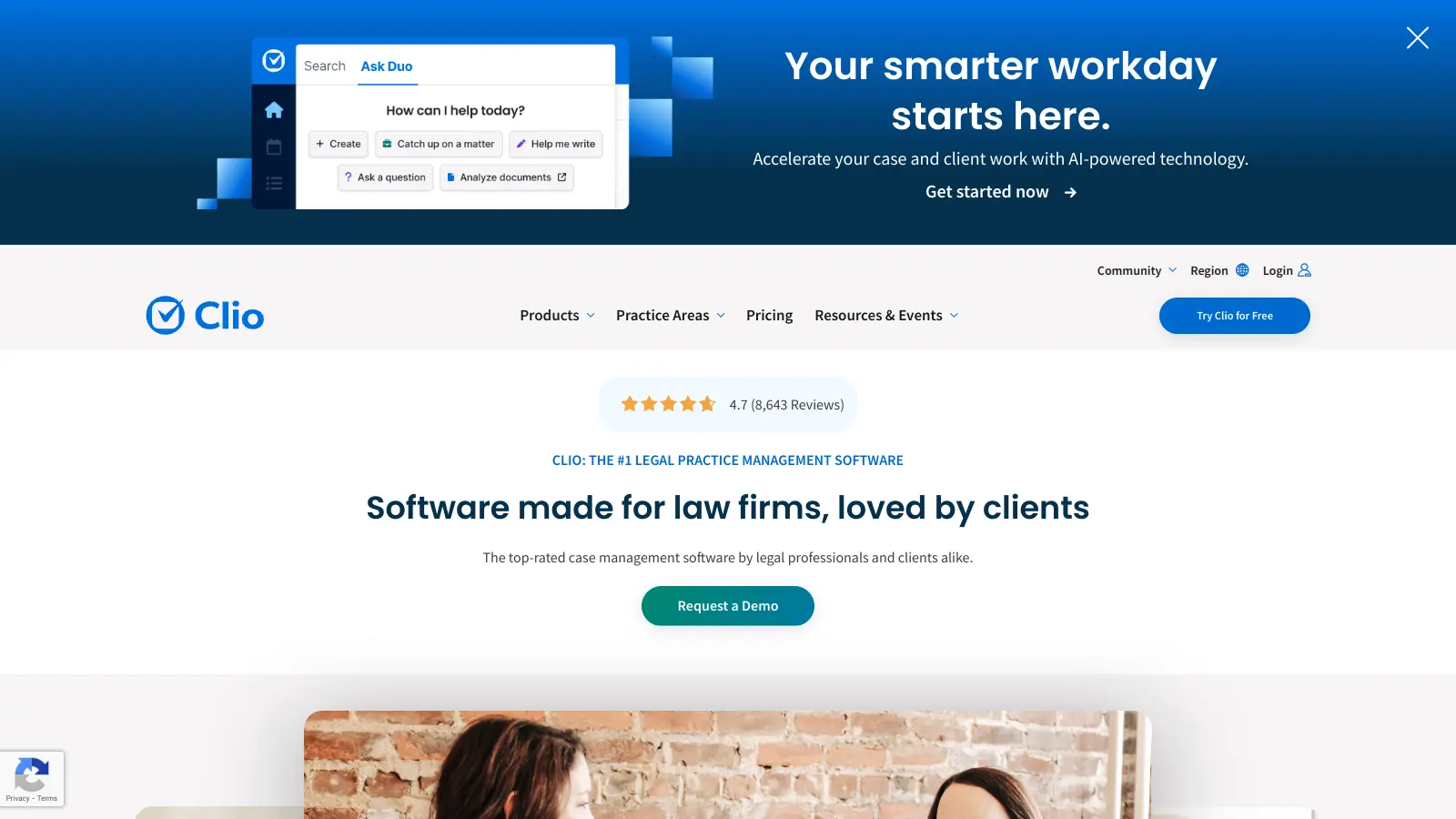
Clio Duo is the AI layer inside Clio Manage, the practice management software used by a large number of small and mid-size law firms. It can summarise case notes, draft client communications, surface billing insights, and answer questions about matters using data already in Clio. For firms already on Clio, it adds meaningful AI functionality without a separate subscription or data migration.
Pros
✓No extra subscription if you're already on Clio
✓Uses your existing matter and client data directly
✓Useful for client communication drafting and billing review
Cons
✗Only useful if your firm is already in the Clio ecosystem
✗Not a research or contract drafting tool, scope is limited to practice management tasks
Transactional lawyers need contract drafting and redlining features. Litigators need research and brief-writing support. A tool strong in one area can be useless in another, so check whether the vendor's core features map to the work you actually do most often.
Accuracy and citation reliability
Legal AI that hallucinates case citations or misquotes statutes creates professional liability risk. Look for tools that ground their outputs in verified legal databases (Westlaw, court filings, SEC documents) and show their sources so you can check the work before it leaves your desk.
Data privacy and confidentiality
Many general-purpose AI tools use your inputs to train their models. That's a direct conflict with attorney-client privilege. Check the vendor's data handling policy explicitly: confirm inputs aren't used for training, and that the product meets the security standards your bar association expects.
Workflow integration
A tool that lives in Microsoft Word gets used daily. A tool that requires you to switch to a separate browser tab gets used occasionally. Integration with the software already in your stack (Word, Outlook, your DMS) is a practical test of whether adoption will stick.
Pricing structure and firm size fit
Legal AI pricing ranges from free (ChatGPT's base tier) to thousands of dollars per month for enterprise platforms with Westlaw access bundled in. Solo practitioners and small firms should look for per-seat pricing with clear monthly costs. Larger firms should ask vendors directly about volume discounts and enterprise agreements, since many publish only starting prices.
frequently asked questions
General tools like ChatGPT and Claude are large language models that can handle legal tasks but have no built-in legal database, citation verification, or bar compliance features. Purpose-built legal AI tools like Spellbook or CoCounsel are trained on or integrated with legal-specific content and often include features like clause benchmarking, redlining, and Westlaw access. For drafting boilerplate or summarising a document, a general tool can work. For anything that needs citation-level accuracy, a purpose-built tool is safer.
Pricing ranges widely. General tools with legal applications start free (ChatGPT, Claude) with paid tiers from around $20/month. Mid-tier legal-specific tools like Spellbook start from a few hundred dollars per month per user. Enterprise platforms like CoCounsel and Harvey are priced on request and typically cost significantly more. Budget accordingly based on how much time the tool needs to save to justify its cost.
It depends entirely on the tool. Many free and consumer-grade AI tools use your inputs to improve their models, which is incompatible with attorney-client privilege. Purpose-built legal AI tools typically offer data processing agreements and confirm inputs are not used for training. Always read the privacy policy and check whether the vendor will sign a DPA before putting any client information into the system.
AI can accelerate the first pass of legal research significantly, surfacing relevant cases and synthesising authority faster than manual searches. It does not replace the judgment needed to assess which authorities are most persuasive, identify circuit splits, or anticipate how a court will respond. Use it to get to a working draft faster, not to skip the review step entirely.
Yes. Most state bar associations have adopted or are developing guidance requiring lawyers to maintain technological competence, which includes understanding the tools they use and their limitations. Several bars have issued specific guidance on AI use, covering supervision of AI outputs, confidentiality obligations, and fee transparency when AI reduces time spent on a task.
tools for humans
toolsforhumans editorial team
Reader ratings and community feedback shape every score. Since 2022, ToolsForHumans has helped 600,000+ people find software that holds up after launch. The picks here come from that.