Best Click Fraud Software: Top Picks for PPC Teams (2026)
7 tools reviewedlast reviewed 20 march 2026
Editorial note:this was originally published in september of 2024
Click fraud drains PPC budgets quietly. Bots, click farms, and competitors clicking your ads inflate your costs, corrupt your conversion data, and make your campaigns harder to optimise. For any team running paid search or display at meaningful scale, a dedicated fraud prevention tool is worth the cost.
This list covers seven click fraud software options, from enterprise-grade platforms with multi-channel coverage to affordable tools built for small teams running Google Ads. Each pick is assessed on detection accuracy, blocking speed, platform support, and pricing transparency.
Whether you're a solo advertiser protecting a modest budget or a marketing team managing campaigns across Google, Meta, and affiliate channels, there's a tool here that fits your situation.
We collect first-hand reviews from people who use these tools every day — what works, what doesn't, whether it's worth paying for. We research pricing, features, and comparisons so that feedback has real context behind it. For this guide, tools were selected based on detection accuracy, real-time blocking capabilities, and compatibility with major advertising platforms. Read our full research methodology.
help us improve this guide
tell us what you're looking for, what you're using now, and what caught your eye — takes 30 seconds.
What is click fraud software?
Click fraud software detects and blocks invalid traffic hitting your paid ads. Invalid traffic includes automated bots, click farms, competitor clicks, and repeat clicks from the same IP addresses — all of which consume your ad budget without any chance of converting into a real customer.
These tools work by analysing click-level data in real time: IP addresses, device fingerprints, click timing, and behavioural patterns. When a click matches a known fraud signature, the software either blocks it before it registers or feeds the IP back to Google Ads as an exclusion. Most tools also provide dashboards showing how much fraudulent traffic your campaigns have received and what it cost you.
The primary users are PPC managers, performance marketing teams, and digital agencies running paid campaigns on Google Ads, Microsoft Ads, Meta, or affiliate networks. E-commerce advertisers and lead generation businesses with tight cost-per-acquisition targets tend to benefit most from these tools.
Enterprise-grade ad verification and invalid traffic measurement.
Enterprise brands and large media agencies
CustomPricing on request
our top pick
1
ClickCease
Automated click fraud blocking for Google and Facebook Ads.
Paid
Best for · Small to mid-size teams running Google AdsPricing · From $69/mo
ClickCease monitors every click on your ads, scores it for fraud risk, and automatically adds suspicious IPs to your Google Ads exclusion list. It covers Google Search, Display, and Facebook Ads, with session recordings so you can see exactly what flagged users did on your site. The dashboard breaks down invalid traffic by type: bots, VPNs, click farms, and repeat clickers.
Pros
✓Automatic IP exclusion pushes directly to Google Ads
✓Session recordings for each flagged click
✓Covers both Google and Facebook Ads
Cons
✗Pricing jumps sharply at higher click volumes
✗Facebook protection less detailed than Google Ads coverage
Pre-bid fraud prevention across PPC, mobile, and affiliate channels.
Custom
Best for · Agencies and advertisers running multi-channel campaignsPricing · Pricing on request
TrafficGuard blocks invalid traffic before it reaches your campaigns, rather than flagging it after the fact. It covers Google Ads, Performance Max, Meta, Microsoft Ads, and affiliate networks, with granular classification of both general invalid traffic (GIVT) and sophisticated invalid traffic (SIVT). Dashboards are detailed, with exportable raw data for teams that need to audit results independently.
Pros
✓Blocks fraud before clicks register, not after
✓Covers Performance Max and affiliate channels
✓Raw data export for independent auditing
Cons
✗No published pricing — requires a sales conversation
✗Overkill for advertisers running a single Google Ads account
Real-time invalid traffic blocking with remarketing list protection.
Paid
Best for · Advertisers who also run retargeting campaignsPricing · From $95/mo
ClickPatrol runs real-time detection through its AdProtector feature, blocking invalid traffic as it happens. Its AudienceProtector filters bots from remarketing lists, which keeps your retargeting audiences clean and prevents wasted spend on users who were never real to begin with. It supports Google Ads and Microsoft Ads, and plans start at $95 per month with a 7-day free trial.
Pros
✓Cleans remarketing lists of bot traffic
✓Real-time blocking with same-session accuracy
✓Supports both Google Ads and Microsoft Ads
Cons
✗Pricier entry point than some competitors
✗Limited third-party reviews to validate detection accuracy claims
Bot detection and ad fraud protection built for performance marketers.
Custom
Best for · Performance marketers and lead gen advertisersPricing · Pricing on request
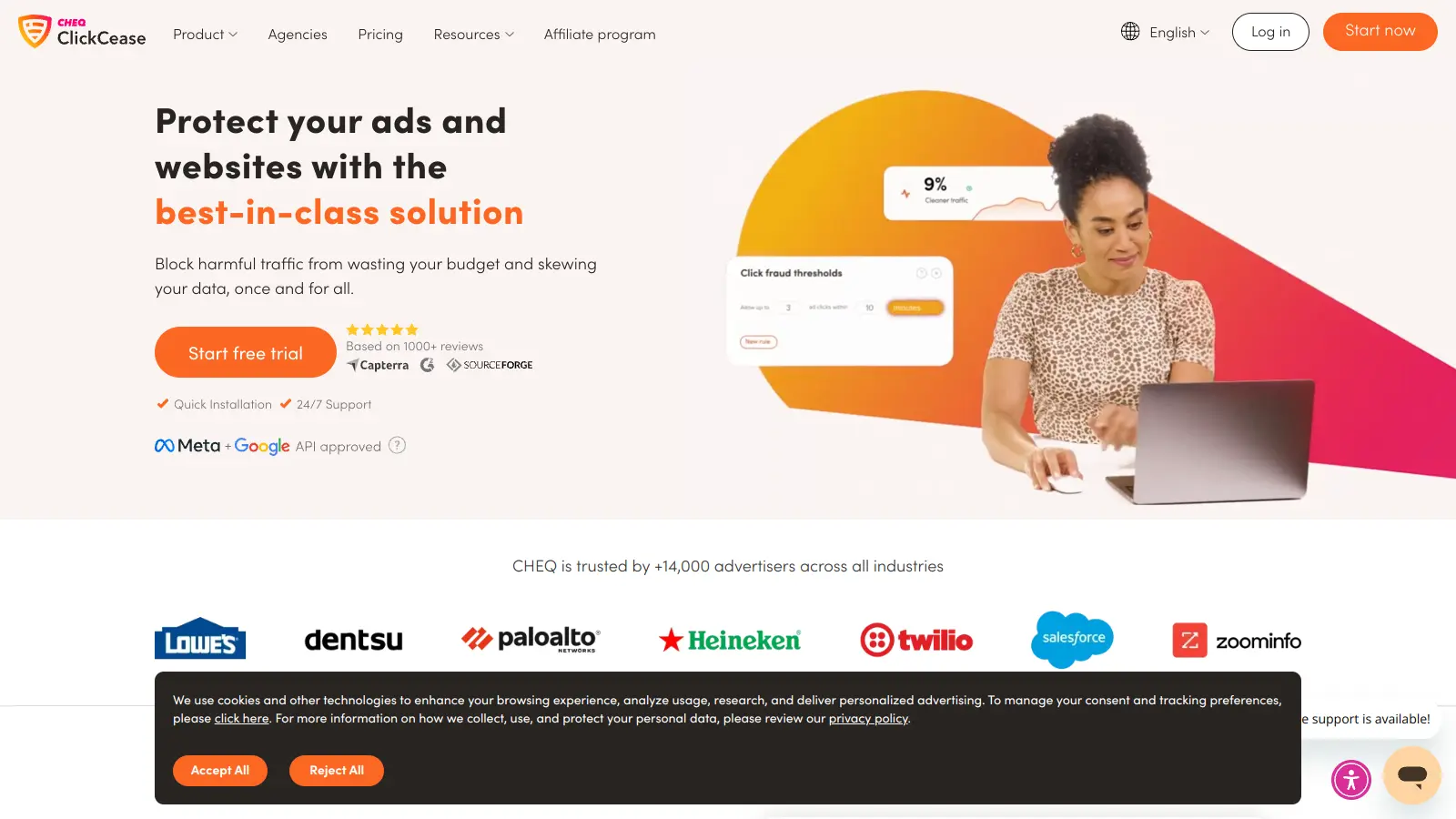
CHEQ uses behavioural analysis and device fingerprinting to identify invalid traffic across paid search, social, and programmatic channels. It integrates with Google Ads, Meta, and major DSPs, and its go-to-market fraud suite also protects forms and landing pages from bot submissions, which is useful for lead gen teams where bot-filled forms distort CRM data as much as ad spend.
Pros
✓Protects landing page forms from bot submissions
✓Works across search, social, and programmatic
✓Behavioural analysis adapts to new fraud patterns
Cons
✗No self-serve pricing — sales-led process adds friction
✗Platform complexity is unnecessary for simple Google Ads campaigns
Cross-network click fraud protection with clean audience data.
Custom
Best for · Teams advertising across multiple social platformsPricing · Pricing on request
Lunio identifies and excludes invalid traffic across Google, Meta, LinkedIn, TikTok, and Pinterest, which gives it broader social ad coverage than most competitors. It generates exclusion audiences for each platform rather than relying solely on IP blocking, which makes it more effective on channels where IP exclusions aren't natively supported. Pricing is customised based on ad spend volume.
Pros
✓Supports LinkedIn, TikTok, and Pinterest alongside Google and Meta
✓Uses audience exclusions where IP blocks aren't available
✓Clean, clear reporting dashboard
Cons
✗Custom pricing with no public tiers makes budgeting difficult
✗Onboarding requires integration work across each ad platform
Straightforward Google Ads fraud protection with transparent flat pricing.
Paid
Best for · Small businesses running Google Ads on a tight budgetPricing · From $49/mo
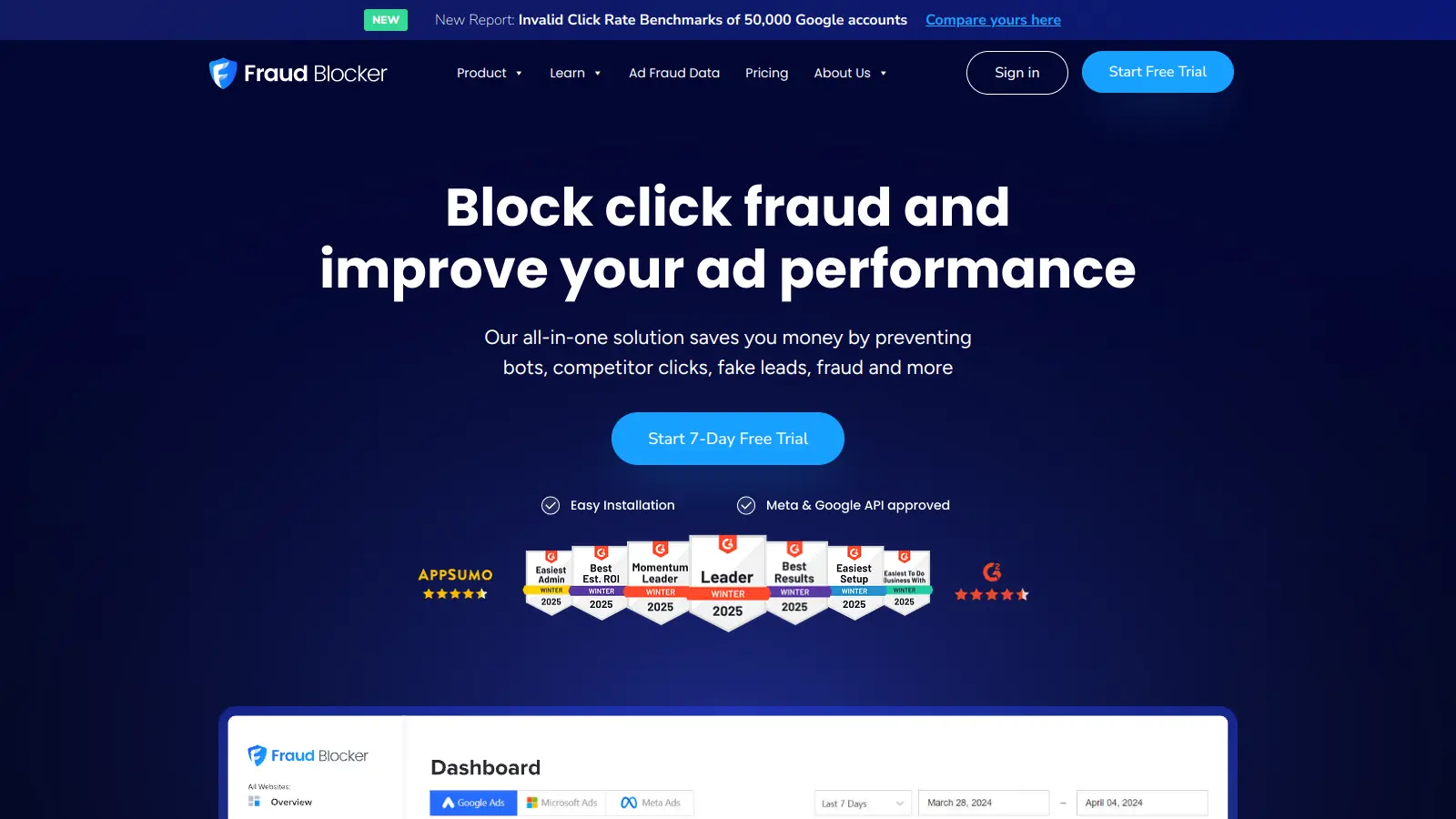
Fraud Blocker focuses specifically on Google Ads and delivers automatic IP blocking, click scoring, and detailed reports on invalid traffic sources. It's positioned at the more affordable end of the market, with plans starting around $49 per month. The setup is quick, the interface is clean, and it's built for small business owners and marketers who want protection without complexity.
Pros
✓Clear, public pricing with no sales call required
✓Fast setup with direct Google Ads integration
✓Straightforward click scoring and fraud categorisation
Cons
✗Google Ads only — no Meta, Microsoft, or affiliate support
✗Reporting depth is basic compared to enterprise tools
Enterprise-grade ad verification and invalid traffic measurement.
Custom
Best for · Enterprise brands and large media agenciesPricing · Pricing on request
DoubleVerify is an ad verification platform used primarily by brands and agencies running large programmatic and display campaigns. It measures viewability, brand safety, and invalid traffic across digital channels, and its fraud detection covers both pre-bid blocking and post-bid measurement. It's not built for self-serve PPC management, but for media teams that need third-party measurement and accountability across premium inventory.
Pros
✓Industry-standard measurement trusted by large advertisers
✓Covers viewability and brand safety alongside fraud
✓Pre-bid and post-bid protection across programmatic channels
Cons
✗Not suitable for self-serve PPC advertisers or small teams
✗Requires a managed onboarding process and contract commitment
Some tools block invalid clicks in real time before they hit your budget; others identify fraud after the fact and help you claim refunds. Real-time blocking is more valuable for active campaigns, while reporting-only tools are better suited to auditing historical spend.
Platform coverage
Check which ad networks the tool covers. Most handle Google Ads well, but if you're running campaigns on Meta, Microsoft Ads, Performance Max, or affiliate networks, confirm those channels are supported before committing.
Blocking mechanism
Tools use different methods to act on detected fraud: some automatically push IP exclusion lists to your Google Ads account, others use JavaScript tags to block traffic at the page level. Understand how the tool integrates with your existing setup and whether it requires developer support.
Reporting depth
Look for tools that show click-level detail: IP address, device type, click timestamp, fraud category, and estimated budget wasted. Surface-level dashboards make it hard to audit the tool's accuracy or justify the cost to stakeholders.
Pricing model fit
Click fraud software pricing ranges from flat monthly fees based on clicks protected to percentage-of-ad-spend models. Flat fees suit smaller advertisers with predictable volumes; spend-based pricing can get expensive as budgets scale. Check whether free trials require a credit card and what happens to protection if you exceed your plan's click limit.
frequently asked questions
Most tools charge a flat monthly fee based on the number of clicks or domains protected, starting around $30-$70 per month for basic plans. Enterprise tools with multi-channel coverage tend to use custom pricing. Percentage-of-ad-spend models are less common but do exist, and costs can scale quickly for high-volume advertisers.
Google Ads has built-in invalid click detection and offers automatic credits for traffic it deems fraudulent. However, it doesn't share detailed data on what was blocked, and independent audits consistently show it misses a meaningful share of invalid traffic, particularly from click farms and sophisticated bots. Third-party tools give you visibility and control that Google's system doesn't.
Yes, false positives are a real risk, particularly with aggressive IP-blocking settings. Good tools let you adjust sensitivity thresholds and whitelist specific IPs. Check whether the vendor publishes false positive rates and how easily you can override blocks if a legitimate user gets caught.
Google Ads is universally supported. Microsoft Ads support is offered by several tools including ClickCease and TrafficGuard. Meta (Facebook and Instagram) support is less common but available on some platforms. If cross-channel coverage matters to you, confirm each specific network is listed as supported before purchasing.
Installing the tool and ignoring it. Click fraud patterns shift over time, and the default settings on most platforms aren't optimised for every campaign type. Check your fraud dashboard regularly, review which IPs and networks are flagged most often, and adjust exclusion rules as your campaigns change.
tools for humans
toolsforhumans editorial team
Reader ratings and community feedback shape every score. Since 2022, ToolsForHumans has helped 600,000+ people find software that holds up after launch. The picks here come from that.