Upword Review 2026 - Features, Pricing & Deals

Last Updated
Feb 14, 2026

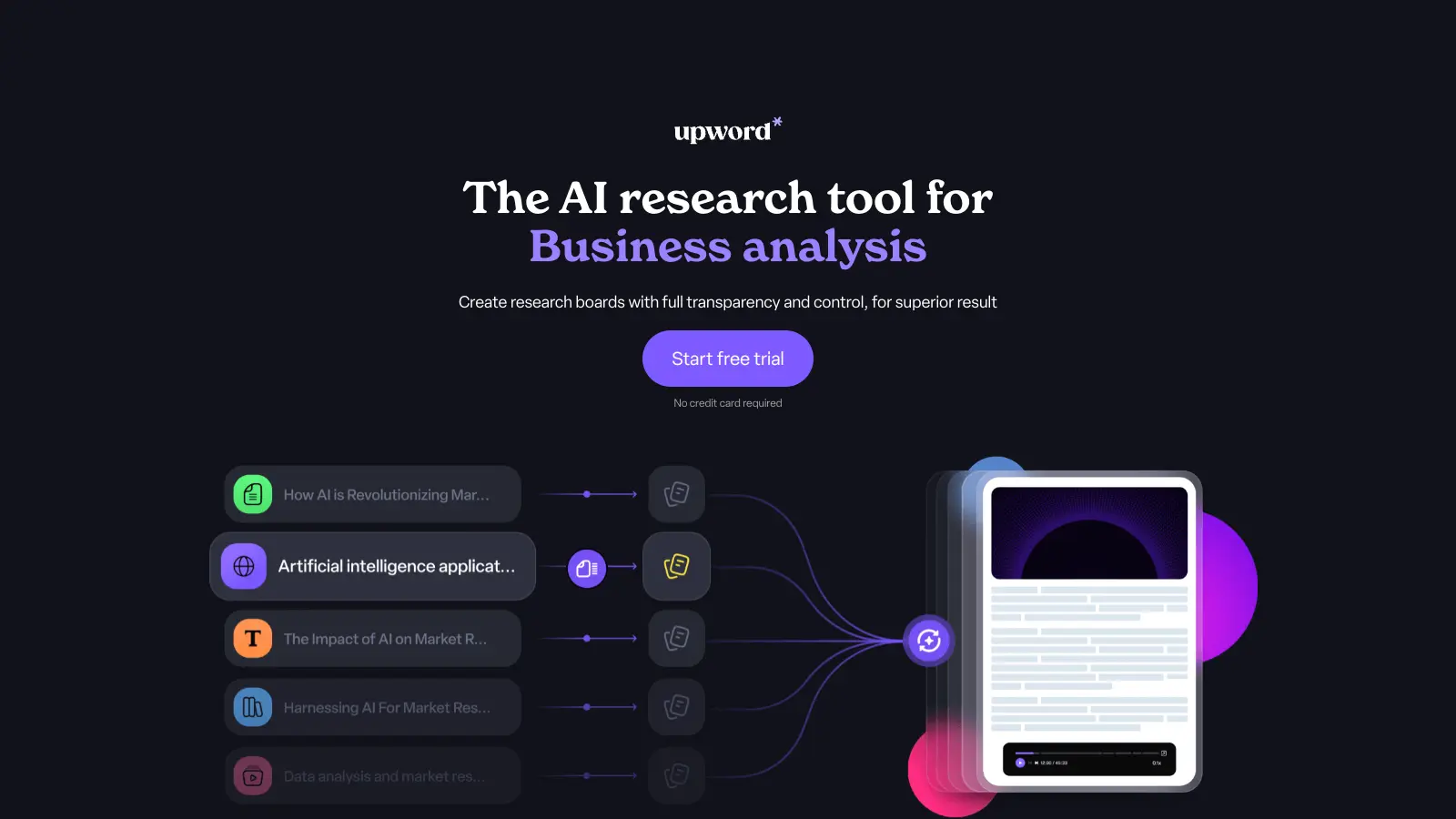
Upword is an AI-powered research assistant that helps users process and manage information more efficiently. The platform combines traditional research methods with AI capabilities to streamline content analysis, summarization, and organization.

Students, researchers, marketing professionals, and finance analysts use this tool to handle large volumes of data. The platform includes AI-powered summarization, collaborative tools, and a browser extension that makes saving and managing web content simple.

Available in two main pricing tiers, Upword offers a free trial with basic features and a premium subscription at $15 monthly (or $12.50 monthly when billed annually, which includes 2 months free). The free tier includes 2 GB storage, limited daily AI uses, and upload restrictions, while the paid plan removes these constraints.

The tool's personalized AI assistant adapts to each user's research style, helping them find and process information faster. Users can create custom project parameters, collaborate with team members, and convert their research into different document formats. With features like semantic search, text simplification, translation, and content tagging, Upword aims to be a comprehensive solution for modern research needs.

Who is Upword for?

Upword is perfect for anyone who needs to process large amounts of information quickly and efficiently. This AI-powered research assistant helps users save time and extract key insights from content, making it ideal for professionals and students who deal with information overload.

  • Students and Academics - The summarization features make Upword a solid fit for anyone writing papers, doing research, or studying for exams by quickly processing academic articles and improving study efficiency.
  • Content Creators and Writers - Save hours by quickly processing source material and organizing research into usable formats for blogs, articles, and other content projects.
  • Business Analysts and Researchers - The semantic search capabilities and content organization features help professionals find specific information within large datasets and documents.
  • Marketing Teams - Collaborative features allow team members to share insights, track industry trends, and turn research into actionable marketing strategies.
  • Finance Professionals - Process complex financial documents and reports faster, extracting the most important data points without reading every page.
  • Knowledge Workers - Anyone preparing documents, conducting research, or managing information can benefit from the AI copilot, highlighting features, and library management tools.

Upword works as a productivity tool for knowledge workers in journalism, consulting, healthcare research, and corporate strategy.

Online Reviews (Last 6 Months Summarised)

Upword appears to be generating positive feedback from users who appreciate its AI-powered note-taking and knowledge management capabilities. Users particularly highlight the intuitive interface for clipping and organizing web content, articles, and highlights. The clean UI and ability to search across saved content gets praise, as does the integration with tools like Readwise. Many find the free tier generous enough for personal use.

The premium features are pricey for what they offer. There are occasional reports of bugs with AI summarization accuracy, and the mobile app has limited functionality compared to the web version. Some users have experienced sync issues across devices, and customer support response times can be slow. Questions come up frequently about how Upword compares to alternatives like Mem or Notion, how the clipping extension handles paywalled sites, and whether team collaboration features are available.

Features

  • AI-Powered Research Assistant: Use GPT-4 technology to generate personalized research insights with customizable project parameters and an adaptive AI copilot that answers questions and provides insights.
  • Advanced Content Summarization: Quickly transform complex documents, articles, videos, and texts into concise summaries, reducing reading time and extracting key information with AI-driven precision.
  • Collaboration Tools: Share research, collaborate with teammates, and exchange ideas through integrated browser extensions and document management features for team editing and sharing.
  • Efficient Information Management: Instantly search and locate specific information using semantic search, organize content with tagging and library management, and use highlighting and keyword features to track important points.
  • Comprehensive AI Writing Support: Generate documents, produce text translations, simplify complex content, and create personalized summaries with intelligent co-creation capabilities.
  • Intuitive User Interface: A clean UI designed to make research and document processing efficient, with easy search across saved content.
  • Privacy-First Design: Protect your research and documents with security features that ensure the confidentiality of your intellectual work.

Pricing

  • Free Trial includes 2 GB storage, 20-page upload limit, unlimited textual content uploads, 10 non-textual content uploads daily, 2 chatbot Q&A queries daily, 2 AI note-taking uses daily, 2 AI tools uses daily, audio player with 3 daily uses, 3 extension summaries daily, and 48-hour support.
  • Monthly Plan is available at $15 per month for standard monthly subscription with premium features and no daily limits on core functionality.
  • Annual Plan costs $12.50 per month when billed annually (equivalent to $150 per year), which includes 2 months free compared to monthly billing.
  • 7-Day Free Trial is available for premium features, allowing users to test the full platform before committing to a paid subscription.

Frequently Asked Questions

What exactly does Upword AI do that makes it different from just using ChatGPT?

Upword goes beyond simple question-answering by offering a complete research workflow. Unlike ChatGPT, Upword lets you gather multiple sources, summarize them, organize information into projects, and collaborate with team members. You can upload documents, save web content through the browser extension, and build a personal knowledge library that's searchable. It's designed specifically for deep research rather than just getting quick answers, and it helps you maintain control over your sources while still using AI to speed things up.

Is Upword good for students working on research papers?

Yes, students can benefit a lot from Upword. The tool helps you organize research materials, quickly summarize lengthy academic articles, and extract key information without reading every word. You can save time by having the AI assistant help identify important points and organize your findings. The free tier is generous enough for many students to use for personal projects, though you'll hit daily limits on AI features. Just remember that while Upword helps with research, you'll still need to write the actual paper yourself to avoid plagiarism issues.

How does the free trial compare to the paid subscription?

The free trial gives you a taste of Upword's features but with daily usage limits. You get 2 GB of storage, can upload up to 20 pages, and have restricted daily access to AI features like 2 chatbot queries, 2 AI note-taking uses, and 3 extension summaries per day. The paid subscription at $15 monthly (or $12.50 monthly billed annually) removes these tight restrictions and unlocks premium features. If you're doing serious research regularly, the free tier will likely feel too restrictive, but it's enough to test the system before committing.

Can Upword read and summarize PDFs I already have?

Yes, Upword can process PDFs you upload to the platform. You can add existing PDF documents from your computer to your Upword library, and the AI will analyze and summarize the content for you. The free tier limits you to uploading 20 pages total, while the paid plan has higher limits. This feature is particularly helpful for researchers dealing with academic papers, reports, or any lengthy documents they need to process quickly.

Does Upword work with paywalled content and how does the Chrome extension function?

Upword operates via a Chrome extension that you install to summarize web content instantly. Once installed, you can clip articles and content from websites you're viewing and add them to your Upword library for organization and analysis. However, like most clipping tools, Upword can only access content that's actually displayed in your browser. If you can't see content due to a paywall, Upword won't be able to summarize it either. You'll need legitimate access to paywalled content first before using Upword's summarization features on it.

Other Tools To Check Out

Best Deal

Try Box free with 10GB storage or get 30% off Enterprise plans when billed annually

Redeem Now

Best Deal

Try PandaDoc free with unlimited seats for basic eSign, or start a 14-day free trial on select paid plans

Redeem Now

Best Deal

Start at $22/month with 15+ users — See Document Locator pricing plans

Redeem Now

Find Out How Best To Utilise Tools

Our newsletter comes with exclusive discounts, trials and practical insights from within the industry

Sign Up Today