Docsumo Review 2026 - Features, Pricing & Deals

Last Updated
Feb 13, 2026

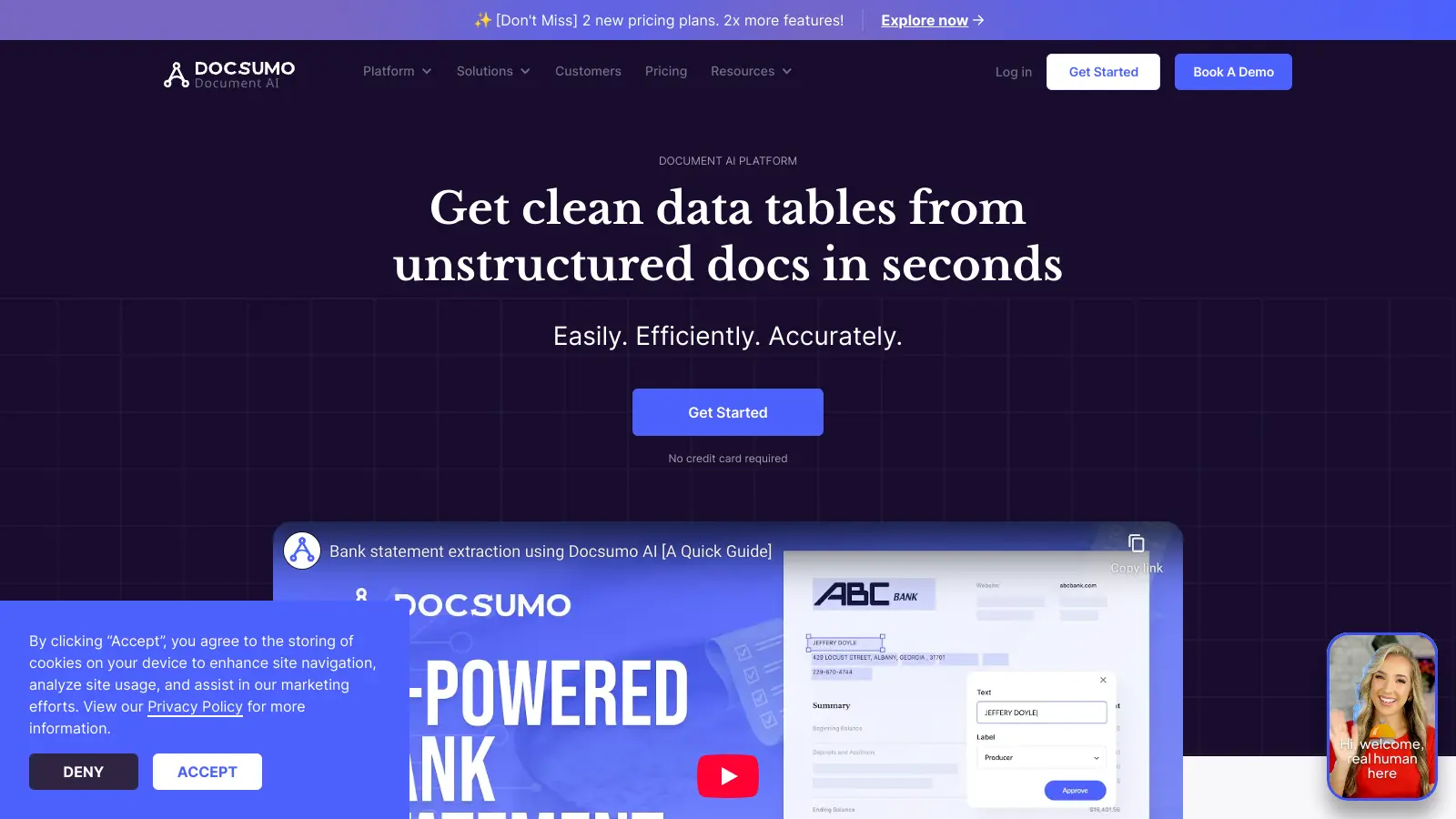
Docsumo is an AI-powered document processing platform that helps businesses automate their data extraction from invoices, bank statements, insurance forms, and other unstructured documents. The software turns paperwork into usable data with high accuracy.

The platform combines advanced OCR technology with machine learning to streamline document processing workflows. It's particularly useful for companies in financial services, insurance, and commercial real estate who deal with large volumes of paperwork daily. Users can process multiple documents simultaneously and extract data without needing predefined templates.

Key capabilities include automated data capture, multi-language support, and integration with QuickBooks, SAP, and Salesforce. The platform also offers custom validation rules to ensure data accuracy and provides secure handling of sensitive information. Recent additions include Agentic Document AI for better contextual understanding and document chat features for more interactive document analysis.

Docsumo offers a free trial for 14 days with up to 1,000 pages, with paid plans starting from $299 per month. Custom pricing is available for enterprises with specific needs. The platform maintains compliance with GDPR, SOC 2, and HIPAA standards, making it suitable for businesses that handle sensitive data.

Who is Docsumo for?

Docsumo is ideal for professionals and teams tired of manual document processing who want to save hours of tedious data entry work. This AI-powered platform transforms unstructured documents into usable data quickly and accurately, allowing teams to focus on higher-value tasks instead of paperwork.

  • Accounts payable teams who process high volumes of invoices and receipts and need to extract data with minimal errors
  • Insurance professionals handling claims forms, policy documents, and applications who want to speed up processing times
  • Financial institutions managing loan documents, KYC verification, and bank statement analysis who need accurate data extraction
  • IT and operations managers looking to set up scalable document workflows without extensive manual configuration
  • Commercial real estate managers dealing with leases, property documents, and contracts who need efficient data extraction
  • Accounting departments that need to integrate document data with systems like QuickBooks and Salesforce
  • Compliance officers who need secure handling of sensitive information while maintaining GDPR, SOC 2, and HIPAA standards

Best suited for organizations in financial services, insurance, real estate, and accounting where teams regularly deal with large volumes of paperwork requiring accurate data extraction.

Online Reviews (Last 6 Months Summarised)

Public discussion about Docsumo is limited across review sites and forums like Reddit. The feedback that does exist suggests businesses appreciate the automation it brings to document processing, with users noting time savings and reasonable accuracy for standard document types.

Pricing feels steep for smaller companies, especially at the $299 starting point. Some users mention accuracy drops with handwritten or low-quality scans, and there's a learning curve when you get into advanced customization. Processing speed for large batches can lag, and initial setup takes longer than hoped. Limited public buzz doesn't mean the tool is ineffective, just that it operates in a specialized B2B niche where users don't typically share detailed reviews online.

Features

  • AI-Powered Document Processing: Automates data extraction from unstructured documents with high accuracy using advanced OCR and machine learning technology for financial services, insurance, and real estate industries.
  • Customizable Data Capture: Extracts data from invoices, receipts, and forms with tailored workflows that match specific business needs.
  • Multi-Language Extraction: Processes documents in multiple languages, supporting global operations.
  • Software Integration: Connects with QuickBooks, Xero, SAP, and Salesforce through API, allowing smooth data transfer and streamlined workflow management.
  • Batch Document Processing: Handles large document volumes simultaneously, dramatically reducing processing time and improving operational efficiency.
  • Smart Table Extraction: Extracts complex tables and key-value pairs from documents without predefined templates, adapting to different document layouts and formats automatically.
  • Agentic Document AI: Uses contextual understanding and document chat features to interpret documents more intelligently, enabling interactive document analysis and better handling of complex formats.

Pricing

  • Free trial provides 14 days with up to 1,000 pages or 100 pages per month, including field and table extraction, document reviewer, CSV/Excel export, and few-shot learning capabilities.
  • Starter Plan costs $299 per month and includes all free features plus basic AI model training for key-value pairs, email parsing, document processing dashboard, user assignment for review, and email support.
  • Growth Plan costs $799 per month (or starts at $0.30 per page) and includes all Starter features plus advanced AI model training for simple tables, prompts for extraction, API access, webhooks, integrations, custom data validation, new workflow setup, and over 2 hours of expert consultation.
  • Business Plan costs $2,499 per month and includes all Growth features plus training for complex tables and clauses, document chat, master data lookup, third-party integrations, post-processing with custom code, dedicated account manager, Slack/MS Teams support, over 5 hours expert consultation, and HIPAA BAA and SOC-2 compliance.
  • Enterprise Plan provides custom pricing and includes all Business features plus priority queue, custom Salesforce integrations, external database validation, embeddable review screen, priority support, over 10 hours consultation, document classification, analytics, test environment, custom data retention, and SSO.

Frequently Asked Questions

How accurate is Docsumo's data extraction?

Docsumo's AI-powered data extraction typically achieves accuracy rates exceeding 95% for straight-through processing. The platform combines advanced OCR technology with machine learning to handle both structured and unstructured documents. For any uncertain data points, Docsumo includes a human-in-the-loop review process that ensures high quality output. Many users report significant reductions in errors compared to manual data entry methods. Accuracy can vary with handwritten or poor-quality scanned documents, which may require additional review.

Do I need technical skills to use Docsumo?

You don't need programming skills to use Docsumo's core features. The platform is designed with a user-friendly interface that allows non-technical staff to set up basic document processing workflows. However, some advanced customizations and integrations might require technical knowledge. Docsumo provides support during implementation to help you get started, and their pre-trained models for common document types make it easier to begin without technical expertise.

How long does implementation take?

Most businesses can implement Docsumo and start processing documents within 1-2 weeks. Simple document types with the pre-trained models can be set up in just a few days. More complex implementations with custom document types or multiple integrations might take 3-4 weeks. The implementation timeline depends on your specific document complexity, volume, and integration requirements. Docsumo's customer support team works with you throughout this process.

What types of documents can Docsumo process?

Docsumo can process invoices, receipts, bank statements, tax forms, utility bills, identity documents, insurance forms, purchase orders, and loan applications. The platform handles PDFs, scanned images, and digital files in multiple formats. With pre-trained document types available out-of-the-box, Docsumo can quickly adapt to most standard business documents while also learning new formats specific to your organization.

Can Docsumo integrate with my existing systems?

Yes, Docsumo offers integration options with most business systems. It provides API endpoints for custom integrations and direct connections with QuickBooks, Xero, SAP, Salesforce, and Zapier. The platform can export data in JSON, CSV, and XML formats. If you use custom or legacy systems, Docsumo's team can help develop specific integration solutions. This connectivity ensures that extracted data flows smoothly into your existing workflows without manual intervention.

Other Tools To Check Out

Best Deal

Free trial available - test DocTract's AI-powered policy management before you buy

Redeem Now

Best Deal

Try SharePoint Plan 1 for just $5/month - Get 1TB pooled storage, real-time collaboration & core document management features

Redeem Now

Best Deal

Try Upword free with 2 GB storage, AI summarization, and note-taking features, or get a 7-day free trial of premium

Redeem Now

Find Out How Best To Utilise Tools

Our newsletter comes with exclusive discounts, trials and practical insights from within the industry

Sign Up Today