Document Management System+2 more

Sharly AI
best deal
Try Sharly AI's Free Plan – Upload 5 documents daily and chat with your PDFs for free!
redeem now
Sharly AI
best deal
Try Sharly AI's Free Plan – Upload 5 documents daily and chat with your PDFs for free!
redeem nowWe start with direct ratings from our readers, then look at what real users are saying in practitioner forums and community spaces. We pair that with search demand data and profession-level persona analysis.
Editorial note: this was originally published in april of 2025
quick take
based on real user feedback, community sentiment, pricing value, and fit for target audience. see our full methodology
used Sharly AI? we'd love to know your thoughts
reader ratings shape our score
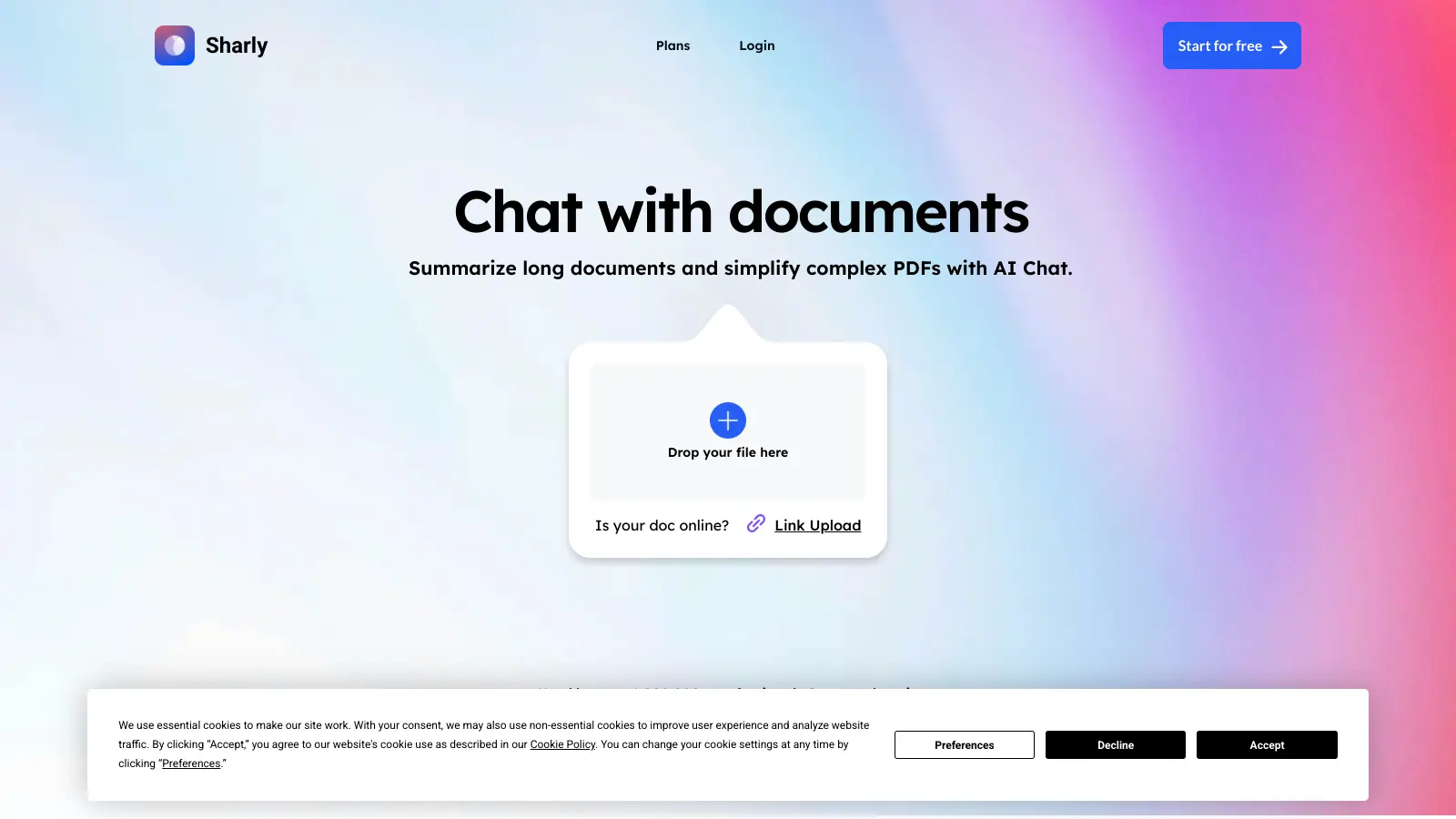
Sharly AI is a web-based document management tool developed by Vox AI Inc. that helps users analyze and interact with documents. Since its launch in 2023, it has become popular among professionals who need to handle complex documents efficiently.
The platform lets users upload documents and interact with them using natural language. It works with over 50 file formats, including PDFs, Word documents, PowerPoint presentations, URLs, and audio files. Users can ask questions about their documents and get quick answers, create summaries, and highlight important information. The tool supports 100+ languages.
One standout feature is the ability to analyze multiple documents at once, making it easier to gather information from different sources. It includes OCR technology to extract text from scanned documents, offers collaboration features for team projects, and provides a model selector so you can choose between GPT-4o, o1-preview, and Claude depending on your needs.
The pricing structure includes a free plan with basic features and 5 documents per day, a Professional plan at $15 per month with unlimited usage, and custom-priced Pro and Team plans for larger organizations.
New users might need some time to learn the more advanced functions. The tool also works best with high-quality document inputs and requires an internet connection for most features.
monthly search interest
480/mo now
Sharly AI peaked at 1,300 monthly searches in early 2024 during the AI document chat boom, then dropped 63% and has since stabilized in the 480 to 720 range. That plateau suggests the hype phase is over and what's left is a smaller but consistent core of users who've made it part of their workflow. The product is probably more stable and less experimental now than it was at peak, which is good news if you're evaluating it seriously rather than chasing a trend.
Whether Sharly AI is worth it depends heavily on what you're doing with documents and whether you're working alone or with a team. Pick your role below to see the honest breakdown.
overall sentiment
select your role to see what people like you are saying
Legal Professional
mixedIf you're reviewing contracts at volume, Sharly's clause extraction across multiple documents is a genuine time-saver compared to reading linearly. The free tier lets you test it on real materials before committing. The missing piece is an independent track record: without public evidence of accuracy on legally sensitive extractions, you'll want to verify anything this tool surfaces before it touches a deliverable.
strengths
concerns
Research Analyst
mixedThe multi-source comparison and natural language querying are the right features for literature synthesis, and they work without requiring you to pre-define search terms. What's absent is any public evidence of adoption in research institutions or independent testing of citation reliability. You can use it to find where relevant content lives across a document set, but don't skip verifying the source yourself for anything that needs to hold up to scrutiny.
strengths
concerns
Project Manager / Team Leader
positiveThe Team plan at $24 per seat includes annotations, knowledge retention, and citation history, which genuinely differentiates it from solo document chat tools. The practical risk is that there are no public case studies showing how it performs at scale across large document archives. If your team is drowning in project documentation and needs non-technical members to query it without requiring expert interpretation, this is worth piloting. Just don't roll it out to a hundred seats without a proper test run.
strengths
concerns
Content Creator / Administrative Professional
mixedIf you're summarizing reports, extracting key points from briefs, or pulling information from meeting documents, Sharly's free tier covers most of what you'd need. Five documents per day is a real cap if you're processing heavily, but for occasional admin use it's sufficient. At $12.50 per month, the Pro plan is hard to justify unless you're uploading documents daily.
strengths
concerns
“Without public reviews or a visible user community, there's no independent evidence that Sharly AI outperforms the obvious alternatives.”
Sharly AI has almost no public community footprint. There are no Reddit threads picking it apart, no forum debates about its accuracy, and no aggregated review data worth citing. That silence tells you something: this is a tool being quietly used (or quietly ignored) without the kind of vocal user base that accumulates over years of real-world deployment. What little signal exists comes from the tool's own positioning and the broader category of AI document chat tools, where the recurring complaints across the board centre on hallucinated citations, unreliable extraction from scanned PDFs, and the frustration of paying monthly for a tool that duplicates what ChatGPT or Claude can do natively for free. Sharly AI sits at $12.50 per month on the Pro plan (billed annually) and $15 month-to-month, which is a reasonable price point if the document handling genuinely earns it. The free tier caps you at five documents per day, which is enough to test it properly before committing.
The Pro plan at $12.50 per month (billed annually) is reasonable if you're uploading documents daily and need unlimited processing. The free tier's five-document-per-day cap is enough to properly test it before paying. The harder question is whether it beats ChatPDF or simply uploading to Claude directly. If you need verifiable citations and multi-document cross-referencing in one workspace, the Pro tier earns its price. If you just want to ask questions about a single PDF occasionally, the free tier or a free alternative is sufficient.
Legal professionals dealing with high-volume contract review will get the clearest time savings, since Sharly can extract specific clauses across multiple documents without line-by-line reading. Research analysts doing literature synthesis and project managers who need non-technical team members to query documentation are the other strong fits. If you're a content creator or admin professional occasionally needing to summarize a report, the free tier covers your needs without upgrading.
First, there's no meaningful public record of accuracy claims being independently verified, which is a real problem if you're using it for legally sensitive or academically rigorous work. Second, integrations with common project management tools like Jira, Asana, or Notion (beyond document upload) aren't clearly documented. Third, the lack of a visible user community means you're flying blind on edge cases: what happens with complex scanned documents, how it handles ambiguous contract language, whether citations are consistently reliable. These aren't reasons to dismiss it, but they are reasons to test it hard before depending on it.
ChatPDF has a larger, more vocal user base and a proven track record with single-document Q&A. Sharly AI's advantage is multi-document comparison, team collaboration features, and audit logs that ChatPDF doesn't offer. Choose ChatPDF if you need a reliable, battle-tested tool for individual documents. Choose Sharly if you're working across multiple documents simultaneously or need team-level features like annotations and citation history. For team deployments, Sharly's feature set is meaningfully ahead of ChatPDF.
The short answer is: verify everything. Sharly claims verifiable citations as a core feature, and the Pro plan explicitly includes reasoning capabilities designed for high-quality answers. But with no public independent testing and no visible academic adoption, there's no way to know how citation accuracy holds up on complex, ambiguous source material. For legal work, treat it as a first-pass extraction tool and have a human verify any citation before it appears in documentation. For academic work, the same rule applies: use it to find where in a document the relevant passage is, then read the source yourself.
toolsforhumans editorial team
Reader ratings and community feedback shape every score. Since 2022, ToolsForHumans has helped 600,000+ people find software that holds up after launch. how we research →

MyCase is a cloud-based law practice management software designed for solo and small to midsize law firms. It provides a platform for managing client communication, case workflow, billing, and document management. With features like client intake forms, eSignature, case tracking, secure client portals, AI-powered document summarization, and integrated payment solutions, MyCase helps law firms streamline their operations and improve efficiency across multiple practice areas.
best deal
Try MyCase Free for 10 Days - No Credit Card Required

Box is a cloud-native content management platform that enables secure storage, collaboration, and content management. It offers features including security controls, AI-driven insights, workflow automation, and integrations across business applications. With scalable solutions for individuals, teams, and enterprises, Box helps organizations manage, share, and protect their digital content.
best deal
Try Box free with 10GB storage or get 30% off Enterprise plans when billed annually

Microsoft SharePoint is a web-based collaboration platform that helps organizations create team sites, intranets, and document management systems. It integrates with Microsoft 365 tools, offering features like real-time co-authoring, version control, security controls, customizable sites, and workflow automation.
best deal
Try SharePoint Plan 1 for just $5/month - Get 1TB pooled storage, real-time collaboration & core document management features

Gradescope is a comprehensive digital grading platform that streamlines assessment for various assignment types, including exams, homework, and programming assignments. Developed by UC Berkeley instructors, it reduces manual grading time through AI-powered tools, enables consistent feedback, supports multiple graders, and provides detailed performance analytics. The platform integrates with learning management systems and offers features like dynamic rubrics, annotation, and anonymous grading to enhance educational assessment efficiency.
best deal
Get started with Gradescope for just $1 per student and streamline your grading process

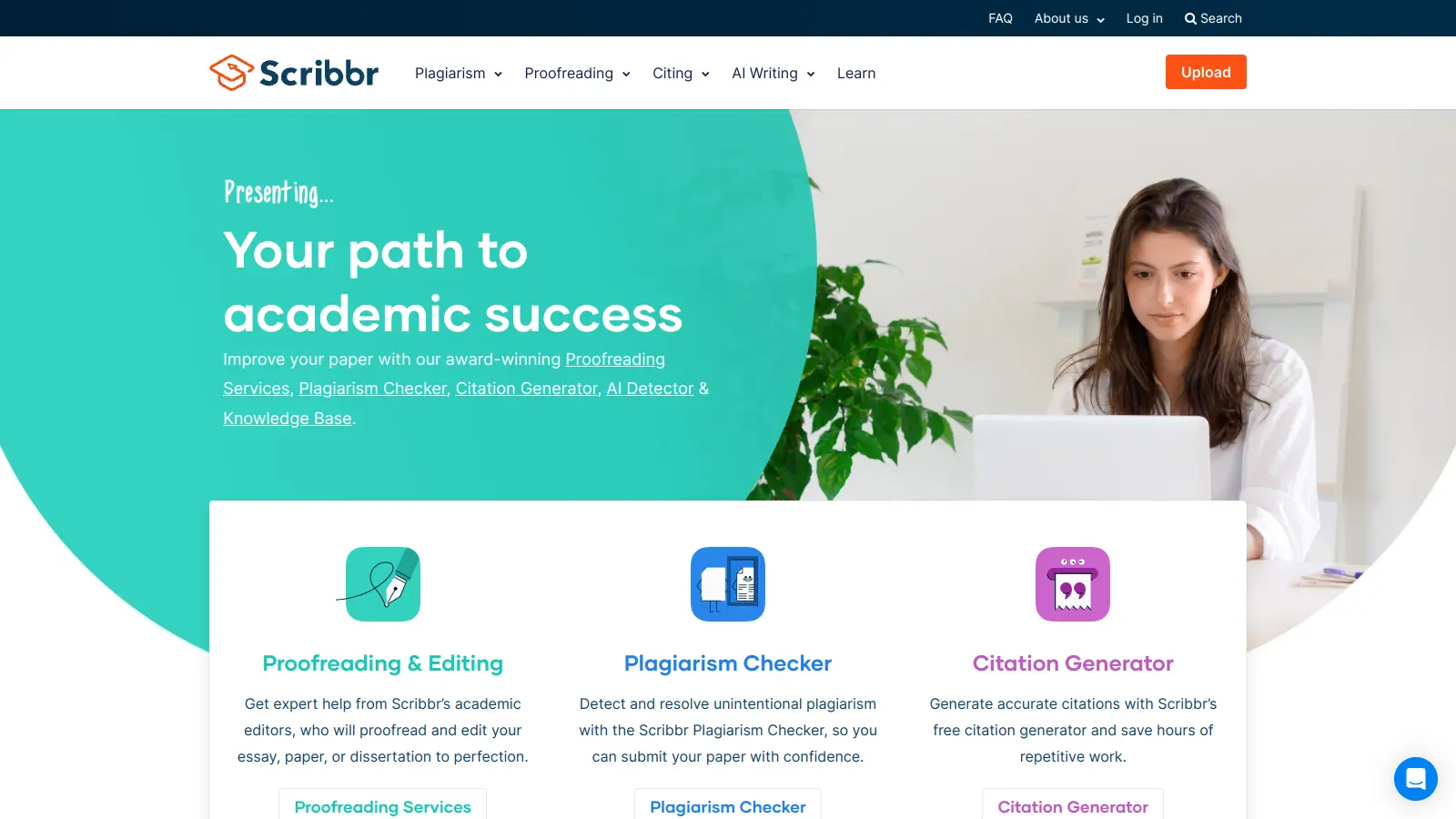
Scribbr is a comprehensive academic writing tool that helps students and professionals maintain writing integrity through plagiarism checking, AI detection, proofreading, and citation generation. It supports multiple languages, offers expert editing services, and provides a pay-per-use pricing model based on document size. With features like checking against a vast database of web pages and publications, Scribbr assists users in creating high-quality, original academic work.
best deal
Check your work for plagiarism starting at just $19.95

Clio is a cloud-based legal practice management software that streamlines law firm operations. It offers features for case management, billing, document automation, client intake, and collaboration. The platform provides AI tools like Clio Duo for automating tasks, tracking finances, engaging clients, managing documents, and integrating with other software.
best deal
Get 15% bundle savings and try Clio free before committing to a plan