Document Management System+2 more

Box
best deal
Try Box free with 10GB storage or get 30% off Enterprise plans when billed annually
redeem now
Box
best deal
Try Box free with 10GB storage or get 30% off Enterprise plans when billed annually
redeem nowWe start with direct ratings from our readers, then look at what real users are saying in practitioner forums and community spaces. We pair that with search demand data and profession-level persona analysis.
Editorial note: this was originally published in august of 2024
quick take
based on real user feedback, community sentiment, pricing value, and fit for target audience. see our full methodology
used Box? we'd love to know your thoughts
reader ratings shape our score
Box is a cloud content management platform built around compliance and security, which is a genuine differentiator in a market where most competitors treat security as a checkbox rather than the core product. IT administrators and compliance teams in regulated industries get the most from it, particularly those in healthcare, finance, legal, and government where data residency, audit trails, and access controls aren't optional. The tradeoff is real: Box's security infrastructure is stronger than Dropbox or Google Drive, but the collaboration experience is less fluid and the per-user pricing is hard to justify if your organisation isn't actually bound by compliance requirements.
Pricing starts free for individual use with a 10GB storage cap, then rises to $20 per user per month on the Business plan and $47 at the Enterprise level. It works across web, desktop, and mobile. Before trialling it, check whether your existing Microsoft 365 or Google Workspace subscription already covers your collaboration needs. If you're in a regulated industry with a real compliance mandate, Box is worth a serious look. If you aren't, start with what you already pay for.
monthly search interest
550k/mo now
Box has held a remarkably stable search volume for over three years, oscillating in a narrow band with no sustained growth or decline. That kind of flat-line pattern points to a tool with a locked-in, largely institutional user base rather than one chasing new audiences. The hype cycle has long passed, which means you're evaluating the real product, not a viral moment. For a compliance-driven platform, stability like this is actually a good sign.
Box works very differently depending on whether security compliance is a core requirement for your team or just a nice-to-have. Pick your role below to see whether it's actually worth the cost for your situation.
“If you're already paying for Microsoft 365, SharePoint and OneDrive cover roughly 80% of what Box does at no extra cost.”
Community coverage of Box skews toward enterprise and government contexts, with specialist sources noting its strength in regulated industries. Federal technology reviewers highlight Box's compliance credentials as a genuine differentiator for agencies handling sensitive data, pointing to its FedRAMP authorization and audit trail features as reasons it keeps winning procurement deals over generic cloud storage. Across commercial review platforms, the ratings are solid but not exceptional, with consistent praise for the admin controls and integrations alongside recurring complaints about the pricing structure. The most common frustration is that anything beyond basic storage requires jumping to higher tiers, and the per-user cost at $20 to $47 per month adds up fast for mid-sized teams. Users who've left cite the cost relative to what Microsoft 365 or Google Workspace already includes as the primary reason for switching.
It depends entirely on whether compliance is a genuine requirement. At $20 per user per month for the Business plan, Box is defensible for teams in regulated industries like healthcare, finance, or government where FedRAMP, HIPAA, or ISO 27001 certification actually matters. For everyone else, you're paying a significant premium over tools like Google Drive or OneDrive that are often already included in a suite you're paying for. The free plan's 10GB storage and 250MB upload limit are too restrictive to be useful for anything beyond light personal use.
Box is clearest value for IT administrators and compliance officers in regulated industries who need granular access controls, audit logs, and certifications their security team will actually accept. It also works well for legal and professional services teams that regularly share sensitive documents with external parties and need verifiable access trails. It's a harder sell for small creative or project teams who just need file storage and sharing.
First, the pricing tiers are steep and the feature gating is aggressive. Core capabilities like unlimited storage, advanced search, and Box Sign are locked behind the $33 Business Plus or $47 Enterprise plans. Second, the editing and real-time collaboration experience doesn't match Google Docs or Microsoft 365 natively. You'll often be bouncing to third-party integrations for actual document editing, which adds friction to everyday workflows. Third, the 2GB file upload limit on the Business Starter plan is a practical obstacle for teams working with video or large design files.
Choose Box if compliance certifications and enterprise security controls are a hard requirement. FedRAMP authorization, Box Shield, and the depth of admin tooling are genuinely ahead of Dropbox at the enterprise tier. Choose Dropbox if your priority is a fast, frictionless file sync experience with strong desktop integration and you don't have specific regulatory requirements to meet. Dropbox's interface is simpler, the desktop client is more reliable for everyday sync, and the pricing is comparable. For most SMB teams without compliance mandates, Dropbox is the easier choice to live with daily.
Technically yes, but practically it's a hard case to make if you're already paying for either suite. SharePoint, OneDrive, and Google Drive handle most document collaboration and storage needs without adding another per-user licence. Box justifies the additional cost when your organisation needs features those platforms don't cover at an enterprise level: cross-organisation external sharing with detailed audit controls, advanced DLP policies, or regulated data residency requirements. If none of those apply to you, the overlap is too significant to justify the extra spend.
toolsforhumans editorial team
Reader ratings and community feedback shape every score. Since 2022, ToolsForHumans has helped 600,000+ people find software that holds up after launch. how we research →
is this your tool?
claim your listing to update details, respond to our review, or upgrade to a featured partnership.
claim this listing →
MyCase is a cloud-based law practice management software designed for solo and small to midsize law firms. It provides a platform for managing client communication, case workflow, billing, and document management. With features like client intake forms, eSignature, case tracking, secure client portals, AI-powered document summarization, and integrated payment solutions, MyCase helps law firms streamline their operations and improve efficiency across multiple practice areas.
best deal
Try MyCase Free for 10 Days - No Credit Card Required

Microsoft SharePoint is a web-based collaboration platform that helps organizations create team sites, intranets, and document management systems. It integrates with Microsoft 365 tools, offering features like real-time co-authoring, version control, security controls, customizable sites, and workflow automation.
best deal
Try SharePoint Plan 1 for just $5/month - Get 1TB pooled storage, real-time collaboration & core document management features

Gradescope is a comprehensive digital grading platform that streamlines assessment for various assignment types, including exams, homework, and programming assignments. Developed by UC Berkeley instructors, it reduces manual grading time through AI-powered tools, enables consistent feedback, supports multiple graders, and provides detailed performance analytics. The platform integrates with learning management systems and offers features like dynamic rubrics, annotation, and anonymous grading to enhance educational assessment efficiency.
best deal
Get started with Gradescope for just $1 per student and streamline your grading process

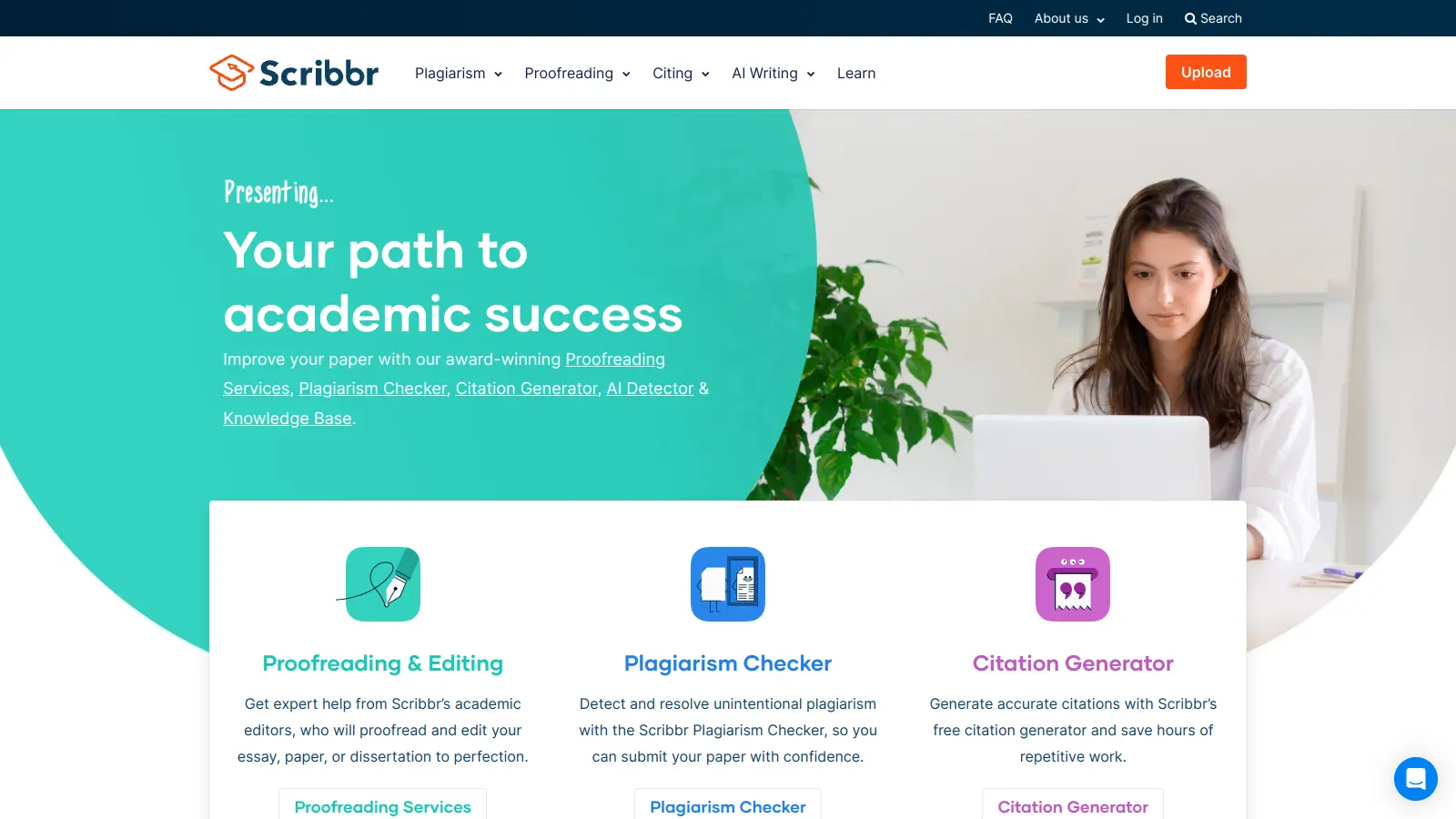
Scribbr is a comprehensive academic writing tool that helps students and professionals maintain writing integrity through plagiarism checking, AI detection, proofreading, and citation generation. It supports multiple languages, offers expert editing services, and provides a pay-per-use pricing model based on document size. With features like checking against a vast database of web pages and publications, Scribbr assists users in creating high-quality, original academic work.
best deal
Check your work for plagiarism starting at just $19.95

Consensus is an AI-powered academic search engine that uses AI to provide evidence-based insights from scientific research. It offers a Consensus Meter to gauge research agreement, Deep Search for comprehensive analysis, advanced search filters, and access to over 220 million research papers. Users can locate relevant studies, extract key information, and draft scholarly content with accurate citations from peer-reviewed sources.
best deal
Try the Free Version - Get 10 Pro Analyses, Study Snapshots, and unlimited searches across 220M research papers, or get 40% off Pro with a student email

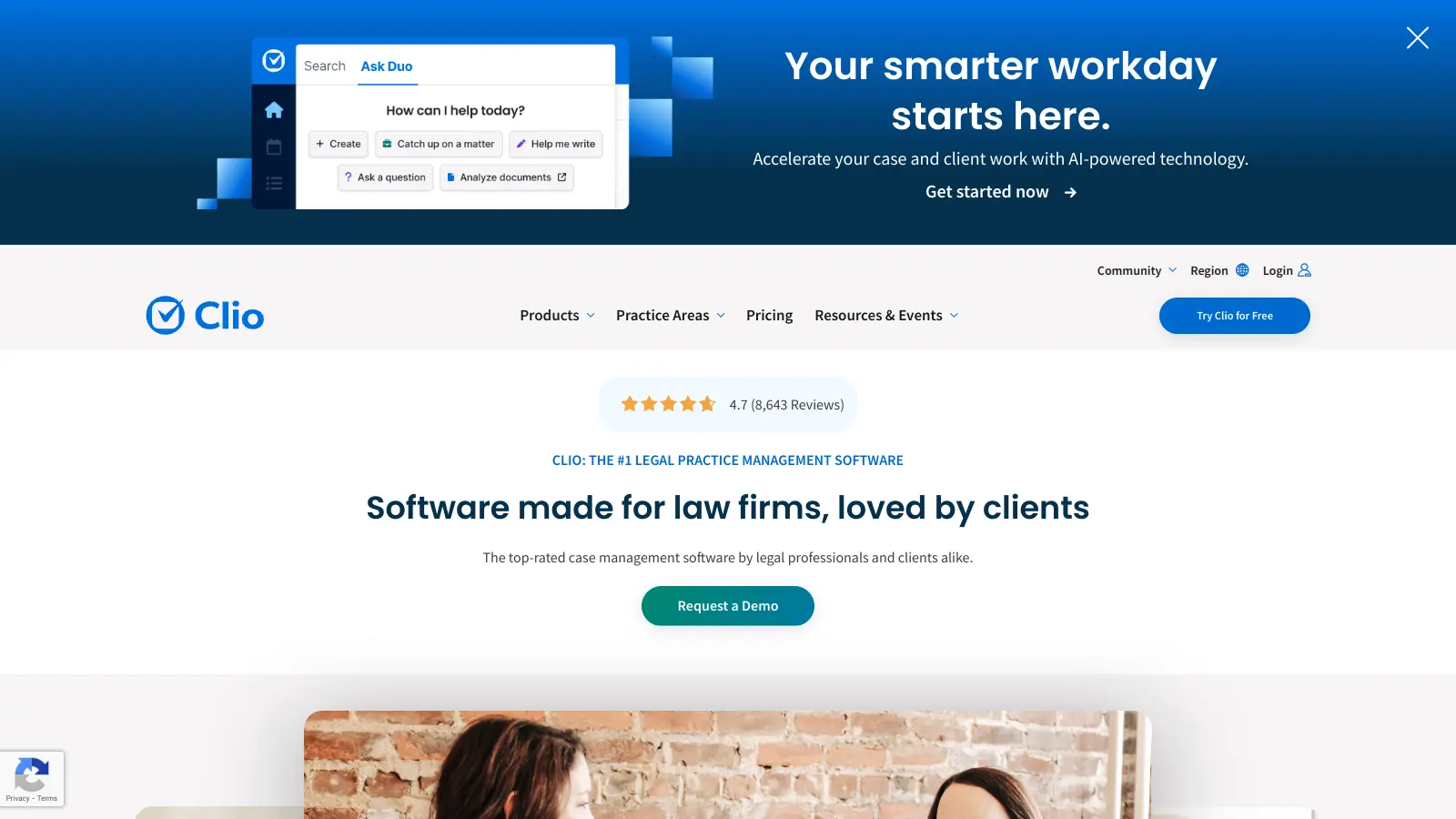
Clio is a cloud-based legal practice management software that streamlines law firm operations. It offers features for case management, billing, document automation, client intake, and collaboration. The platform provides AI tools like Clio Duo for automating tasks, tracking finances, engaging clients, managing documents, and integrating with other software.
best deal
Get 15% bundle savings and try Clio free before committing to a plan