We start with direct ratings from our readers, then look at what real users are saying in practitioner forums and community spaces. We pair that with search demand data and profession-level persona analysis.
Editorial note:this was originally published in february of 2023
quick take
✓Best for: founders building AI-powered apps and client portals from scratch
✗Skip if: you want straightforward task management or marketing tool integrations
£Best value: Pro at $20/month only if you're using Genesis and AI agents daily
★★★★★3.0/ 5 — editorial rating
based on real user feedback, community sentiment, pricing value, and fit for target audience. see our full methodology
used Taskade? we'd love to know your thoughts
reader ratings shape our score
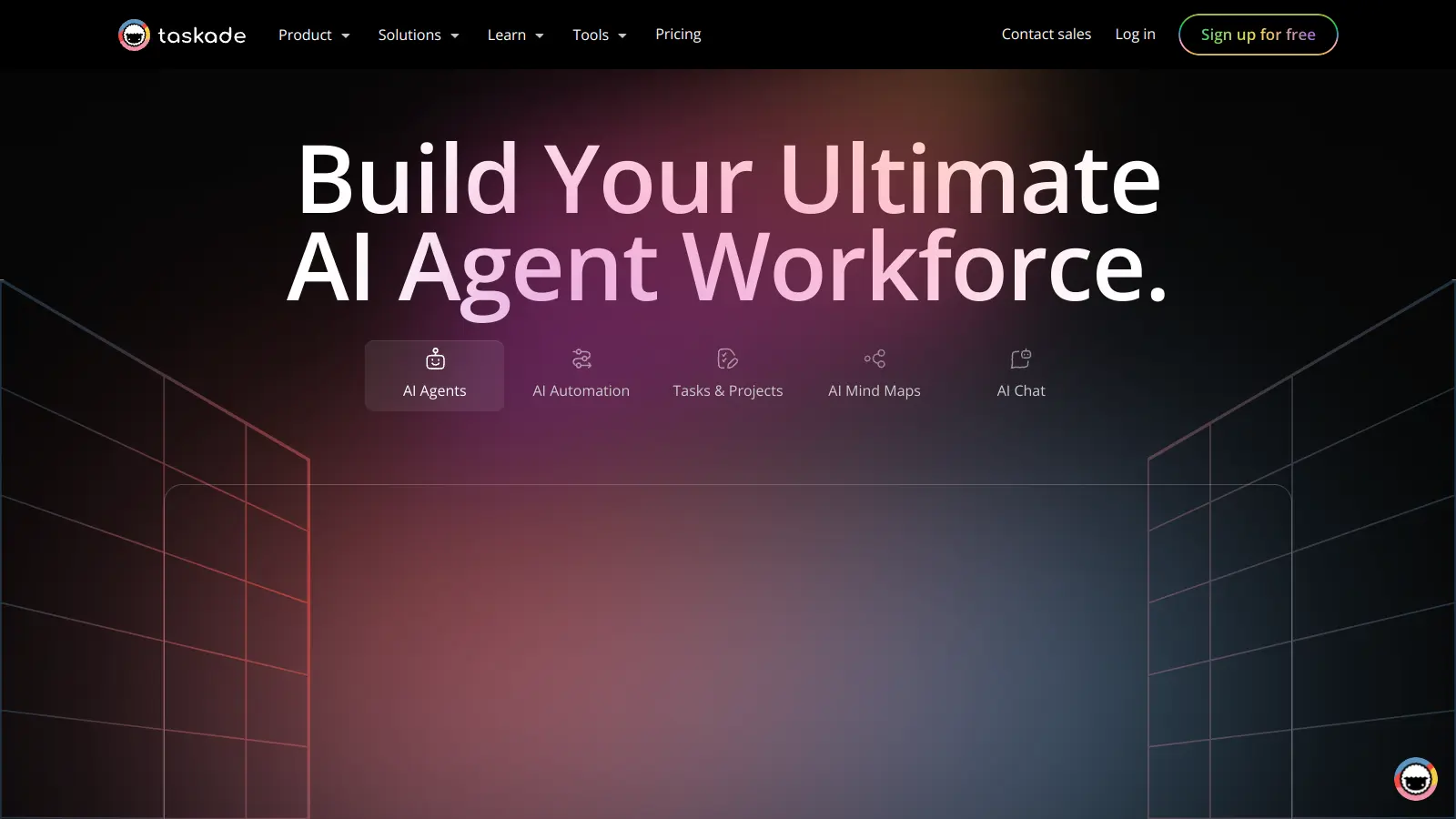
Taskade combines task management, project planning, and note-taking in one unified workspace. This all-in-one platform helps teams and individuals organize their work through customizable lists, boards, and mind maps.
At its core, the platform offers flexible project views that adapt to different working styles. Users can switch between list, board, table, mind map, org chart, and calendar layouts while keeping their data in sync. The built-in AI features include custom agents for automation, data analysis, and content creation, plus an AI app builder called Genesis that can generate entire dashboards, portals, and CRM systems from a single prompt.
Teams can work together in real-time through chat, video calls, and shared workspaces. Users can create unlimited subtasks, add due dates, and organize work using tags and folders. The template library provides quick starting points for common project types, while AI automations can connect agents to workflows and third-party tools.
Available on web, desktop, and mobile devices, Taskade offers both free and paid plans. The free version includes 10 AI generations per month and basic features for individuals, while paid tiers add unlimited AI generations using frontier models like OpenAI GPT, Anthropic Claude, and Google Gemini, plus more storage and team collaboration options.
how popular is Taskade?
monthly search interest
3.6k/mo now
peak interest8k/moMar 2024
searches now4k/moFeb 2026
1-month change−18%vs prev month
Taskade rode a clear AI hype wave: searches more than doubled between late 2022 and early 2024, then dropped 56% from that peak. The steady slide since mid-2024 suggests the tool is shedding users who tried it during the AI excitement and didn't stick around. The product's identity shift toward app building may win new users, but the search data says the original audience is moving on.
who is Taskade for?
Whether Taskade works for you depends heavily on what you're trying to do with it — the gap between its best and worst use cases is wider than most tools. Pick your role below to see the honest breakdown.
overall sentiment
select your role to see what people like you are saying
Remote Team Manager
positive
If you're managing a distributed team on a budget, Taskade's built-in video calls and real-time collaboration genuinely reduce the tool-switching tax. At $20/month for unlimited members on Pro, it undercuts Asana and Monday.com significantly. The main watch-out is integrations: if your team already lives in Slack or uses enterprise tools, the gaps will create friction rather than solve it.
strengths
Real-time collaboration features keep remote teams synchronized across locations
Integrated video calls eliminate tool-switching for meetings and quick syncs
Affordable pricing compared to enterprise competitors like Asana or Monday.com
Clean, intuitive interface reduces training time for new team members
concerns
Occasional sync issues between devices could disrupt workflow in fast-paced environments
Limited integrations with existing enterprise tools create workflow gaps
Slower customer support response times problematic when issues arise
Solo Creator/Freelancer
mixed
The free tier is worth a look if you want to test AI-assisted task management without committing money, but the 10 AI generations per month runs out fast and the automation features aren't deep enough to meaningfully reduce busywork. If you're managing complex client workflows or need reliable exports for deliverables, you'll hit the ceiling quickly and find Notion handles the fundamentals more reliably.
strengths
One unified workspace eliminates switching between multiple tools for task management, content planning, and scheduling
AI agents assist with content creation and automation, helping solo creators punch above their weight
Free tier provides genuine value for trying the platform before committing financially
Mind map and brainstorming features support creative workflow organization
concerns
Free plan limitations too restrictive for scaling freelance operations beyond basic task tracking
Automation capabilities lag behind what solo creators need to truly reduce busywork
Export functionality limitations could complicate client deliverables or portfolio documentation
Marketing Team Lead
mixed
Taskade has AI agents that can help with content drafts and campaign scheduling, and the price is right. But the missing integrations with Mailchimp, Buffer, and HubSpot mean you're still maintaining separate tools for anything beyond basic planning. Until those gaps close, it can't replace a proper marketing ops stack — it's a lightweight addition, not a hub.
strengths
AI agents accelerate content creation and help with SEO-related tasks
Campaign scheduling capabilities span multiple channels from one interface
Clean interface makes it easy for non-technical team members to adopt quickly
Affordable pricing preserves marketing budget for other needs
Automation capabilities insufficient for sophisticated marketing workflows like lead scoring or email sequences
Less feature-rich than dedicated marketing project management solutions
Founder/Entrepreneur Building MVP
positive
This is where Taskade's current direction actually makes sense. The Genesis feature lets you generate CRMs, dashboards, and client portals from a single prompt without writing code, and the AI agents can handle research and workflow automation across your early-stage operations. If you're building fast and don't want to stitch together five tools, the Pro plan at $20/month is defensible.
strengths
AI app builder and automation enable building functional tools without hiring developers, dramatically reducing costs
Rapid prototyping capabilities accelerate internal tool and dashboard creation for MVP validation
Custom client portals and reporting dashboards can be created and deployed quickly
Affordable pricing makes it accessible for bootstrapped founders managing resources carefully
The Taskade subreddit tells a clear story right now: returning users are confused and frustrated. One thread titled 'What Happened to the Program I Loved?' captures the mood precisely — a longtime user came back after a year away and found that what used to be a clean task management tool now forces them to 'build a full-blown app or site for 1-4 hours' just to get started. A separate thread titled 'What is Taskade anymore?' voices the same identity crisis: someone who joined to replace Notion and project management tools found themselves staring at what looks like a vibe coding platform. These aren't one-off complaints. The core frustration is consistent: Taskade has pivoted hard toward AI app building and 'Genesis' features, and users who came for simple, fast task management feel abandoned. Across broader online reviews, the picture is mixed — the affordable pricing and clean interface get credit, but the product direction shift and occasional sync issues between devices come up repeatedly as genuine problems.
Our take: Taskade has made a bet that its users want to build AI apps and CRM systems, not just manage tasks. That bet may pay off for founders and builders, but it's genuinely left its original audience behind. If you want a task management tool with some AI sprinkled in, Notion does the basics better and hasn't confused its own identity. Don't subscribe to Taskade's Pro plan at $20/month expecting the clean productivity tool it used to be — the product is something different now, and whether that's better depends entirely on what you're building.
features
AI Agents for Automation: Train custom AI agents to handle automation, data analysis, content creation, and project management with tools like web scraping and agent actions that work across workflows.
AI App Builder (Genesis): Generate complete apps, dashboards, websites, CRM systems, and client portals from a single prompt without writing code or hiring developers.
Task Management: Create and organize unlimited task lists with due dates, tags, and nested subtasks across multiple project views.
Flexible Project Visualization: Switch between List, Board, Table, Mind Map, Org Chart, and Calendar views without losing project context or data.
Collaborative Workspaces: Invite team members, set permissions, and collaborate in real-time with integrated chat and built-in video call capabilities.
Smart Automations: Connect AI agents to third-party tools and workflows, with support for RAG using proprietary data and integrations with Gmail and other services.
Cross-Platform Accessibility: Use Taskade on mobile, desktop, and web with synchronized workspaces powered by OpenAI GPT, Anthropic Claude, and Google Gemini models.
pricing
Free Plan offers 10 AI generations per month, 3 team members, 1 workspace, 250 MB storage, 7-day project history, and access to basic features like task lists, mind maps, meeting notes, and team calendar across all platforms.
Pro Plan at $20/month provides unlimited AI generations with frontier models (OpenAI GPT, Anthropic Claude, Google Gemini), unlimited team members, built-in video calls, 50 GB storage, 6-month project history, advanced team permissions, and guest sharing.
Business Plan at $69/month includes advanced features, increased storage and project history, calendar integration, and advanced permissions for growing teams.
Ultimate Plan priced at $149/month offers unlimited workspaces, 1 TB storage, 5-year project history, unlimited users, 1,000 AI requests per month, AI agents, external team collaboration, cloud integrations with Google Drive and Dropbox, Zapier access to 6,000+ automations, and single sign-on options.
Teams Plan at $100/month provides 100,000 AI tasks per month, unlimited users, advanced admin controls, enterprise integrations, and premium support.
Enterprise Plan with custom pricing delivers custom deployment, compliance requirements, and dedicated support for large organizations.
frequently asked questions
The free plan is worth testing — you get task lists, mind maps, and basic AI features, but the 10 AI generations per month and 1-workspace limit will hit quickly if you use it daily. The Pro plan at $20/month is only worth it if you're actively using the AI agents, Genesis app builder, or built-in video calls. If you just want task management and a decent free-tier note tool, you're overpaying.
Founders building MVPs who want to generate dashboards, CRMs, or client portals from a prompt will get the most out of what Taskade has become. Remote Team Managers on tight budgets who want collaboration plus video calls in one place also get genuine value. Solo creators and marketing teams will hit frustrating gaps — the automation is thin and the integrations with tools like Mailchimp or Buffer don't exist.
First, the product direction has shifted so dramatically toward AI app building that the core task management experience now feels secondary. Second, integrations are genuinely sparse — if your workflow touches HubSpot, Buffer, or most marketing stacks, you'll be copy-pasting. Third, the free plan's 7-day project history means you lose access to past work quickly, which makes it hard to evaluate properly before committing.
Notion is the more stable choice for anyone who wants a reliable, flexible workspace for notes, tasks, and docs. Taskade has the edge if you specifically want AI agents and app generation baked in at a lower price point than building the same in Notion with add-ons. But if Notion's free tier already covers your needs, Taskade doesn't give you a clear reason to switch — and current users are going the other direction.
Honestly, less so than it was. The interface has been reorganised around the new AI app and Genesis features, and returning users consistently report that simple task creation now requires more setup than before. If clean, fast task management is your primary need, Taskade's current direction is working against you. It's worth trying the free plan to see if you can navigate around the new layers, but don't assume it works the same way it did a year ago.
tools for humans
toolsforhumans editorial team
Reader ratings and community feedback shape every score. Since 2022, ToolsForHumans has helped 600,000+ people find software that holds up after launch. how we research →
is this your tool?
claim your listing to update details, respond to our review, or upgrade to a featured partnership.
★★★★★3.8based on real user feedback, community sentiment, pricing value, and fit for target audience. see our full methodology
Notion
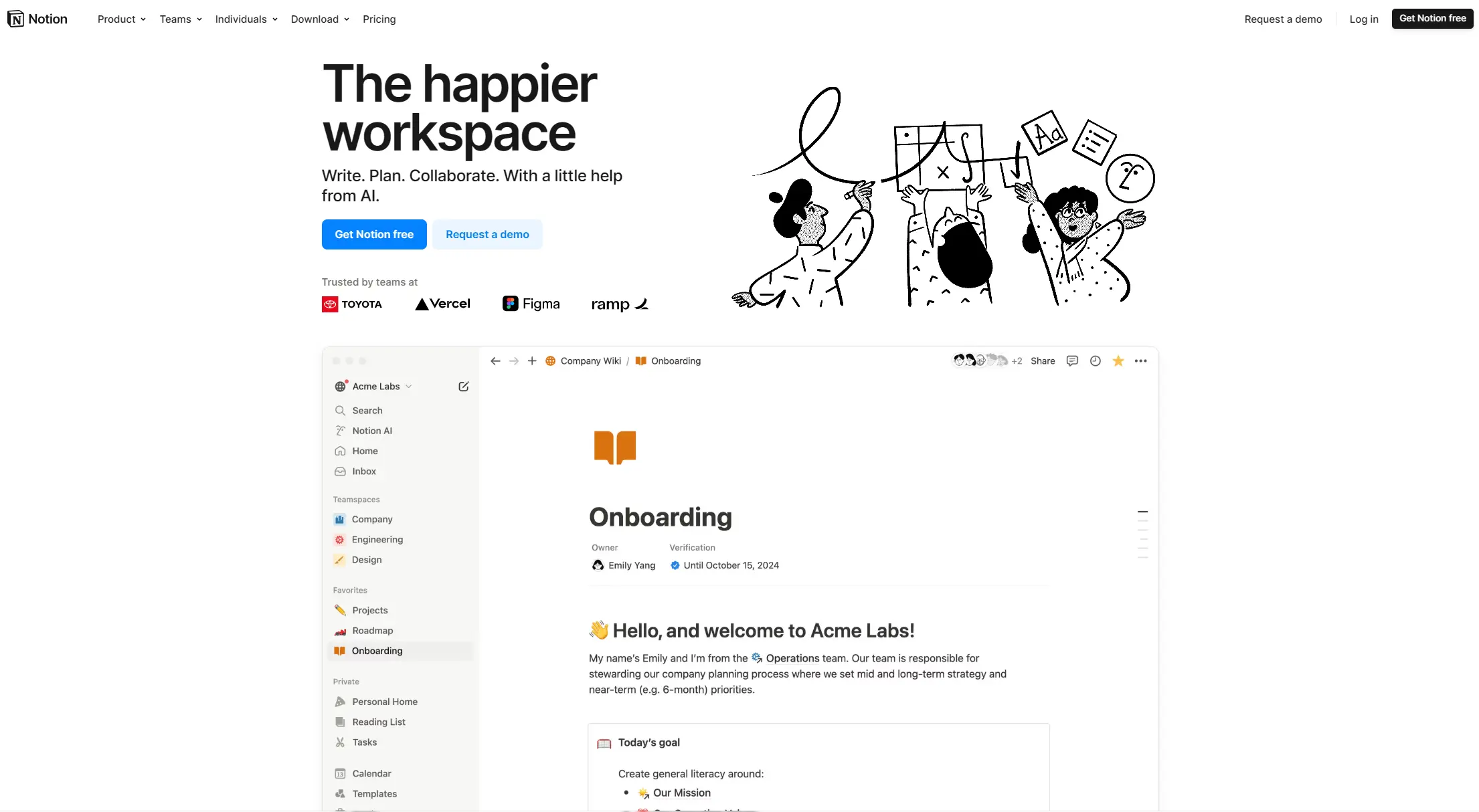
Notion is an all-in-one productivity platform for creating, organizing, and collaborating on notes, databases, wikis, tasks, and projects. Its block-based system allows for customizable workspaces with multiple views like tables, boards, and calendars. It includes AI assistance, collaboration features, and integrations with other tools.
★★★★★3.8based on real user feedback, community sentiment, pricing value, and fit for target audience. see our full methodology
Asana
Asana is a web-based project management platform that enables teams to organize, track, and collaborate on work. It offers task management, multiple project views (lists, boards, timelines), AI features for automating workflows, communication tools, progress tracking, and integrations with over 200 apps. Available in free and paid plans, Asana supports teams of all sizes with flexible project visualization options.
★★★★★3.5based on real user feedback, community sentiment, pricing value, and fit for target audience. see our full methodology
Polaris
Polaris PSA is a professional services automation tool that helps service organizations manage projects, resources, and financials. It uses AI to capture real-time data, provide recommendations, and enable proactive decision-making. The platform includes automatic time tracking, resource matching, and integrations with Salesforce and 100+ work apps.
★★★★★3.8based on real user feedback, community sentiment, pricing value, and fit for target audience. see our full methodology
Smartsheet
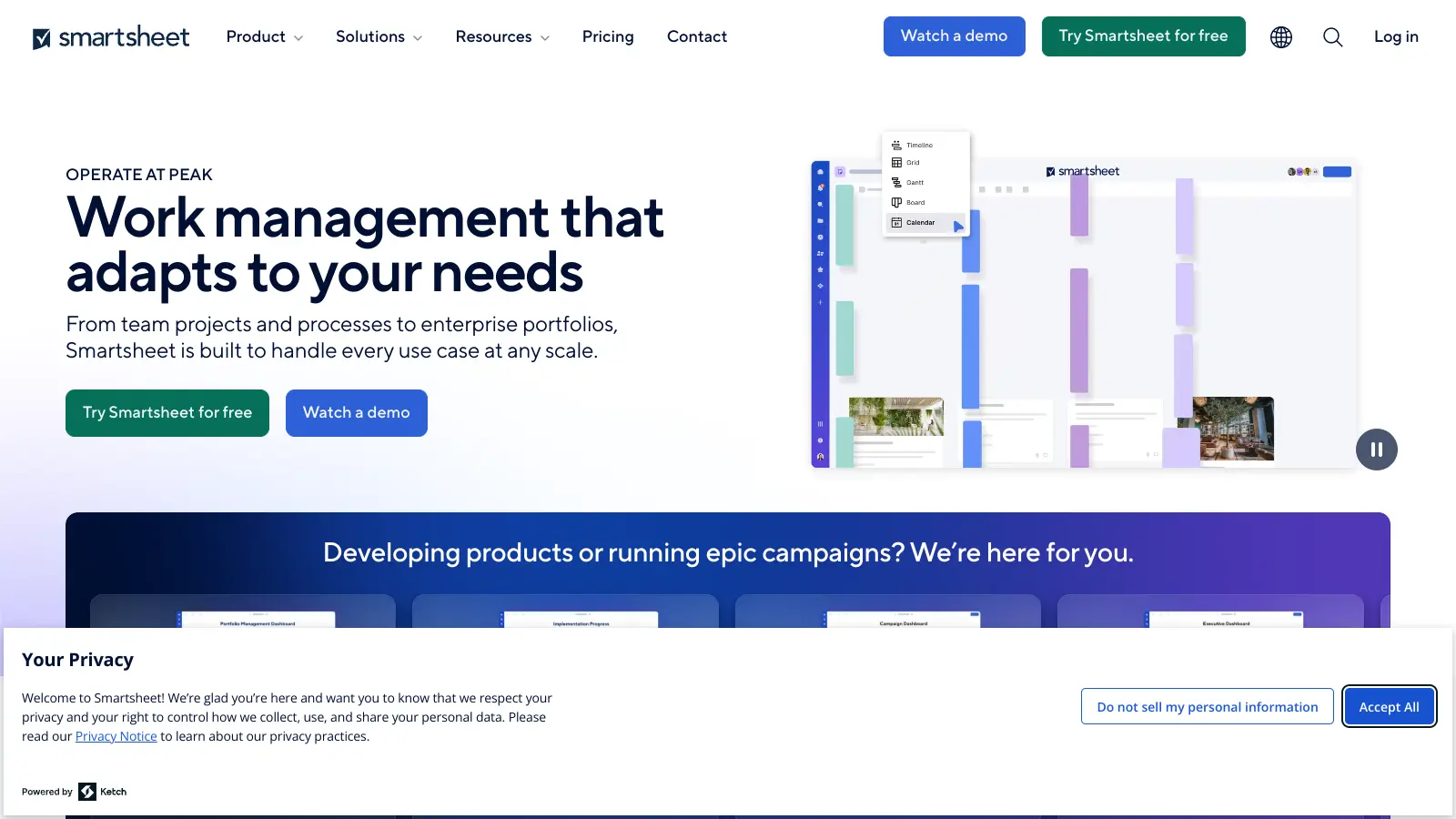
Smartsheet is a cloud-based work management platform with a spreadsheet-like interface designed to help teams collaborate, manage projects, and track workflows. It offers features like Gantt charts, real-time collaboration, workflow automation, AI-powered formula generation and data analysis, customizable reporting, and integrations with third-party tools. The platform provides scalable solutions for businesses of different sizes, from individual users to large enterprises, with pricing plans ranging from free to custom enterprise options.
★★★★★3.8based on real user feedback, community sentiment, pricing value, and fit for target audience. see our full methodology
ClickUp
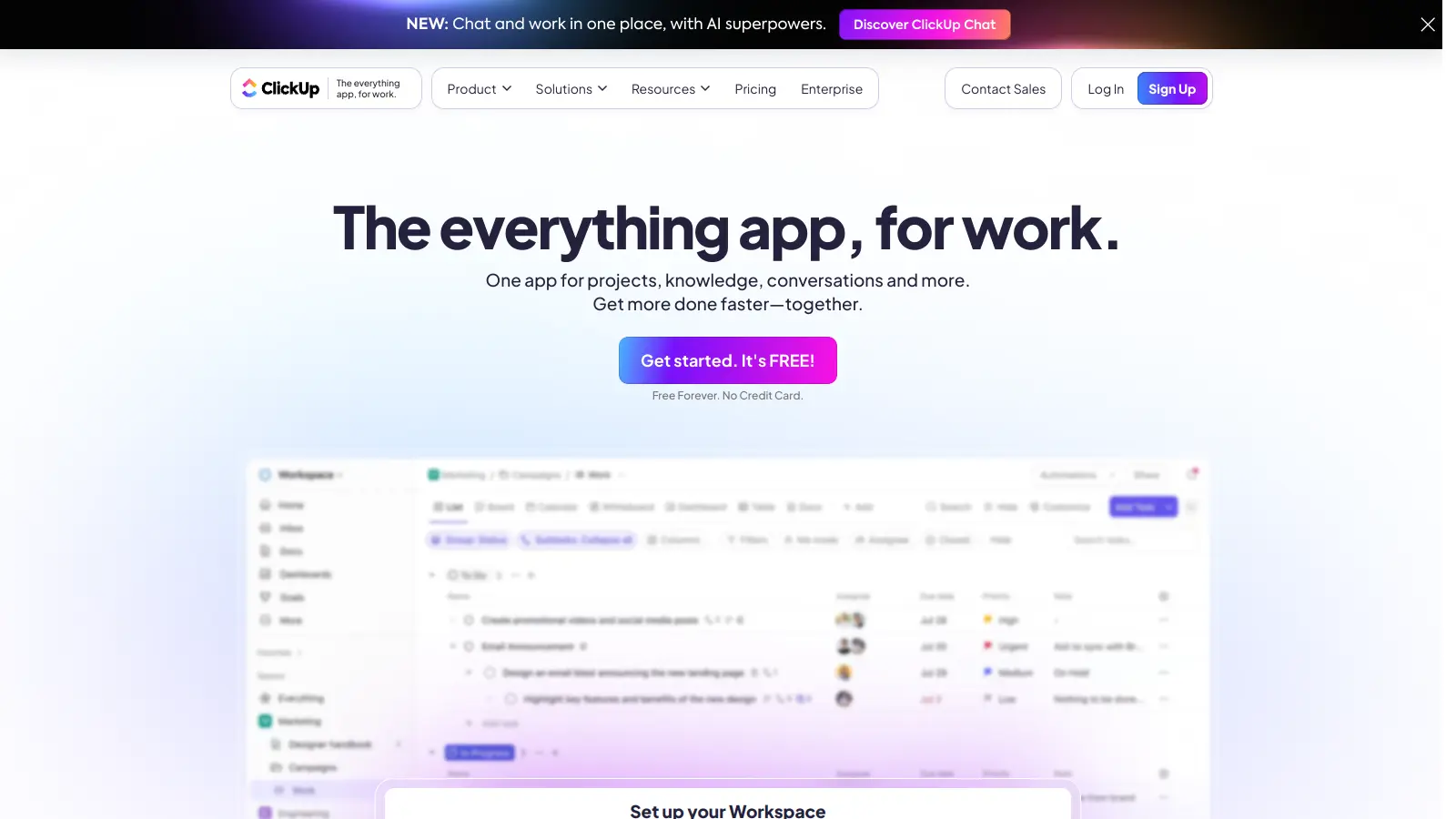
ClickUp is a comprehensive cloud-based project management platform that combines task management, collaboration tools, automation, and AI assistance in one workspace. It offers customizable features including multiple project views, document creation, time tracking, and AI-powered workflow automation across multiple pricing tiers, catering to teams of all sizes from freelancers to large enterprises.
★★★★★3.5based on real user feedback, community sentiment, pricing value, and fit for target audience. see our full methodology
Trello
Trello is a project management tool that helps teams organize work using boards, lists, and cards. It enables users to track tasks, collaborate in real-time, and manage workflows visually. With features like task assignment, due dates, integrations, and AI-powered automation, Trello supports project management for teams of any size, from small startups to large enterprises.