Zesfy review — mobile task & calendar management

last reviewed 24 march 2026
how we review

We start with direct ratings from our readers, then look at what real users are saying in practitioner forums and community spaces. We pair that with search demand data and profession-level persona analysis.

full methodology →

Editorial note: this was originally published in august of 2024

quick take

  • Best for: experimenters wanting cheap mobile task-calendar integration
  • Skip if: you need a reliable, community-backed tool for client or academic work
  • £Best value: yearly plan at $19.99 only after testing the beta
½2.5/ 5 — editorial rating

based on real user feedback, community sentiment, pricing value, and fit for target audience. see our full methodology

used Zesfy? we'd love to know your thoughts

reader ratings shape our score

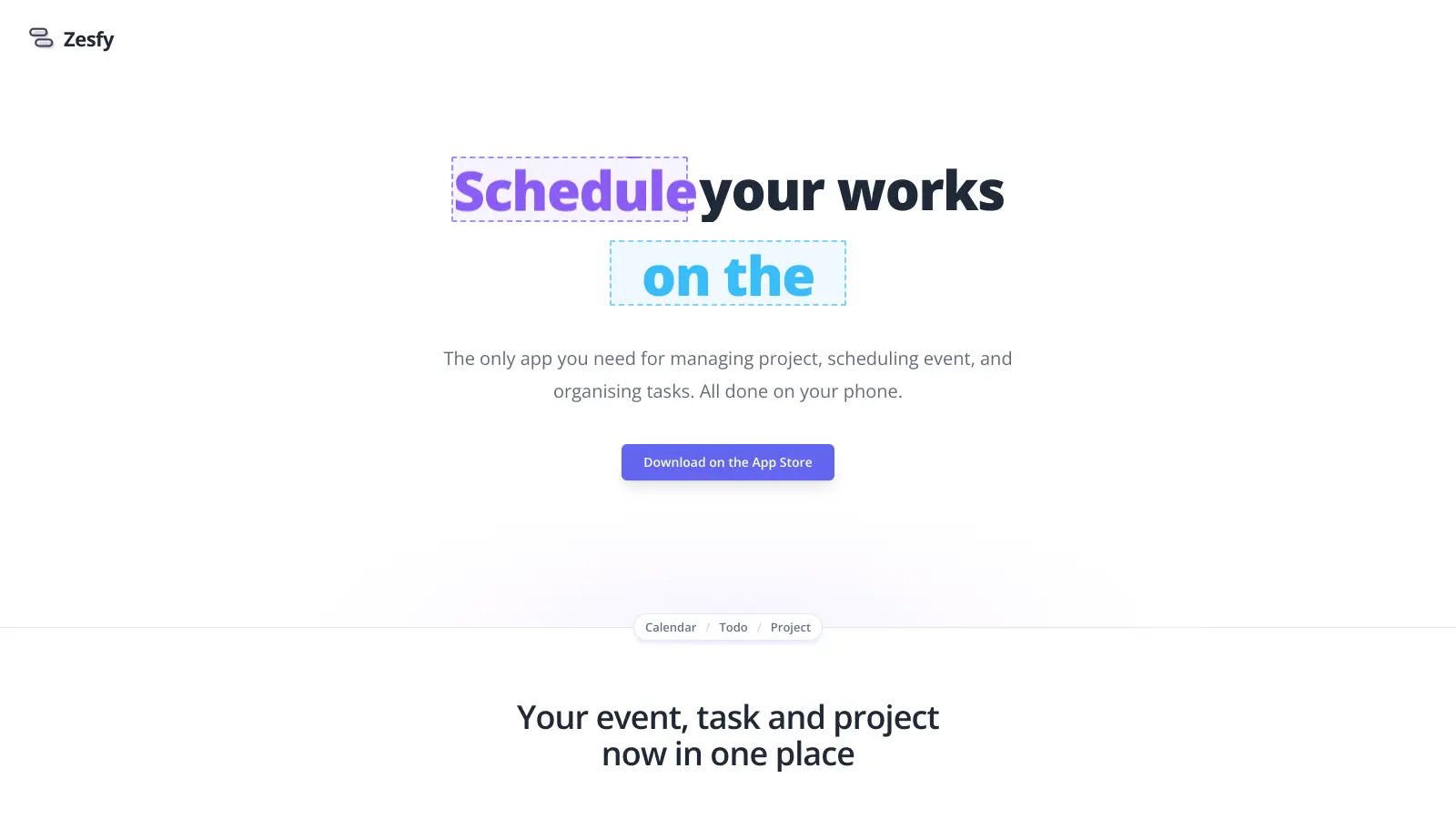
Zesfy is a mobile-focused project management tool that combines task organization, event scheduling, and project tracking in one streamlined interface. The app integrates directly with your calendar to create a central hub for managing daily workflows and longer-term projects.

At its core, the tool helps users break down complex tasks into manageable steps while keeping everything synced with their schedule. Its session feature allows grouping of related tasks within calendar events, making it simple to track progress across different activities and projects.

Available for both iOS and Android devices, Zesfy offers basic functionality in its free version, with a Pro upgrade available at $2.99 monthly or $19.99 annually. The Pro version unlocks additional features for more detailed project management.

The app caters to individuals who need a practical way to organize their work and personal tasks without switching between multiple platforms. Its mobile-first approach makes it particularly useful for people who prefer managing their schedule on the go.

how popular is Zesfy?

monthly search interest

10/mo now

010203020252026
peak interest30/moOct 2024
searches now10/moFeb 2026
1-month change— steadyvs prev month

Zesfy appeared in search data for the first time in late 2024, hit a brief peak of 30 monthly searches in October 2024, then dropped back to roughly 10 searches a month where it has stayed since. That pattern suggests a small initial burst of curiosity, likely from a launch announcement, that hasn't translated into sustained word-of-mouth growth. The user base is either very small or not yet searching by name, so you're looking at an early-stage product with limited real-world adoption.

who is Zesfy for?

Whether Zesfy is worth trying depends almost entirely on how much uncertainty you're comfortable with. Pick your role below to see the honest breakdown for your situation.

overall sentiment

select your role to see what people like you are saying

Freelancer/Consultant

mixed

The idea of grouping client tasks inside calendar events is genuinely useful for freelancers, and $19.99 a year won't break anyone. The problem is you're betting on a tool with no verified users, broken website pages, and no community to turn to if something goes wrong. If client work is on the line, that's a real risk. Test the beta hard before putting any client project in here.

strengths

  • Single app consolidation for multiple client projects
  • Mobile-first design for on-the-go client management
  • Calendar integration for schedule coordination
  • Reduces need to switch between multiple tools

concerns

  • Zero verifiable user feedback or case studies
  • Unknown reliability and stability in production use
  • Unclear data security and privacy practices for sensitive client information
  • Risk of tool abandonment with no community support

what users are saying

The features page and pricing page on the official website are both 404 errors, which raises real questions about how maintained the product actually is.

Community discussion data for Zesfy is essentially nonexistent. The search results return reviews for Zeffy, a completely different product (a nonprofit donation platform), which tells you everything about Zesfy's current footprint online. There are no Reddit threads, no forum posts, no independent blog writeups, and no verified user reviews specifically about this task management app. The pricing and features pages on the Zesfy website return 404 errors, which is not a confidence-inspiring sign for a tool you'd trust with your daily workflow.

Our take: Zesfy is a concept more than a proven product. The core idea, grouping tasks inside calendar events and tracking progress as you tick off subtasks, is genuinely useful, and at $19.99 a year the price is low enough to feel like a safe bet. But the broken website pages, complete absence of user feedback, and minimal search presence mean you're taking a flier on a tool with no track record. If you need a mobile-first task and calendar combo that actually has community support behind it, Fantastical or Sunsama are worth the comparison. Don't pay for a yearly subscription here until you've tested whether the app even works for your specific workflow.
features

  • Task Session Management: Group multiple tasks within a single calendar event, making it easier to organize and track project-related activities efficiently.
  • Automatic Progress Tracking: Automatically update task progress as you complete subtasks, providing a clear view of your work completion and productivity.
  • Step-by-Step Task Breakdown: Break down complex projects into manageable actions, helping you tackle large tasks with more clarity and confidence.
  • Integrated Event Scheduling: Schedule events and tasks together across multiple calendars, ensuring seamless organization and easy event filtering.
  • Project Status Visualization: Get a clear overview of project tasks with status and progress indicators that help you understand exactly where you left off.
  • Mobile-First Productivity: Manage tasks, events, and projects directly from your phone, offering flexible and convenient project management on the go.
  • Flexible Pricing Options: Choose between monthly ($2.99) and yearly ($19.99) Pro plans to unlock enhanced productivity features.

pricing

  • Monthly Pro Plan at $2.99, offering enhanced project management features for mobile users.
  • Yearly Pro Plan at $19.99, providing a cost-effective annual subscription with comprehensive productivity tools.
  • Pro version includes advanced task management, event scheduling, and project organization capabilities.
  • No information provided about free tier or team/enterprise pricing plans.

frequently asked questions

The yearly Pro Plan at $19.99 is cheap enough that the financial risk is low. But price alone doesn't make something worth it. With broken website pages, no visible user reviews, and no confirmation the app is actively maintained, you're gambling on a product that may not be around or updated in six months. Try the limited beta before committing to anything.

On paper, it's aimed at freelancers juggling multiple clients, remote workers who want tasks and calendar in one mobile app, and students managing assignments and schedules. In practice, there's no verified evidence it works well for any of these groups yet. Freelancers and remote workers with reliability requirements should be especially cautious.

First, there's no community or support infrastructure: no forum, no active subreddit, no documented user base to learn from or get help from if something breaks. Second, the features page and pricing page on the official website are both 404s, which raises real questions about how maintained the product is. Third, there's no free tier listed, so you can't trial the full product without paying.

Sunsama is a daily planning app that also combines tasks and calendar, but it has thousands of verified users, active community discussion, and a track record of regular updates. It costs significantly more at around $20 per month, but you get a product you know works. Choose Zesfy only if you're happy experimenting with an early-stage app at low cost. Choose Sunsama if you need something reliable for daily professional use.

The task breakdown and calendar integration features sound useful for academic planning, but there's no evidence from other students that it integrates with common learning platforms or holds up under a full semester's worth of deadlines. For anything critical, a more established tool with actual student reviews is a safer choice until Zesfy builds a visible track record.

tools for
humans

toolsforhumans editorial team

Reader ratings and community feedback shape every score. Since 2022, ToolsForHumans has helped 600,000+ people find software that holds up after launch. how we research →

is this your tool?

claim your listing to update details, respond to our review, or upgrade to a featured partnership.

claim this listing →

other tools to check out

Notion screenshot
online buzz673k
trend (1M)18%
3.8based on real user feedback, community sentiment, pricing value, and fit for target audience. see our full methodology

Notion

Notion is an all-in-one productivity platform for creating, organizing, and collaborating on notes, databases, wikis, tasks, and projects. Its block-based system allows for customizable workspaces with multiple views like tables, boards, and calendars. It includes AI assistance, collaboration features, and integrations with other tools.

best deal

Annual billing saves 20% across all paid plans—Plus starts at $8/month with unlimited blocks and file uploads

Asana screenshot
online buzz301k
trend (1M)steady
3.8based on real user feedback, community sentiment, pricing value, and fit for target audience. see our full methodology

Asana

Asana is a web-based project management platform that enables teams to organize, track, and collaborate on work. It offers task management, multiple project views (lists, boards, timelines), AI features for automating workflows, communication tools, progress tracking, and integrations with over 200 apps. Available in free and paid plans, Asana supports teams of all sizes with flexible project visualization options.

best deal

Try Asana free with the Personal Plan for 1-2 users, or start a 30-day free trial of paid plans to test AI features and advanced workflows.

Polaris screenshot
online buzz301k
trend (1M)steady
3.5based on real user feedback, community sentiment, pricing value, and fit for target audience. see our full methodology

Polaris

Polaris PSA is a professional services automation tool that helps service organizations manage projects, resources, and financials. It uses AI to capture real-time data, provide recommendations, and enable proactive decision-making. The platform includes automatic time tracking, resource matching, and integrations with Salesforce and 100+ work apps.

best deal

Free Trial Available for Polaris PSA

Smartsheet screenshot
online buzz301k
trend (1M)steady
3.8based on real user feedback, community sentiment, pricing value, and fit for target audience. see our full methodology

Smartsheet

Smartsheet is a cloud-based work management platform with a spreadsheet-like interface designed to help teams collaborate, manage projects, and track workflows. It offers features like Gantt charts, real-time collaboration, workflow automation, AI-powered formula generation and data analysis, customizable reporting, and integrations with third-party tools. The platform provides scalable solutions for businesses of different sizes, from individual users to large enterprises, with pricing plans ranging from free to custom enterprise options.

best deal

Get a 30-day free trial to test all features before committing to a paid plan

ClickUp screenshot
online buzz246k
trend (1M)steady
3.8based on real user feedback, community sentiment, pricing value, and fit for target audience. see our full methodology

ClickUp

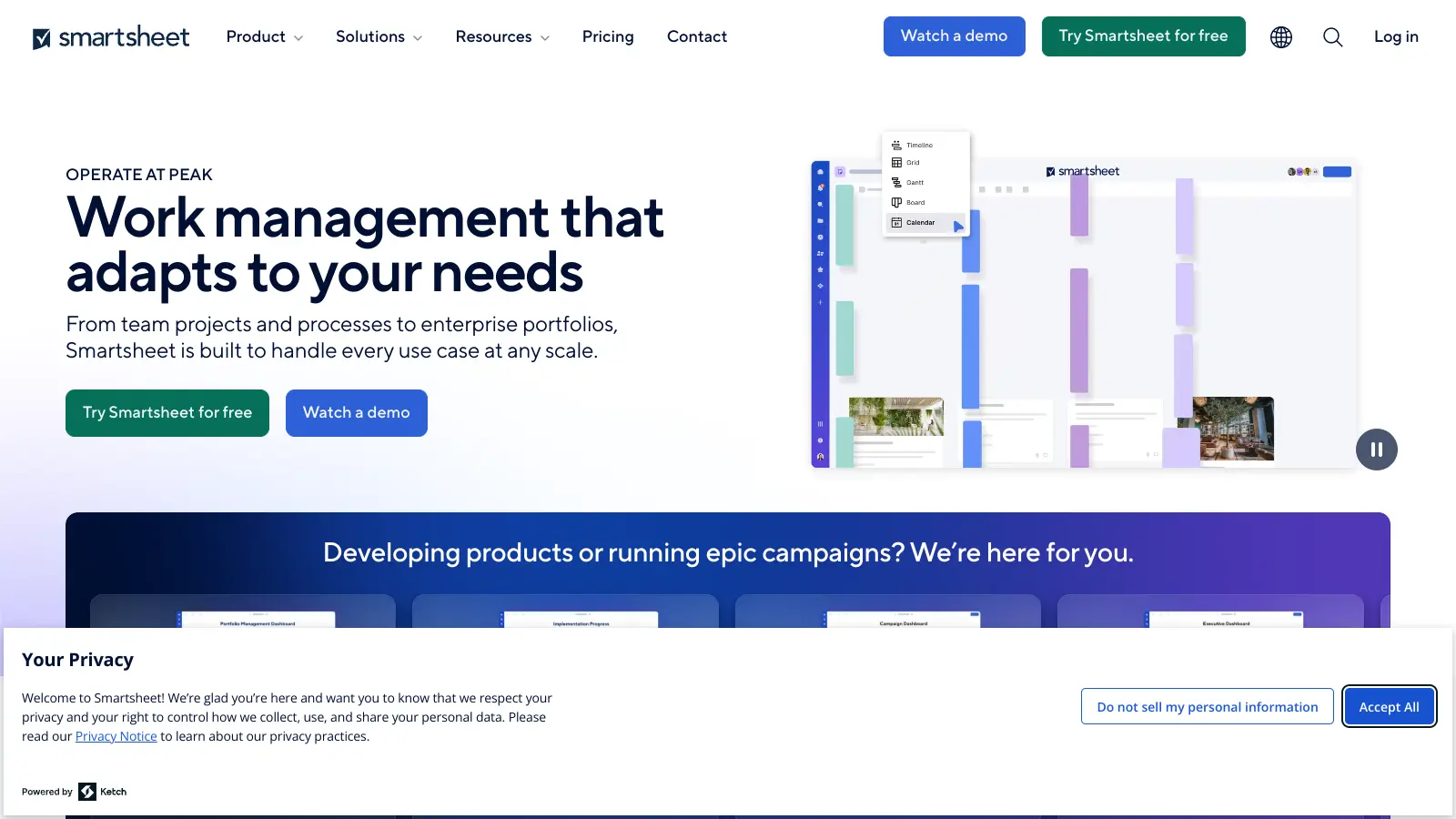
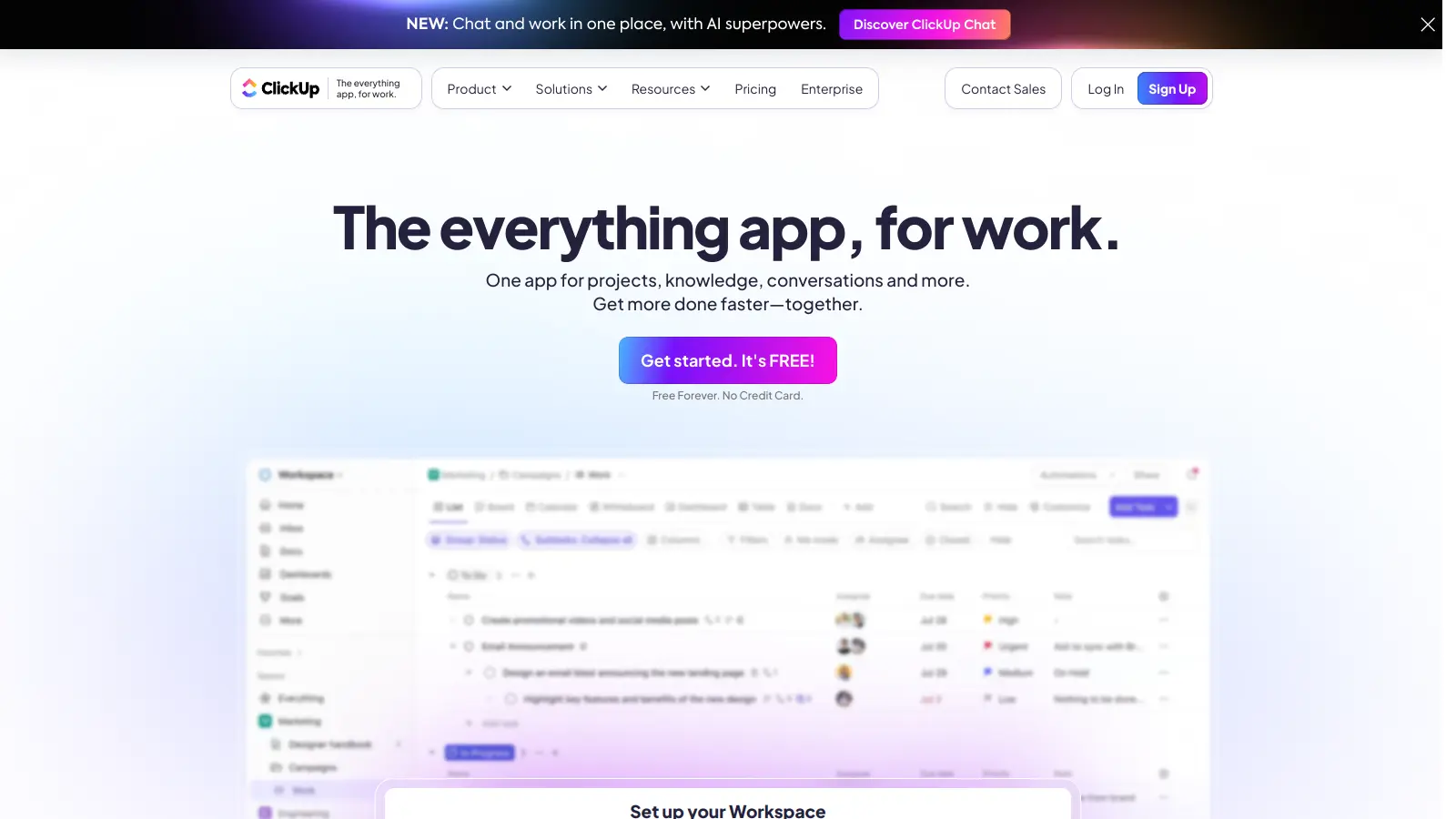
ClickUp is a comprehensive cloud-based project management platform that combines task management, collaboration tools, automation, and AI assistance in one workspace. It offers customizable features including multiple project views, document creation, time tracking, and AI-powered workflow automation across multiple pricing tiers, catering to teams of all sizes from freelancers to large enterprises.

best deal

Try ClickUp's Free Forever Plan with unlimited tasks and collaborative docs, or get a 14-day free trial on paid plans!

Trello screenshot
online buzz246k
trend (1M)steady
3.5based on real user feedback, community sentiment, pricing value, and fit for target audience. see our full methodology

Trello

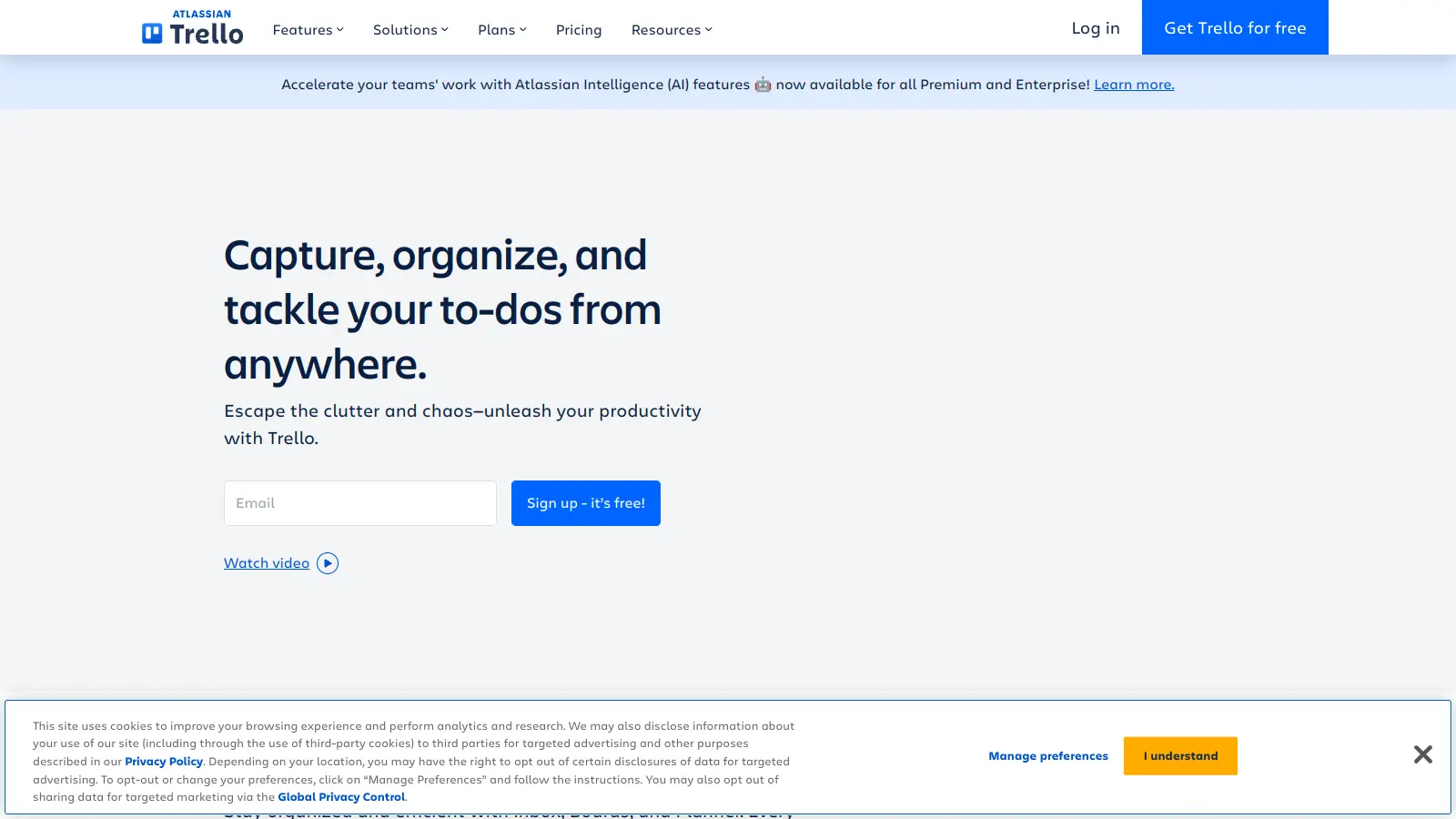
Trello is a project management tool that helps teams organize work using boards, lists, and cards. It enables users to track tasks, collaborate in real-time, and manage workflows visually. With features like task assignment, due dates, integrations, and AI-powered automation, Trello supports project management for teams of any size, from small startups to large enterprises.

best deal

Try Trello Free - Organize projects with unlimited cards, lists, and members across up to 10 boards per workspace