tools for
humans

Trimble reviews — what users really think

last reviewed 24 march 2026
how we review

We start with direct ratings from our readers, then look at what real users are saying in practitioner forums and community spaces. We pair that with search demand data and profession-level persona analysis.

full methodology →

Editorial note: this was originally published in august of 2024

quick take

  • Best for: surveyors and civil engineers using Trimble hardware in the field
  • Skip if: you're a small firm without budget for per-seat licensing and onboarding time
  • £Best value: Connect Business at $12.99/user if you have a team of 3+
½3.5/ 5 — editorial rating

based on real user feedback, community sentiment, pricing value, and fit for target audience. see our full methodology

used Trimble? we'd love to know your thoughts

reader ratings shape our score

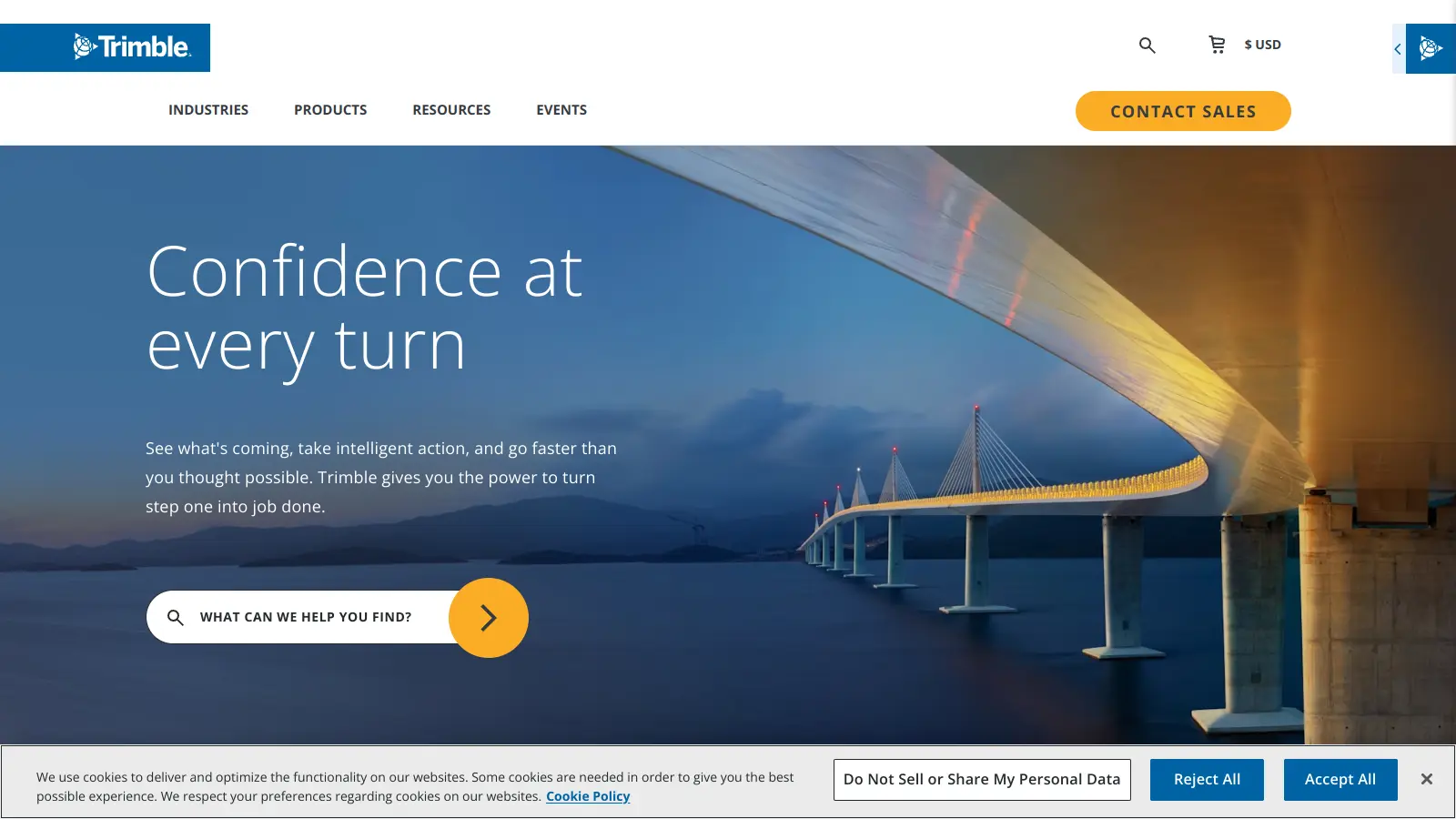
Trimble provides technology solutions for industries including construction, geospatial, agriculture, transportation, and logistics. The company has expanded beyond traditional surveying tools to include agentic AI solutions that automate workflows, analyze data, and improve decision-making across field and office operations.

Founded in 1978 and headquartered in Westminster, Colorado, Trimble now operates in over 150 locations across 30 countries. The company focuses on connecting physical and digital worlds through technology that improves productivity, quality, and safety across multiple sectors.

Trimble's software portfolio includes products like Trimble Business Center for survey data processing, Trimble Connect for BIM collaboration, SketchUp for 3D modeling, and AI-powered tools for transportation management. The platforms support input from GNSS receivers, total stations, laser scanners, and drones, with tools for data processing, analysis, and collaboration while maintaining compatibility with common industry software.

Pricing varies significantly by product and region. Trimble Connect offers a free Personal plan with basic features, while Business plans start at $12.99 monthly per user. Hardware-inclusive subscriptions like Trimble Works require custom quotes. Users should contact Trimble directly for specific pricing details in their area.

how popular is Trimble?

monthly search interest

40.5k/mo now

016.5k33k50k2023202420252026
peak interest50k/moOct 2025
searches now41k/moFeb 2026
1-month change— steadyvs prev month

Trimble's search volume was flat for most of 2022, grew steadily through 2024, and spiked to its highest point in October 2025 before pulling back to prior levels. The pattern suggests a stable, established user base with no sign of decline, though the October spike looks like a product announcement or industry event rather than organic growth. For a tool this entrenched in professional workflows, consistent 40k monthly searches means it's not going anywhere.

who is Trimble for?

Trimble works very differently depending on whether you're in the field with hardware or managing projects from an office. Find your role below to see whether the cost and learning curve actually make sense for your situation.

overall sentiment

select your role to see what people like you are saying

Surveyor

positive

If you're doing professional land surveying and already working with Trimble hardware like the R12i, the software ecosystem earns its keep. The GPS accuracy is genuinely industry-leading and the multi-sensor data processing saves real time on client deliverables. The licensing cost stings for smaller practices, and you'll need to budget time for the learning curve before it pays off.

strengths

  • Industry-leading GPS accuracy for precise land measurements
  • Reliable real-time site mapping and data collection from multiple sensors
  • Professional-grade output suitable for client deliverables
  • Responsive technical support teams for established users

concerns

  • Expensive licensing and subscription models that strain smaller surveying practices
  • Steep learning curve requiring significant time investment to master
  • Connectivity issues in remote field locations affecting workflow continuity
  • Unintuitive interface slowing down daily operations

what users are saying

Trimble makes most sense when you need the full hardware-software ecosystem working together and you have the team to absorb the learning curve.
Community discussion around Trimble's surveying and construction tools is thin in public forums, but what exists is telling. A thread in r/Surveying shows newer surveyors comparing Trimble against cheaper alternatives like Emlid, asking why Trimble costs so much more. The implicit answer from experienced respondents is that Trimble's GPS accuracy and ecosystem integration justify the premium for professional work, but the price gap is real and felt. The TMS fleet product has a more substantial review footprint across commercial platforms, sitting in the 4-out-of-5 range, with users praising reliability but flagging onboarding friction and support inconsistency as recurring problems. Across the construction and geospatial user base, the loudest complaints are licensing costs that stack up fast across teams, an interface that requires serious time investment before it feels natural, and connectivity problems in remote field locations that break workflows at the worst possible moment.

Our take: Trimble is genuinely industry-standard in surveying and construction technology, which means it earns its place on the shortlist by default for professionals who need client-grade deliverables. The problem is that 'industry standard' has become a tax on smaller firms and solo practitioners who can't spread licensing costs across a large team. If you're running a small surveying practice or a lean construction operation, the cost-per-seat gets painful quickly. Emlid offers a credible hardware alternative at a fraction of the price for many GPS tasks, and Autodesk's construction cloud covers a lot of the BIM and project collaboration ground at comparable pricing. Trimble makes most sense when you need the full hardware-software ecosystem working together and you have the team to absorb the learning curve.

features

  • Data Integration and Multi-Sensor Support: Process survey data from GNSS receivers, total stations, laser scanners, drones, and mobile mapping systems in a single software environment.
  • Advanced Data Processing: AI-powered point cloud classification, dynamic surface creation, and precise GNSS post-processing transform raw field data into usable models and measurements.
  • Agentic AI Automation: Back-office agents automate email order entry, invoice scanning, and breakdown handling in transportation workflows, while autonomous procurement predicts spot prices and negotiates carrier rates.
  • Industry-Standard Collaboration: Export data to multiple formats, integrate with leading design software like Autodesk and ESRI, and create reports for team communication across Trimble Connect's BIM platform.
  • Specialized Workflow Modules: Access dedicated tools for aerial photogrammetry, cadastral surveying, mobile mapping, infrastructure design, project monitoring, and construction cost estimating.
  • AI-Assisted Design and Routing: Generate 3D objects from text descriptions in SketchUp, use conversational AI for route building in PC*Miler, and get granular spot price predictions that reduce check calls by up to 80%.
  • Connected Workspace Technology: Automatically synchronize data between field and office software, eliminating manual transfers and reducing potential errors.

pricing

  • Trimble Connect Personal offers free access with 1 project creation, invitation of up to 5 project members, 10 GB storage, and basic BIM coordination features including clash detection and task management.
  • Trimble Connect Business costs $12.99 per user monthly, providing unlimited project creation, unlimited project members, unlimited data upload, metadata definition, and project/user management.
  • Trimble Connect Business Premium costs $23.95 per user monthly, offering advanced BIM tools, enriched 3D workflows, and full access to workflow extensions and apps.
  • SketchUp Go costs $19.99 per user monthly for iPad and web-based 3D modeling with 3D Warehouse access, unlimited cloud storage, and mobile viewer.
  • Trimble Quest costs $999.00 per user annually for construction cost estimating, budget management, and cloud-based collaboration.
  • Trimble Works subscriptions (Core, Pro, Premium) require contact for pricing and include software licenses plus hardware management with varying levels of technology protection, service features, and hardware upgrade options.
  • Trimble Business Center and TerraFlex pricing tiers (Starter, Site + Field, Enterprise, Core, Premium) require contact for pricing and vary by feature set and workflow requirements.
  • Pricing may vary by region, and users are advised to contact local Trimble distributors for specific regional pricing details.

frequently asked questions

It depends on whether you can spread the cost. Trimble Connect Business at $12.99 per user per month sounds reasonable until you're licensing it across a full project team. The free Personal tier gives you one project and 10GB storage, which is genuinely useful for testing but not for real work. For solo surveyors or small firms, the cost-per-user ratio is hard to justify against cheaper alternatives. For mid-to-large firms where the hardware and software ecosystem connect, the pricing makes more sense because you're buying into a unified platform, not just a software subscription.

Surveyors who need GPS accuracy and multi-sensor data processing for client deliverables are the clearest fit. Civil engineers working on infrastructure projects with complex terrain modelling requirements also get genuine value. Construction project managers at larger firms benefit from the real-time field-to-office sync and BIM collaboration. If you're running a small construction firm with a tight budget and limited IT support, the onboarding cost and learning curve make this a difficult choice.

Two problems come up consistently. First, the interface isn't intuitive and takes significant time investment before it speeds up your workflow rather than slowing it down. Second, the licensing costs accumulate fast when you're adding multiple team members, and there's no meaningful middle tier between the free plan and full business pricing for small operations. Connectivity in remote field locations is also a known pain point that can disrupt workflows on exactly the jobs where the tool matters most.

For BIM collaboration and construction project management, Autodesk Construction Cloud is a direct competitor and is often the better fit for teams already in the Autodesk ecosystem. Autodesk has broader integrations with architectural and structural design workflows. Trimble wins on the geospatial and surveying side, particularly if you're using Trimble hardware in the field. If your work is primarily office-based construction coordination, Autodesk is worth evaluating first. If field data collection from GPS and total stations is central to your workflow, Trimble's hardware-software integration is hard to replicate.

You can, but you'll feel the cost more. The free tier won't cover serious client work, and the Business plan at $12.99 per user monthly is manageable if you're billing professionally. The bigger issue is the learning curve: solo practitioners don't have colleagues to share knowledge with, so expect a longer ramp-up period. If you're already using Trimble hardware like the R12i, committing to the software ecosystem makes sense. If you're starting fresh, test the free tier properly before buying.

tools for
humans

toolsforhumans editorial team

Reader ratings and community feedback shape every score. Since 2022, ToolsForHumans has helped 600,000+ people find software that holds up after launch. how we research →

other tools to check out

Notion screenshot
online buzz673k
trend (1M)18%
3.8based on real user feedback, community sentiment, pricing value, and fit for target audience. see our full methodology

Notion

Notion is an all-in-one productivity platform for creating, organizing, and collaborating on notes, databases, wikis, tasks, and projects. Its block-based system allows for customizable workspaces with multiple views like tables, boards, and calendars. It includes AI assistance, collaboration features, and integrations with other tools.

best deal

Annual billing saves 20% across all paid plans—Plus starts at $8/month with unlimited blocks and file uploads

Smartsheet screenshot
online buzz301k
trend (1M)steady
3.8based on real user feedback, community sentiment, pricing value, and fit for target audience. see our full methodology

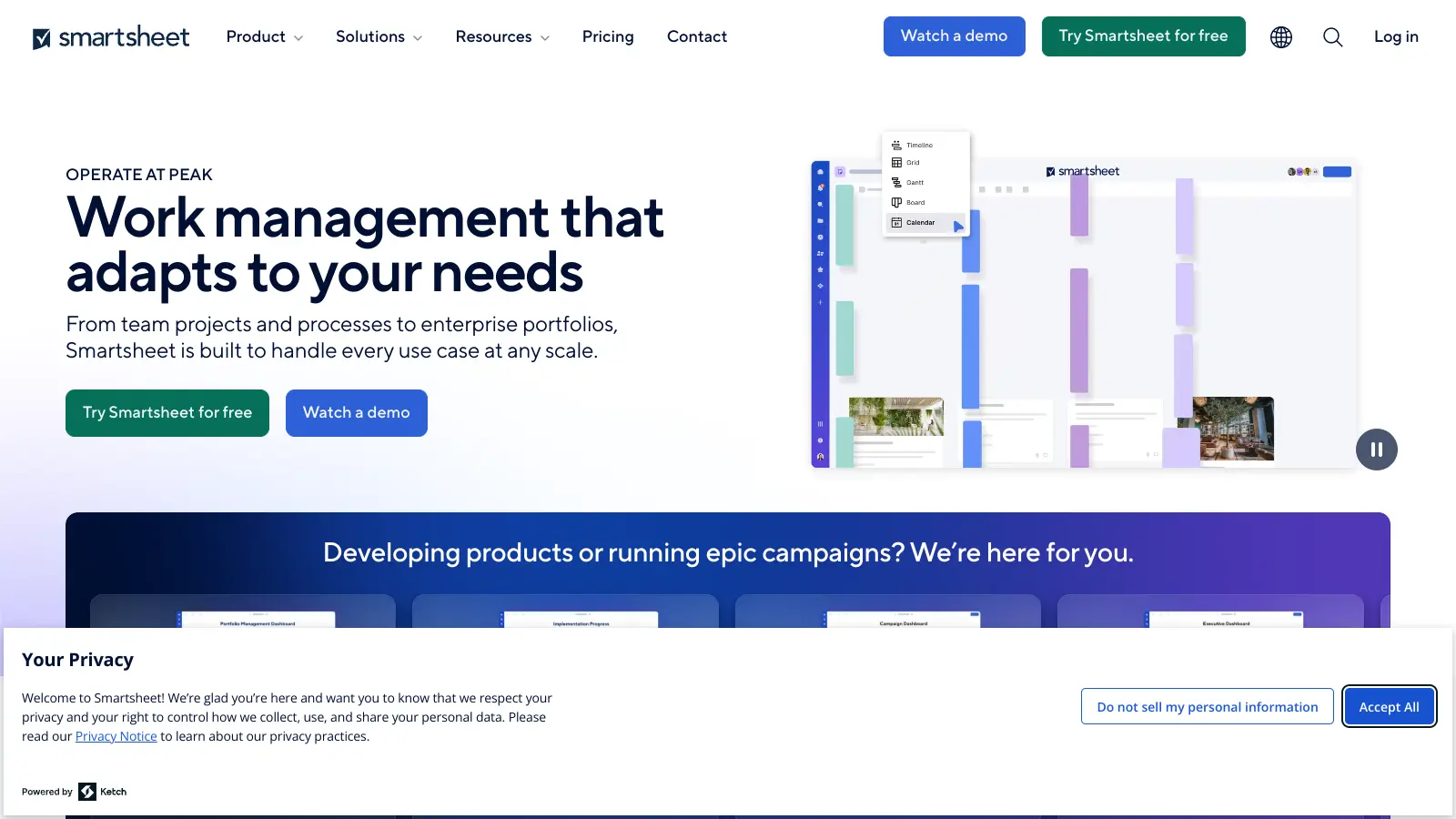
Smartsheet

Smartsheet is a cloud-based work management platform with a spreadsheet-like interface designed to help teams collaborate, manage projects, and track workflows. It offers features like Gantt charts, real-time collaboration, workflow automation, AI-powered formula generation and data analysis, customizable reporting, and integrations with third-party tools. The platform provides scalable solutions for businesses of different sizes, from individual users to large enterprises, with pricing plans ranging from free to custom enterprise options.

best deal

Get a 30-day free trial to test all features before committing to a paid plan

Polaris screenshot
online buzz301k
trend (1M)steady
3.5based on real user feedback, community sentiment, pricing value, and fit for target audience. see our full methodology

Polaris

Polaris PSA is a professional services automation tool that helps service organizations manage projects, resources, and financials. It uses AI to capture real-time data, provide recommendations, and enable proactive decision-making. The platform includes automatic time tracking, resource matching, and integrations with Salesforce and 100+ work apps.

best deal

Free Trial Available for Polaris PSA

Asana screenshot
online buzz301k
trend (1M)steady
3.8based on real user feedback, community sentiment, pricing value, and fit for target audience. see our full methodology

Asana

Asana is a web-based project management platform that enables teams to organize, track, and collaborate on work. It offers task management, multiple project views (lists, boards, timelines), AI features for automating workflows, communication tools, progress tracking, and integrations with over 200 apps. Available in free and paid plans, Asana supports teams of all sizes with flexible project visualization options.

best deal

Try Asana free with the Personal Plan for 1-2 users, or start a 30-day free trial of paid plans to test AI features and advanced workflows.

ClickUp screenshot
online buzz246k
trend (1M)steady
3.8based on real user feedback, community sentiment, pricing value, and fit for target audience. see our full methodology

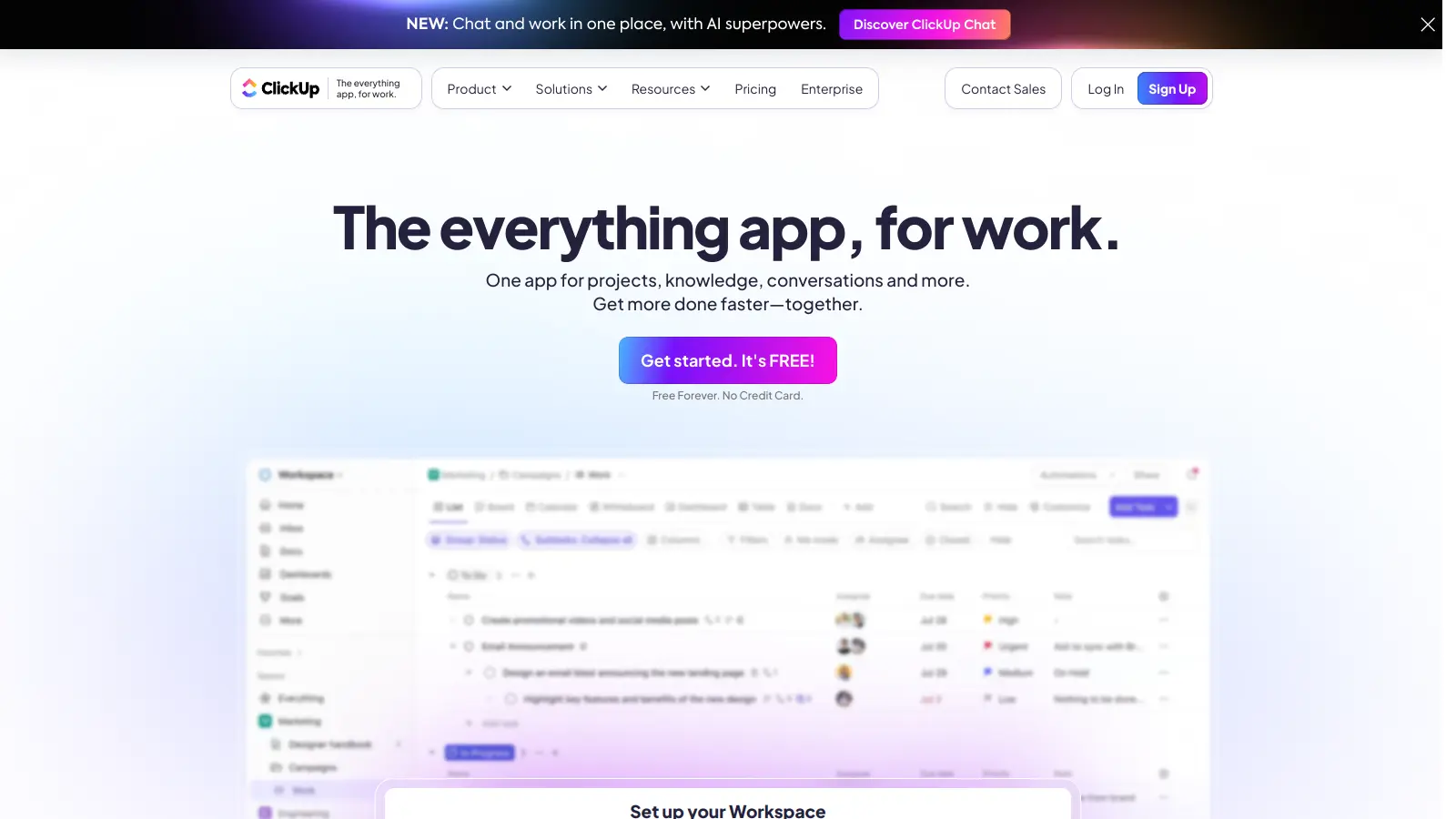
ClickUp

ClickUp is a comprehensive cloud-based project management platform that combines task management, collaboration tools, automation, and AI assistance in one workspace. It offers customizable features including multiple project views, document creation, time tracking, and AI-powered workflow automation across multiple pricing tiers, catering to teams of all sizes from freelancers to large enterprises.

best deal

Try ClickUp's Free Forever Plan with unlimited tasks and collaborative docs, or get a 14-day free trial on paid plans!

Trello screenshot
online buzz246k
trend (1M)steady
3.5based on real user feedback, community sentiment, pricing value, and fit for target audience. see our full methodology

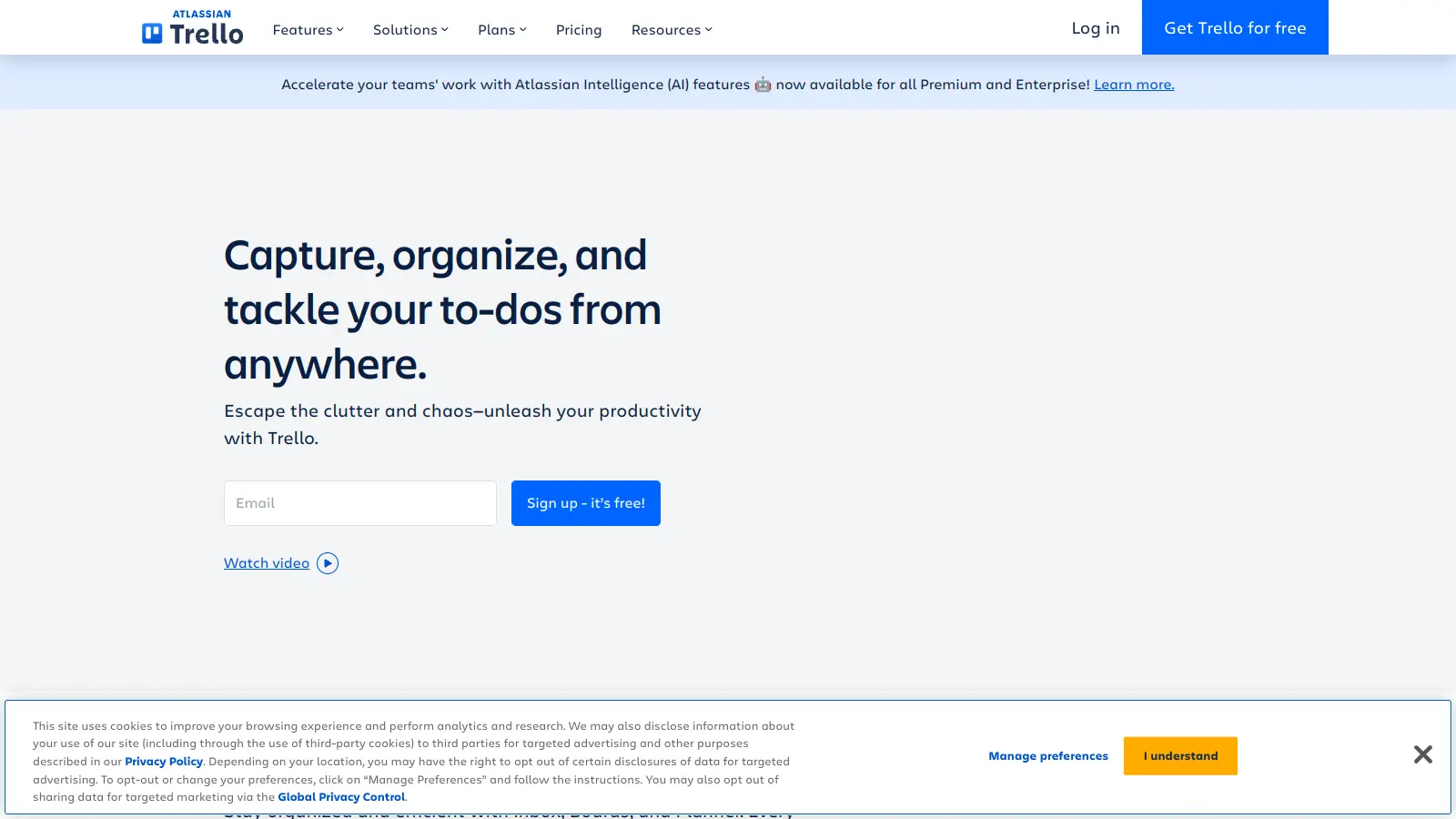
Trello

Trello is a project management tool that helps teams organize work using boards, lists, and cards. It enables users to track tasks, collaborate in real-time, and manage workflows visually. With features like task assignment, due dates, integrations, and AI-powered automation, Trello supports project management for teams of any size, from small startups to large enterprises.

best deal

Try Trello Free - Organize projects with unlimited cards, lists, and members across up to 10 boards per workspace