tools for
humans

ProofHub reviews — what users really think

published 31 august 2024last updated 18 march 2026
how we review

we track global search demand across every software category, monitor what real users are saying online, identify which professions rely on each tool, and surface the questions people are actually asking. reviews are consistently updated and reviewed for reliability.

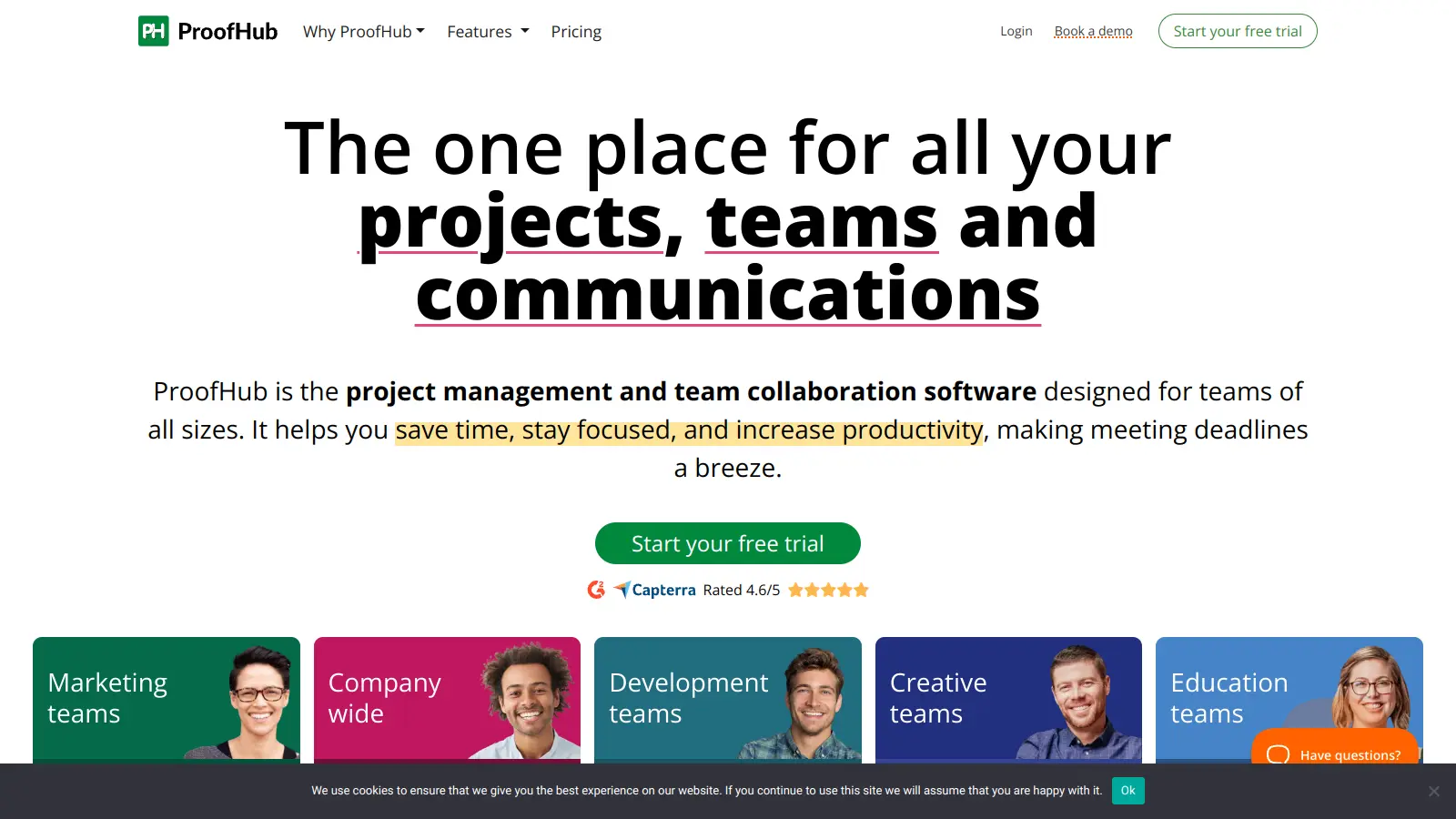
ProofHub is an all-in-one project management and collaboration tool that helps teams stay organized and work together. It brings together project planning, task management, and team communication in one platform.

Teams can create and manage projects using multiple views like Gantt charts, Kanban boards, tables, lists, and calendars. The platform includes time tracking, file sharing with built-in proofing tools, and real-time messaging to keep everyone in sync. Custom workflows, task dependencies, and AI-powered automation help maintain smooth project progress and assign routine tasks based on team availability and skills.

The tool offers two pricing plans: Essential ($45/month) and Ultimate Control ($89/month for the first three months, then $135/month), both supporting unlimited users. There's no free plan, but organizations can try the platform through a 14-day trial. Nonprofits can qualify for special discounts.

ProofHub works well for mid-sized to large teams who need a unified space for project management and collaboration. Marketing teams, creative agencies, and software development groups use it to streamline workflows and team communication.

who is ProofHub for?

ProofHub works best for teams seeking a unified platform to manage projects and improve collaboration without juggling multiple tools. Organizations that value workflow visibility, direct communication, and accountability will find ProofHub's all-in-one approach saves time and reduces confusion across departments.

  • Project Managers juggling multiple projects can use Gantt charts, Kanban boards, and custom workflows to maintain control and visibility across initiatives.
  • Marketing Teams use file sharing and proofing capabilities to manage creative assets and approval processes.
  • Remote or Distributed Teams rely on centralized communication features to stay connected and aligned despite geographical barriers.
  • Agency Leaders appreciate the unlimited user plans that accommodate team growth without additional per-user costs, making budget planning more predictable.
  • Cross-functional Departments use ProofHub to break down silos with unified task tracking and real-time collaboration tools that create transparency across specialties.
  • Project-based Businesses requiring task management, resource allocation, and budget tracking find the platform's predictive analytics and reporting helpful for performance monitoring.
  • Organizations Needing Secure Document Workflows use the built-in proofing tool for reviewing, annotating, and approving documents with version control.

From creative agencies and marketing departments to software development teams and nonprofit organizations, ProofHub serves professionals who need project organization with simplified team coordination.

overall sentiment

select your role to see what people like you are saying

Project Manager

positive

Project managers love ProofHub's intuitive interface and strong task visualization tools like Gantt charts and Kanban boards. The customizable workflows and reliable performance give them the control and visibility they need across multiple initiatives, though they'd benefit from more advanced reporting capabilities.

strengths

  • Gantt charts and Kanban boards provide excellent project visibility
  • Customizable workflows save time on repetitive setups
  • Reliable uptime and fast performance for daily operations
  • Centralized task tracking prevents silos across initiatives

concerns

  • Analytics and reporting features lack depth compared to specialized tools
  • Occasional file upload bugs disrupt workflows
  • Advanced features have a steep learning curve

online reviews (last 6 months summarised)

ProofHub gets praise for its easy-to-use interface and strong task management capabilities. Users appreciate the collaboration tools like in-app chat and file sharing, along with reliable uptime and fast performance. Customer support is responsive, and pricing is considered affordable compared to competitors like Asana or Monday.com. The customizable workflows and templates save teams time.

Limited third-party integrations frustrate users who want to connect with more tools. The mobile app lacks some desktop features. Reporting and analytics aren't as advanced as some users want. Occasional bugs with file uploads. The learning curve for advanced features can be steep. No free plan means smaller teams and freelancers often look elsewhere.

features

  • Comprehensive Project Management: Create, organize, and track projects with multiple view options including Gantt charts, Kanban boards, tables, lists, and calendars, letting teams visualize and manage work in the format that suits them.
  • Advanced Task Tracking: Assign tasks with subtasks, set priorities, create dependencies, log time, and add custom fields to ensure clear accountability and workflow management.
  • Real-Time Collaboration Tools: Communicate instantly through in-app messaging, share and proof files, and maintain team alignment with centralized communication and knowledge sharing features.
  • Built-In Proofing and File Management: Review, annotate, and approve documents directly in the platform with version control, reducing email chains and keeping all feedback in one place.
  • AI-Powered Automation: Automate routine task assignments based on team availability and skills, letting the platform handle repetitive workflows so you can focus on strategic work.
  • Predictive Analytics and Reporting: Generate customizable reports, track team performance, analyze workloads, and use predictive analytics to optimize productivity and resource allocation.
  • Resource and Budget Management: Track resources, manage budgets, and control project costs with tools that help you stay on top of allocations and spending across multiple projects.

pricing

  • 14-day free trial available for the Ultimate Control plan.
  • Essential Plan: $50 per month (monthly billing) or $45 per month (annual billing), includes 40 projects and 15GB storage with unlimited users and comprehensive project management features.
  • Ultimate Control Plan: $89 per month for the first three months (annual billing), then $135 per month, offering unlimited projects and 100GB storage with advanced features including custom workflows and priority support.
  • Nonprofit Discount: Special discounts available for qualifying nonprofit organizations.

frequently asked questions

What's the difference between ProofHub's Essential and Ultimate Control plans?

The Essential plan costs $45-50 per month and includes basic project management features like task management, Gantt charts, and time tracking. You're limited to 40 projects and 15GB storage. The Ultimate Control plan runs $89 per month for the first three months, then $135 per month (with annual billing) and adds advanced features like custom workflows, white labeling, custom roles, and priority support. You'll get unlimited projects and 100GB storage. Both plans include unlimited users, which is great for larger teams.

Does ProofHub have a free version?

No, ProofHub doesn't offer a free plan. They do provide a 14-day free trial of their Ultimate Control plan so you can test out all features before committing. Nonprofit organizations can qualify for special discounts, which helps make it more affordable for charitable groups.

How does ProofHub handle file sharing and approvals?

ProofHub makes file sharing and approvals straightforward. You can upload files directly to projects, mark them up with comments, and track versions to see changes over time. The built-in proofing tool lets team members review, annotate, and leave feedback directly on images and documents. This cuts down on email chains and confusion since all feedback stays in one place. You can also set up approval workflows so the right people sign off on files before they're finalized.

Does ProofHub integrate with other tools like Slack or Google Workspace?

ProofHub has limited third-party integrations compared to some competitors. It does integrate with tools like Asana and Trello for importing projects, but the integration options are more restricted than platforms like Asana or Monday.com. This is one area where users wish the platform had more connectivity with popular tools.

How does AI-powered automation work in ProofHub?

ProofHub uses AI to automate routine task assignments based on your team's availability and skills. The platform learns from your workflows and can automatically assign tasks to the right people, saving you time on repetitive scheduling. It also includes predictive analytics to help you forecast project timelines and resource needs based on historical data and current workloads.

other tools to check out

Trello screenshot
online buzz250k+ Searches
trend (1M)59%

Trello

Trello is a project management tool that helps teams organize work using boards, lists, and cards. It enables users to track tasks, collaborate in real-time, and manage workflows visually. With features like task assignment, due dates, integrations, and AI-powered automation, Trello supports project management for teams of any size, from small startups to large enterprises.

best deal

Try Trello Free - Organize projects with unlimited cards, lists, and members across up to 10 boards per workspace

Smartsheet screenshot
online buzz250k+ Searches
trend (1M)52%

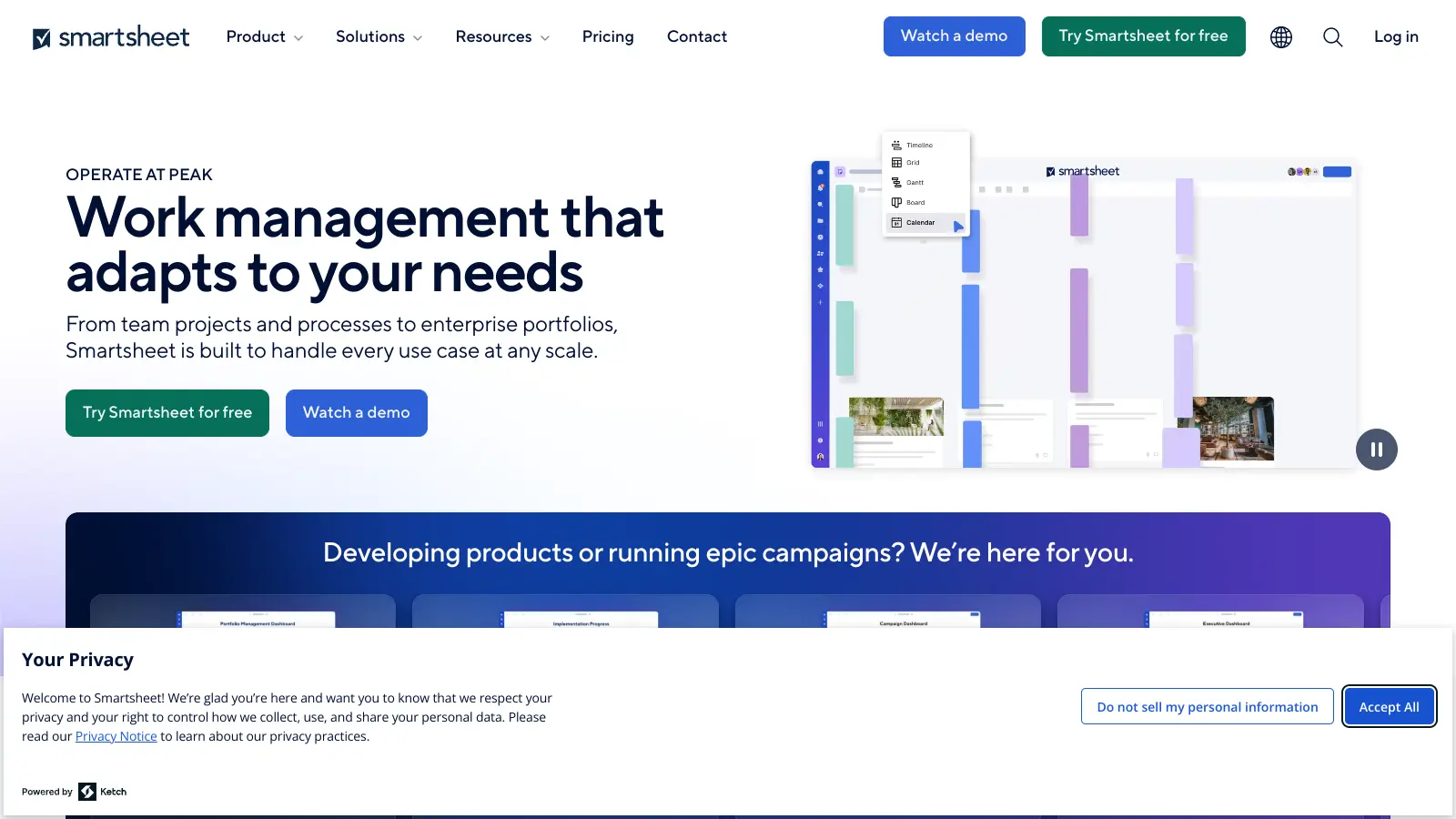
Smartsheet

Smartsheet is a cloud-based work management platform with a spreadsheet-like interface designed to help teams collaborate, manage projects, and track workflows. It offers features like Gantt charts, real-time collaboration, workflow automation, AI-powered formula generation and data analysis, customizable reporting, and integrations with third-party tools. The platform provides scalable solutions for businesses of different sizes, from individual users to large enterprises, with pricing plans ranging from free to custom enterprise options.

best deal

Get a 30-day free trial to test all features before committing to a paid plan

Asana screenshot
online buzz250k+ Searches
trend (1M)26%

Asana

Asana is a web-based project management platform that enables teams to organize, track, and collaborate on work. It offers task management, multiple project views (lists, boards, timelines), AI features for automating workflows, communication tools, progress tracking, and integrations with over 200 apps. Available in free and paid plans, Asana supports teams of all sizes with flexible project visualization options.

best deal

Try Asana free with the Personal Plan for 1-2 users, or start a 30-day free trial of paid plans to test AI features and advanced workflows.

Polaris screenshot
online buzz250k+ Searches
trend (1M)2%

Polaris

Polaris PSA is a professional services automation tool that helps service organizations manage projects, resources, and financials. It uses AI to capture real-time data, provide recommendations, and enable proactive decision-making. The platform includes automatic time tracking, resource matching, and integrations with Salesforce and 100+ work apps.

best deal

Free Trial Available for Polaris PSA

Miro screenshot
online buzz250k+ Searches
trend (1M)50%

Miro

Miro is an AI-powered visual collaboration platform with an infinite canvas for teams to brainstorm, plan, design, and manage projects. It includes real-time collaboration tools, AI features for automating tasks like organizing sticky notes and generating user stories, and integrations with 250+ apps.

best deal

Explore Miro's free plan with unlimited team members, 3 boards, 5 Talktracks, and 10 AI credits monthly

ClickUp screenshot
online buzz100k+ Searches
trend (1M)50%

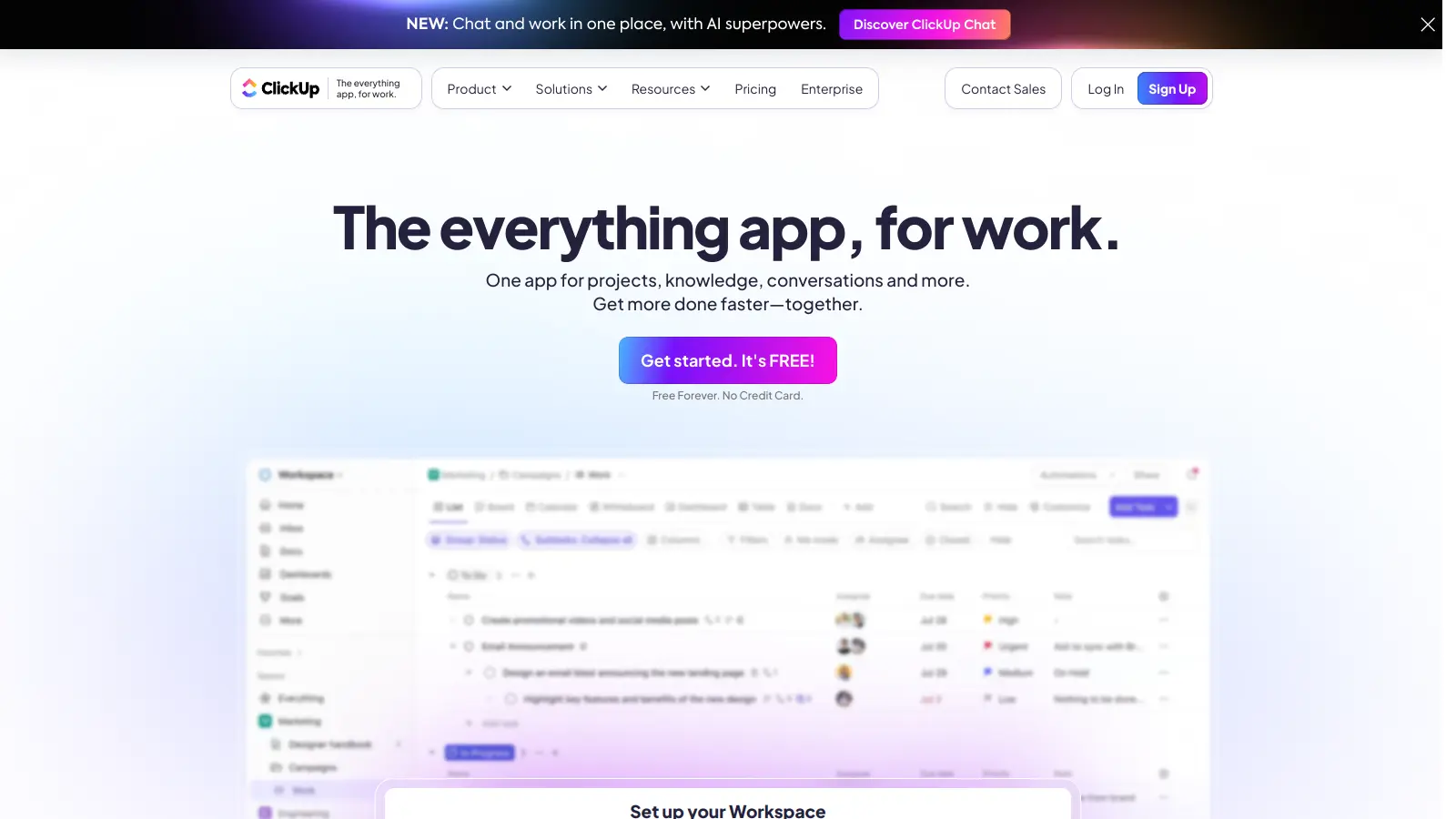
ClickUp

ClickUp is a comprehensive cloud-based project management platform that combines task management, collaboration tools, automation, and AI assistance in one workspace. It offers customizable features including multiple project views, document creation, time tracking, and AI-powered workflow automation across multiple pricing tiers, catering to teams of all sizes from freelancers to large enterprises.

best deal

Try ClickUp's Free Forever Plan with unlimited tasks and collaborative docs, or get a 14-day free trial on paid plans!