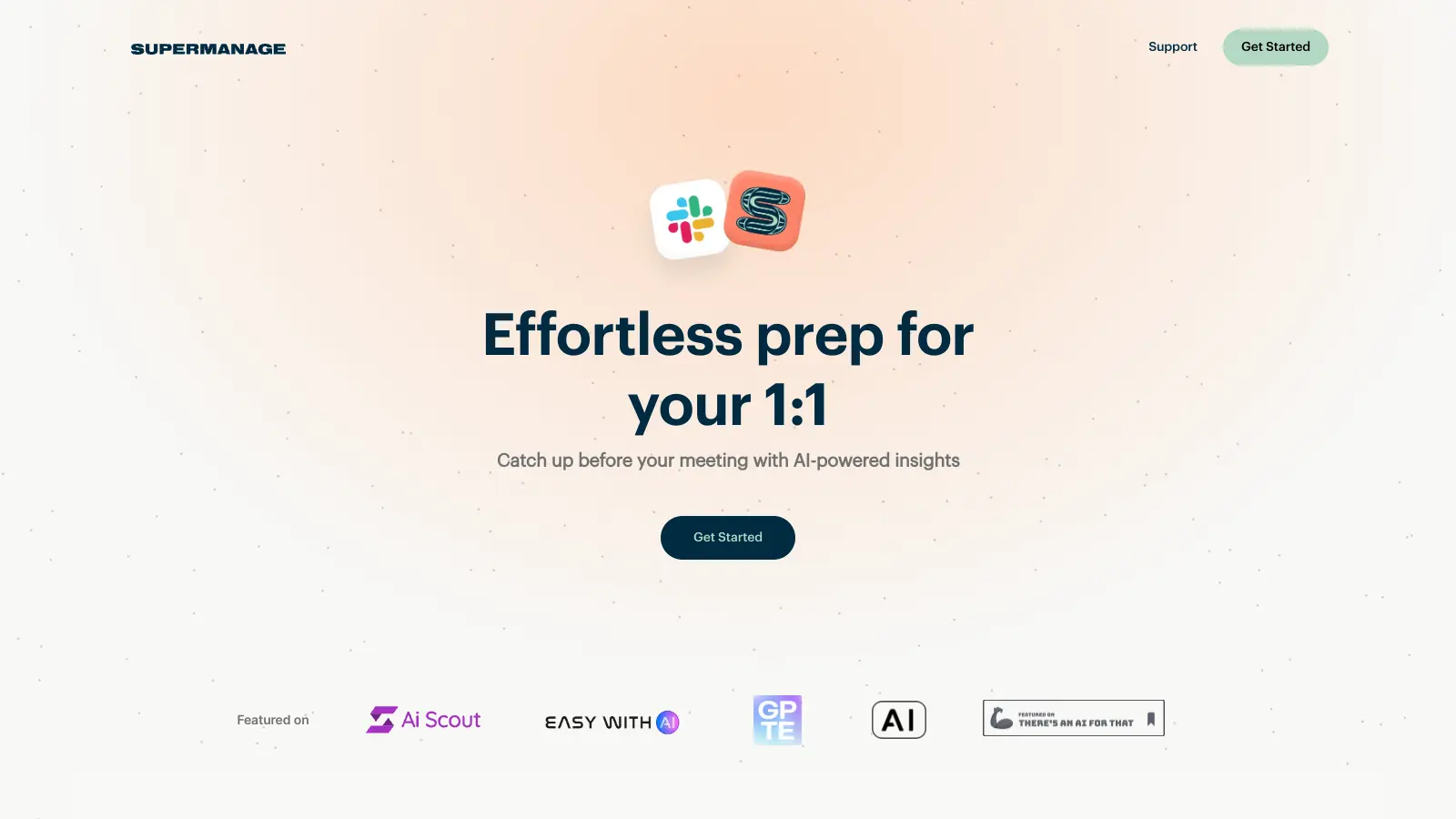
Supermanage AI helps managers prepare for one-on-one meetings by analyzing their team's Slack conversations. The tool creates AI-generated summaries of important discussions, making it easier to stay on top of team activities without spending hours reading through chat logs.
By integrating with Slack workspaces, the platform provides quick snapshots of employee interactions and project updates. Managers can schedule automatic briefings for specific team members and access unlimited summaries to track ongoing discussions and developments. The tool scans public Slack channels, uses machine learning and natural language processing to extract relevant information, and discards noise to deliver concise insights.
The tool currently offers a free plan that supports one manager and up to 15 team members. This includes core features like AI-powered insights, customizable employee briefs, scheduled snapshots, and real-time conversations during meetings. Integration options are currently limited to Slack.
If you're looking to improve one-on-one meetings, track team progress, or identify areas for employee development, Supermanage AI offers a straightforward solution for managers who want to make their meetings more productive.
Supermanage AI is for team leaders who use Slack and need to prepare for one-on-one meetings without reading through hundreds of messages. It saves managers time by automatically generating summaries of team discussions.
Tech startups, marketing agencies, and professional service firms commonly use Supermanage AI where managers need to stay on top of team communication happening in Slack.
Supermanage AI has limited public discussion and user feedback available online. The tool hasn't generated much buzz on Reddit, product review sites, or social media platforms where you'd typically find users sharing their experiences with productivity tools.
The lack of chatter makes it difficult to gauge real-world user satisfaction or identify common pain points. Potential users won't find much community input to help inform their decision. It may simply be an early-stage product that hasn't yet built a large user base.
Your team's conversations stay secure with Supermanage AI. The tool only processes public Slack channels that you authorize during setup. It doesn't store full conversation data, just processes what's needed to create your summaries. All data transfers happen through encrypted connections, and the platform follows industry-standard security practices to keep your information safe. If you ever decide to stop using Supermanage AI, you can disconnect it from your workspace.
Can I customize what information appears in my employee briefs?Yes, you can tailor your briefs in several ways. When setting up a snapshot, you can select specific Slack channels to include or exclude. You can also set a custom time range to focus on recent conversations or include a longer history. For regular meetings, you can create scheduled snapshots that automatically gather the right information. Many managers start with the default settings and then adjust as they learn what works best for their team.
How accurate are the AI-generated summaries?The summaries use machine learning and natural language processing to identify patterns in communication, flag important updates, and highlight potential concerns. They work best when your Slack discussions are relatively clear and on-topic. The AI filters out noise and extracts relevant information to capture the main points from your team's conversations. While the technology isn't perfect, most managers find the summaries save them hours of scrolling through chat logs. If you notice something missing, you can always check the original Slack conversations for context.
Is there a limit to how many team members I can track?The free plan lets you track up to 15 team members with one manager account. If you have a larger team, you'll need to contact Supermanage AI about paid options. There's no limit to how many snapshots you can create for those team members, and you can schedule automatic snapshots for regular meetings. This setup works well for most small to medium teams without any additional cost.
Do I need technical skills to set up and use Supermanage AI?Not at all. Setting up Supermanage AI takes just a few minutes, even if you're not tech-savvy. You simply connect it to your Slack workspace through a simple authorization process, select the channels you want to monitor, and you're ready to go. The interface is straightforward with clear instructions at each step. Most managers get comfortable with the tool after creating their first few snapshots. If you do run into questions, help documentation covers common issues and setup guidance.


Our newsletter comes with exclusive discounts, trials and practical insights from within the industry