tools for
humans

tl;dv reviews — what users really think

published 21 august 2023last updated 19 march 2026
how we review

we track global search demand across every software category, monitor what real users are saying online, identify which professions rely on each tool, and surface the questions people are actually asking. reviews are consistently updated and reviewed for reliability.

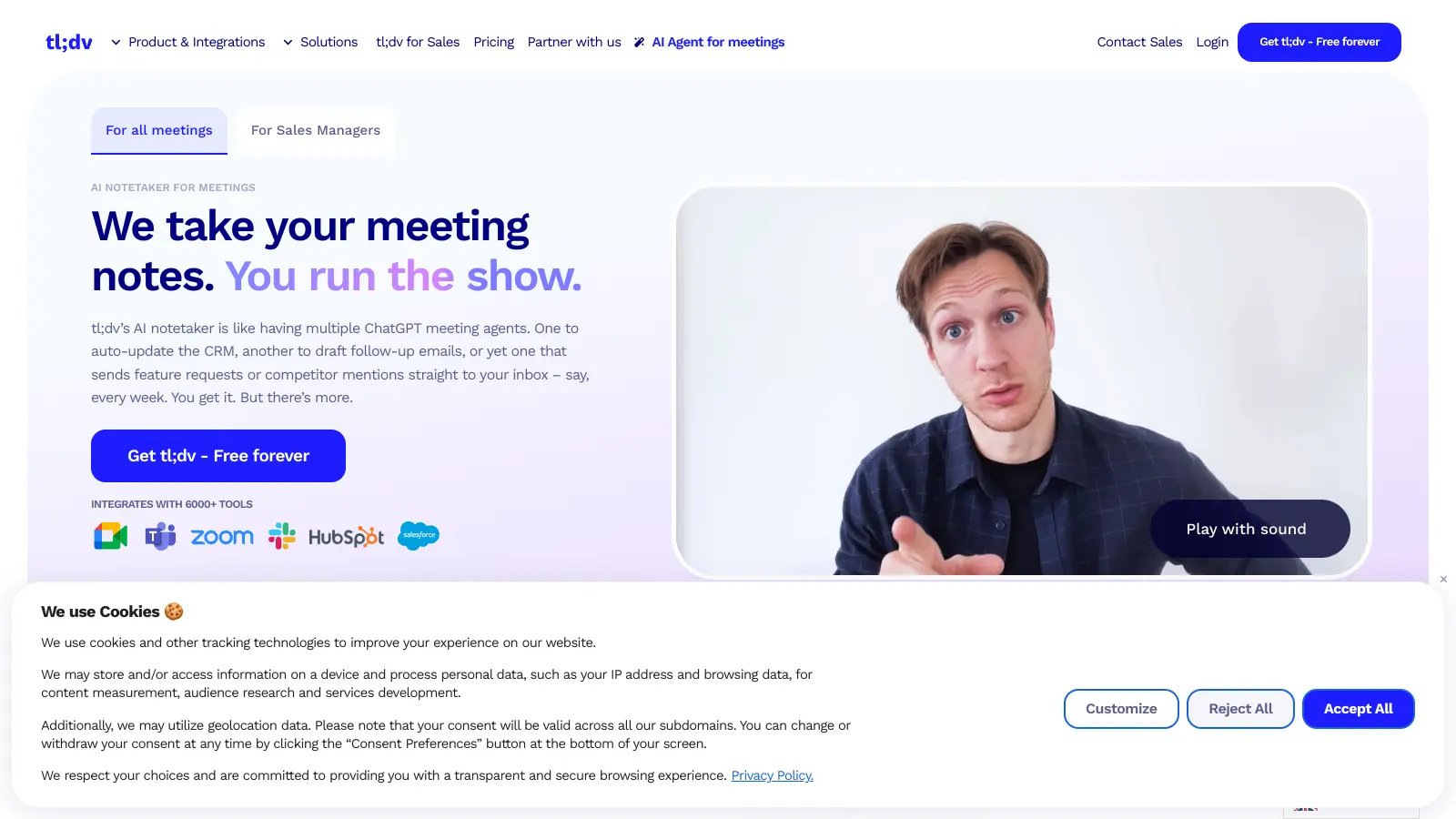
tl;dv helps teams make the most of their online meetings with AI-powered recording, transcription, and summarization features. It works with Microsoft Teams, Zoom, and Google Meet, making it simple to capture and share meeting content.

The tool handles over 30 languages and offers automatic transcription that turns spoken words into searchable text. You'll get AI-generated summaries of key points and action items, saving you from taking manual notes during meetings.

Teams can easily share recordings and transcripts through the platform's integration with apps like Slack, Salesforce, HubSpot, and Notion. The free plan includes unlimited recordings and transcripts with limited AI notes, while paid plans start at $18 per user monthly with added features like sales coaching and CRM automation.

tl;dv's AI assistant lets you search across meetings with timestamps and clips, create custom meeting templates, and generate automated CRM updates. You can set up customizable AI agents to handle follow-up emails, track feature requests, and spot patterns across multiple meetings.

It currently works with just three major meeting platforms.

who is tl;dv for?

tl;dv is for professionals who want to focus on conversations instead of note-taking during online meetings. This AI-powered meeting assistant saves hours of work by automatically recording, transcribing, and summarizing discussions across Zoom, Microsoft Teams, and Google Meet.

  • Sales teams who need automated CRM logging, deal tracking, and customer call analysis without manual data entry
  • Remote and async teams who need searchable meeting records so team members can review discussions on their own schedule
  • Product teams tracking feature requests and identifying trends across customer conversations
  • Customer success managers who need to share meeting highlights and generate weekly summaries for internal teams
  • Project managers who want to document decisions and track progress across numerous team check-ins
  • HR teams conducting interviews who need accurate records of candidate conversations
  • Non-native speakers who benefit from transcripts and translations to better understand meeting content

tl;dv has become a productivity tool across industries including technology, sales, and customer success, particularly for teams with heavy meeting schedules.

overall sentiment

select your role to see what people like you are saying

Sales Manager

positive

tl;dv dramatically reduces administrative burden by automating CRM logging and deal tracking without manual data entry. The accurate transcription and customizable summaries help track customer conversations and identify trends, though occasional missed context in summaries can require spot-checks on important deals.

strengths

  • Automated CRM logging eliminates hours of manual data entry
  • Clean interface with customizable summary templates for deal tracking
  • Accurate transcription for most business conversations and accents
  • Integration with Zoom and Teams where sales calls happen natively

concerns

  • Summary accuracy sometimes misses key deal details or negotiation context
  • Transcription struggles with technical product jargon during customer demos
  • Pricing is steep for small sales teams or individual reps

online reviews (last 6 months summarised)

Users consistently praise tl;dv for its ease of use and time-saving capabilities, with many noting that the AI transcription and summaries are accurate enough for most business use cases. The integrations with Zoom, Google Meet, and Slack get positive mentions, as does the clean interface and customizable summary templates. Customer support receives high marks, and non-native speakers appreciate the transcription and translation features that help them understand meeting content better.

Transcription accuracy drops with heavy accents or technical jargon. Summaries occasionally miss key details or context. The pricing is steep for small teams or individuals. The upload limits on the free plan frustrate those who want to process pre-recorded meetings. Some users report occasional bugs with live meeting capture and express privacy concerns about cloud storage of recordings.

features

  • AI-Powered Meeting Assistant: Automatically records, transcribes, and summarizes meetings across 30+ languages with translation, capturing insights without manual note-taking.
  • Multilingual Transcription: Provides real-time meeting transcripts in over 30 languages for Zoom, Microsoft Teams, and Google Meet platforms with speaker recognition.
  • Intelligent Meeting Summaries: Uses AI to generate meeting notes with customizable templates, highlight key discussions, and track action items automatically.
  • Team Collaboration Tools: Share recordings, transcripts, and editable video clips directly with team members across integrated platforms like Slack and Notion.
  • Multi-Meeting Intelligence: Generates AI reports and aggregated insights from multiple meetings, helping teams track trends, feature requests, and communication patterns.
  • CRM and Workflow Automation: Connects with HubSpot, Salesforce, Slack, Notion, and Zapier to automate CRM updates, follow-up emails, and action items across your workflow.
  • Free Plan with Unlimited Recordings: Provides unlimited video recordings, transcripts, and AI moment summaries with limited AI notes at no cost.

pricing

  • Free version includes unlimited meetings, transcripts, AI moment summaries, and limited AI notes at no cost.
  • Pro Plan costs $18 per seat monthly (annual billing) or $29 per seat monthly (monthly billing), offering unlimited AI notes, CRM sync via Zapier, and team folders.
  • Business Plan is priced at $59 per seat monthly (annual billing), featuring AI coaching capabilities for sales teams, analytics, admin controls, and native CRM integrations with HubSpot and Salesforce.
  • All plans include access to searchable AI queries across meetings with timestamps and clips.
  • No platform fees are charged, making tl;dv a cost-effective meeting intelligence solution compared to similar tools.

frequently asked questions

Is tl;dv free to use?

Yes! tl;dv offers a free plan that includes unlimited meeting recordings and transcripts for Zoom, Microsoft Teams, and Google Meet. You also get access to AI moment summaries and limited AI notes. The free plan is enough for many users, especially individuals or small teams who need to record and transcribe occasional meetings. Paid plans unlock additional features like unlimited AI notes, CRM sync, team folders, and coaching tools if you need more.

How accurate are tl;dv's transcriptions?

tl;dv's transcriptions are accurate for most speakers with clear audio. The tool supports over 30 languages and does a good job with common accents and industry terms. No transcription tool is perfect though - you might notice some errors with heavy accents, technical jargon, or when multiple people talk at once. The good news is that you can edit transcripts after meetings to fix any mistakes, and the speaker recognition helps identify who said what.

Can I share my meeting recordings with people who don't have tl;dv?

Absolutely! You can share your meeting recordings, transcripts, and summaries with anyone - even if they don't have a tl;dv account. The tool lets you create shareable links that you can send via email or messaging apps. You can also create editable video clips to share specific moments. This makes it simple to share meeting content with clients, team members, or anyone who missed the meeting.

What happens to my meeting data? Is it secure?

tl;dv stores recordings in the cloud and takes security seriously. Your meeting data is encrypted both during transmission and storage. The company follows standard security practices and doesn't share your meeting content with third parties. Only people you specifically invite can access your recordings and transcripts. If you're concerned about privacy, you can delete recordings at any time from your account. Some users have expressed concerns about cloud storage, so if you need on-premise hosting, you'll want to contact tl;dv about enterprise options.

Does tl;dv integrate with my CRM?

Yes! tl;dv can sync with CRMs like HubSpot and Salesforce. Pro plan users get CRM sync through Zapier, while Business plan users get native integrations that automate CRM updates, log call notes, and update deal information without manual data entry. The tool can also generate automated follow-up emails and action items that flow directly into your workflow. If you're a sales or customer success team, these integrations can save hours of admin work each week.

other tools to check out

ChatGPT screenshot
online buzz25M+ Searches
trend (1M)23%

ChatGPT

ChatGPT is an AI chatbot by OpenAI that uses language models to hold conversations, generate content, and complete tasks. It includes web browsing, image generation and analysis, voice interaction, autonomous task automation, and custom GPT creation. Available in multiple pricing tiers from free to enterprise, ChatGPT handles creative writing, data analysis, coding, and real-world automation.

best deal

Try ChatGPT Free: Basic AI conversations with GPT-5.2 Instant access (around 10 messages every 5 hours) at no cost.

Canva screenshot
online buzz10M+ Searches
trend (1M)23%

Canva

Canva is a graphic design platform that lets individuals and professionals create designs without advanced design skills. It offers hundreds of thousands of templates, design tools, collaboration features, and photo/video editing capabilities. With both free and pro versions, Canva provides access to millions of design elements for creating social media graphics, presentations, posters, and more through its drag-and-drop interface.

best deal

Get 50% off Canva Pro or Business plans for new customers, or try Canva free with 250,000+ templates and 5GB storage

Gemini screenshot
online buzz1M+ Searches
trend (1M)4%

Gemini

Gemini is an advanced AI assistant by Google that processes text, code, images, audio, and video across Google's ecosystem. It offers content creation, coding assistance, research capabilities, and workflow automation through the Gemini app, web interface, and integrations with Google Workspace, Pixel phones, and Chrome.

best deal

Google AI Plus: Get 50% off at $3.99/month for the first 2 months (new subscribers); Google AI Pro: Try free for one month.

Grammarly screenshot
online buzz1M+ Searches
trend (1M)22%

Grammarly

Grammarly is an AI-powered writing assistant that provides real-time grammar, spelling, and punctuation checks, tone adjustments, and generative AI features for composing, rewriting, and proofreading text. It integrates with platforms like Google Docs, Gmail, Microsoft Word, Slack, and web browsers, offering both free and paid versions with features ranging from basic corrections to plagiarism detection and AI writing tools.

best deal

Try Grammarly's Free Version Today - Get Basic Grammar Checks & 100 AI Prompts Per Month Across Your Favorite Apps

QuillBot screenshot
online buzz1M+ Searches
trend (1M)-13%

QuillBot

QuillBot is an AI-powered writing tool that helps users improve their writing through features like paraphrasing, grammar checking, summarization, plagiarism detection, citation generation, translation, and AI detection. It offers a web-based interface, Chrome extension, and Google Docs integration, with pricing plans ranging from a free version to monthly, semi-annual, and annual premium subscriptions. The tool uses advanced natural language processing to provide contextually appropriate text modifications.

best deal

Try QuillBot free or upgrade to Premium for just $8.33/month with unlimited paraphrasing and advanced tools. 3-day money-back guarantee included.

Microsoft SharePoint screenshot
online buzz500k+ Searches
trend (1M)50%

Microsoft SharePoint

Microsoft SharePoint is a web-based collaboration platform that helps organizations create team sites, intranets, and document management systems. It integrates with Microsoft 365 tools, offering features like real-time co-authoring, version control, security controls, customizable sites, and workflow automation.

best deal

Try SharePoint Plan 1 for just $5/month - Get 1TB pooled storage, real-time collaboration & core document management features