Reclaim AI Review 2026 - Features, Pricing & Deals

Last Updated
Feb 14, 2026

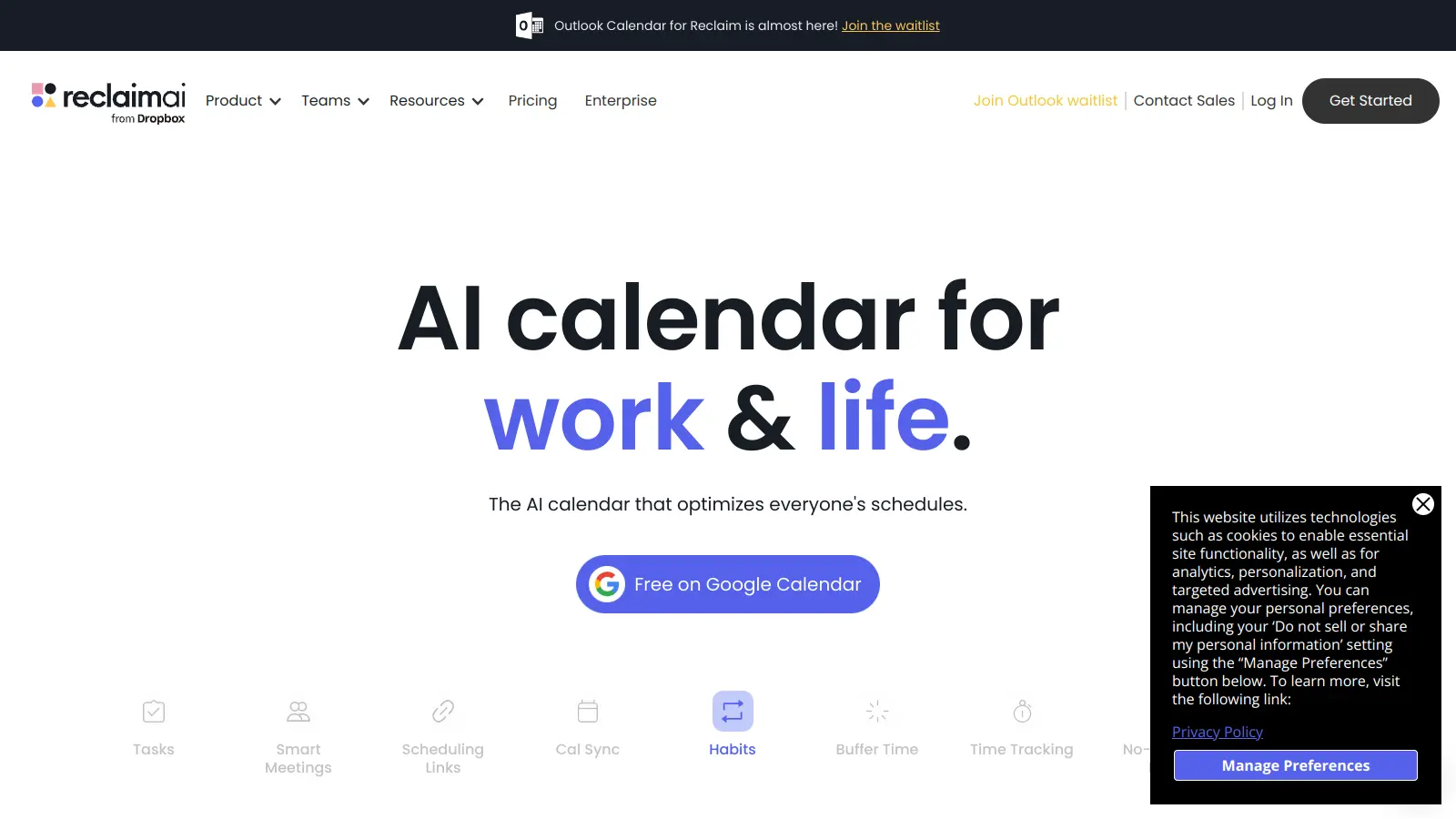
Reclaim AI is a calendar management and scheduling tool that integrates with Google Calendar and Outlook to help users make the most of their time. It uses AI to analyze schedules, automatically arrange tasks, and find the best times for meetings.

The platform automatically schedules tasks from popular tools like Asana, Todoist, Jira, ClickUp, Linear, and Google Tasks. It also helps maintain work-life balance by protecting time for personal activities and habits. Users can block out time for exercise, focused work, or other important routines, while the AI adjusts these blocks when meetings need to be scheduled.

Teams benefit from smart meeting features that consider everyone's availability and preferences. The tool reduces back-and-forth emails by providing scheduling links that show real-time availability. It also integrates with Slack to keep status updates in sync with calendar events.

Starting with a free plan that includes basic features and limited calendar connections, Reclaim AI scales up to enterprise solutions with features like delegated access and enterprise admin tools. The platform now supports both Google Calendar and Outlook.

For professionals struggling with packed calendars, Reclaim AI offers a way to maintain control over their time while staying flexible enough to accommodate important meetings and tasks.

Who is Reclaim AI for?

Reclaim AI works for busy professionals who struggle to manage packed calendars and balance work with personal commitments. The scheduling assistant helps anyone who juggles multiple priorities save hours each week by automatically organizing tasks and finding optimal meeting times.

  • Overwhelmed Executives - Executives with back-to-back meetings use Reclaim to protect focus time while keeping their schedules flexible enough for important opportunities.
  • Remote Team Leaders - Managers of distributed teams coordinate meeting times across different time zones and availability preferences without endless email chains.
  • Productivity-Focused Freelancers - Independent professionals balance client work with personal tasks, scheduling both work projects and personal habits like exercise.
  • Task-Driven Project Managers - PMs handling multiple projects in tools like Asana or Jira get their tasks automatically scheduled based on priorities.
  • Work-Life Balance Seekers - Professionals trying to maintain boundaries between work and personal life use habit blocks to protect time for family, fitness, and personal activities.

Tech companies, consulting firms, creative agencies, and healthcare professionals who need to make the most of every hour adopt Reclaim AI.

Online Reviews (Last 6 Months Summarised)

Reclaim AI has gained popularity among busy professionals for its time management and scheduling capabilities. Users appreciate how it helps balance work and personal life by efficiently blocking time for tasks, habits, and meetings. The integration with Google Calendar and Outlook, along with its ability to reduce back-and-forth emails for scheduling, makes it a useful productivity tool for those who need automated calendar management. The focus time protection feature gets consistent praise from users who struggle with back-to-back meetings.

The pricing feels high for individual use. There's a learning curve with the more complex features. The mobile app is more limited than the desktop version, which frustrates people who manage calendars on the go. Some users report syncing issues with calendar updates. Customer support response times are inconsistent. The tool excels at calendar management but lacks the depth of dedicated project management tools like Motion.

Features

  • Auto-Scheduling Tasks: AI-powered tool that schedules tasks from platforms like Asana, Todoist, Jira, ClickUp, Linear, and Google Tasks, ensuring high-priority work always gets done first.
  • Smart Meeting Coordination: Automatically finds optimal meeting times based on participants' availability and provides smart scheduling links to reduce communication back-and-forth.
  • Focus Time Protection: AI defends flexible blocks for deep work and helps meet weekly focus time goals while adapting to schedule changes.
  • Habit Blocking: Allows users to create personalized time blocks for recurring personal routines like exercise or meditation, maintaining work-life balance.
  • Multi-Calendar Sync: Synchronizes across multiple calendars with privacy options, automatically scheduling buffer times and tracking availability in real-time.
  • Time Insights: Provides analytics on time allocation across tasks, meetings, and personal activities to help improve productivity and track usage patterns.
  • Buffer Time Management: Automatically adds breaks and travel time between events to prevent back-to-back scheduling and calendar burnout.

Pricing

  • Free Lite plan includes basic scheduling, limited calendar integrations, one scheduling link, one habit, unlimited tasks and buffer time for solo users testing the platform.
  • Starter Plan at $10 per user monthly offers unlimited calendars, unlimited habits, unlimited scheduling links, analytics, integrations with task management tools, and AI scheduling for individuals and small teams.
  • Business Plan at $15 per user monthly provides shared calendars, team scheduling, team analytics, and additional admin features for small to medium businesses.
  • Enterprise Plan at $22 per user monthly delivers delegated access, enterprise admin tools, and custom features for large organizations.
  • Annual billing saves 29% across all paid plans.

Frequently Asked Questions

How does Reclaim AI work with my existing calendar?

Reclaim AI connects directly to your Google Calendar or Outlook and analyzes your schedule to find the best times for tasks, meetings, and personal habits. It doesn't just add events - it adapts as your schedule changes. When someone books a meeting during a scheduled task time, Reclaim automatically moves that task to another suitable slot. You'll still use your regular calendar interface, but now with optimized scheduling that respects your priorities and preferences.

Can Reclaim AI really help me protect my personal time?

Yes! This is one of Reclaim's strongest features. You can set up recurring "habits" for personal activities like exercise, family time, or focused work. Reclaim defends these time blocks while still keeping them flexible when needed. You can customize how protective you want Reclaim to be about each habit - from strictly defending the time to allowing some flexibility. Many users report this feature helps them maintain a healthier work-life balance.

What happens if I need to reschedule something Reclaim has already planned?

No problem! When you need to change plans, Reclaim adjusts everything else automatically. You can manually move or cancel any event, and Reclaim will find new spots for affected tasks. The AI considers your preferences, deadlines, and calendar availability to reschedule intelligently. You don't need to spend time figuring out where to move things - Reclaim handles the domino effect of calendar changes for you.

Does Reclaim work with task management tools like Asana or Todoist?

Yes, Reclaim connects with popular task management tools including Asana, Todoist, Jira, ClickUp, Linear, and Google Tasks. Once connected, Reclaim pulls your tasks from these platforms and schedules them on your calendar based on priority and deadlines. This integration saves you from manually blocking time for each task. When you complete a task in your task manager, it automatically clears from your calendar too.

How does Reclaim AI handle timezone differences for scheduling?

Reclaim AI automatically accounts for timezone differences when scheduling meetings with people across different locations. The smart scheduling links respect each participant's local timezone and show available times that work for everyone. This is particularly helpful for remote teams and distributed organizations where coordinating across timezones can be challenging. The AI considers timezone constraints as part of its optimization algorithm when finding the best meeting times.

Other Tools To Check Out

Best Deal

Get started with Viva Engage for just $2/month and bring your team together in a familiar social workspace

Redeem Now

Best Deal

Try Free: Get 800 minutes of AI transcription per month with basic meeting notes and search features. Annual billing saves 44% on Pro and 34% on Business plans.

Redeem Now

Best Deal

Get started with Gradescope for just $1 per student and streamline your grading process

Redeem Now

Find Out How Best To Utilise Tools

Our newsletter comes with exclusive discounts, trials and practical insights from within the industry

Sign Up Today