Enterprise Security Software+2 more

snyk
best deal
Try Snyk Free: Unlimited tests on open-source projects, 200 tests on private projects, 100 container tests with IDE plugins, CI/CD integration & continuous monitoring.
redeem now
snyk
best deal
Try Snyk Free: Unlimited tests on open-source projects, 200 tests on private projects, 100 container tests with IDE plugins, CI/CD integration & continuous monitoring.
redeem nowWe start with direct ratings from our readers, then look at what real users are saying in practitioner forums and community spaces. We pair that with search demand data and profession-level persona analysis.
Editorial note: this was originally published in june of 2024
quick take
based on real user feedback, community sentiment, pricing value, and fit for target audience. see our full methodology
used snyk? we'd love to know your thoughts
reader ratings shape our score
Snyk is an AI-driven security platform that helps developers and security teams find and fix vulnerabilities across their applications. The platform fits into existing development workflows, allowing teams to identify security issues in open-source dependencies, container images, infrastructure code, and custom-built applications.
The platform integrates with popular development tools like GitHub, GitLab, and Azure DevOps, making it simple to start scanning code for potential threats. Users can detect vulnerabilities through automated scans and receive fix suggestions, often through automated pull requests. Snyk uses its proprietary DeepCode AI, which combines symbolic AI and machine learning for code analysis, dataflow tracking, and fix generation.
A free tier is available for small teams and individual developers, while paid plans offer expanded features and support for larger organizations. The Team plan starts at $25 per month per developer with a minimum of 5 developers. Enterprise options are available for companies needing advanced security controls and custom solutions.
Beyond basic vulnerability scanning, Snyk provides tools for generating Software Bills of Materials (SBOM), monitoring container security, and checking infrastructure configurations. The platform also includes detailed reporting features to help teams track their security status and meet compliance requirements.
monthly search interest
12.1k/mo now
Snyk peaked in early 2022 during peak DevSecOps hype and has since settled around 12,000 to 15,000 monthly searches, roughly half its peak volume. That plateau isn't collapse: it suggests Snyk has found a stable base of practitioners who know what it is and look it up deliberately, rather than riding a viral wave. The hype phase is over, which means you're evaluating the real product now, not a trend.
Whether Snyk is worth it depends almost entirely on what you're trying to secure and how big your infrastructure is. Pick your role below to see the honest breakdown.
overall sentiment
select your role to see what people like you are saying
Developer
positiveIf you're writing JavaScript, Java, or Python and want vulnerability checks without leaving your IDE, Snyk fits naturally into that workflow. The one-click fix suggestions and automated PR generation save real time on dependency patching. Watch out for IDE plugin slowdowns on larger projects, and budget time for triaging false positives.
strengths
concerns
Security Team Lead
positiveSnyk gives you genuine supply chain visibility across dependencies, containers, and IaC in one place, which is hard to get from open-source alternatives. The compliance prioritization and CI/CD integration make governance at scale workable. Enterprise pricing is the main friction point: model the per-developer cost against your actual team size before committing.
strengths
concerns
DevOps Engineer
mixedSnyk works well in CI/CD pipelines when your repos are a manageable size. Container and IaC scanning slot into deployment automation without much friction on standard projects. On large monorepos or infrastructure-heavy deployments, scan performance becomes a real problem that can delay releases, so test it on your actual infrastructure before rolling it out to every pipeline gate.
strengths
concerns
Small Organization Tech Lead
mixedThe free tier is a genuine starting point: unlimited open-source tests and 200 private project tests cover most small teams. The jump to the Team plan at $25 per developer per month with a 5-developer minimum means you're committing $1,500 a year minimum. Exhaust the free tier first and only upgrade if you're consistently hitting the private project scan cap.
strengths
concerns
“SonarQube runs nightly, Snyk yells about vulnerabilities once a week, and reviewers manually check for style and logic. It's all disconnected - different dashboards, overlapping issues, and zero visibility on whether we're actually improving.”
Reddit r/devsecops
The main community thread in r/devsecops captures a real frustration: Snyk doesn't exist in a vacuum, and most teams end up running it alongside SonarQube and manual review processes, creating disconnected dashboards, overlapping alerts, and no clear picture of whether security posture is actually improving week to week. That's a workflow problem that Snyk's own integrations don't fully solve. The independent review landscape for Snyk is broadly positive on core functionality, with vulnerability detection accuracy and IDE integration consistently praised, but enterprise pricing draws consistent criticism. At $25 per developer per month with a minimum of 5 developers, a small team is looking at $1,500 a year before they've unlocked anything beyond the Team tier. The free plan is genuinely useful for open-source work, but the jump to paid is steep.
The free tier is worth it, full stop, for open-source projects or solo developers. The Team plan at $25 per developer per month is harder to justify unless you need the private project scan limits and CI/CD governance features. At a 5-developer minimum, that's $125 a month before you've done anything at the enterprise level. If your main use case is dependency scanning on a handful of private repos, exhaust the free tier first.
Developers working with JavaScript, Java, or Python codebases get the most out of it, especially through the IDE plugin and one-click fix suggestions. Security Team Leads running compliance monitoring across multiple applications find the supply chain visibility useful. DevOps Engineers benefit most when container and IaC scanning is already part of their pipeline setup, though large monorepos will test their patience.
Scan performance degrades noticeably on large monorepos and complex cloud deployments, which can slow down CI/CD pipelines at the worst possible time. False positives require manual triage and don't go away on their own. Support for niche languages and specialized frameworks is limited compared to some alternatives. And the tool doesn't solve the multi-scanner fragmentation problem, so you may still end up running it alongside SonarQube rather than replacing it.
They're not direct replacements. SonarQube focuses on code quality and static analysis of your own code; Snyk's strength is open-source dependency and supply chain vulnerability detection. If you need both, you'll likely end up running both. If you're choosing one, pick Snyk when dependency risk and container security are your priority; pick SonarQube when code quality and custom rule enforcement matter more to your team.
It depends heavily on project size. For standard-sized repos, the scan overhead is minimal and fits cleanly into automated pipelines. For large monorepos with thousands of dependencies or complex cloud infrastructure, scan times can add meaningful delays to your deployment cycle. DevOps Engineers running infrastructure-heavy projects should test scan performance on a representative branch before committing it to every deployment gate.
toolsforhumans editorial team
Reader ratings and community feedback shape every score. Since 2022, ToolsForHumans has helped 600,000+ people find software that holds up after launch. how we research →

Box is a cloud-native content management platform that enables secure storage, collaboration, and content management. It offers features including security controls, AI-driven insights, workflow automation, and integrations across business applications. With scalable solutions for individuals, teams, and enterprises, Box helps organizations manage, share, and protect their digital content.
best deal
Try Box free with 10GB storage or get 30% off Enterprise plans when billed annually

PimEyes is an advanced online facial recognition search engine that uses AI to perform reverse image searches across publicly accessible websites. It helps users monitor their digital presence, find instances of their face online, and provides tools for privacy protection, including image removal assistance and alert systems. Available through various subscription plans, PimEyes searches an index of 3.5 billion photographic images and focuses specifically on facial features rather than entire images.
best deal
Get 25% off annual plans: PROtect for $26.24/month or Advanced for $224.99/month

Barracuda Networks is a cybersecurity company founded in 2003, offering AI-powered solutions for email, network, and data protection through its BarracudaONE platform. The product suite includes email gateway defense, web security, firewalls, cloud backup services, and managed XDR with multimodal AI threat detection.
best deal
Free trials available for email protection and other products

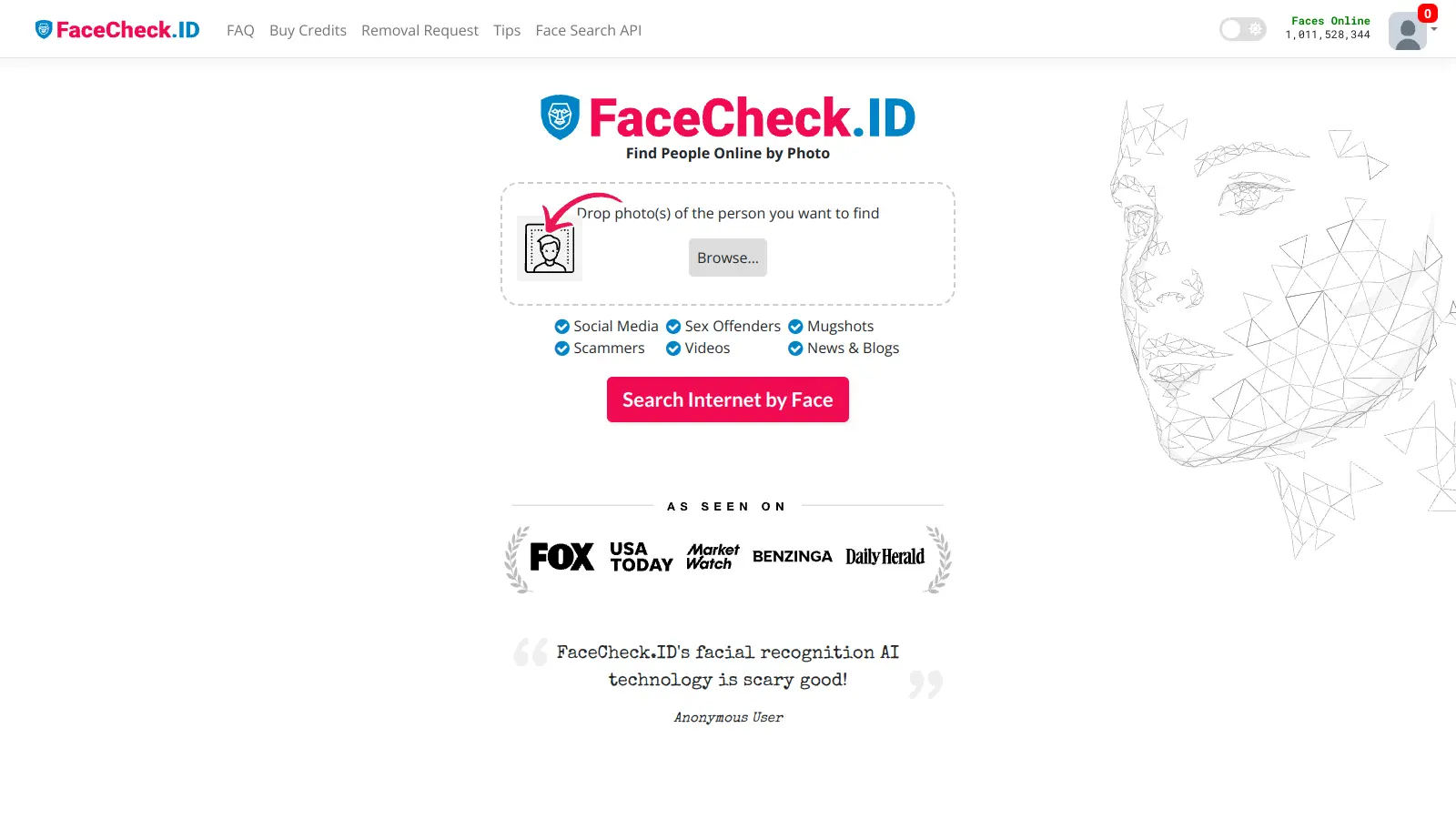
FaceCheck.ID is an AI-powered facial recognition search engine that allows users to upload a photo to find matching faces across social media, news sites, blogs, mugshot databases, sex offender registries, and criminal news for identity verification and safety checks. The platform scans over 763 million public images and returns results in seconds with confidence scores and source links.
best deal
Try FaceCheck.ID free with basic search, or start with 36 credits for just $6

Mimecast is a cloud-based cybersecurity platform that provides email security, archiving, and continuity solutions. It protects against phishing, malware, ransomware, and business email compromise using AI-powered detection engines, URL scanning, attachment sandboxing, and user awareness training.
best deal
Explore Mimecast's Protect Plan with AI-powered email security starting today.

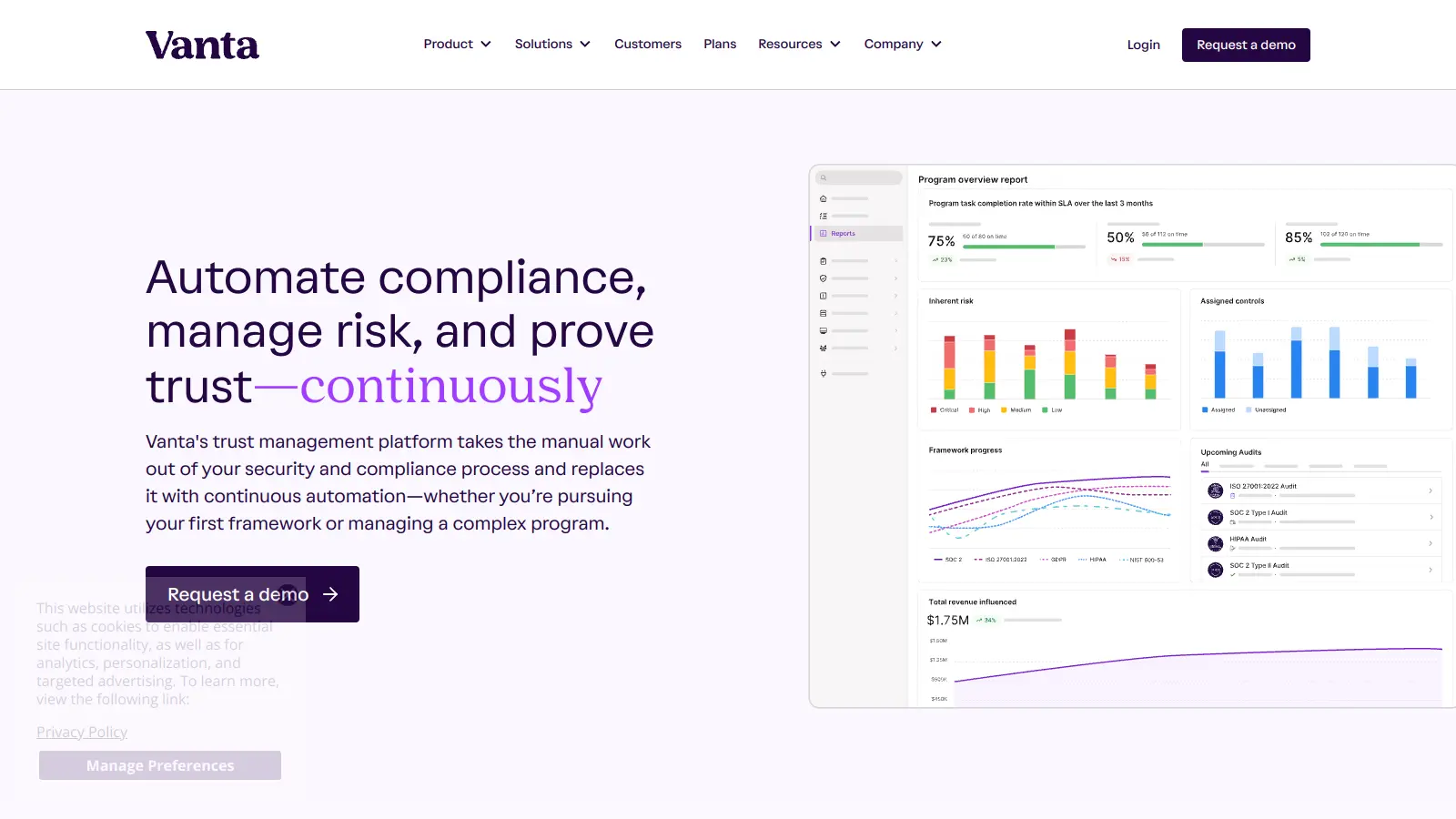
Vanta is a compliance and security platform that automates up to 90% of compliance work for major security frameworks like SOC 2 and ISO 27001. It offers automated evidence collection, policy management, access control, and AI-powered tools to help businesses streamline compliance processes, strengthen security, and build stakeholder trust.
best deal
Free trial available with no credit card required. Core plan starts at $7,500 annually.