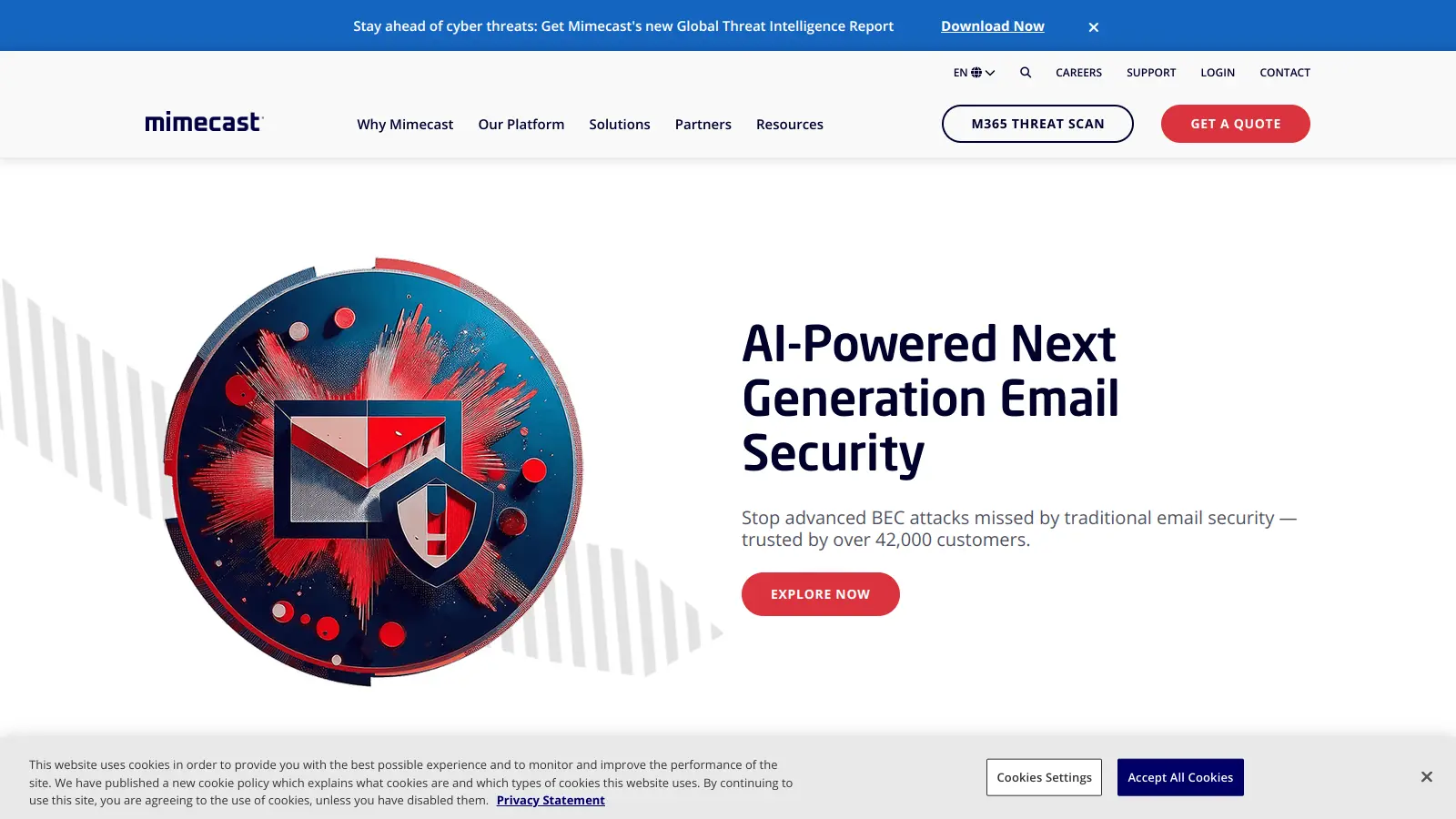
Mimecast is a cloud-based cybersecurity platform that safeguards organizations' email and web applications. The platform combines security, archiving, and continuity solutions to create a defense against digital threats.
The service focuses on protecting company communications from phishing, malware, ransomware, and business email compromise while maintaining constant email availability. It integrates with email systems via API and uses multiple detection engines powered by AI and machine learning to scan threats in real time.
The tool includes threat detection, URL scanning, and attachment sandboxing. Web security components block harmful websites and monitor cloud applications, while data loss prevention tools help keep sensitive information secure. Users also get access to security awareness training modules that reduce human risk, plus DMARC Analyzer for email impersonation protection.
Several subscription options are available to match different business needs. The basic Protect plan offers AI-powered email security, while Protect Plus adds continuity and data protection. Custom plans provide more solutions for specific organizational requirements.
The platform is managed through the Mimecast Administration Console, where IT teams can configure policies and monitor threats across email, web, and collaboration channels. It integrates with Microsoft 365 and Google Workspace, making it straightforward for organizations already using these platforms.
Mimecast is best suited for medium to large businesses (typically 50 to 10,000+ employees) that need to protect their organization's email systems from cyber threats. The platform combines multiple security functions into one solution.
Mimecast is commonly used across financial services, healthcare, technology, professional services, legal firms, and government agencies where email security and compliance are top concerns.
Mimecast gets strong praise for its email security and phishing protection capabilities. Users consistently highlight how well it blocks threats and integrates with Microsoft 365 and Google Workspace. The spam filtering accuracy is high, and features like URL protection and attachment sandboxing work well. Many users also appreciate the responsive customer support team and find the reporting features helpful for tracking security incidents.
False positives are a common frustration, with legitimate emails sometimes getting blocked and disrupting workflows. The cost is high, particularly for smaller businesses. The admin console gets criticism for being clunky with an outdated UI, and email delivery can slow down due to the scanning process. Some users report a poor mobile app experience and integration issues with certain third-party tools. The overly aggressive filtering means you'll need to spend time fine-tuning settings to avoid blocking important messages.
Mimecast uses multiple layers of protection to keep your email safe. It scans all incoming messages with several detection engines powered by AI and machine learning to catch malware, spam, phishing, ransomware, and business email compromise attempts before they reach your inbox. The system also checks email links in real-time and uses attachment sandboxing to convert suspicious files into safe formats. Their threat intelligence draws from billions of daily signals to spot advanced threats that traditional systems might miss, including targeted attacks that try to impersonate your colleagues or partners.
What happens if my email server goes down?Mimecast offers email continuity that keeps you working even during outages. If your primary email system fails, Mimecast automatically activates its continuity service. You'll still be able to send, receive, and search for emails through Mimecast's web portal or mobile app. This means no downtime and no missed messages, which is especially important during critical business periods or emergencies.
Can Mimecast work with Microsoft 365 and Google Workspace?Yes. Mimecast integrates with both Microsoft 365 and Google Workspace through API connections. The integration is straightforward and adds extra security layers that complement the built-in protections these platforms offer. Many companies use Mimecast alongside these services to get more threat detection, better archive searching, and added protection against sophisticated attacks. Setup typically takes just a few steps, and your IT team won't need to make major changes to your existing email flow.
How does the URL protection feature work?When you get an email with links, Mimecast checks each URL at the time you click it, not just when the email arrives. This real-time scanning is crucial because malicious websites often appear safe initially but turn dangerous later. If you click a suspicious link, Mimecast will block access and show you a warning page instead. For links that seem okay but might be risky, the system can display them in a safe, isolated browser so nothing harmful reaches your device.
Will Mimecast block legitimate emails with false positives?Sometimes, yes. Users report that Mimecast can be overly aggressive in its filtering, occasionally blocking legitimate emails. This is a common challenge with any security platform that prioritizes protection. You'll likely need to spend time adjusting policies and reviewing quarantined messages, especially after initial setup. The admin console lets you fine-tune settings to reduce false positives, but expect some manual intervention to get the balance right for your organization's specific needs.


Our newsletter comes with exclusive discounts, trials and practical insights from within the industry