tools for
humans

OpenDNS review - features, pricing & deals

published 26 august 2024last updated 10 april 2025
how we review

we track global search demand across every software category, monitor what real users are saying online, identify which professions rely on each tool, and surface the questions people are actually asking. reviews are consistently updated and reviewed for reliability.

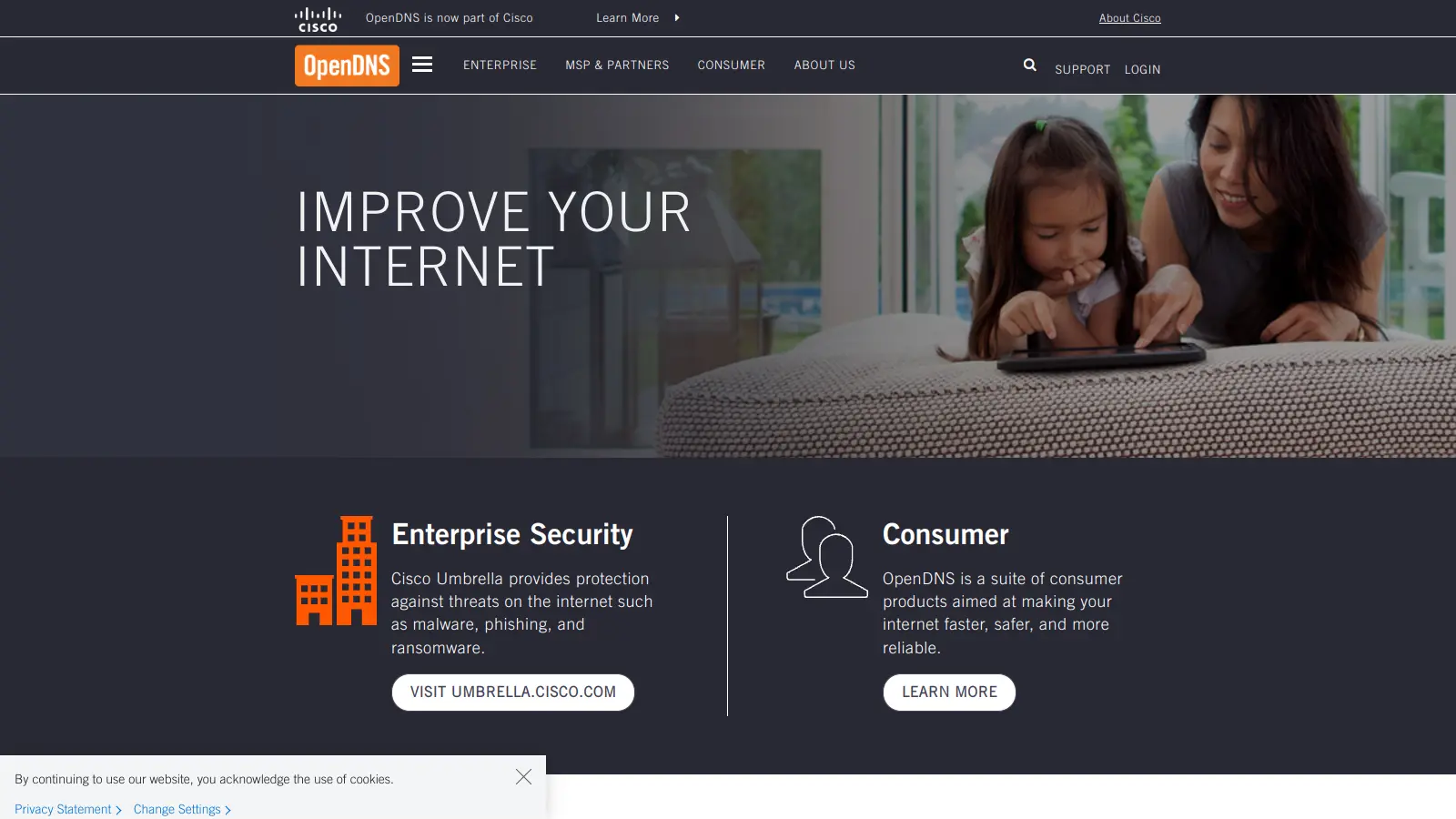
OpenDNS provides DNS resolution services that enhance your internet security and speed compared to standard DNS providers. The service works by redirecting your web traffic through their secure servers, helping to block harmful websites and improve browsing performance.

Since its founding in 2006, OpenDNS has grown to serve millions of users worldwide. Cisco acquired the company in 2015, rebranding its business services as Cisco Umbrella while maintaining the OpenDNS name for consumer offerings.

The service offers several options for different needs. Home users can access a free basic service or upgrade to paid versions with extra features. Business customers can choose from various plans that include advanced security and management tools. The platform is particularly known for its content filtering abilities, which let users block unwanted websites and protect against online threats.

Setting up OpenDNS is straightforward - you simply change your network's DNS settings to use their servers. Once configured, the service works in the background to protect your devices and speed up your internet experience through faster DNS resolution and security screening.

who is OpenDNS for?

OpenDNS is ideal for security-conscious internet users and IT managers who want to enhance online protection without complex setup procedures. It delivers faster browsing speeds while blocking harmful websites, making internet access both safer and more efficient for homes and businesses alike.

  • Home users with families who need simple content filtering to create a safer online environment for children while enjoying faster web browsing
  • Small business owners looking for cost-effective network protection without requiring specialized IT knowledge or extensive infrastructure changes
  • Network administrators who need centralized control over internet access policies and protection against emerging online threats across multiple devices
  • Educational institutions that require reliable content filtering to comply with regulations while maintaining fast internet access for students and staff
  • Remote workers who want additional security layers when accessing company resources from home networks or public Wi-Fi connections
  • Non-technical users who appreciate plug-and-play security solutions that work without constant maintenance or updates

OpenDNS serves a wide range of users from parents protecting their home networks to IT professionals securing enterprise environments in healthcare, education, retail, and financial services sectors.

online reviews (last 6 months summarised)

OpenDNS offers a mixed bag of features that users generally appreciate. Its setup is straightforward, and many people love the free content filtering that helps protect home networks from malicious sites. Families especially find the security features valuable, making it an attractive option for those wanting basic online protection without complicated configuration.

However, the service isn't without drawbacks. Since being acquired by Cisco, some users have noted a decline in customer support and a perceived lack of innovation. For businesses, the pricing can be steep compared to competitors, which might make smaller organizations think twice about adopting the service. While it remains a solid choice for personal use, enterprise customers might want to explore alternative options.

features

  • Fast DNS Resolution: Uses anycast routing to direct queries to the nearest data center, ensuring quicker web page loading and reduced DNS lookup times.
  • Advanced Security Features: Provides robust protection against phishing, malware, and online threats through comprehensive DNS filtering and threat intelligence.
  • Customizable Content Filtering: Allows administrators to block unwanted web content, with specialized options like FamilyShield for home network protection.
  • Enterprise Network Protection: Offers Cisco Umbrella solutions with comprehensive security graphs and threat detection capabilities for businesses.
  • Flexible Home Packages: Provides free DNS resolution with optional VIP and family-friendly versions for different user needs.
  • Secure DNS Authentication: Supports DNSCrypt and DNSSEC for validating and encrypting DNS traffic to enhance online security.
  • Simple Configuration: Easy to set up on routers and individual devices with user-friendly dashboard management and community-driven improvements.

pricing

  • Home Users get a free version of OpenDNS with optional content filtering, plus OpenDNS Home VIP at $19.95 per year and OpenDNS Umbrella Prosumer at $20 per user for up to 5 users.
  • Small Business plans start at $38 per user per year with a minimum of 10 users, and pricing remains consistent until reaching 90 users, after which custom quotes are required.
  • Enterprise clients are now directed to Cisco Umbrella, with pricing typically requiring personalized quotes based on specific organizational needs and scale.
  • Pricing varies significantly for larger deployments, with enterprise-level solutions often necessitating direct consultation with sales representatives to determine exact costs.

frequently asked questions

What is the difference between OpenDNS and my regular ISP DNS?

OpenDNS is faster and more secure than your ISP's DNS service. It uses special routing technology that connects you to the nearest data center, making websites load quicker. OpenDNS also protects you from phishing and malware sites automatically, while most ISP DNS services don't offer these security features. Plus, OpenDNS lets you block specific content categories if you want to filter what websites can be accessed on your network - something regular ISP DNS typically doesn't provide.

Do I need technical skills to set up OpenDNS?

You don't need to be a tech expert to set up OpenDNS. The basic setup involves changing your DNS settings to OpenDNS servers (208.67.222.222 and 208.67.220.220) either on your router or individual devices. The OpenDNS website has step-by-step guides with pictures that walk you through the process. If you have a dynamic IP address, you might need to download a simple updater tool, but it's pretty straightforward. Most people can complete the setup in under 10 minutes.

Is OpenDNS really free, or are there hidden costs?

OpenDNS offers a genuinely free version for home users that includes basic DNS resolution and security features. There are no hidden costs or time limits with this free tier. For more advanced features like customizable filtering, whitelists, and blacklists, they offer a VIP Home plan for $19.95 per year. Business users will need to pay for OpenDNS Umbrella, starting at about $38 per user annually with a 10-user minimum. The free version works great for most home users who just want better speed and basic protection.

Will OpenDNS slow down my internet connection?

OpenDNS typically makes your internet feel faster, not slower. It only affects how quickly your device finds websites (DNS resolution), not your actual download or upload speeds. OpenDNS uses anycast routing and large caching systems that often make websites load more quickly than with your ISP's DNS. Some users report pages loading 20-30% faster after switching. The security filtering happens so quickly that you won't notice any slowdown from that either.

What's the difference between OpenDNS Home and FamilyShield?

OpenDNS Home lets you customize what content categories to block through an online dashboard. You can choose which types of sites to filter and create exceptions. FamilyShield is pre-configured to block adult content and other inappropriate materials without any setup beyond changing your DNS servers. Think of FamilyShield as the "plug and play" option that's ready to protect kids immediately, while Home gives you more control but requires you to create an account and configure your preferences. Both are free, so your choice depends on whether you want customization or simplicity.

other tools to check out

Box screenshot
online buzz500k+ Searches
trend (1M)22%

Box

Box is a cloud-native content management platform that enables secure storage, collaboration, and content management. It offers features including security controls, AI-driven insights, workflow automation, and integrations across business applications. With scalable solutions for individuals, teams, and enterprises, Box helps organizations manage, share, and protect their digital content.

best deal

Try Box free with 10GB storage or get 30% off Enterprise plans when billed annually

PimEyes screenshot
online buzz250k+ Searches
trend (1M)-5%

PimEyes

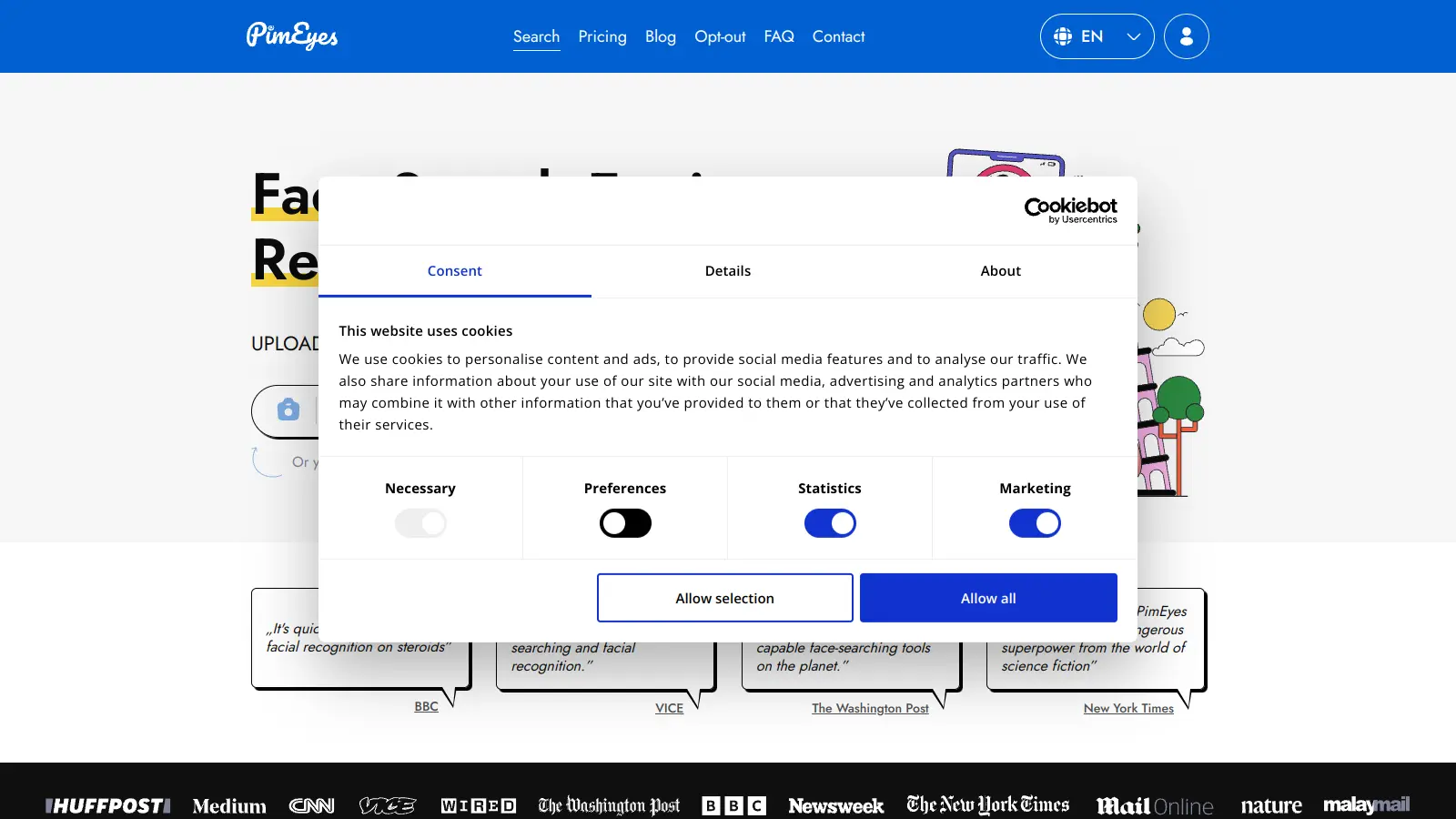
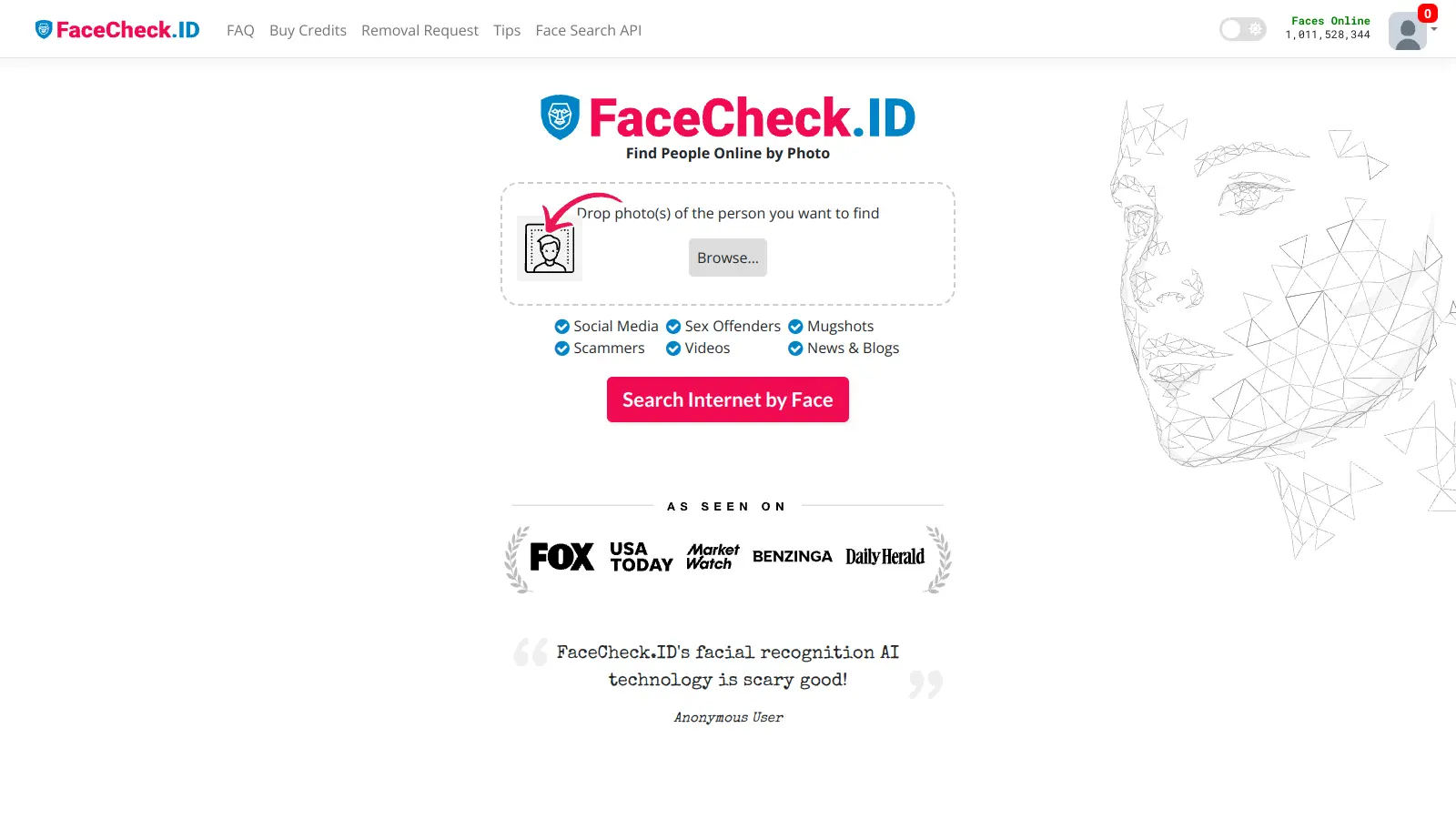
PimEyes is an advanced online facial recognition search engine that uses AI to perform reverse image searches across publicly accessible websites. It helps users monitor their digital presence, find instances of their face online, and provides tools for privacy protection, including image removal assistance and alert systems. Available through various subscription plans, PimEyes searches an index of 3.5 billion photographic images and focuses specifically on facial features rather than entire images.

best deal

Get 25% off annual plans: PROtect for $26.24/month or Advanced for $224.99/month

Vanta screenshot
online buzz25k+ Searches
trend (1M)22%

Vanta

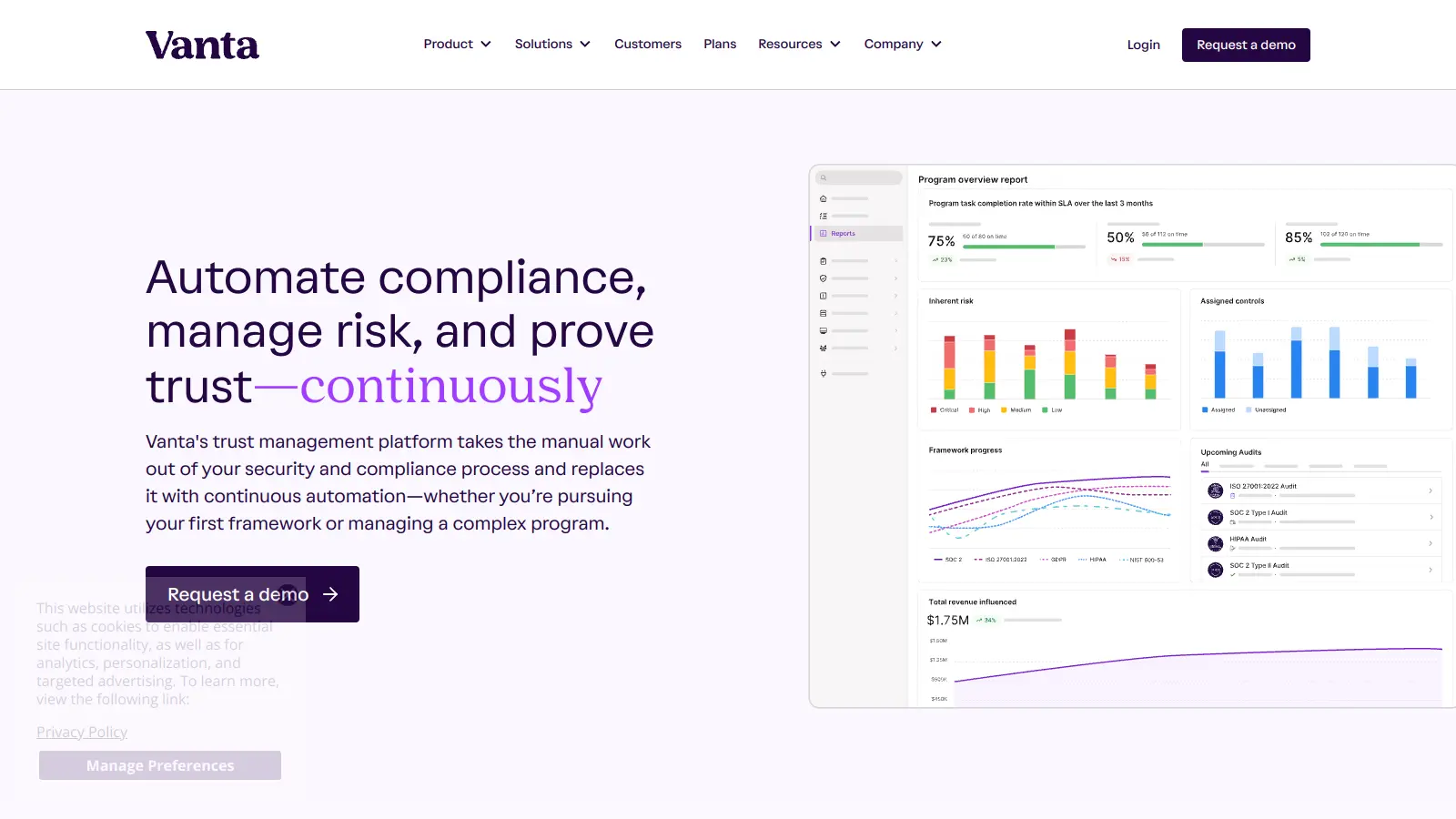
Vanta is a compliance and security platform that automates up to 90% of compliance work for major security frameworks like SOC 2 and ISO 27001. It offers automated evidence collection, policy management, access control, and AI-powered tools to help businesses streamline compliance processes, strengthen security, and build stakeholder trust.

best deal

Free trial available with no credit card required. Core plan starts at $7,500 annually.

LogicGate screenshot
online buzz25k+ Searches
trend (1M)15%

LogicGate

LogicGate is an AI-powered Governance, Risk, and Compliance (GRC) platform offering the Risk Cloud solution. The platform helps organizations manage cyber risk, third-party risk, compliance controls, and operational resilience through a no-code interface with built-in Spark AI features that automate evidence testing, form completion, and risk analysis.

best deal

Get started with Risk Cloud from $13,765/year and automate your compliance process with AI-powered features