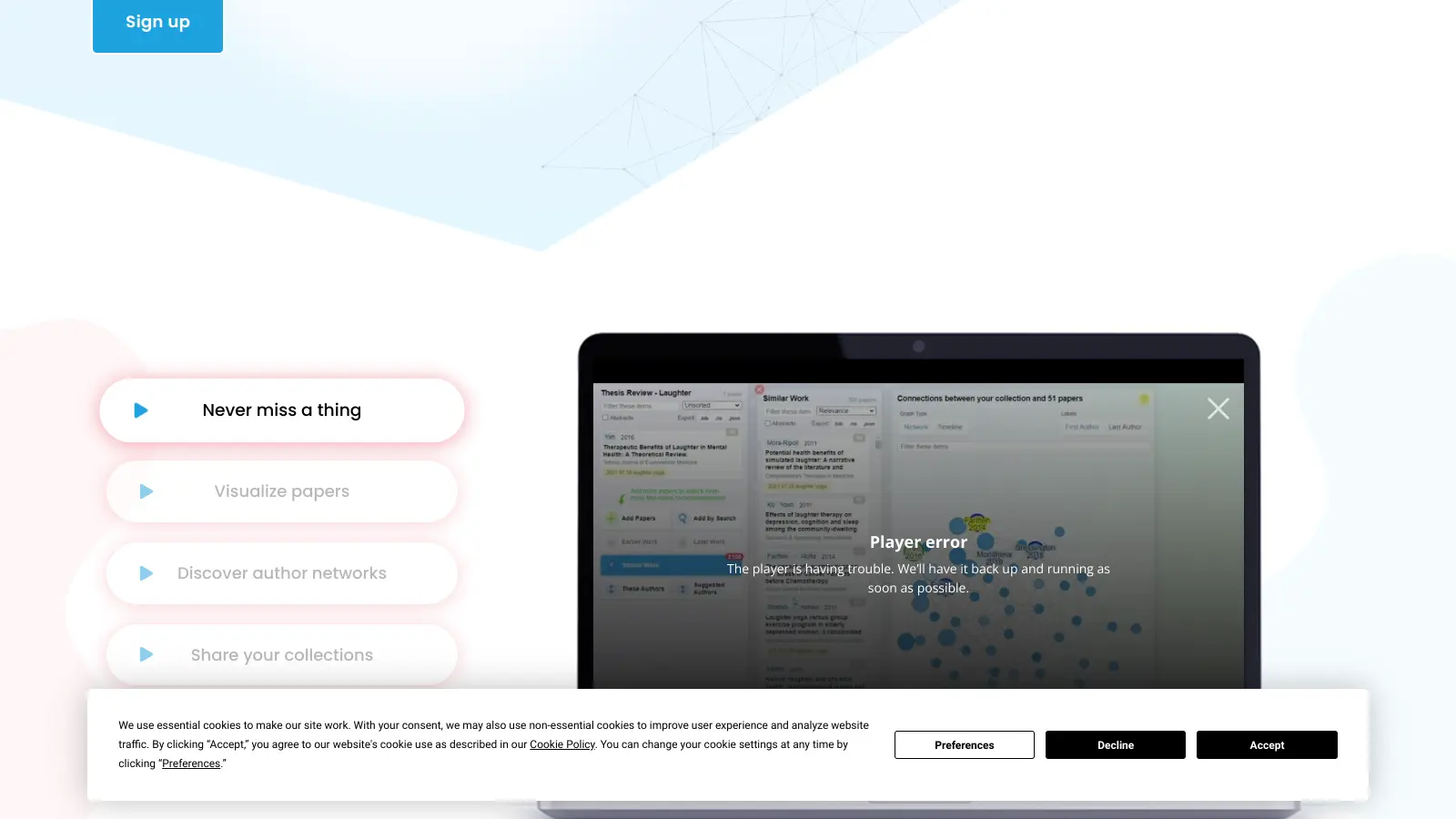
Research Rabbit is an AI-driven tool that helps researchers find and organize academic literature. It creates visual maps of connections between scholarly papers, making it easier to navigate complex research topics. The tool analyzes citations and relationships between academic works, helping users discover relevant papers and understand how different studies connect.
The platform's strength lies in its ability to show paper relationships visually. When you start with a few known papers, it builds a network of related research, showing both older foundational works and newer publications. This helps researchers starting in a new field or looking to expand their current knowledge.
Research Rabbit is completely free to use, with all features accessible at no cost. Users can organize papers into collections, share them with colleagues, and add notes for collaboration. The interface uses a column-based layout that lets you move between papers while keeping track of your research path. Start by entering DOIs, titles, or URLs for seed papers, and the tool refines its recommendations based on your interactions.
Research Rabbit works alongside other research tools and methods. It integrates with databases like PubMed, Semantic Scholar, and ArXiv, and can export to Zotero. It offers citation chaining, author network visualization, and alerts for new publications from tracked authors. These tools help researchers build a fuller picture of their field and find connections between different areas of study.
Research Rabbit is best suited for academic researchers and students who need to navigate complex research fields and discover relevant literature. The tool saves time by visually mapping connections between scholarly papers.
Research Rabbit finds its home in university departments, research institutions, and academic libraries where navigating scholarly literature is essential for advancing knowledge and completing academic projects.
Research Rabbit gets high marks from researchers who've tried it, with users praising its intuitive interface for literature discovery and mapping. The visual citation networks save hours of manual searching, and many academics say it's better than traditional databases for finding unexpected connections. The free tier is generous enough that most users don't feel restricted, and the collaboration features work well for research teams building shared bibliographies.
Limited citation export options compared to dedicated reference managers like Zotero or Mendeley. Some users report occasional inaccuracies in paper recommendations or metadata, and the search can miss niche or non-English papers. No mobile app, which is inconvenient when you need to check something on the go.
Research Rabbit, Connected Papers, and Litmaps all visualize citation networks, but they have different strengths. Research Rabbit is completely free and offers more collaboration features, making it better for team research projects. Connected Papers creates cleaner visual graphs that some users find easier to read at a glance. The best approach is to try both since they're free and see which interface fits your workflow better.
Can I import my existing Zotero library?Yes, Research Rabbit integrates with Zotero. You can import collections from Zotero to use as seed papers in Research Rabbit, and you can export your Research Rabbit collections back to Zotero for reference management. This makes it easy to use Research Rabbit for discovery while keeping your main library organized in Zotero.
How accurate are the similarity recommendations?The accuracy of recommendations improves as you add more papers to your collection and interact with the tool. Start with at least 3-5 papers on your topic for decent results. The AI looks at citation networks, shared references, and content similarity to suggest related work. Users generally find the recommendations helpful for finding papers they might have missed, though coverage varies by field and niche topics may get less accurate suggestions.
Is Research Rabbit suitable for interdisciplinary research?Research Rabbit works well for interdisciplinary projects because it shows connections between papers across different fields. The visual maps help you spot unexpected links between research areas that might not be obvious through traditional keyword searches. If you're working between disciplines, try creating separate collections for each field, then look for overlapping recommendations.
Does Research Rabbit work for all academic disciplines?Research Rabbit covers most academic disciplines through its integration with PubMed, Semantic Scholar, ArXiv, and other databases. It works best for disciplines with strong journal cultures like medicine, psychology, and many natural sciences. Humanities and some social sciences might find less comprehensive coverage, especially for books, book chapters, and non-English publications. The quality of recommendations also varies by field based on citation patterns in that discipline.


Our newsletter comes with exclusive discounts, trials and practical insights from within the industry