Collaboration & Productivity Platform+2 more

Gradescope
best deal
Get started with Gradescope for just $1 per student and streamline your grading process
redeem now
Gradescope
best deal
Get started with Gradescope for just $1 per student and streamline your grading process
redeem nowWe start with direct ratings from our readers, then look at what real users are saying in practitioner forums and community spaces. We pair that with search demand data and profession-level persona analysis.
Editorial note: this was originally published in june of 2024
quick take
based on real user feedback, community sentiment, pricing value, and fit for target audience. see our full methodology
used Gradescope? we'd love to know your thoughts
reader ratings shape our score
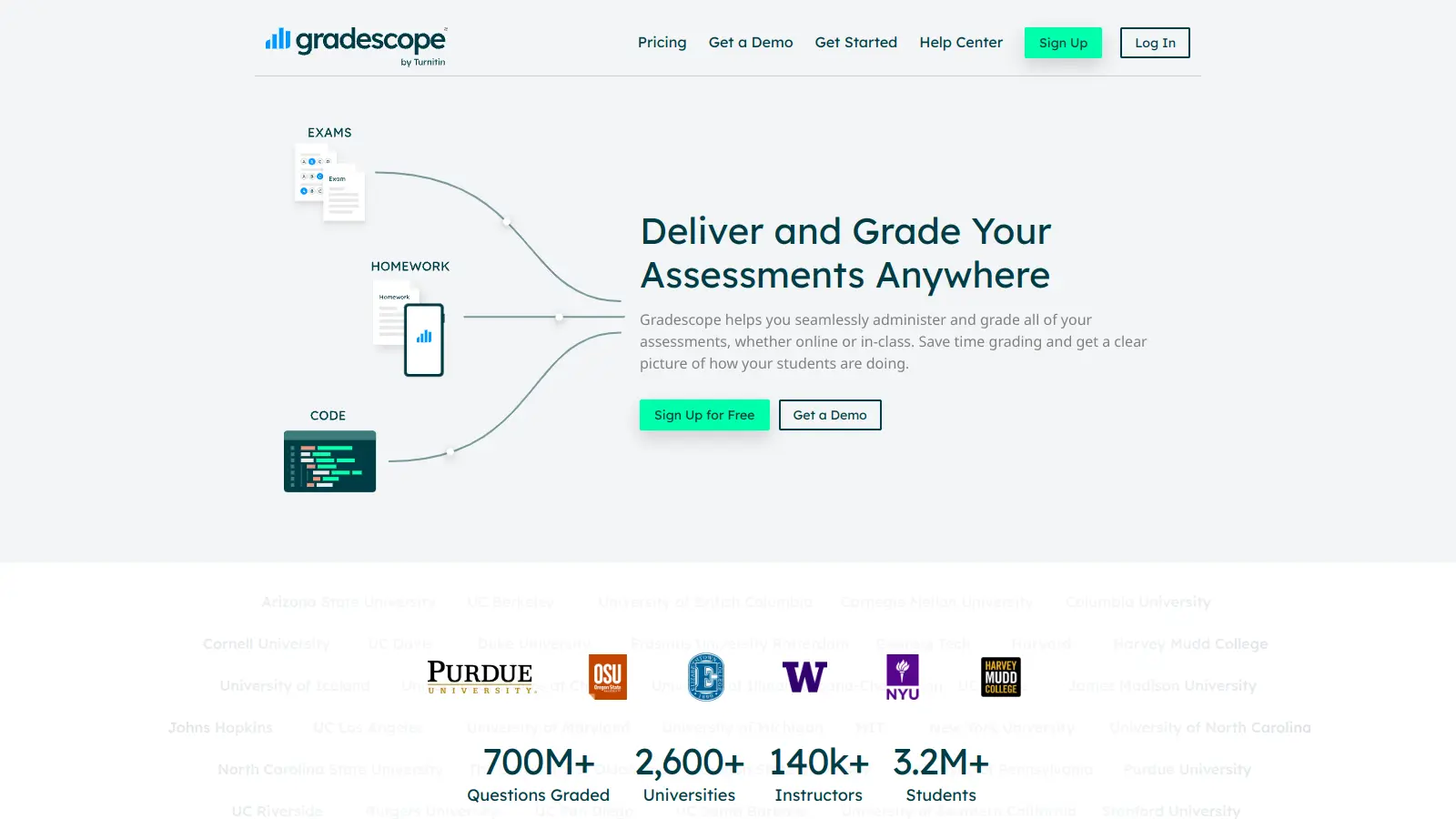
Gradescope is a grading platform built originally at UC Berkeley that handles the thing most LMS grading tools handle badly: large-class exams, STEM problem sets, and multi-grader coordination. University professors managing 200+ students and teaching assistant teams coordinating across multiple graders get the most out of it. It grades faster and more consistently than manual workflows, but it trades simplicity for capability: the setup requires real upfront investment in rubric building, and the features that make it genuinely useful sit behind the Institutional plan.
Pricing starts free on the Basic plan, which covers PDF submissions and basic rubric management. The Institutional plan is per-student and requires a quote, but historically sits in the $1–$3 per student range depending on features. Gradescope works on web browsers and connects to Canvas, Blackboard, and other major LMS platforms. Before trying it: build your first rubric before you receive any submissions, not after. Instructors who set it up mid-grading cycle consistently report the experience as more painful than it needs to be. If you're running a course with 100+ students and any kind of structured exam or problem set, it's worth piloting on the Basic tier first to see whether your workflow actually benefits from the Institutional features.
monthly search interest
301k/mo now
Gradescope's search volume follows a strikingly consistent academic calendar pattern: it spikes every September and October as the fall semester kicks in, drops sharply over summer, and recovers each February. This has held across three years of data without meaningful drift up or down in the peak volumes. It's a tool with a stable, captive audience tied to institutional teaching cycles rather than a product riding or chasing a growth trend. That predictability is actually reassuring: the user base is real and recurring, and the product isn't dependent on hype to keep people coming back.
Whether Gradescope is worth the setup depends almost entirely on what you're teaching and how many students you're managing. Pick your role below to see the honest breakdown.
overall sentiment
select your role to see what people like you are saying
University Professor (Large Classes)
positiveIf you're grading multi-page exams for 200+ students, Gradescope's batch rubric application and question-by-question grading will save you real hours per assessment cycle. The consistency across submissions is the actual value, not the AI framing. The setup cost is front-loaded: expect a few hours building your first rubric template before you see the payoff.
strengths
concerns
STEM Instructor (Math/Engineering/CS)
positiveGradescope handles mathematical notation, multi-page problem sets, and code submissions better than any general-purpose grading tool. The question mapping feature, where you assign specific pages of a scanned exam to specific problems, is genuinely useful for handwritten exams. The limitation is edge cases: unconventional solutions that don't fit your rubric clusters still require manual judgment, so don't expect the AI to replace that.
strengths
concerns
Teaching Assistant / Grading Team Coordinator
positiveThe synchronized rubrics are the feature that matters most for TA teams: when one grader updates a rubric item, it updates across the whole team. The audit trail of who graded what also makes it straightforward to catch inconsistency after the fact. The setup overhead is real though, and rubric sync doesn't fix interpretation gaps if you haven't calibrated your team before grading starts.
strengths
concerns
Department Administrator / Education Leader
mixedGradescope's institutional licensing makes sense if multiple instructors across your department have a genuine large-class grading problem. The data export and assignment statistics give you visibility into student performance patterns across courses. The pitch to your institution is time savings and grading consistency at scale, but the rollout requires instructor buy-in and real setup time per course, so don't expect adoption to be frictionless.
strengths
concerns
“The setup cost is front-loaded: expect a few hours building your first rubric template before you see the payoff.”
Community discussion around Gradescope is notably thin in terms of public reviews, but what does surface from instructors is generally practical and workflow-focused rather than evangelistic. A thread in r/Professors shows professors actively working out how to manage multi-page STEM exams for 200+ students, which speaks to the tool's core audience: instructors who have a genuine volume problem and are looking for a real solution, not a novelty. The lack of vocal criticism in public forums is itself a signal worth noting. Gradescope is an institutional tool, and most of the feedback lives behind LMS admin walls rather than in public review threads. What's available online points to consistent rubric application and batch grading as the features instructors actually use, rather than the AI framing the marketing leads with.
For large classes, yes. The Basic plan is free and covers PDF submissions, rubric management, and regrade requests. The Institutional plan is priced per student and requires a direct quote, but the $1–$3 per student range quoted historically is easy to justify if you're running 100+ student courses with multi-page exams. For small classes or instructors who only need simple submission collection, the free Basic tier is sufficient and the Institutional tier isn't worth pursuing.
University professors running large lecture courses, STEM instructors dealing with multi-page problem sets and code submissions, and teaching assistant teams that need to coordinate grading across multiple people without inconsistency creeping in. If you're one person grading a 25-student writing seminar, it's more infrastructure than you need.
First, setup takes real time: building rubrics and mapping questions before your first graded assignment is not a quick task, and there's a learning curve if you're doing it mid-semester. Second, the AI grading assistance clusters similar answers but it doesn't replace judgment on edge cases or unconventional problem-solving approaches, which are common in STEM. Third, the more advanced features like AI-powered grading, code autograder, and bubble sheets all sit behind the Institutional plan, so the free tier is genuinely limited if those are your primary use cases.
If your institution is already on Canvas, SpeedGrader is free, built in, and fine for basic annotation and feedback on smaller courses. Gradescope wins on anything involving team grading, multi-page exams, batch rubric application, or code assignments. Choose SpeedGrader if you want zero additional setup and have a manageable class size. Choose Gradescope if you're coordinating multiple TAs, running 100+ student exams, or grading STEM problem sets where consistency across hundreds of submissions actually matters.
Gradescope's synchronized rubrics are the specific fix for this. When one grader updates a rubric item, it updates for everyone on the team in real time. You can also see an audit trail of who graded which submissions and when, which makes it straightforward to catch and correct drift. The limitation is that rubric sync doesn't fix interpretation gaps: if two TAs read a rubric criterion differently, you still need a calibration meeting before grading starts.
toolsforhumans editorial team
Reader ratings and community feedback shape every score. Since 2022, ToolsForHumans has helped 600,000+ people find software that holds up after launch. how we research →
is this your tool?
claim your listing to update details, respond to our review, or upgrade to a featured partnership.
claim this listing →
ChatGPT is an AI chatbot by OpenAI that uses language models to hold conversations, generate content, and complete tasks. It includes web browsing, image generation and analysis, voice interaction, autonomous task automation, and custom GPT creation. Available in multiple pricing tiers from free to enterprise, ChatGPT handles creative writing, data analysis, coding, and real-world automation.
best deal
Try ChatGPT Free: Basic AI conversations with GPT-5.2 Instant access (around 10 messages every 5 hours) at no cost.

Gemini is an advanced AI assistant by Google that processes text, code, images, audio, and video across Google's ecosystem. It offers content creation, coding assistance, research capabilities, and workflow automation through the Gemini app, web interface, and integrations with Google Workspace, Pixel phones, and Chrome.
best deal
Google AI Plus: Get 50% off at $3.99/month for the first 2 months (new subscribers); Google AI Pro: Try free for one month.

Grammarly is an AI-powered writing assistant that provides real-time grammar, spelling, and punctuation checks, tone adjustments, and generative AI features for composing, rewriting, and proofreading text. It integrates with platforms like Google Docs, Gmail, Microsoft Word, Slack, and web browsers, offering both free and paid versions with features ranging from basic corrections to plagiarism detection and AI writing tools.
best deal
Try Grammarly's Free Version Today - Get Basic Grammar Checks & 100 AI Prompts Per Month Across Your Favorite Apps

Perplexity AI is an AI-powered search engine that provides real-time, conversational responses to user queries. Founded in 2022, it uses natural language processing and large language models to deliver answers with source transparency. The platform offers multiple search modes, supports file and image uploads, and provides both free and paid plans for individual users and businesses.
best deal
Try Perplexity Free - Get unlimited basic searches with citations, 5 daily Pro Searches, and save your search history with access to basic AI models.

Microsoft Copilot is an AI-powered assistant that provides real-time help across Microsoft apps and platforms. It uses advanced language models to automate tasks, generate content, analyze data, and provide suggestions while integrating with Microsoft 365 applications like Word, Excel, Teams, and Outlook.
best deal
Try Microsoft Copilot Chat free with your eligible Microsoft 365 subscription, or get Copilot Business at $18/month promotional pricing for small businesses.

QuillBot is an AI-powered writing tool that helps users improve their writing through features like paraphrasing, grammar checking, summarization, plagiarism detection, citation generation, translation, and AI detection. It offers a web-based interface, Chrome extension, and Google Docs integration, with pricing plans ranging from a free version to monthly, semi-annual, and annual premium subscriptions. The tool uses advanced natural language processing to provide contextually appropriate text modifications.
best deal
Try QuillBot free or upgrade to Premium for just $8.33/month with unlimited paraphrasing and advanced tools. 3-day money-back guarantee included.