Picsart Review 2026 - Features, Pricing & Deals

Last Updated
Feb 14, 2026

Picsart combines photo editing, video creation, and digital art tools into one platform. Available across web browsers, iOS app, and mobile devices, it serves both casual users and professionals who want to enhance their visual content.

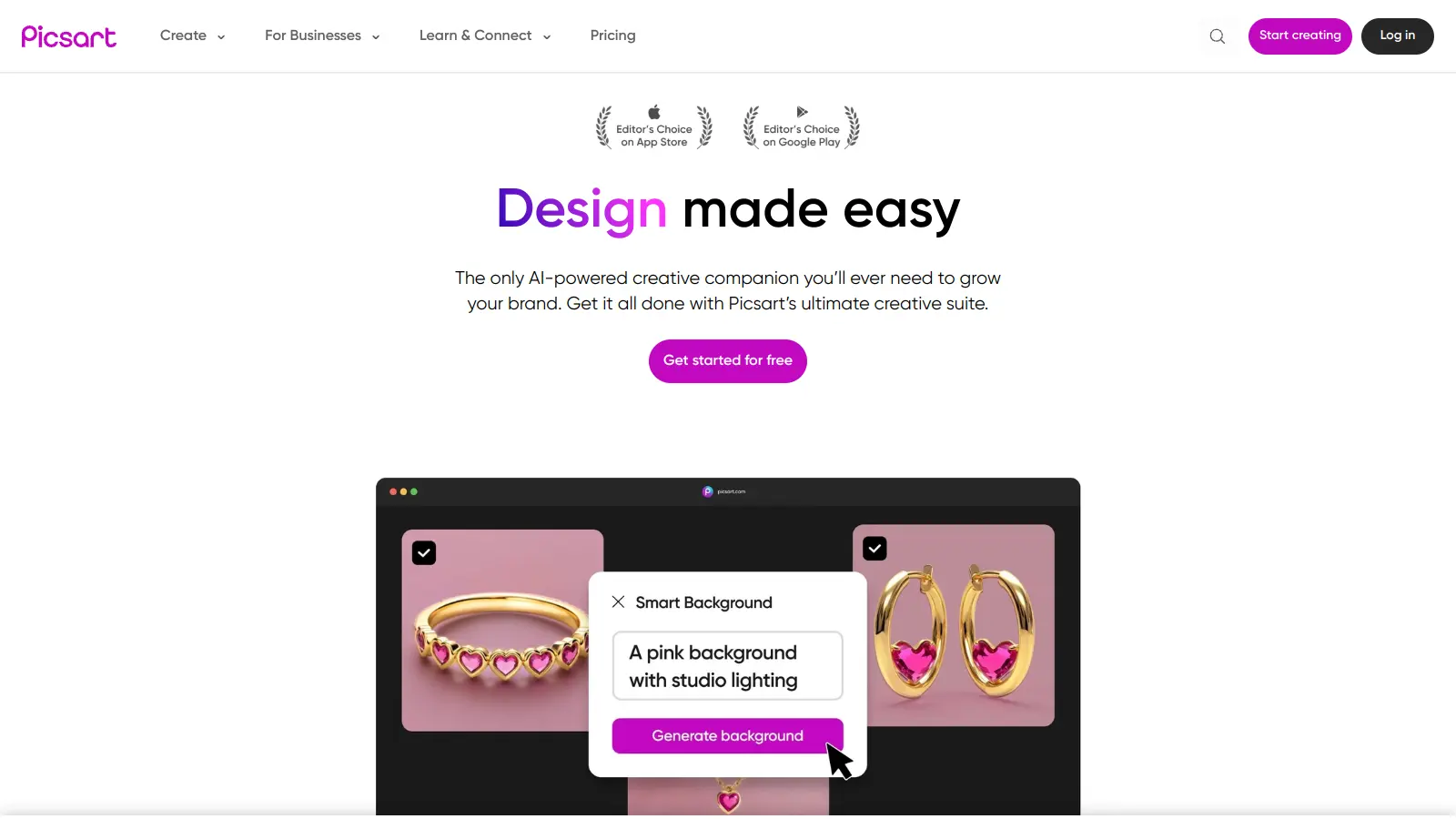
The platform's interface simplifies complex editing tasks through AI-powered features like background removal, object erasing, and one-click filters. Users can access a library of creative assets, including customizable templates, stickers, and stock photos. The Picsart Assistant offers conversational AI design help, letting you describe what you want and guiding you through the editing workflow.

Beyond basic editing, Picsart offers tools for video editing, GIF creation, and digital illustration. The built-in AI tools help users generate custom images from text prompts, create AI avatars, upscale resolution, and apply style transfers. For business users, the platform provides API integration options to incorporate these features into their own applications.

A free version is available with basic features, though it includes ads and watermarks. Paid subscriptions start at $10.50 monthly and unlock premium content, advanced AI tools, and additional creative assets. Enterprise solutions are also available for businesses needing specific marketing or print capabilities.

Who is Picsart for?

Picsart works for creative individuals and small businesses who need professional-looking visuals without complex software skills. Its intuitive tools and AI-powered features save time and make professional-quality editing accessible regardless of design experience.

  • Social media content creators who need to quickly produce posts, stories, and videos with trendy effects and filters
  • Small business owners looking to create marketing materials and branded content without hiring a designer
  • Bloggers and influencers who want to maintain a consistent visual style across their platforms with templates and editing tools
  • Beginners and creators of all skill levels who want fast editing without a steep learning curve
  • E-commerce sellers needing product photos with clean backgrounds and professional polish for their online stores
  • Marketing teams requiring quick turnaround on social graphics and promotional content with access to stock photos and templates
  • Social media managers using generative AI workflows to create ads, social media posts, and branding materials

The tool fits professionals in retail, hospitality, real estate, education, and small to medium businesses where visual content drives engagement but design resources are limited.

Online Reviews (Last 6 Months Summarised)

Picsart receives praise for its powerful editing tools, filter selection, and user-friendly interface that works well for both beginners and advanced users. The platform's regular feature updates and good mobile performance make it popular among social media content creators. Users appreciate the affordable premium subscription options and the active community with helpful tutorials. Many find it great for creating social media content with its selection of templates and design elements.

The free version has intrusive ads and watermarks on exported content. Some users report crashes or lag during use, and others mention a learning curve for advanced features. Premium features locked behind subscription paywalls frustrate budget-conscious creators. Customer support can be slow to respond. Export quality sometimes disappoints users, and storage limitations for cloud features create headaches for those with large projects.

Features

  • AI-Powered Photo Editing: Transform your images with intelligent background removal, object erasing, quality enhancement, and upscaling tools that make professional editing simple and fast.
  • Video Maker and Editor: Create social media content by adding effects, music, and stickers to your videos with AI-powered editing tools.
  • Sticker and Collage Maker: Design custom stickers, animated GIFs, and photo collages using templates and creative tools.
  • AI Image Generator: Generate visuals from text prompts, create custom logos, and explore creative possibilities with AI technology.
  • Advanced Filters and Effects: Apply visual transformations like AI Style Transfer, Cartoon, Retro, and Y2K styles to turn ordinary photos into artistic versions.
  • Picsart Assistant: Get conversational AI help to design by describing your vision and receiving guided workflows for your projects.
  • Cross-Platform Accessibility: Access creative tools across iOS app, web browsers, and mobile devices with synced accounts.

Pricing

  • Free version offers basic tools with ads and watermarks, limited features, and access to a selection of free images, videos, and templates.
  • Picsart Plus at $13 per month provides core premium features, premium content, and enhanced templates for design creation.
  • Picsart Pro at $10.50 per month (regularly $15) includes everything in Plus along with increased use of 15+ AI tools like AI Image Generator, background and object removers, and the full suite of creative efficiency tools.
  • Picsart Ultra offers advanced features for users needing more capabilities beyond Pro.
  • Enterprise API Services tier costs $95 per month, includes 10,000 credits, and is designed for businesses needing platform integration.
  • Enterprise Print Solutions starts at $99 per month with 1,000 credits, tailored for business print needs.
  • Enterprise Marketing Solutions also starts at $99 per month with 1,000 credits, focused on marketing requirements.
  • New users get complimentary credits (200 or 1,000) on signup and can try Pro features with a 7-day free trial.

Frequently Asked Questions

What's the difference between Picsart Plus and Picsart Pro?

Picsart Plus costs $13 per month and gives you core premium features, premium content, and templates for your designs. Picsart Pro costs $10.50 per month (discounted from $15) and includes everything in Plus along with increased use of 15+ AI tools like the AI Image Generator, background and object removers, AI Enhance, Upscaler, and AI Style Transfer. If you're mainly looking for premium templates and content, Plus works great. But if you want to use advanced AI features, Pro is worth it.

Can I use Picsart on multiple devices?

Yes! Picsart works across multiple platforms. You can use it on your iPhone, Android phone, or through any web browser. Your account syncs between devices, so you can start a project on your phone and finish it on your computer. Just sign in with the same account on each device to access your saved projects and premium features.

Does Picsart have a watermark on edited photos?

The free version of Picsart adds a watermark to your edited images. If you upgrade to Picsart Plus or Pro, your exported photos and videos will be watermark-free. This is one of the main benefits of the paid versions, especially if you're creating content for social media or professional use.

How does Picsart's AI background remover compare to other tools?

Picsart's AI background remover works really well for most images. It can detect edges accurately and works with both people and objects. Users find it faster than manually erasing backgrounds and more accurate than many free alternatives. While specialized tools like Remove.bg might have slight advantages for certain images, Picsart's remover is part of a complete editing package, which makes it more convenient when you need to do additional edits after removing the background.

Can I cancel my Picsart subscription anytime?

Yes, you can cancel your Picsart subscription at any time. When you cancel, you'll still have access to premium features until the end of your current billing period. To avoid future charges, make sure to cancel at least 24 hours before your renewal date. The cancellation process depends on how you subscribed - through the App Store, Google Play, or Picsart's website - so check their help center for specific instructions for your situation.

Other Tools To Check Out

Best Deal

Start with Sitekick for just $20/month

Redeem Now

Best Deal

Start Drawing For Free - No Sign-Up Required With Full Access To AI Suggestions

Redeem Now

Best Deal

New subscribers get 50% off Creative Cloud Pro for the first 3 months - includes 20+ apps and Firefly AI features

Redeem Now

Find Out How Best To Utilise Tools

Our newsletter comes with exclusive discounts, trials and practical insights from within the industry

Sign Up Today