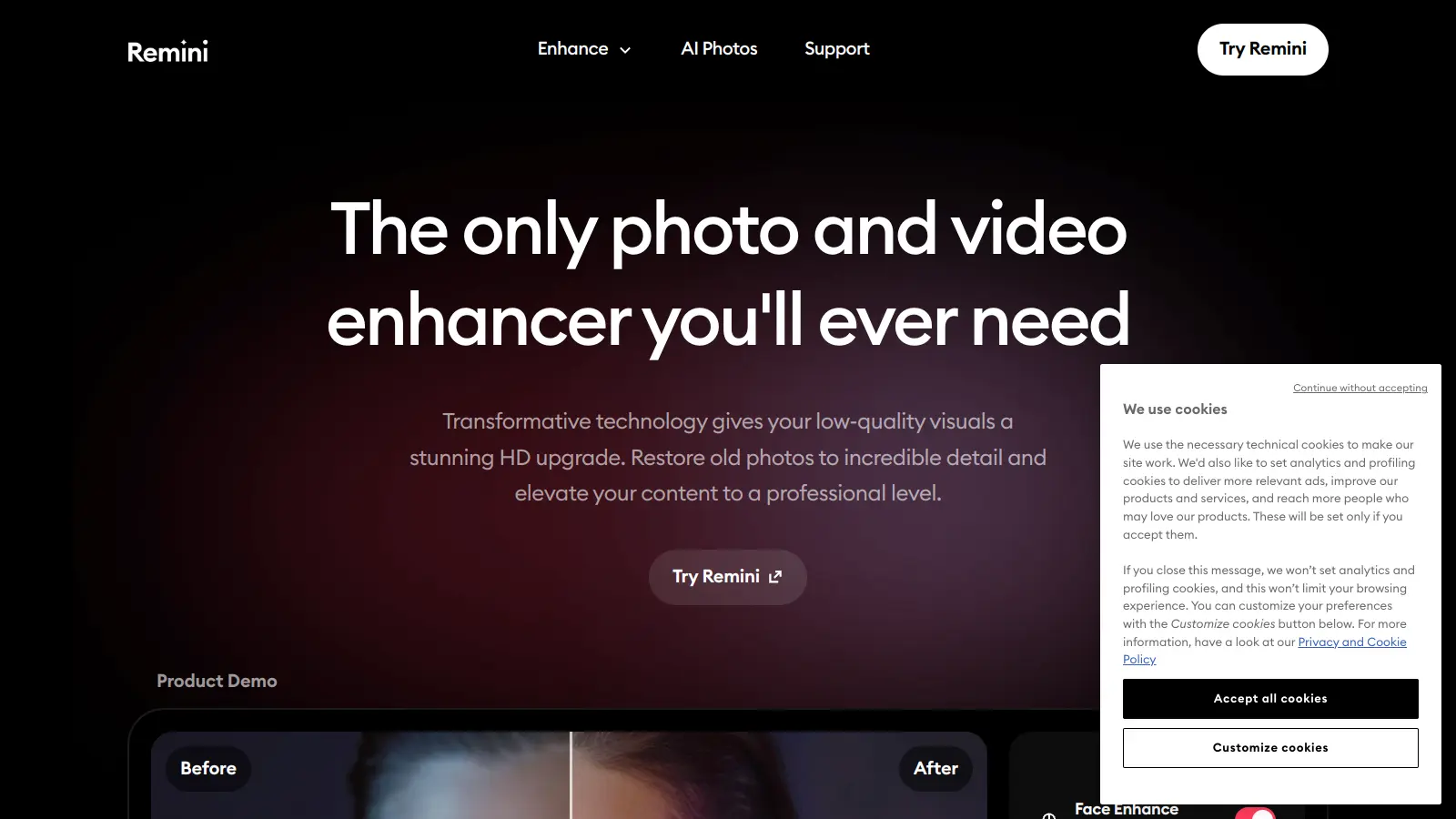
Remini AI transforms low-quality photos and videos into crisp, detailed images through artificial intelligence and machine learning. Created by Italian tech company Bending Spoons in 2019, this tool helps users restore and enhance their visual content with striking results.
The application analyzes images and applies AI algorithms to sharpen blurry areas, reduce noise, and improve overall quality. Whether you need to restore old family photos or enhance product images for an online store, Remini offers solutions for both personal and professional use. The app can handle photos from smartphones, old prints, and internet downloads.
Available on iOS, Android, and web browsers, the platform provides enhancement options including face restoration, color correction, video processing, and image upscaling up to 2x resolution. The free version offers basic features with daily usage caps and watermarked exports, while the subscription plans unlock additional capabilities like unlimited enhancements and commercial use rights.
Users can access the service through weekly subscriptions. The tool requires an internet connection since all processing happens on cloud servers, and according to their privacy policy, they don't permanently store your photos or use them for AI training.
Remini AI is for anyone who wants to turn blurry, low-quality photos and videos into crisp, detailed images without technical skills. This tool saves hours of manual editing while delivering professional-quality results that would normally require expensive software and expertise.
The tool works across industries including social media marketing, e-commerce, photography, and personal content creation where image quality directly impacts audience engagement.
Remini AI has captured users' attention with its photo enhancement capabilities, turning blurry images into surprisingly clear, high-definition pictures. Many users describe the AI technology as amazing, appreciating how it can restore old family photos and bring out hidden details with fast processing speeds. The free version gets praise for being generous with daily credits, and users find the interface intuitive and easy to use. The AI animation feature has also won fans for being fun and impressive.
The subscription price is expensive after the trial ends, and users wish for more affordable options. Watermarks on free version exports are intrusive. The AI sometimes over-sharpens images or creates unnatural artifacts. Privacy concerns about uploading personal photos linger for some users. Customer support can be slow or unresponsive. Battery drain during mobile processing is frustrating during extended use.
Remini processes your photos in the cloud but doesn't permanently store them. Your images are temporarily uploaded to their servers for AI processing and then deleted after enhancement is complete. According to their privacy policy, they don't use your personal photos for training their AI models. If you're concerned about privacy, you might want to avoid enhancing sensitive images or documents with identifying information. For maximum peace of mind, you can delete enhanced images from their servers through the app after downloading your results.
How does Remini fix blurry photos?Remini uses artificial intelligence to analyze your blurry images and add missing details. The app's algorithms identify facial features and textures that need enhancement, then fill in what should be there based on millions of high-quality images it's been trained on. The processing happens on cloud servers, so you'll need an internet connection. You'll notice the biggest improvements on photos with people in them, especially facial details that become much more defined after processing.
What's the difference between free and pro versions?The free version of Remini limits you to a small number of enhancements per day and adds watermarks to your final images. You'll also see ads during use. This is enough to test the app and see if you like the results, but not ideal for regular use. The paid plans remove watermarks, give you more or unlimited enhancements depending on the tier, and the Business Plan adds bulk upload capabilities and commercial use rights. Many users start with the free version to test results before deciding if the paid plans are worth it.
Can it enhance videos as well as photos?Remini can enhance videos by applying similar AI enhancement technology to each frame, improving clarity, reducing noise, sharpening details, and balancing colors. The free version only allows very short video clips with limited daily usage, while paid plans let you enhance longer videos. Keep in mind that video enhancement takes longer to process than photos since the AI works on multiple frames, and you'll need a stable internet connection since processing happens in the cloud.
Does it work well on black and white photos?Yes, Remini works well on black and white photos, especially old vintage prints. The AI is specifically designed to restore old photographs by fixing scratches, removing grain, and enhancing faded details regardless of whether they're color or monochrome. Many users are surprised by how well it brings old family photos back to life. The app works best when the original photo still has some visible features for the AI to work with. While it can't perform miracles on completely destroyed sections, it does an impressive job recovering details you might have thought were lost forever.


Our newsletter comes with exclusive discounts, trials and practical insights from within the industry