Digital Content Creation Software+2 more

DeepBrain AI
best deal
Try AI Studios Free: Create up to 3 videos with AI avatars in 80+ languages, no credit card needed.
redeem now
DeepBrain AI
best deal
Try AI Studios Free: Create up to 3 videos with AI avatars in 80+ languages, no credit card needed.
redeem nowWe start with direct ratings from our readers, then look at what real users are saying in practitioner forums and community spaces. We pair that with search demand data and profession-level persona analysis.
Editorial note: this was originally published in september of 2023
quick take
used DeepBrain AI? we'd love to know your thoughts
reader ratings shape our score
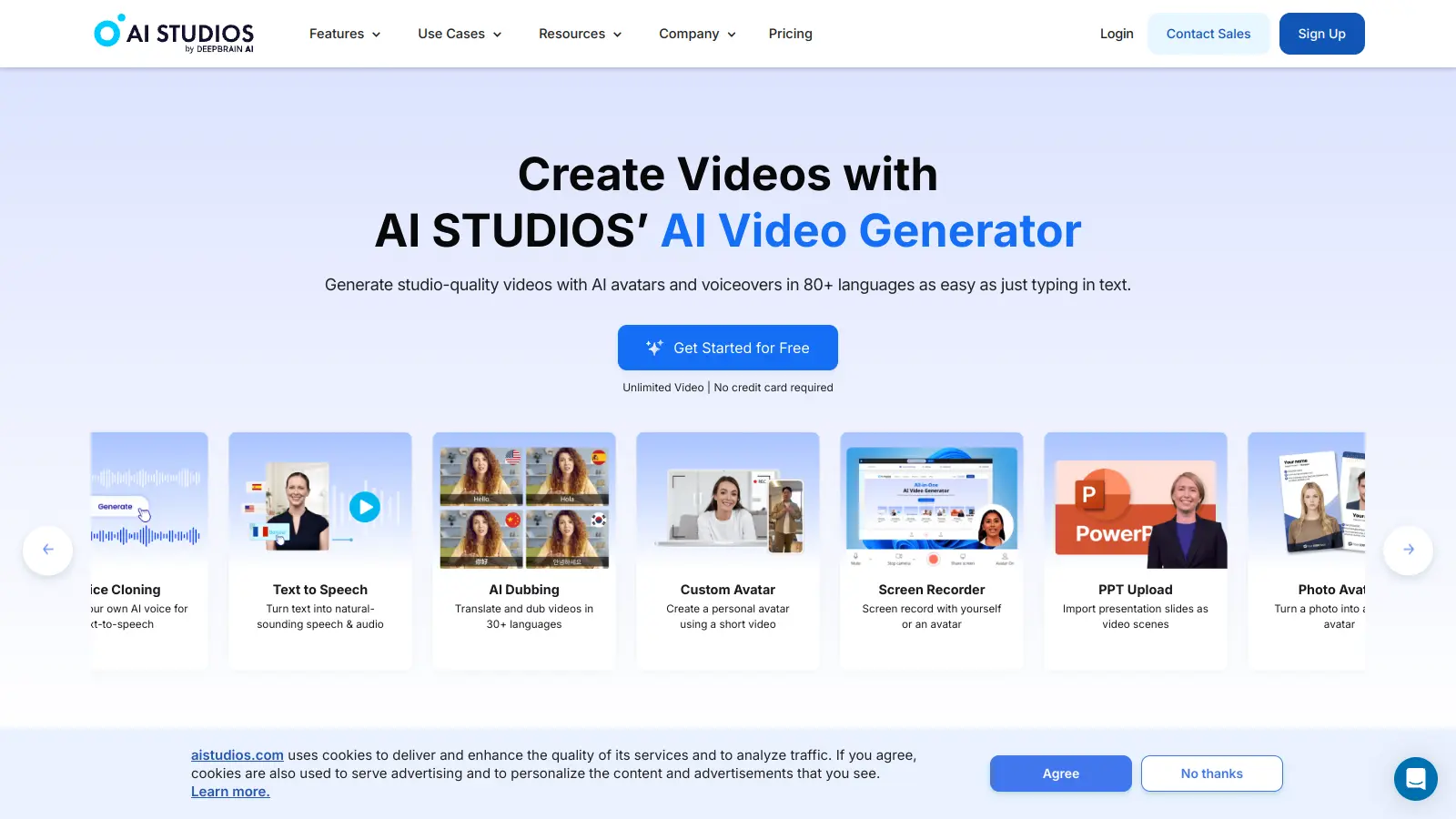
DeepBrain AI's AI Studios platform helps users create professional videos using artificial intelligence. The tool combines AI-powered avatars, voice synthesis, and automated video editing features to streamline the video production process.
The platform offers several key capabilities. Users can generate custom AI avatars by uploading photos or create digital twins through webcam recordings. The video creation tools allow for quick production of studio-quality content with AI presenters speaking in over 80 languages. The built-in browser editor handles basic editing tasks like trimming and transitions.
AI Studios caters to various use cases, from educational content and marketing campaigns to business communications. Teams can collaborate through a synchronized workspace and share projects via links. The platform also includes features for script writing, image generation, and screen recording.
The tool offers multiple pricing tiers starting with a free plan for basic usage. Paid plans begin at $15 per month and scale up to enterprise solutions with custom pricing. Each tier provides different levels of access to features like video duration limits, avatar libraries, and collaboration tools.
While primarily focused on video creation, AI Studios also supports multilingual dubbing, voice cloning, and automatic translation to help users reach global audiences. The platform aims to make professional video production more accessible without requiring specialized equipment or technical expertise.
monthly search interest
590/mo now
DeepBrain AI rode the AI video wave from 2022 through early 2025, with searches climbing steadily to a peak around 1,900 per month before dropping sharply to under 600. That 69% decline from peak suggests the initial curiosity phase is over and the tool is now competing on merit rather than novelty. The shrinking search volume means you're evaluating a more settled product rather than chasing hype, but it also signals the market is consolidating around a smaller set of go-to tools in this category.
Whether DeepBrain AI earns its place in your workflow depends heavily on what you're actually making and how often. Pick your role below to get the honest breakdown for your situation.
overall sentiment
select your role to see what people like you are saying
Marketing Manager
positiveIf you're producing multilingual video ads or campaign explainers at volume, DeepBrain AI cuts production time and budget significantly. You're not hiring actors or booking studios, and you can iterate on messaging quickly across 80-plus languages. The avatar motion limitations are a real constraint if your creative direction demands expressive presenters, and the free tier won't give you a proper test. Go in with the paid plan to evaluate it properly.
strengths
concerns
Corporate Training Director
positiveA consistent, updatable presenter across your entire training library is the core value here, and it delivers on that. When procedures change, you update the script rather than re-booking talent. The limitation is that predefined avatar movements make scenario-based or physically demonstrative content feel flat. For compliance training, process walkthroughs, and talking-head explainers, it works. For anything requiring physical demonstration, it doesn't.
strengths
concerns
Small Business Owner
mixedYou can produce professional-looking presenter videos without a crew, equipment, or editing skills. That's genuinely useful if video is part of how you market. The catch: the free tier is too limited to meaningfully test the platform, and the paid plans start at $15 to $29 a month, which only makes sense if you're creating video content consistently. If video is occasional for you, the cost-per-video math gets uncomfortable quickly.
strengths
concerns
Content Creator / YouTuber
negativeDeepBrain AI's avatar-led video format doesn't map well to most YouTube and short-form content where personality and authenticity drive engagement. The tool is built for structured, presenter-style output rather than the kind of content that builds a following. Unless you're producing a very specific format like news-style recaps or faceless educational content, you'll find the avatar constraints limiting and the output style too corporate.
strengths
concerns
“At $69 per seat per month for the Team plan, you're in territory where Synthesia deserves a side-by-side test before you commit.”
Across commercial review platforms, DeepBrain AI sits at a middling 3.0 out of 5 across over 200 reviews, which is honest feedback for a tool in a category where expectations run high. The most consistent praise centres on speed and multilingual output: users getting polished-looking presenter videos from a script without touching a camera or hiring anyone. The recurring criticism is equally consistent: avatar movement is stiff and repetitive, the free tier is nearly useless for any real evaluation (three videos a month, up to 3 minutes each), and some users have flagged concerns about counterfeit sites impersonating the platform. Product Hunt commentary is broadly positive, calling the platform user-friendly and time-saving, though the language is generic enough to suggest it comes from light users rather than power users with deep workflows built on it.
The Personal plan at $15 to $29 per month is reasonable if you're producing presenter-style videos regularly. The free tier, which caps you at three videos a month with no HD output, is too limited to meaningfully evaluate the tool before buying. If you need to test it properly, go straight to a trial of the paid plan rather than forming an opinion from the free tier. For solo creators doing occasional videos, the Personal plan is the right entry point. Teams should weigh the $55 to $69 per seat monthly cost against Synthesia, which is competitive in the same bracket.
Marketing Managers producing multilingual campaign variations quickly will get the most value here. Corporate Training Directors who need a consistent on-screen presenter across dozens of modules without re-recording every update also have a strong use case. Small Business Owners who need professional-looking video without hiring a crew can make it work, though the pricing will feel steep if video production is occasional rather than ongoing.
Avatar movement options are limited and repetitive. For training scenarios or ads where body language matters, the predefined gestures can make content feel mechanical and less credible. The free tier is also genuinely inadequate for any real-world evaluation: three short videos a month won't tell you whether the platform fits your workflow. There are also verified reports of fake sites impersonating DeepBrain AI, so confirming you're on the legitimate domain before entering payment details is not optional.
Both tools are in the same price range and target the same use cases. Synthesia has more established avatar quality, smoother motion, and a larger review base. DeepBrain AI's edge is the breadth of additional AI tools on the platform, including video generation via Sora and Veo, dubbing with voice cloning, and interactive avatar capabilities. If you need a pure presenter-video tool for training and marketing, test Synthesia first. If you want a broader AI video production environment beyond just avatar-led content, DeepBrain AI has the wider feature set.
Yes, and this is one of the stronger genuine use cases for the platform. You can use the same avatar across every module, update the script without re-recording, and produce in multiple languages from the same source content. The practical limitation is that the avatar's movement variety is constrained, so for scenarios requiring dynamic demonstration or physical instruction, the result will feel static. For talking-head explainers, compliance training, and process walkthroughs, it works well.
toolsforhumans editorial team
Reader ratings and community feedback shape every score. Since 2022, ToolsForHumans has helped 600,000+ people find software that holds up after launch. how we research →

Canva is a graphic design platform that lets individuals and professionals create designs without advanced design skills. It offers hundreds of thousands of templates, design tools, collaboration features, and photo/video editing capabilities. With both free and pro versions, Canva provides access to millions of design elements for creating social media graphics, presentations, posters, and more through its drag-and-drop interface.
best deal
Get 50% off Canva Pro or Business plans for new customers, or try Canva free with 250,000+ templates and 5GB storage

Microsoft 365 Copilot is an AI-powered productivity tool that integrates seamlessly with Microsoft 365 apps like Word, Excel, PowerPoint, and Outlook. It uses advanced language models and Microsoft Graph to provide intelligent, context-aware suggestions, automate tasks, and enhance collaboration by generating content, analyzing data, and offering real-time insights across various work processes.
best deal
Try Copilot Free: Experience basic AI assistance without Office integration

Grammarly is an AI-powered writing assistant that provides real-time grammar, spelling, and punctuation checks, tone adjustments, and generative AI features for composing, rewriting, and proofreading text. It integrates with platforms like Google Docs, Gmail, Microsoft Word, Slack, and web browsers, offering both free and paid versions with features ranging from basic corrections to plagiarism detection and AI writing tools.
best deal
Try Grammarly's Free Version Today - Get Basic Grammar Checks & 100 AI Prompts Per Month Across Your Favorite Apps

Adobe is a software company founded in 1982, offering digital solutions across creative, document, and marketing domains. Their flagship products include Photoshop, Illustrator, Premiere Pro, and Acrobat, which enable professionals and consumers to create, edit, and manage digital content. With Creative Cloud, Document Cloud, and Experience Cloud, Adobe provides tools for image editing, graphic design, video production, PDF management, and digital marketing.
best deal
New subscribers get 50% off Creative Cloud Pro for the first 3 months - includes 20+ apps and Firefly AI features

PhotoAI.me is an AI-powered platform that transforms personal photos into unique, high-resolution images across 100+ styles for various social media platforms. Users can upload a photo, select a themed package, and receive AI-enhanced images within hours, making profile personalization simple and quick for those seeking professional or creative profile pictures without advanced editing skills.
best deal
Transform your profile photo with 100+ AI styles starting at $19/month

Mango AI is an advanced AI-powered video generation platform that enables users to create professional animations and videos with ease. It offers features like AI talking photos, text-to-animation conversion, diverse AI avatars, voiceovers, video templates, face swapping, and video translation. Designed for educators, marketers, content creators, and businesses, Mango AI simplifies video content creation by providing accessible, engaging, and versatile tools for users of all skill levels.
best deal
Try Mango AI's Free Plan: Create 3-minute talking videos with your own avatar today!