InVideo Review 2026 - Features, Pricing & Deals

Last Updated
Feb 14, 2026

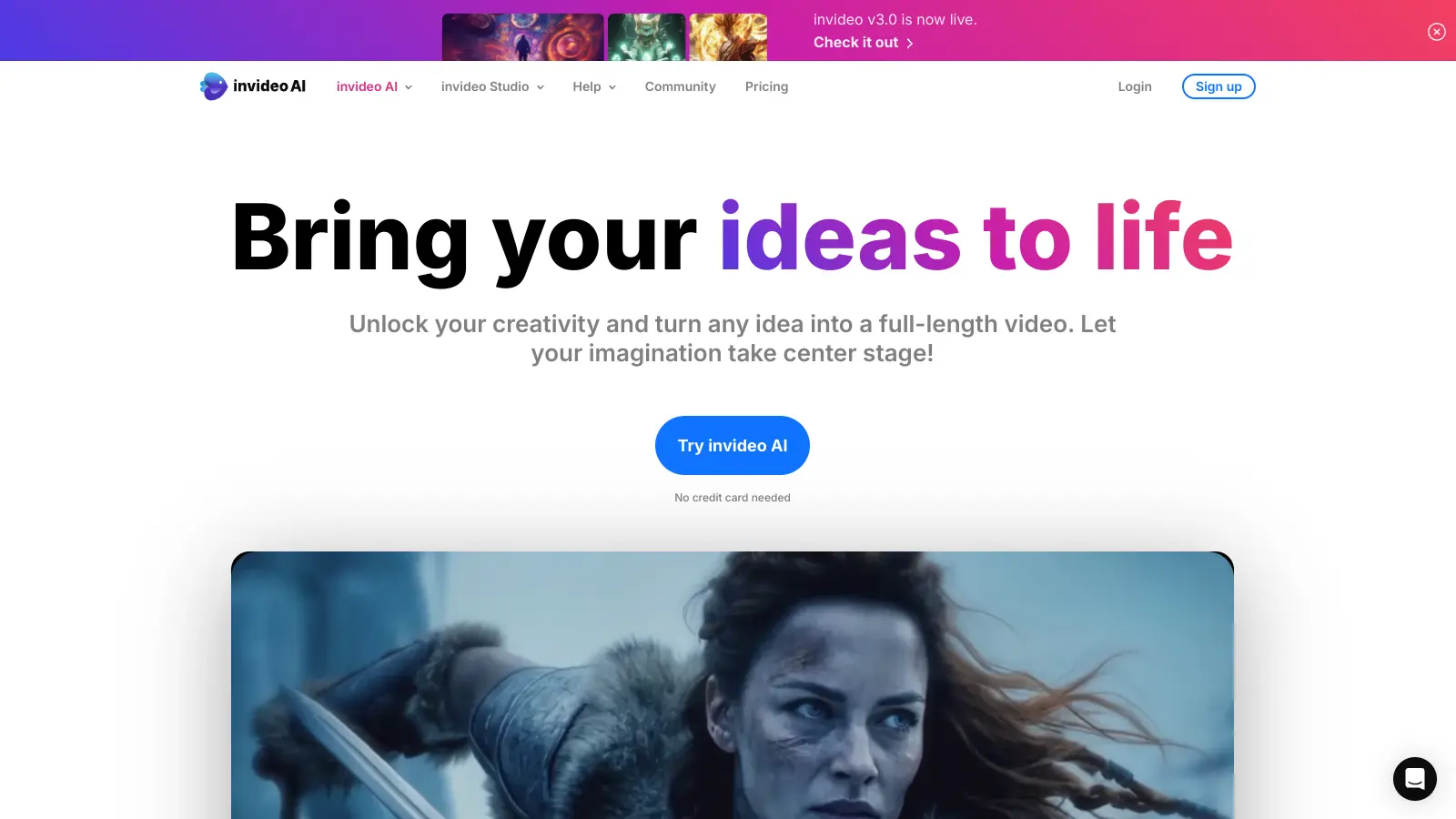
InVideo AI is an online video editing platform that generates complete videos from text prompts. The platform uses AI to handle scripting, visual selection, voiceover creation, and editing, making video creation accessible to users with no prior editing experience.

You enter a text prompt describing what you want, and the AI generates a first draft with footage, music, and narration. From there, you can refine the video using text commands in the Magic Box—asking it to delete scenes, change voiceover accents, adjust subtitles, or swap out visuals without touching a timeline.

The platform provides access to over 16 million royalty-free stock photos, videos, and music tracks. Users can choose from 50+ video style workflows for different formats like YouTube Shorts, TikTok videos, ads, and explainers. The AI voiceover tool supports multiple languages and accents, with options for dubbing and voice cloning.

InVideo AI integrates with models like OpenAI GPT-4.1 for planning and scripting. The platform serves 25 million users and has earned ratings of 4.8 on G2 and 4.6 on Trustpilot. Real-time collaboration features are coming soon.

Who is InVideo for?

InVideo AI works well for creators and businesses who need to produce videos quickly without learning traditional editing software. The text-based workflow and AI generation make it accessible to people with no video experience while still offering enough control for more experienced users.

  • Beginners with no editing experience can create videos from simple text descriptions, with the AI handling all technical decisions about pacing, visuals, and audio.
  • Social media managers benefit from the 50+ style workflows designed for platforms like YouTube Shorts and TikTok, allowing quick production of platform-optimized content.
  • Marketers and brands use the platform to create ads, product demos, and explainer videos, scaling video production without hiring specialized teams.
  • Small business owners can turn product descriptions or service explanations into promotional videos without technical skills or expensive equipment.
  • Content creators targeting global audiences will appreciate the multilingual voiceover support and dubbing features for reaching viewers in different languages.
  • YouTubers and influencers can use voice cloning to maintain consistent narration across videos and access millions of stock assets without separate subscriptions.
  • Teams and agencies will find value in the collaboration features for working on video projects together with clients or colleagues.

The platform serves anyone who needs to create video content regularly but doesn't want to spend hours learning complex editing software or managing multiple media subscriptions.

Online Reviews (Last 6 Months Summarised)

InVideo AI has built a user base of 25 million and earned ratings of 4.8 on G2 and 4.6 on Trustpilot. Users praise the interface and ease of use, with many noting that even complete beginners can create videos quickly. The library of templates, stock footage, and music gets positive feedback, along with the AI features like text-based editing, voice cloning, and multilingual support. Customer support receives consistent praise, and users frequently mention that the quality and media selection beat other video apps they've tried.

Users report constant glitches and crashes that prevent downloads, with some saying projects freeze or fail at export. The AI narrator has robotic pauses and unnatural delivery. Background image cutting and text placement don't always work cleanly. Several users mention that AI features like the avatar builder waste credits without producing usable results. The free plan limitations frustrate people who hit the watermark and credit restrictions quickly, and some feel the results don't meet professional standards even on paid plans. Billing confusion and platform navigation issues also come up in negative reviews.

Features

  • AI Idea-to-Video Generation: Enter a text prompt describing your video idea and the AI generates a complete first draft with script, visuals, voiceover, music, and edits. Uses models like OpenAI GPT-4.1 for planning and scripting.
  • Text-Based Editing via Magic Box: Edit videos using simple text commands instead of timelines. Ask the AI to delete scenes, change voiceover accents, adjust subtitles, or swap visuals by typing what you want changed.
  • 50+ Style Workflows: Choose from pre-built workflows for different video types like YouTube Shorts, TikTok videos, ads, explainers, and demos. Each workflow optimizes formatting and pacing for its platform.
  • 16M+ Royalty-Free Media Library: Access millions of stock photos, videos, and music tracks included in your plan. Premium plans include iStock assets for higher-quality visuals.
  • AI Voiceovers and Voice Cloning: Generate AI narration in multiple languages and accents. Clone your own voice to create consistent, personalized voiceovers across all your videos without recording equipment.
  • Collaborative Editing: Work with team members on video projects together. Real-time collaboration features let multiple people contribute to the same project.
  • Multilingual Support and Dubbing: Create videos in multiple languages with AI dubbing to reach global audiences. The platform handles translation and voice generation for international content.

Pricing

  • Free plan provides 2 video minutes and 1 AI credit per week, 1 Express avatar, 4 exports per week with invideo watermark. No access to generative features.
  • Plus Plan at $20/month offers 50 minutes of AI generation monthly, 80 iStock assets, 100 GB storage, and unlimited exports without watermarks.
  • Max Plan at $48/month provides more creation time, 320 premium iStock visuals monthly, 400 GB storage, 5 voice clones, and unlimited exports.
  • Generative Plan at $96/month includes advanced generative features, 15 minutes of generative credits monthly, and unlimited exports.
  • Enterprise plan available with custom pricing for large organizations, offering advanced security and flexible pricing. Annual billing saves 20% across all plans.

Frequently Asked Questions

What exactly is InVideo AI and how is it different from regular video editors?

InVideo AI generates complete videos from text prompts, handling scripting, visual selection, voiceover, and editing automatically. Unlike traditional editors where you manually place clips on a timeline, you describe what you want in plain text and the AI builds the video. You can then edit using text commands in the Magic Box, asking it to change scenes, adjust voiceovers, or modify subtitles. It's built for people who need videos fast without learning complex editing software, though you can still customize everything if you want more control.

Is InVideo easy to use for complete beginners?

Yes. The platform is designed for people with no video editing experience. You type what video you want, the AI generates it, and you refine it with simple text commands. There's no timeline to manage or technical settings to configure unless you want to dig deeper. Most users create their first video within minutes. The workflow of prompt, generate, edit, and export is straightforward. You'll still need a few minutes to learn where things are, but it's far simpler than traditional editing tools.

Can I use InVideo for commercial purposes?

Yes. InVideo is built for commercial use including ads, product demos, and marketing content. The paid plans give you commercial rights to your videos. The 16 million royalty-free stock assets are cleared for commercial projects, and premium plans include iStock media with their own usage terms. Many businesses use it for social media content, YouTube videos, and promotional materials. Just check the specific licensing for iStock assets if you're using those, as they have separate guidelines.

What are AI credits and how many do I need?

AI credits power the generative features like creating videos from prompts and using advanced AI tools. The free plan gives you 1 AI credit per week, which limits how many AI-generated videos you can make. Paid plans include more generation time measured in minutes rather than credits. The Plus plan offers 50 minutes monthly, Max gives you more creation time, and the Generative plan at $96/month includes 15 minutes of generative credits. How many you need depends on your video length and frequency. Most users on the free plan hit limits quickly if they're creating regularly.

How does InVideo compare to tools like CapCut or Descript?

InVideo AI focuses on generating videos from text prompts with minimal manual editing, while CapCut is a more traditional editor with AI features added on top. CapCut gives you more granular control over cuts and effects but requires more hands-on editing. Descript specializes in editing video by editing transcripts, making it great for interview content and podcasts. InVideo works better when you want the AI to build the whole video structure for you. CapCut suits people who want to edit frame-by-frame. Descript wins for content that's primarily spoken. Your choice depends on your workflow and how much control you want versus how much you want automated.

Other Tools To Check Out

Best Deal

Try Munch for just $19/month with our Candy Bar Plan and transform your videos into social-ready clips today!

Redeem Now

Best Deal

Start with 5 free image edits and free previews forever, plus 14-day money-back guarantee on all subscriptions

Redeem Now

Best Deal

Start enhancing your audio with 60 free minutes of AI noise removal and speech clarity

Redeem Now

Find Out How Best To Utilise Tools

Our newsletter comes with exclusive discounts, trials and practical insights from within the industry

Sign Up Today