tools for
humans

N-able reviews — what users really think

published 31 august 2024last reviewed 24 march 2026
how we review

We start with direct ratings from our readers, then look at what real users are saying in practitioner forums and community spaces. We pair that with search demand data and profession-level persona analysis.

full methodology →

quick take

  • Best for: MSPs managing 50+ endpoints across multiple clients
  • Skip if: you're early-stage, budget-constrained, or need best-in-class MDR specifically
  • £Best value: Take Control at $25.50/user as a low-risk entry point before committing to N-sight RMM
½3.8/ 5 — editorial rating

used N-able? we'd love to know your thoughts

reader ratings shape our score

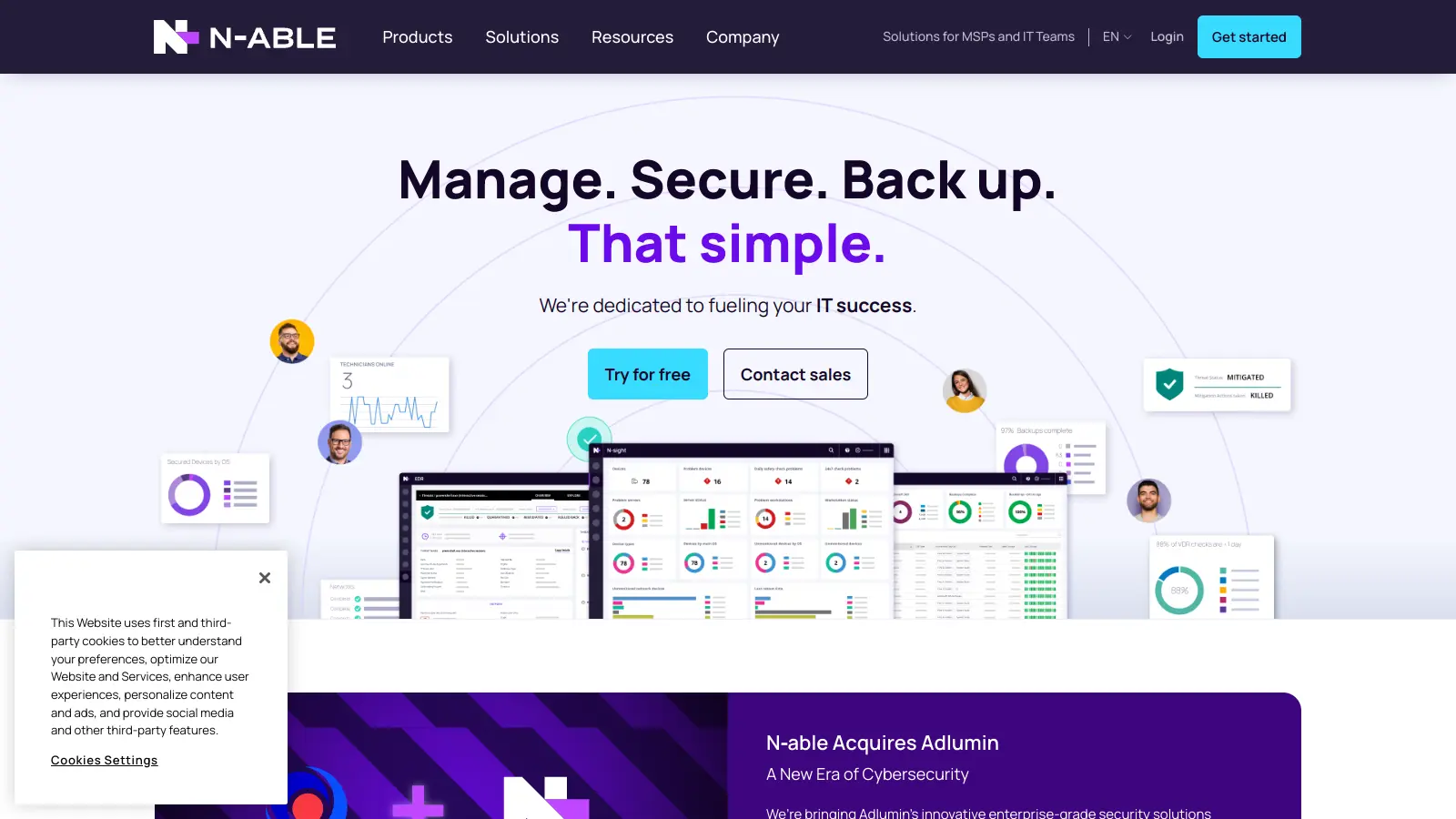
N-able offers IT management tools for managed service providers (MSPs). The platform helps IT professionals monitor, manage, and secure their clients' systems, networks, and data through a unified cloud-centric SaaS platform.

Originally established in 2000 as SolarWinds MSP, the company rebranded to N-able and now operates from its headquarters in Wakefield, Massachusetts. Their core offerings include remote monitoring and management (RMM) tools, data protection services, and security solutions.

The product lineup features N-central, a customizable platform available both on-premise and in the cloud, alongside specialized tools like Take Control for remote support and Cove Data Protection for backup services. These solutions work together through a single dashboard.

Pricing varies based on specific needs and service levels. N-central starts at $1.75 per month, while N-sight runs $99 per month per technician. Take Control is available from $25.50 per user monthly, and Take Control Plus costs $48 per user monthly. A free edition of Take Control is available with limited features.

how popular is N-able?

monthly search interest

4.4k/mo now

02.3k4.6k7k2023202420252026
peak interest7k/moMay 2024
searches now4k/moFeb 2026
1-month change— steadyvs prev month

N-able's search volume has been remarkably stable for three years, oscillating in a narrow band with one spike in May 2024 that faded within two months. This isn't a tool riding an AI hype wave: it has a consistent, established user base that isn't growing fast but isn't shrinking either. For someone evaluating it now, that stability means you're looking at a mature product with a settled community, not a platform in flux.

who is N-able for?

N-able works very differently depending on whether you're using it for RMM, security, or support operations. Pick your role below to see whether the platform actually fits your situation.

overall sentiment

select your role to see what people like you are saying

Growing MSP Owner

positive

If you're managing a growing client base and feeling the pressure to hire, N-able's multi-tenant RMM and automation can absorb that workload without adding headcount. The platform genuinely delivers on that promise once you're past the onboarding phase. The pricing at $99 per technician monthly is easier to justify once you're managing 50+ endpoints, but it bites during growth phases before the client base catches up.

strengths

  • Automation reduces manual workload and headcount needs
  • Multi-tenant architecture simplifies managing expanding client portfolios
  • Single dashboard provides operational visibility across all clients
  • Frequent updates and responsive support team enable continuous improvement

concerns

  • High pricing makes scaling economically challenging for smaller MSPs
  • Steep learning curve delays time-to-value during implementation
  • Occasional performance issues and slow agent updates impact reliability

what users are saying

The core RMM is well-regarded, but the security layer is newer territory and the community hasn't fully stress-tested it yet.

N-able N-central sits at 4.4 out of 5 across over 530 reviews on commercial review platforms, with 61% five-star ratings, which is genuinely strong for an MSP platform. The praise centres on two things: the depth of automation that lets smaller shops manage more clients without hiring, and the remote access speed in Take Control. On a review platform covering the RMM space specifically, N-able N-sight RMM scores 7.3 out of 10 across 97 reviews, with recurring criticism around the learning curve and pricing structure. The r/msp subreddit is where the more candid conversation happens, and a recent thread asking about N-able's MDR and ITDR offering through Adlumin showed limited firsthand feedback, with users comparing it directly to Blackpoint Essentials and finding it hard to get recent, specific data on how Adlumin handles remediation in practice. That uncertainty around the newer security add-ons is a common theme: the core RMM is well-regarded, but the security layer is newer territory and the community hasn't fully stress-tested it yet.

Our take: N-able is a mature, feature-dense RMM platform that earns its place for MSPs who've moved past the startup phase. The core monitoring, patching, and remote access toolkit is genuinely solid, and the 99% patch success rate cited by users isn't marketing fluff: the automation really does work at scale. The honest caveat is price and onboarding time: this isn't a tool you're productive with in week one, and the pricing can sting for MSPs still in growth mode. If you're comparing it specifically on the security side, Blackpoint Essentials comes up repeatedly in the r/msp community as a simpler, more focused MDR alternative worth looking at before committing to N-able's Adlumin add-on. Don't sign a contract until you've put the full platform through a trial and stress-tested the security features against your compliance requirements.
features

  • Unified Cloud-Centric Platform: N-central and N-sight offer remote monitoring and management through a single dashboard with cloud-native scalability and support for on-premises or hosted deployment options.
  • AI-Powered Automation: AI-assisted scripting and automation tools manage complex IT environments with automated patching, alerts, and maintenance processes through intuitive interfaces.
  • Integrated Security Suite: Combines endpoint detection and response (EDR), managed detection and response (MDR), AI-powered threat remediation, disk encryption, DNS filtering, and anti-malware protection across platforms.
  • Advanced Remote Access: Take Control connects to devices in under eight seconds with video and chat capabilities, supporting cross-platform remote management with multi-factor security.
  • Cove Data Protection: Cloud backup solution with immutable storage for servers, workstations, and Microsoft 365, offering secure data protection and recovery capabilities.
  • Open Ecosystem Integrations: Developer portal and integrations with third-party tools, ticketing systems, and patch management allow MSPs to connect their existing workflows.
  • Business Intelligence Dashboard: Uses Microsoft Power BI to provide visual analytics and reporting, helping MSPs identify network trends and performance patterns quickly.

pricing

  • Take Control starts at $25.50 per user monthly for remote access and management needs, with a Plus version at $48 per user monthly offering enhanced features.
  • Free Edition includes 1 Remote Support Technician, 5 Unattended Computers, 1 Simultaneous Session, Instant Chat, and Desktop App access for those getting started.
  • N-sight RMM costs $99 per month per technician, including monitoring, patching, ticketing, billing, and basic automation for smaller MSPs or IT teams.
  • N-central pricing starts at $1.75 per month for the flagship RMM platform with advanced automation and patch management, though full pricing requires a quote based on your specific needs.

frequently asked questions

It depends on your scale, but there's a direct answer: N-sight RMM at $99 per technician per month is fair value once you're managing enough endpoints to absorb the cost through time savings. Take Control at $25.50 per user monthly is arguably the best value entry point for remote access alone. Where it gets harder to justify is during early growth phases when you haven't yet built the client base to offset the premium pricing. If you're under 50 endpoints under management, look at the free tier first before committing to a paid plan.

Growing MSP Owners managing multiple client environments get the clearest value from the multi-tenant architecture and automation features. Technical Support Team Leads benefit most from Take Control's sub-second connection times and ticketing integration. IT Security Specialists in regulated industries (healthcare, finance, legal) get usable compliance support, though they'll want to evaluate whether the security features meet their specific threat detection standards before committing.

Two stand out consistently. First, the learning curve is steep enough to delay productive use by weeks, which is a real cost during onboarding. Second, the security add-ons like Adlumin MDR are less battle-tested than the core RMM, and community feedback on how they handle real-world remediation and ITDR is sparse. Reporting customisation is also limited across several modules, which frustrates anyone who needs detailed metrics beyond the built-in dashboards.

If your primary need is MDR and you want a focused, simpler security tool, Blackpoint Essentials is worth a direct evaluation: it comes up repeatedly in the r/msp community specifically as an alternative to N-able's Adlumin offering. N-able wins on breadth: RMM, patching, remote access, backup, and security under one roof. Blackpoint wins on simplicity and community confidence in the MDR layer specifically. If you're already invested in N-able's RMM, adding Adlumin makes operational sense. If MDR is your starting point, try Blackpoint first.

This is the key question for Technical Support Team Leads onboarding a new team. Realistically, expect 4 to 8 weeks before your technicians are working at full productivity with N-central. The interface is not intuitive out of the box, and the automation setup requires meaningful configuration time upfront. N-able's support team is well-regarded and the documentation is extensive, but there's no shortcut through the learning curve. Build that ramp-up time into your implementation plan before going live with clients.

tools for
humans

toolsforhumans editorial team

Reader ratings and community feedback shape every score. Since 2022, ToolsForHumans has helped 600,000+ people find software that holds up after launch. how we research →

other tools to check out

NinjaOne screenshot
online buzz18k
trend (1M)18%
3.8

NinjaOne

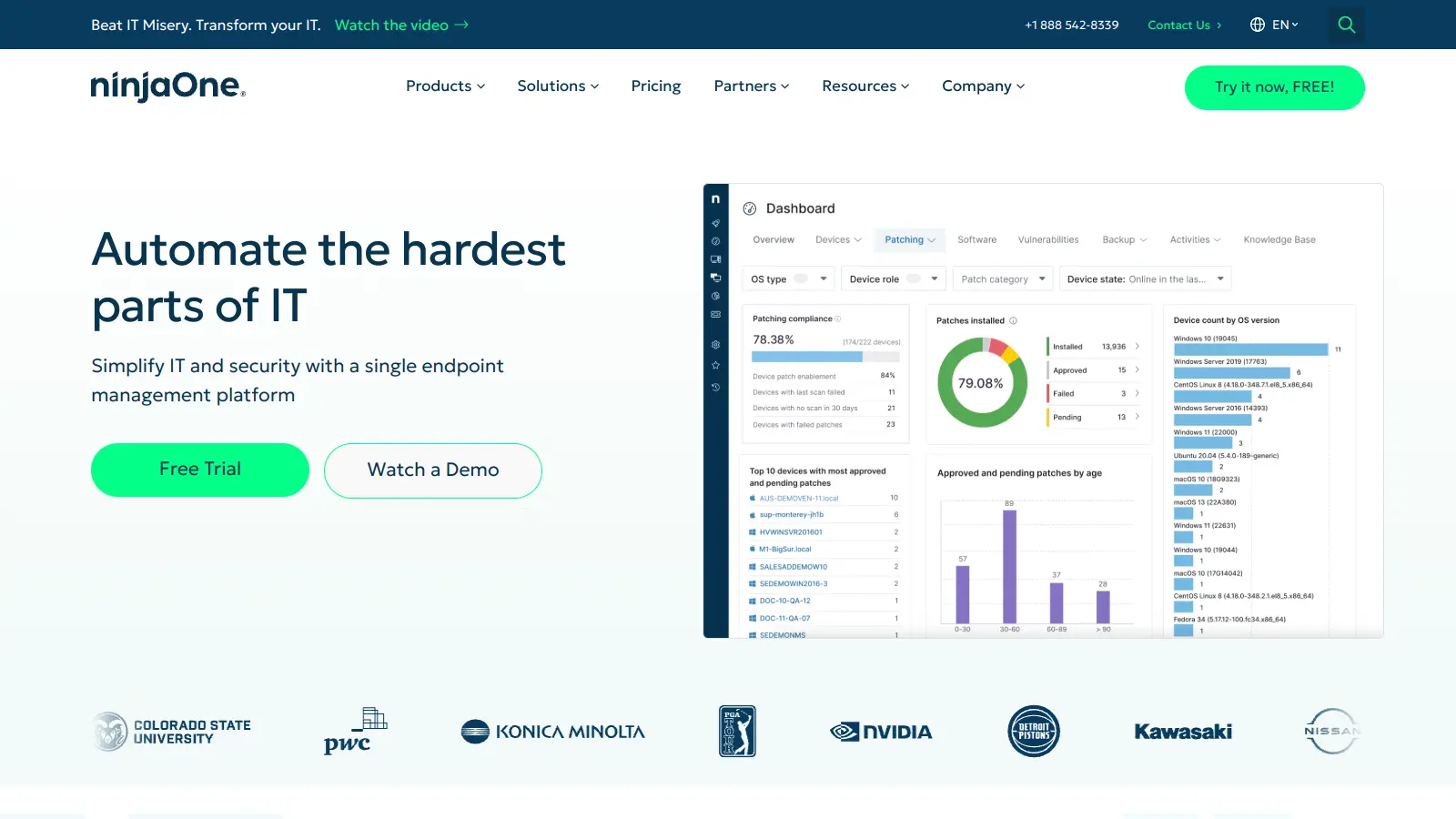
NinjaOne is a cloud-based IT management platform designed for managed service providers and IT professionals. It offers remote monitoring, patch management, asset tracking, and automation capabilities across multiple device platforms. The tool simplifies IT operations through an intuitive interface and works across organizations of different sizes.

best deal

Try NinjaOne free for 14 days with full features from just $1.50 per device

Atera screenshot
online buzz18k
trend (1M)steady
3.7

Atera

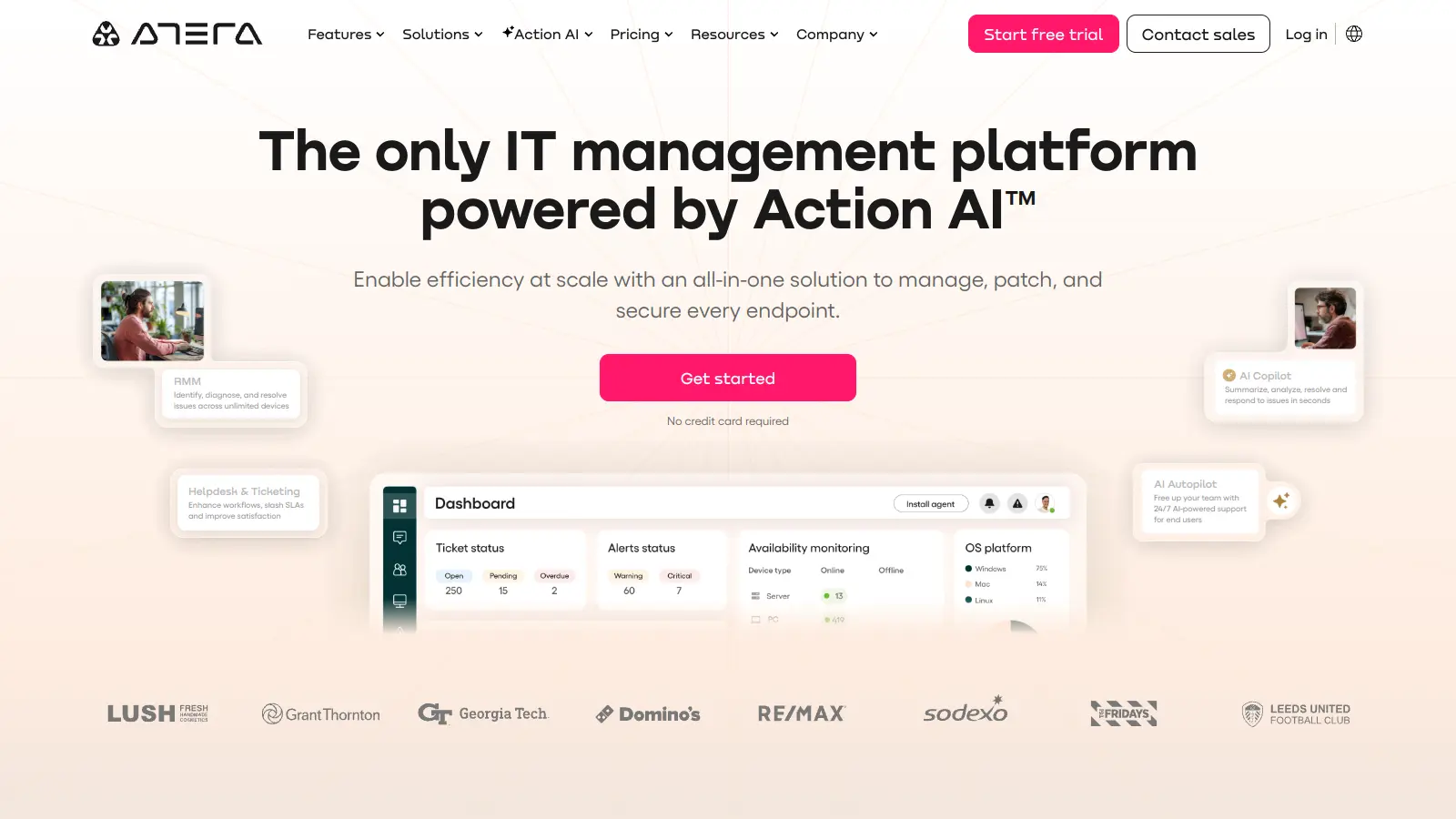
Atera is an all-in-one IT management platform powered by built-in AI agents that automates IT operations for IT departments and managed service providers (MSPs). It combines remote monitoring and management, patch management, helpdesk and ticketing, and IT automation with AI capabilities that autonomously resolve Tier 1 tickets and streamline routine tasks across unlimited devices with a pay-per-technician pricing model.

best deal

Start your 30-day free trial on all plans - manage unlimited devices with full AI automation features!

OpenDNS screenshot
online buzz9.9k
trend (1M)steady
3.0

OpenDNS

OpenDNS is a DNS resolution service offering enhanced security, speed, and reliability. Acquired by Cisco in 2015, it provides features like phishing and malware protection, content filtering, and faster web browsing through anycast routing. Available for home and enterprise users, OpenDNS allows customizable network security and content blocking, making it a robust alternative to traditional ISP DNS services.

best deal

Try OpenDNS's free home service with content filtering and faster browsing today

Auvik screenshot
online buzz4.4k
trend (1M)steady
3.8

Auvik

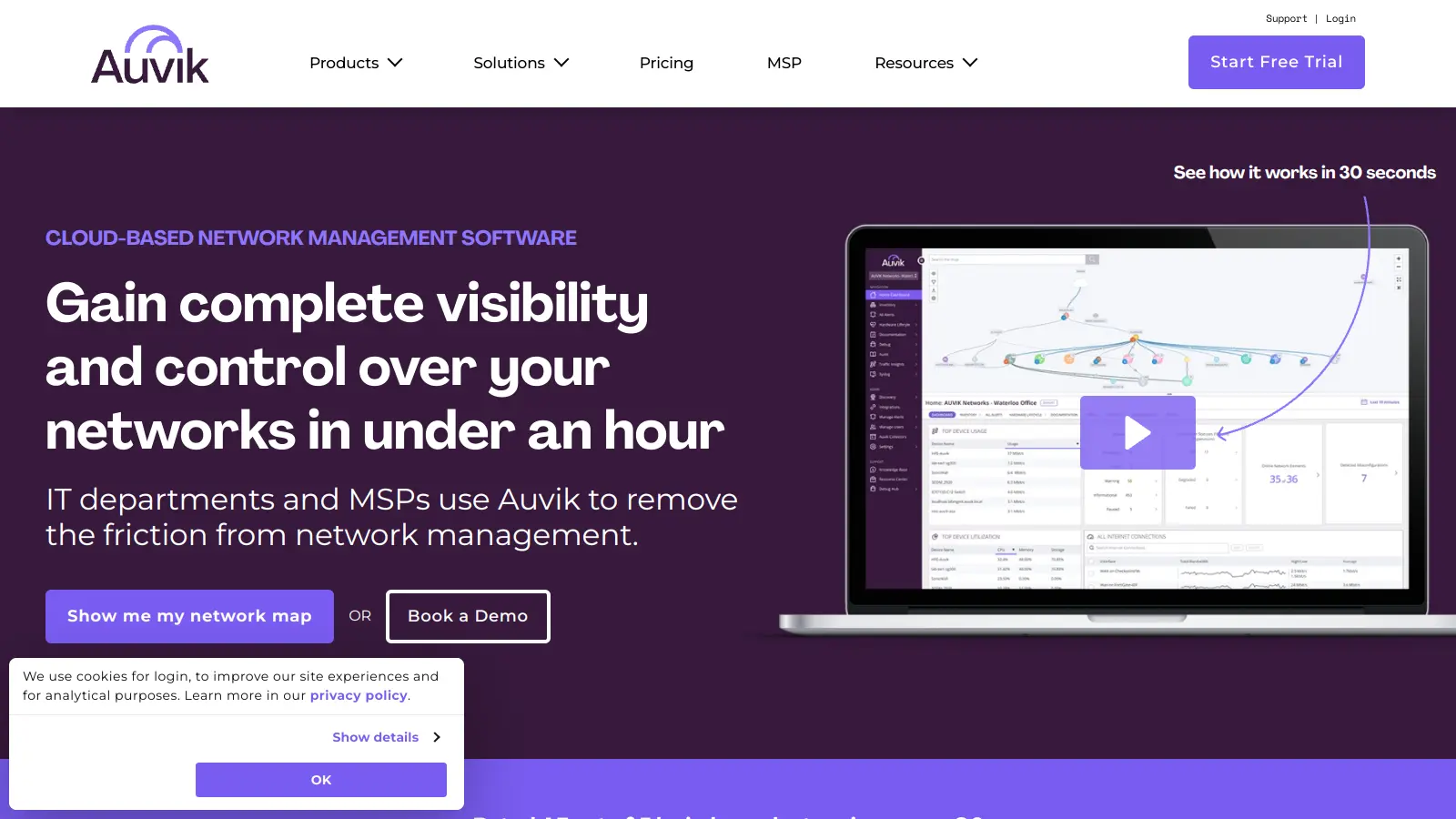
Auvik is a cloud-based network management software that provides real-time visibility and control for IT departments and Managed Service Providers. It offers automatic network discovery, real-time monitoring, configuration management, and remote troubleshooting capabilities. The platform supports over 700 vendors, provides 50+ pre-configured alerts, and allows secure remote access. Pricing is device-based with custom quotes depending on plan and volume, and a 14-day free trial is available.

best deal

Try Auvik's 14-day free trial with all features included, no credit card needed

Syncro screenshot
online buzz4.4k
trend (1M)steady
3.7

Syncro

Syncro is a fully integrated IT management platform designed for Managed Service Providers (MSPs) and IT teams, combining Remote Monitoring & Management (RMM), Professional Services Automation (PSA), and Microsoft 365 management capabilities. It offers AI-powered automation for ticketing, endpoint management, scripting, patch management, secure remote access, and identity management with over 50 third-party integrations.

best deal

Start your free Syncro trial and explore unlimited RMM agents, AI-powered ticketing, scripting tools, and 50+ integrations with complete feature access