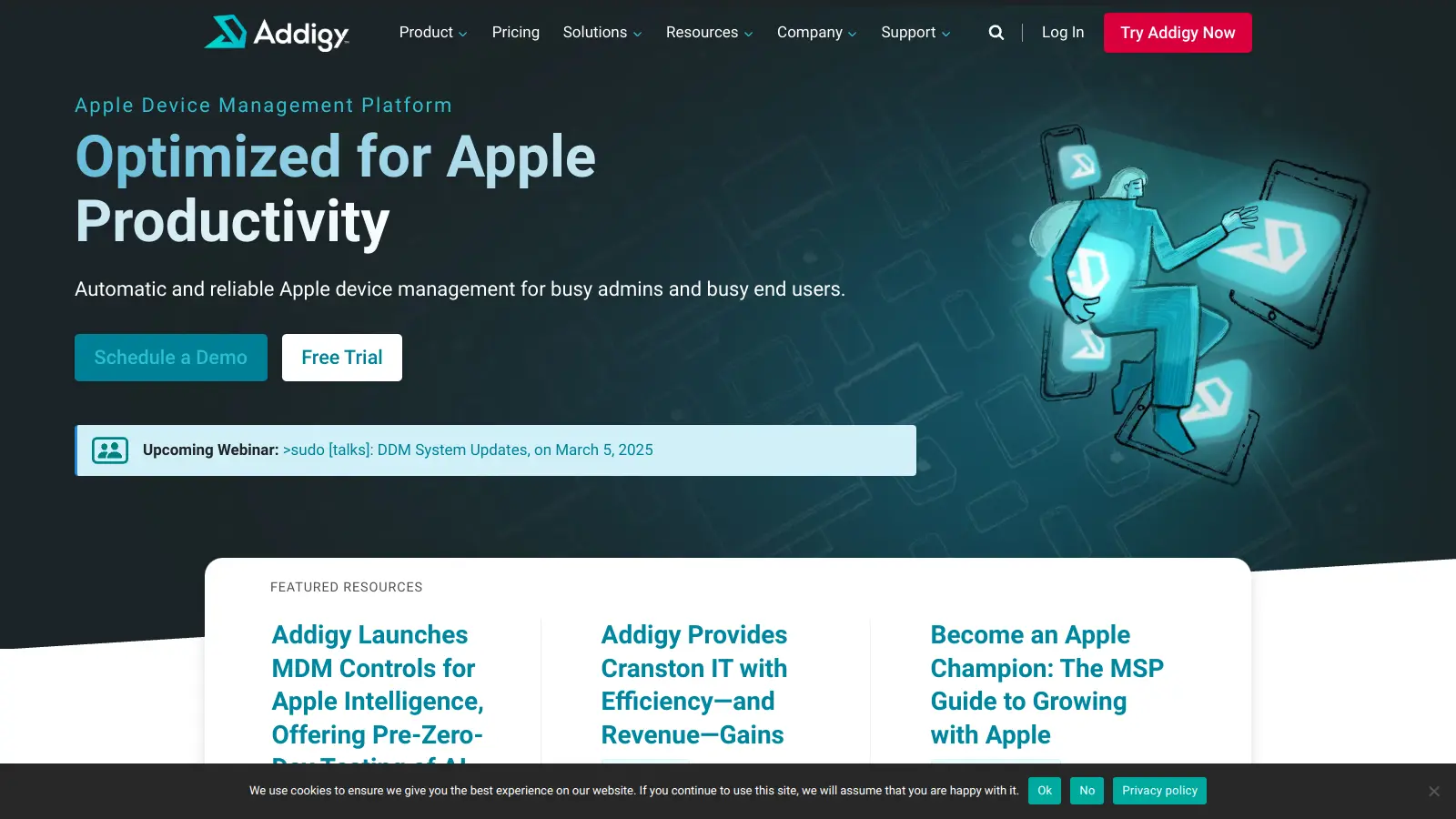
Addigy review — apple device management & mdm

last reviewed 24 march 2026
how we review

We start with direct ratings from our readers, then look at what real users are saying in practitioner forums and community spaces. We pair that with search demand data and profession-level persona analysis.

full methodology →

Editorial note: this was originally published in august of 2024

quick take

  • Best for: MSPs managing multi-tenant Apple device fleets
  • Skip if: you need deeply customized compliance reporting or have a tight per-device margin
  • £Best value: MDM Plan at $6.25/device/month for full remote control and MDM features
4.0/ 5 — editorial rating

based on real user feedback, community sentiment, pricing value, and fit for target audience. see our full methodology

used Addigy? we'd love to know your thoughts

reader ratings shape our score

Addigy provides a cloud-based platform for managing Apple devices across organizations. The solution helps IT teams handle macOS, iOS, iPadOS, and tvOS devices from a single dashboard. Features like remote device control, software deployment, and security monitoring simplify the task of maintaining Apple device fleets.

The platform automates routine IT tasks. Teams can deploy software updates, enforce security policies, and troubleshoot issues without physically accessing devices. Real-time monitoring alerts administrators to problems, while built-in communication tools help resolve user issues quickly.

Addigy offers subscription plans starting at $2 per device monthly for agent-only management, $6.25 for full MDM features, and $14 for advanced security capabilities. The platform needs no on-site infrastructure, making it accessible for businesses of all sizes. A 14-day free trial with all features included lets teams test everything before committing.

Security tools include compliance monitoring, automated remediation, and detailed reporting. The platform works with Apple's Automated Device Enrollment and supports multiple enrollment methods. Recent additions include Apple Intelligence MDM controls and agentic AI features like autonomous task execution and natural language interaction.

how popular is Addigy?

monthly search interest

2.4k/mo now

09902.0k3k2023202420252026
peak interest3k/moMar 2025
searches now2k/moFeb 2026
1-month change— steadyvs prev month

Addigy's search volume has been essentially flat for three years, oscillating between 1,900 and 2,900 searches per month with no sustained growth or decline. This is a mature, specialist tool with a stable core audience of Apple IT professionals and MSPs. It hasn't benefited from the broader AI-driven surge in software interest, but it also hasn't lost ground. If you're evaluating it, you're getting a product with a settled user base rather than one chasing growth.

who is Addigy for?

Whether Addigy's worth it depends a lot on your specific role and fleet setup. Pick your role below to see the honest breakdown.

overall sentiment

select your role to see what people like you are saying

MSP Account Manager

positive

If you're running multiple client Apple fleets, Addigy's multi-tenant dashboard is genuinely one of the better setups in this category. Real-time inventory and compliance reporting cuts down manual audit work across accounts. The per-device pricing at $6.25 to $14 per device can squeeze margins on smaller client accounts, so you'll want to model that before committing.

strengths

  • Multi-tenant architecture simplifies managing diverse client fleets from single platform
  • Real-time inventory and compliance reporting reduces manual audits across accounts
  • Responsive support team provides quick resolution for client-impacting issues
  • Patch management and remote capabilities minimize on-site visits

concerns

  • High per-device pricing impacts profitability on smaller client accounts
  • Integration gaps with third-party tools complicate existing tech stacks
  • Occasional software deployment bugs require workarounds with clients

what users are saying

The per-device pricing at $6.25 to $14 per device can squeeze margins on smaller client accounts, so you'll want to model that before committing.

The community signal on Addigy is unusually positive for an Apple MDM tool. Across commercial review platforms, it consistently scores in the 4.4 to 4.5 out of 5 range across well over 200 reviews, with the vast majority of ratings landing at four or five stars and almost nothing in the negative range. The dominant themes in positive feedback are the real-time LiveDesktop remote control, the multi-tenant architecture that MSPs rely on, and the responsiveness of Addigy's support team. Criticism that does surface tends to cluster around per-device pricing feeling steep once fleets scale past a few hundred devices, and occasional deployment bugs that require workarounds rather than clean fixes. A thread in r/macsysadmin comparing macOS device management tools for enterprise fleets shows Addigy mentioned alongside Jamf and Kandji, with the conversation largely framing the choice around budget and MDM depth rather than quality concerns.

Our take: Addigy earns its strong reputation in the Apple MDM space, especially for MSPs who need multi-tenant management and genuine remote control rather than just policy pushing. The $6.25 per device per month MDM plan is competitive against Jamf Pro, and the Security Plan at $14 per device per month stacks up reasonably against bundled alternatives. The main honest caveat is that Kandji has been closing the gap on polish and automation features, and if you're a single-org IT team rather than an MSP, Kandji's simpler UX might suit you better. Don't sign a long contract before testing the LiveDesktop and software deployment workflows on your specific macOS version mix, because the deployment bugs users flag are real even if they're usually fixable.
features

  • Device Management Platform: Centralized cloud-based solution for managing Apple devices across macOS, iOS, iPadOS, and tvOS with Automated Device Enrollment and real-time monitoring capabilities.
  • Live Support Tools: Offers remote device control through LiveDesktop, real-time user communication, and SSH terminal access for instant troubleshooting and support.
  • Automated Software Management: Software package deployment, automated patch management, and third-party patch management to keep devices secure and up-to-date.
  • Flexible Policy Configuration: Create scalable, hierarchical device policies with customizable configurations and inheritance structures for complex device environments.
  • Advanced Security Monitoring: Alert systems, compliance tracking, proactive remediation strategies, and Apple Intelligence MDM controls to maintain device security standards.
  • Enhanced Agent Functionality: Lightweight macOS agent offering extended device management features including custom fact deployment, script execution, and detailed device status reporting.
  • Agentic AI Capabilities: Autonomous task execution and natural language interaction features that help automate complex workflows and simplify device management tasks.

pricing

  • Free 14-day trial available with all features included and no commitment required.
  • Amplify Plan at $2 per device per month for agent-only management.
  • MDM Plan at $6.25 per device per month, including agent, MDM, OS Update Management, Automated Device Enrollment, iPhone and iPad support, latest Apple MDM support, Assist Onboarding app, and Apps & Books License Management.
  • Security Plan at $14 per device per month, including agent, MDM, and advanced security features.
  • Flexible monthly or annual billing with no forced multi-year contracts.
  • Special pricing available for Managed Service Providers (MSPs), non-profits, and educational institutions upon direct sales team consultation.

frequently asked questions

At $6.25 per device per month for the MDM Plan, it's in the right range for serious Apple fleet management, especially if you're an MSP spreading that cost across client accounts. The $14 per device Security Plan only makes sense if you actually need the EDR and compliance tooling. The $2 Amplify Plan is genuinely useful if you already have an MDM provider but want Addigy's live remote control features on top. For a 100-device fleet, you're looking at $625 to $1,400 per month depending on tier, so the value question is really about whether the support quality and LiveDesktop remote access save enough technician time to justify it.

MSP Account Managers running multi-tenant Apple environments get the most out of it, since the centralized dashboard and per-client reporting reduce manual overhead significantly. Enterprise IT Managers overseeing fleets of 100 or more Apple devices also get strong value from the automated compliance and remote wipe capabilities. Help Desk Technicians use it daily for LiveDesktop remote sessions, though they'll need some onboarding time to get fluent with the interface.

Reporting dashboards lack the customization that larger enterprise teams expect. If you need to build compliance views tailored to specific audit requirements, you'll hit limits quickly and likely end up exporting data to work around them. Software deployment has a history of occasional bugs that require workarounds, which is a problem when your clients or users are watching. The learning curve on advanced features is also real: new Help Desk Technicians can take several weeks before they're moving quickly through the platform.

Jamf Pro has deeper customization and a larger ecosystem of third-party integrations, which matters for large enterprise environments with complex policy requirements. Addigy generally wins on support responsiveness, LiveDesktop remote control, and MSP-friendly multi-tenancy. If you're an MSP managing mixed-size Apple fleets and you need to get into a device remotely without disrupting the user, Addigy is the better daily-driver. If you're a 500-plus device single org with dedicated IT architects who want granular control, Jamf Pro's depth is worth the complexity.

It's real, and it shows up consistently in feedback from Help Desk Technicians. Common troubleshooting workflows aren't always where you'd expect them in the UI, which means new technicians create more tickets than necessary while they find their feet. Addigy's onboarding resources and the Addigy Academy help, but budget at least two to three weeks before a new tech is running efficiently. The LiveDesktop feature itself is intuitive once you're in it. It's the surrounding platform navigation that takes time.

tools for
humans

toolsforhumans editorial team

Reader ratings and community feedback shape every score. Since 2022, ToolsForHumans has helped 600,000+ people find software that holds up after launch. how we research →

is this your tool?

claim your listing to update details, respond to our review, or upgrade to a featured partnership.

claim this listing →

other tools to check out

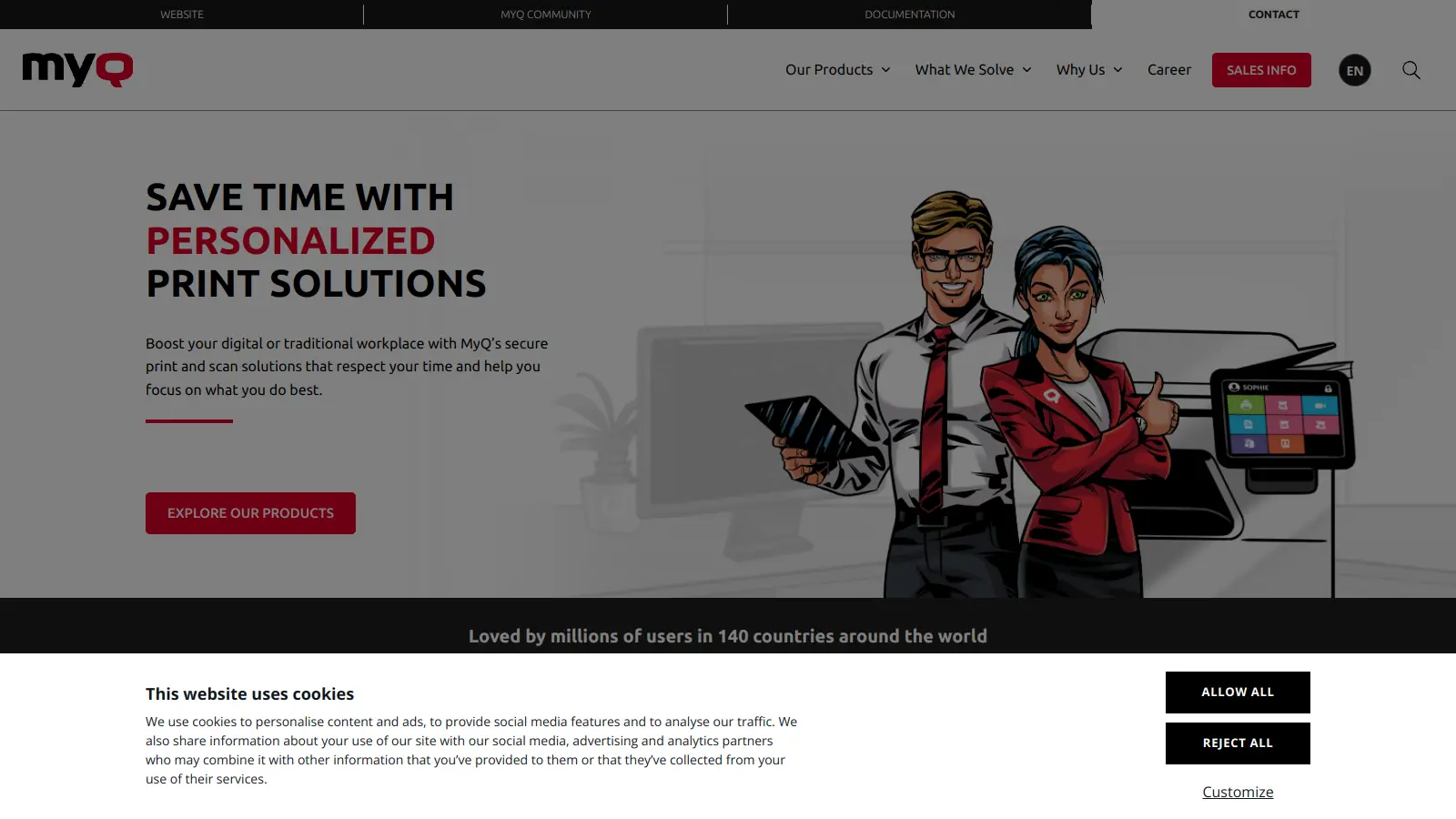
MyQ screenshot
online buzz50k
trend (1M)steady
3.5based on real user feedback, community sentiment, pricing value, and fit for target audience. see our full methodology

MyQ

MyQ is a print and document management solution that optimizes printing services, tracks usage, and improves workplace security. It offers pull print functionality, device monitoring, cloud integration, and detailed cost reporting across Windows, Linux, and macOS.

best deal

Try MyQ X for free or get started with myQ Community at just $4 per month with 30 days of video storage included

Atera screenshot
online buzz18k
trend (1M)steady
3.7based on real user feedback, community sentiment, pricing value, and fit for target audience. see our full methodology

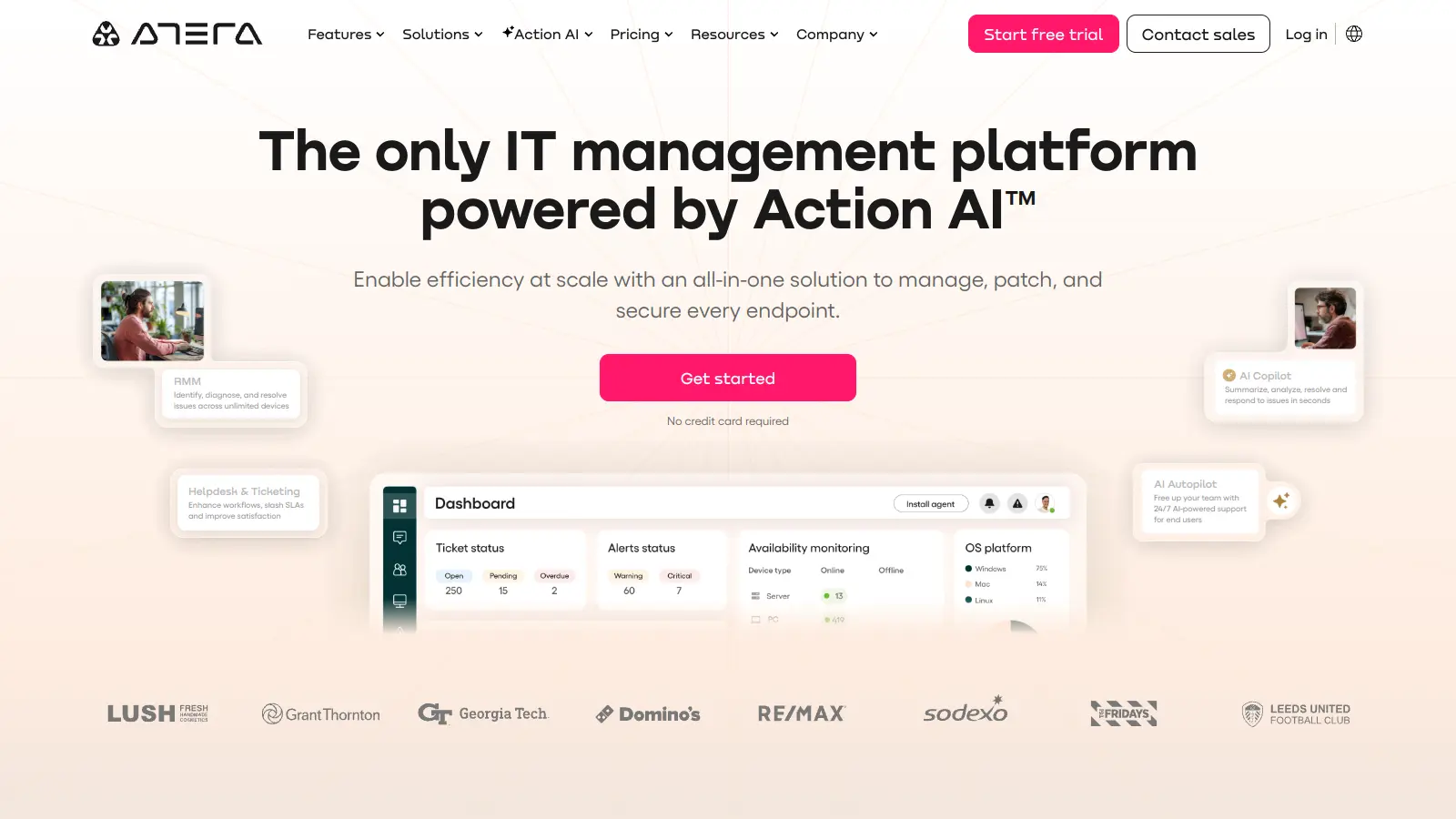
Atera

Atera is an all-in-one IT management platform powered by built-in AI agents that automates IT operations for IT departments and managed service providers (MSPs). It combines remote monitoring and management, patch management, helpdesk and ticketing, and IT automation with AI capabilities that autonomously resolve Tier 1 tickets and streamline routine tasks across unlimited devices with a pay-per-technician pricing model.

best deal

Start your 30-day free trial on all plans - manage unlimited devices with full AI automation features!

NinjaOne screenshot
online buzz18k
trend (1M)18%
3.8based on real user feedback, community sentiment, pricing value, and fit for target audience. see our full methodology

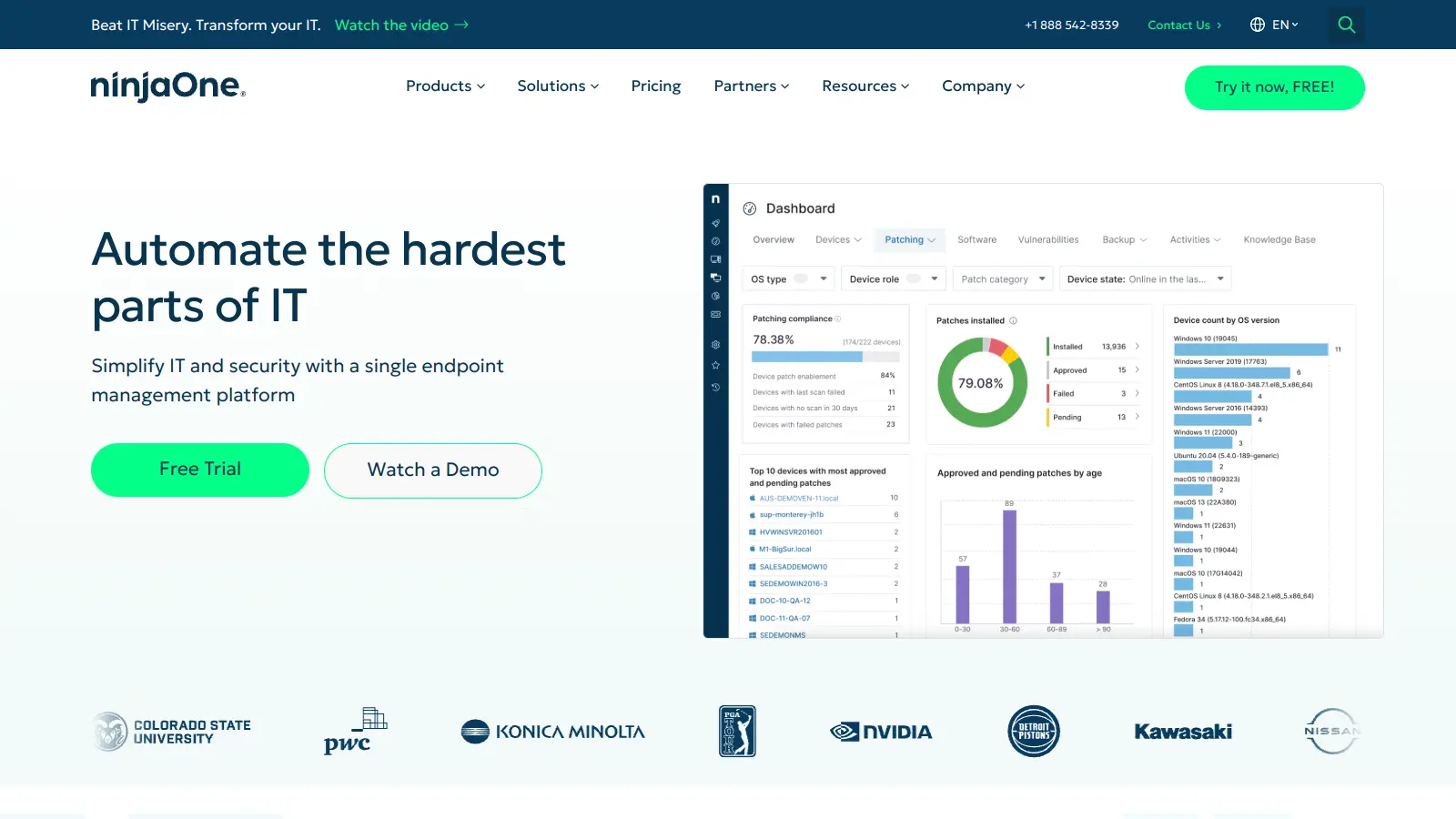
NinjaOne

NinjaOne is a cloud-based IT management platform designed for managed service providers and IT professionals. It offers remote monitoring, patch management, asset tracking, and automation capabilities across multiple device platforms. The tool simplifies IT operations through an intuitive interface and works across organizations of different sizes.

best deal

Try NinjaOne free for 14 days with full features from just $1.50 per device

OpenDNS screenshot
online buzz9.9k
trend (1M)steady
3.0based on real user feedback, community sentiment, pricing value, and fit for target audience. see our full methodology

OpenDNS

OpenDNS is a DNS resolution service offering enhanced security, speed, and reliability. Acquired by Cisco in 2015, it provides features like phishing and malware protection, content filtering, and faster web browsing through anycast routing. Available for home and enterprise users, OpenDNS allows customizable network security and content blocking, making it a robust alternative to traditional ISP DNS services.

best deal

Try OpenDNS's free home service with content filtering and faster browsing today

Auvik screenshot
online buzz4.4k
trend (1M)steady
3.8based on real user feedback, community sentiment, pricing value, and fit for target audience. see our full methodology

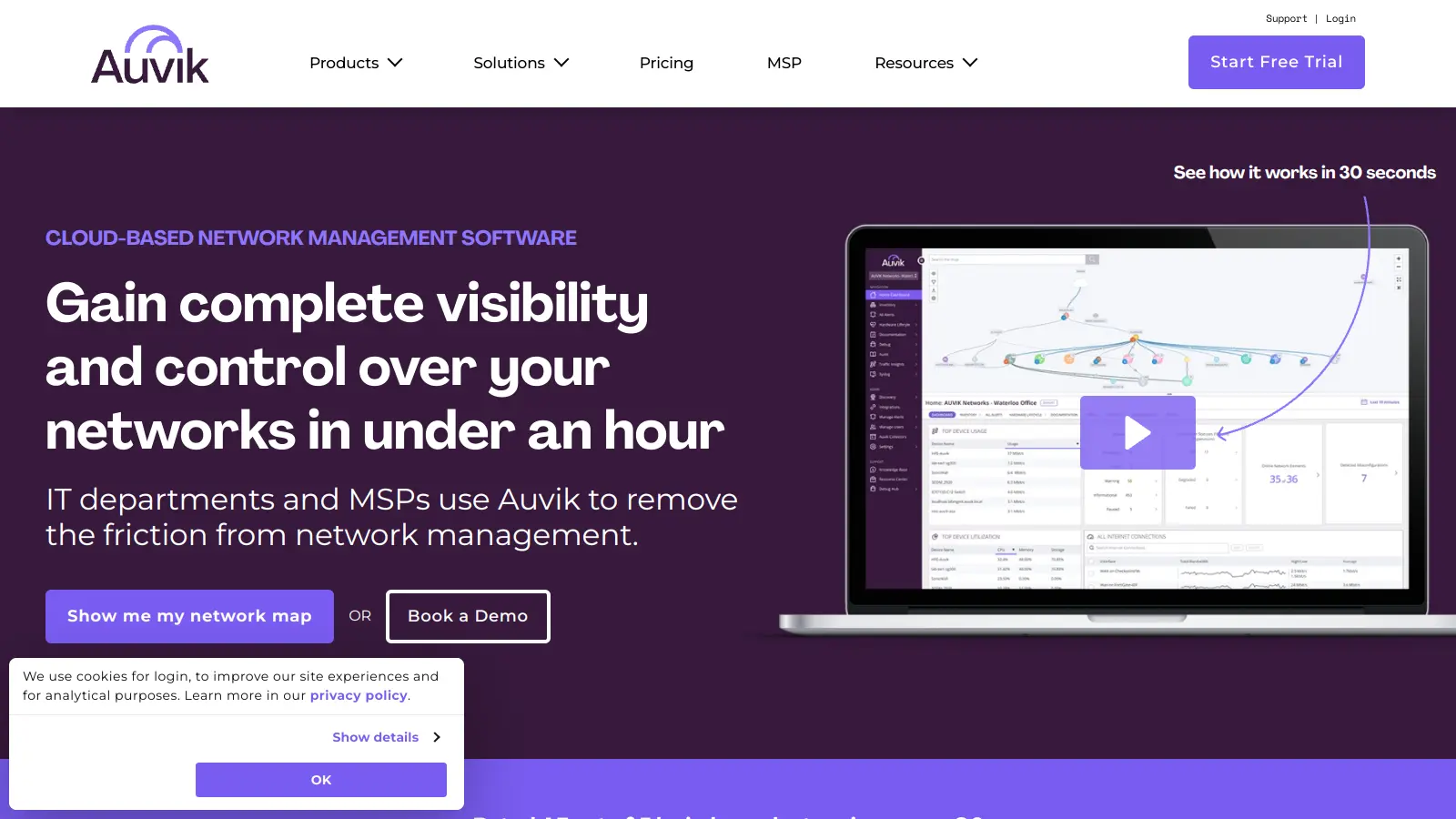
Auvik

Auvik is a cloud-based network management software that provides real-time visibility and control for IT departments and Managed Service Providers. It offers automatic network discovery, real-time monitoring, configuration management, and remote troubleshooting capabilities. The platform supports over 700 vendors, provides 50+ pre-configured alerts, and allows secure remote access. Pricing is device-based with custom quotes depending on plan and volume, and a 14-day free trial is available.

best deal

Try Auvik's 14-day free trial with all features included, no credit card needed

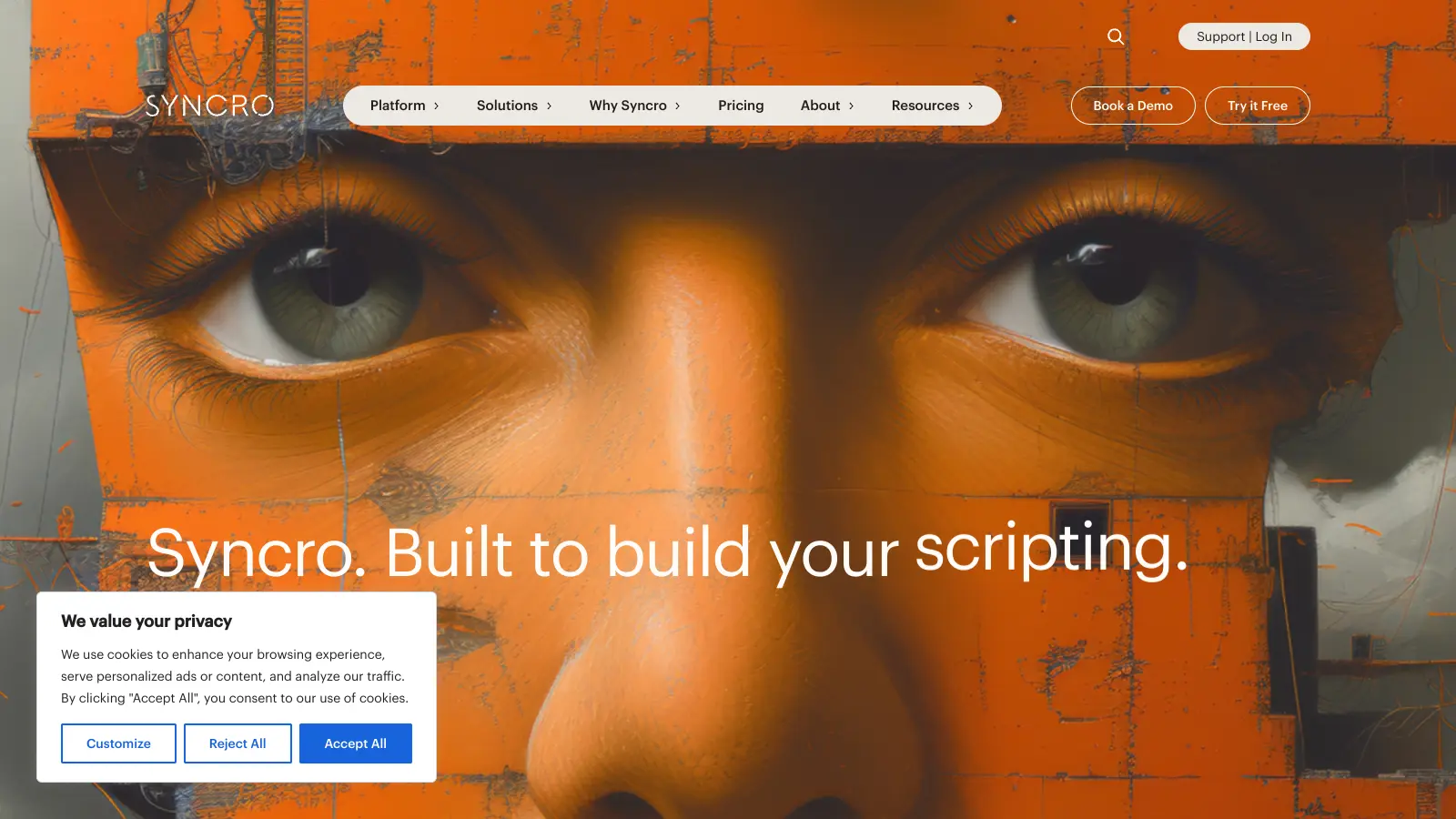
Syncro screenshot
online buzz4.4k
trend (1M)steady
3.7based on real user feedback, community sentiment, pricing value, and fit for target audience. see our full methodology

Syncro

Syncro is a fully integrated IT management platform designed for Managed Service Providers (MSPs) and IT teams, combining Remote Monitoring & Management (RMM), Professional Services Automation (PSA), and Microsoft 365 management capabilities. It offers AI-powered automation for ticketing, endpoint management, scripting, patch management, secure remote access, and identity management with over 50 third-party integrations.

best deal

Start your free Syncro trial and explore unlimited RMM agents, AI-powered ticketing, scripting tools, and 50+ integrations with complete feature access