It Device Management Solution+2 more

Atera
best deal
Start your 30-day free trial on all plans - manage unlimited devices with full AI automation features!
redeem now
Atera
best deal
Start your 30-day free trial on all plans - manage unlimited devices with full AI automation features!
redeem nowWe start with direct ratings from our readers, then look at what real users are saying in practitioner forums and community spaces. We pair that with search demand data and profession-level persona analysis.
Editorial note: this was originally published in august of 2024
quick take
based on real user feedback, community sentiment, pricing value, and fit for target audience. see our full methodology
used Atera? we'd love to know your thoughts
reader ratings shape our score
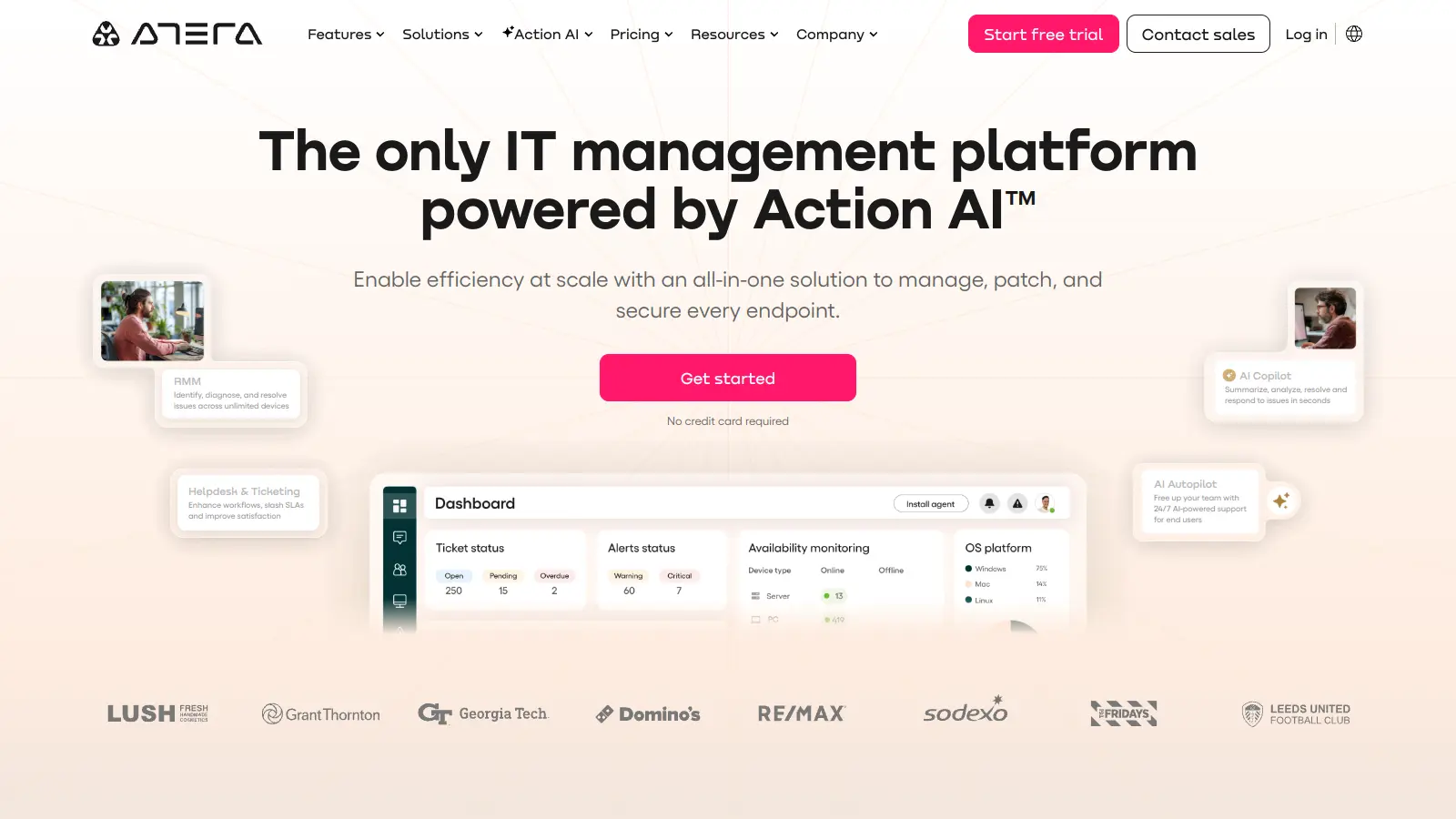
Atera is an all-in-one IT management platform built for IT departments and managed service providers (MSPs). The software combines essential tools like remote monitoring, patch management, and help desk features into one unified solution. At its core, Atera helps IT teams manage their daily operations through automation and AI-assisted workflows.
The platform has integrated AI agents that handle routine tasks autonomously. IT Autopilot resolves common Tier 1 tickets like password resets and system reboots without human intervention, often completing these tasks in minutes. AI Copilot generates scripts from plain-text instructions, analyzes ticket sentiment, and creates documentation from support interactions. Teams can handle everything from real-time system monitoring and remote maintenance to ticket management and network discovery.
Small to medium-sized businesses benefit from Atera's pricing structure. Instead of charging per device, the platform uses a straightforward per-technician model. MSP plans start at $129 monthly, while IT department plans begin at $149 monthly. This approach lets IT teams manage unlimited devices without worrying about scaling costs as their network grows.
Third-party integrations expand Atera's functionality. The platform works with popular tools like Webroot, Acronis, and Splashtop, letting teams customize their IT environment to match their specific needs. Whether it's basic system monitoring or complex network management, Atera provides the tools necessary for modern IT operations.
monthly search interest
18.1k/mo now
Atera spiked hard in early 2024, doubling its baseline search volume, then settled back down. That spike-and-plateau pattern suggests the AI feature announcements drove a burst of curiosity that didn't fully convert into sustained adoption. The good news is that searches have stabilized at roughly 22,000/month through most of 2025, which is still well above where Atera was before the spike, meaning it has grown its audience. This is a mature, stable product with a real user base, not a fading hype story.
Whether Atera's worth it depends heavily on your role and what part of the IT stack matters most to you. Pick your role below to see the honest breakdown.
overall sentiment
select your role to see what people like you are saying
MSP Owner/Manager
positiveIf you're growing an MSP and tired of software costs climbing every time you onboard a new client, Atera's per-technician pricing is the main reason to look seriously at it. At $129/month per technician on the Pro plan, you can add hundreds of devices without touching your software bill. The honest caveat: the ticketing system and reporting will feel underdeveloped once your client base and internal processes mature.
strengths
concerns
Help Desk Technician
positiveThe AI Autopilot for Tier 1 tickets is genuinely useful if your days are full of password resets and reboots. The mobile app and alert system mean you can catch and close issues without being at a desk. The frustration is the ticketing system itself, which doesn't adapt well to team-specific workflows, and occasional agent bugs can interrupt automation you've come to rely on.
strengths
concerns
System Administrator
mixedAtera handles cross-platform patch management across Windows, Mac, and Linux well enough for most environments, and the scripting layer lets you automate routine maintenance without a lot of setup. The problems are the slow feature release cadence and agent bugs that can silently break scheduled jobs. Don't expect fast iteration on the things that frustrate you, and build manual verification into any critical automation.
strengths
concerns
IT Manager (Multi-location Enterprise)
negativeAtera is built primarily for MSPs and small IT teams, and the gaps show at enterprise scale. Reporting is too shallow for multi-location compliance documentation, integrations can be unreliable when you're connecting to an existing enterprise tool stack, and the ticketing system lacks the customization large IT operations typically require. There are better-fit platforms if you're managing IT across a distributed enterprise.
strengths
concerns
“if only they had spent time on adding the features everyone is waiting for instead of this useless AI”
Reddit r/atera
The most pointed community criticism comes from a Reddit thread in r/atera titled 'Atera's 2025 recap: so much time wasted on AI,' where a user wrote that their entire team said out loud 'if only they had spent time on adding the features everyone is waiting for instead of this useless AI' after receiving Atera's marketing recap email. The thread reflects a real tension: Atera has been shipping AI features aggressively while a backlog of practical requests from technicians and MSP owners sits largely untouched. Across commercial review platforms, Atera sits above 4 stars from dozens of reviews, which suggests the core product is functional and well-regarded, but the frustration about roadmap priorities surfaces consistently in more candid community spaces. The ticketing system's limited customization and shallow reporting come up repeatedly as the two things users most wish Atera would fix.
Yes, with conditions. The per-technician model at $129/month (annual) on the Pro plan makes sense for MSPs managing a large device footprint, because you're not paying per endpoint. A two-technician shop managing 500 devices pays $258/month total regardless of how many clients they add. That's hard to beat in the RMM category. It's harder to justify if you only have a handful of clients and don't need the full RMM stack, or if you're an in-house IT team where the IT Department plans apply instead.
MSP owners and managers running lean teams get the most from Atera, particularly those in a growth phase where the per-technician pricing model means adding clients doesn't increase software costs. Help desk technicians benefit from the AI-assisted ticket automation and mobile app. System administrators get useful cross-platform patch management, though they'll find the feature release pace slow and reporting depth limited.
Two recurring problems: the ticketing system has limited customization, which becomes a real constraint as your processes mature and you need workflows tailored to your team. Reporting is shallow, which makes it difficult to produce professional client-facing reports or track meaningful KPIs. Add to that occasional agent bugs that can disrupt automated workflows at the worst time, and a roadmap that has prioritized AI features over the practical improvements users have been requesting for years.
Choose Atera if you're an MSP with a growing device count and a small technical team, because the per-technician pricing means scaling clients doesn't scale your software bill. Choose NinjaRMM if you need stronger ticketing customization, deeper reporting, or more reliable third-party integrations out of the box. NinjaRMM's pricing scales per device, so it gets expensive fast as you grow, but the product polish on ticketing and reporting is noticeably better for teams that need those features to run client operations professionally.
This is a real concern for system administrators running scheduled maintenance scripts. Agent software bugs have caused automated workflows to fail unexpectedly, and because they happen intermittently rather than predictably, they're difficult to catch before they cause problems. Atera does provide alerts when agents go offline, so you can set up monitoring to catch failures, but you'll need to build in manual checks on critical overnight jobs rather than trusting full automation blindly.
toolsforhumans editorial team
Reader ratings and community feedback shape every score. Since 2022, ToolsForHumans has helped 600,000+ people find software that holds up after launch. how we research →
is this your tool?
claim your listing to update details, respond to our review, or upgrade to a featured partnership.
claim this listing →
MyQ is a print and document management solution that optimizes printing services, tracks usage, and improves workplace security. It offers pull print functionality, device monitoring, cloud integration, and detailed cost reporting across Windows, Linux, and macOS.
best deal
Try MyQ X for free or get started with myQ Community at just $4 per month with 30 days of video storage included

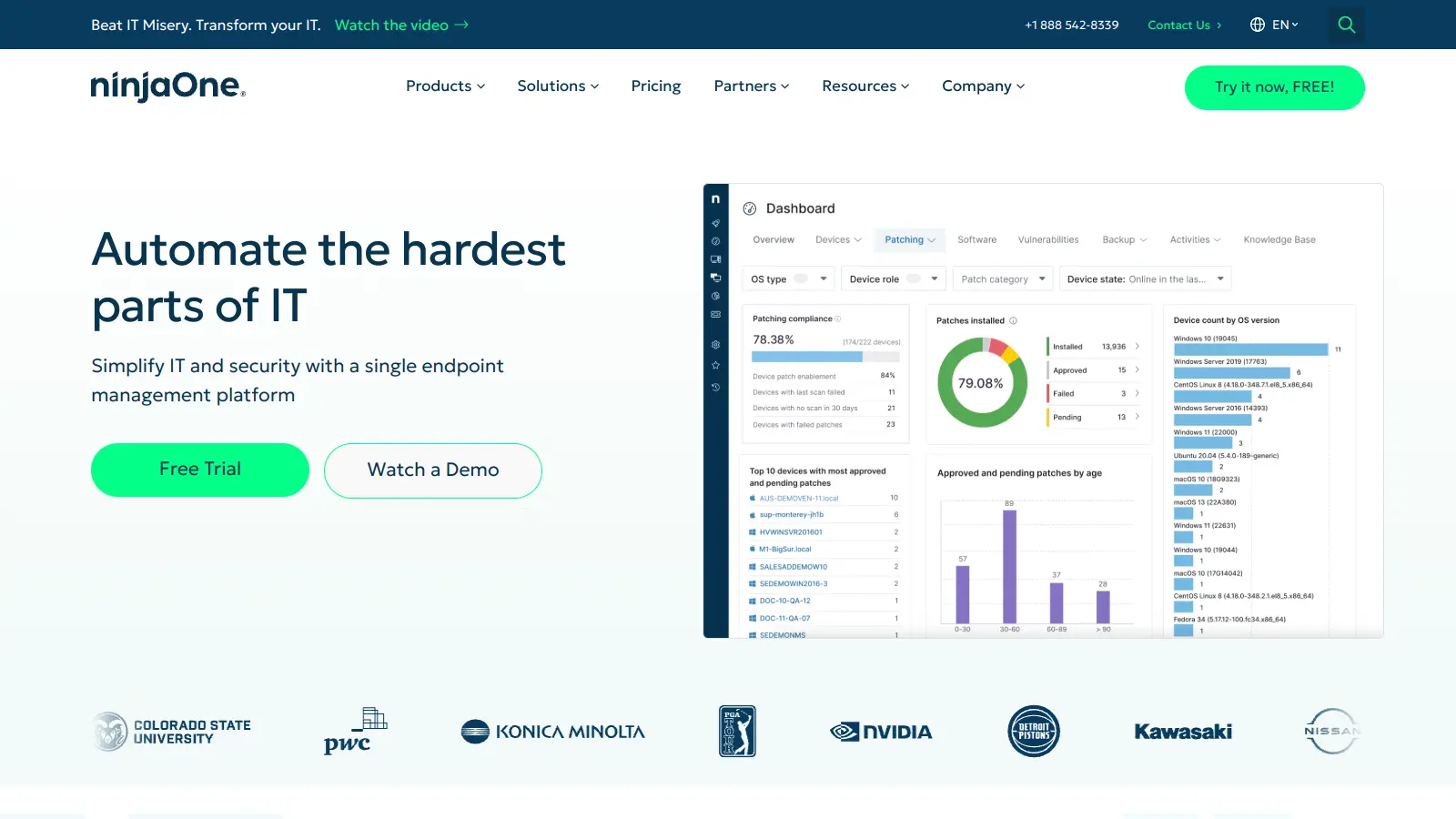
NinjaOne is a cloud-based IT management platform designed for managed service providers and IT professionals. It offers remote monitoring, patch management, asset tracking, and automation capabilities across multiple device platforms. The tool simplifies IT operations through an intuitive interface and works across organizations of different sizes.
best deal
Try NinjaOne free for 14 days with full features from just $1.50 per device

OpenDNS is a DNS resolution service offering enhanced security, speed, and reliability. Acquired by Cisco in 2015, it provides features like phishing and malware protection, content filtering, and faster web browsing through anycast routing. Available for home and enterprise users, OpenDNS allows customizable network security and content blocking, making it a robust alternative to traditional ISP DNS services.
best deal
Try OpenDNS's free home service with content filtering and faster browsing today

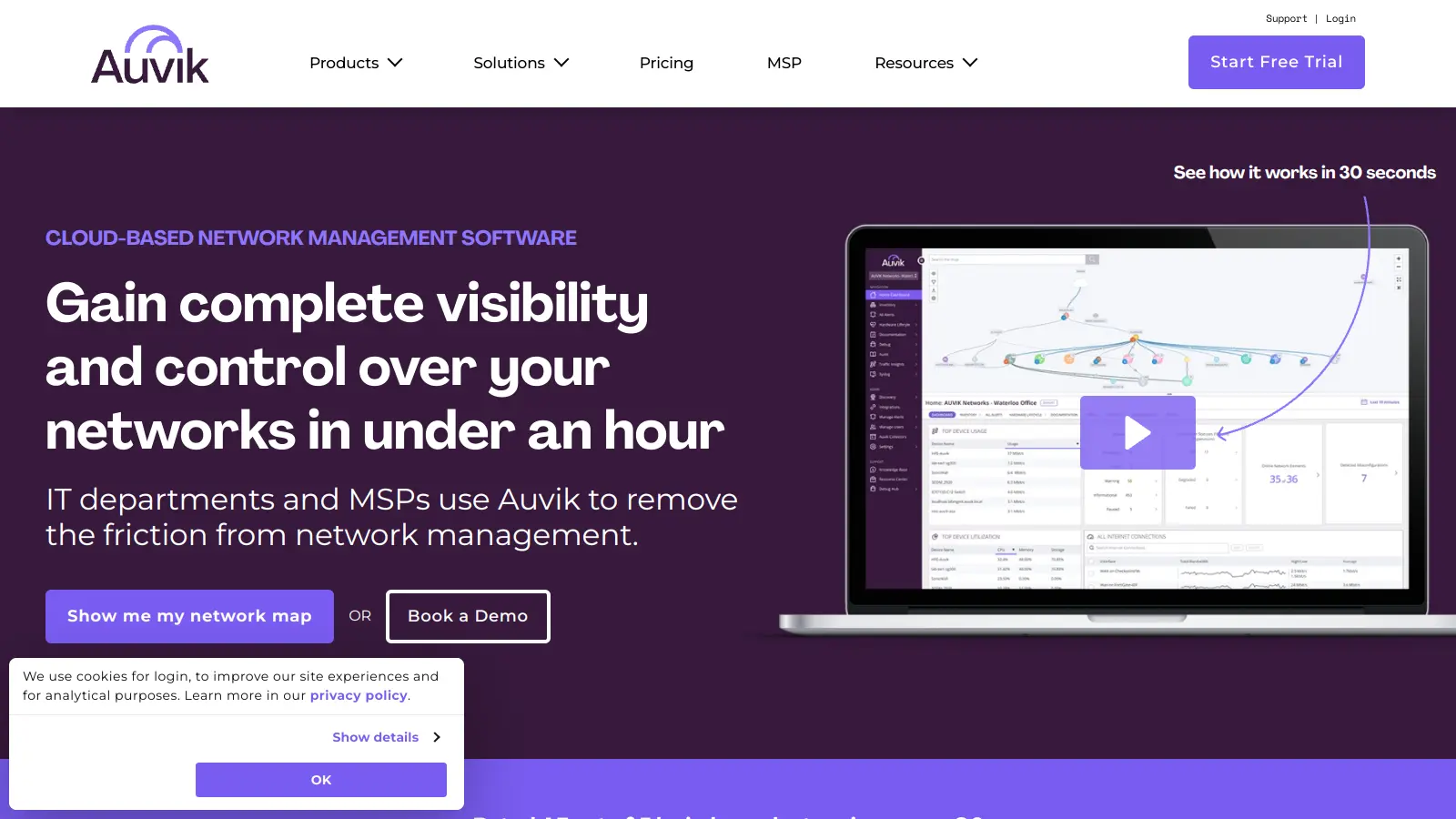
Auvik is a cloud-based network management software that provides real-time visibility and control for IT departments and Managed Service Providers. It offers automatic network discovery, real-time monitoring, configuration management, and remote troubleshooting capabilities. The platform supports over 700 vendors, provides 50+ pre-configured alerts, and allows secure remote access. Pricing is device-based with custom quotes depending on plan and volume, and a 14-day free trial is available.
best deal
Try Auvik's 14-day free trial with all features included, no credit card needed

Syncro is a fully integrated IT management platform designed for Managed Service Providers (MSPs) and IT teams, combining Remote Monitoring & Management (RMM), Professional Services Automation (PSA), and Microsoft 365 management capabilities. It offers AI-powered automation for ticketing, endpoint management, scripting, patch management, secure remote access, and identity management with over 50 third-party integrations.
best deal
Start your free Syncro trial and explore unlimited RMM agents, AI-powered ticketing, scripting tools, and 50+ integrations with complete feature access

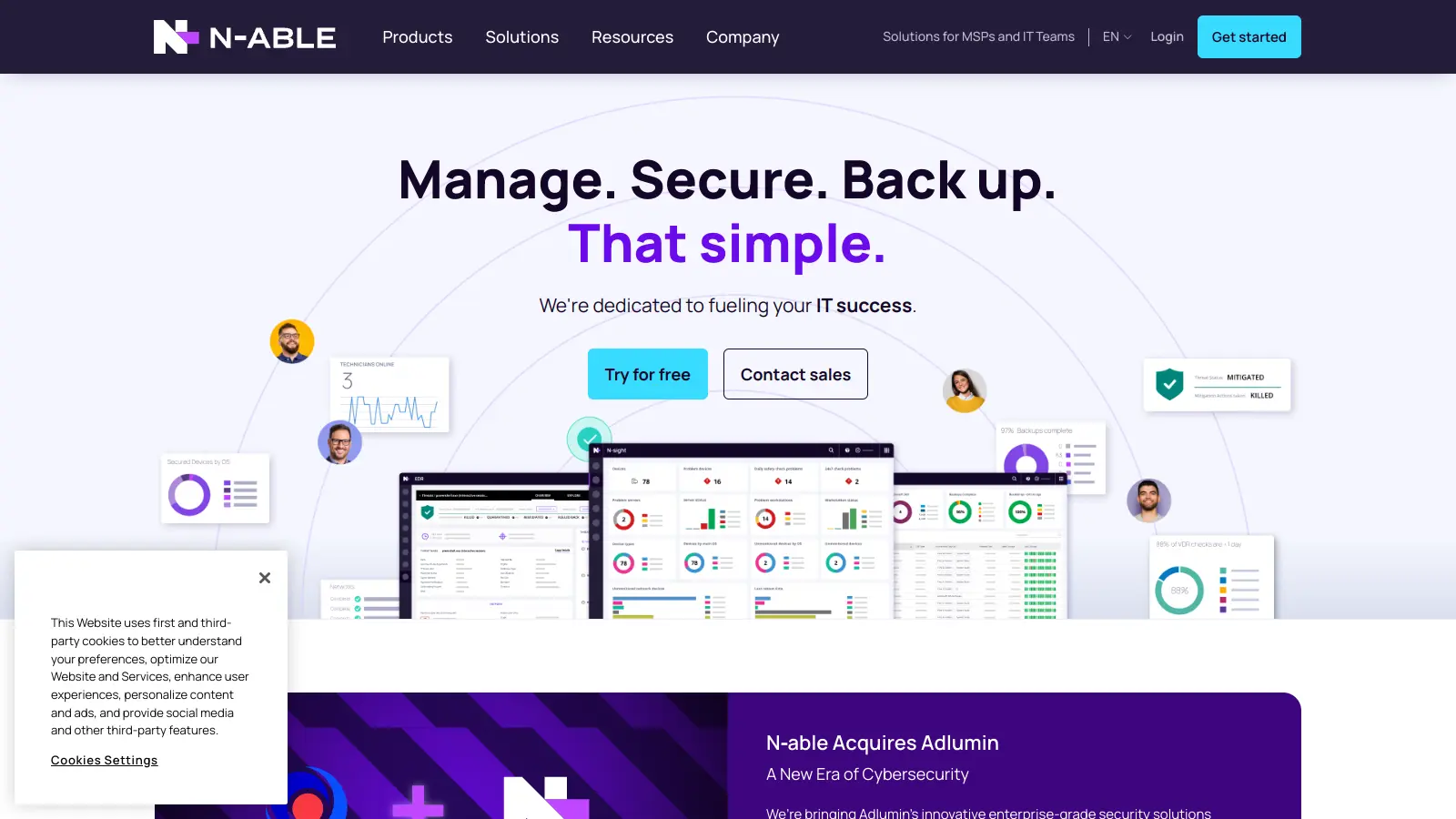
N-able is a cloud-centric IT management platform for managed service providers (MSPs), offering tools for remote monitoring, system management, data protection, and security. Their suite includes N-central, N-sight RMM, Take Control, and Cove Data Protection, which help MSPs monitor, manage, and secure customer networks and devices through scalable, integrated solutions with automation, remote access, backup, and endpoint protection.
best deal
Try N-able Free: Get N-central Trial (No Credit Card Required) or Free Take Control Edition