NinjaOne review — remote monitoring & patch management

last reviewed 24 march 2026
how we review

We start with direct ratings from our readers, then look at what real users are saying in practitioner forums and community spaces. We pair that with search demand data and profession-level persona analysis.

full methodology →

Editorial note: this was originally published in august of 2024

quick take

  • Best for: MSPs and sysadmins managing Windows-heavy endpoint fleets
  • Skip if: Mac MDM is central to your work or you need built-in antivirus
  • £Best value: Basic RMM at $3/device for 100+ endpoints where automation savings cover the cost
½3.8/ 5 — editorial rating

based on real user feedback, community sentiment, pricing value, and fit for target audience. see our full methodology

used NinjaOne? we'd love to know your thoughts

reader ratings shape our score

NinjaOne simplifies IT operations through its cloud-based management platform, helping IT professionals and managed service providers handle their daily tasks more efficiently. The platform combines remote monitoring, patch management, and IT asset tracking into one centralized console.

At its core, the software helps teams manage endpoints across distributed networks. Automation tools cut down on repetitive manual tasks that often bog down IT departments. The platform works with Windows, Mac, Linux, iOS, Android, and Chromebook devices.

Security features include endpoint protection, automated patch management, and data encryption. For day-to-day operations, users can access remote support tools through multiple options like AnyDesk, Splashtop, TeamViewer, and ScreenConnect. The platform also includes machine learning-based anomaly detection and predictive network maintenance to help teams stay ahead of issues.

Pricing follows a per-device model, with costs typically ranging from $1.50-$3.75 per endpoint depending on volume. Bundled packages start at $3 per device monthly for basic RMM, $6 for the Core Bundle, and $9 for the IT Ops Suite. The company offers a 14-day free trial for teams wanting to test the platform's capabilities.

how popular is NinjaOne?

monthly search interest

18.1k/mo now

09.9k19.8k30k2023202420252026
peak interest22k/moJan 2026
searches now18k/moFeb 2026
1-month change18%vs prev month

NinjaOne's search volume grew consistently from under 4,000 monthly searches in early 2022 to over 18,000 by early 2025, with the steepest jump happening in early 2024. That kind of sustained multi-year growth in a B2B category reflects genuine market adoption rather than hype. The recent plateau around 18,000 to 22,000 monthly searches suggests the platform has found its real audience, so you're evaluating a mature, stable product rather than something still figuring itself out.

who is NinjaOne for?

NinjaOne works very differently depending on whether you're running a multi-client MSP, managing a single organisation's endpoints, or leading a security function. Pick your role below to see whether it's worth it for your situation.

overall sentiment

select your role to see what people like you are saying

MSP Owner/Manager

positive

If you're running a multi-client MSP on Windows-heavy environments, NinjaOne's per-device pricing and centralised console genuinely reduce overhead. Automation and patching cut billable labour time in ways that show up in your margins. The friction points are real though: white-label client reporting requires manual work outside the platform, and you'll need a separate antivirus vendor on every client contract.

strengths

  • Flexible pricing model that scales with client base
  • Centralized platform eliminates need for multiple tools per client
  • Strong automation and patching capabilities reduce billable labor time
  • Responsive customer support for business-critical issues

concerns

  • Limited reporting customization restricts white-label client reporting options
  • Integration challenges with existing third-party tools slow deployment across diverse client stacks
  • Absence of built-in antivirus requires additional security tool purchases

what users are saying

Managing Mac's can be a beast. We tried Meraki, no luck so we ended up with Addigy which works great. But a big picture we would love to just have everything in ninja.

Reddit r/ninjaone_rmm

The most active community discussion around NinjaOne lives in the r/msp and r/ninjaone_rmm subreddits, where the tone is broadly positive but honest about rough edges. A thread in r/msp specifically asked users what they don't like about NinjaOne, and the consistent friction points centre on custom automation limitations, reporting that doesn't bend far enough for white-label client use, and an alert system that fires too liberally. The r/ninjaone_rmm community is more cautious about the MDM module specifically: Mac management gets a mixed reception, with users noting that dedicated tools like Addigy handle macOS more reliably than NinjaOne's MDM layer. On the Lawrence Systems forum, a user onboarding 1,500 devices across 700 locations chose NinjaOne after evaluating alternatives, which reflects confidence in the core platform even when the deployment process itself is manual and time-consuming. Across commercial review platforms, NinjaOne consistently sits near the top of its category for endpoint management and patch management, though users in those spaces echo the same complaints: alert fatigue, reporting inflexibility, and the missing built-in antivirus.

Our take: NinjaOne is a genuinely solid RMM platform that earns its reputation in the MSP space. The per-device pricing starting at $3.75 for small deployments is fair, and the patch management and scripting capabilities are as good as the community claims. The gaps are real though: no built-in antivirus means you're paying another vendor, the MDM layer isn't ready to replace a dedicated Mac management tool, and the reporting won't satisfy anyone who needs polished client-facing dashboards out of the box. If you're managing Windows-heavy environments with a small IT team, NinjaOne is hard to beat at this price point. If Mac management is central to your work, keep Addigy in the mix or wait for the MDM module to mature.
features

  • Real-Time Remote Monitoring: Real-time device tracking with instant alerts, providing data on device performance, resource utilization, and security status across multiple locations and platforms.
  • Automated Patch Management: Automates software updates and security patches for operating systems and third-party applications across enterprise devices, ensuring systems remain current and protected with minimal manual intervention.
  • Intelligent Asset Management: Tracks hardware and software inventory from a centralized console, providing detailed insights into organizational technology resources and usage patterns.
  • Flexible Remote Access: Supports multiple remote access tools including AnyDesk, Splashtop, TeamViewer, and ScreenConnect, allowing IT technicians to troubleshoot and manage endpoints efficiently from anywhere.
  • Advanced Scripting Engine: Automates repetitive IT tasks like application deployment, system configuration, and issue resolution through a scripting engine that supports PowerShell, Bash, and batch scripts, with condition-based triggers and pre-built scripts for common tasks.
  • Machine Learning Security: Includes threat detection, ransomware protection, machine learning-based anomaly detection, and predictive network maintenance to safeguard digital assets.
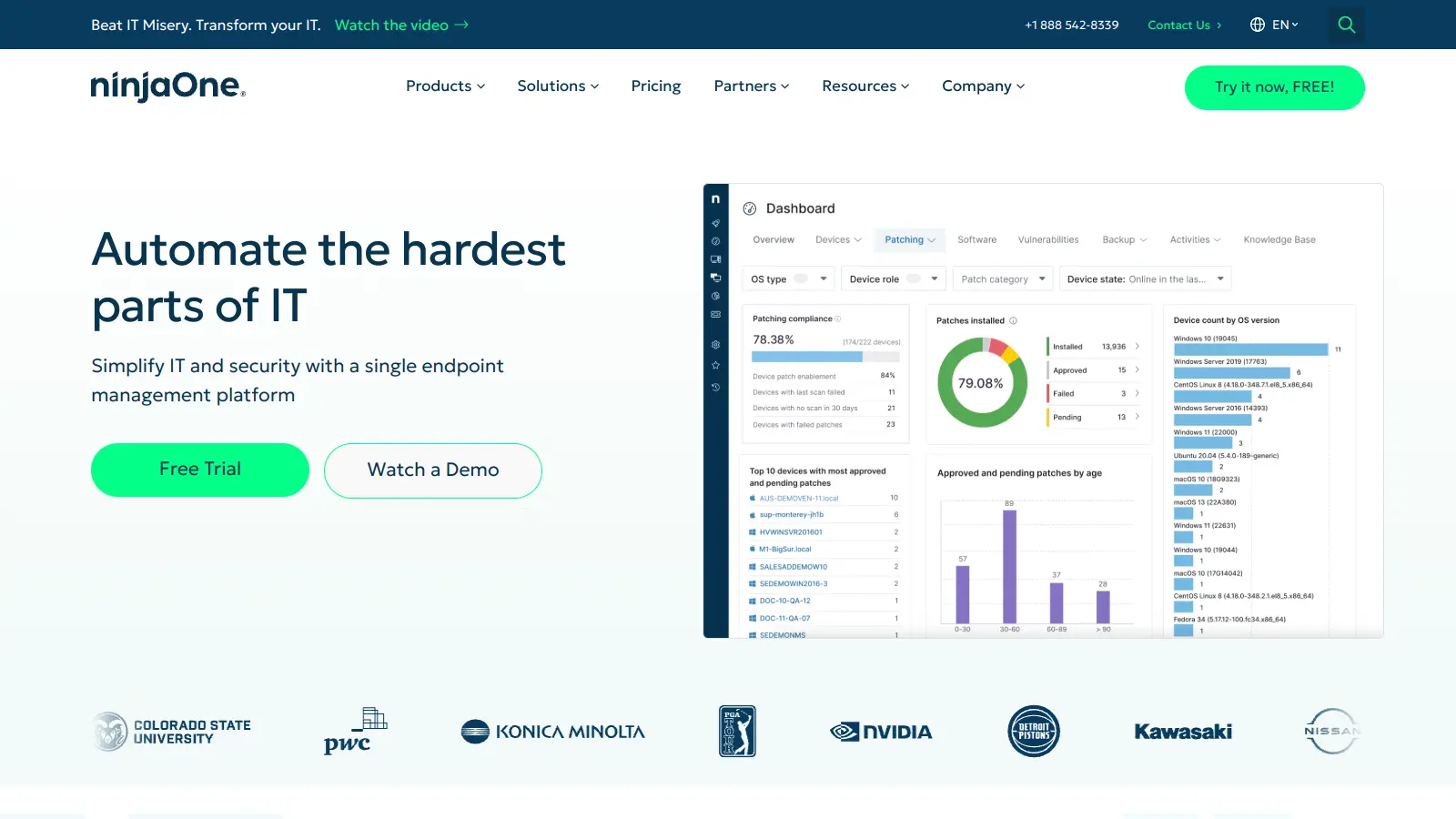
  • Dashboard and Reporting: Generates real-time visualizations and insights into network performance, system health, and IT operational metrics through a dashboard interface.

pricing

  • Free 14-day trial available for testing the platform's capabilities.
  • Per-device pricing ranges from $1.50 to $3.75 per endpoint depending on volume, with $3.75 per device monthly for 50 or fewer endpoints and $1.50 per device monthly for deployments of 10,000+ endpoints.
  • Basic RMM package costs $3 per device monthly and includes monitoring, patching, and remote access.
  • Core Bundle costs $6 per device monthly and includes Basic RMM plus scripting, backup, and alerting rules.
  • IT Ops Suite costs $9 per device monthly and includes Core Bundle plus ticketing, documentation, and dashboards.
  • Additional modules and add-ons include: Unlimited Ticketing Techs at $0.50 per device monthly, Documentation Module at $0.40 per device monthly, Server License Backup at $30 per server monthly, and Cloud Storage at $6 per TB monthly.
  • Security integrations like SentinelOne Complete at $3.10 per device monthly and SentinelOne Vigilance MDR Add-on at $2.10 per device monthly are available.
  • Integration add-ons with third-party software like TeamViewer, Splashtop, Webroot, and Bitdefender offered at discounted rates.
  • Customers can receive promotional discounts, rebates, and referral discounts to reduce overall costs.

frequently asked questions

For most MSPs and IT teams managing Windows endpoints, yes. The Basic RMM package at $3 per device monthly covers monitoring, patching, and remote access, which is genuinely good value if you're replacing multiple point tools. The Core Bundle at $6 per device adds more but gets expensive quickly at scale. If you have fewer than 50 devices, $3.75 per endpoint adds up fast, and you'll need to weigh that against whether the automation savings justify the cost at that size. For deployments over a few hundred devices, the per-device price drops to $1.50 at 10,000+ endpoints, making it much more competitive at enterprise scale.

MSP Owner/Managers running multi-client environments get the clearest return: centralised billing, scalable pricing, and automation that reduces billable labour time. System Administrators managing distributed Windows fleets also benefit significantly from the patching and scripting tools. IT Security Team Leads will find it useful for consistent policy enforcement but will need to budget for a separate antivirus vendor since NinjaOne doesn't include one.

Two stand out consistently. First, there's no built-in antivirus, so you're adding a third-party security vendor on top of your NinjaOne subscription regardless of which tier you're on. Second, reporting customisation is limited enough that MSPs who need polished, white-label client reports will find themselves exporting and reformatting data manually. The MDM module for Mac management is also not mature enough to replace dedicated tools like Addigy if macOS is a significant part of your environment.

For Mac-heavy environments, Addigy is the better choice. NinjaOne's MDM module handles basic macOS tasks but users actively managing Mac fleets report it's not as reliable as a dedicated solution. If your environment is predominantly Windows with some Macs mixed in, NinjaOne's unified console is worth the tradeoff. If Macs are your primary management challenge, Addigy wins. If you need both and budget allows, some teams run both rather than forcing NinjaOne to do something it's not yet built for.

It can, but it's manual work. The Lawrence Systems community documented onboarding 1,500 devices across 700 locations by end of 2025 using agent email links for silent installs, with a second phase for problem machines. NinjaOne doesn't automate the initial agent deployment in the same way some enterprise tools do. If you have someone at each site or can push via Group Policy, it's manageable. If you're expecting zero-touch mass rollout from day one, plan for more time than the sales process suggests.

tools for
humans

toolsforhumans editorial team

Reader ratings and community feedback shape every score. Since 2022, ToolsForHumans has helped 600,000+ people find software that holds up after launch. how we research →

is this your tool?

claim your listing to update details, respond to our review, or upgrade to a featured partnership.

claim this listing →

other tools to check out

MyQ screenshot
online buzz50k
trend (1M)steady
3.5based on real user feedback, community sentiment, pricing value, and fit for target audience. see our full methodology

MyQ

MyQ is a print and document management solution that optimizes printing services, tracks usage, and improves workplace security. It offers pull print functionality, device monitoring, cloud integration, and detailed cost reporting across Windows, Linux, and macOS.

best deal

Try MyQ X for free or get started with myQ Community at just $4 per month with 30 days of video storage included

Atera screenshot
online buzz18k
trend (1M)steady
3.7based on real user feedback, community sentiment, pricing value, and fit for target audience. see our full methodology

Atera

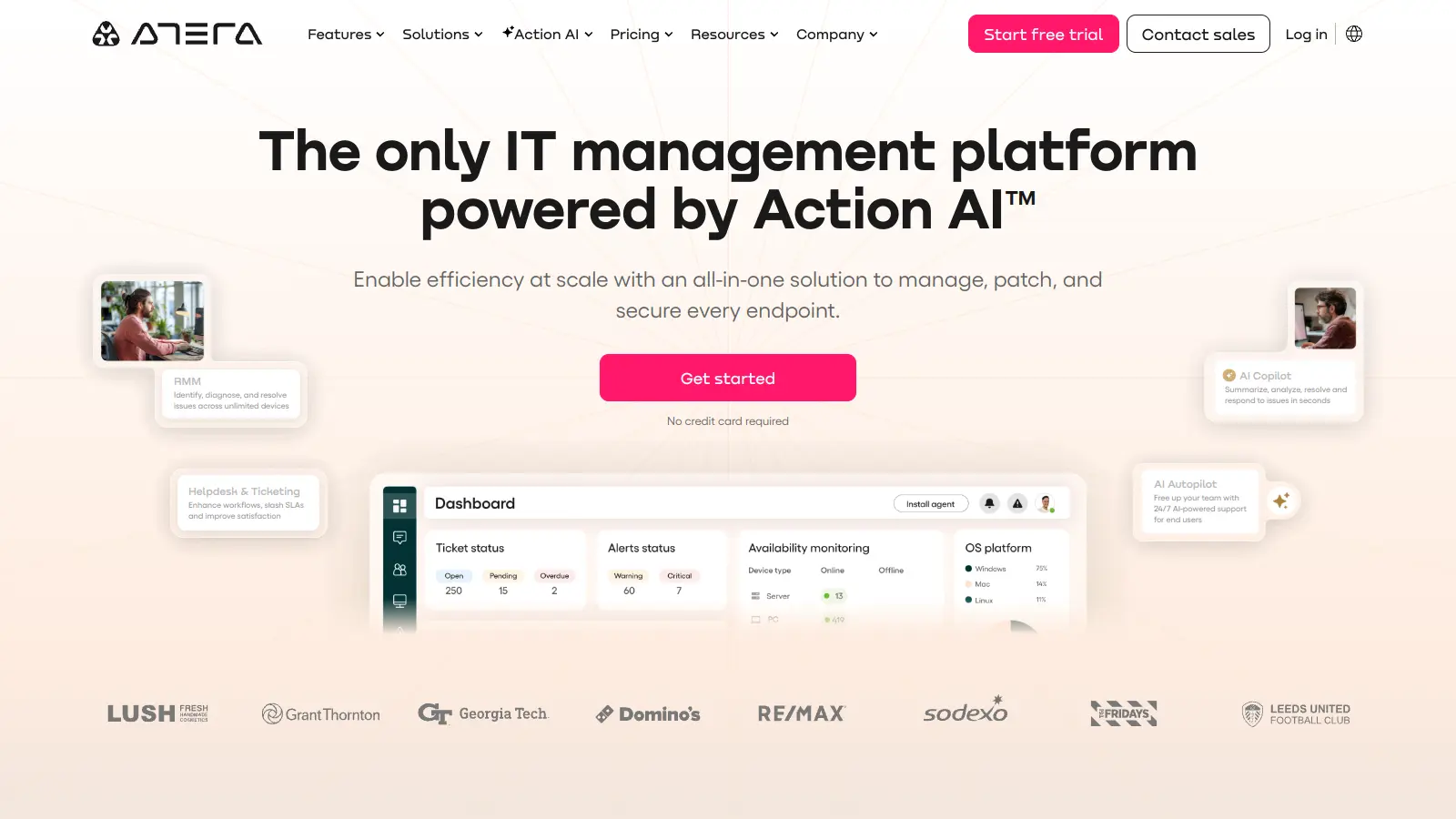
Atera is an all-in-one IT management platform powered by built-in AI agents that automates IT operations for IT departments and managed service providers (MSPs). It combines remote monitoring and management, patch management, helpdesk and ticketing, and IT automation with AI capabilities that autonomously resolve Tier 1 tickets and streamline routine tasks across unlimited devices with a pay-per-technician pricing model.

best deal

Start your 30-day free trial on all plans - manage unlimited devices with full AI automation features!

OpenDNS screenshot
online buzz9.9k
trend (1M)steady
3.0based on real user feedback, community sentiment, pricing value, and fit for target audience. see our full methodology

OpenDNS

OpenDNS is a DNS resolution service offering enhanced security, speed, and reliability. Acquired by Cisco in 2015, it provides features like phishing and malware protection, content filtering, and faster web browsing through anycast routing. Available for home and enterprise users, OpenDNS allows customizable network security and content blocking, making it a robust alternative to traditional ISP DNS services.

best deal

Try OpenDNS's free home service with content filtering and faster browsing today

Auvik screenshot
online buzz4.4k
trend (1M)steady
3.8based on real user feedback, community sentiment, pricing value, and fit for target audience. see our full methodology

Auvik

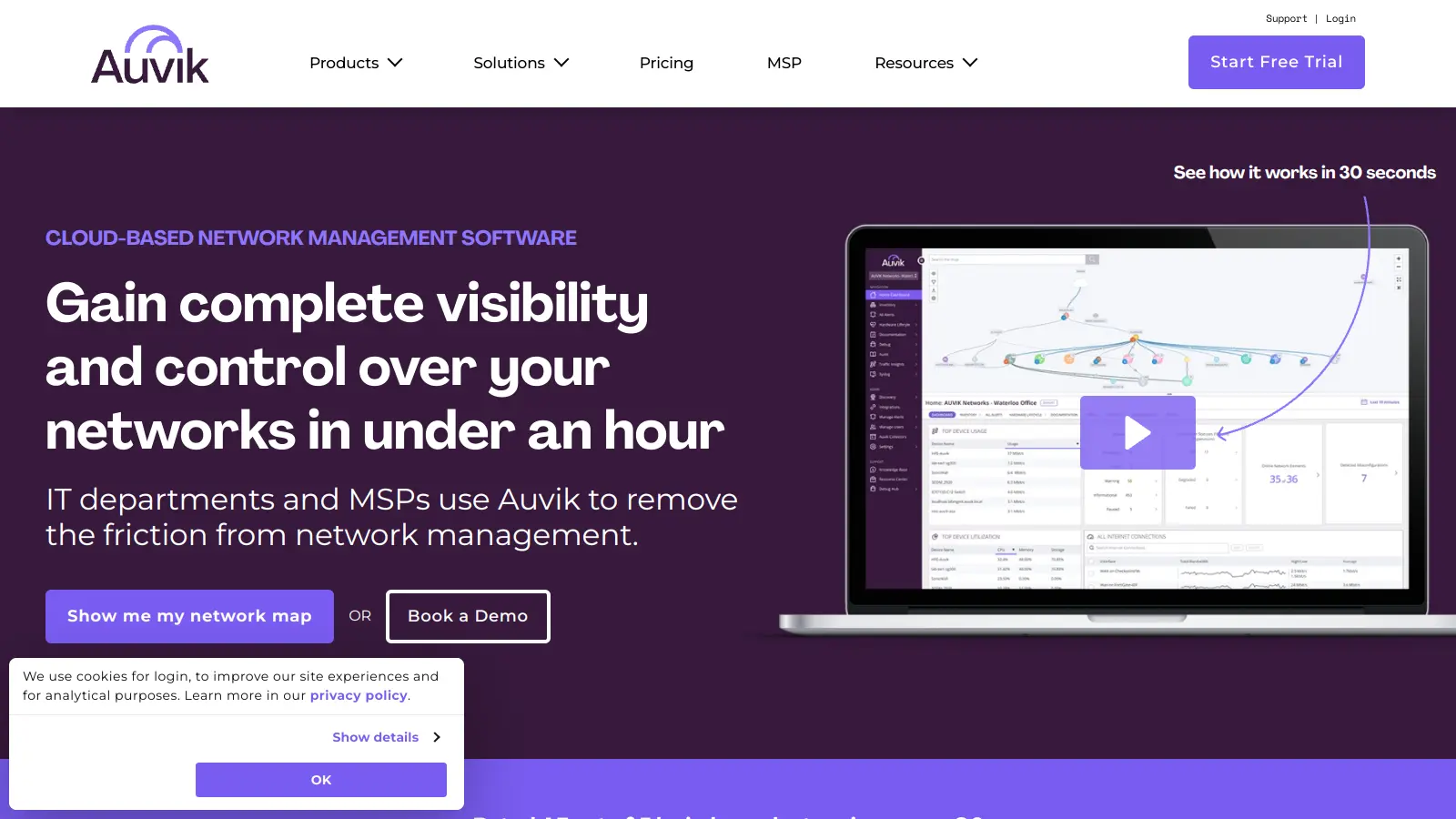
Auvik is a cloud-based network management software that provides real-time visibility and control for IT departments and Managed Service Providers. It offers automatic network discovery, real-time monitoring, configuration management, and remote troubleshooting capabilities. The platform supports over 700 vendors, provides 50+ pre-configured alerts, and allows secure remote access. Pricing is device-based with custom quotes depending on plan and volume, and a 14-day free trial is available.

best deal

Try Auvik's 14-day free trial with all features included, no credit card needed

Syncro screenshot
online buzz4.4k
trend (1M)steady
3.7based on real user feedback, community sentiment, pricing value, and fit for target audience. see our full methodology

Syncro

Syncro is a fully integrated IT management platform designed for Managed Service Providers (MSPs) and IT teams, combining Remote Monitoring & Management (RMM), Professional Services Automation (PSA), and Microsoft 365 management capabilities. It offers AI-powered automation for ticketing, endpoint management, scripting, patch management, secure remote access, and identity management with over 50 third-party integrations.

best deal

Start your free Syncro trial and explore unlimited RMM agents, AI-powered ticketing, scripting tools, and 50+ integrations with complete feature access

N-able screenshot
online buzz4.4k
trend (1M)steady
3.8based on real user feedback, community sentiment, pricing value, and fit for target audience. see our full methodology

N-able

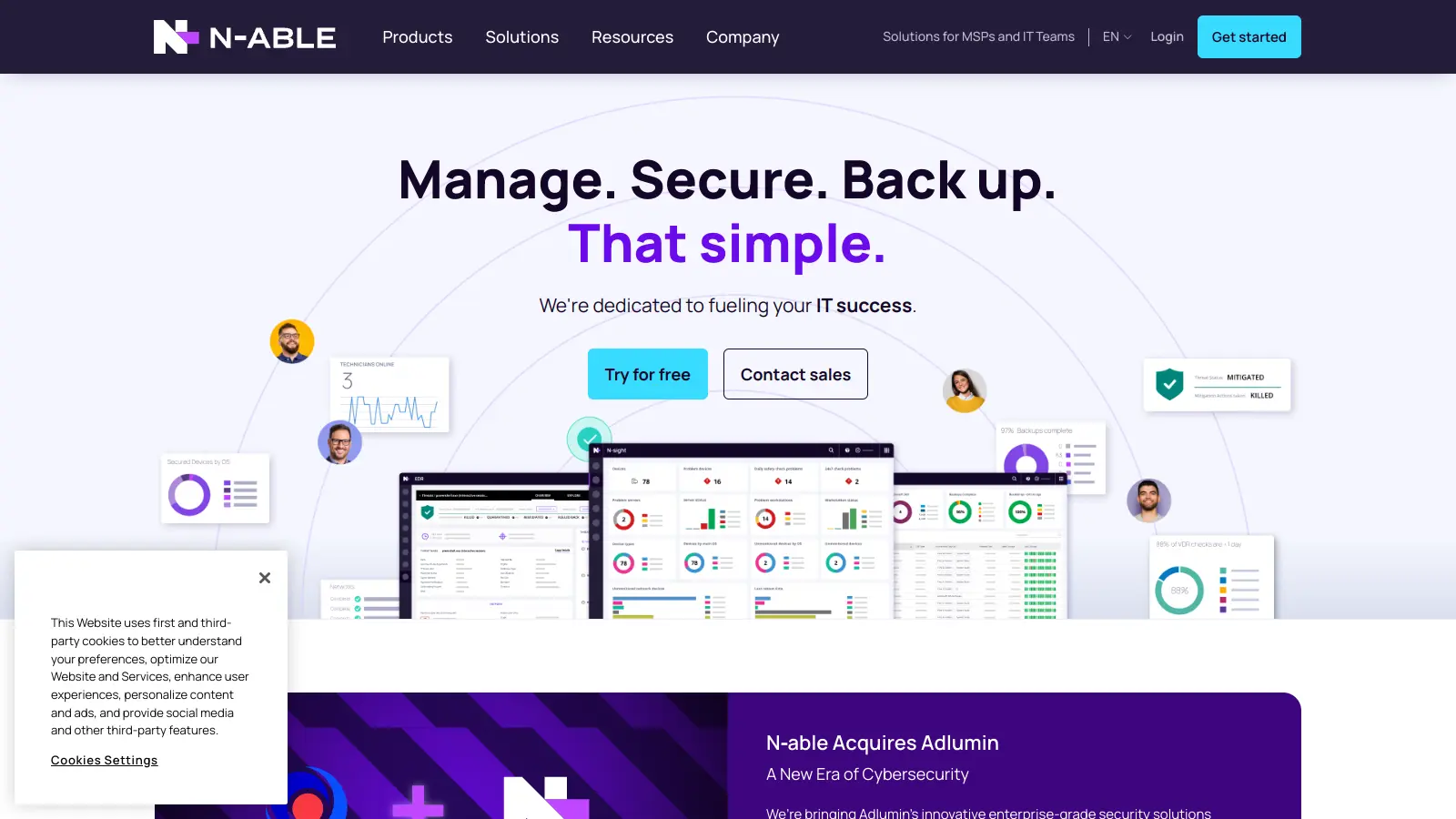
N-able is a cloud-centric IT management platform for managed service providers (MSPs), offering tools for remote monitoring, system management, data protection, and security. Their suite includes N-central, N-sight RMM, Take Control, and Cove Data Protection, which help MSPs monitor, manage, and secure customer networks and devices through scalable, integrated solutions with automation, remote access, backup, and endpoint protection.

best deal

Try N-able Free: Get N-central Trial (No Credit Card Required) or Free Take Control Edition