tools for
humans

Jungle AI reviews — what users really think

published 4 april 2025last updated 13 february 2026
how we review

we track global search demand across every software category, monitor what real users are saying online, identify which professions rely on each tool, and surface the questions people are actually asking. reviews are consistently updated and reviewed for reliability.

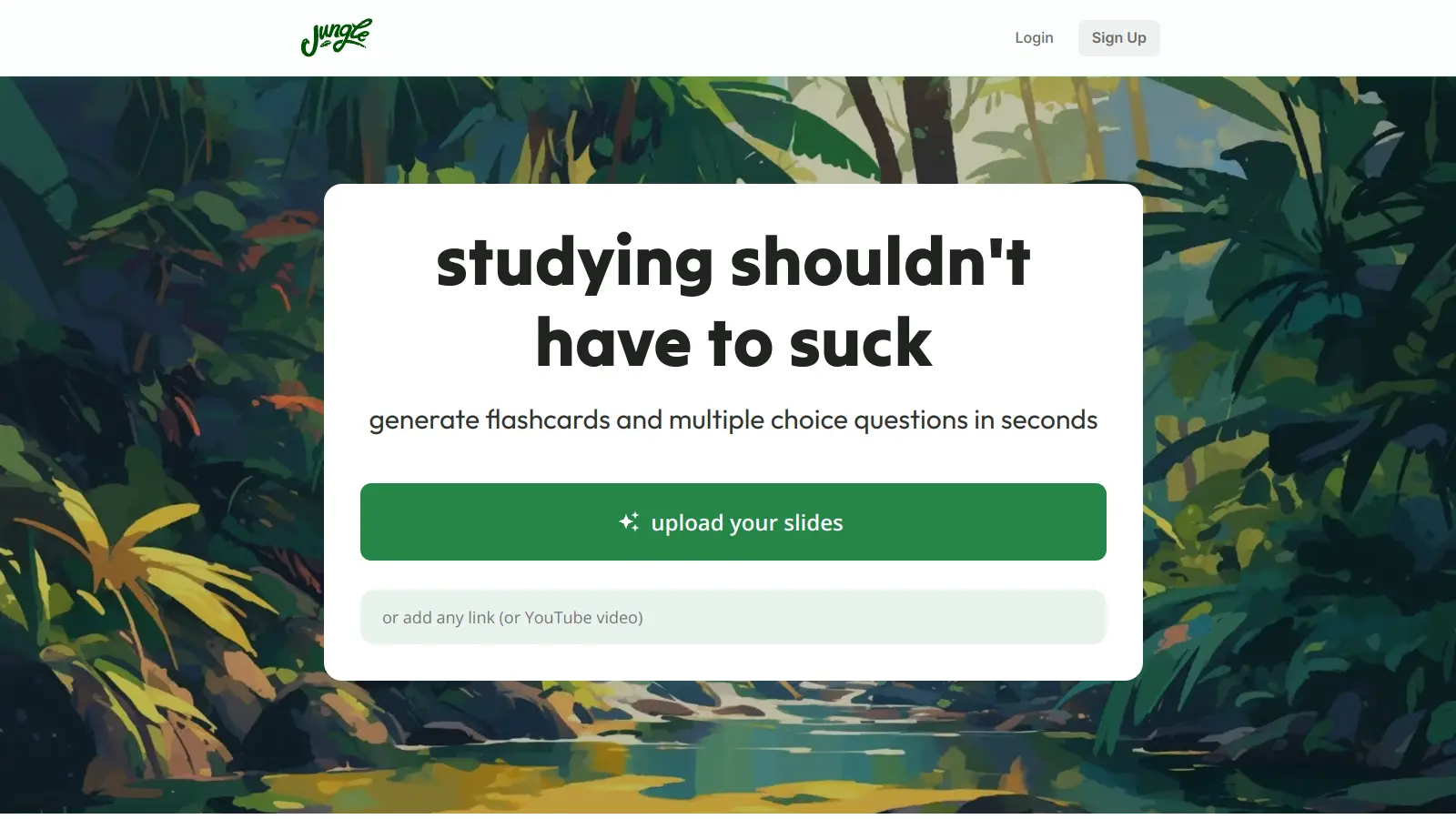
Jungle AI transforms study materials into flashcards, multiple-choice questions, free response questions, case scenarios, and diagram-based questions. Upload lecture slides, PDFs, textbooks, YouTube videos, or webpages, and the tool generates practice materials automatically.

The platform supports different languages and subjects, and includes spaced repetition to help with retention. You can also export your study materials to Anki if you prefer using that system.

The tool offers a free plan with basic features, while paid plans unlock unlimited document uploads and diagram questions. It tracks learning progress through a visual tree growth system and provides tailored recommendations based on your performance.

Jungle AI works with most common file formats and can process both text-based content and video materials. If you're preparing for exams or working through dense course materials, it can help organize your study process.

who is Jungle AI for?

Jungle AI is for students who need to convert large amounts of study material into practice questions and flashcards quickly.

  • College students dealing with heavy course loads who need efficient exam prep
  • Medical and science students who learn from diagrams, case scenarios, and spaced repetition to master complex information
  • Language learners who can create practice materials in their target language using the multilingual support
  • Working professionals pursuing certifications who need to maximize limited study time
  • High school students preparing for standardized tests who want practice focused on their weak areas
  • Self-taught learners working through textbooks or online courses who need structured study aids
  • Anki users who want AI-generated content they can export to their preferred spaced repetition app

The platform works for undergraduate psychology majors, MBA candidates, nursing students preparing for board exams, and other learners across disciplines.

online reviews (last 6 months summarised)

Online discussion about Jungle AI is limited. A few students on Reddit have mentioned it works well for generating practice questions from lecture slides and helps with spaced repetition, but there aren't many detailed reviews in study communities or education forums.

The lack of chatter could just mean it's newer and hasn't hit the radar of larger student communities yet. You'll probably need to try the free tier yourself rather than relying on extensive user reviews and comparisons.

features

  • AI-Powered Study Material Converter: Transform lecture slides, PDFs, videos, webpages, and notes into flashcards and practice questions.
  • Intelligent Question Generator: Create multiple-choice, free response, case-based, and diagram-based questions from your study materials.
  • Spaced Repetition Learning: AI algorithms time your study reviews to improve long-term retention.
  • Document Chat Feature: Ask questions about your uploaded materials and get immediate answers.
  • Real-Time Feedback: Get AI explanations on every question and follow-up questions to test your understanding.
  • Visual Progress Tracking: A visual tree system shows your learning progress as you complete study sessions.
  • Anki Export: Export your AI-generated study materials to Anki for use in your existing spaced repetition workflow.

pricing

  • Free version offers 10 generations per month, 30 pages per document, 30 minutes per video, advanced question types 4 times per month, diagram questions once monthly, and 8 AI explanations and chats per hour while reviewing at no cost.
  • Super Learner Plan includes unlimited generations, unlimited document pages, unlimited video minutes, unlimited diagram questions, 3x more questions, AI explanations on every question, unlimited chats to document, and Anki export for $5 per month when billed yearly (50% off the monthly rate).

frequently asked questions

What is Jungle AI and how does it help students?

Jungle AI turns your learning materials into practice questions, flashcards, and study aids. It works with lecture slides, PDFs, textbooks, videos, webpages, and notes to create customized study content. Instead of spending hours making your own flashcards, Jungle AI does it automatically so you can focus on learning the material.

What types of files can I upload to Jungle AI?

You can upload PDFs, PowerPoint presentations, lecture notes, textbook chapters, YouTube videos, and webpages. The system analyzes your content and creates study materials from whatever you upload, making it flexible for different classes and learning styles.

Can I export my Jungle AI flashcards to Anki?

Yes, Jungle AI lets you export your study materials to Anki if you're on the Super Learner plan. This works well if you already have an Anki workflow and want to use AI-generated content within your existing system. You get Jungle AI's question generation combined with Anki's spaced repetition algorithm.

Can I use Jungle AI on my phone?

Yes, Jungle AI works on phones, tablets, and computers. You can study on the go using the mobile version, which lets you review flashcards and answer practice questions wherever you are. Your progress syncs across all your devices.

Is there a limit to how much I can upload with the free version?

The free version of Jungle AI has some limits. You can generate study materials 10 times per month, with a maximum of 30 pages per document or 30 minutes per video. You'll get advanced question types 4 times monthly, diagram questions once per month, and 8 AI explanations and chats per hour while reviewing. If you need more uploads or features, you'll need the Super Learner plan.

other tools to check out

Trello screenshot
online buzz250k+ Searches
trend (1M)59%

Trello

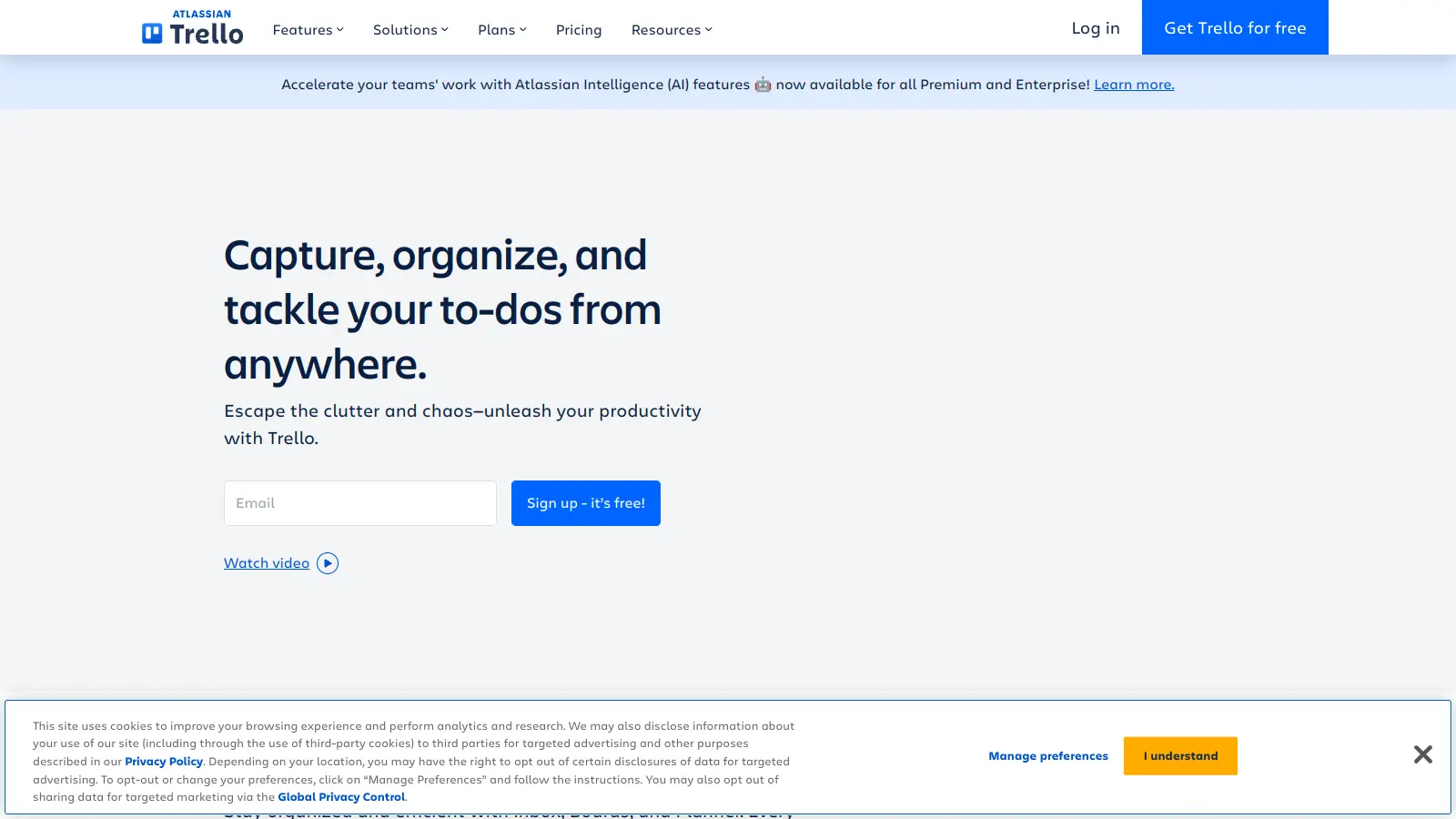
Trello is a project management tool that helps teams organize work using boards, lists, and cards. It enables users to track tasks, collaborate in real-time, and manage workflows visually. With features like task assignment, due dates, integrations, and AI-powered automation, Trello supports project management for teams of any size, from small startups to large enterprises.

best deal

Try Trello Free - Organize projects with unlimited cards, lists, and members across up to 10 boards per workspace

Asana screenshot
online buzz250k+ Searches
trend (1M)26%

Asana

Asana is a web-based project management platform that enables teams to organize, track, and collaborate on work. It offers task management, multiple project views (lists, boards, timelines), AI features for automating workflows, communication tools, progress tracking, and integrations with over 200 apps. Available in free and paid plans, Asana supports teams of all sizes with flexible project visualization options.

best deal

Try Asana free with the Personal Plan for 1-2 users, or start a 30-day free trial of paid plans to test AI features and advanced workflows.

Juno screenshot
online buzz250k+ Searches
trend (1M)-15%

Juno

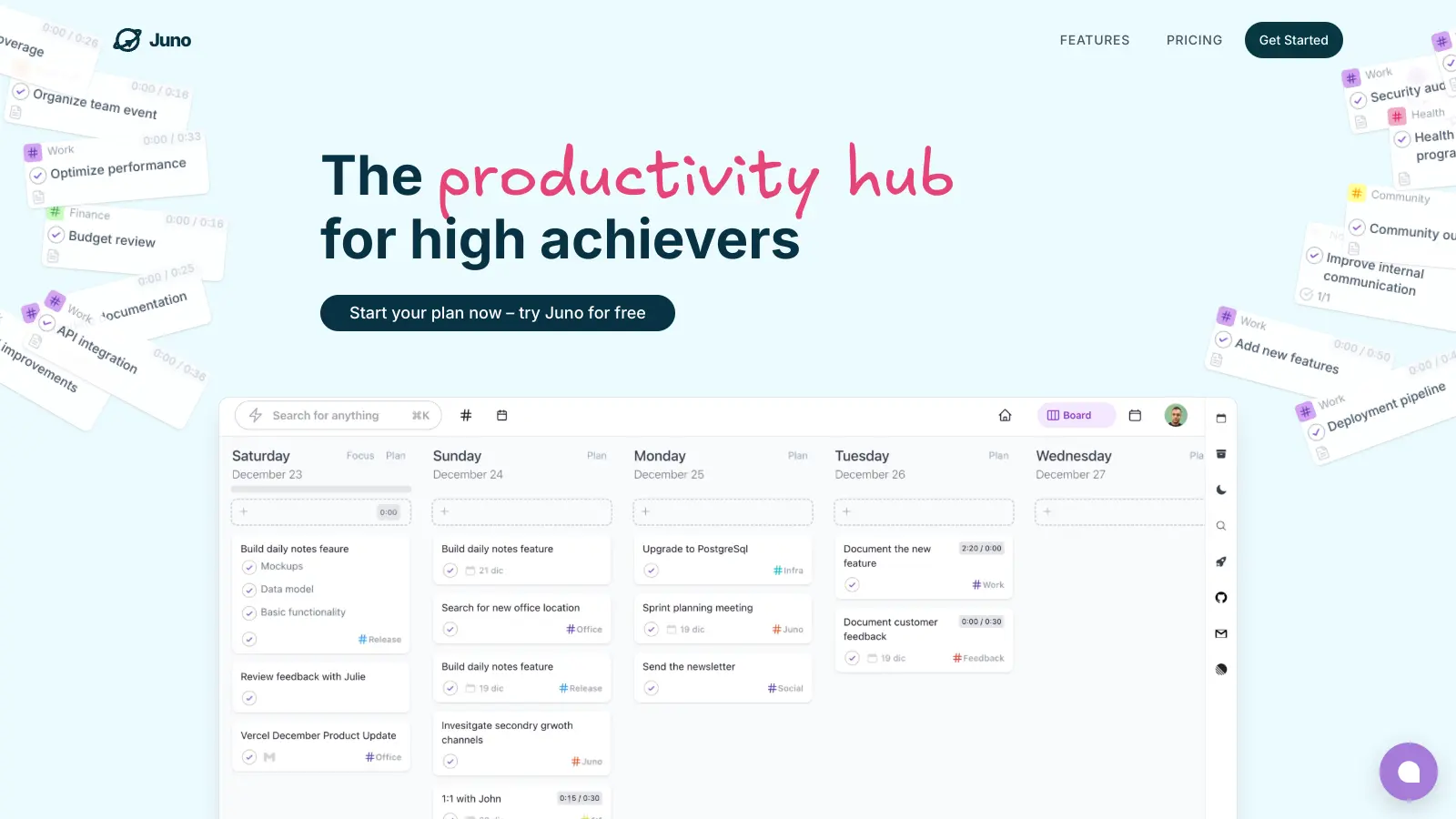
Juno is a productivity tool that helps organize and prioritize tasks and calendar events in one centralized place, eliminating the need to switch between different apps. It has the capability of integrating emails as tasks, as well as assimilating notifications from other favourite apps into a single to-do list. Furthermore, Juno allows the creation of recurring tasks for routine activities. The tool offers both monthly and yearly subscription plans with a 30-day free trial, and flexibility to cancel any time. Additionally, students and nonprofits may be eligible for discounts.

best deal

Try Juno's 30-day free trial with all features - then just $7.50/month with Beta discount!

Otter.ai screenshot
online buzz250k+ Searches
trend (1M)55%

Otter.ai

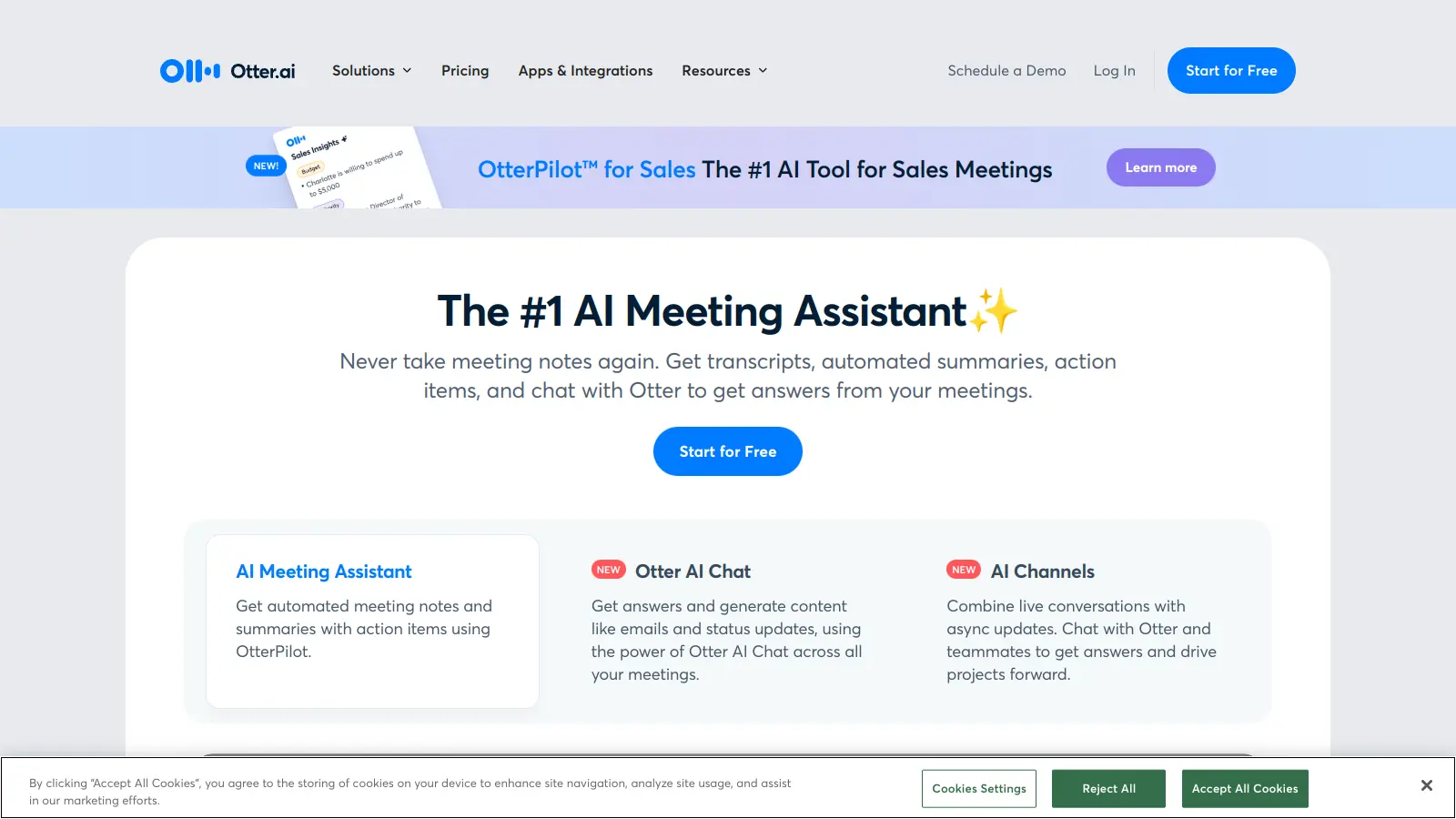
Otter.ai is an AI-powered transcription and meeting assistant that converts spoken language into text in real-time, primarily used for meetings, lectures, and interviews. It offers features like speaker identification, automated summaries, action item tracking, and integration with platforms like Zoom, Google Meet, and Microsoft Teams. The tool provides pricing plans from a free basic version to enterprise-level solutions.

best deal

Try Otter.ai free with 300 monthly transcription minutes and 30-minute conversation limit, or save with annual billing on Pro ($8.33/mo) and Business ($19.99/mo) plans

Basecamp screenshot
online buzz100k+ Searches
trend (1M)5%

Basecamp

Basecamp is a project management and collaboration tool designed for small to medium-sized teams. It offers task management, group chat, file sharing, and team communication with flat-rate pricing. Easy to use and built for team collaboration, but lacks advanced project views and customization options.

best deal

Try Basecamp Pro Unlimited free for 60 days (no credit card required) or start with the free forever plan for 1 project

Wordtune screenshot
online buzz50k+ Searches
trend (1M)4%

Wordtune

Wordtune is an AI-powered writing assistant that helps users improve their writing by offering real-time suggestions, paraphrasing, tone adjustments, and grammar corrections. Available as a browser extension, web app, and through integrations with platforms like Microsoft Word, it provides features like rewriting, summarizing, and generating content. Wordtune offers free and paid plans catering to individual users and teams.

best deal

Try Wordtune with a 3-day free trial, or get the Advanced plan for $4.89/month (billed annually) with 30 daily rewrites and advanced AI tools!