Task Management & Productivity Tool+1 more

100 Days of Code
best deal
Join the #100DaysOfCode Challenge for free and start building your daily coding habit today!
redeem now
100 Days of Code
best deal
Join the #100DaysOfCode Challenge for free and start building your daily coding habit today!
redeem nowWe start with direct ratings from our readers, then look at what real users are saying in practitioner forums and community spaces. We pair that with search demand data and profession-level persona analysis.
Editorial note: this was originally published in august of 2024
quick take
based on real user feedback, community sentiment, pricing value, and fit for target audience. see our full methodology
used 100 Days of Code? we'd love to know your thoughts
reader ratings shape our score
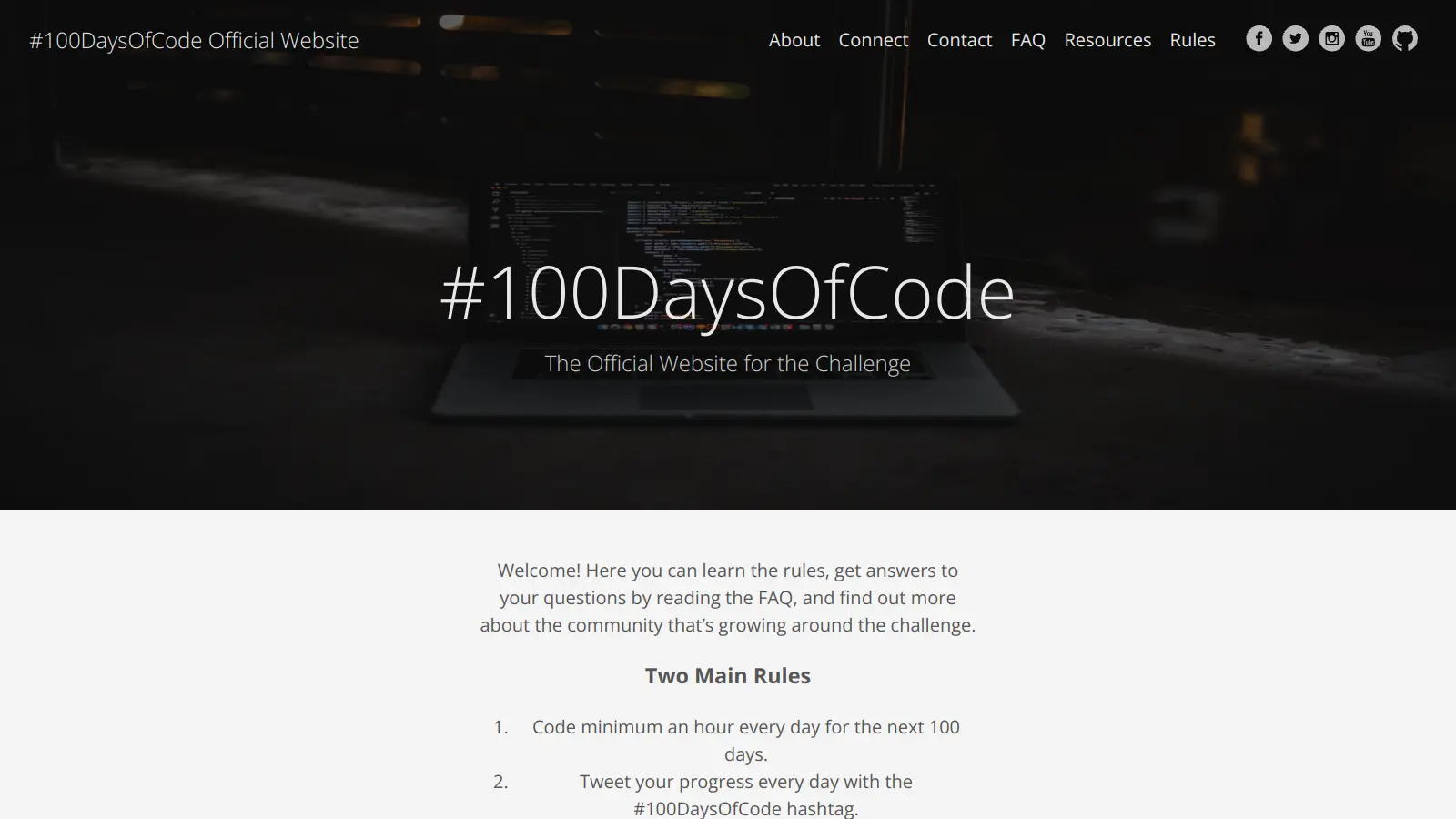
100 Days of Code is a popular programming challenge that helps people build consistent coding habits. The challenge is simple: code for at least one hour every day for 100 consecutive days. It's designed to help both beginners and experienced developers create a steady routine of daily practice.
The initiative has grown into a worldwide movement, with thousands of participants sharing their progress through social media. While the challenge is free to join, various platforms have created supporting resources like tracking tools, structured courses, and community forums to help participants stay motivated.
What makes this challenge unique is its flexibility. You can work on personal projects, follow online tutorials, or join structured programs. Many participants use Visual Studio Code's special extension pack, which includes helpful tools like time trackers and project managers. Others prefer following dedicated courses on platforms like Replit that provide daily lessons.
The community aspect plays a big role in the challenge's success. Participants often share their daily progress on Twitter using the #100DaysOfCode hashtag, where they can connect with other learners, get feedback, and find encouragement during tough days.
Whether you're learning your first programming language or sharpening existing skills, this challenge offers a practical framework to turn coding into a daily habit. The initiative focuses on progress over perfection, encouraging learners to code consistently rather than achieving specific milestones.
monthly search interest
390/mo now
The data shows a tool that held a stable audience of around 1,000 to 1,600 monthly searches for nearly three years, spiked sharply to 2,400 in August 2024 likely on the back of a viral moment or social media push, then dropped back and continued declining to its current 390. The post-peak slide suggests that spike brought in curious one-time visitors who didn't convert into a sustained user base, and the underlying audience is now smaller than it was in 2022.
Whether the challenge works for you depends almost entirely on where you already are in your learning journey. Pick your role below to see the honest breakdown.
overall sentiment
select your role to see what people like you are saying
Career Changer
positiveIf you're transitioning into tech, the daily public logging genuinely creates something useful: a visible track record of consistency that you can point to in interviews. The challenge won't tell you what to learn, so you need to come in with a clear curriculum targeting the skills your target role actually requires. Pair it with that and it's a solid accountability wrapper for a career pivot.
strengths
concerns
Self-taught Developer
positiveThe biggest thing the challenge solves for self-taught developers is isolation, and it does that well. The community around #100DaysOfCode means you're logging progress alongside people at similar stages, which provides the external accountability that solo learning usually lacks. The lack of structured guidance isn't really a problem here since you've already developed your own learning path.
strengths
concerns
Coding Beginner
mixedThe one-hour daily minimum is psychologically achievable and the public commitment helps you start, but without a curriculum to follow you'll hit directionless days fast. Many beginners find they've spent 30 days on the wrong things before realising it. Use the challenge for accountability, but run it alongside The Odin Project or a structured course, or you're likely to burn out before day 50.
strengths
concerns
Busy Professional
positiveBusy professionals appreciate that 100 Days of Code respects their time constraints with a one-hour minimum, allowing meaningful progress without requiring unrealistic daily commitments. The challenge transforms their fragmented free time into focused, productive coding practice.
strengths
concerns
“These past few weeks, my understanding of Python and my confidence in writing code have both grown significantly.”
Medium
Community discussion around 100 Days of Code splits almost entirely between two things: the free challenge itself and Angela Yu's paid Udemy course that uses the same name. The Reddit thread in r/learnpython asking whether the Angela Yu course is worth it attracted the kind of discussion that reveals the confusion baked into this whole ecosystem — people frequently conflate the free hashtag-based challenge with the paid Udemy bootcamp, which makes evaluating either one harder. The free challenge has virtually no structured curriculum criticism because there is no curriculum: it's a commitment framework, not a course. The Medium post from someone on Day 11 building a Blackjack project captures what genuine engagement looks like — slow, incremental, with real gaps and review loops built in. What's notably absent from the community sources is any strong criticism of the challenge format itself; the frustration tends to land on the lack of direction once you've committed to showing up daily.
The free challenge costs nothing, so the question is really whether the format delivers value. It does, but only if you already know what to learn. The commitment structure and community accountability are genuinely useful for building daily habits. If you don't pair it with a quality curriculum, like Angela Yu's Python bootcamp at around $22.99 on a Udemy sale or The Odin Project for free, you risk 100 days of unfocused progress. The challenge alone isn't a curriculum replacement.
Career changers get the most out of it because the public logging creates a visible track record of consistency that hiring managers actually notice. Self-taught developers benefit from the community layer, which addresses the isolation that usually kills solo learning. Coding beginners can use it, but they'll need an external curriculum running alongside it or they'll hit a wall fast around days 20 to 30.
First, there's no curriculum. You decide what to learn each day, which means the quality of your 100 days depends entirely on the quality of your self-direction. Second, the streak mechanic can turn toxic: missing a day can feel like failure, which is more likely to cause someone to quit entirely than to keep going. Third, the community is mostly built around Twitter, which excludes people who don't use that platform and want to stay private.
These serve different needs. The Odin Project gives you a structured, free, full-stack curriculum that takes you from zero to employable in a logical sequence. 100 Days of Code gives you a habit framework and community but zero curriculum. If you're a beginner who doesn't know what to learn, start with The Odin Project and run the 100 Days of Code challenge alongside it for accountability. If you're already learning something specific and just need a commitment mechanism, the challenge alone is enough.
It can help, but it's a means not an end. The public daily logging does create a visible portfolio of consistency that hiring managers and bootcamp interviewers notice. The risk is spending 100 days on things that don't directly support your target role. If you're making a career change, map out what skills the jobs you want actually require, build your curriculum around that, and use the challenge for daily accountability. Don't let the streak become the goal.
toolsforhumans editorial team
Reader ratings and community feedback shape every score. Since 2022, ToolsForHumans has helped 600,000+ people find software that holds up after launch. how we research →

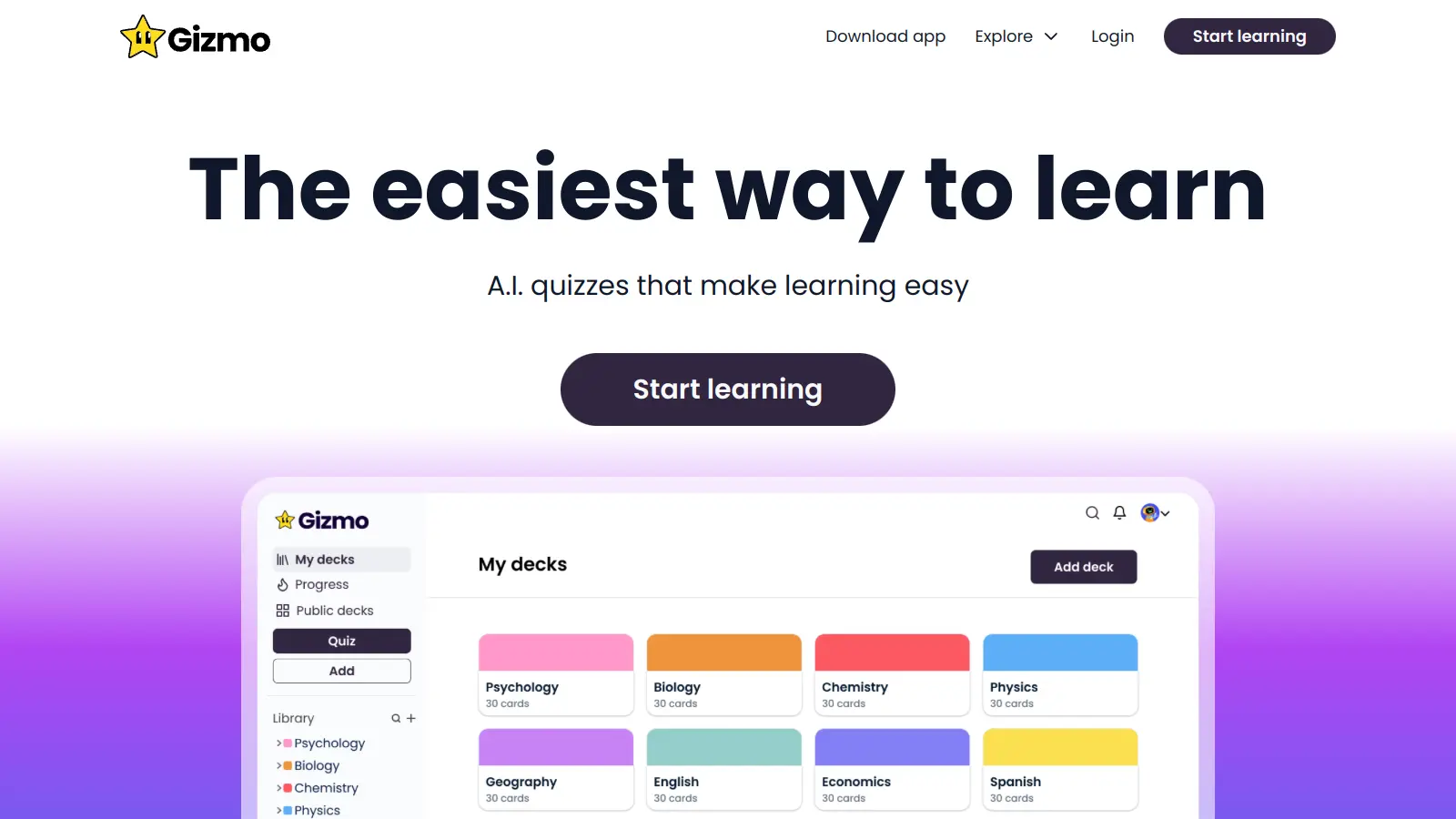
Gizmo is an AI-powered educational platform that converts study materials like PDFs, YouTube videos, notes, and audio into flashcards, quizzes, and step-by-step explanations. It uses spaced repetition and active recall to help students learn and retain information, with features like lecture recording, progress tracking, and an AI tutor for personalized explanations.
best deal
Students get 50% off Gizmo unlimited plans: $6.99/week or $77.22/year for unlimited AI flashcards, quizzes, and tutoring

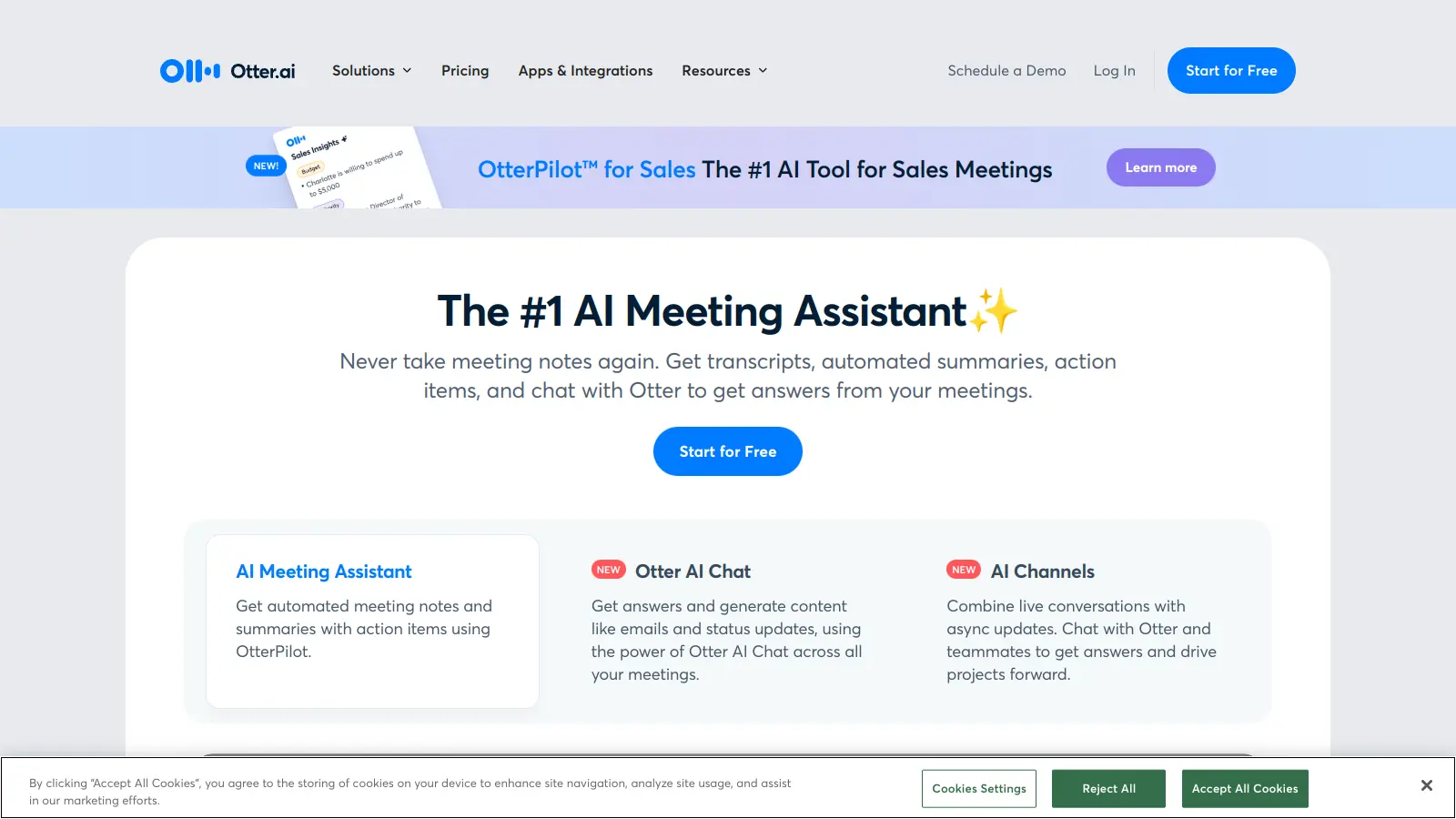
Otter.ai is an AI-powered transcription and meeting assistant that converts spoken language into text in real-time, primarily used for meetings, lectures, and interviews. It offers features like speaker identification, automated summaries, action item tracking, and integration with platforms like Zoom, Google Meet, and Microsoft Teams. The tool provides pricing plans from a free basic version to enterprise-level solutions.
best deal
Try Otter.ai free with 300 monthly transcription minutes and 30-minute conversation limit, or save with annual billing on Pro ($8.33/mo) and Business ($19.99/mo) plans

Asana is a web-based project management platform that enables teams to organize, track, and collaborate on work. It offers task management, multiple project views (lists, boards, timelines), AI features for automating workflows, communication tools, progress tracking, and integrations with over 200 apps. Available in free and paid plans, Asana supports teams of all sizes with flexible project visualization options.
best deal
Try Asana free with the Personal Plan for 1-2 users, or start a 30-day free trial of paid plans to test AI features and advanced workflows.

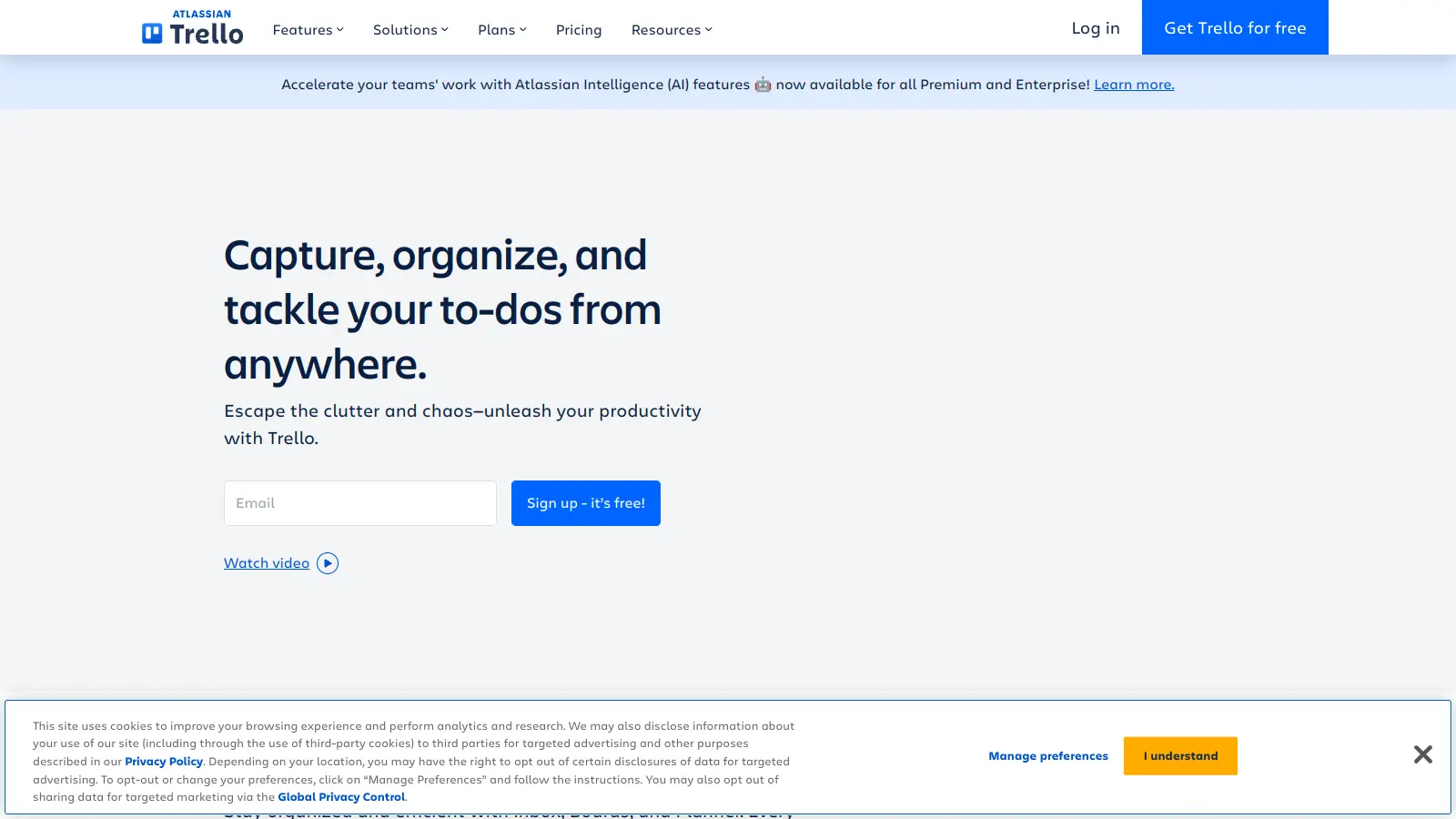
Trello is a project management tool that helps teams organize work using boards, lists, and cards. It enables users to track tasks, collaborate in real-time, and manage workflows visually. With features like task assignment, due dates, integrations, and AI-powered automation, Trello supports project management for teams of any size, from small startups to large enterprises.
best deal
Try Trello Free - Organize projects with unlimited cards, lists, and members across up to 10 boards per workspace

Scribbr is a comprehensive academic writing tool that helps students and professionals maintain writing integrity through plagiarism checking, AI detection, proofreading, and citation generation. It supports multiple languages, offers expert editing services, and provides a pay-per-use pricing model based on document size. With features like checking against a vast database of web pages and publications, Scribbr assists users in creating high-quality, original academic work.
best deal
Check your work for plagiarism starting at just $19.95

Juno is a productivity tool that helps organize and prioritize tasks and calendar events in one centralized place, eliminating the need to switch between different apps. It has the capability of integrating emails as tasks, as well as assimilating notifications from other favourite apps into a single to-do list. Furthermore, Juno allows the creation of recurring tasks for routine activities. The tool offers both monthly and yearly subscription plans with a 30-day free trial, and flexibility to cancel any time. Additionally, students and nonprofits may be eligible for discounts.
best deal
Try Juno's 30-day free trial with all features - then just $7.50/month with Beta discount!