Shutterstock Review 2026 - Features, Pricing & Deals

Last Updated
Feb 14, 2026

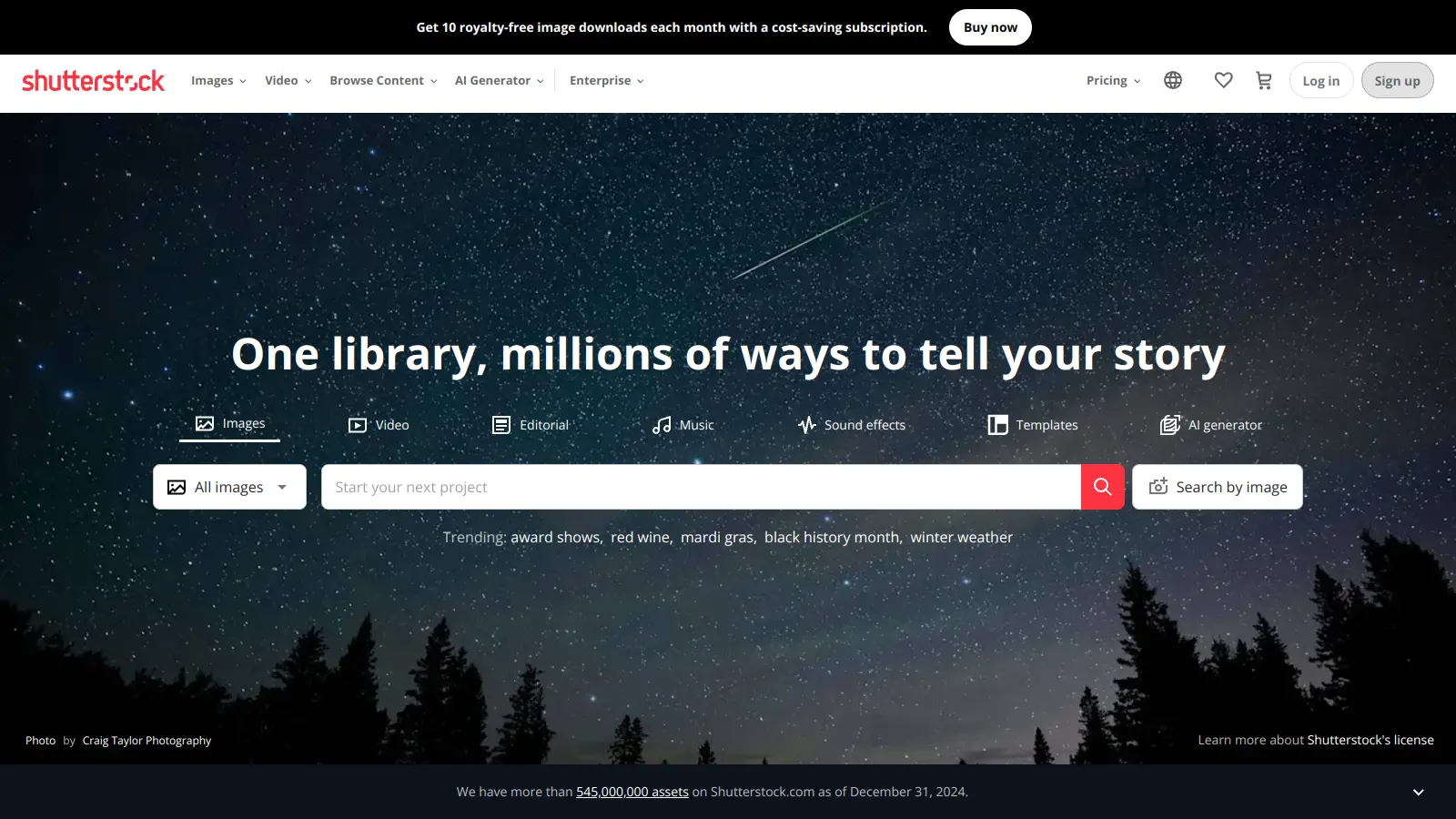
Shutterstock is a global technology company that provides a marketplace for digital content, including stock photos, footage, music, and editing tools. Since 2003, it has grown into a comprehensive platform that serves both content creators and businesses worldwide.

The platform's library contains over 400 million assets, ranging from professional photographs to vector illustrations and video clips. Users can access these through subscription plans or one-time purchases, making it flexible for different budget needs.

Beyond its content library, Shutterstock offers tools like its built-in editor and Creative Flow design platform. These features help users customize and enhance their selected content directly within the platform. The company has embraced AI technology, providing tools for generating images from text prompts, creating 3D models, and improving content discovery through an AI Search Assistant that works across multiple asset types.

Operating as a two-sided marketplace, Shutterstock connects millions of contributors with businesses and creative professionals who need high-quality digital content. The platform provides both standard and enhanced licensing options, ensuring users can properly use content across projects and mediums.

Subscription prices start at $29 per month for basic image plans, with a dedicated AI generation plan available for $7 per month. Shutterstock also offers pay-as-you-go options and enterprise solutions for larger organizations. The platform continues to adapt its services to meet the evolving needs of the creative industry.

Who is Shutterstock for?

Shutterstock works for creative professionals and businesses that need high-quality digital content without the expense of custom production. The platform offers immediate access to millions of professional assets along with editing tools that help users complete projects faster.

  • Marketing Teams: Access on-trend visuals for campaigns, social media, and advertising materials without hiring photographers or videographers.
  • Small Business Owners: Entrepreneurs with limited budgets can grab professional-quality images and videos to enhance their websites, presentations, and marketing materials.
  • Content Creators: Bloggers, social media managers, and digital publishers can quickly find relevant visuals to complement their written content and boost engagement.
  • Graphic Designers: Supplement custom work with ready-made elements or use AI tools to create hybrid photography-digital art, saving time on projects while maintaining professional quality.
  • Advertising Agencies: Source and customize content for client presentations and final deliverables, meeting tight deadlines more efficiently.
  • Beginners and Non-Designers: People without formal design training can use the interface and AI image generation tools to create personalized visuals for their projects.
  • Brands Needing Custom Content: Companies can generate custom commercial visuals tailored to their specific needs using AI tools while maintaining licensing clarity.

The tool is used across industries from retail and real estate to education and technology, particularly by anyone responsible for visual communication in their organization.

Online Reviews (Last 6 Months Summarised)

Users praise Shutterstock's library of high-quality stock photos, videos, and music, along with the straightforward search and licensing process. Subscribers find good value in unlimited downloads, and contributors report reliable customer support with fast approval times. The platform's regular content updates keep the library fresh and relevant.

Non-subscribers face high prices for individual licenses. Recent price increases have made the service less competitive compared to alternatives. Contributors complain about overly strict content moderation. Watermarks on previews and download limits frustrate users. Search results sometimes flood with irrelevant images or miss the mark entirely, which slows down the content discovery process.

Features

  • Massive Digital Content Library: Access over 400 million high-quality assets including photos, vectors, illustrations, videos, and music tracks for creative projects.
  • AI Image Generator: Create custom images from text prompts up to 500 words with a prompt enhancer that produces four variations in seconds for commercial use.
  • AI Image Editing Tools: Use features like background removal, smart edits, image variations, and canvas expansion directly in the platform's interface.
  • Text-to-3D Model Generation: Create 3D models from text descriptions with plugins available for Blender and 3ds Max, plus generative 360 HDRI environments.
  • AI Search Assistant: Find content across multiple asset types including images, video, and music using natural language processing and style picker features.
  • Creative Flow Design Platform: Customize and enhance digital content directly on the platform with web-based editing tools that work in over 20 languages.
  • Flexible Licensing Options: Choose between subscription and on-demand image packages with royalty-free commercial use rights that fit your specific project needs.
  • API and Integration Tools: Connect Shutterstock's generative AI capabilities to your workflow through API access and plugins for professional 3D software.

Pricing

  • Generative AI Plus plan available at $7 per month, providing 100 AI generations monthly (1 generation creates 4 images).
  • Image subscriptions range from 10 to 750 monthly downloads with pricing from $29 to $199 per month for month-to-month plans.
  • Annual image subscription available at $24.92 per month ($299 billed yearly) for 10 downloads monthly with standard license.
  • Image pack options available for on-demand purchases: 2 images for $29, 5 images for $49, and 25 images for $229.
  • Video subscriptions start at $99 per month for 5 monthly videos, with resolution-based pricing for SD, HD, and 4K videos.
  • Music subscription provides unlimited downloads at $42 per month, capped at 40 downloads daily.
  • Enterprise plans offer custom download limits with pricing negotiated directly with Shutterstock, catering to large-scale business needs.
  • Annual plans provide up to 40% discount compared to monthly billing options.

Frequently Asked Questions

What content types does Shutterstock offer?

Shutterstock gives you access to their entire library of over 400 million assets. This includes high-quality photos, videos, illustrations, vectors, and music tracks. You can use these for just about any project, from social media posts to marketing campaigns. Their stock footage comes in resolutions including 4K, and you'll find music tracks for different moods and genres too.

How does Shutterstock's licensing work?

Shutterstock offers two main license types. The Standard License covers most common uses like websites, social media, and advertising. It has some limits on distribution copies. The Enhanced License gives you more freedom - you can use content in items for resale (like t-shirts or templates) and removes reproduction limits. Both licenses are royalty-free, meaning you pay once and can use the content forever within the license terms.

What are Shutterstock's AI generation capabilities?

Shutterstock's AI tools let you create custom images from text prompts up to 500 words long. One generation produces four image variations in seconds. You can also generate 3D models from text descriptions and create 360 HDRI environments. The AI Image Generator includes a prompt enhancer to improve your results, and all AI-generated content comes with clear commercial licensing. There's a dedicated Generative AI Plus plan for $7 per month that gives you 100 generations monthly.

Can I try Shutterstock before buying?

Shutterstock offers a limited free trial for new users, though the full details vary. They also have a 30-day money-back guarantee if you're not happy with your purchase, which applies to new subscriptions only. You can browse their entire collection and create projects before deciding to download anything.

How does Shutterstock compare to other stock media sites?

Shutterstock stands out for its massive library size and variety of content types all in one place. It costs more than budget options like Canva Pro or Envato Elements, but offers higher quality and more professional selections. Adobe Stock integrates better with Creative Cloud apps but usually costs more. Shutterstock's strength is its balance of quality, quantity and user-friendly tools, though some users find recent price increases have made it less competitive than it used to be.

Other Tools To Check Out

Best Deal

Try Designs.ai with a 7-day free trial of the $19 Basic Plan to test all core AI design tools

Redeem Now

Best Deal

Try MyEdit Free: Get 3 Daily Credits + Unlimited Access to Basic Tools

Redeem Now

Best Deal

Get 20% off annual plans and try StarryAI for free: 25 artwork generations daily with no watermarks

Redeem Now

Find Out How Best To Utilise Tools

Our newsletter comes with exclusive discounts, trials and practical insights from within the industry

Sign Up Today