Project Management Software+2 more

GuideCX
best deal
Try GuideCX free with no credit card required and see how it improves your client onboarding
redeem now
GuideCX
best deal
Try GuideCX free with no credit card required and see how it improves your client onboarding
redeem nowWe start with direct ratings from our readers, then look at what real users are saying in practitioner forums and community spaces. We pair that with search demand data and profession-level persona analysis.
Editorial note: this was originally published in september of 2024
quick take
based on real user feedback, community sentiment, pricing value, and fit for target audience. see our full methodology
used GuideCX? we'd love to know your thoughts
reader ratings shape our score
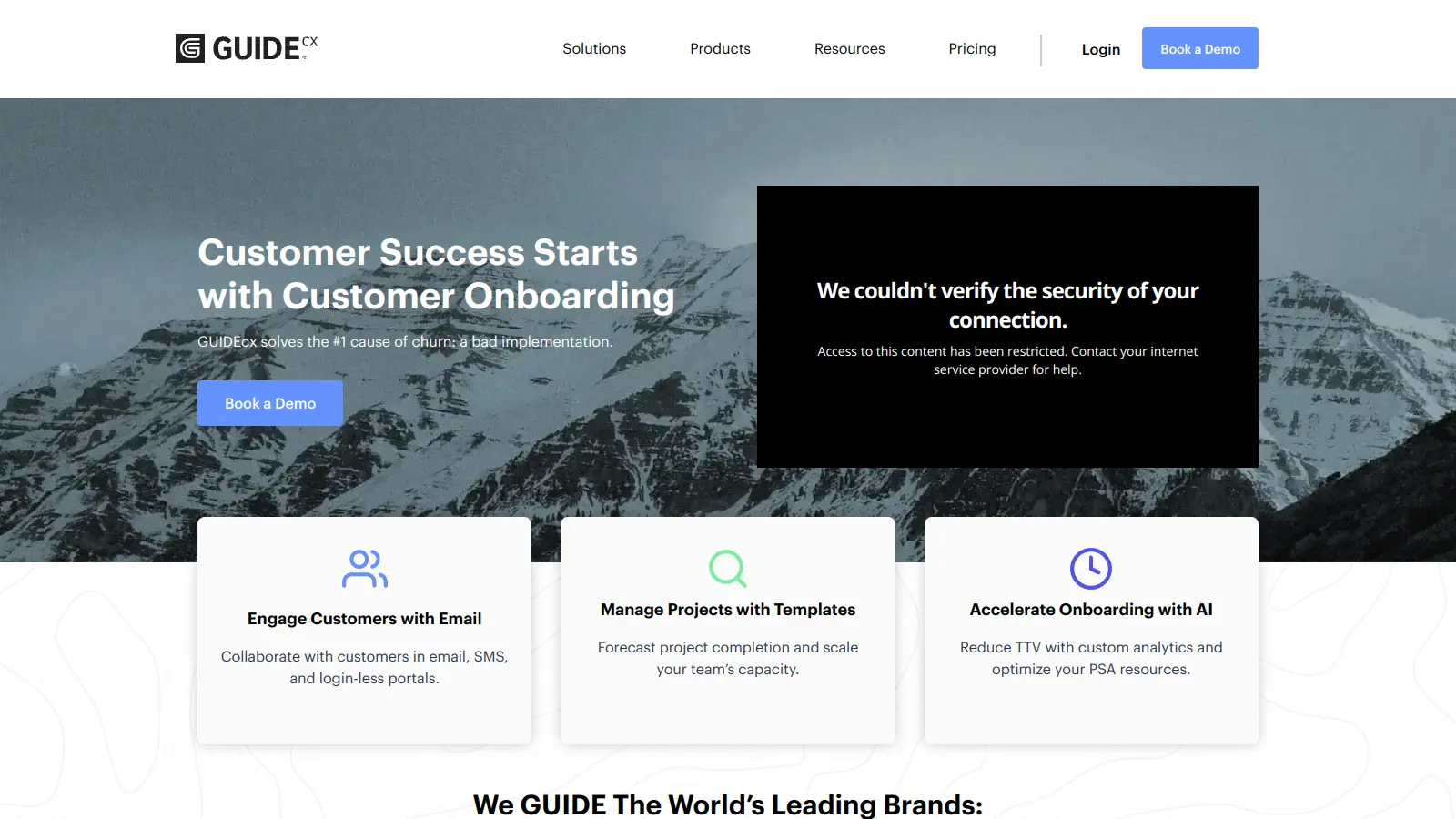
GuideCX is a customer onboarding and implementation platform that helps businesses manage complex workflows more efficiently. The software tracks progress, automates reminders, and keeps everyone in the loop during client implementations.
Users can set up automated tasks, create custom templates, and maintain clear communication through a central hub. The built-in customer portal lets clients check project status and updates without needing constant email updates or meetings. AI features help spot potential delays and generate text to speed up communication.
The tool works well for customer success teams, onboarding specialists, and third-party vendors managing collaborative projects. It's used in industries like SaaS, healthcare technology, education, and financial services. With integrations for over 1,000 applications including Salesforce, HubSpot, Slack, and Jira, it fits into existing workflows.
Pricing starts at $100 per month per license with a minimum of 4 licenses required ($400/month minimum) for the Starter plan. Premium and Advanced plans offer more features with custom pricing. The platform includes standard project management features like task tracking and Gantt views, plus specialized tools for client implementation projects.
For teams struggling with complex client onboarding or looking to standardize their implementation process, GuideCX keeps everyone aligned and informed throughout the project lifecycle.
monthly search interest
1.6k/mo now
GuideCX peaked in early 2022 and again in early 2023, then dropped roughly 45% and has stayed flat around 1,600 to 1,900 searches per month ever since. This is the pattern of a niche B2B tool that's found its ceiling: it's not growing, but it's also not collapsing. The stable floor suggests an established user base that's not churning out, but the category isn't pulling in new buyers at the rate it once did. If you're evaluating it now, you're getting a mature product, not a hype cycle.
Whether GuideCX is worth it depends heavily on your role and what you're trying to get out of it. Pick your role below to see the honest breakdown.
overall sentiment
select your role to see what people like you are saying
Project Manager / Onboarding Specialist
positiveIf you're running complex client implementations, GuideCX cuts real time out of manual follow-ups through task automation and dependency management. The customer portal keeps clients oriented without constant meetings. The UI is genuinely clunky in places and occasional post-update bugs will cost you time, but the core workflow automation delivers on its promise.
strengths
concerns
Customer Success / CX Leader
mixedYou'll get cleaner client communication and better expectation management, which does reduce churn pressure during onboarding. The problem is that customer notifications can hit spam filters or only reach one person on the client side, which creates accountability gaps at exactly the wrong moment. The reporting isn't deep enough to track CX outcomes confidently either.
strengths
concerns
Executive / Operations Leader
negativeAt $400/month minimum, you need to be able to pull data that justifies the spend, and GuideCX's reporting doesn't get you there. The dashboards are surface-level, data exports are painful, and you won't get the strategic visibility the sales pitch implies. Unless your team is already using it and you're evaluating renewal, this isn't the tool to anchor executive reporting around.
strengths
concerns
IT / Systems Administrator
mixedGuideCX's integration layer is available on the Premium plan, which means you're getting custom pricing conversations before you can connect it to your existing stack. The login-less customer access via email verification codes removes one headache, but post-update bugs that require session restarts suggest the platform's stability isn't fully there. Worth evaluating carefully before committing to deep integrations.
strengths
concerns
“At $400 a month minimum, the reporting gaps make it genuinely hard to justify the cost to anyone above the team level.”
Online reviews for GuideCX sit solidly in the 4.6 to 4.7 range across commercial review platforms, which places it well above average for project management and onboarding software. The consistent themes in positive feedback are real: automated task follow-ups genuinely reduce the manual chasing that haunts complex implementations, and clients get a portal view that keeps everyone oriented without requiring another meeting. The criticisms are just as consistent: the UI requires too many clicks for routine tasks, bugs after updates force session restarts, and the single-recipient messaging limitation creates bottlenecks that undermine the whole point of a communication hub. Reporting is the most repeated frustration across reviews, with users noting that the dashboards look promising but don't go deep enough to drive actual decisions.
Only if you're running enough concurrent onboardings to justify the $400/month minimum (4 licenses at $100 each). For teams managing 10 or more active implementations at once, the time saved on manual follow-ups and status updates makes the Starter Plan defensible. For smaller teams or anyone doing occasional onboarding projects, that floor is too high for what you get, especially given the reporting limitations that make ROI difficult to demonstrate upward.
Project managers and onboarding specialists running complex, multi-stakeholder client implementations get the most out of it. The automation and task dependency management are built specifically for that workflow. Customer Success leaders get real value too, though they'll run into the communication bottlenecks quickly. It's a poor fit for executives looking to use it as a strategic reporting tool.
Two stand out. First, the reporting and analytics are genuinely limited: dashboards give you a surface-level view but don't support the kind of drill-down analysis that justifies the price for anyone in a leadership role. Second, the single-recipient customer messaging issue means notifications often only reach one person on the client side, which defeats the purpose of keeping all stakeholders aligned. Spam filtering problems compound this: client notifications don't always land in inboxes.
GuideCX wins for teams that specifically need client-facing onboarding workflows: the customer portal, login-less access, and onboarding-specific automation are purpose-built in a way Kintone isn't. Kintone is the better choice if you need flexible database-style project management across multiple use cases or if you find GuideCX's reporting too shallow. If your primary job is client implementations, stay with GuideCX. If you're trying to run multiple team functions from one tool, Kintone handles that more gracefully.
Yes, but with caveats. GuideCX's dashboards show task completion rates and intelligent end-date forecasting at the project level, so you can see which implementations are on track. What it won't do well is roll that up into executive-ready reporting or let you slice the data by custom dimensions without painful manual exports. If your goal is real-time visibility for your own team, it works. If you're trying to build a quarterly business review deck from the data, expect to do significant manual work.
toolsforhumans editorial team
Reader ratings and community feedback shape every score. Since 2022, ToolsForHumans has helped 600,000+ people find software that holds up after launch. how we research →

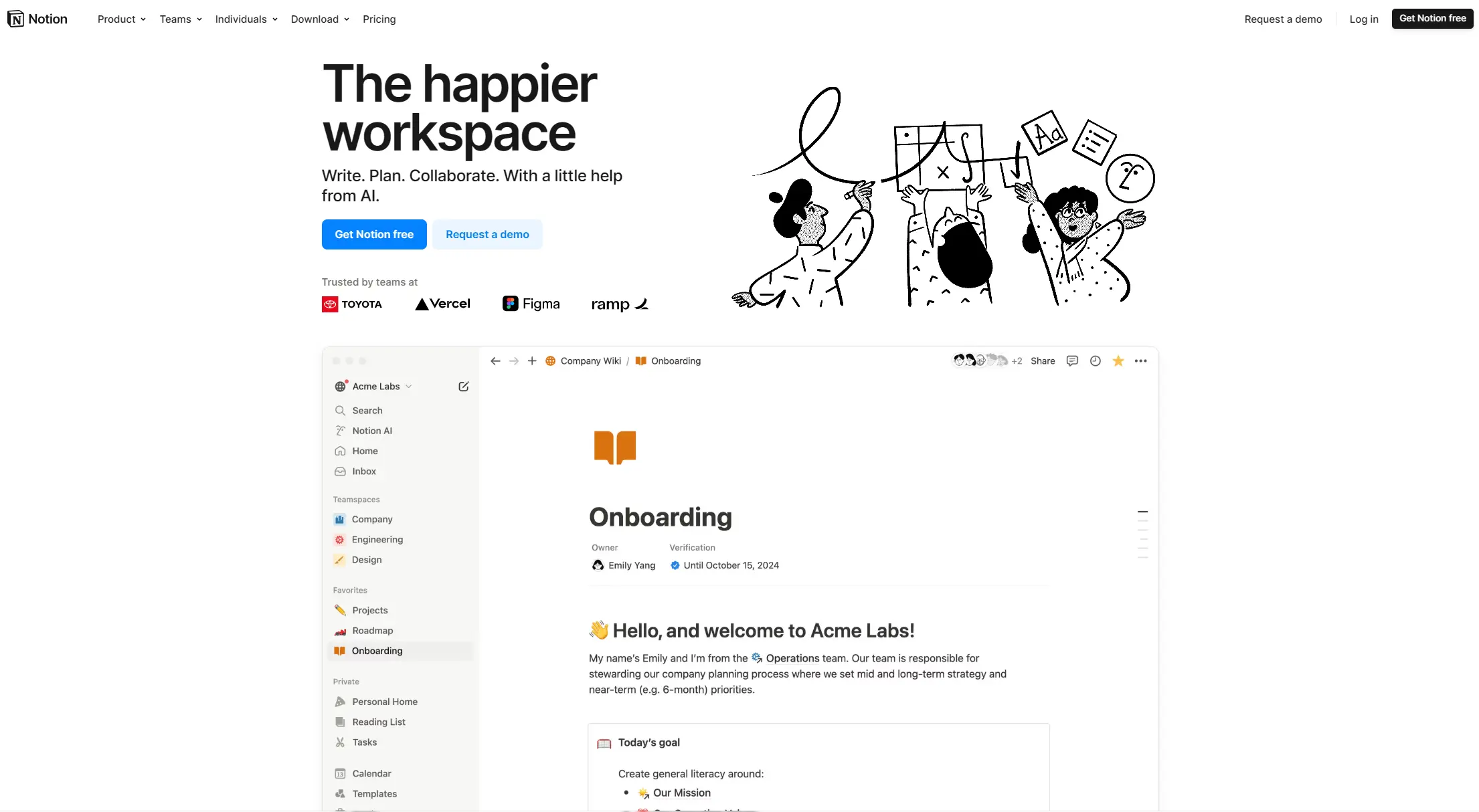
Notion is an all-in-one productivity platform for creating, organizing, and collaborating on notes, databases, wikis, tasks, and projects. Its block-based system allows for customizable workspaces with multiple views like tables, boards, and calendars. It includes AI assistance, collaboration features, and integrations with other tools.
best deal
Annual billing saves 20% across all paid plans—Plus starts at $8/month with unlimited blocks and file uploads

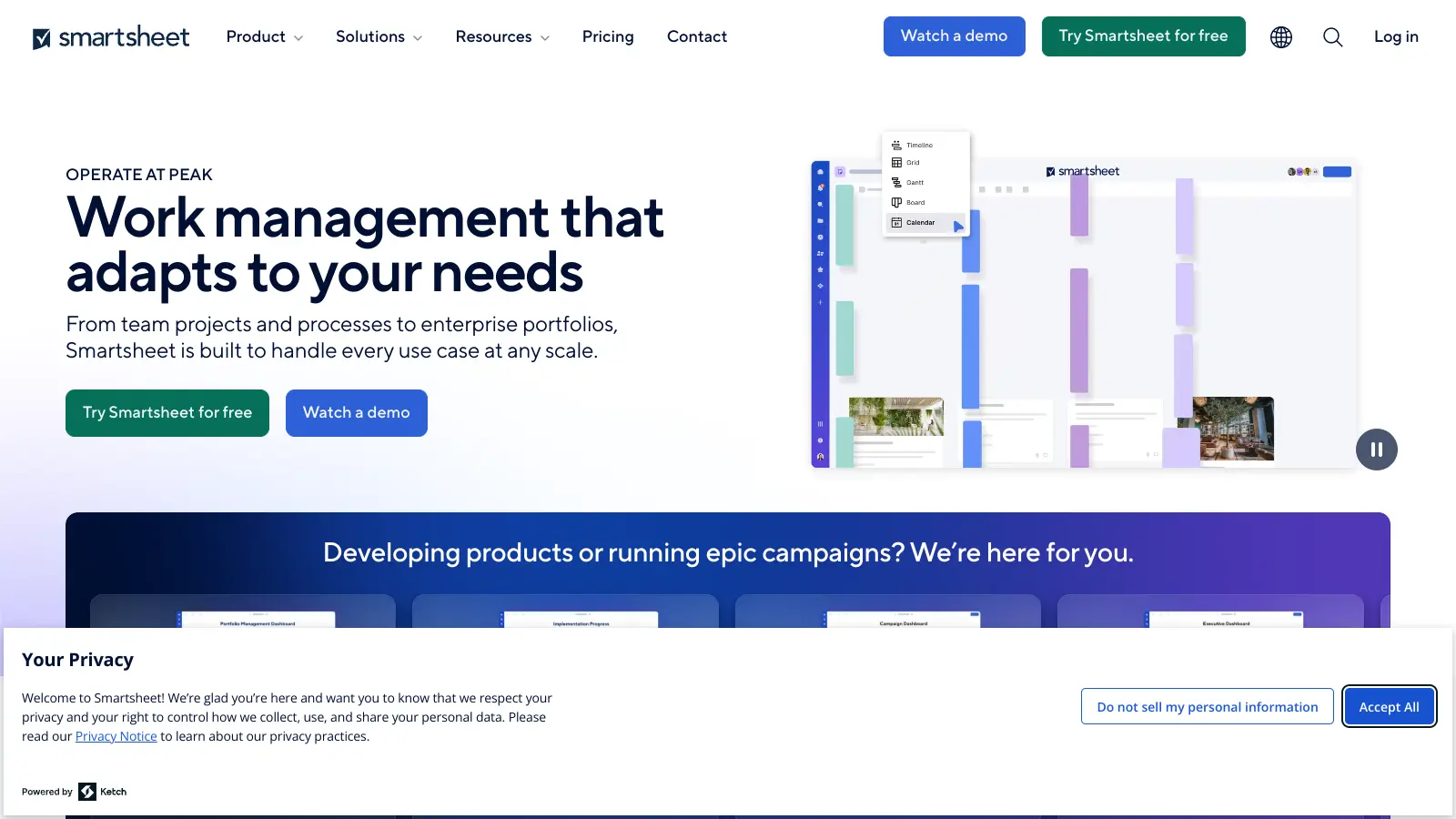
Smartsheet is a cloud-based work management platform with a spreadsheet-like interface designed to help teams collaborate, manage projects, and track workflows. It offers features like Gantt charts, real-time collaboration, workflow automation, AI-powered formula generation and data analysis, customizable reporting, and integrations with third-party tools. The platform provides scalable solutions for businesses of different sizes, from individual users to large enterprises, with pricing plans ranging from free to custom enterprise options.
best deal
Get a 30-day free trial to test all features before committing to a paid plan

Polaris PSA is a professional services automation tool that helps service organizations manage projects, resources, and financials. It uses AI to capture real-time data, provide recommendations, and enable proactive decision-making. The platform includes automatic time tracking, resource matching, and integrations with Salesforce and 100+ work apps.
best deal
Free Trial Available for Polaris PSA

Asana is a web-based project management platform that enables teams to organize, track, and collaborate on work. It offers task management, multiple project views (lists, boards, timelines), AI features for automating workflows, communication tools, progress tracking, and integrations with over 200 apps. Available in free and paid plans, Asana supports teams of all sizes with flexible project visualization options.
best deal
Try Asana free with the Personal Plan for 1-2 users, or start a 30-day free trial of paid plans to test AI features and advanced workflows.

ClickUp is a comprehensive cloud-based project management platform that combines task management, collaboration tools, automation, and AI assistance in one workspace. It offers customizable features including multiple project views, document creation, time tracking, and AI-powered workflow automation across multiple pricing tiers, catering to teams of all sizes from freelancers to large enterprises.
best deal
Try ClickUp's Free Forever Plan with unlimited tasks and collaborative docs, or get a 14-day free trial on paid plans!

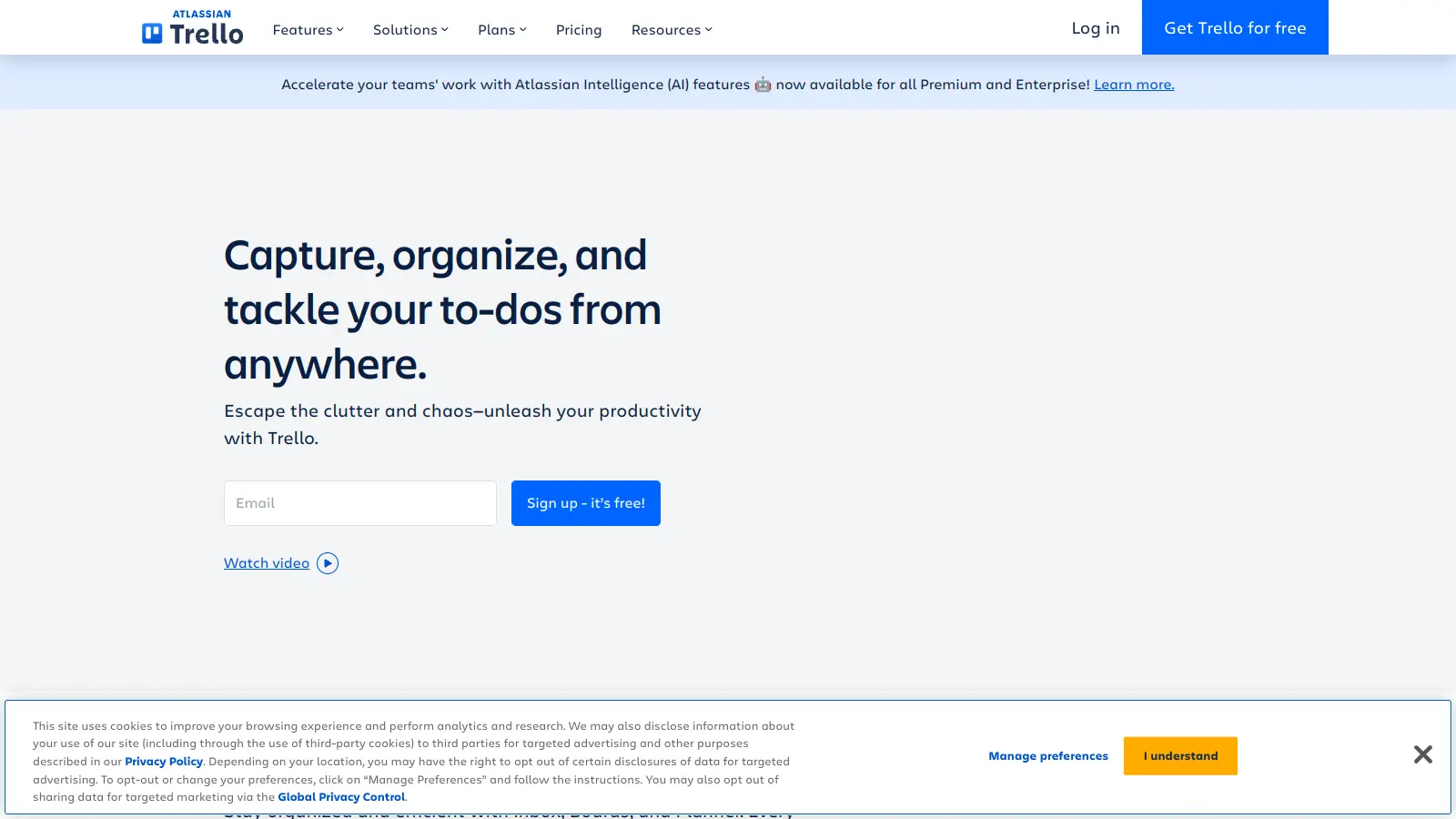
Trello is a project management tool that helps teams organize work using boards, lists, and cards. It enables users to track tasks, collaborate in real-time, and manage workflows visually. With features like task assignment, due dates, integrations, and AI-powered automation, Trello supports project management for teams of any size, from small startups to large enterprises.
best deal
Try Trello Free - Organize projects with unlimited cards, lists, and members across up to 10 boards per workspace