Project Management Software+2 more

ClickUp
best deal
Try ClickUp's Free Forever Plan with unlimited tasks and collaborative docs, or get a 14-day free trial on paid plans!
redeem now
ClickUp
best deal
Try ClickUp's Free Forever Plan with unlimited tasks and collaborative docs, or get a 14-day free trial on paid plans!
redeem nowWe start with direct ratings from our readers, then look at what real users are saying in practitioner forums and community spaces. We pair that with search demand data and profession-level persona analysis.
Editorial note: this was originally published in august of 2024
quick take
based on real user feedback, community sentiment, pricing value, and fit for target audience. see our full methodology
used ClickUp? we'd love to know your thoughts
reader ratings shape our score
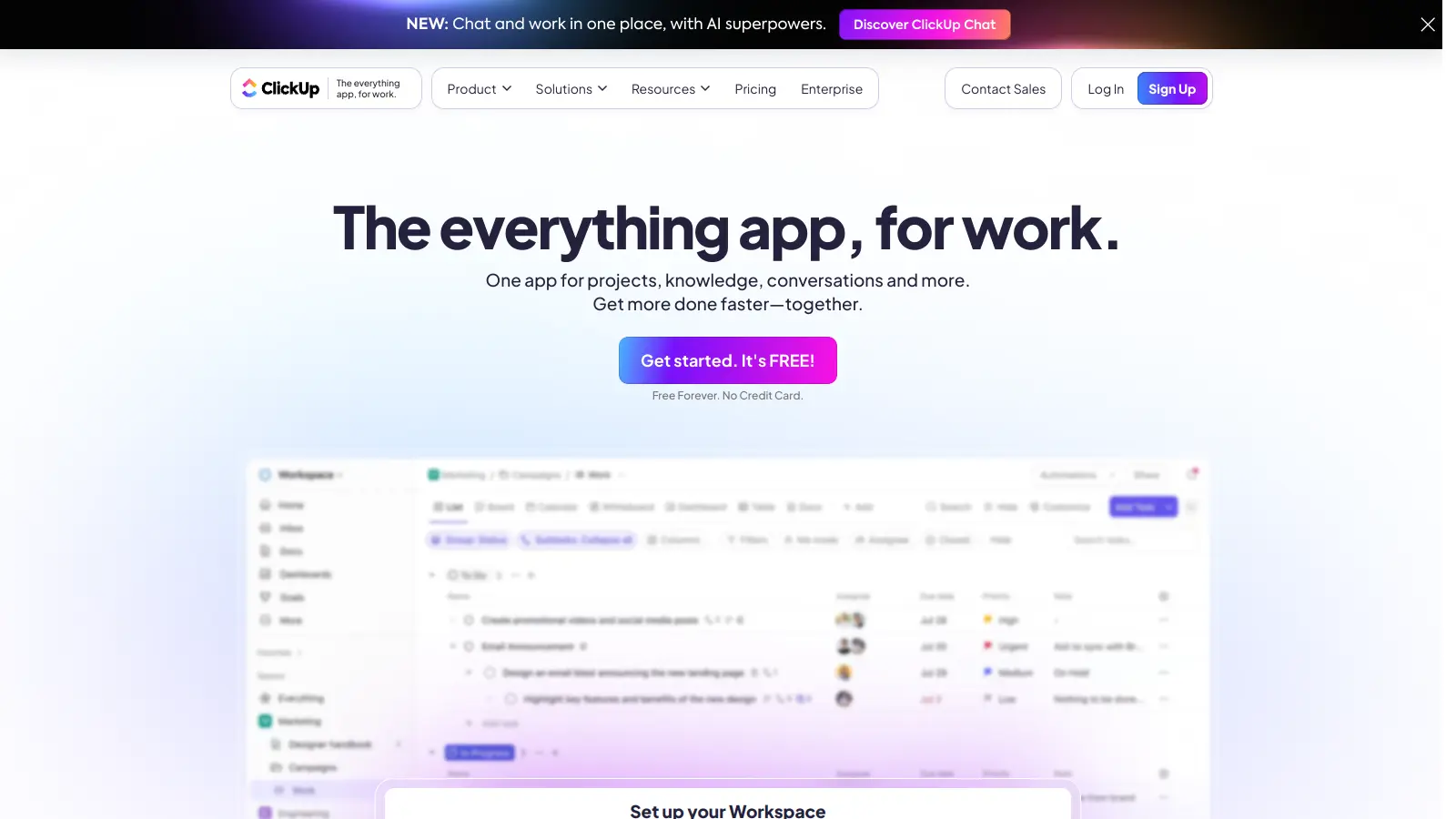
ClickUp is a project management platform that tries to replace your entire SaaS stack, combining tasks, docs, chat, Gantt charts, whiteboards, and time tracking in a single workspace. Project managers juggling complex dependencies and remote team leads who need real accountability across distributed teams get the most out of it. The tradeoff is real: ClickUp has more features than almost anything else in this category, but it takes longer to configure and learn than lighter tools like Plaky, and teams that underestimate that cost often abandon it before it pays off.
Pricing starts with a genuinely free plan that includes unlimited tasks and collaborative docs, with the paid Unlimited tier at $7 per user per month (billed annually) unlocking Gantt charts and integrations. It runs in the browser and has mobile apps for iOS and Android. Before you sign up, know that the setup phase takes real time, and the default notification settings will overwhelm your team if you don't configure them from day one. If your team has a project manager or ops lead who can own the rollout, it's one of the most capable tools at this price point. If nobody has that bandwidth, start with something simpler.
monthly search interest
246k/mo now
ClickUp held steady around 135,000 monthly searches through most of 2023 and 2024, then jumped noticeably in early 2025 and has reached a new peak in early 2026. That pattern suggests this isn't a viral moment that's already faded: the tool is in an active growth phase, likely driven by its AI features and aggressive positioning against broader SaaS stacks. It's a mature product with a growing user base, so you're getting something battle-tested, not an early-stage experiment.
Whether ClickUp is worth it depends almost entirely on your team size and who's going to own the setup. Pick your role below to see the honest breakdown.
overall sentiment
select your role to see what people like you are saying
Project Manager
positiveIf you're managing multiple projects with overlapping deadlines and team members, ClickUp's Gantt charts and dependency views are genuinely useful at a price that's hard to beat. The automation rules save real time once configured. Budget for a few weeks of setup before you see productivity gains, and expect some performance drag on very large projects.
strengths
concerns
Remote Team Lead
mixedClickUp gives distributed teams real visibility into who owns what, and the shared docs reduce the back-and-forth that kills async work. The problem is that slow load times and overwhelming notifications create friction at exactly the moments you need the platform to just work. It's usable, but you'll need to invest in configuring notifications and onboarding each new team member rather than dropping them in cold.
strengths
concerns
Small Business Owner
mixedThe free plan is a fair starting point, and the template library can accelerate setup if you find one that fits your business type. The risk is that ClickUp's complexity can consume more of your time than it saves, especially if you're wearing multiple hats and can't dedicate someone to owning the tool. If you hit the limits of the free plan quickly, the Unlimited tier at $7 per user per month is reasonable, but the Business plan is likely more than a small team will use.
strengths
concerns
Marketing Team Manager
mixedMarketing teams get real value from ClickUp's campaign planning templates, calendar views, and the ability to link tasks to docs and briefs in one place. The main friction is onboarding creative contributors who don't live in project management tools, and the notification defaults will frustrate people who just want to know when their tasks are ready. Worth it for teams running multiple concurrent campaigns; overkill for smaller content operations.
strengths
concerns
“Nearly every team underestimates the setup and training investment, and smaller teams often pay that cost without getting a proportionate return.”
The community discussion around ClickUp in 2025-2026 is notably split between genuine utility and real frustration. A detailed 30-day test published by Morgen's blog found that ClickUp rewards users who invest in clean taxonomy upfront, noting that the time-to-value depends almost entirely on disciplined naming conventions and field standardisation, and that dashboards actively mislead you until you've sorted that groundwork. The r/clickup subreddit thread on ClickUp's Super Agent feature drew sceptical responses, with users questioning whether the AI agents function as anything beyond a regular chatbot, suggesting the AI ambitions are running ahead of the actual product. The independent review from Clockify's team lands a similar verdict: the feature depth is real, but the learning curve is steep enough to be a genuine business cost.
The free plan is genuinely useful for individuals and very small teams, with unlimited tasks and collaborative docs at no cost. The Unlimited plan at $7 per user per month (billed annually) is worth it if you need Gantt charts, unlimited integrations, and resource management. The Business plan at $12 per user per month makes sense only if you're actively using 5,000+ automations per month and need advanced dashboards. For most teams under 20 people, Unlimited is the ceiling of what they'll actually use.
Project managers running multi-person workloads with complex dependencies get the clearest return from ClickUp. Remote team leads managing distributed teams also get real value from the shared docs, task visibility, and integrated chat. Small business owners can make it work, but only if someone on the team has the time to configure it properly, because the out-of-the-box experience takes weeks to feel natural.
First, the learning curve is a real productivity cost, not just a minor inconvenience. Teams consistently report that the first few weeks slow work down rather than speeding it up. Second, performance can degrade on large projects with many tasks and users, with slow load times and occasional bugs that are particularly disruptive for remote teams who depend on it constantly. Third, notification management is poor, and alert fatigue is a recurring complaint, especially for teams working across time zones.
Plaky is simpler, faster to set up, and better suited to teams that want a clean kanban or list view without spending days configuring a workspace. ClickUp wins on feature depth, including Gantt charts, time tracking, and automation, but Plaky wins on ease of adoption. Choose Plaky if your team is small or if onboarding speed matters. Choose ClickUp if you need dependency tracking, workload views, or a platform that can grow with a scaling team.
This is one of the most common pain points for remote team leads managing people across multiple time zones. ClickUp's notification settings are granular but not intuitive, and the defaults are too aggressive. You'll need to spend time configuring notification rules per space and per user early in the rollout, otherwise the platform becomes a source of interruption rather than focus. Build a notification setup guide into your onboarding process before you go live with the full team.
toolsforhumans editorial team
Reader ratings and community feedback shape every score. Since 2022, ToolsForHumans has helped 600,000+ people find software that holds up after launch. how we research →
is this your tool?
claim your listing to update details, respond to our review, or upgrade to a featured partnership.
claim this listing →
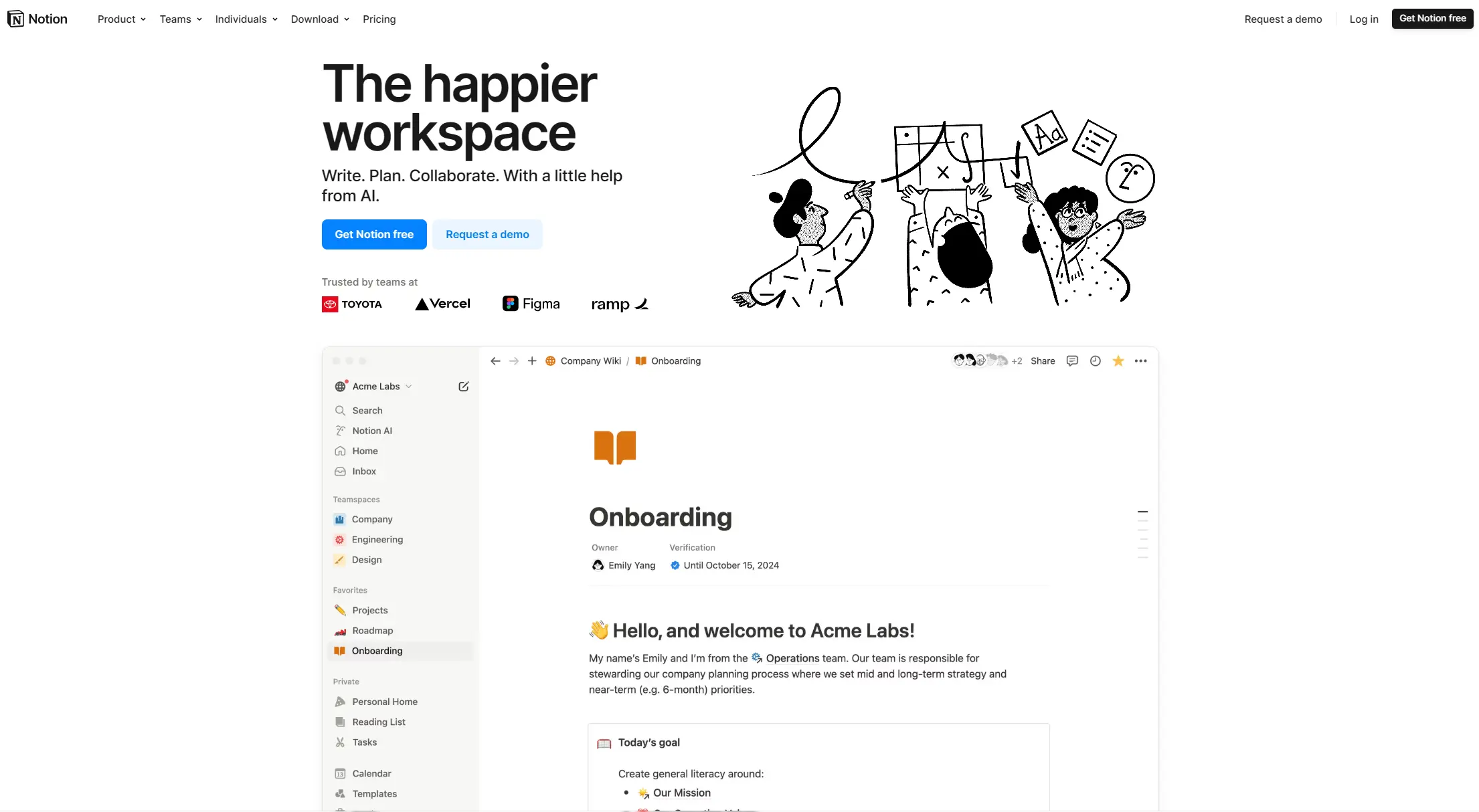
Notion is an all-in-one productivity platform for creating, organizing, and collaborating on notes, databases, wikis, tasks, and projects. Its block-based system allows for customizable workspaces with multiple views like tables, boards, and calendars. It includes AI assistance, collaboration features, and integrations with other tools.
best deal
Annual billing saves 20% across all paid plans—Plus starts at $8/month with unlimited blocks and file uploads

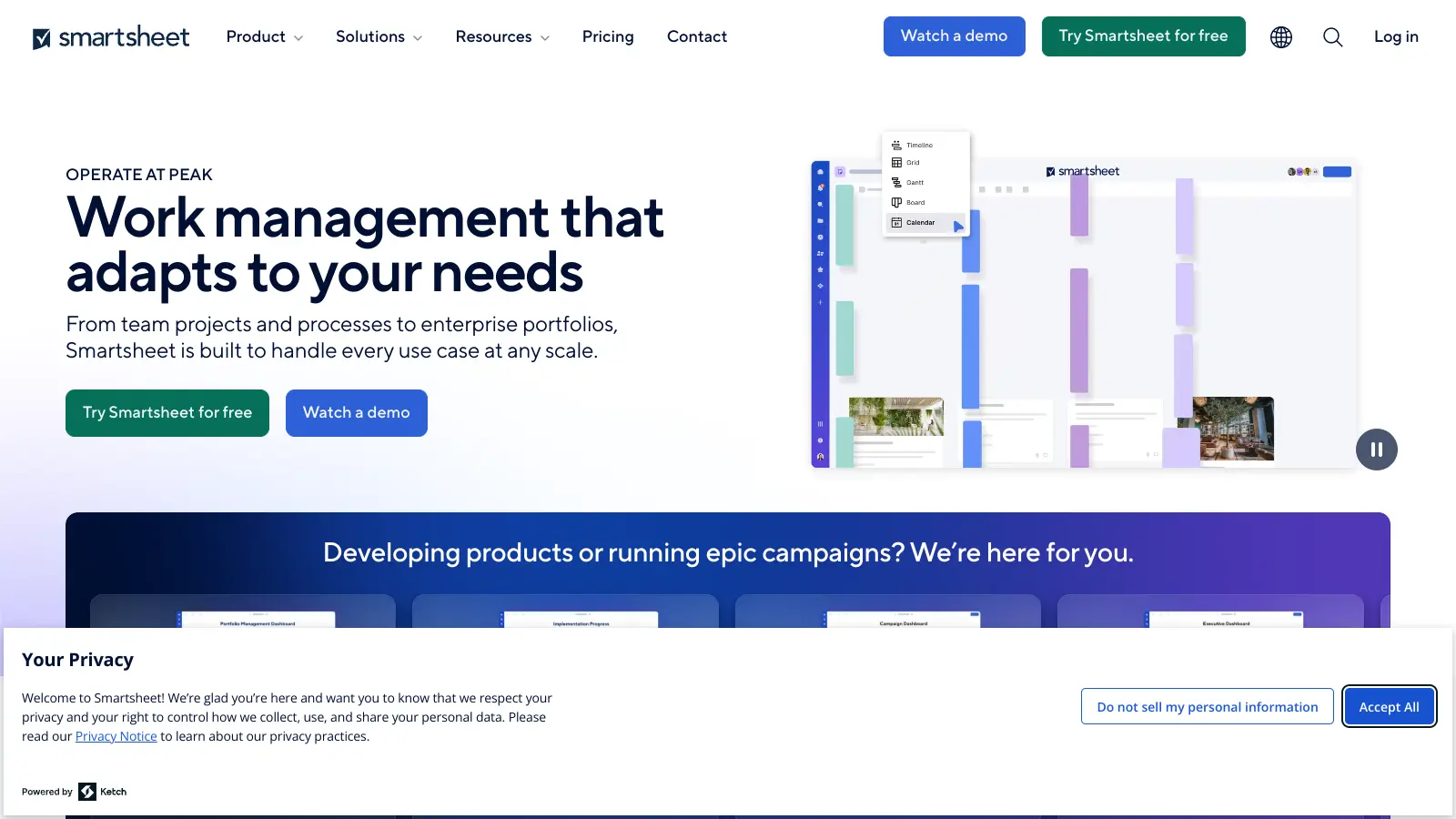
Smartsheet is a cloud-based work management platform with a spreadsheet-like interface designed to help teams collaborate, manage projects, and track workflows. It offers features like Gantt charts, real-time collaboration, workflow automation, AI-powered formula generation and data analysis, customizable reporting, and integrations with third-party tools. The platform provides scalable solutions for businesses of different sizes, from individual users to large enterprises, with pricing plans ranging from free to custom enterprise options.
best deal
Get a 30-day free trial to test all features before committing to a paid plan

Polaris PSA is a professional services automation tool that helps service organizations manage projects, resources, and financials. It uses AI to capture real-time data, provide recommendations, and enable proactive decision-making. The platform includes automatic time tracking, resource matching, and integrations with Salesforce and 100+ work apps.
best deal
Free Trial Available for Polaris PSA

Asana is a web-based project management platform that enables teams to organize, track, and collaborate on work. It offers task management, multiple project views (lists, boards, timelines), AI features for automating workflows, communication tools, progress tracking, and integrations with over 200 apps. Available in free and paid plans, Asana supports teams of all sizes with flexible project visualization options.
best deal
Try Asana free with the Personal Plan for 1-2 users, or start a 30-day free trial of paid plans to test AI features and advanced workflows.

Trello is a project management tool that helps teams organize work using boards, lists, and cards. It enables users to track tasks, collaborate in real-time, and manage workflows visually. With features like task assignment, due dates, integrations, and AI-powered automation, Trello supports project management for teams of any size, from small startups to large enterprises.
best deal
Try Trello Free - Organize projects with unlimited cards, lists, and members across up to 10 boards per workspace

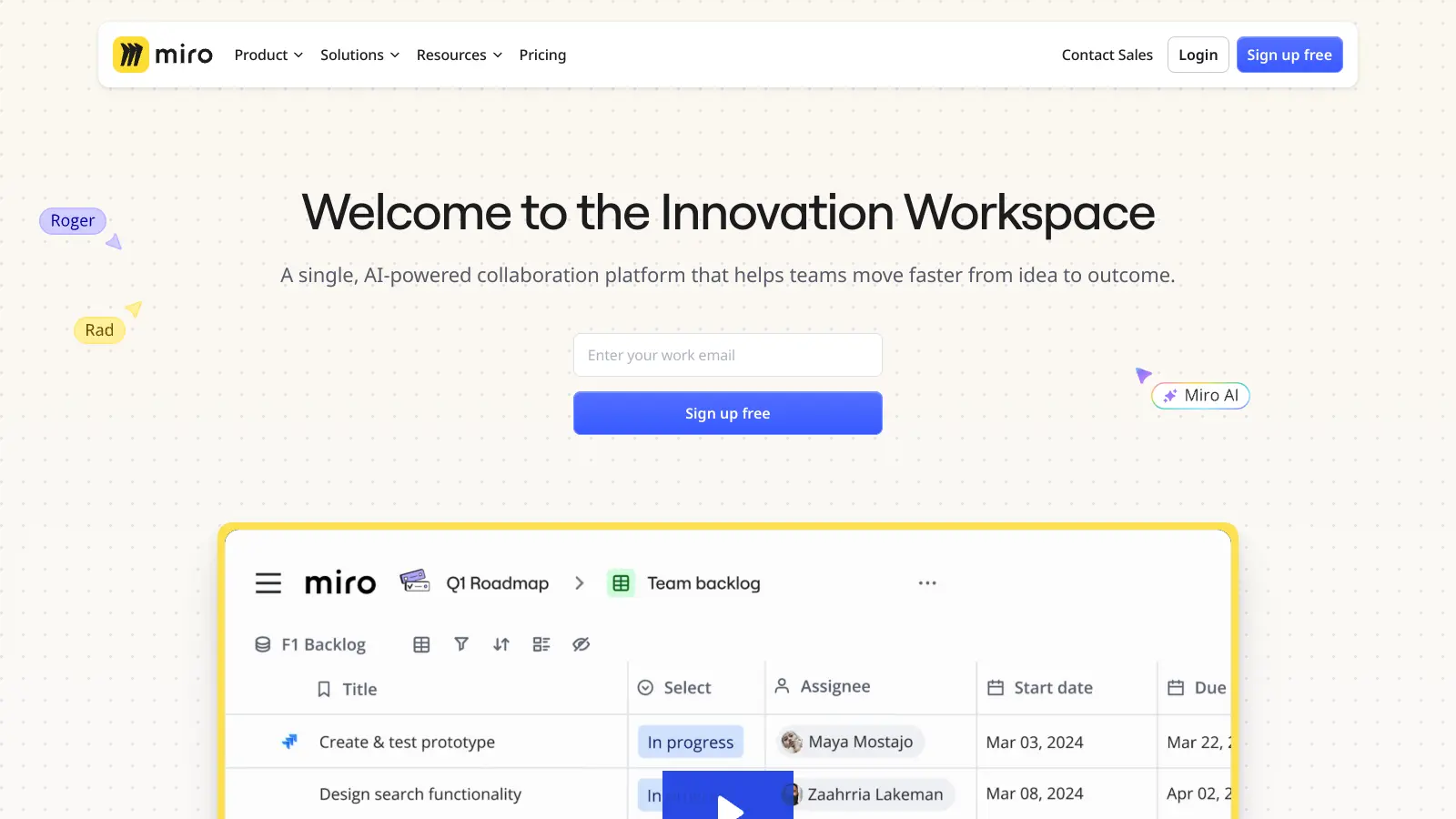
Miro is an AI-powered visual collaboration platform with an infinite canvas for teams to brainstorm, plan, design, and manage projects. It includes real-time collaboration tools, AI features for automating tasks like organizing sticky notes and generating user stories, and integrations with 250+ apps.
best deal
Explore Miro's free plan with unlimited team members, 3 boards, 5 Talktracks, and 10 AI credits monthly