Project Management Software+2 more

todo.space
best deal
Start free trial with Todo.Space - no credit card required to organize projects without deadlines or complex features.
redeem now
todo.space
best deal
Start free trial with Todo.Space - no credit card required to organize projects without deadlines or complex features.
redeem nowWe start with direct ratings from our readers, then look at what real users are saying in practitioner forums and community spaces. We pair that with search demand data and profession-level persona analysis.
Editorial note: this was originally published in august of 2024
quick take
based on real user feedback, community sentiment, pricing value, and fit for target audience. see our full methodology
used todo.space? we'd love to know your thoughts
reader ratings shape our score
Todo.Space is a project management tool that puts simplicity first. The platform uses a mind map approach to break down projects, making it useful for small teams who want to avoid getting bogged down in too many details.
At its core, the tool organizes work through a clean, minimalist interface. Teams can create work containers and Kanban boards that branch out from a central project hub, similar to how thoughts connect in a mind map. This structure helps keep projects organized without overwhelming users with options.
The platform takes an unconventional approach by removing common features like due dates and priority levels. Instead, it focuses on self-managed workflows where team members pick tasks from a backlog using a Planning Board. This helps reduce the stress often associated with strict deadlines and endless priority shuffling.
Available in both free and paid versions, Todo.Space offers plans for individuals starting at $10 per month when billed annually, while organization-wide plans begin at $100 per month. The tool includes features like task management, team collaboration, and XLS report exports with burndown charts, though it doesn't currently support third-party integrations.
monthly search interest
10/mo now
todo.space peaked briefly in late 2023 then settled into low, flat search volume around 10 searches per month. That pattern suggests it found a small, stable audience but never broke through to broader awareness. At this search volume, you're looking at a niche tool with a loyal but tiny user base. It's not going anywhere, but don't expect a thriving community or rapid feature development driven by user pressure.
Whether todo.space clicks for you depends almost entirely on how you think about project structure. Pick your role below to see whether the visual approach actually fits your workflow.
“The Team plan at $10/month covers your whole team rather than charging per seat, which is a real advantage over tools like Asana or Monday, but there's almost no community proof yet that the product delivers on its promises.”
Community discussion around todo.space is thin. There's one visible Reddit thread from r/ProductivityApps where a student looking to replace TickTick and Todoist is asking for multi-project tracking recommendations, which suggests the tool is occasionally surfacing in productivity circles but hasn't built a vocal user base. The absence of substantial review volume across commercial platforms and forums means there's no meaningful body of praise or criticism to draw from. What does exist points to a niche positioning: users who find tools like Todoist overwhelming and want something more visual, but who aren't ready for the full complexity of Jira or Asana.
The Individual plan at $3.50/month billed annually is genuinely cheap and worth trying if you're a solo user who wants structured project visibility. The Team plan at $10/month covers your whole team rather than charging per seat, which is a real advantage over tools like Asana or Monday. At those prices, the 30-day free trial with all features unlocked is low risk. The caveat: if you need integrations with a broad toolchain, you'll hit the tool's limits quickly.
It's best for small teams or solo project managers who want to break down work visually rather than manage flat task lists. Students handling multiple research projects, freelancers running a handful of client deliverables, and small team leads who find tools like Jira overkill are the most natural fits. It's not suited to large organisations or anyone needing deep reporting or CRM-style integrations.
First, the user base is tiny and the community is essentially nonexistent, which means troubleshooting is mostly on you and feature development is harder to predict. Second, the feature set is narrower than established competitors: no native mobile apps with offline support, limited integrations, and XLS export is the ceiling for data portability. Third, if your team grows past a handful of people, the $149/month Organizations plan is a steep jump from the $14/month Team plan.
Todoist wins on integrations, mobile apps, and a mature ecosystem with years of refinement. If you're already in Todoist and it's working, stay there. todo.space is worth switching to only if you specifically need a visual, hierarchical work breakdown structure and find flat task lists genuinely confusing for complex projects. The price difference isn't significant enough to be the deciding factor.
It could be, and the Individual plan at $3.50/month is affordable enough to test. The WBS-to-kanban structure maps reasonably well to projects with multiple workstreams and nested subtasks. The free plan covers basic personal use if you want to try before paying. That said, Notion's free tier does more for complex projects and has a much larger support community if you get stuck.
toolsforhumans editorial team
Reader ratings and community feedback shape every score. Since 2022, ToolsForHumans has helped 600,000+ people find software that holds up after launch. how we research →
is this your tool?
claim your listing to update details, respond to our review, or upgrade to a featured partnership.
claim this listing →
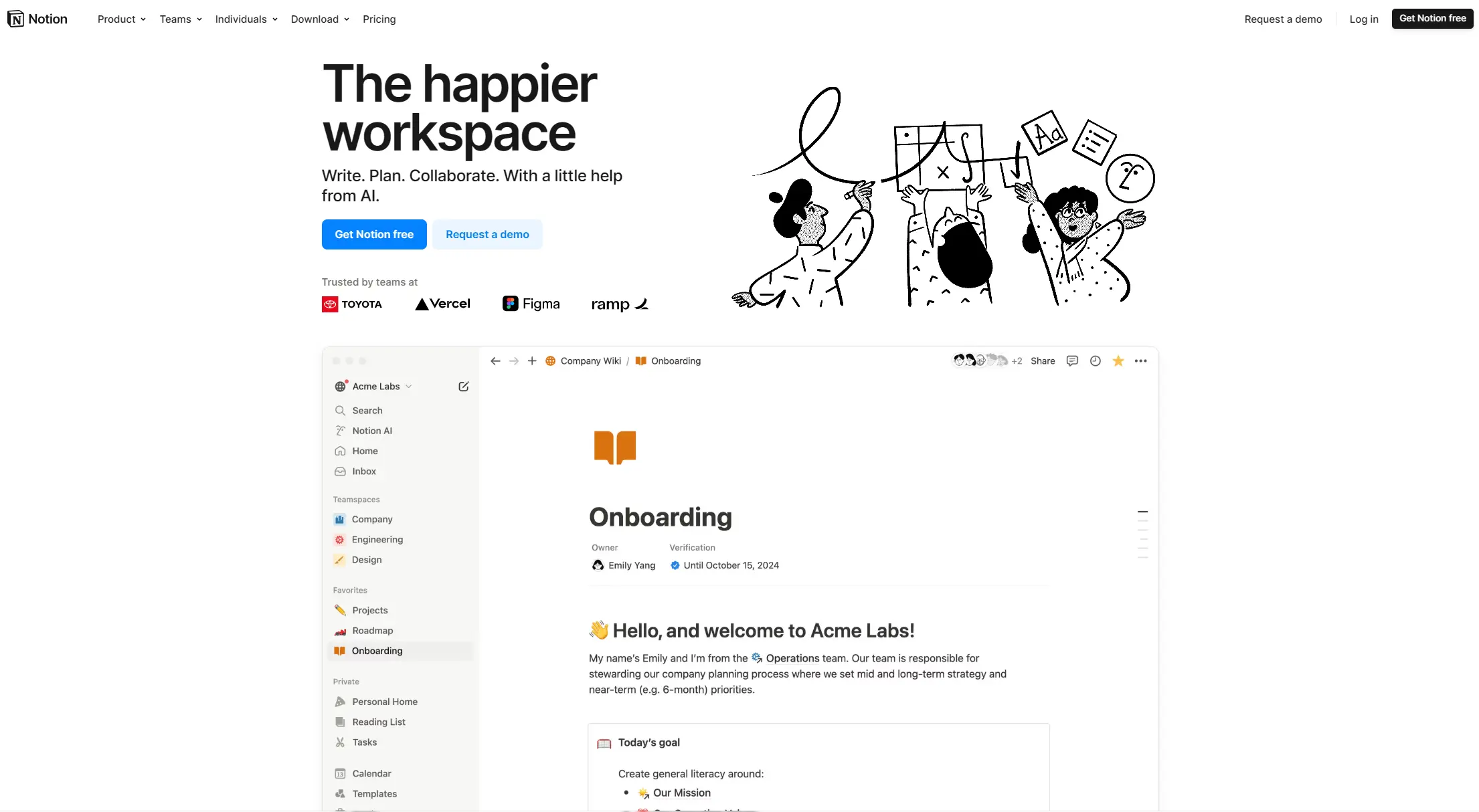
Notion is an all-in-one productivity platform for creating, organizing, and collaborating on notes, databases, wikis, tasks, and projects. Its block-based system allows for customizable workspaces with multiple views like tables, boards, and calendars. It includes AI assistance, collaboration features, and integrations with other tools.
best deal
Annual billing saves 20% across all paid plans—Plus starts at $8/month with unlimited blocks and file uploads

Asana is a web-based project management platform that enables teams to organize, track, and collaborate on work. It offers task management, multiple project views (lists, boards, timelines), AI features for automating workflows, communication tools, progress tracking, and integrations with over 200 apps. Available in free and paid plans, Asana supports teams of all sizes with flexible project visualization options.
best deal
Try Asana free with the Personal Plan for 1-2 users, or start a 30-day free trial of paid plans to test AI features and advanced workflows.

Polaris PSA is a professional services automation tool that helps service organizations manage projects, resources, and financials. It uses AI to capture real-time data, provide recommendations, and enable proactive decision-making. The platform includes automatic time tracking, resource matching, and integrations with Salesforce and 100+ work apps.
best deal
Free Trial Available for Polaris PSA

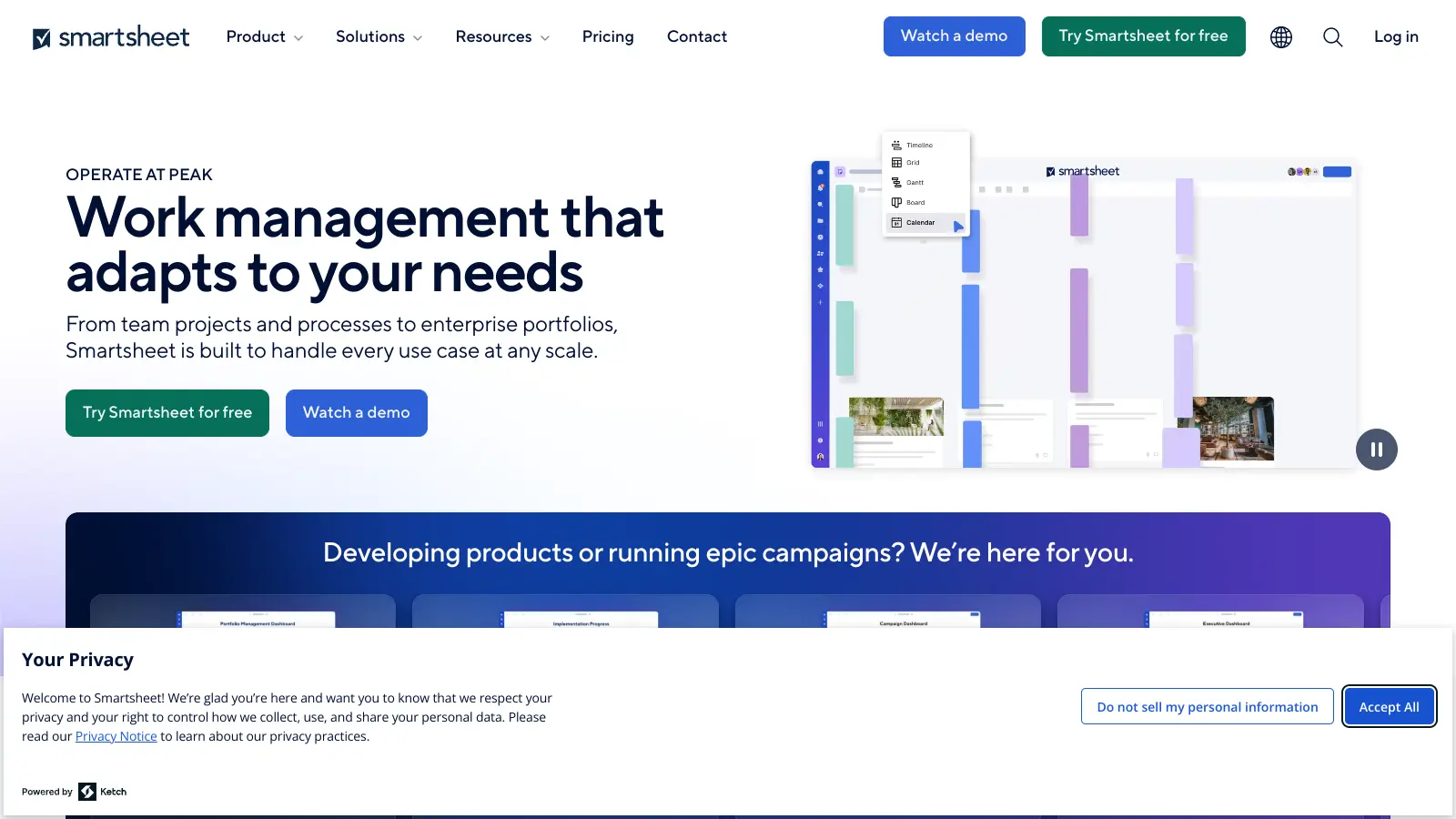
Smartsheet is a cloud-based work management platform with a spreadsheet-like interface designed to help teams collaborate, manage projects, and track workflows. It offers features like Gantt charts, real-time collaboration, workflow automation, AI-powered formula generation and data analysis, customizable reporting, and integrations with third-party tools. The platform provides scalable solutions for businesses of different sizes, from individual users to large enterprises, with pricing plans ranging from free to custom enterprise options.
best deal
Get a 30-day free trial to test all features before committing to a paid plan

ClickUp is a comprehensive cloud-based project management platform that combines task management, collaboration tools, automation, and AI assistance in one workspace. It offers customizable features including multiple project views, document creation, time tracking, and AI-powered workflow automation across multiple pricing tiers, catering to teams of all sizes from freelancers to large enterprises.
best deal
Try ClickUp's Free Forever Plan with unlimited tasks and collaborative docs, or get a 14-day free trial on paid plans!

Trello is a project management tool that helps teams organize work using boards, lists, and cards. It enables users to track tasks, collaborate in real-time, and manage workflows visually. With features like task assignment, due dates, integrations, and AI-powered automation, Trello supports project management for teams of any size, from small startups to large enterprises.
best deal
Try Trello Free - Organize projects with unlimited cards, lists, and members across up to 10 boards per workspace