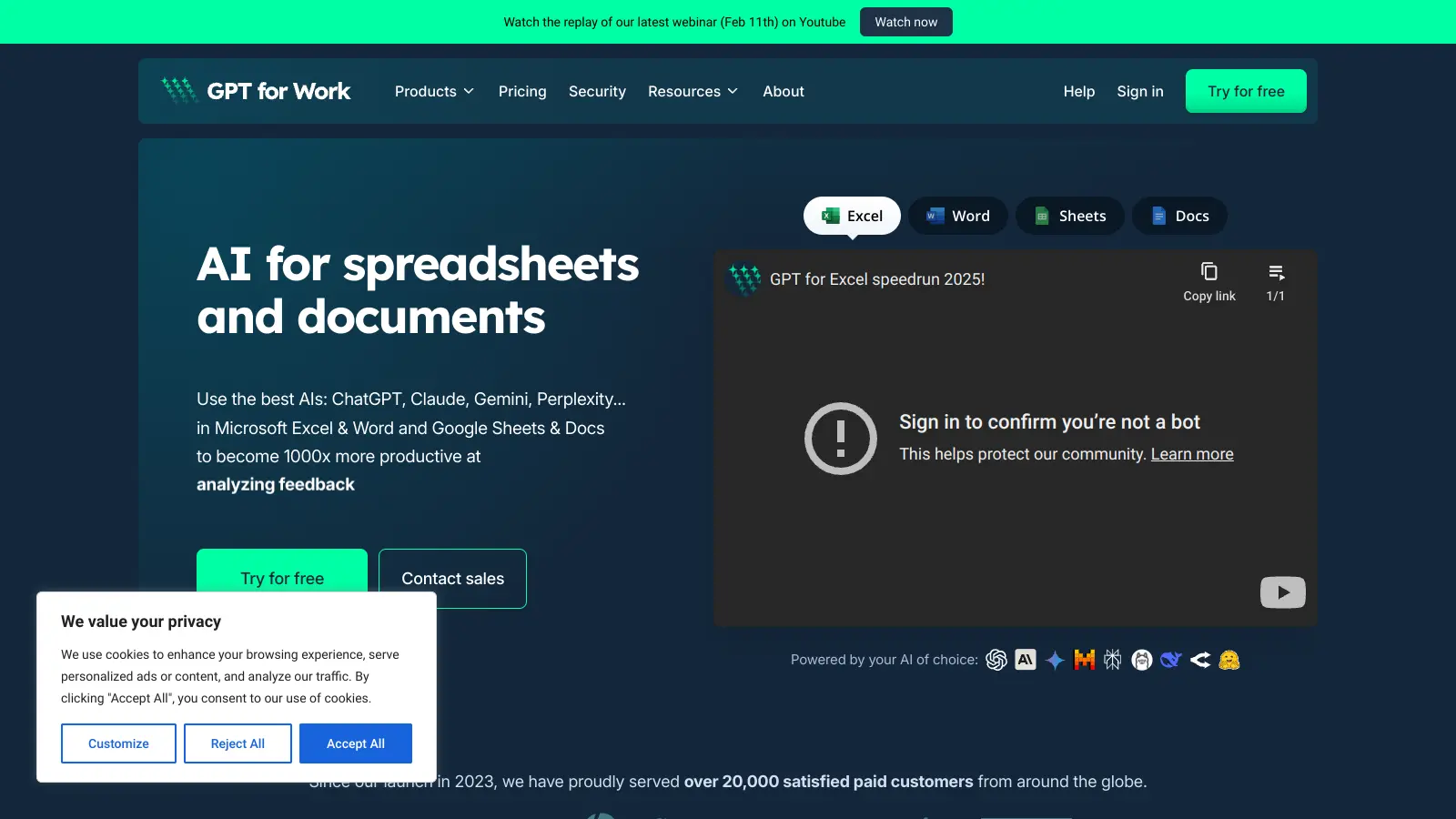
GPT for Work is an AI-powered add-on that brings ChatGPT, Claude, Gemini, and Grok directly into Google Sheets, Google Docs, Microsoft Excel, and Microsoft Word. It integrates these models into your workflow without switching apps.
Built by Talarian, this tool helps teams automate repetitive work and boost productivity without leaving their familiar office environment. Users can handle everything from basic text operations to complex data analysis right where they work. The platform supports bulk processing of up to 1000 cells per minute and can manage datasets with up to 1 million rows. It works through sidebar interfaces for prompts, lets you select text for context, and streams responses with preview before insertion.
The tool supports multiple AI providers including OpenAI, Anthropic, Azure, and Gemini. Users maintain control by using their own API keys and can pick from different AI models based on their specific needs for quality, speed, or cost. No prompting skills are required to get started.
Pricing is usage-based with credits that you buy as needed, with no monthly subscription fees. Custom plans are available for larger teams through direct sales contact. Whether you're cleaning up customer data, translating product descriptions, enriching sales leads, or analyzing market research, GPT for Work adapts to fit different business needs while keeping things simple and efficient.
GPT For Work is built for knowledge workers who handle repetitive tasks in spreadsheets and documents at scale.
This tool finds its home in industries ranging from e-commerce and digital marketing to research departments and data management teams where efficiency and automation are priorities.
Public reviews and feedback for GPT for Work are limited across typical review platforms and communities. The tool has a smaller online footprint compared to Microsoft Copilot or Google Gemini for Workspace, which makes it harder to gauge user sentiment.
The lack of buzz could mean it's a niche tool serving specific users quietly, or it could signal limited adoption. The usage-based credit system lets you test it without a subscription commitment. If you're considering it, reach out to their sales team with questions about your use case, or look for direct testimonials on their website.
GPT for Work supports several leading AI models including ChatGPT, Claude, Gemini, and Grok. You can connect to multiple AI providers including OpenAI, Anthropic, Azure, and Gemini. This gives you flexibility to pick the best model for your specific needs. You can use your own API keys for these services, which lets you access any model you're subscribed to, including GPT-4 and Claude Opus. The multi-model support means you're not locked into just one AI provider.
How does GPT for Work handle data privacy and security?When you use your own API keys, your data flows directly between your computer and the AI provider, giving you more control over data handling. The app doesn't store your prompts or results unless you specifically save them to your prompt history for later reuse. You maintain control over your data by managing your own API keys and choosing which AI providers to connect to.
Can I process large amounts of data at once?Yes. Bulk processing is one of GPT for Work's standout features. You can process up to 1,000 cells per minute in spreadsheets and handle spreadsheets with up to 1 million rows in a single operation. The tool includes real-time progress monitoring and smart retry mechanisms that automatically handle rate limits and other temporary errors. This makes it useful for tasks like translating product catalogs, analyzing customer feedback, or cleaning up large datasets.
How do I get started with GPT for Work?Install the add-on from the Google Workspace Marketplace or Microsoft AppSource, depending on which office suite you use. After installation, you'll find GPT for Work in the Extensions menu in Google Sheets/Docs or in the Add-ins section in Excel/Word. You'll need to create an account and buy usage-based credits. The interface uses sidebar prompts and requires no prompting skills, with ready-to-use templates for common tasks like translation and summarization to help you get going quickly.
What makes GPT for Work different from Microsoft Copilot or Google Gemini?GPT for Work gives you flexibility to choose your own AI provider and model through custom API keys, while Copilot and Gemini lock you into their respective ecosystems. The usage-based credit system means you only pay for what you use without monthly subscription fees. It's built specifically for bulk tasks, processing up to 1 million rows at 1000 cells per minute with real-time progress monitoring. If you need multi-provider support and bulk processing without a subscription, GPT for Work offers a different approach than the big platform solutions.


Our newsletter comes with exclusive discounts, trials and practical insights from within the industry