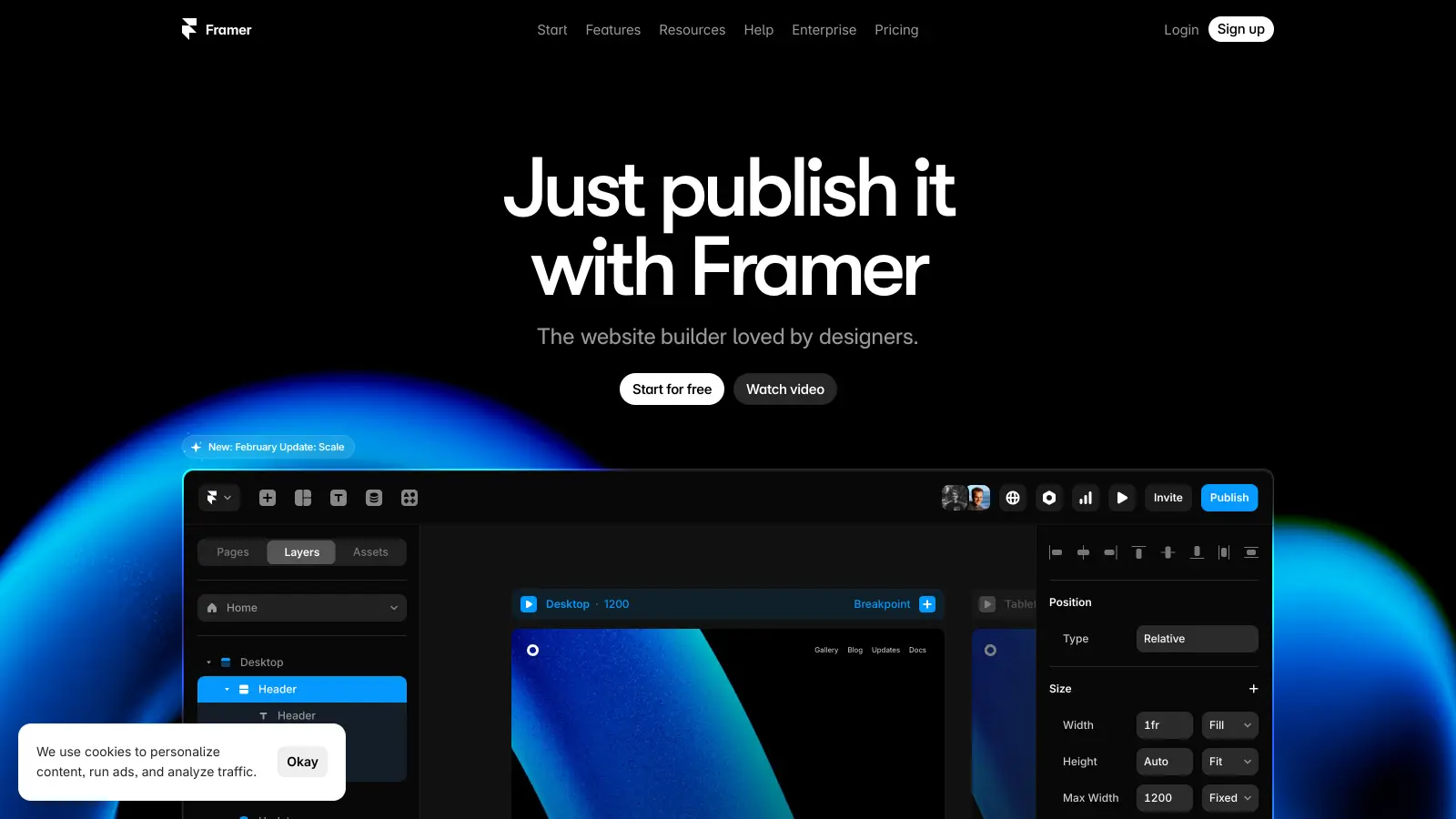
Framer is a web design and prototyping platform that helps users create interactive websites without needing to code. It brings together the tools designers need to build functional, responsive sites that work across all devices.
At its core, the platform offers a visual canvas where users can design and arrange elements just like they would in familiar design software. You'll find a rich library of components, from basic buttons to complex navigation systems, that you can customize to match your vision. The platform now includes AI-powered features like Wireframer, which generates custom webpage structures from text prompts, and Workshop, an AI coding assistant that creates React components matching your site's style.
The tool shines in its ability to handle both simple and complex projects. Whether you're building a personal portfolio or creating a full business website, you can add interactions, animations, and content that updates automatically. It works well with other popular design tools too, letting you import projects from Figma or Sketch.
Teams can work together in real-time, making it easier to collaborate on projects. There's also a built-in system for sharing prototypes and gathering feedback, which helps streamline the design process. For those interested in e-commerce, Framer includes basic store features and connects with common payment systems.
The platform offers several pricing options, starting with a free plan for basic projects. Paid plans begin at $10 monthly and add features like custom domains and team collaboration tools. While the free version works well for learning and personal projects, businesses typically opt for paid plans to access the full feature set.
Framer works for visual thinkers who want to create professional websites without learning to code. The platform helps designers, entrepreneurs, and creative professionals build functional websites quickly, combining design tools with prototyping features and AI assistance.
The tool appears across tech startups, creative agencies, marketing departments, and independent consultancies that need to ship sites quickly without compromising on design.
Framer gets consistent praise for its no-code interface and design tools that rival Figma's capabilities. Users appreciate how fast you can prototype and publish to live sites without coding, with responsive design features that work flawlessly across devices. The collaboration tools and real-time editing capabilities make it easy for teams to work together, while the templates and components speed up workflows considerably.
The pricing is expensive for solo users or small teams. The CMS features are basic compared to Webflow, and there's a learning curve for complex interactions and overrides. Export options are limited, making it hard to migrate to other platforms. Some users experience occasional performance issues with large sites or many components. Advanced customization without custom code remains limited for more technical users.
You can build complete websites, landing pages, portfolios, and mobile app prototypes without writing any code. Framer includes pre-made components like navigation menus, contact forms, image galleries, and animated elements that you can drag and drop. You can create interactive elements like hover effects, page transitions, and scrolling animations using Framer's visual interface. The new AI features like Wireframer can generate webpage structures from text prompts to get you started faster. Knowing some HTML/CSS helps for advanced customization, but it's not required for creating professional-looking sites.
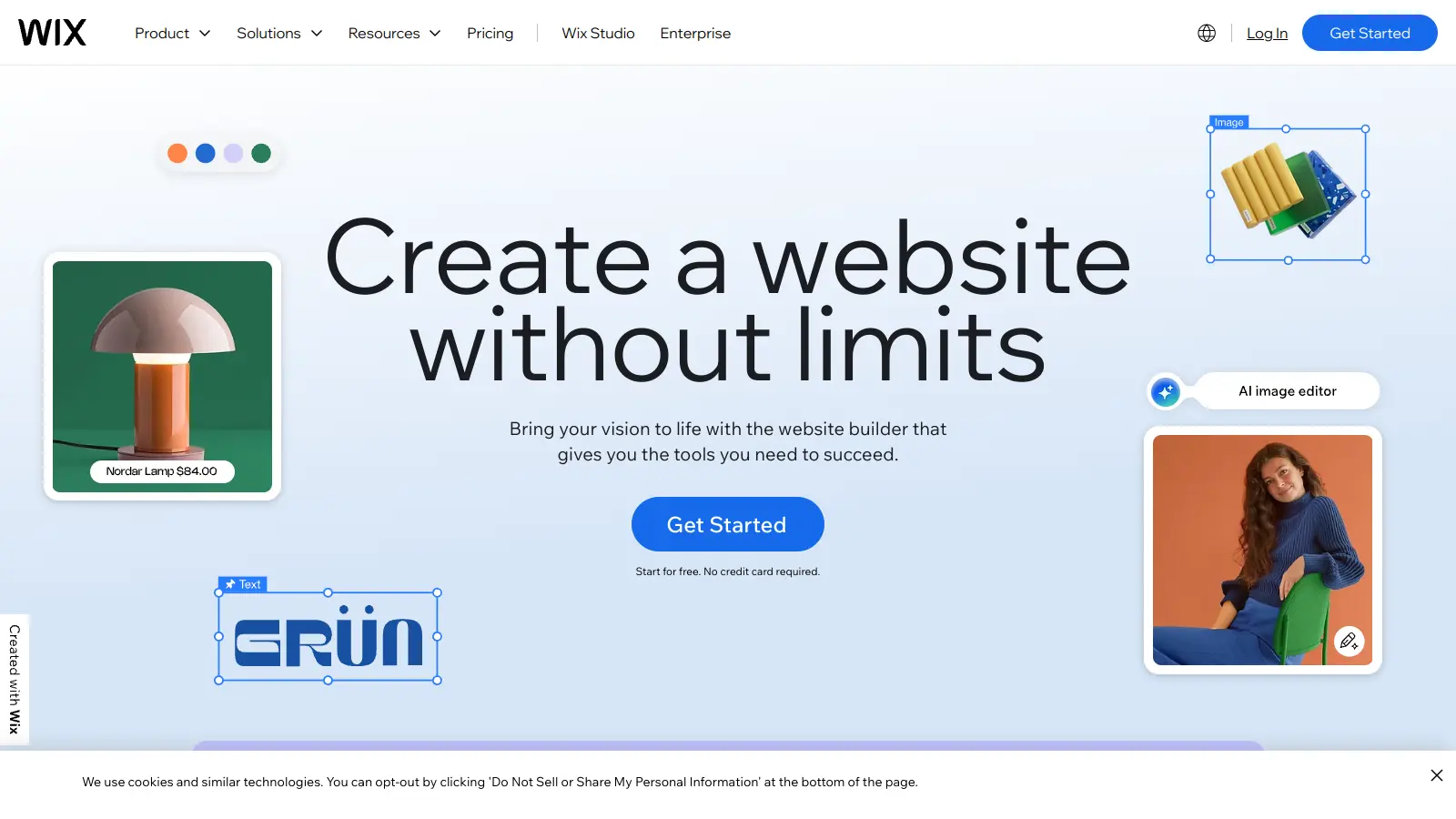
How does Framer compare to Webflow and Wix?Framer sits between Webflow and Wix in terms of flexibility and ease of use. Compared to Wix, Framer offers more design freedom and better performance but takes longer to learn. Unlike Webflow's steeper learning curve, Framer is more approachable for beginners while still providing advanced capabilities. Framer excels at animations and interactions, making it ideal for designers creating highly visual sites. The AI features give Framer an edge for quick prototyping. Framer's CMS features are more basic than Webflow's, so it's better for creative projects than complex content-heavy sites.
Can I connect a custom domain to my Framer site?Yes, but not on the free plan. You need at least the Basic plan ($10/month with annual billing) to use your own domain name. Purchase your domain from any provider like GoDaddy or Namecheap, then add it to your Framer project settings and follow the DNS setup instructions. Framer provides free SSL certificates for all custom domains.
What are Framer's limitations for building e-commerce sites?Framer works for basic e-commerce sites but lacks several features. It supports payment integrations with Stripe, PayPal, and Gumroad, but has no built-in inventory management, order tracking, or abandoned cart recovery. Product variants and complex shipping options are limited. For small stores selling a few products, Framer can work well, especially when paired with third-party services. If you're planning to sell more than 10-15 products or need detailed analytics, use a dedicated e-commerce platform like Shopify instead.
How difficult is it to learn Framer if I'm already familiar with Figma?If you know Figma, you'll pick up Framer quickly since both share similar design principles and interface elements. Many Figma users get comfortable with Framer basics in just a few hours. The main learning curve involves understanding how Framer handles interactions and animations, which are more robust than Figma's prototyping features. You can import your Figma designs directly into Framer to get started. The transition feels natural since both tools focus on visual design first, but Framer takes your designs further by making them fully functional as real websites.


Our newsletter comes with exclusive discounts, trials and practical insights from within the industry