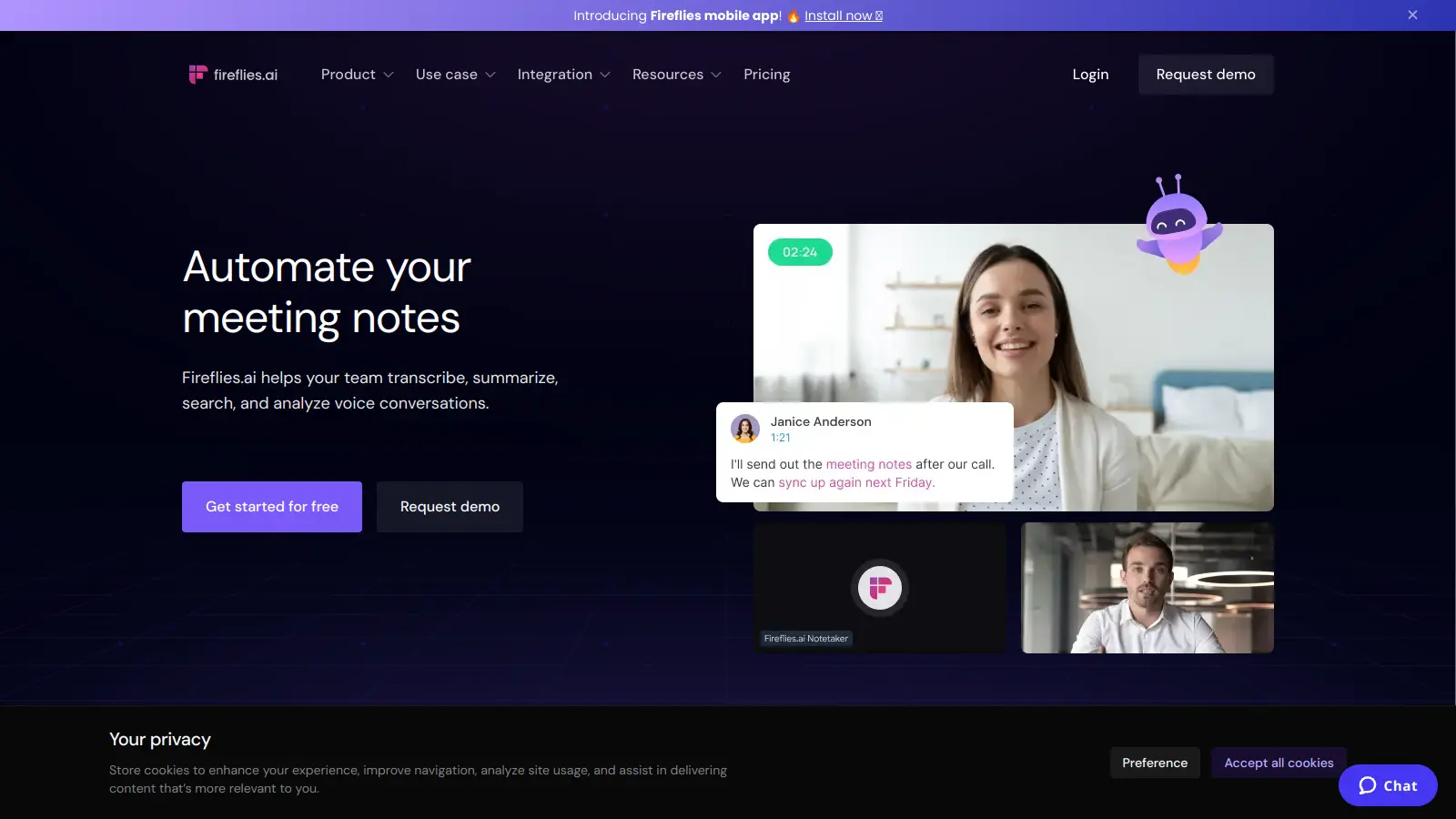
Fireflies.ai is an AI meeting assistant that captures, transcribes, and analyzes conversations from virtual and in-person meetings. The platform automatically creates meeting notes, highlights action items, and generates summaries.
It works with video conferencing tools like Zoom, Google Meet, and Microsoft Teams, recording and processing meetings in over 100 languages with speaker identification. Teams can search through past conversations, track topics, and share insights with colleagues. The AskFred AI assistant lets you query meetings for instant answers without searching through long transcripts.
A free plan provides 800 minutes of transcription per month with basic features. Paid plans start at $10 per user monthly (billed annually) and include unlimited transcription, AI summaries, analytics, and integrations with CRM and project management tools.
Security features include enterprise-grade encryption and compliance with standards like HIPAA and GDPR. This makes it suitable for businesses handling sensitive information across industries such as healthcare, finance, and technology.
Fireflies.ai works for professionals and teams who need to capture meeting details without manual note-taking.
Over 1 million companies use Fireflies.ai across technology startups, consulting firms, healthcare organizations, and educational institutions.
Users appreciate the easy-to-use interface for meeting transcription and summarization. The tool saves time by automating note-taking during calls, and the speaker identification feature helps teams track who said what. Many find the AI-generated notes and action items accurate enough to be useful, and the integrations with Zoom, Google Meet, and Teams work well.
Transcription accuracy drops with accents or technical jargon, which makes meetings with specialized vocabulary harder to capture correctly. The free plan's 800-minute monthly limit is restrictive. Some users raise privacy concerns about data storage and AI processing. Real-time transcription occasionally glitches, and customer support response times can be slow.
Fireflies.ai offers transcription in over 100 languages with automatic speaker identification and timestamps. For best results, make sure everyone speaks clearly and uses a good microphone. Accuracy drops with heavy accents or technical jargon, but the AI works well for standard business conversations. English typically performs better than other languages.
Can I use Fireflies.ai with my current video conferencing tools?Yes. Fireflies.ai works with most popular meeting platforms including Zoom, Google Meet, Microsoft Teams, Webex, and dialers. You can connect the Fireflies bot to your calendar (Google or Outlook) and set auto-join rules for scheduled meetings. There's also a Chrome extension, mobile and desktop apps, and you can upload audio or video files directly to Fireflies if you need to transcribe past meetings.
What happens to my meeting data? Is it secure?Fireflies.ai uses 256-bit AES and SSL/TLS encryption to protect your data. The platform is GDPR compliant and offers HIPAA compliance for Enterprise users. You control who can access your meeting notes, and you can delete recordings at any time. Enterprise plans also include private storage options and custom data retention policies for extra security. A transcript and summary only mode is available if you don't want to store full recordings.
Will Fireflies.ai work for my team size?Fireflies.ai works for teams of all sizes and is used by over 1 million companies. The Free plan gives you 800 minutes per month to try it out. The Pro plan ($10/user/month with annual billing) includes unlimited transcription for hosted meetings with 8,000 minutes of storage. Larger organizations typically choose the Business plan ($19/user/month annually) or Enterprise plan ($39/user/month annually) for security, analytics, and admin controls. Teams with 20 or more seats can often negotiate 15-30% discounts on Enterprise.
How does the AI summary feature work?After your meeting ends, Fireflies.ai automatically creates a summary highlighting the key points, decisions, and action items discussed. The Super Summaries Apps generate different views including keywords, outlines, overviews, and bullet notes. You can also use the AskFred AI assistant to query your meetings and get instant answers without watching the entire recording. The summaries can be shared directly to Slack, email, or integrated apps like Notion, Asana, or your CRM so everyone stays on the same page.


Our newsletter comes with exclusive discounts, trials and practical insights from within the industry