Auvik review — network monitoring & discovery

last reviewed 24 march 2026
how we review

We start with direct ratings from our readers, then look at what real users are saying in practitioner forums and community spaces. We pair that with search demand data and profession-level persona analysis.

full methodology →

Editorial note: this was originally published in august of 2024

quick take

  • Best for: MSPs and network admins managing multi-site or multi-vendor environments
  • Skip if: you're a small shop counting devices carefully or need deep third-party integrations
  • £Best value: 14-day full-feature trial first, then negotiate volume pricing before committing
½3.8/ 5 — editorial rating

based on real user feedback, community sentiment, pricing value, and fit for target audience. see our full methodology

used Auvik? we'd love to know your thoughts

reader ratings shape our score

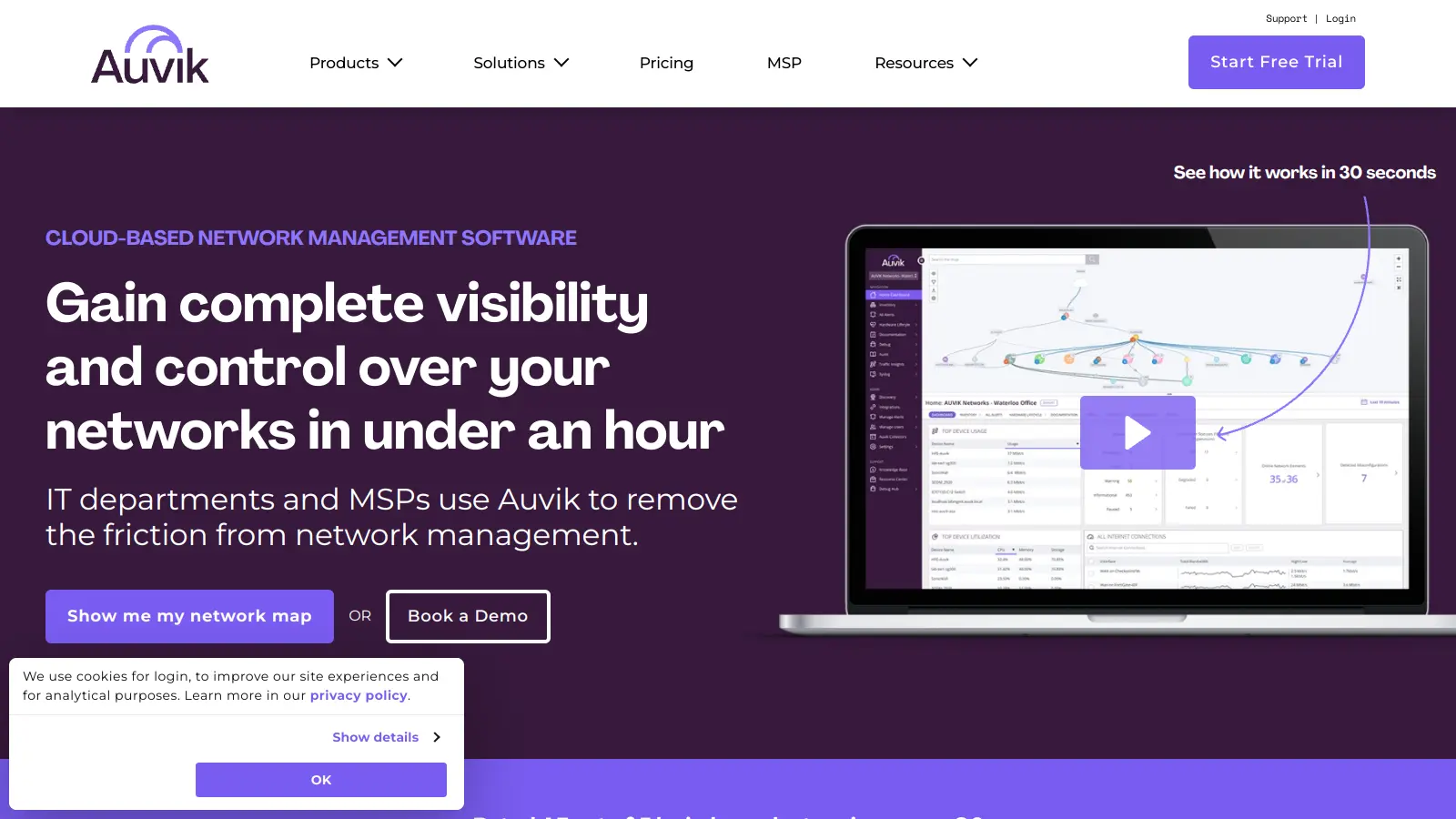
Auvik is a cloud-based network management software that helps IT teams and Managed Service Providers (MSPs) handle their network infrastructure. The platform works with devices from over 700 vendors.

At its core, the software automatically maps and monitors networks in real-time, providing clear visibility into network topology and performance. Users can track device configurations, get automatic backups, and access devices remotely through secure connections. The platform includes 50+ pre-configured alerts tuned to industry best practices, with instant alerting within seconds of threshold violations to help teams spot and fix network issues quickly.

The software comes with two main plans: Basic and Core. Basic covers essential monitoring capabilities across network, infrastructure, and edge devices. The Core plan adds advanced features like traffic analysis, automated network mapping, and deeper diagnostics. Pricing is custom per device monthly with volume-based discounts available.

Since its founding in 2011, Auvik has grown to support more than 5,000 customers and manages over a million network devices globally. The platform integrates with common IT tools like ServiceNow, Slack, and Microsoft Teams, making it easier to fit into existing workflows.

how popular is Auvik?

monthly search interest

4.4k/mo now

02.0k4.0k6k2023202420252026
peak interest5k/moOct 2025
searches now4k/moFeb 2026
1-month change— steadyvs prev month

Auvik's search volume has been remarkably stable for four years, oscillating between 3,600 and 5,400 searches per month with no clear growth or decline. This is the pattern of a tool with a settled, loyal user base in a specialist category, not one chasing viral growth. It's not going anywhere, which means you're getting a mature product with an established community rather than something still figuring out what it is.

who is Auvik for?

Auvik works quite differently depending on how many networks you're managing and who's footing the bill. Pick your role below to see whether it's actually worth it for your situation.

overall sentiment

select your role to see what people like you are saying

Network Administrator

positive

If you're tired of manually mapping devices every time something changes, Auvik's automated discovery is the real deal. It builds an accurate, colour-coded topology in minutes and keeps it current. The alerting is pre-configured to sensible defaults, so you're not starting from scratch. The learning curve is real despite the clean interface, and very large device counts can cause performance lag, but for day-to-day visibility it's a solid fit.

strengths

  • Automated network discovery eliminates manual mapping
  • Intuitive dashboard provides instant visibility into entire infrastructure
  • Reliable alerting and notification systems catch issues quickly
  • Configuration tracking helps maintain network standards

concerns

  • Steep learning curve despite intuitive interface design
  • Performance lag when monitoring very large device counts
  • Onboarding process takes longer than expected

what users are saying

Downloaded the software and set it about to scan my network. Setup was very easy and I was up and running in under an hour.

Reddit r/Auvik

The Reddit community around Auvik is notably positive for a network monitoring tool. In a thread on r/Auvik, one user who trialled it as an alternative to PRTG and Zabbix reported getting up and running in under an hour, which tracks with the wider pattern of praise for Auvik's setup speed relative to its competitors. Across commercial review platforms, Auvik consistently scores well, with users calling out the intuitive interface and network visibility as the main reasons they stay. The most common criticism isn't about what Auvik does, it's about price: at roughly $15 to $20+ per billable device per month, costs can stack up quickly for organisations managing large device counts, and smaller shops report that the onboarding period delays any return on that investment. Limited third-party integrations and a mobile app that doesn't match the desktop experience also come up regularly as gaps that frustrate users with more complex workflows.

Our take: Auvik earns its reputation in the MSP and mid-market IT space. The automated discovery genuinely works, the topology maps are clear, and the alerting doesn't require weeks of tuning to be useful. That said, if you're running a small shop with a tight budget, the per-device pricing model will hurt more than it helps as your network grows. For anyone already evaluating PRTG or Zabbix, Auvik's faster setup and cleaner interface are real advantages worth paying for. If your primary need is cost control, Zabbix is free and considerably more flexible once configured, but it demands significantly more technical investment to maintain.
features

  • Network Mapping and Discovery: Automatically discovers and maps entire networks in minutes, providing real-time color-coded topology that helps IT teams understand network infrastructure instantly.
  • Advanced Monitoring and Alerts: Offers 50+ pre-configured alerts tuned to industry best practices with customizable thresholds and instant alerting within seconds of threshold violations, tracking performance metrics for network health.
  • Automated Configuration Management: Automatically backs up device configurations, tracks changes, and allows instant restoration from version history to minimize network disruption.
  • Remote Management: Provides secure in-app terminal access, remote device browsing, and troubleshooting capabilities that reduce on-site visits and simplify network administration.
  • Northstar Network Path Visualization: Dedicated tool for visualizing network paths and troubleshooting connectivity issues, making it easier to identify where problems occur in the network.
  • Endpoint and Server Monitoring: Monitors Windows and macOS endpoint devices along with Windows server environments, providing visibility beyond traditional network infrastructure.
  • Traffic Analysis: Delivers deep visibility into network traffic flows with the Core plan, showing user activities, network connections, and potential performance bottlenecks.
  • Integration and Scalability: Supports multi-site management with centralized dashboards and integrations with ServiceNow, Slack, and Microsoft Teams for workflow integration.

pricing

  • Auvik offers a 14-day free trial with no credit card required and all features included, allowing users to test the platform's full capabilities.
  • Pricing is custom per device monthly with volume-based discounts available. Device categories are priced differently, with Core plan pricing ranging roughly $15-$20+ per device per month depending on device type and volume.
  • Certain devices including wireless access points, printers, UPS, and NAS are monitored at no cost and don't count toward licensing.
  • Basic Plan includes essential monitoring capabilities across network, infrastructure, and edge devices with automated network discovery, monitoring, configuration management, remote management, global dashboards, and API integrations.
  • Core Plan offers advanced features like traffic analysis, automated network mapping, deeper diagnostics, and machine learning insights, building upon the Basic Plan features.
  • Annual contracts are available with options for monthly or annual payments, and custom enterprise pricing is offered for larger deployments.

frequently asked questions

It depends entirely on your device count and how much your team's time costs. At $15 to $20+ per billable device per month, a 100-device network runs you $1,500 to $2,000 monthly. For MSPs billing that time back to clients, it's defensible. For a standalone SMB IT manager, it's a significant line item. The 14-day free trial includes all features and requires no credit card, so you can stress-test it on your actual network before committing. If the automated discovery saves your team several hours a week, the maths usually works. If your network is small and stable, it probably doesn't.

Network Administrators managing complex, multi-vendor environments get the most out of it, particularly the automated discovery, configuration tracking, and real-time topology mapping. Managed Service Providers running multiple client networks benefit from the centralised multi-site dashboards and the fact that pricing compares favourably to LogicMonitor and SolarWinds at scale. Small to midsize business IT managers with lean teams can benefit from the automation, but need to weigh the per-device costs carefully before signing up.

First, the per-device pricing model becomes expensive fast on larger networks, and there's no flat-rate option that would make budgeting predictable. Second, the mobile app is limited enough that remote management outside a browser is frustrating. Third, third-party integrations are narrower than competitors like PRTG, so if your workflow depends on specific ticketing or ITSM tools, expect to build workarounds. The onboarding process also takes longer than the marketing suggests, so don't plan on being fully operational on day one.

PRTG wins on flexibility and total cost of ownership for organisations willing to invest in configuration time. It supports more sensor types, integrates more broadly, and has a perpetual licensing option that makes long-term budgeting easier. Auvik wins on speed to value, cleaner interface, and ease of use for teams without a dedicated network engineer. If you need to be monitoring in hours rather than days and your team doesn't include someone who enjoys tinkering with SNMP configs, Auvik is the better call. If you want granular control and aren't afraid of setup complexity, PRTG gives you more for less over time.

Yes, and this is genuinely one of Auvik's stronger use cases. The centralised dashboard lets you see all client networks from a single pane, alerts are configurable per client, and the automated discovery means you're not manually onboarding every new device a client adds. The main friction point is reporting: if a client wants detailed, branded network reports on a regular cadence, Auvik's reporting tools aren't deep enough to do that without supplementing with another tool or exporting data manually.

Auvik in our guides

tools for
humans

toolsforhumans editorial team

Reader ratings and community feedback shape every score. Since 2022, ToolsForHumans has helped 600,000+ people find software that holds up after launch. how we research →

is this your tool?

claim your listing to update details, respond to our review, or upgrade to a featured partnership.

claim this listing →

other tools to check out

MyQ screenshot
online buzz50k
trend (1M)steady
3.5based on real user feedback, community sentiment, pricing value, and fit for target audience. see our full methodology

MyQ

MyQ is a print and document management solution that optimizes printing services, tracks usage, and improves workplace security. It offers pull print functionality, device monitoring, cloud integration, and detailed cost reporting across Windows, Linux, and macOS.

best deal

Try MyQ X for free or get started with myQ Community at just $4 per month with 30 days of video storage included

Atera screenshot
online buzz18k
trend (1M)steady
3.7based on real user feedback, community sentiment, pricing value, and fit for target audience. see our full methodology

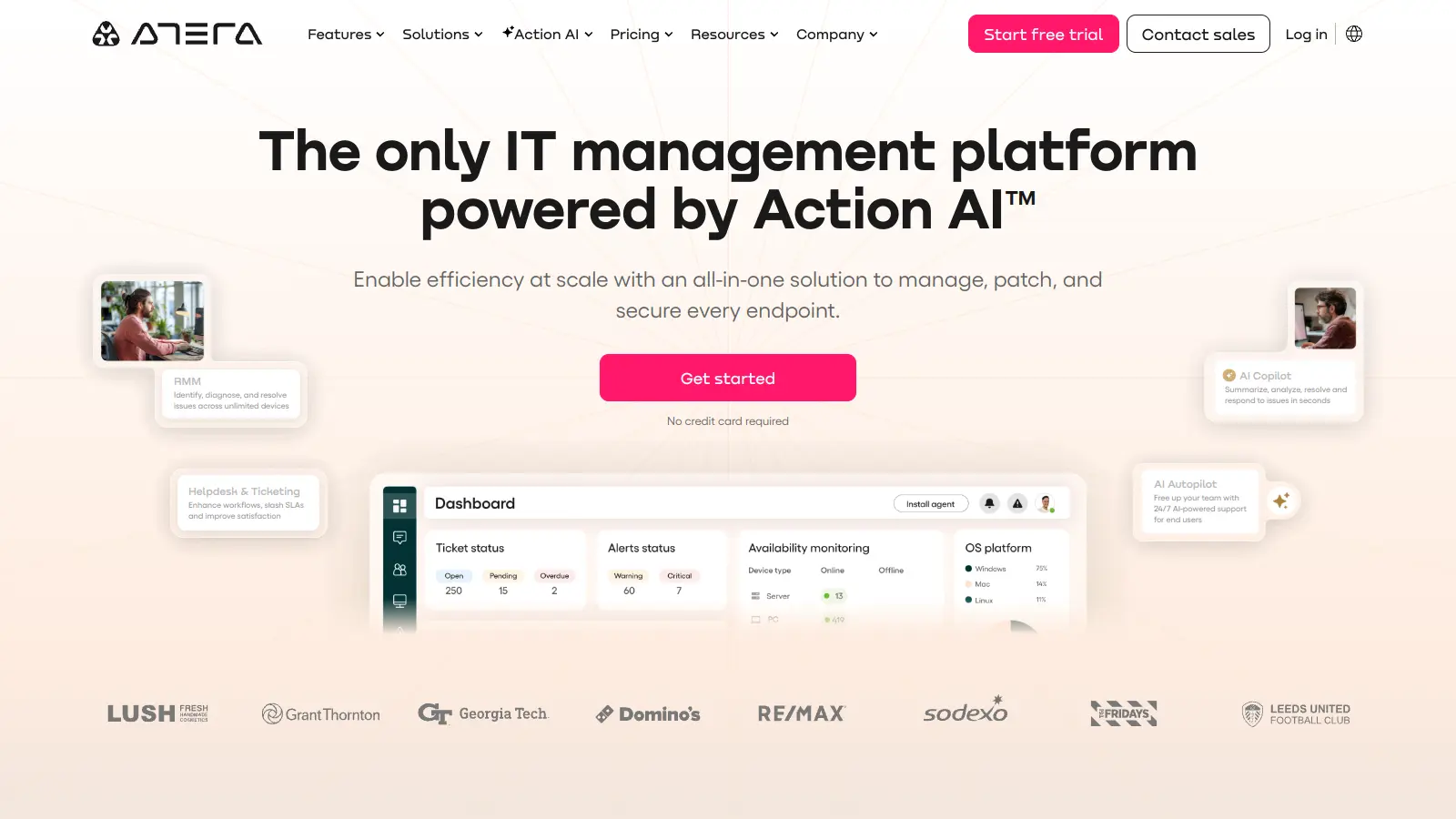
Atera

Atera is an all-in-one IT management platform powered by built-in AI agents that automates IT operations for IT departments and managed service providers (MSPs). It combines remote monitoring and management, patch management, helpdesk and ticketing, and IT automation with AI capabilities that autonomously resolve Tier 1 tickets and streamline routine tasks across unlimited devices with a pay-per-technician pricing model.

best deal

Start your 30-day free trial on all plans - manage unlimited devices with full AI automation features!

NinjaOne screenshot
online buzz18k
trend (1M)18%
3.8based on real user feedback, community sentiment, pricing value, and fit for target audience. see our full methodology

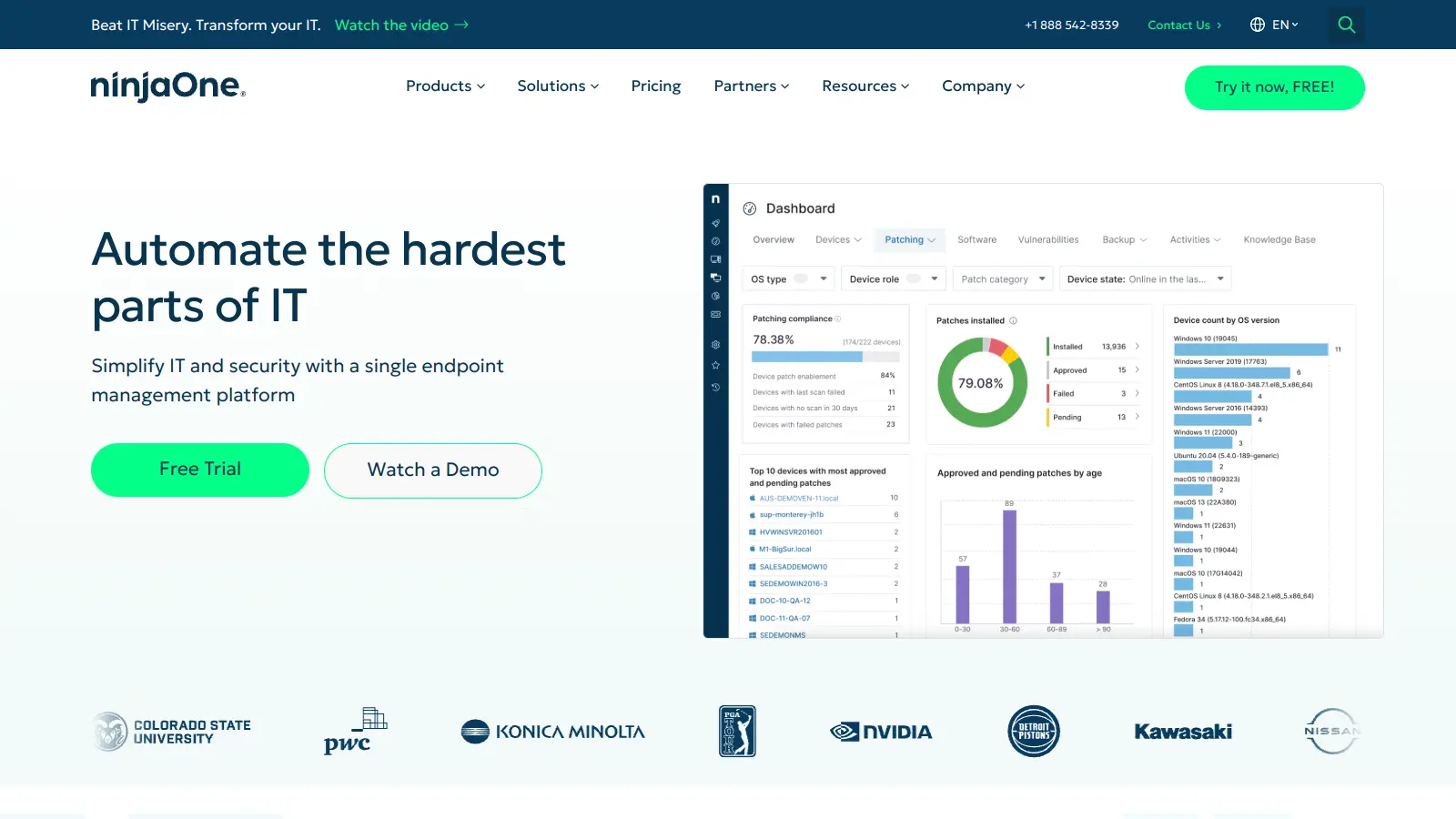
NinjaOne

NinjaOne is a cloud-based IT management platform designed for managed service providers and IT professionals. It offers remote monitoring, patch management, asset tracking, and automation capabilities across multiple device platforms. The tool simplifies IT operations through an intuitive interface and works across organizations of different sizes.

best deal

Try NinjaOne free for 14 days with full features from just $1.50 per device

OpenDNS screenshot
online buzz9.9k
trend (1M)steady
3.0based on real user feedback, community sentiment, pricing value, and fit for target audience. see our full methodology

OpenDNS

OpenDNS is a DNS resolution service offering enhanced security, speed, and reliability. Acquired by Cisco in 2015, it provides features like phishing and malware protection, content filtering, and faster web browsing through anycast routing. Available for home and enterprise users, OpenDNS allows customizable network security and content blocking, making it a robust alternative to traditional ISP DNS services.

best deal

Try OpenDNS's free home service with content filtering and faster browsing today

Syncro screenshot
online buzz4.4k
trend (1M)steady
3.7based on real user feedback, community sentiment, pricing value, and fit for target audience. see our full methodology

Syncro

Syncro is a fully integrated IT management platform designed for Managed Service Providers (MSPs) and IT teams, combining Remote Monitoring & Management (RMM), Professional Services Automation (PSA), and Microsoft 365 management capabilities. It offers AI-powered automation for ticketing, endpoint management, scripting, patch management, secure remote access, and identity management with over 50 third-party integrations.

best deal

Start your free Syncro trial and explore unlimited RMM agents, AI-powered ticketing, scripting tools, and 50+ integrations with complete feature access

N-able screenshot
online buzz4.4k
trend (1M)steady
3.8based on real user feedback, community sentiment, pricing value, and fit for target audience. see our full methodology

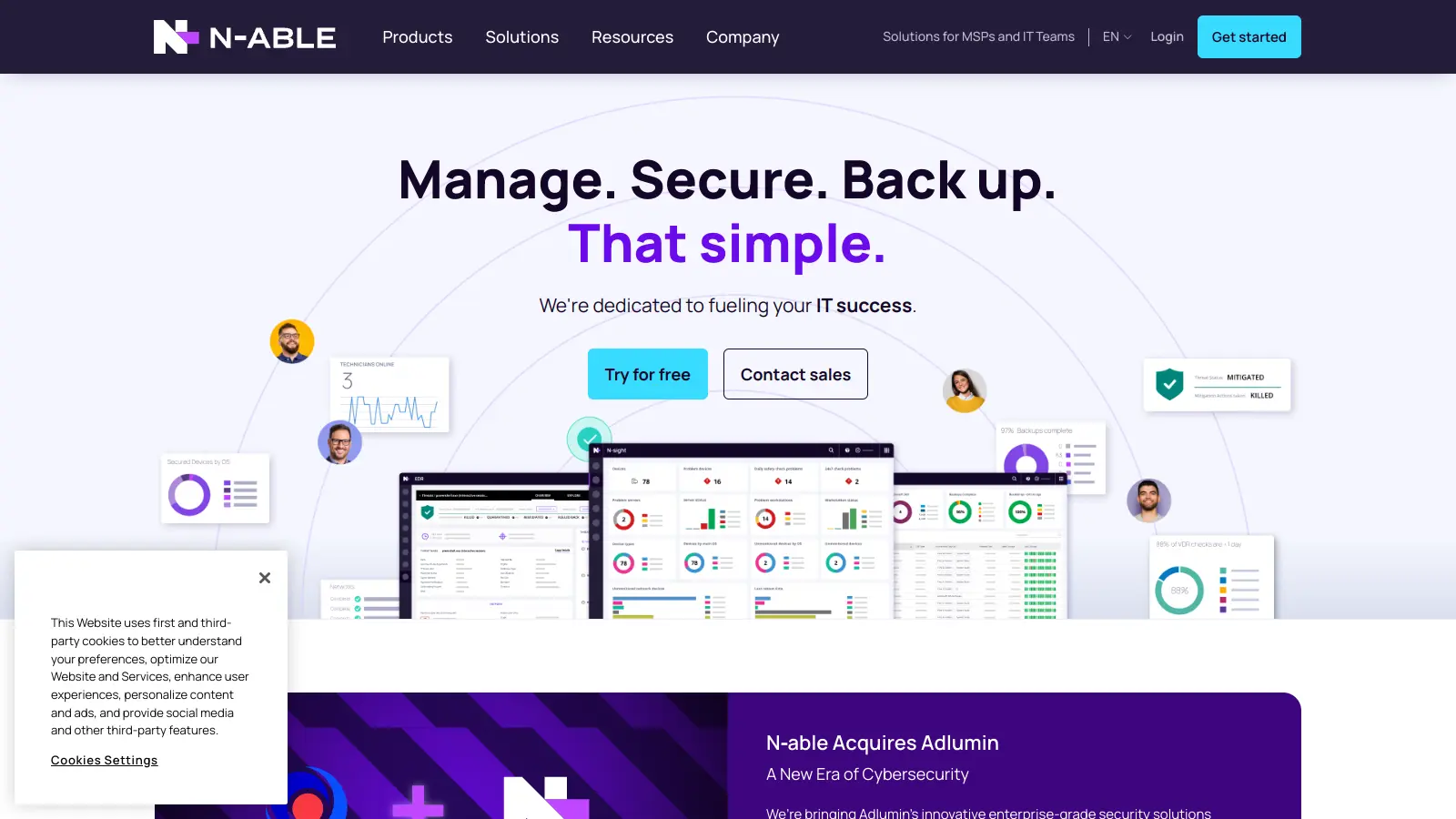
N-able

N-able is a cloud-centric IT management platform for managed service providers (MSPs), offering tools for remote monitoring, system management, data protection, and security. Their suite includes N-central, N-sight RMM, Take Control, and Cove Data Protection, which help MSPs monitor, manage, and secure customer networks and devices through scalable, integrated solutions with automation, remote access, backup, and endpoint protection.

best deal

Try N-able Free: Get N-central Trial (No Credit Card Required) or Free Take Control Edition