Asana Review 2026 - Features, Pricing & Deals

Last Updated
Feb 13, 2026

Asana helps teams organize and manage their work in one central platform. The software brings together project management, task tracking, and team collaboration tools to keep everyone aligned and moving forward.

From small startups to global enterprises, organizations use Asana to break down projects into manageable tasks, set clear deadlines, and track progress. Teams can view their work as lists, boards, timelines, and calendars. The platform also includes built-in communication features that let team members discuss tasks, share files, and provide updates without switching between apps.

Asana integrates with over 200 business tools like Slack, Google Workspace, and Microsoft Teams. The platform's AI features help automate routine tasks like generating status updates, filling custom fields, and creating project structures from descriptions. Detailed reporting helps teams spot bottlenecks and measure progress.

The software works on web, desktop, and mobile platforms. It starts with a free Personal plan for 1-2 users. Paid plans add more advanced features like timeline views, task dependencies, goals tracking, and AI capabilities. Large organizations can opt for Enterprise plans with custom pricing and advanced administration tools.

Who is Asana for?

Asana works well for teams that need to organize projects and improve collaboration across their organization. The platform helps busy professionals stay organized, meet deadlines, and reduce time spent in status update meetings.

  • Project managers who juggle multiple projects and need visibility across all their tasks, timelines, and team workloads
  • Remote or distributed teams that require a central hub for communication, file sharing, and task updates without endless email chains
  • Small business owners looking for a system to organize priorities and delegate responsibilities without a steep learning curve
  • Marketing teams that manage complex campaigns with multiple deadlines, deliverables, and stakeholders
  • Product development teams that need to track feature development, bugs, and release schedules with clear accountability
  • Operations managers who want to set up repeatable workflows and automate routine tasks
  • Enterprise organizations in financial services and other industries that need workflow automation and scaling capabilities

From creative agencies and tech startups to manufacturing, retail, healthcare, and energy sectors, Asana serves teams that want to spend less time managing their work and more time actually doing it. Non-tech industries now make up over two-thirds of Asana's business.

Online Reviews (Last 6 Months Summarised)

Users praise Asana for its interface and ease of learning. The task management and project tracking capabilities work well, especially the timeline and board views. The integrations with tools like Slack, Google Workspace, and Zapier function reliably, and customizable workflows save time. Teams value the collaboration features like comments and assignments, and the mobile app makes it easy to work on the go. The free plan works well for small teams or personal use.

Pricing gets expensive for larger teams or when you need advanced features. Reporting and analytics are limited compared to competitors like Monday.com. There's no built-in time tracking, so you'll need third-party integrations. The platform can feel rigid for complex projects without heavy customization. Search functionality is weak, and large projects with many users sometimes hit performance issues. Customer support can be slow unless you're on premium plans.

Features

  • Task Management: Create, assign, and track tasks with detailed subtasks, due dates, priorities, comments, and file attachments for team collaboration.
  • Multiple Project Views: Organize work using lists, Kanban boards, timeline, and calendar views to visualize project progress and identify potential bottlenecks.
  • Asana AI: Automate workflows with Smart Fields that suggest and fill custom fields, Smart Status Updates that draft reports from tasks and milestones, Smart Projects that generate project structures from descriptions, and Smart Goals that translate objectives into measurable KPIs.
  • AI Studio: Build custom AI agents and workflows using plain-language instructions without coding, helping teams automate repetitive processes and maintain consistent standards across projects.
  • Built-In Communication: Communicate directly within tasks, share files, and connect with tools like Slack and email to reduce status update meetings.
  • Real-Time Progress Monitoring: Use dashboards and portfolios to track multiple projects simultaneously and gain instant insights into team performance.
  • Tool Integration: Connect with over 200 tools like Google Drive, Dropbox, Microsoft Office, Salesforce, Tableau, and Power BI to centralize work and minimize app switching.

Pricing

  • Personal Plan offers free task and project management with basic lists, boards, and calendar views for 1-2 users with unlimited tasks.
  • Starter Plan costs $10.99 per user/month (annually) or $13.49 per user/month (monthly), providing Asana AI, timeline views, Workflow Builder, task dependencies, custom fields, forms, unlimited automations, dashboards, and no user seat limits.
  • Advanced Plan priced at $24.99 per user/month (annually) or $30.49 per user/month (monthly), including everything in Starter plus Goals, unlimited portfolios, integrations with Salesforce, Tableau, and Power BI, forms branching, approvals, and proofing.
  • Enterprise Plan offers custom pricing with advanced security features, unlimited portfolios, workflow bundles, universal workload management, and dedicated support, requiring direct sales consultation.

Frequently Asked Questions

What's the difference between Asana's free plan and paid plans?

Asana's free Personal plan works for 1-2 users who need basic task management. You'll get access to unlimited tasks, projects, messages, and basic lists, boards, and calendar views. The paid plans unlock more advanced features. The Starter plan ($10.99/user/month annually) adds Asana AI, timeline views, Workflow Builder, task dependencies, custom fields, forms, unlimited automations, and dashboards with no user seat limits. The Advanced plan ($24.99/user/month annually) includes everything in Starter plus Goals tracking, unlimited portfolios, integrations with Salesforce, Tableau, and Power BI, forms branching, approvals, and proofing. If you need to coordinate complex projects or work across multiple teams, you'll likely need one of the paid plans.

How does Asana's AI Studio feature work?

AI Studio is a no-code tool that helps you build custom AI agents and automate workflows using plain-language instructions. You don't need technical skills to use it. You can create automation rules based on triggers and actions in your projects. For example, you can set up AI Studio to automatically assign tasks, update due dates, or move tasks to different stages when certain conditions are met. The tool suggests automation options based on your team's work patterns. It helps teams reduce manual work and maintain consistent processes across projects without writing code.

Can I integrate Asana with the other tools my team uses?

Yes! Asana connects with over 200 other tools and apps. Popular integrations include Slack, Microsoft Teams, Google Workspace, Dropbox, Zoom, Salesforce, Tableau, Power BI, and many others. This means you can attach Google Docs to tasks, create Asana tasks from Slack messages, or sync calendar events without jumping between apps. Most basic integrations are available on all plans including the free one. Some advanced integrations like Salesforce, Tableau, and Power BI require the Advanced plan or higher. You can find the full list of integrations in Asana's App Directory, where you can search by category or specific tool name.

How does Asana handle task dependencies and timeline planning?

Asana lets you link tasks that depend on each other, which helps keep your projects moving smoothly. When you set up dependencies, you can see which tasks need to happen before others can start. The Timeline view (available in Starter and higher plans) works like a Gantt chart where you can visualize these connections and spot potential bottlenecks. You can drag and drop tasks to reschedule them, and Asana will automatically adjust dependent tasks. If a task gets delayed, you'll get notified about how it affects other work. This feature is helpful for complex projects where timing matters.

What AI features does Asana offer?

Asana AI (available in Starter and higher plans) includes several features that automate routine work. Smart Fields suggest and fill custom fields based on project context. Smart Status Updates draft reports from your tasks, milestones, and blockers. Smart Goals translate objectives into measurable KPIs and timelines. Smart Projects generate entire project structures from descriptions. Smart Editor rephrases task descriptions and comments. Smart Charts create visual reports from natural language queries. There's also Smart Chat, a conversational interface where you can ask questions about your projects and get updates. These features help reduce busywork so you can focus on actual work instead of administrative tasks.

Other Tools To Check Out

Best Deal

Free trial available to test the platform, plus a free version for single users managing one project

Redeem Now

Best Deal

Start Your 14-Day Free Trial of ProofHub Ultimate Control — First 3 Months at $89/Month

Redeem Now

Best Deal

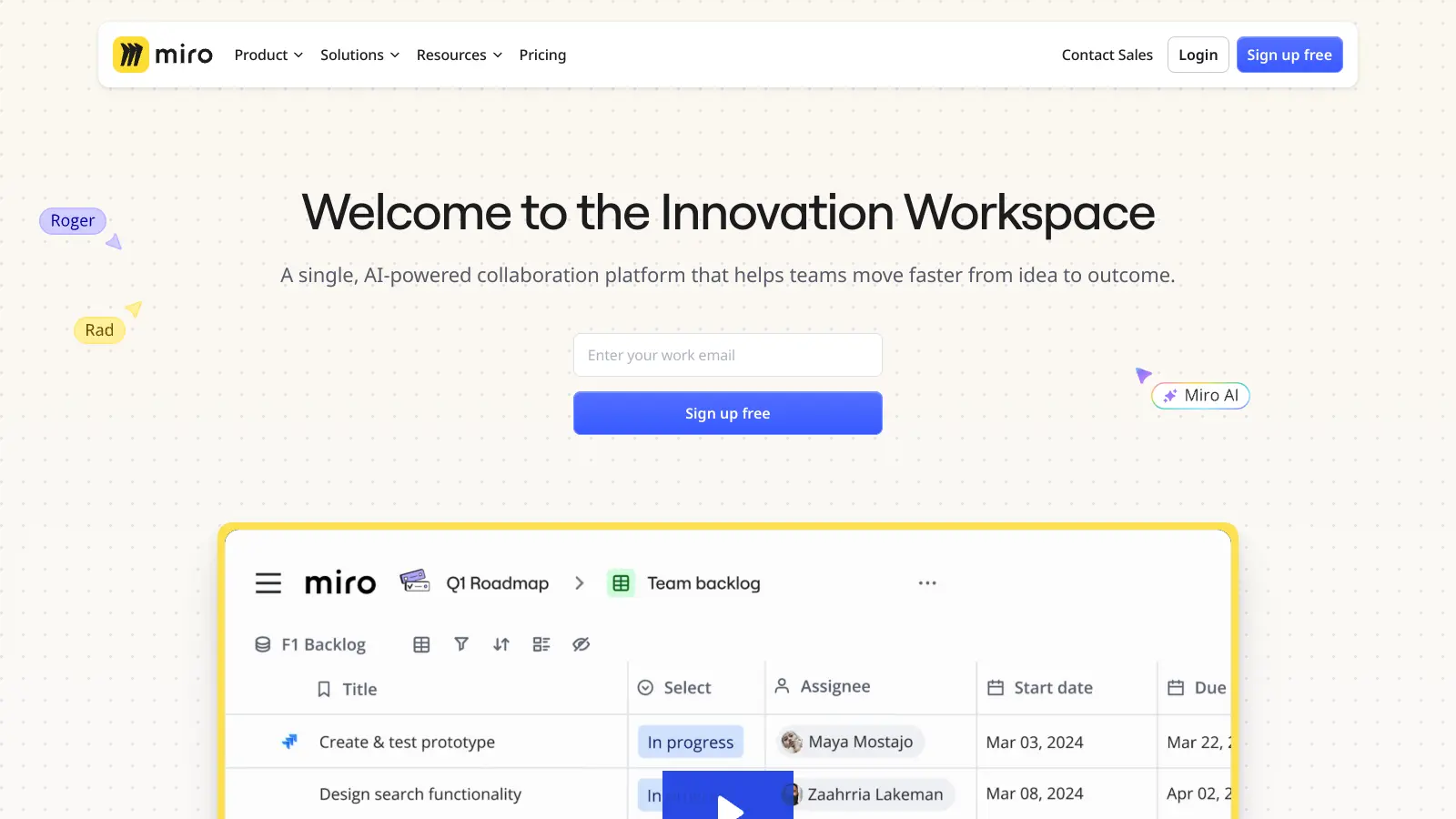
Explore Miro's free plan with unlimited team members, 3 boards, 5 Talktracks, and 10 AI credits monthly

Redeem Now

Find Out How Best To Utilise Tools

Our newsletter comes with exclusive discounts, trials and practical insights from within the industry

Sign Up Today