ZarMoney Review 2026 - Features, Pricing & Deals

Last Updated
Feb 13, 2026

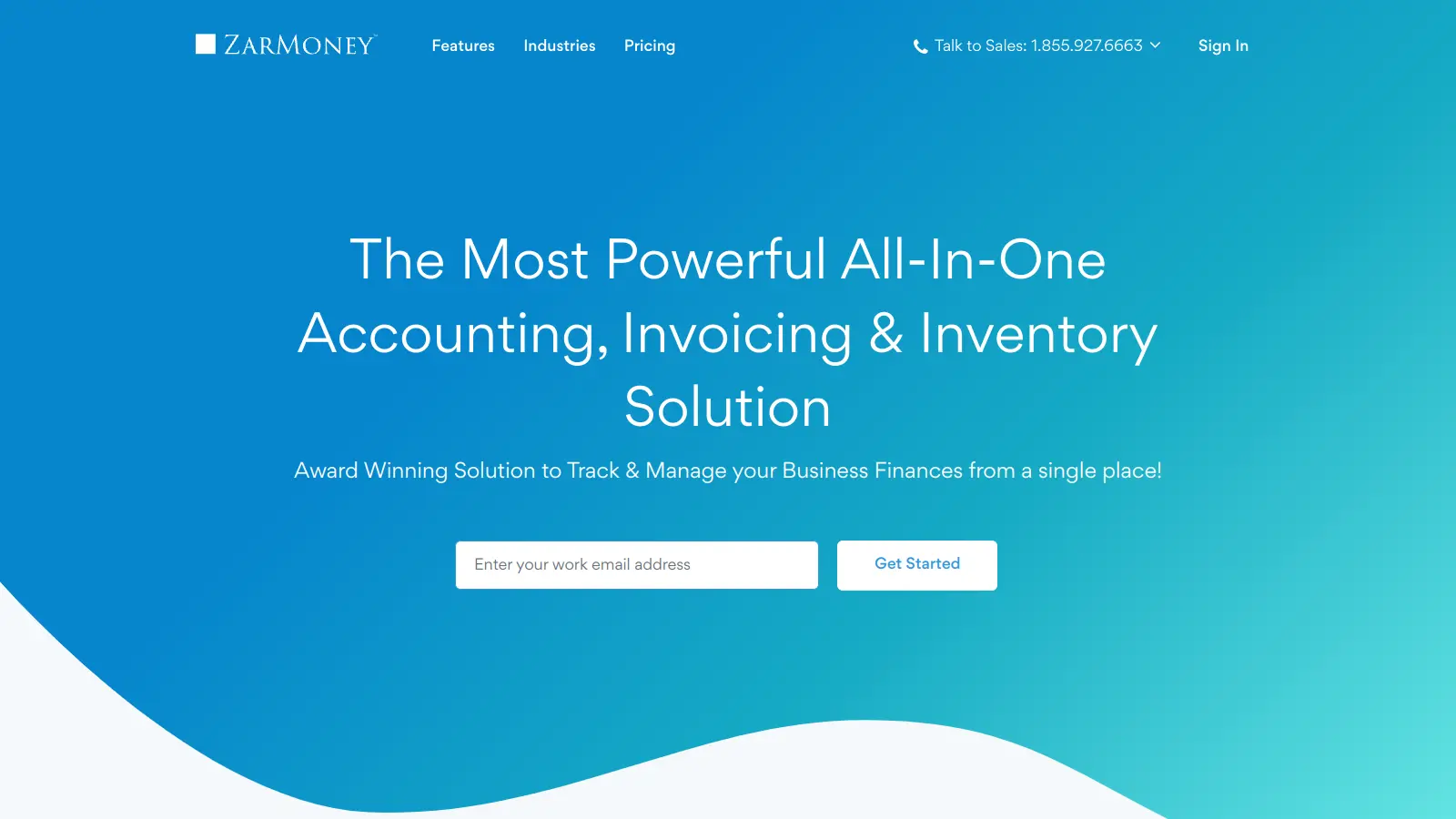
ZarMoney is a cloud-based accounting solution that helps businesses manage their finances and streamline daily operations. The software combines accounting tools with inventory management features, making it suitable for companies of different sizes.

At its core, the platform handles everyday accounting tasks like invoicing, expense tracking, and financial reporting. Users can create professional invoices with online payment options, manage expenses, and keep tabs on their cash flow through a customizable dashboard. The built-in inventory management system lets businesses track stock levels across multiple locations and monitor product movements in real-time.

The software connects with business tools like Shopify, Stripe, and Zapier to help users work more efficiently. These integrations allow for automatic data syncing across different platforms, which saves time and reduces manual data entry errors. The platform also includes AI-powered data extraction from receipts and invoices.

Companies can choose from several pricing plans starting at $15 per month for single users, with options available for growing teams. The platform offers a 15-day free trial with no credit card required for businesses to test its features before committing to a subscription.

Small business owners might find ZarMoney helpful, as it combines accounting basics with more advanced features like customizable reports and multi-user access controls. The system aims to simplify financial management while providing the tools needed for informed business decisions.

Who is ZarMoney for?

ZarMoney works well for business owners and finance teams who need to simplify accounting while gaining control over inventory management. This cloud-based solution saves hours of work each week by combining financial tools with inventory tracking in one platform.

  • Small business owners who handle their own accounting and need an affordable solution that grows with their business
  • Office managers who juggle multiple financial responsibilities and want to streamline invoicing, expense tracking, and reporting
  • E-commerce entrepreneurs who need inventory management integrated with their accounting system
  • Growing companies with multiple team members who require customized access controls for financial data
  • Businesses with multiple locations requiring real-time inventory tracking across different sites
  • Companies with online sales channels looking for integration with platforms like Shopify and payment processors
  • Finance professionals who need detailed reporting tools with up to 1,000 customization options for decision-making

This accounting solution works well for retail stores, e-commerce businesses, professional service firms, and small manufacturing companies seeking efficiency without breaking their budget.

Online Reviews (Last 6 Months Summarised)

There's limited public discussion about ZarMoney across review sites, forums, and social media. You won't find the volume of user feedback that's typical for more established accounting platforms like QuickBooks or Xero. The few reviews that do exist mention ease of use, good inventory management capabilities, and timely support responses, but the sample size is too small to draw strong conclusions.

This lack of buzz doesn't mean the software is problematic. Many business tools serve their customers well without generating much online chatter. If you're considering ZarMoney, the 15-day free trial lets you test the platform directly rather than relying on what limited feedback exists online.

Features

  • Instant Invoicing and Billing: Create and send professional invoices quickly with a direct "Pay Now" option, automating billing processes and ensuring timely payments for your business.
  • Real-Time Inventory Management: Track stock levels across multiple locations, monitor inventory movements, and generate reports to optimize your product management and supply chain efficiency.
  • Advanced Financial Reporting: Access real-time financial insights with 40 prebuilt reports and up to 1,000 customizable reporting options, including cash flow statements, profit and loss accounts, and detailed analytics to support decision-making.
  • User Access Controls: Manage team member permissions, control data access, and improve security with granular settings that protect financial information.
  • Platform Integrations: Connect with business tools like Shopify, Stripe, Zapier, Gusto, and Mailchimp to streamline your workflow and data synchronization.
  • AI-Powered Data Extraction: Automatically extract data from receipts and invoices using AI technology, reducing manual entry and saving time on expense tracking.
  • 24/7 Customer Support: Access the ZarMoney Academy, online help center, and round-the-clock customer support to maximize your accounting software experience.

Pricing

  • Entrepreneur Plan offers unlimited transactions for a single user at $15 per month, with full access to all features and 24/7 customer support.
  • Small Business Plan provides two user accounts at $20 per month, with each additional user charged $10 per month, unlimited transactions, and full access to all features.
  • Enterprise Plan starts at $350 per month for 30+ users, includes specialized training, feature implementation services, dedicated account representative, and priority support.
  • 15-day free trial available with no credit card required, with trial data stored for 60 days after the trial ends.
  • No setup fees, data migration fees, or per-transaction charges are included with the monthly subscription.

Frequently Asked Questions

What payment options does ZarMoney support for my customers?

ZarMoney lets your customers pay invoices through multiple methods. You can add a "Pay Now" button directly to invoices, allowing customers to pay online through credit cards or ACH transfers. The system integrates with payment processors like Stripe, making it easy to collect payments. All transactions sync automatically with your books, so you don't have to manually record when someone pays you. This saves time and helps you get paid faster.

How does ZarMoney handle inventory management?

ZarMoney's inventory system tracks your stock in real-time across multiple locations, supports barcode scanning, and updates your financial reports automatically when inventory changes. You can set reorder points to get alerts when stock runs low, track serial numbers, manage bundles, and get insights about which products sell best. Users rate the inventory pricing and costing features highly. Many like that they don't need a separate system just for inventory management, and the ability to save multiple ship-to addresses for a single customer works well for drop shipments.

Can I control what my team members can access in ZarMoney?

Yes, ZarMoney has user permission controls. You can decide exactly what each team member can view or edit in the system. For example, you might let your sales team create invoices but not view payroll information, or allow your accountant to run reports but not modify customer data. This keeps your financial information secure while still letting your team work efficiently. You can add users for $10 each per month on the Small Business plan.

How easy is it to switch to ZarMoney from my current accounting software?

Moving to ZarMoney is straightforward. You can import your existing data like customers, vendors, and products using CSV files. If you're coming from QuickBooks, they offer migration tools to help transfer your information. The company provides setup guides and support to help with the transition. Some users note the interface might be overwhelming at first for new users, but the clean layout helps with learning the system. The 15-day free trial with no credit card required lets you test everything before fully committing.

What kind of reporting capabilities does ZarMoney offer?

ZarMoney has strong reporting features with 40 prebuilt reports and up to 1,000 customizable reporting options. Reports cover everything from basic profit and loss statements to detailed sales analysis. You can customize reports to show exactly what you need and save those customizations for future use. The customizable dashboard gives you quick visual snapshots of your financial health through widgets, and you can schedule reports to run automatically. All reports update in real-time as new transactions come in, so you're always looking at current numbers, not outdated information.

Other Tools To Check Out

Best Deal

Get a 35-day free trial on all paid plans, or use Fina's Free tier forever with manual imports

Redeem Now

Best Deal

Start your financial transformation for $8,302/year with Core Financials

Redeem Now

Best Deal

Try Cleo's free basic service for spend tracking, budgeting tools, and chat insights

Redeem Now

Find Out How Best To Utilise Tools

Our newsletter comes with exclusive discounts, trials and practical insights from within the industry

Sign Up Today